
Urban Intersection Photo and Sketch Diptych
Generates a split composition pairing a real-looking streetlight photo with a minimalist paper illustration and typewriter caption for a weekend memory or urban signage study.
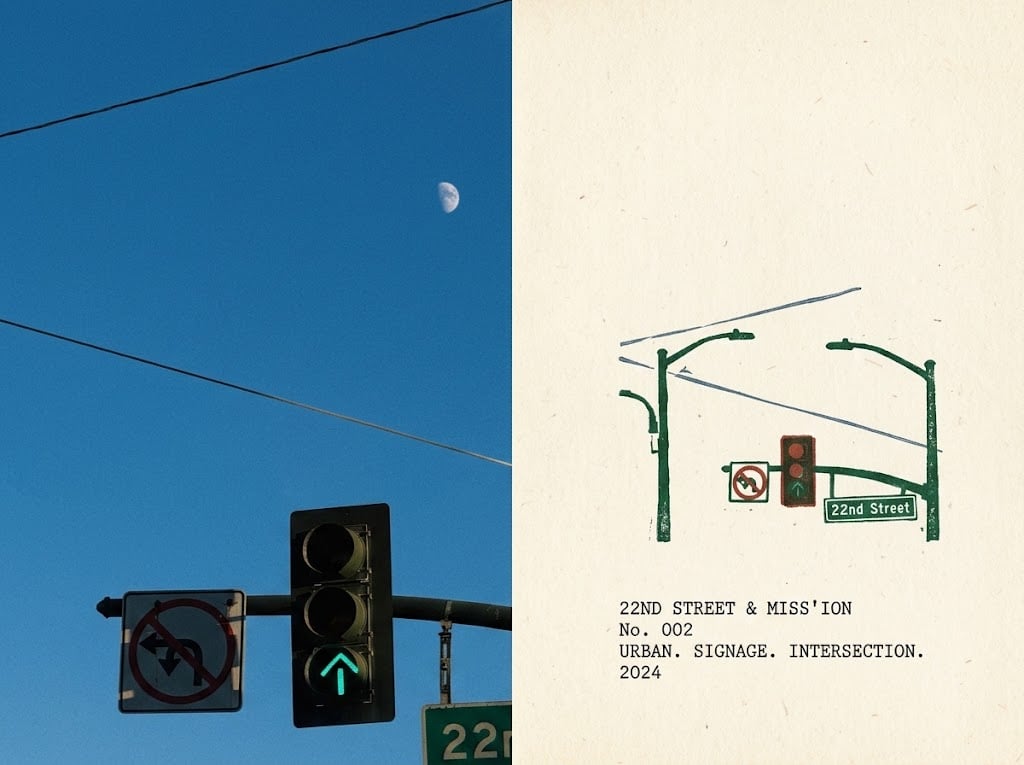
- Prompt included
- Model and format preset
- Free template
The prompt behind this image
Copy the exact prompt behind Urban Intersection Photo and Sketch Diptych, or open it in the studio and make it yours.
Goal: Create a clean side-by-side memory-study diptych of an urban intersection, combining a realistic photo reference on the left and a minimalist illustrated documentation page on the right. Canvas: Landscape 4:3 image, split vertically into two equal halves. Left half is a crisp daytime photograph; right half is an off-white textured paper poster with a small drawing and typewriter-style caption. Left side: Show a blue sky with a visible pale half moon near the upper center-right of the photo area. Include exactly 3 diagonal overhead utility wires crossing the sky. At the bottom, show a traffic-light assembly with exactly 3 stacked circular signal lenses in a black rectangular housing; the bottom lens glows green with an upward arrow. To the left of the signal, include exactly 1 white traffic sign showing a prohibited turning movement with a red circle and slash. At the lower right edge, partly crop a green street sign reading {argument name="street sign text" default="22nd Street"}. Keep the composition slightly cropped and observational, like a casual weekend street snapshot. Right side: Use warm cream paper with subtle fibers, tiny speckles, and a handmade print texture. In the upper-middle area, draw a simplified green line illustration of the same intersection hardware: exactly 2 vertical green poles, exactly 2 curved signal arms, exactly 1 small traffic-light box with three red/orange/green circles, exactly 1 small no-turn sign, and exactly 1 green street-name placard reading {argument name="street sign text" default="22nd Street"}. Add a few thin gray-blue overhead wire lines behind the poles. The drawing should look slightly imperfect, like a rubber-stamp or risograph sketch. Text content on the paper: Beneath the drawing, aligned left, add a small monospaced typewriter caption in black with four lines: "{argument name="caption title" default="22ND STREET & MISS'ION"}" / "No. 002" / "URBAN. SIGNAGE. INTERSECTION." / "{argument name="year" default="2024"}". Visual style: The left side should be photographic with natural light, saturated blue sky, realistic shadows, and slight street-photo cropping. The right side should be minimalist, archival, and tactile, with muted green, red, black, and gray-blue ink on aged paper. Keep the two halves aligned cleanly with no border between them. Constraints: No people, no cars, no extra signs beyond the counted elements, no watermark, no decorative frame, and avoid adding unreadable invented text.
How to use Urban Intersection Photo and Sketch Diptych in 3 steps
- 1Upload ImagePNG, JPG or paste
Add your photo
Upload the photo the template builds on. The prompt, model and format are already set.
- 2…a portrait of your subject in softgolden-hour light, 85mm…
Personalize
Edit the subject and creative details for your destination.
- 3Generate
Generate
Press Generate — your image is created in PicX Studio, so you can compare it with the original and refine one variable at a time.
More like this
Templates with the same subject, style or setup. Open one to see its prompt.
Gritty urban pencil sketch portrait

Urban Fashion Editorial Collage Streetwear Poster

Korean Streetwear Minimalist Campaign Portrait

Cinematic Korean Streetwear Street Portrait

Frozen Street Luxe Graffiti Fashion Campaign

Urban Fashion Editorial Collage Poster

Cinematic Street Fashion Portrait Motion Blur Crowd

Subway Platform Quiet Introspective Portrait

Japanese Café Sketch Duo Illustration

Delicate Japanese Café Lifestyle Illustration

Night City Bridge Triptych Portrait Session
Subway Platform Quiet Introspective Portrait
Make it yours
Urban Intersection Photo and Sketch Diptych works as-is. These are the safest ways to change it without losing the look.
Change one field
Copy a single group, rewrite it, and generate again so you can see what that field is doing.
Keep the frame, change the subject
Hold the composition and light of Urban Intersection Photo and Sketch Diptych, then swap wardrobe, props or the person for a new take.
| If the result… | Why | Fix |
|---|---|---|
| The result drifts from the preview | Too many fields changed at once. | Reuse Urban Intersection Photo and Sketch Diptych as-is first, then change one group — subject, light, or setting. |
| The model over-stylizes the scene | The prose prompt leaves finish and camera underspecified. | Add one camera or lighting sentence and stay on GPT Image 2. |
More GPT Image 2 templates
Other prompts made for GPT Image 2.

Six VTuber Japanese Logo Sheet

Realistic Portrait of Woman and Deer

The Vista Modular Condo Poster

AI Model Routing Comparison Infographic

2.5D Anime Art Board

Isometric Productivity Desk Scene

New York Double Exposure Poster

Four-Panel AI Landscape Comparison

Japanese Tatami Lifestyle Magazine Cover

NESCAFÉ Coffee Map Poster
More image prompts
Fresh picks from across the catalog.
Character Pose Variation Prompt
Designing an Album Jacket Font with Nano Banana Pro
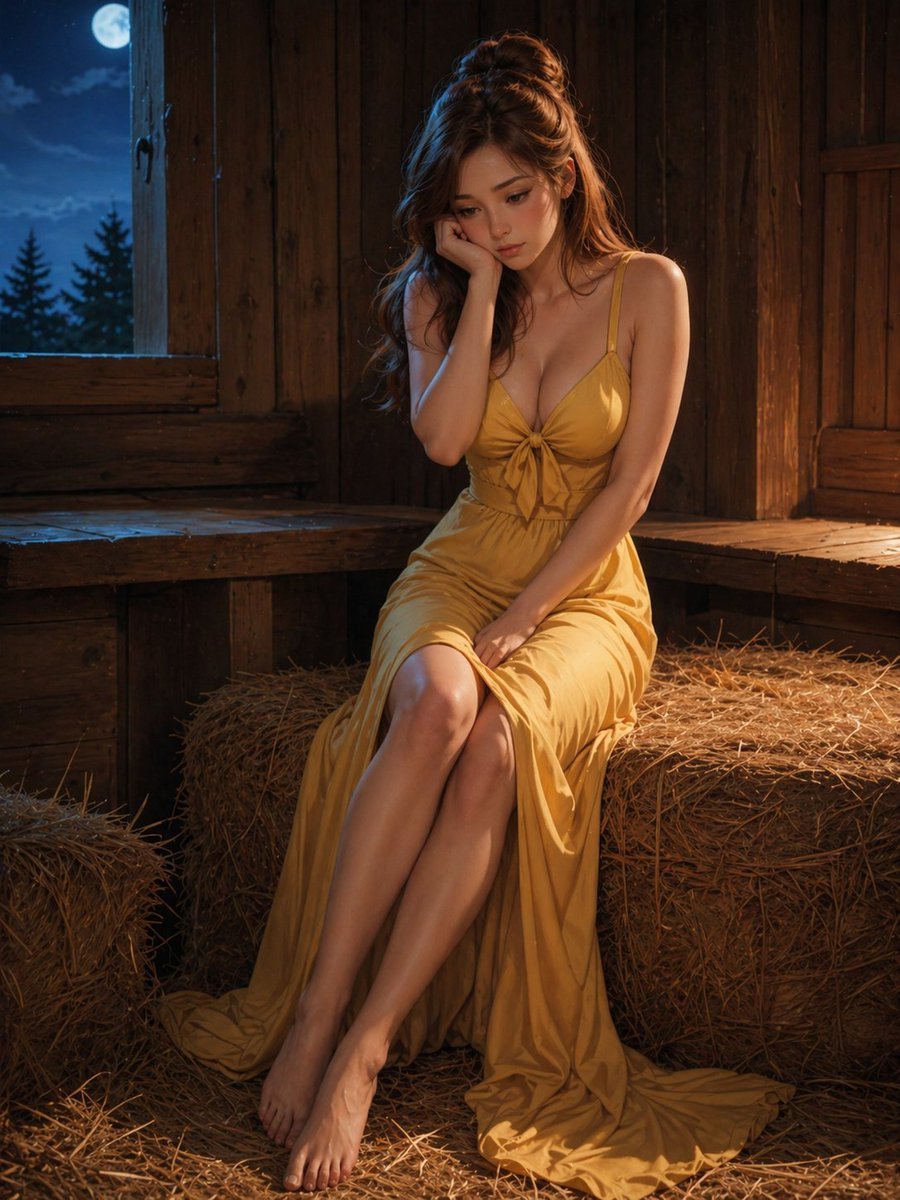
Moonlit Barn Fashion Portrait
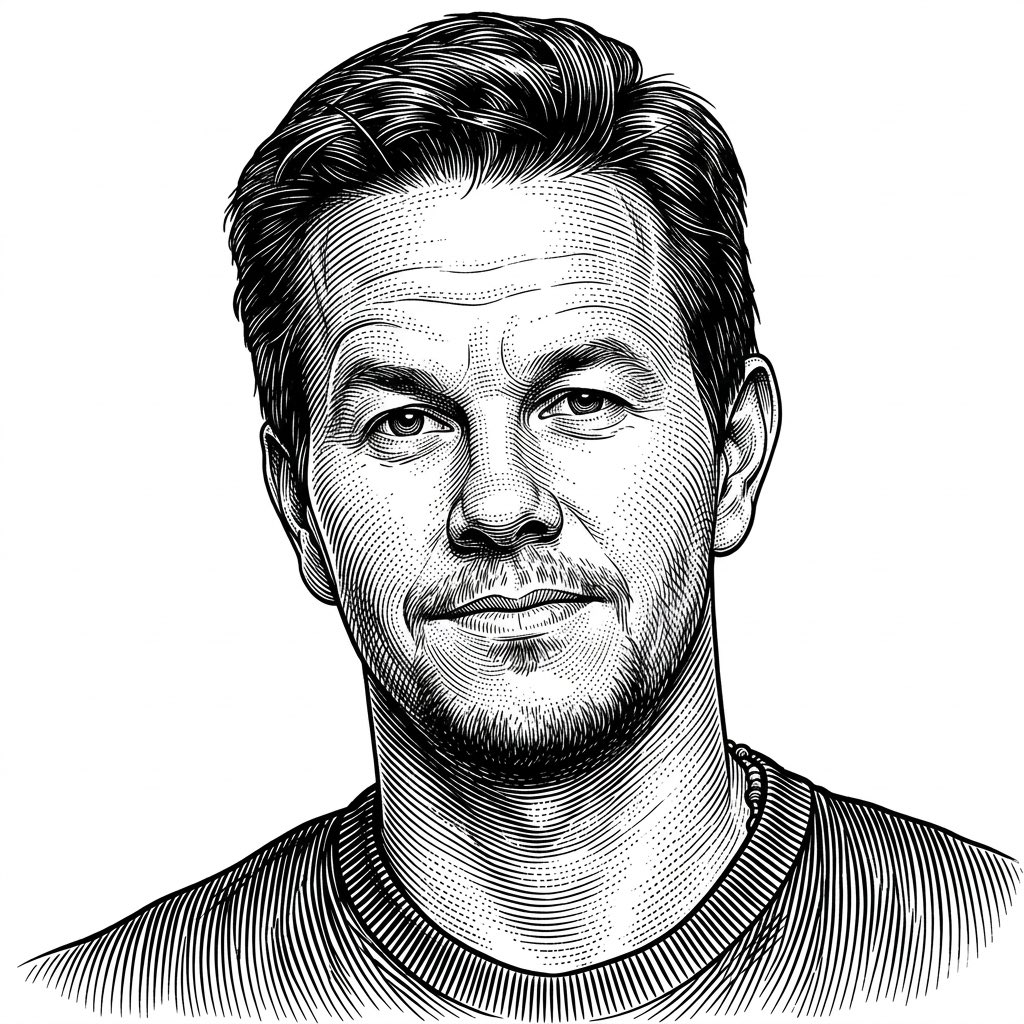
Monochrome Engraving Portrait Style
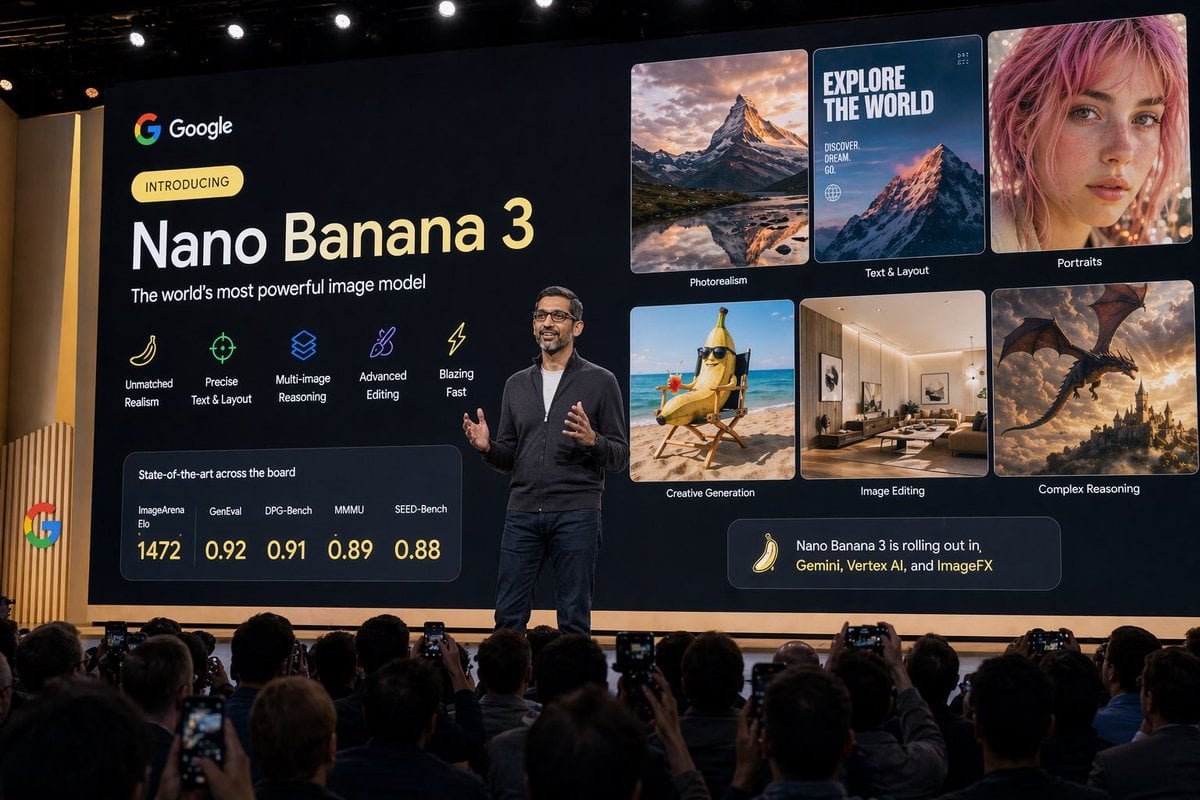
CEO Press Conference Prompt

Explosive Japanese X Monetization Thumbnail
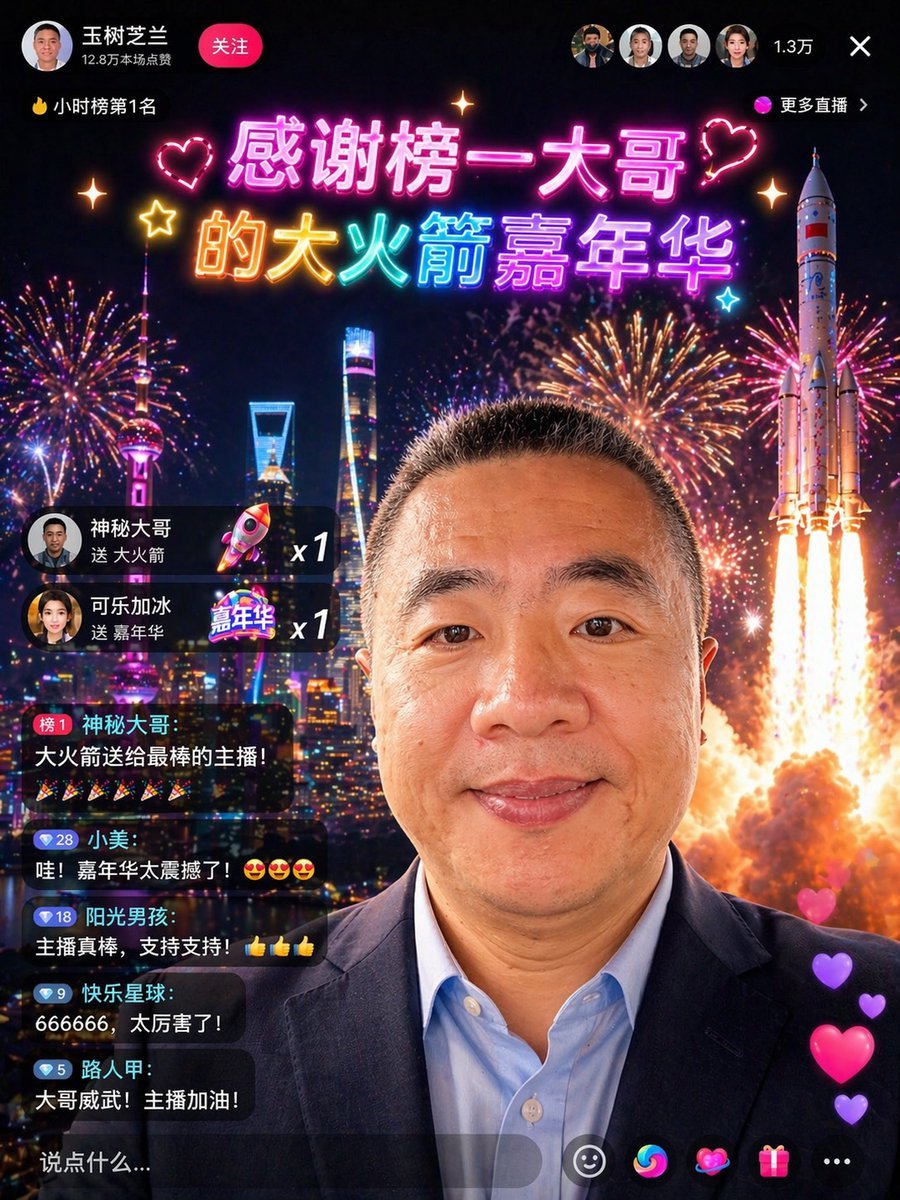
Chinese Livestream Rocket Gala Edit
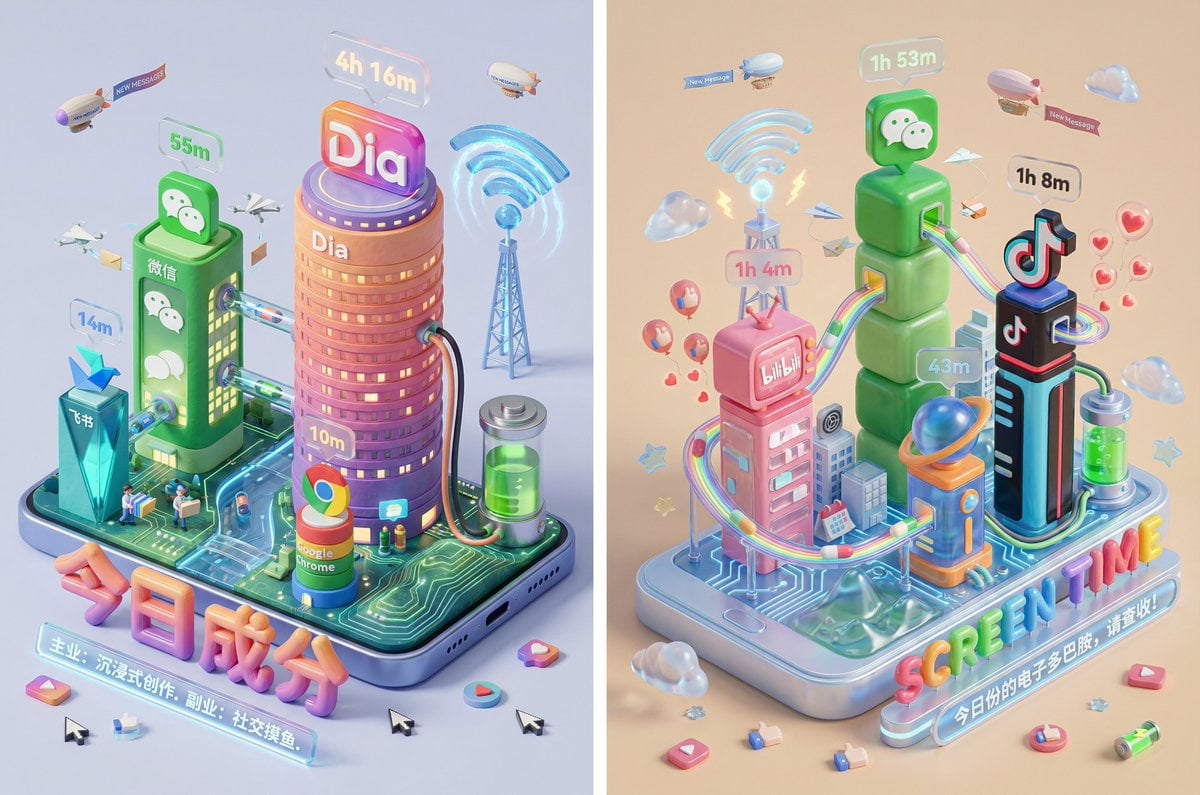
Screen Time Digital Town Visualization Prompt
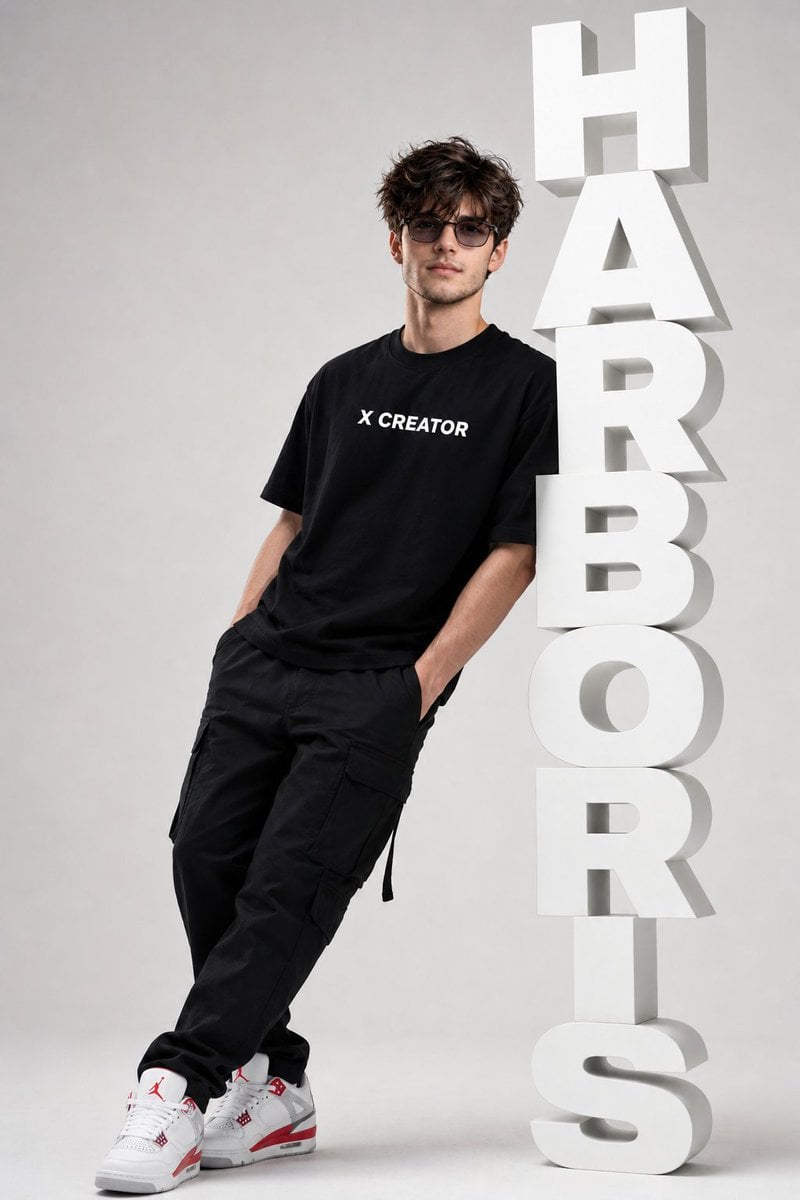
Minimalist Streetwear Typography Poster
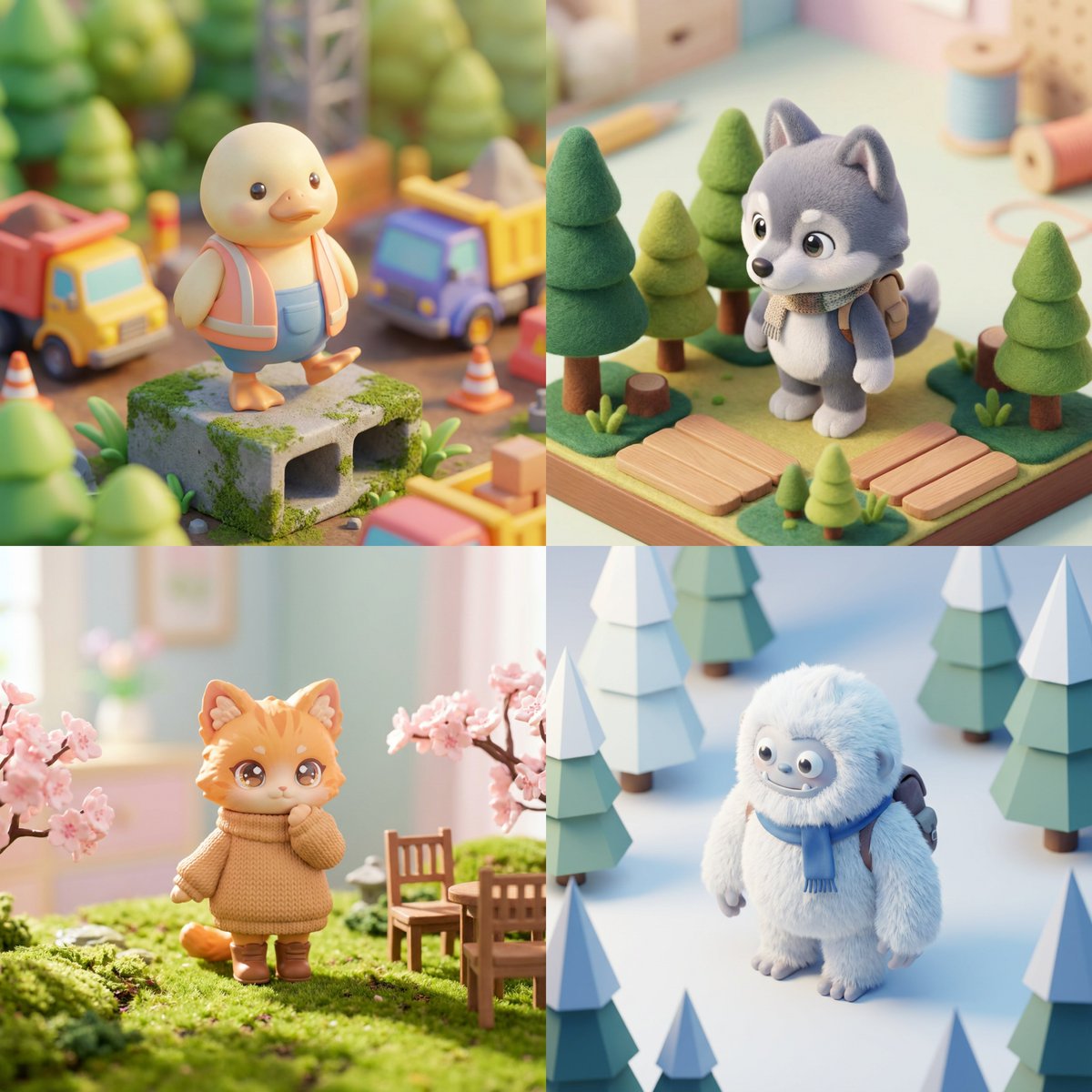
Isometric Kawaii Hero Generator
Browse template categories
Urban Intersection Photo and Sketch Diptych questions
How do I use the Urban Intersection Photo and Sketch Diptych template?
Add your photo if the template asks for one, edit the prompt if you like — the template's model and format are already selected — and press Generate. Your version opens in PicX Studio.
Can I customize the Urban Intersection Photo and Sketch Diptych template?
Yes. You can change the subject, setting, lighting, mood, format, and available model controls before creating your image.
Is the Urban Intersection Photo and Sketch Diptych template free?
Opening and editing this template is free. Generating uses credits, shown on the Generate button when you are signed in.
Which AI model should I use?
Start with GPT Image 2, which is the model associated with this template. You can compare another compatible model for a different finish.
Looking for something else? Browse all templates.

Your photo, any look
Thousands of ready templates for every top image and video model, from one credit balance.