How do I use the Designing an Album Jacket Font with Nano Banana Pro template?
Edit the prompt in the box under the preview — the template's model and format are already selected — and press Generate. Your version appears right on this page.
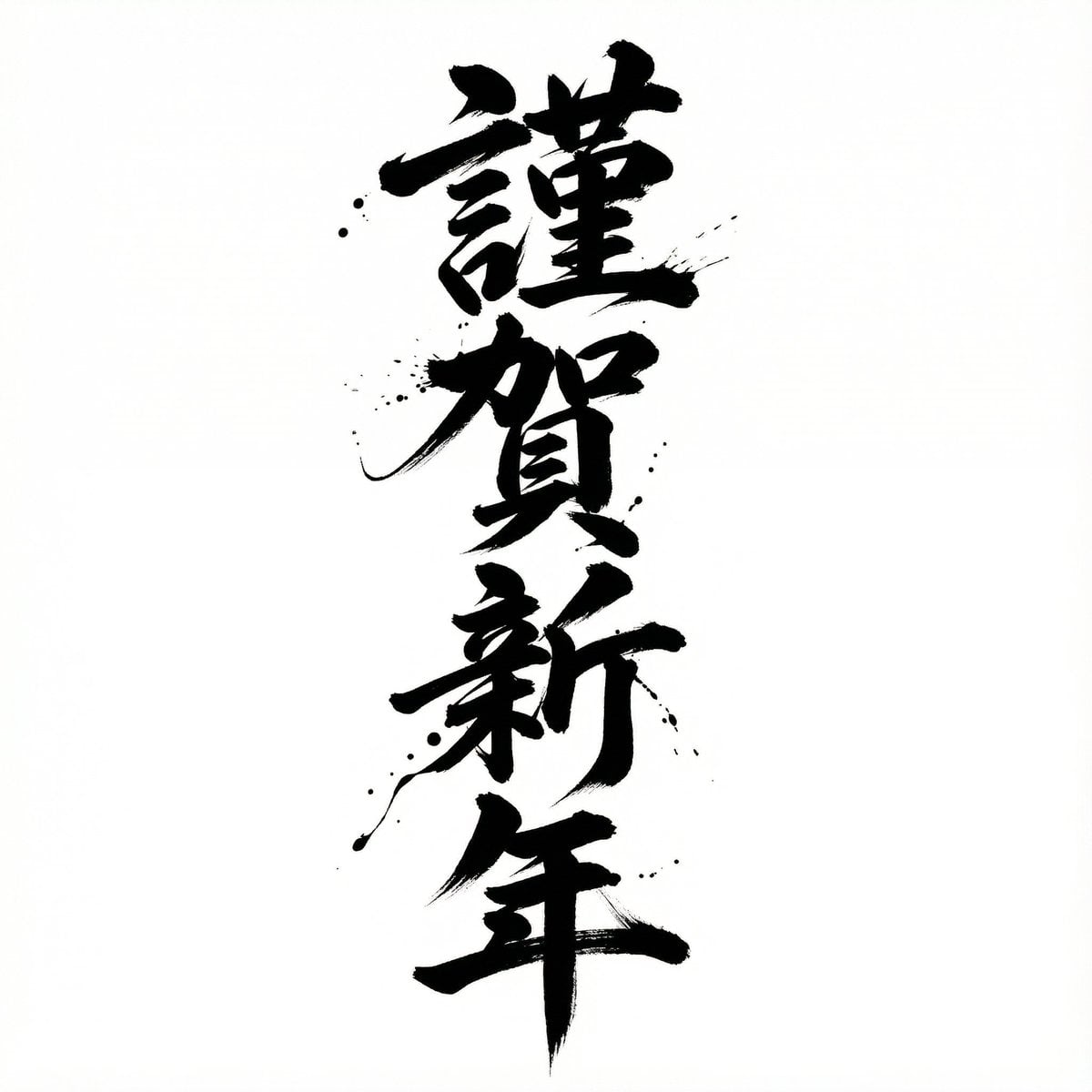
A user was astonished by Nano Banana Pro's ability to redesign an album jacket, focusing on the font but also adding complex elements like vines wrapping around the hand, flowers, and coloring, achieving near-perfect…

新アルバムのジャケットフォント任せたら右の元絵をこんな風にデザインして来た
新アルバムのジャケットフォント任せたら右の元絵をこんな風にデザインして来た
Edit the prompt in the box under the preview — the template's model and format are already selected — and press Generate. Your version appears right on this page.
Yes. You can change the subject, setting, lighting, mood, format, and available model controls before creating your image.
Opening and editing this template is free. Generating uses credits, shown on the Generate button when you are signed in.
Start with Nano Banana 2, which is the model associated with this template. You can compare another compatible model for a different finish.
Follow a topic to a crawlable collection of related PicX Studio templates.