
Hand-drawn Infographic Card Prompt
A prompt for creating an artistic infographic card in a 9:16 aspect ratio with a hand-drawn style and paper texture.
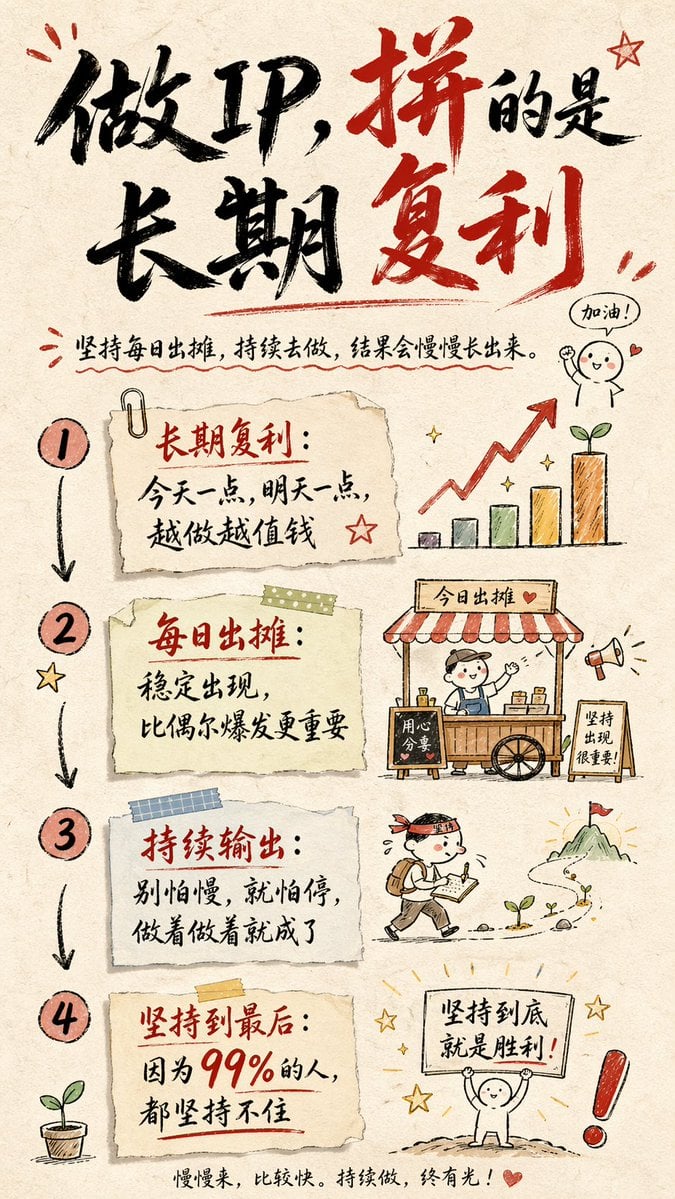
- Prompt included
- Model and format preset
- Free template
The prompt behind this image
Copy the exact prompt behind Hand-drawn Infographic Card Prompt, or open it in the studio and make it yours.
Create a hand-drawn-style infographic card, in a 9:16 vertical ratio. The card should have a clear, distinct theme, with a background in beige or off-white with a paper-like texture; the overall design should convey a rustic, warm, hand-drawn aesthetic. At the top of the card, use large, high-contrast red-and-black cursive brush-calligraphy lettering for the title to draw the eye. All text should be in Chinese cursive script; the overall layout should be divided into 2 to 4 clear sections, each expressing its core point in a short, concise Chinese phrase. Keep the flowing rhythm of the cursive script, so it's both clearly legible and artistic. Accent the card with simple, fun hand-drawn illustrations or icons — such as figures or symbolic marks — to enhance visual appeal and prompt the reader to reflect and resonate. Pay attention to visual balance in the overall layout, leaving enough white space to keep the image clean, clear, and easy to read and understand. The theme is: "{argument name="theme content" default="做IP是长期复利,坚持每日出摊,持续做,肯定会有结果,因为99%都坚持不住的。"}"
How to use Hand-drawn Infographic Card Prompt in 3 steps
- 1
Open
The prompt is already in the box next to the preview, with the template's model and format selected.
- 2…a portrait of your subject in softgolden-hour light, 85mm…
Personalize
Edit the subject and creative details for your destination.
- 3Generate
Generate
Press Generate — your image is created in PicX Studio, so you can compare it with the original and refine one variable at a time.
More like this
Templates with the same subject, style or setup. Open one to see its prompt.
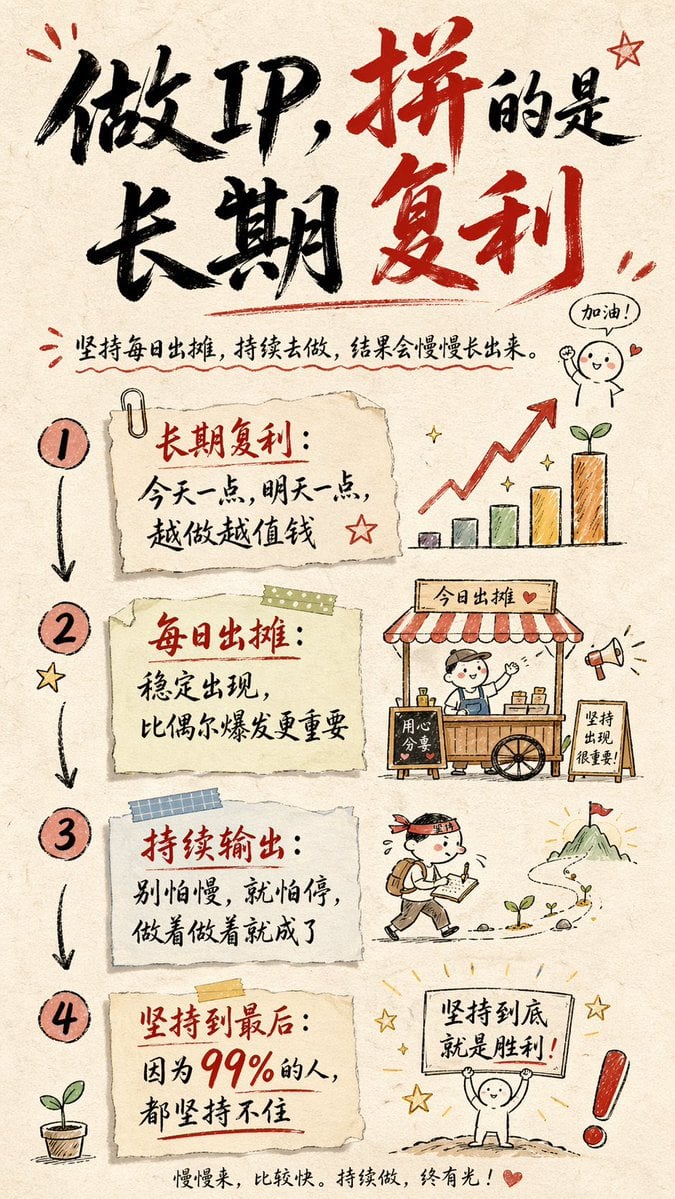
Hand-drawn Infographic Card Prompt
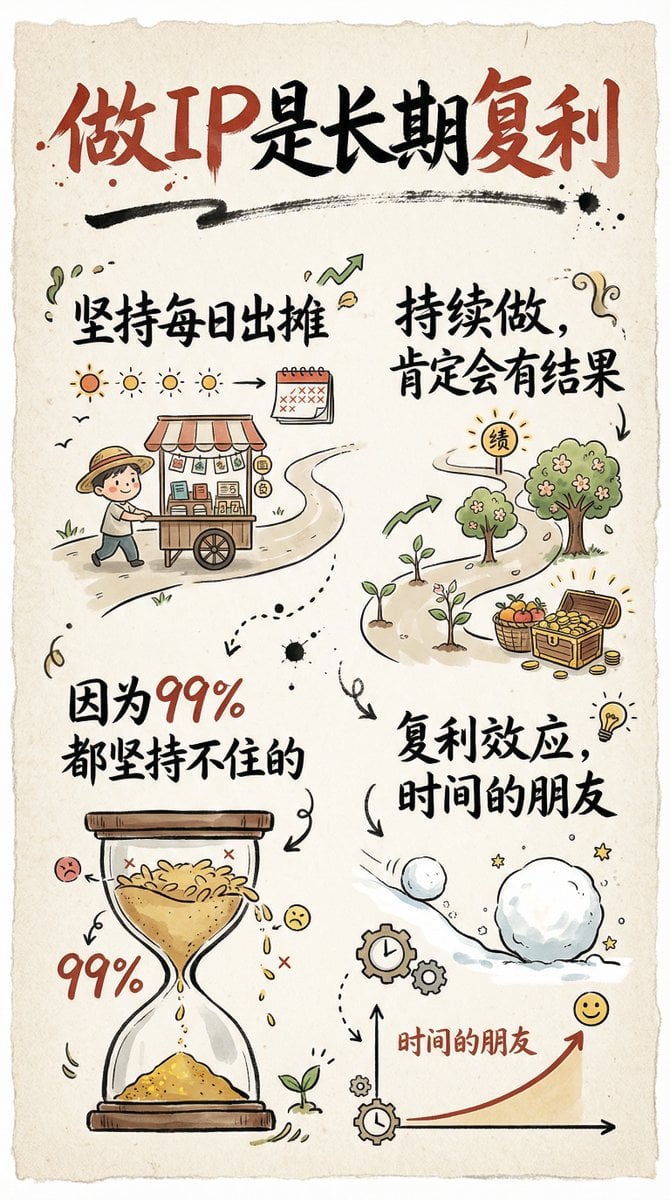
Hand-drawn infographic card about long-term IP building
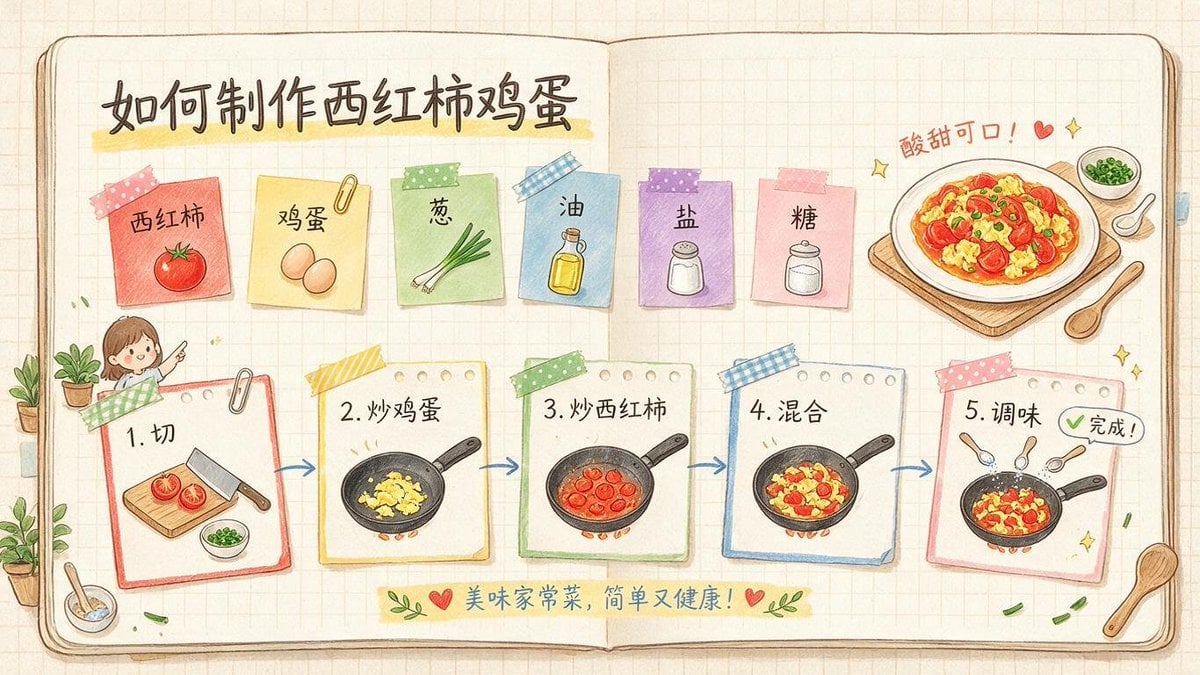
Hand-Drawn Tomato Egg Recipe Infographic
Simple Hand-Drawn Koala Mascot

Teal Japanese Handwritten Lyric Card

Hand-Drawn Doodle Grid Poster

Hand-drawn Breakfast Journal Aesthetic Poster

Japan Travel Brochure Poster
Surreal Studio Photography with Hand-Drawn Doodle

Minimal Hand-Drawn Sketch Watercolor Portrait
Whimsical Hand-Drawn Teacups

Isometric Process Educational Diorama
Make it yours
Hand-drawn Infographic Card Prompt works as-is. These are the safest ways to change it without losing the look.
Change one field
Copy a single group, rewrite it, and generate again so you can see what that field is doing.
Keep the frame, change the subject
Hold the composition and light of Hand-drawn Infographic Card Prompt, then swap wardrobe, props or the person for a new take.
| If the result… | Why | Fix |
|---|---|---|
| The result drifts from the preview | Too many fields changed at once. | Reuse Hand-drawn Infographic Card Prompt as-is first, then change one group — subject, light, or setting. |
| The model over-stylizes the scene | The prose prompt leaves finish and camera underspecified. | Add one camera or lighting sentence and stay on GPT Image 2. |
More GPT Image 2 templates
Other prompts made for GPT Image 2.

Six VTuber Japanese Logo Sheet

Realistic Portrait of Woman and Deer

The Vista Modular Condo Poster

AI Model Routing Comparison Infographic

2.5D Anime Art Board

Isometric Productivity Desk Scene

New York Double Exposure Poster

Four-Panel AI Landscape Comparison

Japanese Tatami Lifestyle Magazine Cover

NESCAFÉ Coffee Map Poster
More image prompts
Fresh picks from across the catalog.
2000s Cartoon Character Transformation
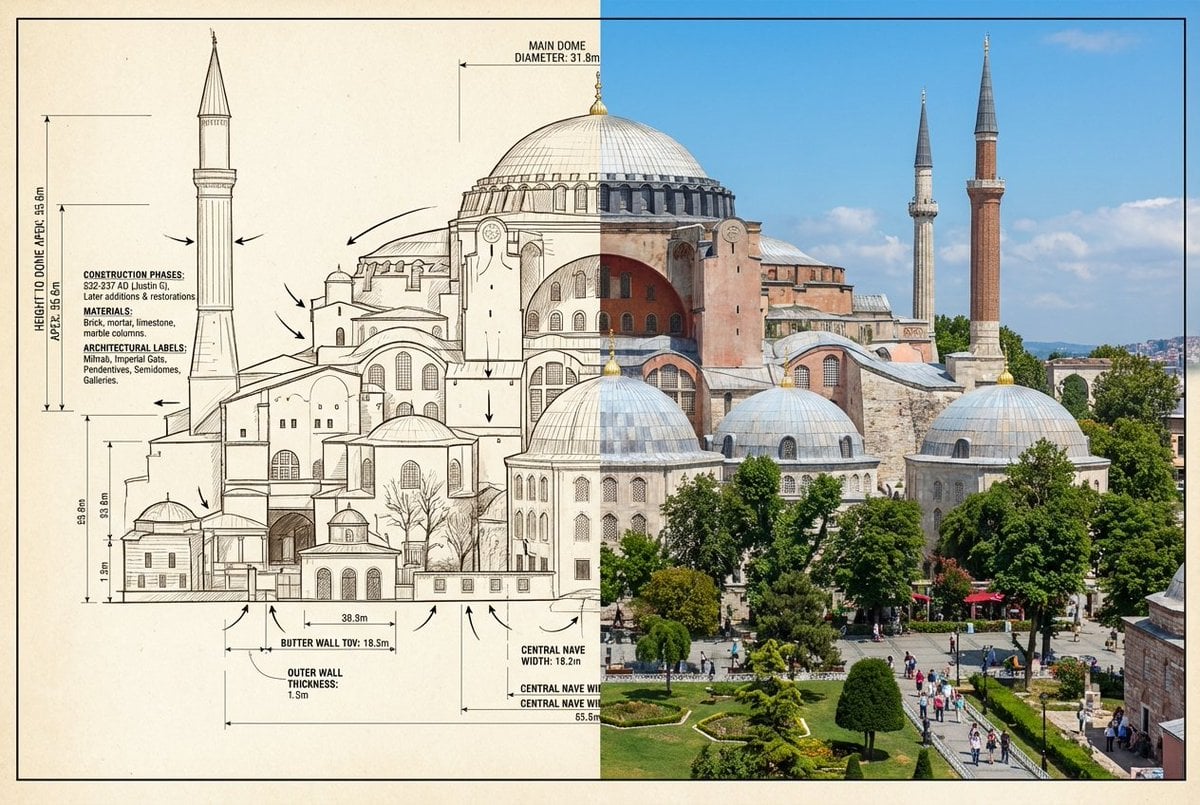
Side-by-Side Architectural Comparison of Hagia Sophia
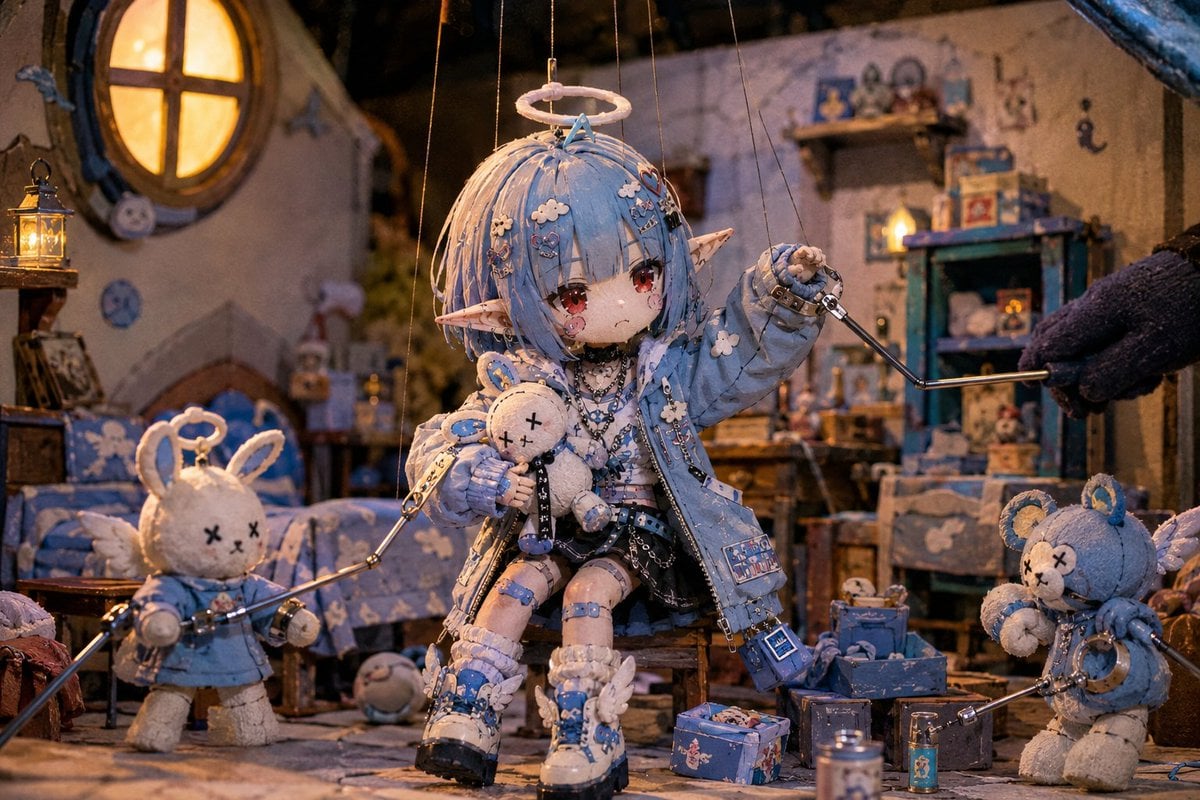
Nostalgic Puppet Play Scene

Photorealistic cinematic image prompt for a woman enjoying an evening on a balcony
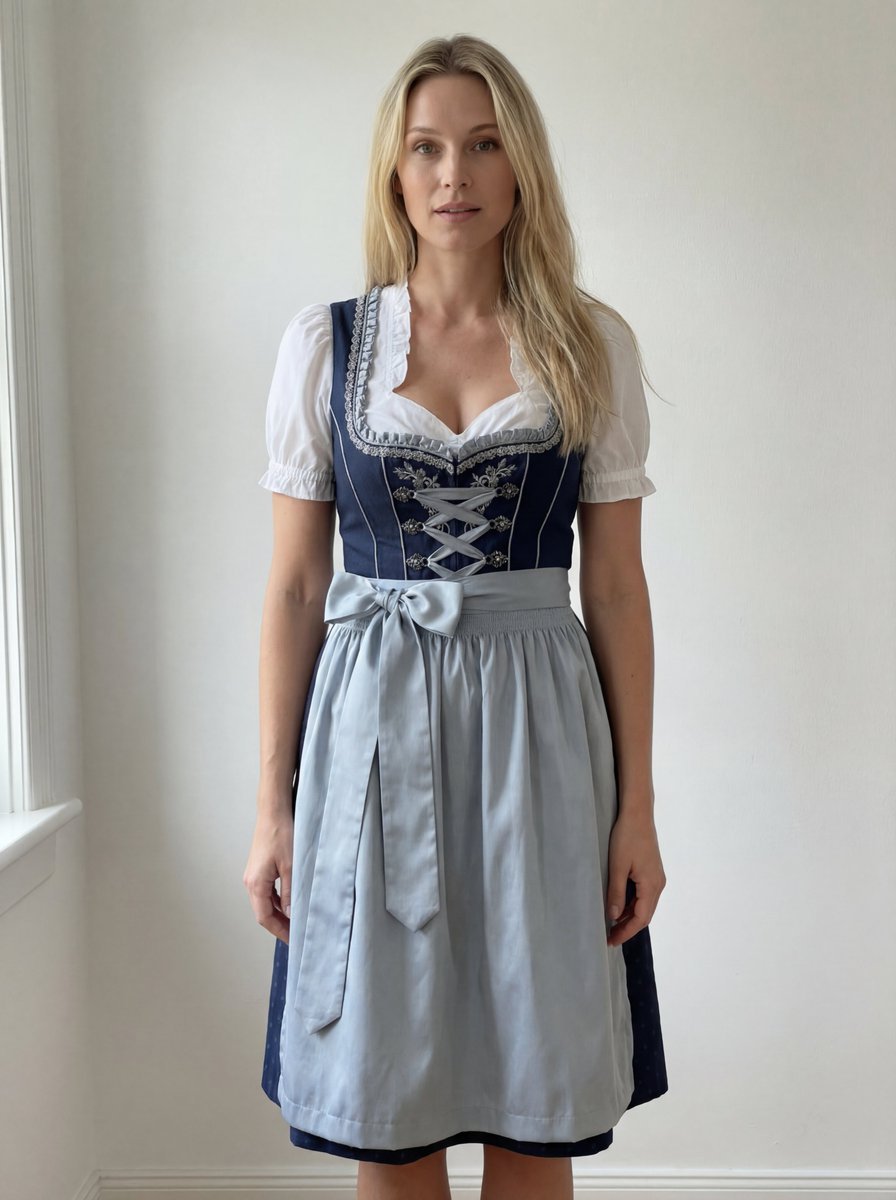
Edit Prompt: Woman in Bavarian Dirndl (Strict Background Preservation)
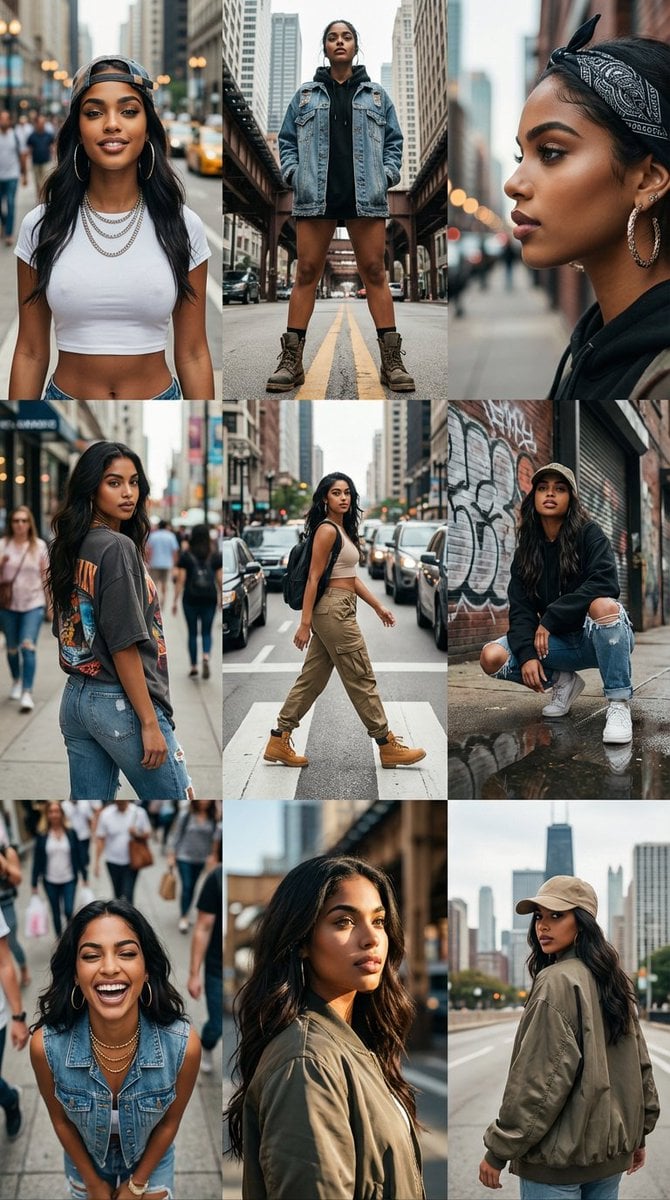
3x3 Cinematic Profile Grid with Identity Lock
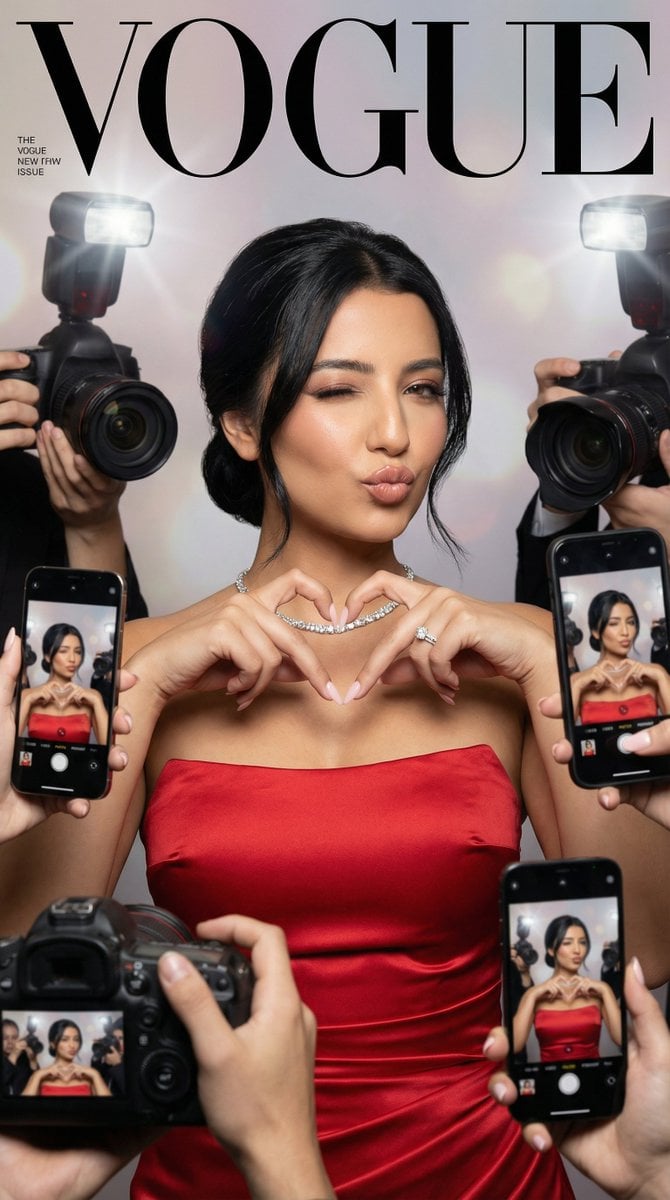
Vogue Cover Identity Preservation Prompt
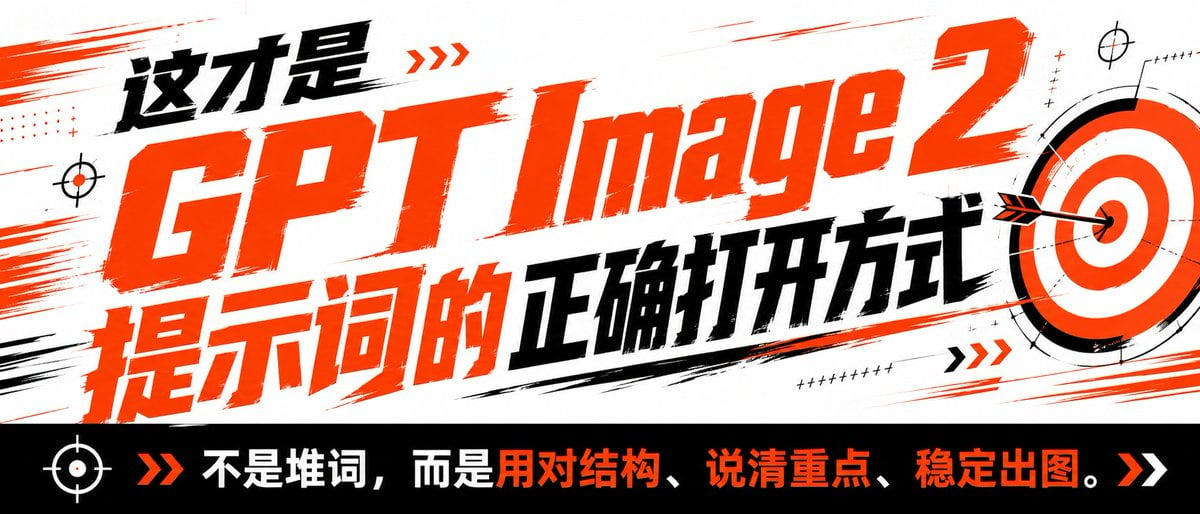
High-Contrast Tactical Magazine Cover
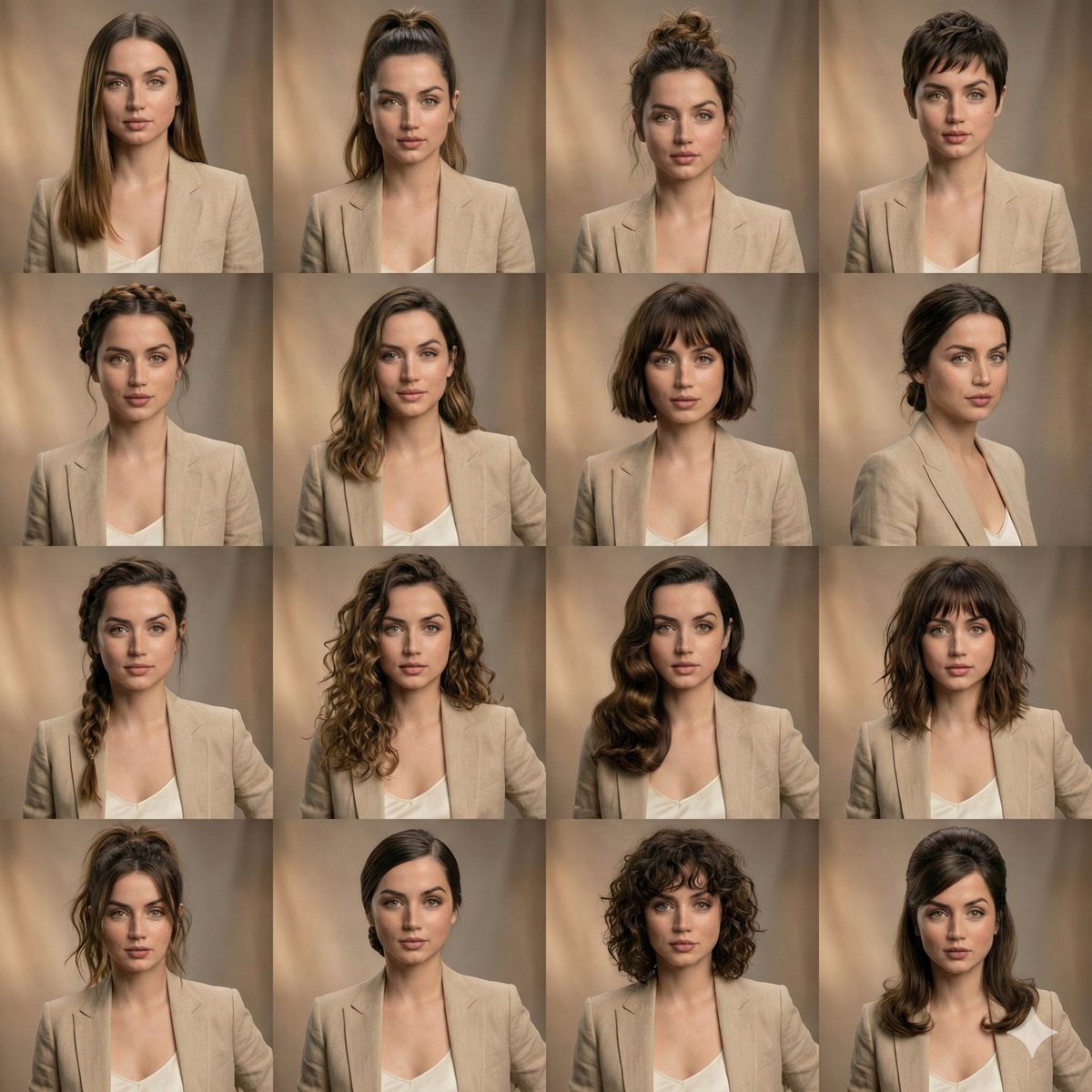
Editorial Beauty Collage for Hair Style Variations
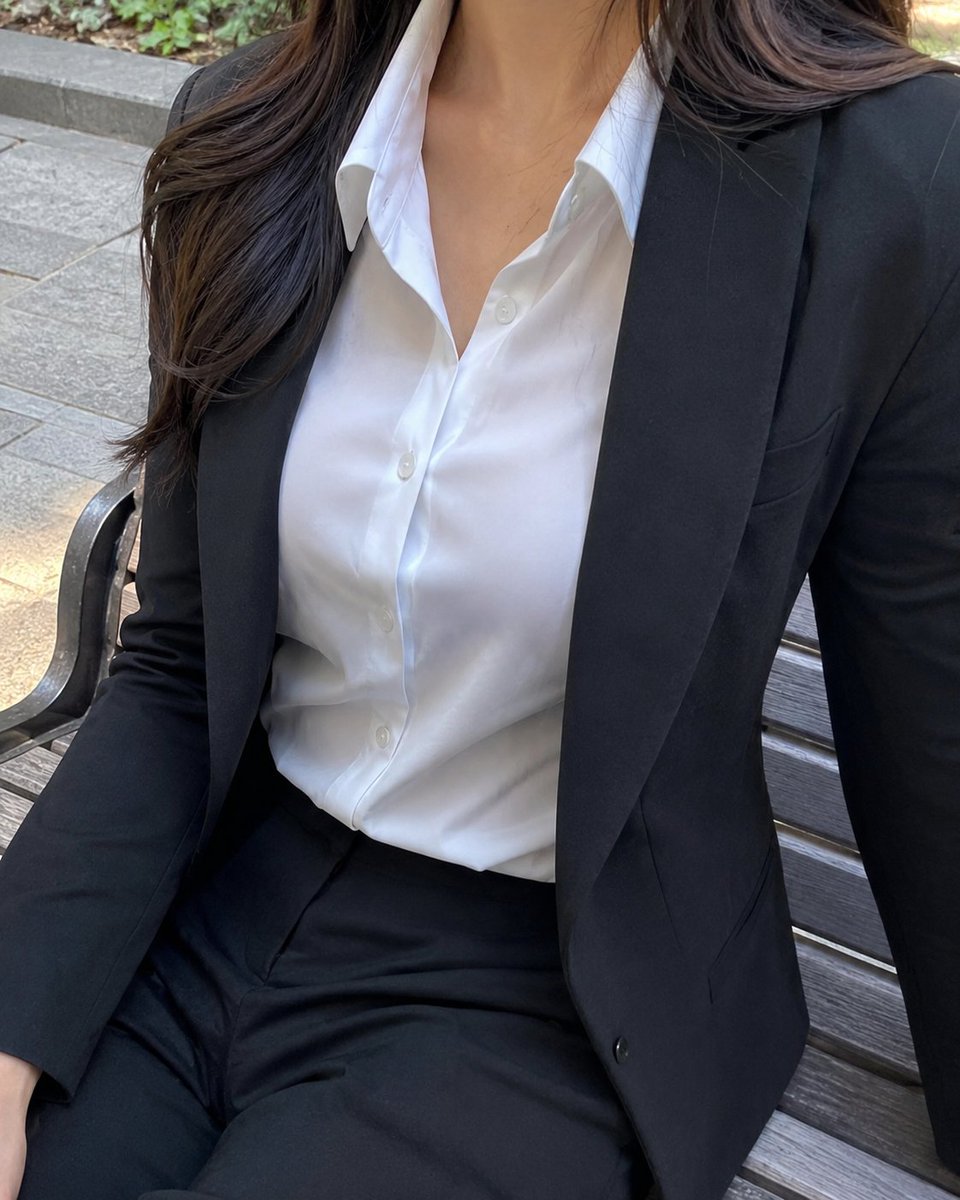
Cropped Business Suit Portrait
Browse template categories
Hand-drawn Infographic Card Prompt questions
How do I use the Hand-drawn Infographic Card Prompt template?
Add your photo if the template asks for one, edit the prompt if you like — the template's model and format are already selected — and press Generate. Your version opens in PicX Studio.
Can I customize the Hand-drawn Infographic Card Prompt template?
Yes. You can change the subject, setting, lighting, mood, format, and available model controls before creating your image.
Is the Hand-drawn Infographic Card Prompt template free?
Opening and editing this template is free. Generating uses credits, shown on the Generate button when you are signed in.
Which AI model should I use?
Start with GPT Image 2, which is the model associated with this template. You can compare another compatible model for a different finish.
Looking for something else? Browse all templates.

Your photo, any look
Thousands of ready templates for every top image and video model, from one credit balance.