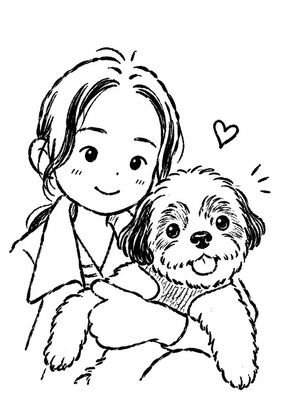
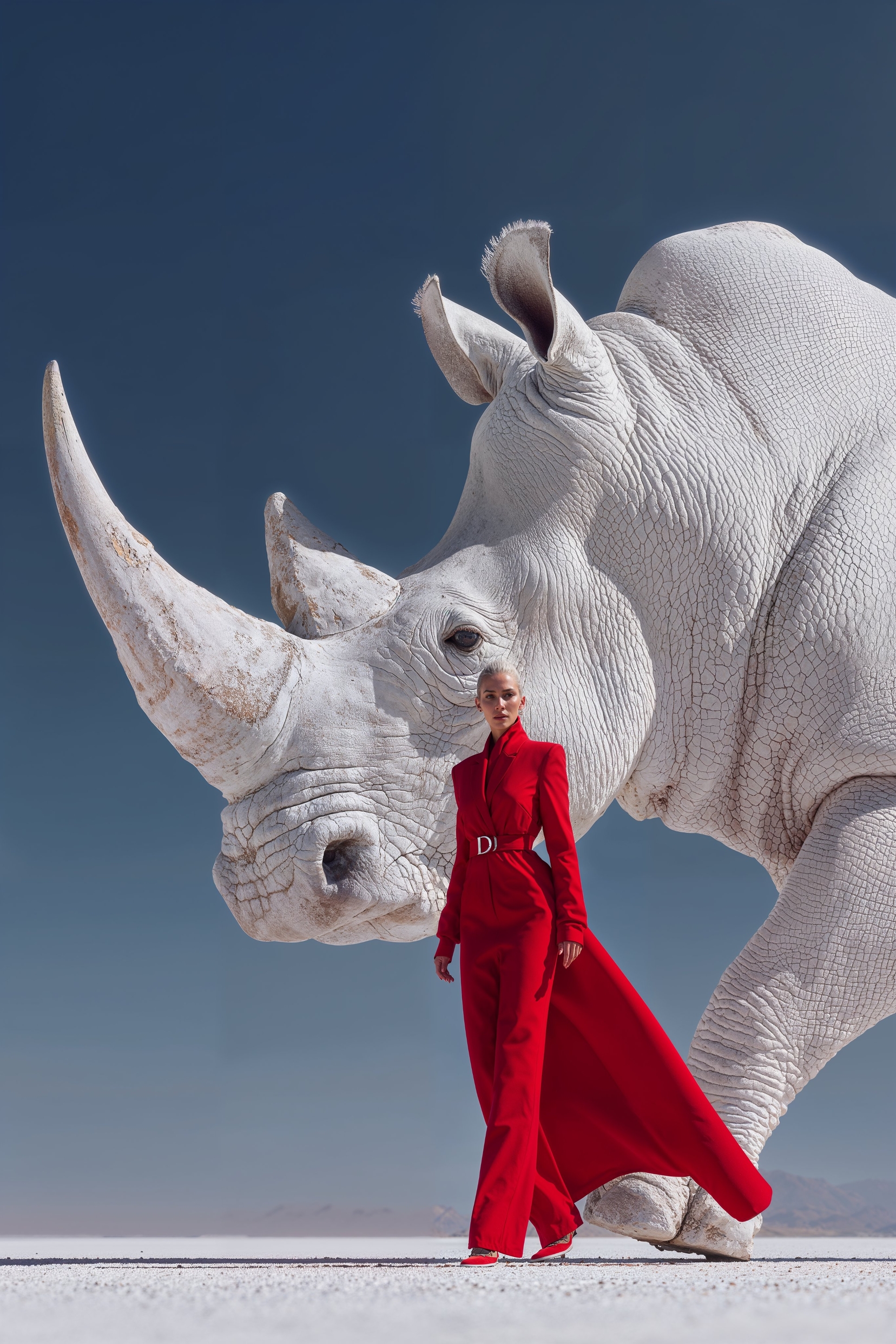
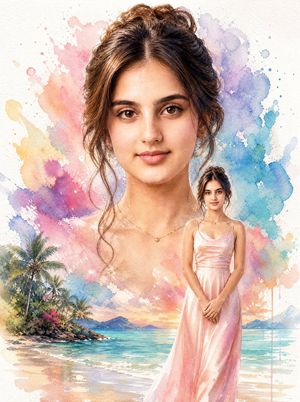
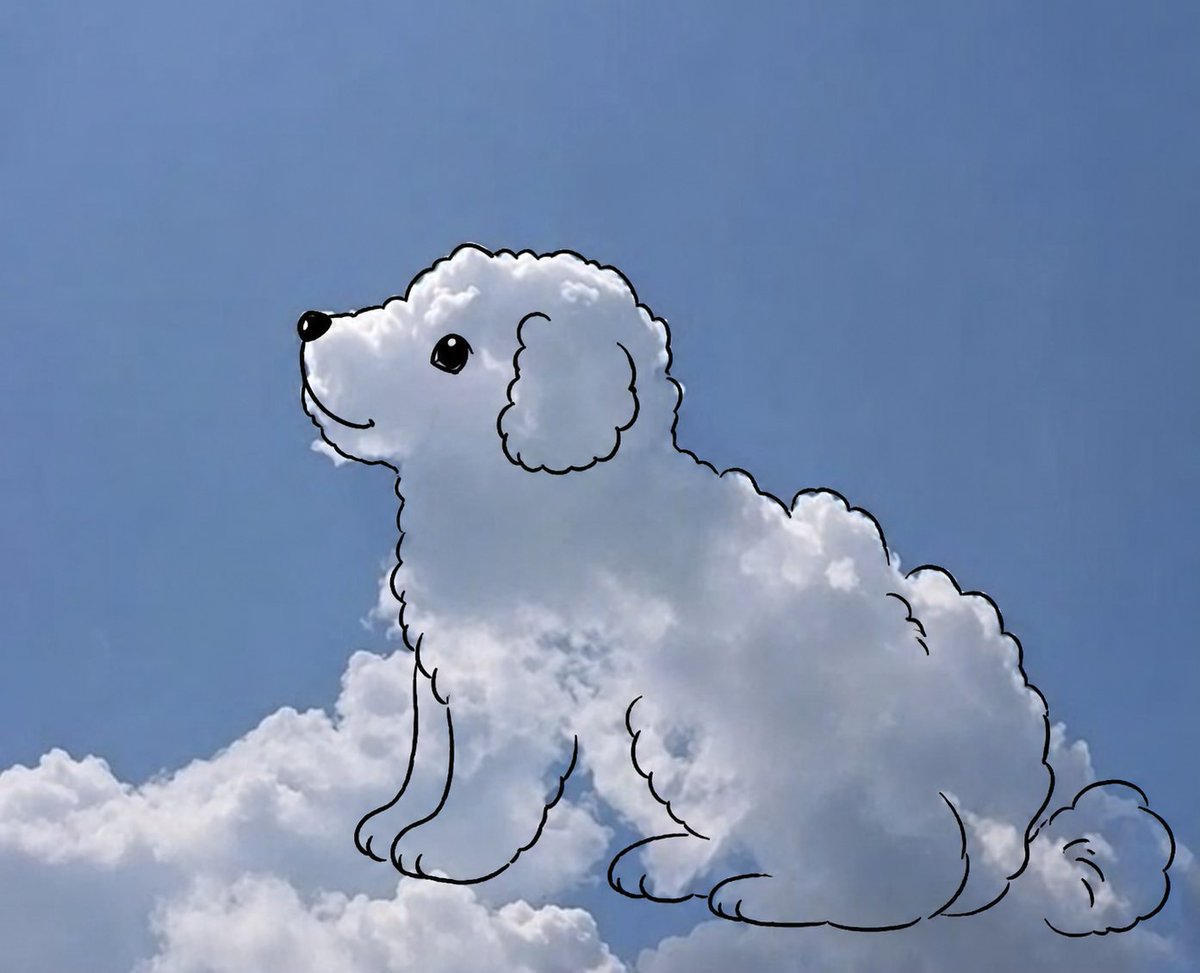
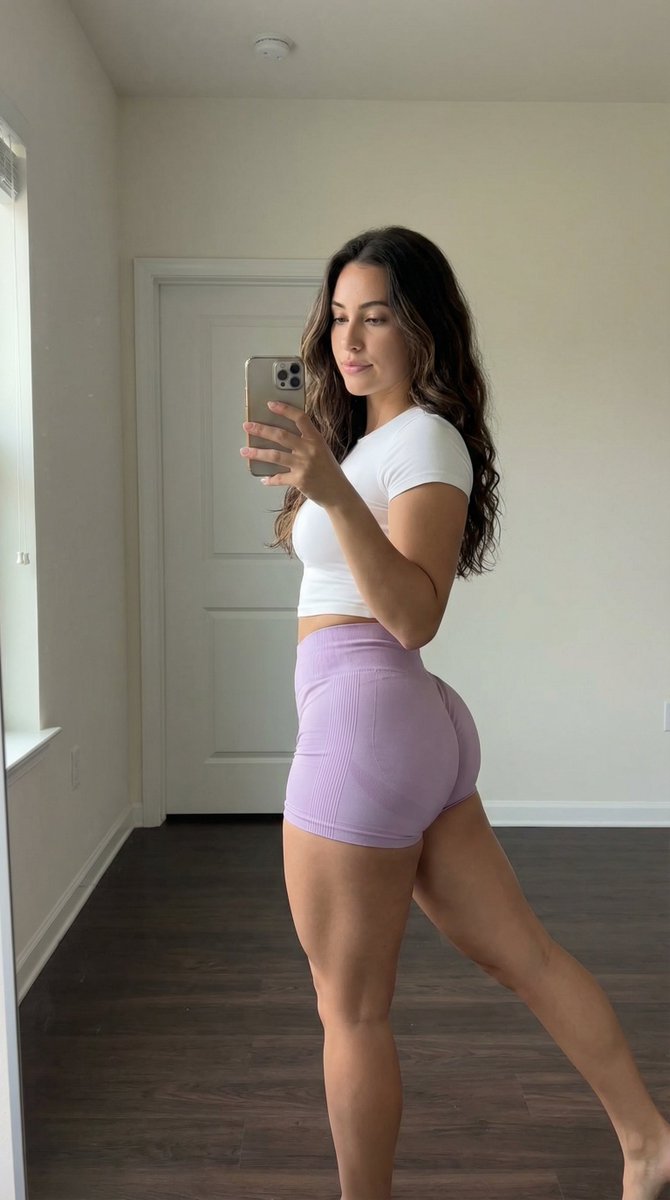
How do I use the Minimal Hand-Drawn Sketch Watercolor Portrait template?
Choose the primary action to open PicX Studio with the available template settings. Review the model and format, personalize the creative direction, and generate when ready.
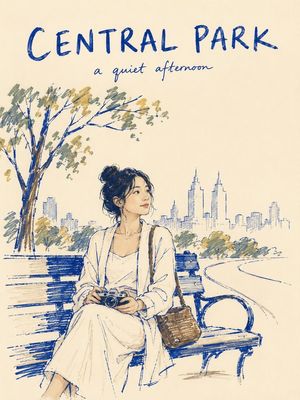
A complex structured prompt for a museum-quality hybrid of pencil illustration and watercolor painting, designed for luxury editorial portraits with a creative
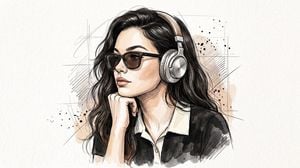
{ "title": "Universal_SketchPortrait_Identity_v1", "style": { "type": "Premium Hand-Drawn Sketch + Watercolor Portrait", "genre": "Editorial Fine Art", "quality": "Ultra HD 8K", "render_engine": "Photorealistic + Pencil Illustration Hybrid", "detail_level": "Maximum", "color_palette": { "primary": [ "#1F1F1F", "#F5F2EC", "#C77B3F", "#D6D2CC" ], "accent": [ "#8A8A8A", "#B48A62" ] }, "finish": "Museum Quality", "look": "Luxury Minimal Editorial" }, "subject": { "gender": "{argument name="gender" default="Unisex"}", "age": "{argument name="age range" default="18-35"}","ethnicity": "Universal", "body_type": "Average", "expression": "Calm, Thoughtful, Confident", "eye_direction": "Looking Left", "pose": { "angle": "Three Quarter Profile", "head_rotation": "35° Left", "camera_position": "Eye Level", "hand_position": "Right Hand Supporting Chin", "shoulders": "Relaxed" }, "hair": { "length": "Medium", "style": "{argument name="hair style" default="Naturally Messy"}", "texture": "Curly / Wavy", "color": "Dark Brown to Black" }, "facial_features": { "jawline": "Defined", "skin_texture": "Natural","facial_hair": "Optional Light Beard / Clean Shave", "nose": "Natural", "lips": "Neutral" } }, "outfit": { "upper": { "type": "Polo Shirt", "fit": "Regular", "color": "#2B2B2B", "collar": "White Contrast", "sleeves": "Half" }, "accessories": { "headphones": { "type": "Over Ear", "material": "Metal + Leather", "color": "Silver" }, "eyewear": { "type": "Black Sunglasses", "lens": "Dark Tint" } } }, "art_style": { "base": "Pencil Sketch", "secondary": "Ink Cross-Hatching","painting": "Soft Watercolor Wash", "line_style": { "type": "Loose Expressive Lines", "density": "High", "random_sketch_marks": true }, "brushwork": { "style": "Traditional Illustration", "texture": "Paper Grain Visible" } }, "lighting": { "type": "Soft Natural Daylight", "direction": "Front Left", "contrast": "Medium", "shadow": "Soft", "highlights": "Natural Skin Highlights" }, "background": { "type": "Minimal Paper", "color": "#F6F2EB", "texture": "Fine Watercolor Paper", "elements": ["Abstract Pencil Strokes", "Ink Splatters", "Loose Construction Lines" ], "depth": "Flat Minimal" }, "composition": { "aspect_ratio": "4:5", "framing": "Upper Body Portrait", "subject_alignment": "Center", "negative_space": "Large", "cropping": "Chest Up" }, "camera": { "lens": "85mm Portrait", "focus": "Face", "depth_of_field": "Shallow", "sharpness": "Ultra Sharp" }, "materials": { "paper": "Cold Press Watercolor Paper", "pencil": "Graphite 2B-8B", "ink": "Fine Liner","paint": "Transparent Watercolor" }, "render_settings": { "resolution": "8192x12288", "sampling": "Maximum", "dynamic_range": "High", "noise": "Very Low", "texture_quality": "Ultra" }, "mood": { "keywords": [ "Creative", "Minimal", "Elegant", "Modern", "Editorial", "Calm", "Artistic", "Sophisticated" ] }, "negative_prompt": [ "Low quality", "Blurry", "Low resolution", "Extra fingers", "Extra hands", "Extra limbs", "Bad anatomy", "Deformed face", "Crossed eyes", "Duplicate accessories" ] }
Choose the primary action to open PicX Studio with the available template settings. Review the model and format, personalize the creative direction, and generate when ready.
Yes. You can change the subject, setting, lighting, mood, format, and available model controls before creating your image.
This template is free to open and customize. Generation usage is shown in PicX Studio before you create.
Start with GPT Image 2, which is the model associated with this template. You can compare another compatible model for a different finish.
Follow a topic to a crawlable collection of related PicX Studio templates.