
Hand-Drawn Storyboard Previs Sketch
An extensive and technical prompt for creating professional hand-drawn storyboards with stick figures, camera framing boxes, and motion arrows for cinematic planning.
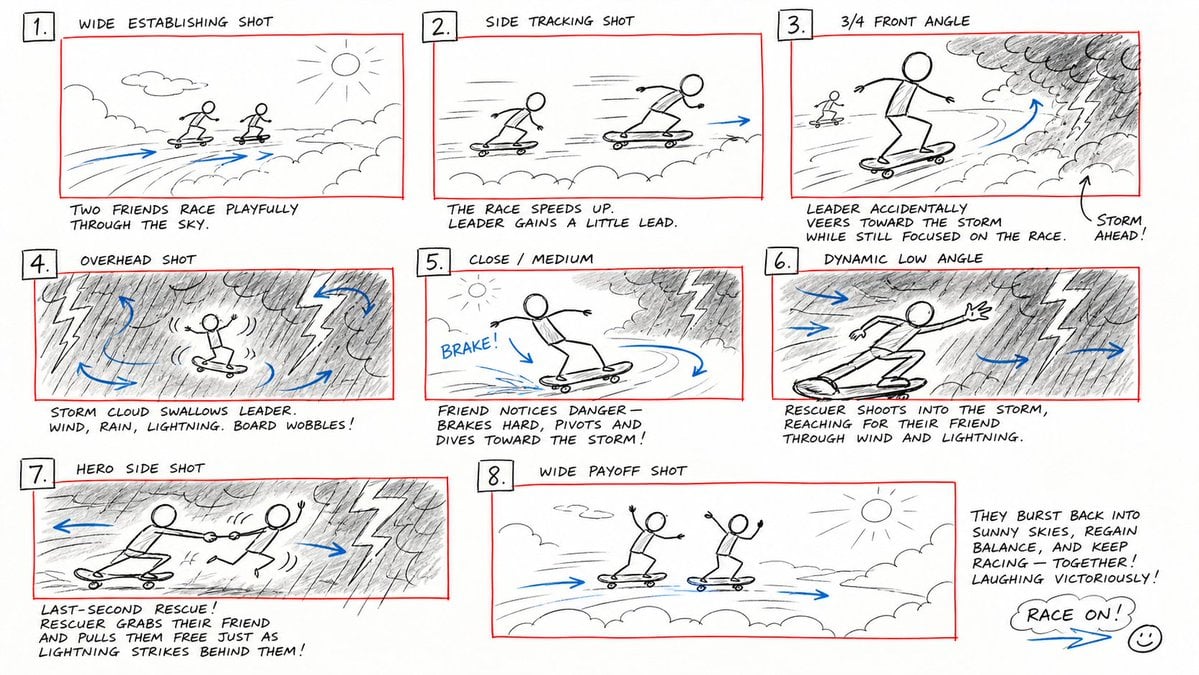
- Prompt included
- Model and format preset
- Free template
The prompt behind this image
Copy the exact prompt behind Hand-Drawn Storyboard Previs Sketch, or open it in the studio and make it yours.
Create a rough hand-drawn PREVIS + rescue chase storyboard page in 16:9 horizontal format. Use an extremely simple 2D previs sketch style: - stick figures / mannequin silhouettes only - no facial detail, no costume detail, no anatomy detail - no texture, no shading, no polished rendering - black loose sketch lines - red boxes for camera framing only - blue arrows for motion / force / breath / direction only - rough director thumbnails, not concept art - if unsure, draw less detail, not more Show 8 numbered panels on one page with slightly irregular but readable placement. Subject: {argument name="subject" default="two close friends racing on skateboards through the sky above the clouds"} Environment: {argument name="environment" default="bright open sky, fluffy cloud pathways, floating cloud banks, distant sunlight, then a darker storm-cloud zone with wind, rain and lightning"} Mood: playful, adventurous, fast, funny, suspenseful for a moment, then uplifting and triumphant Sequence: during a fun cloud-skate race, one friend accidentally drifts into dangerous storm clouds and loses control, then the other friend makes a last-second rescue Beats: 1. Wide establishing shot. Two friends on skateboards surf above the clouds, side by side, racing playfully through the sky. 2. Side tracking shot. The race speeds up. One friend leans forward and gains a little lead while the other follows close behind. 3. 3/4 front angle. The leading friend accidentally veers toward a dark storm-cloud area ahead while still focused on the race. 4. Overhead shot. The storm cloud swallows the lead friend. Strong wind arrows, rain and lightning. The skateboard wobbles violently. 5. Close-up / medium action shot. The second friend notices the danger, brakes hard for a split second, then pivots and dives toward the storm. 6. Dynamic low angle. The rescuer shoots into the storm clouds on the skateboard, reaching forward through wind and lightning toward the trapped friend. 7. Hero side shot. Last-second rescue. The rescuer grabs the other friend by the arm or hoodie and pulls them free from the storm cloud just as lightning strikes behind them. 8. Wide payoff shot. Both friends burst back into the sunny clouds, regain balance, keep riding together and continue the race laughing, now side by side. Use varied camera angles: close-up, wide, low angle, overhead, side profile, rear, 3/4. Add short handwritten notes near panels. Maintain clear continuity of subject, props, environment and movement direction. Focus on staging, camera, motion, timing and continuity. Prioritize readability over drawing quality. Avoid detailed illustration, clean UI and infographic design. Tone target: fun family-animation energy, clear visual storytelling, simple readable action be
How to use Hand-Drawn Storyboard Previs Sketch in 3 steps
- 1
Open
The prompt is already in the box next to the preview, with the template's model and format selected.
- 2…a portrait of your subject in softgolden-hour light, 85mm…
Personalize
Edit the subject and creative details for your destination.
- 3Generate
Generate
Press Generate — your image is created in PicX Studio, so you can compare it with the original and refine one variable at a time.
More like this
Templates with the same subject, style or setup. Open one to see its prompt.

Minimal Hand-Drawn Sketch Watercolor Portrait
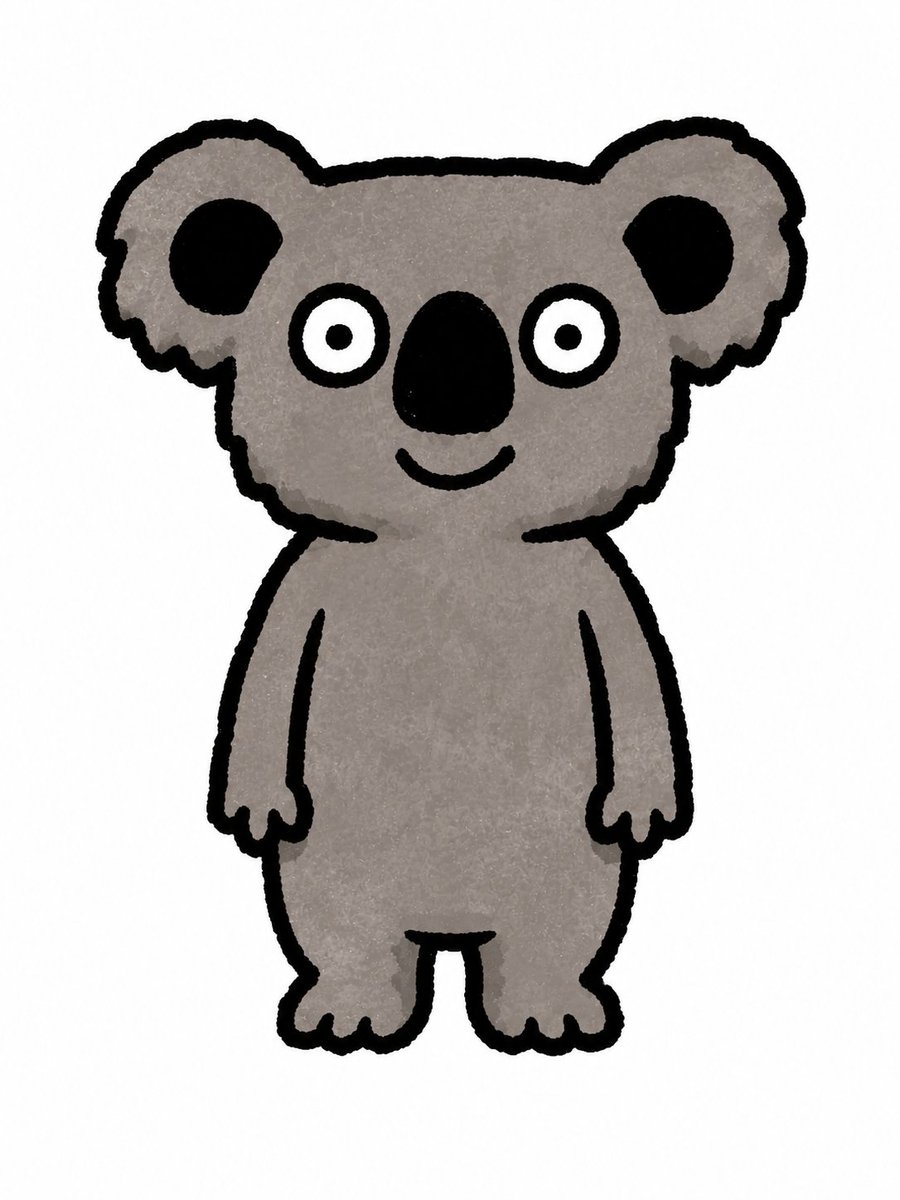
Simple Hand-Drawn Koala Mascot

Hand-Drawn Doodle Grid Poster

Hand-drawn Breakfast Journal Aesthetic Poster
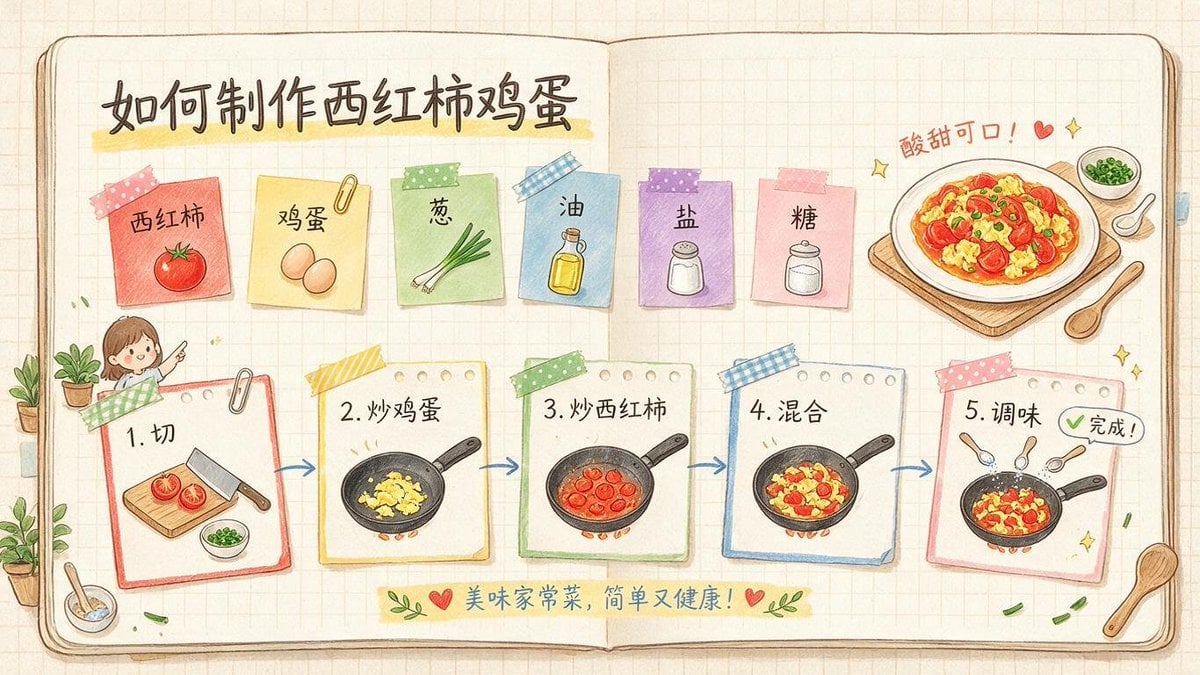
Hand-Drawn Tomato Egg Recipe Infographic

Pencil Sketch Coffee Storyboard
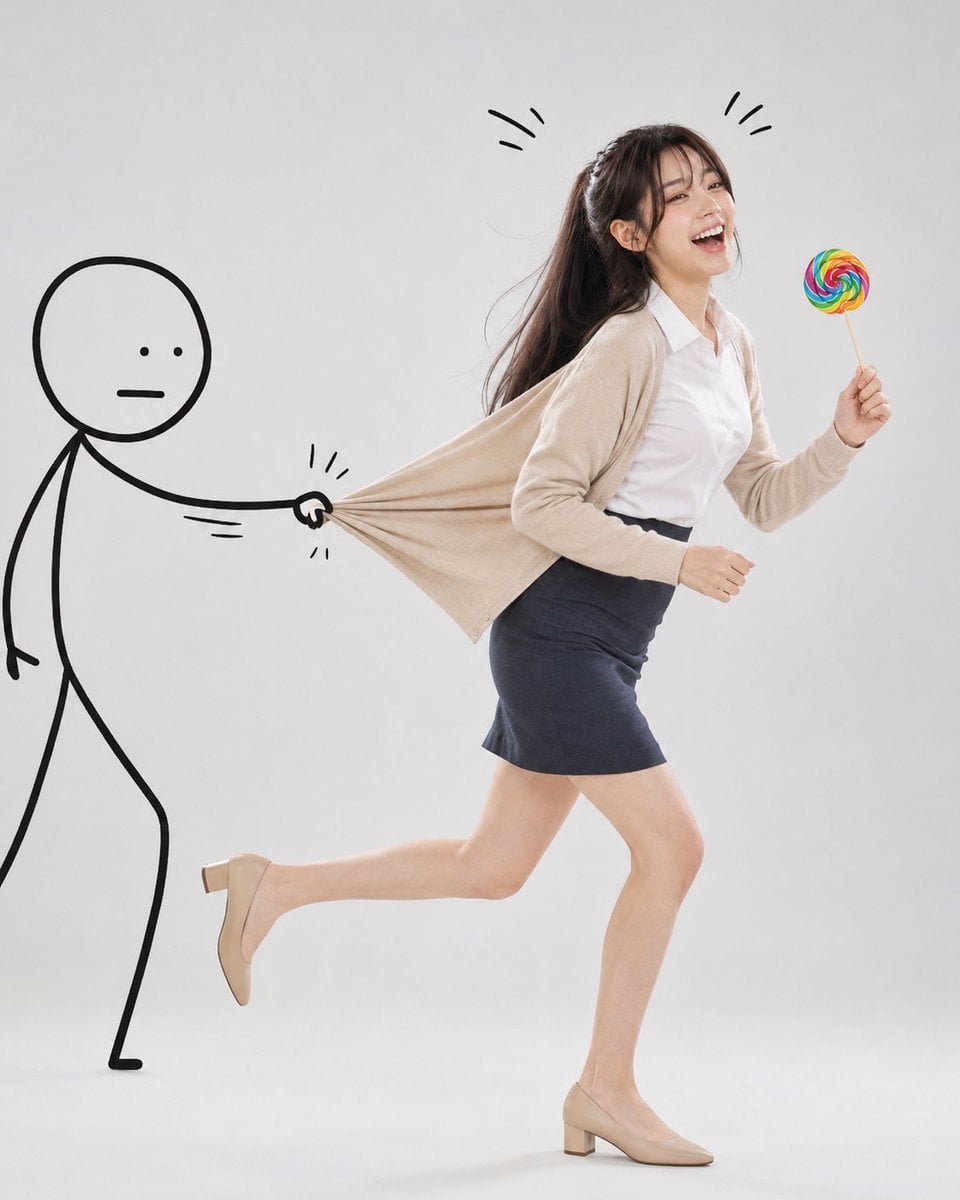
Surreal Studio Photography with Hand-Drawn Doodle
Whimsical Hand-Drawn Teacups

Japanese Café Sketch Duo Illustration

Delicate Japanese Café Lifestyle Illustration

Headphones Lifestyle Nine Panel Grid
Hand-Drawn Izakaya Manga Page
Make it yours
Hand-Drawn Storyboard Previs Sketch works as-is. These are the safest ways to change it without losing the look.
Change one field
Copy a single group, rewrite it, and generate again so you can see what that field is doing.
Keep the frame, change the subject
Hold the composition and light of Hand-Drawn Storyboard Previs Sketch, then swap wardrobe, props or the person for a new take.
| If the result… | Why | Fix |
|---|---|---|
| The result drifts from the preview | Too many fields changed at once. | Reuse Hand-Drawn Storyboard Previs Sketch as-is first, then change one group — subject, light, or setting. |
| The model over-stylizes the scene | The prose prompt leaves finish and camera underspecified. | Add one camera or lighting sentence and stay on GPT Image 2. |
More GPT Image 2 templates
Other prompts made for GPT Image 2.

Six VTuber Japanese Logo Sheet

Realistic Portrait of Woman and Deer

The Vista Modular Condo Poster

AI Model Routing Comparison Infographic

2.5D Anime Art Board

Isometric Productivity Desk Scene

New York Double Exposure Poster

Four-Panel AI Landscape Comparison

Japanese Tatami Lifestyle Magazine Cover

NESCAFÉ Coffee Map Poster
More image prompts
Fresh picks from across the catalog.
Watercolor Sea Otter Coding
Golden Backlight Lily Portrait
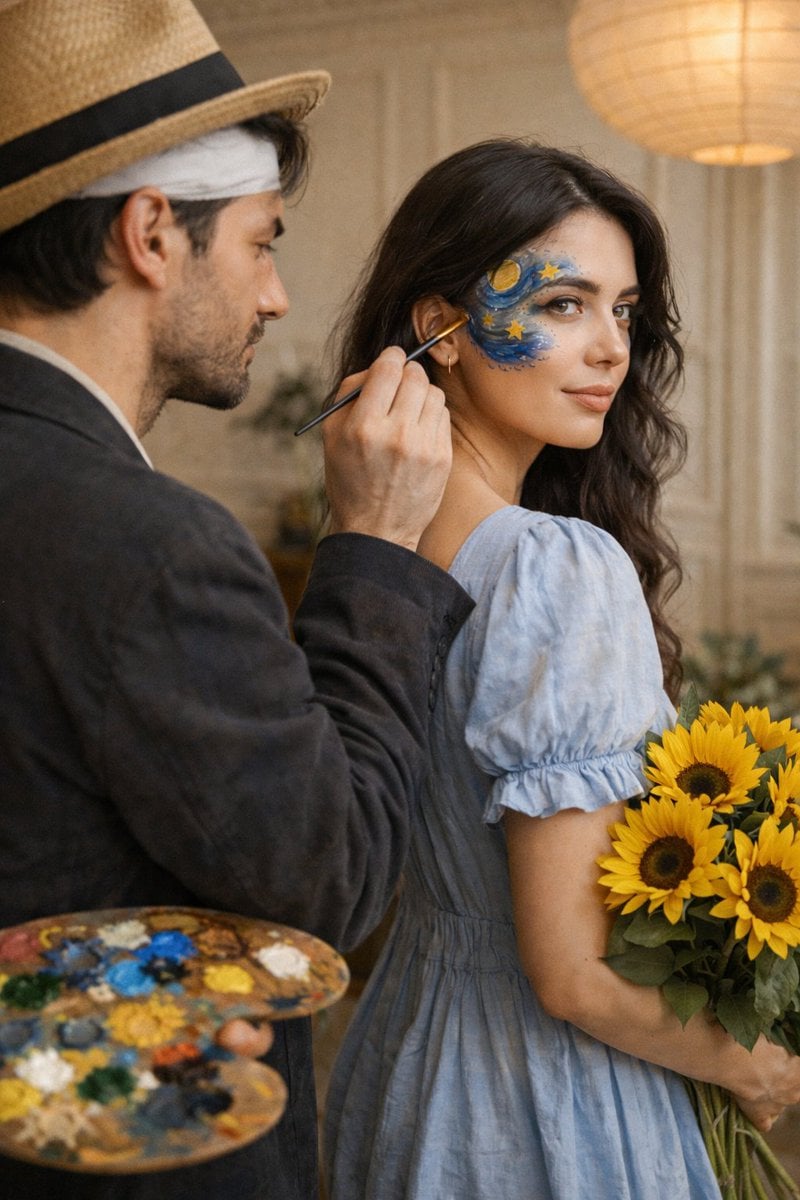
Cinematic Editorial Couple Portrait with Starry Night Face Paint
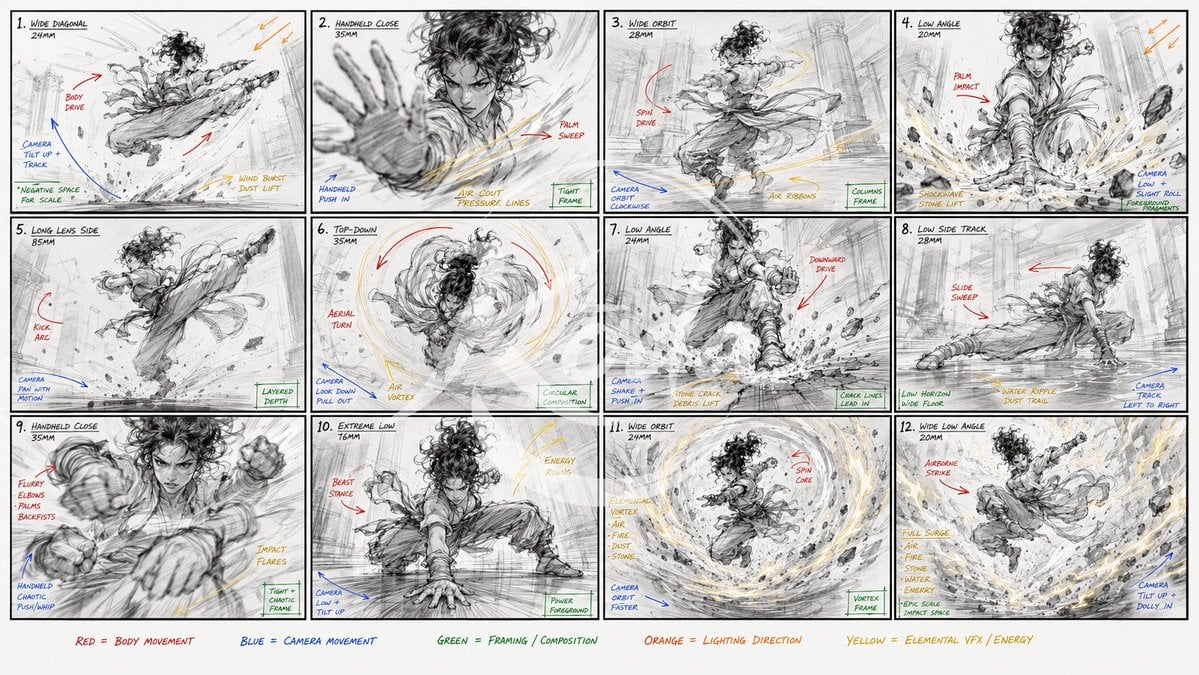
Kung Fu Action Storyboard

Adding Santa Claus to a Photo using Nano Banana Pro
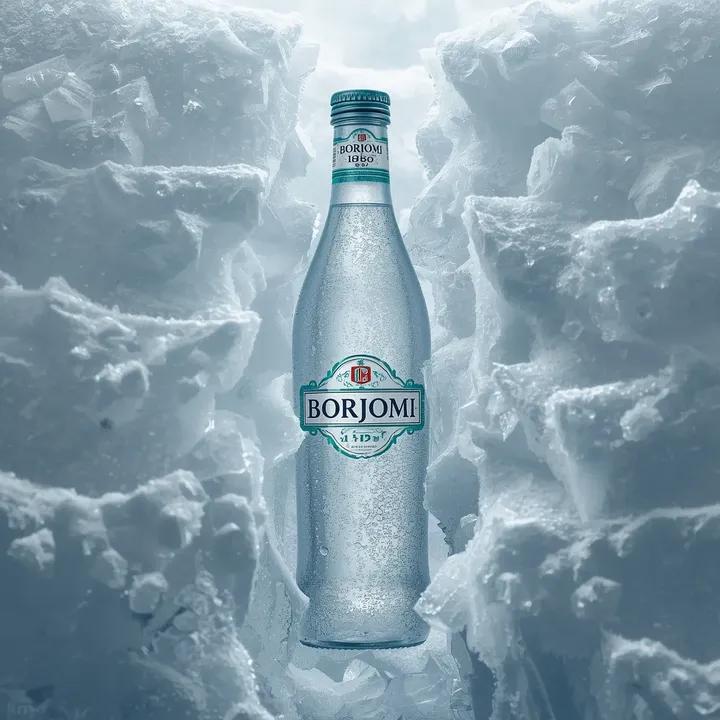
Hyperrealistic Product Photography Prompt (Borjomi Water)
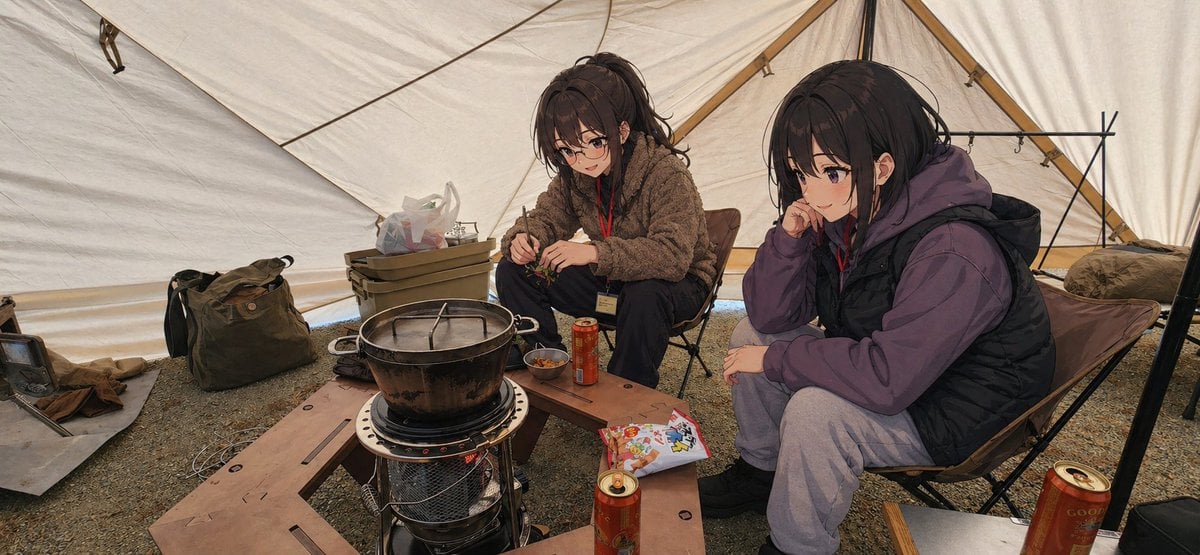
Gpt2 Social Media Post Anime Campers in a Winter Tent
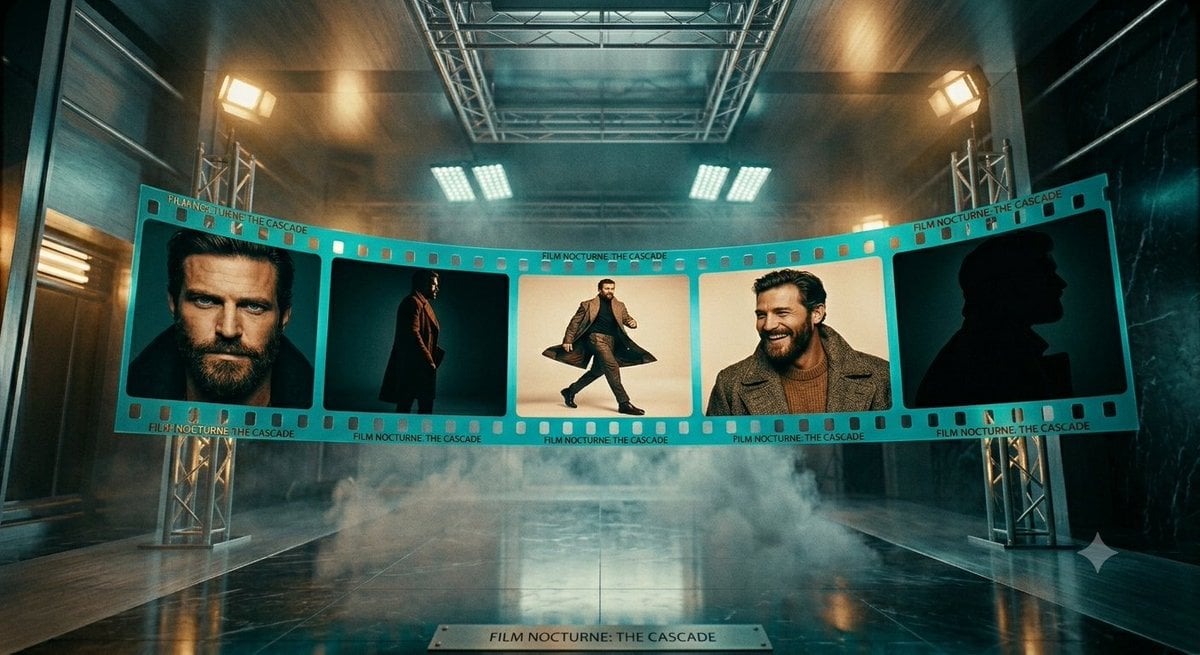
Cinematic Noir Film Strip Display
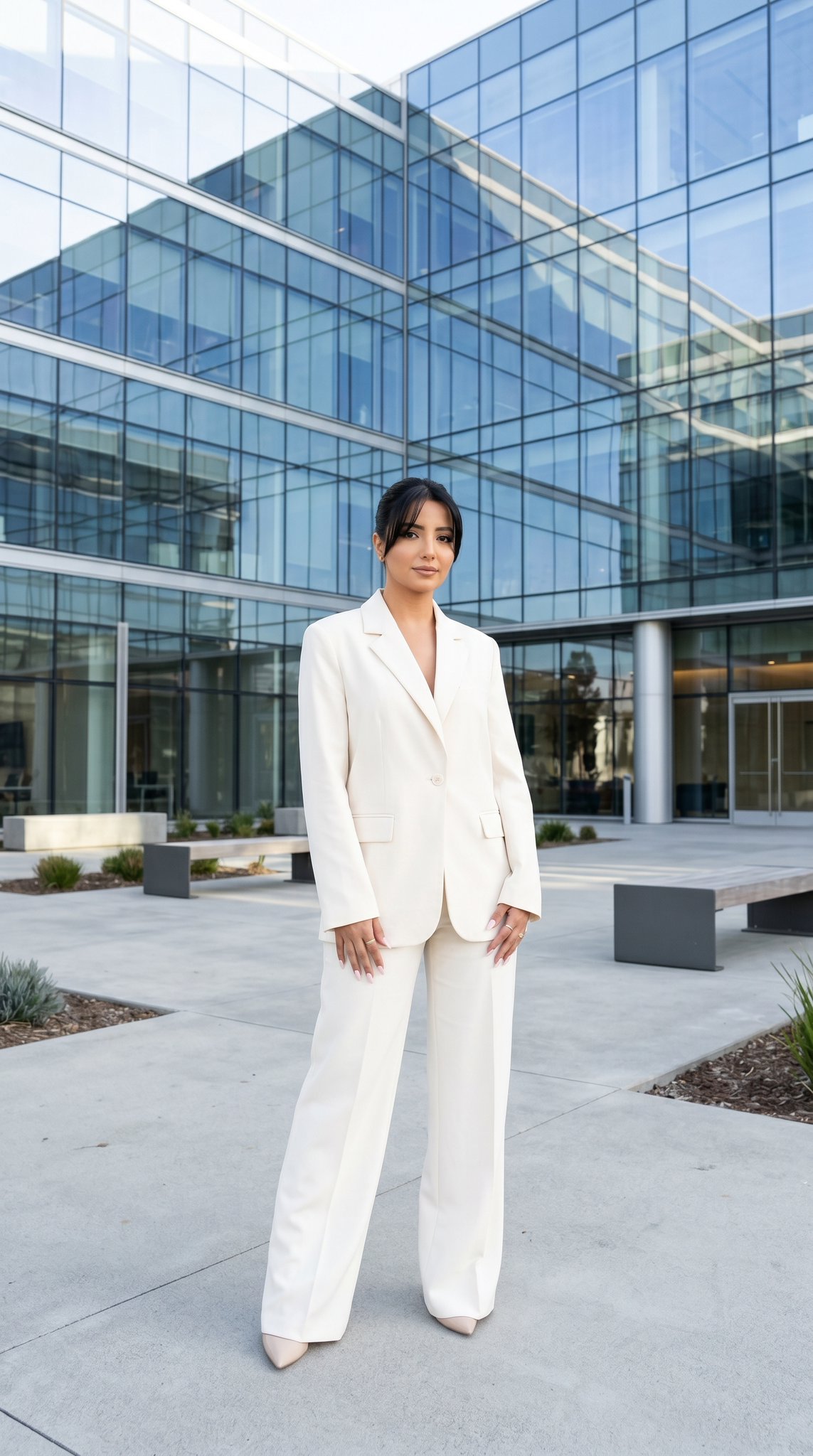
10 Modern Glass HQ Building — California Series
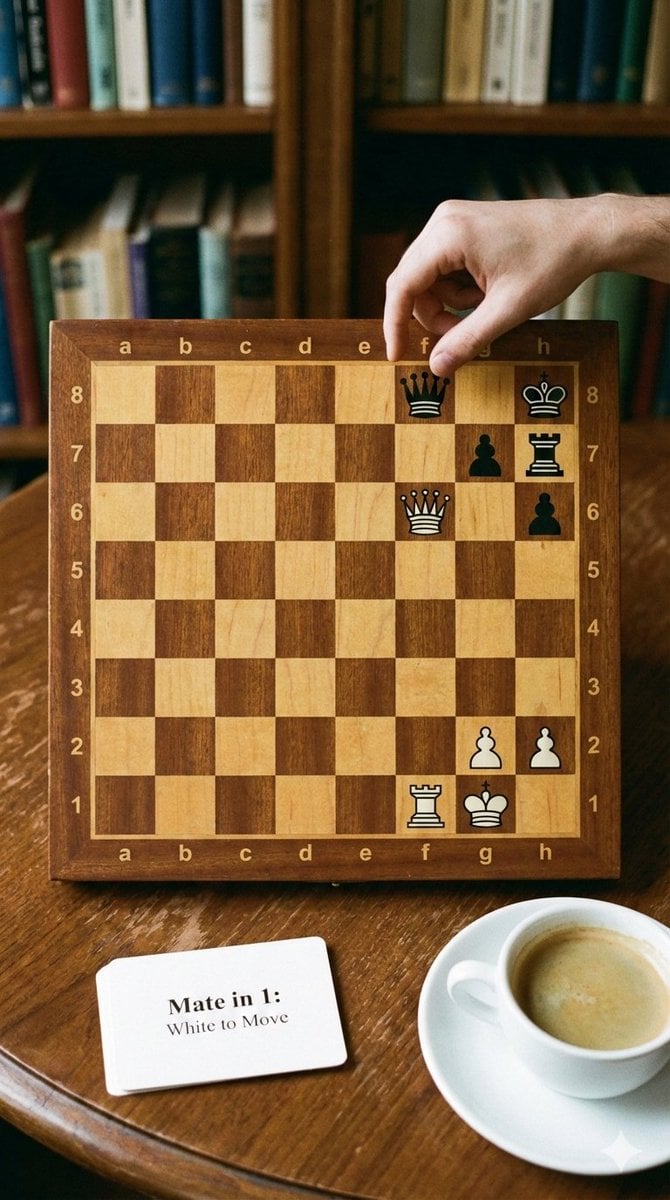
Phone-friendly mate-in-one chess puzzle image
Browse template categories
Hand-Drawn Storyboard Previs Sketch questions
How do I use the Hand-Drawn Storyboard Previs Sketch template?
Add your photo if the template asks for one, edit the prompt if you like — the template's model and format are already selected — and press Generate. Your version opens in PicX Studio.
Can I customize the Hand-Drawn Storyboard Previs Sketch template?
Yes. You can change the subject, setting, lighting, mood, format, and available model controls before creating your image.
Is the Hand-Drawn Storyboard Previs Sketch template free?
Opening and editing this template is free. Generating uses credits, shown on the Generate button when you are signed in.
Which AI model should I use?
Start with GPT Image 2, which is the model associated with this template. You can compare another compatible model for a different finish.
Looking for something else? Browse all templates.

Your photo, any look
Thousands of ready templates for every top image and video model, from one credit balance.