
Hand-drawn Breakfast Journal Aesthetic Poster
A detailed prompt for creating charming, hand-drawn style informational journal pages about breakfast, featuring sketches and handwritten annotations.

- Prompt included
- Model and format preset
- Free template
The prompt behind this image
Copy the exact prompt behind Hand-drawn Breakfast Journal Aesthetic Poster, or open it in the studio and make it yours.
围绕任意主题对象呈现轻松的手写观察图谱:大面积洁白纸面作为主要空间,主题内容被拆成若干小块实物状图形、剖面小图、串联小件、短条重复物和局部特写,分散排在纸面中上部与中段,彼此不做严整表格,而是靠近似横向阅读的松散行距、错位留白和手写短语串联,形成像味觉、触感、声音或动作被随手记录下来的亲密节奏。小图形使用主题派生的材料和颜色,保持小尺幅、圆钝外轮廓、轻微透视和手绘上色痕迹,局部保留颗粒、焦边、碎屑、纹理或剖面细节;不要让它们变成统一图标,应像绘本食物插图和手账贴纸之间的实物笔记。文字是画面骨架:使用细黑色手写假名感或童稚手写感线条,字距松、基线轻微跳动,短词围绕图形左右穿插,部分字串贴近图形边缘,部分独立漂浮在空白中,底部可放一行较小署名式说明。色彩由主题自身推导,白纸占最大面积,黑色细字承担信息,主体色保持温暖、清洁、略高明度;少量高饱和暖色或深色只用于图形的焦点、阴影 and 纹理,点状绿色、褐色或其他主题辅色作为极小面积节奏。整体保持扫描纸张的轻微柔化和自然压缩感,边缘有手绘不齐与颜料吸收,不加厚重阴影、装饰边框或现代排版感;重点是让图形和拟声手写共同制造“边看边读”的清爽童趣信息页。 主题:{argument name="主题" default="早安+问候+GOOD MORNING+城市+金句+天气+2026-08-21"}
How to use Hand-drawn Breakfast Journal Aesthetic Poster in 3 steps
- 1
Open
The prompt is already in the box next to the preview, with the template's model and format selected.
- 2…a portrait of your subject in softgolden-hour light, 85mm…
Personalize
Edit the subject and creative details for your destination.
- 3Generate
Generate
Press Generate — your image is created in PicX Studio, so you can compare it with the original and refine one variable at a time.
More like this
Templates with the same subject, style or setup. Open one to see its prompt.
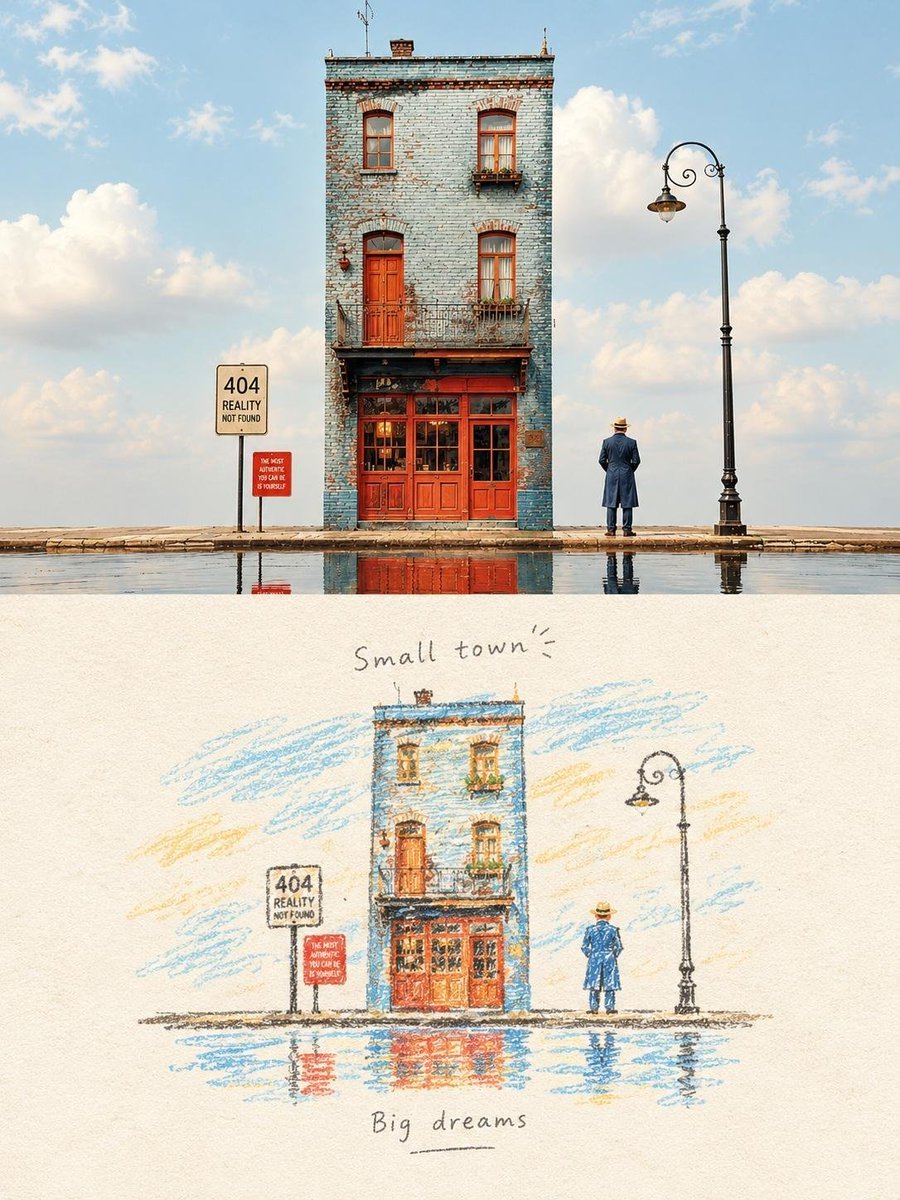
Hand-Drawn Travel Journal Illustration
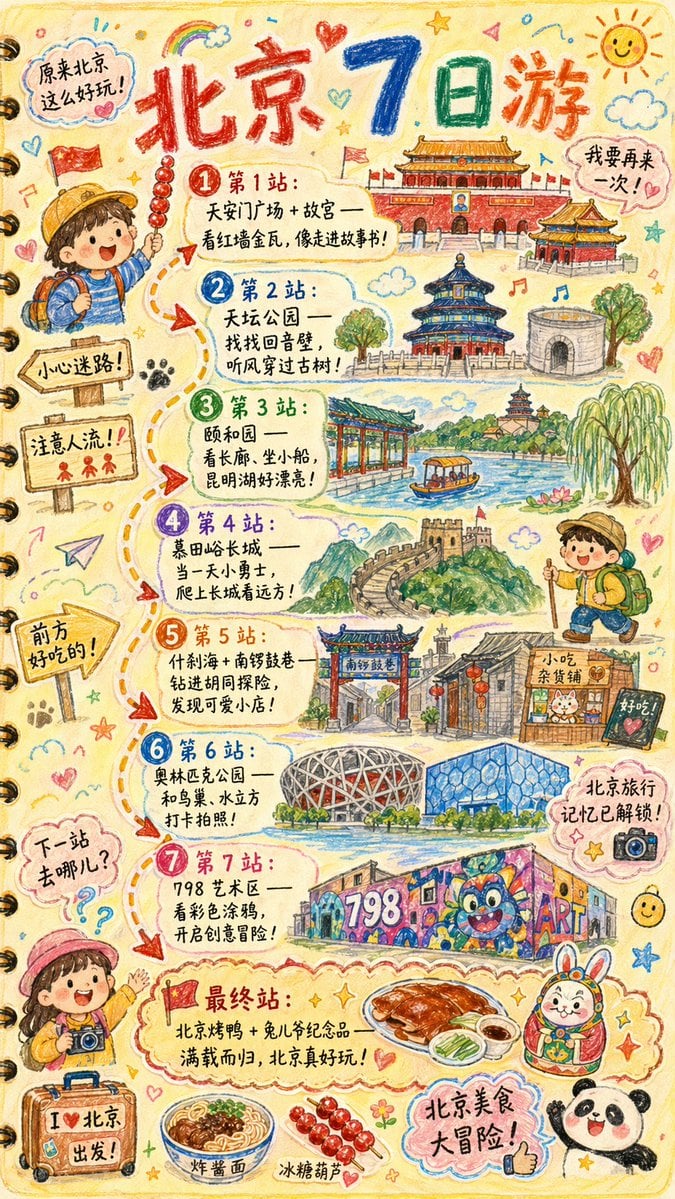
Hand-drawn Travel Journal Illustration

Hand-Drawn Doodle Grid Poster
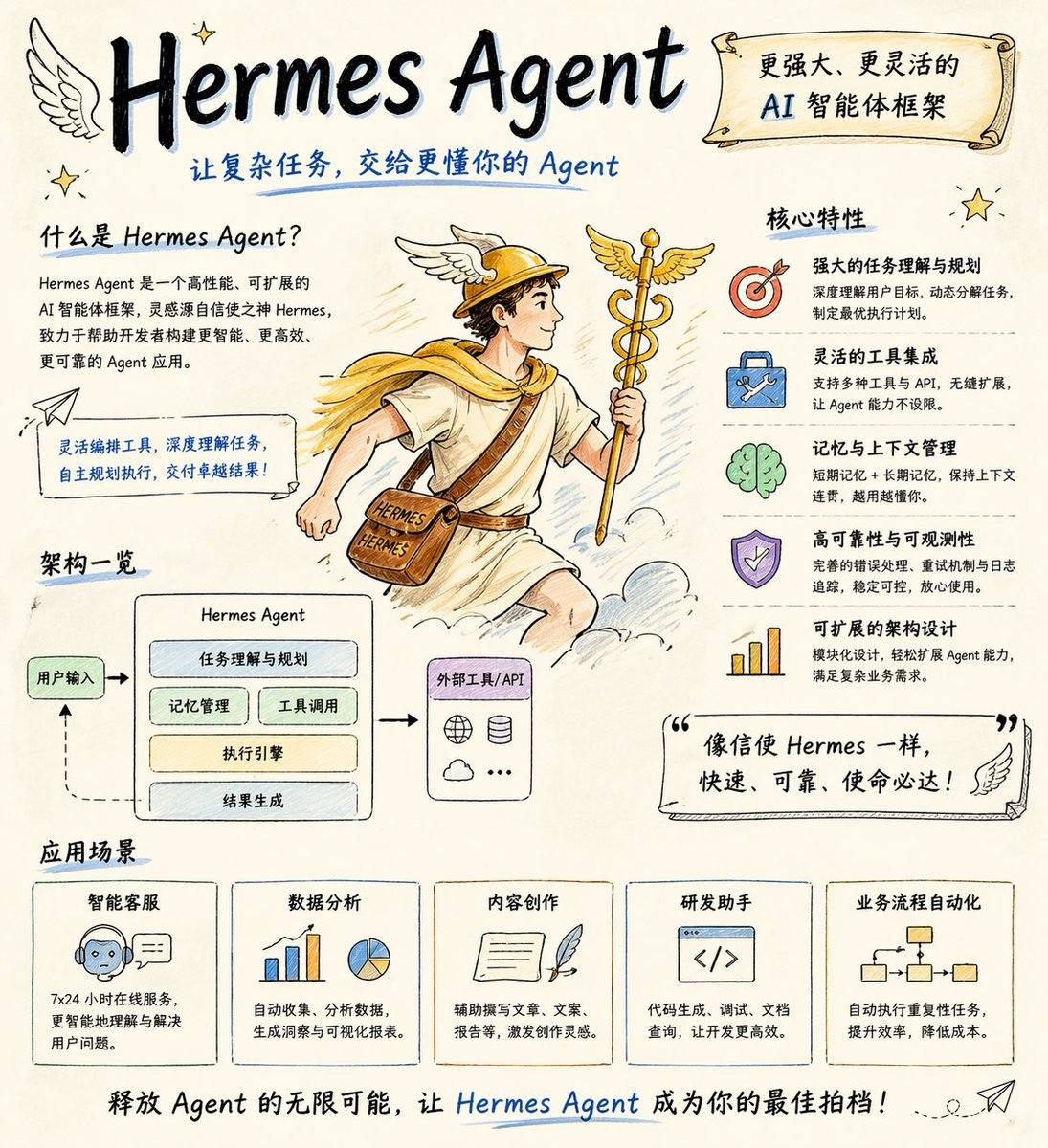
Hand-drawn Hermes Agent Poster
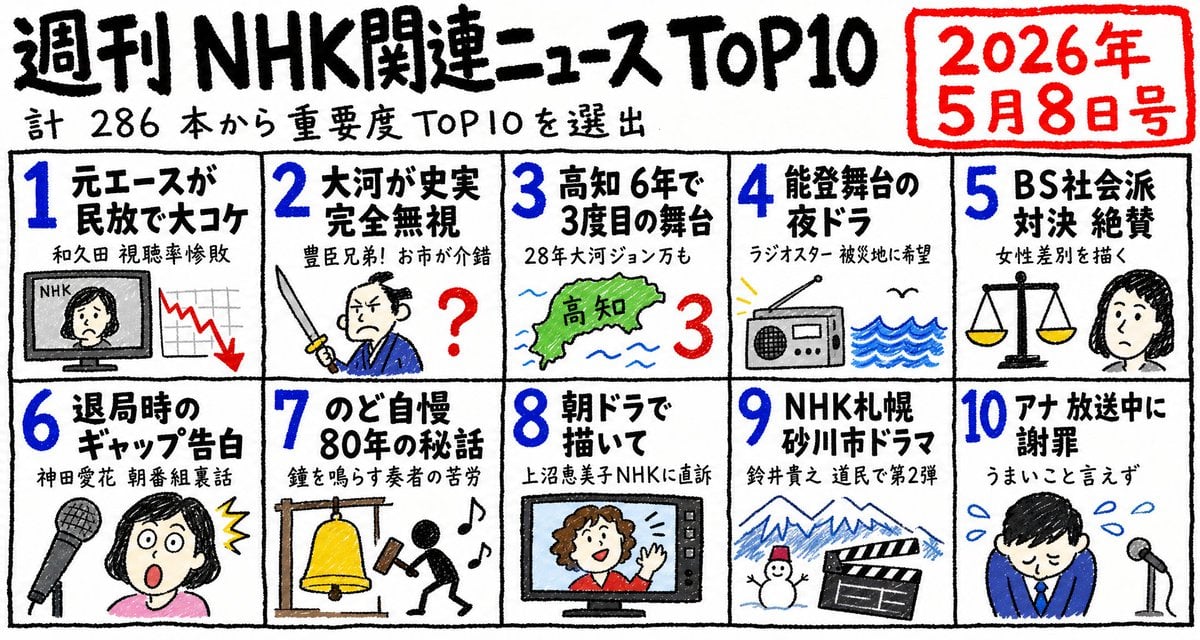
Hand-Drawn NHK News Top 10 Poster
Simple Hand-Drawn Koala Mascot

Japan Travel Brochure Poster
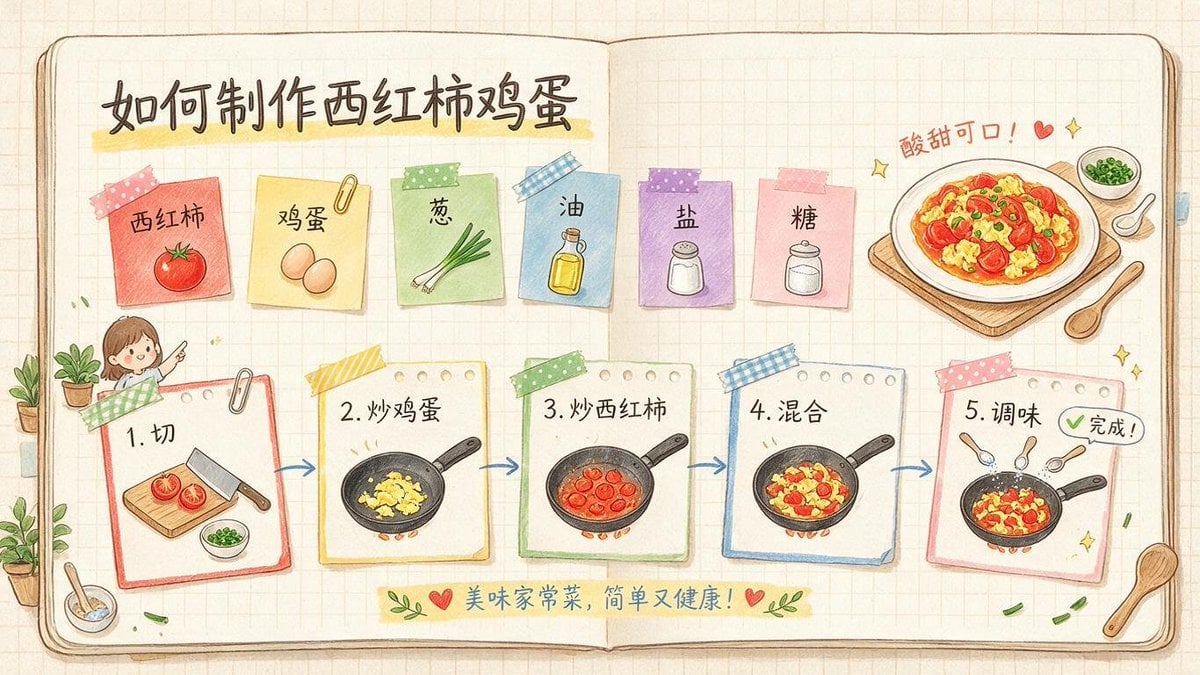
Hand-Drawn Tomato Egg Recipe Infographic
Surreal Studio Photography with Hand-Drawn Doodle

Minimal Hand-Drawn Sketch Watercolor Portrait
Whimsical Hand-Drawn Teacups

Cartoon TV Show Poster Pack
Make it yours
Hand-drawn Breakfast Journal Aesthetic Poster works as-is. These are the safest ways to change it without losing the look.
Change one field
Copy a single group, rewrite it, and generate again so you can see what that field is doing.
Keep the frame, change the subject
Hold the composition and light of Hand-drawn Breakfast Journal Aesthetic Poster, then swap wardrobe, props or the person for a new take.
| If the result… | Why | Fix |
|---|---|---|
| The result drifts from the preview | Too many fields changed at once. | Reuse Hand-drawn Breakfast Journal Aesthetic Poster as-is first, then change one group — subject, light, or setting. |
| The model over-stylizes the scene | The prose prompt leaves finish and camera underspecified. | Add one camera or lighting sentence and stay on GPT Image 2. |
More GPT Image 2 templates
Other prompts made for GPT Image 2.

Six VTuber Japanese Logo Sheet

Realistic Portrait of Woman and Deer

The Vista Modular Condo Poster

AI Model Routing Comparison Infographic

2.5D Anime Art Board

Isometric Productivity Desk Scene

New York Double Exposure Poster

Four-Panel AI Landscape Comparison

Japanese Tatami Lifestyle Magazine Cover

NESCAFÉ Coffee Map Poster
More image prompts
Fresh picks from across the catalog.
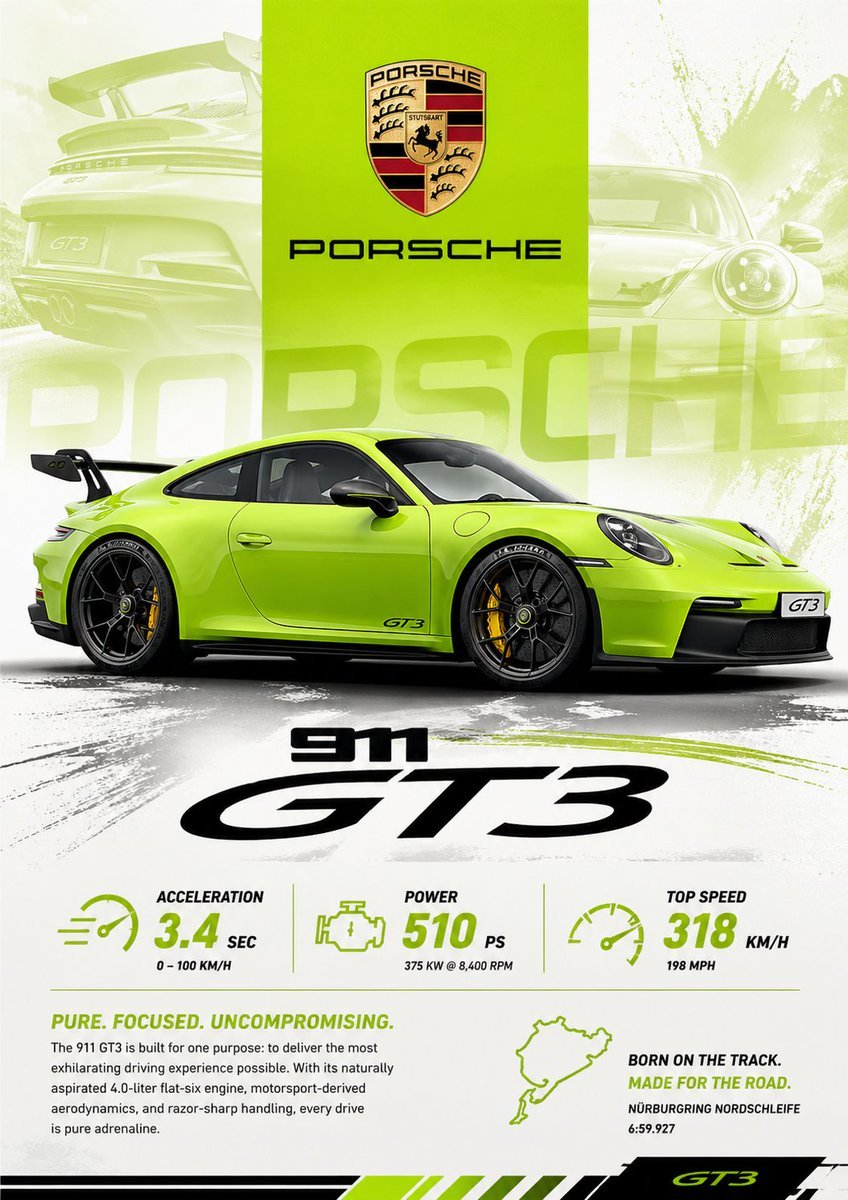
Vibrant Automotive Poster Design
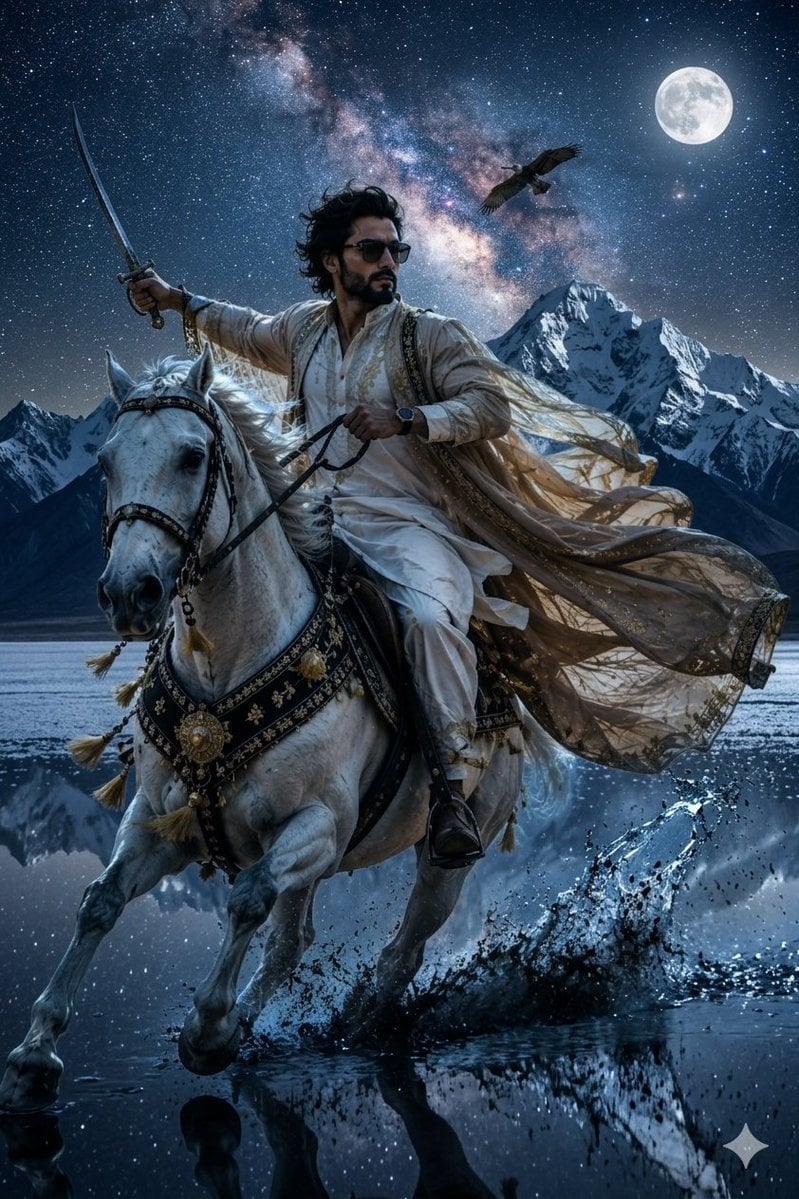
Epic Midnight Warrior Fantasy Scene

Government results infographic from web sources
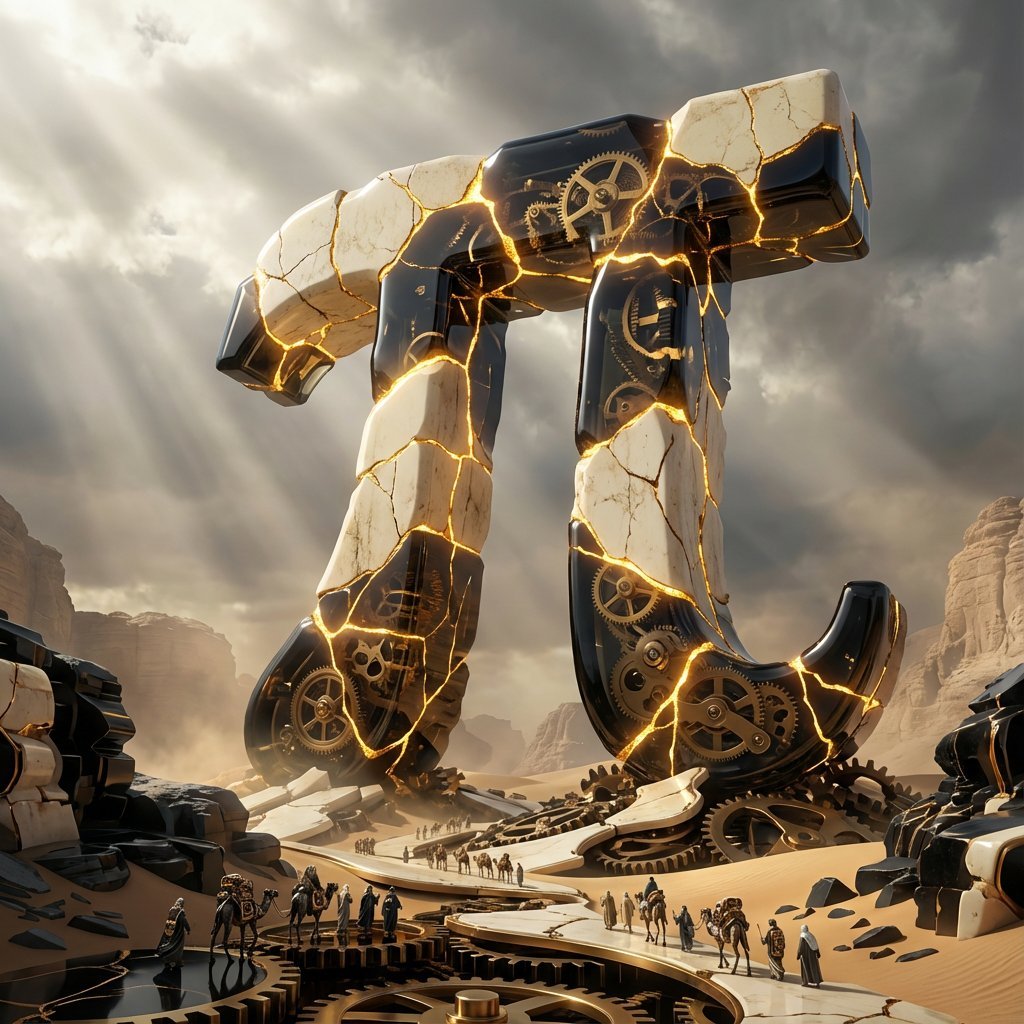
Obsidian Kintsugi Automaton Style Transfer Prompt
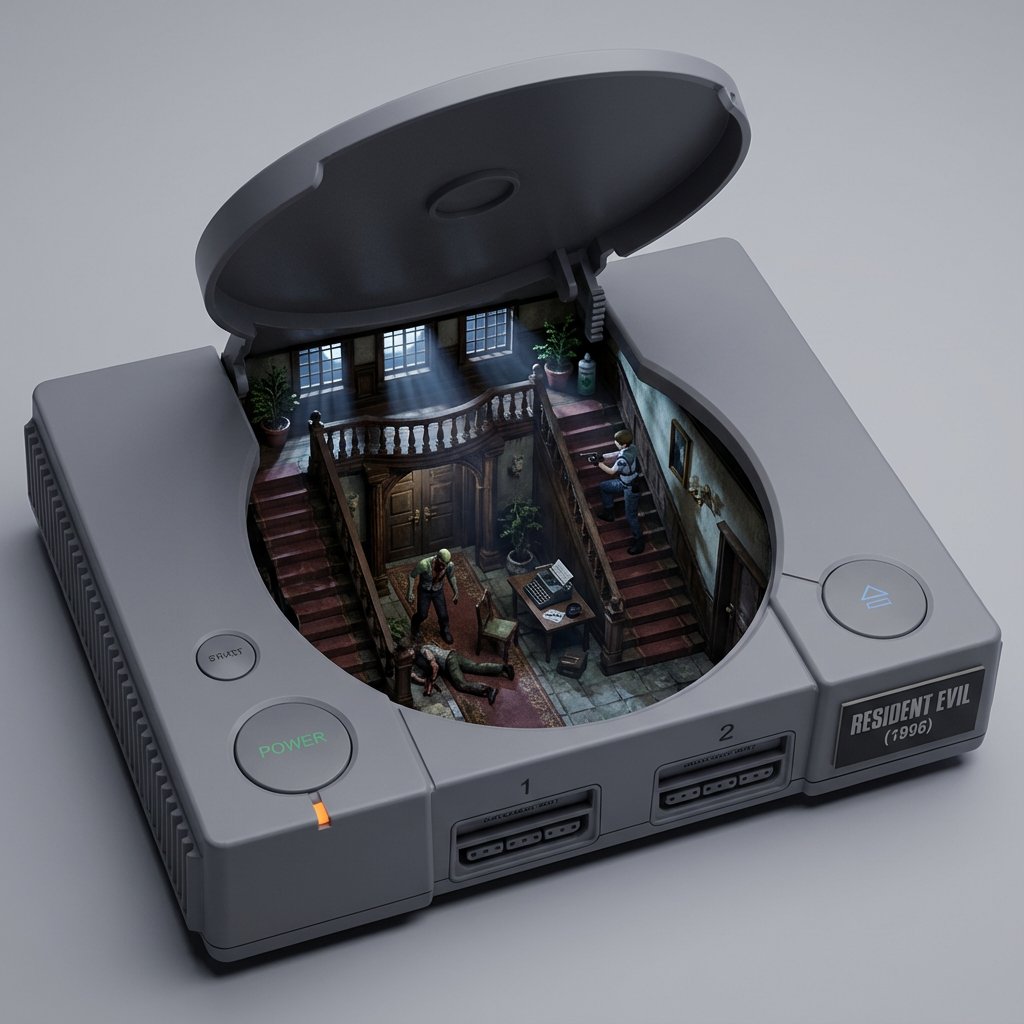
Game/Book Diorama Concept Generator
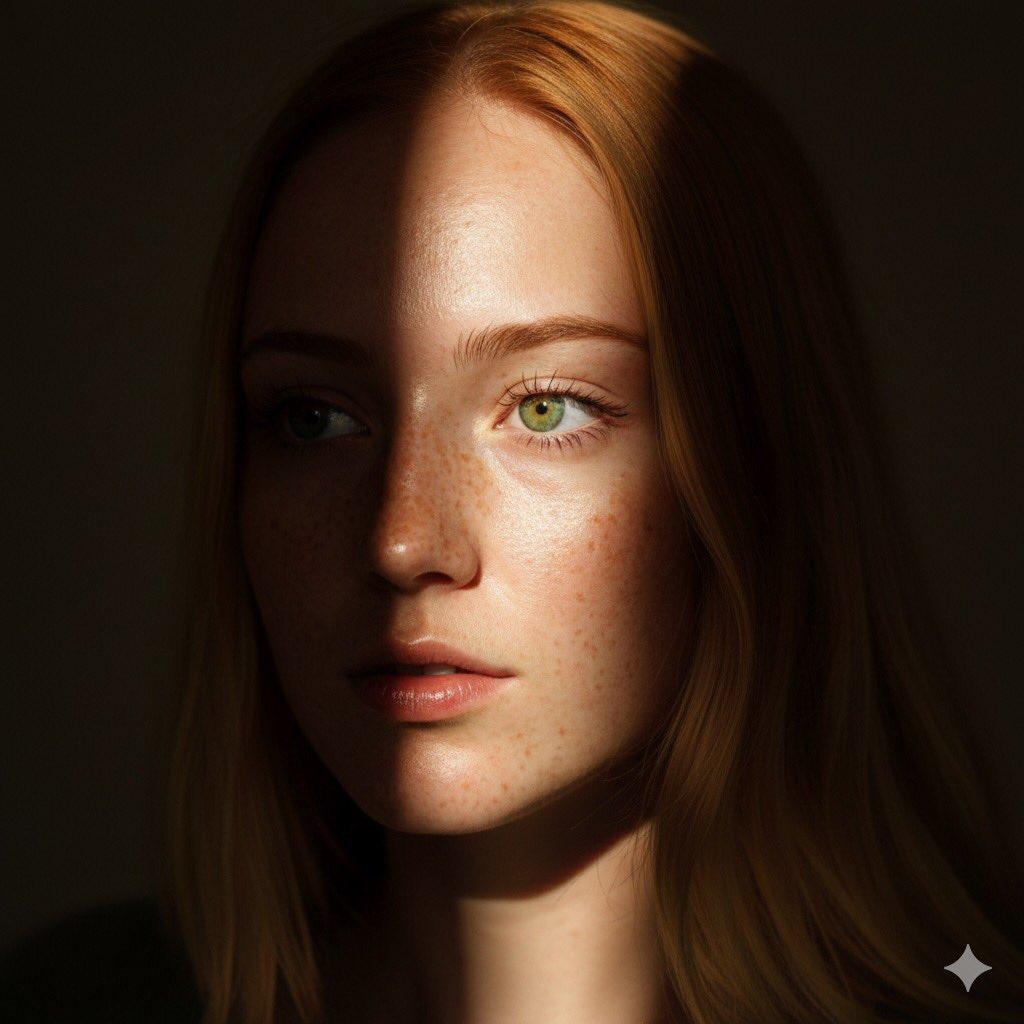
8K Chiaroscuro Portrait JSON
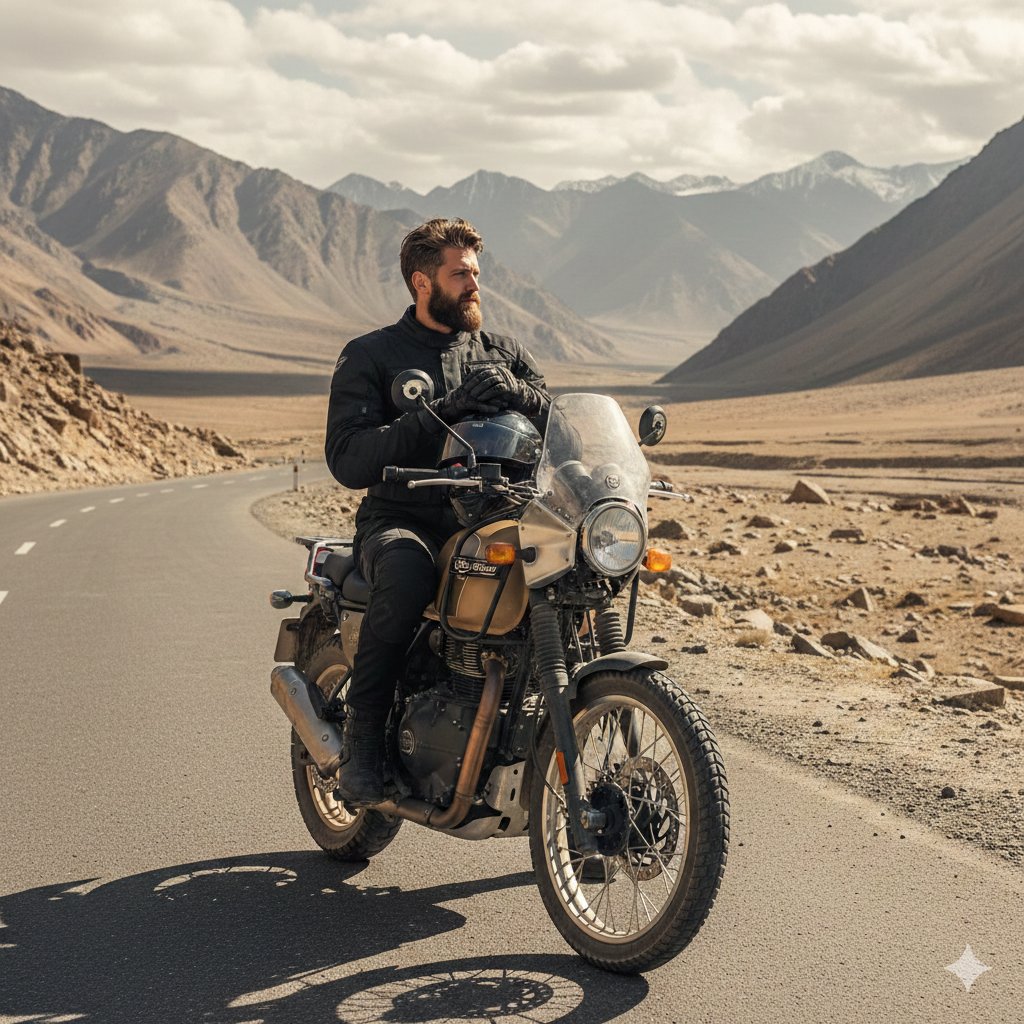
Himalayan Motorcycle Travel Photography
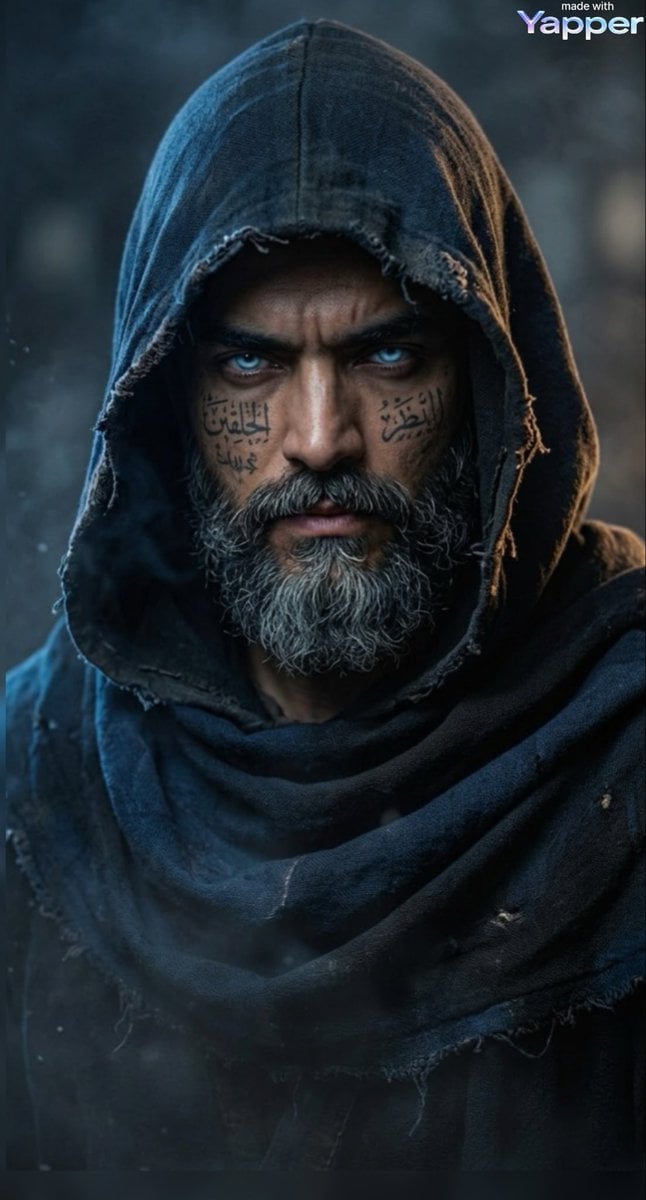
Cinematic Portrait of a Mysterious Hooded Warrior
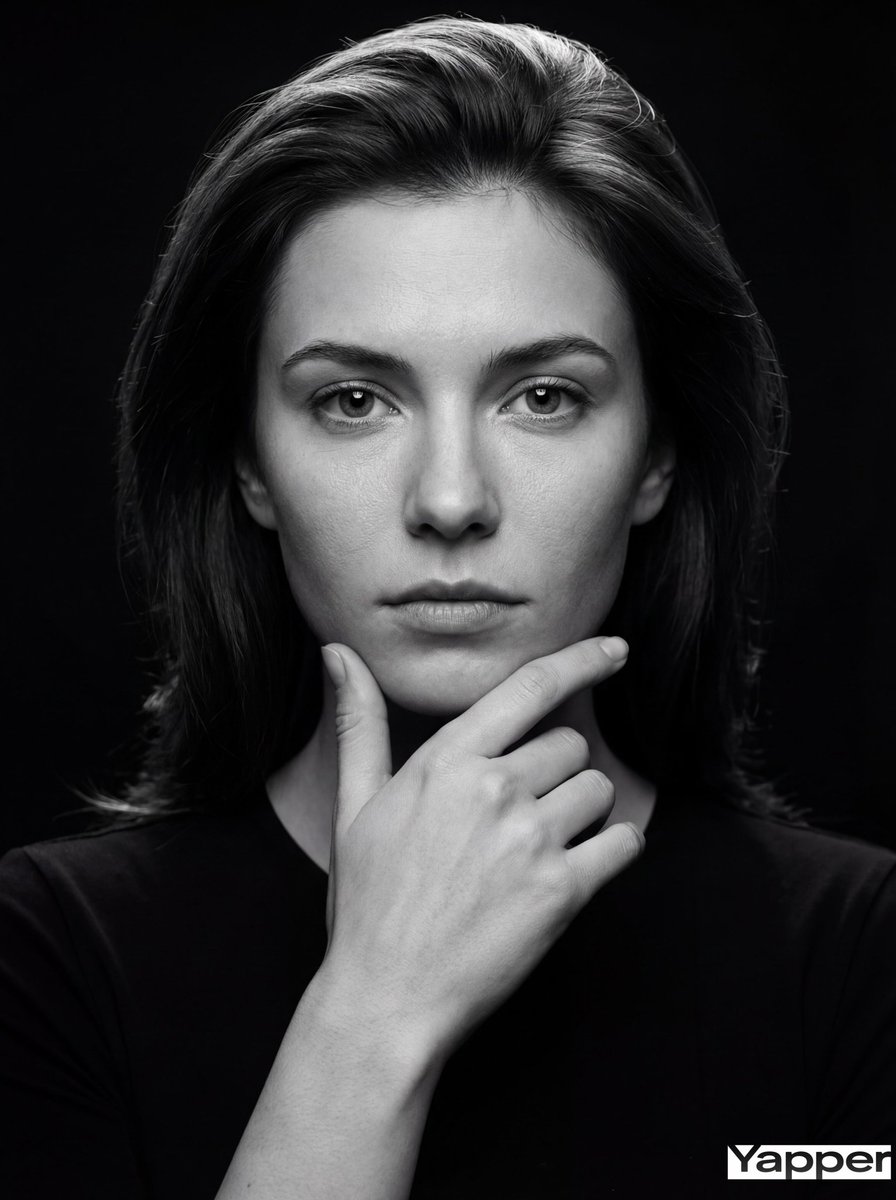
Fine-Art Cinematic Monochrome Portrait (Thinker Pose)
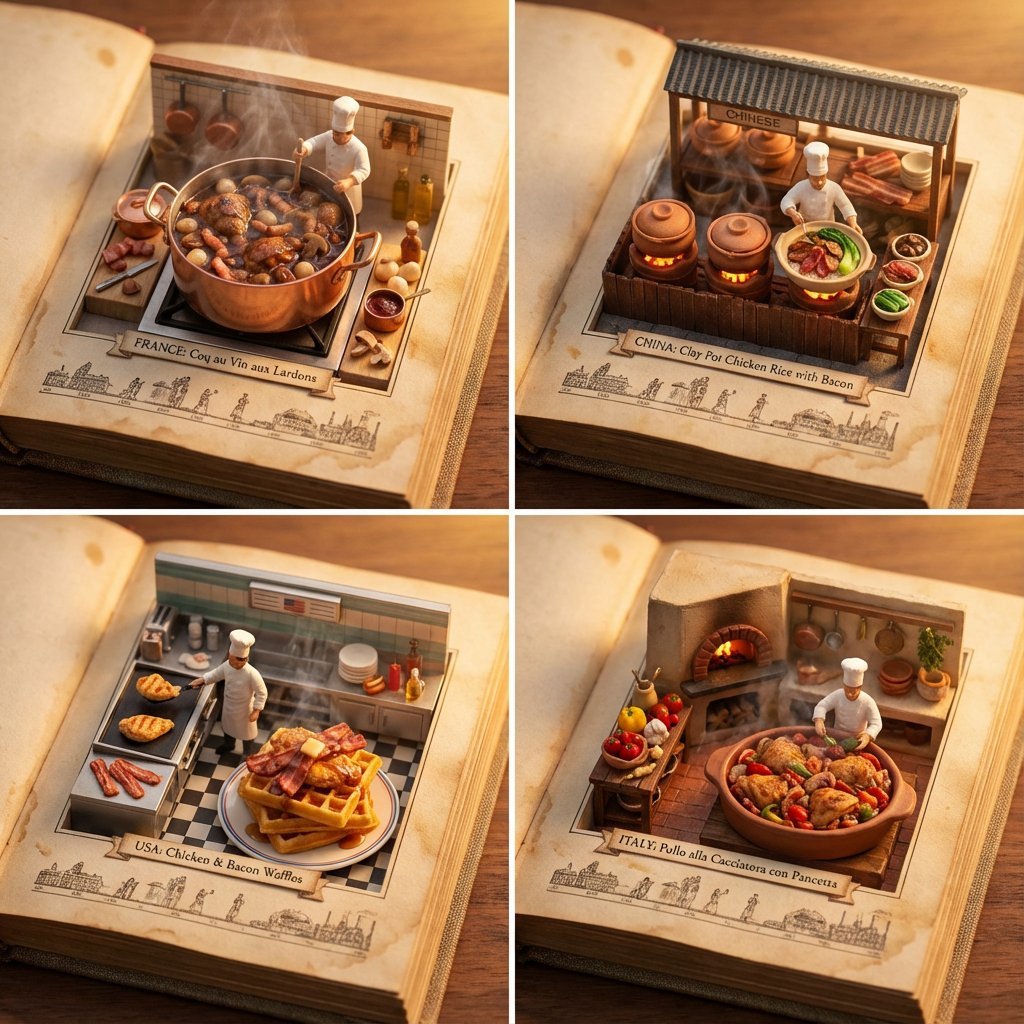
Food Recommendation System Prompt for Cookbook Generation
Browse template categories
Hand-drawn Breakfast Journal Aesthetic Poster questions
How do I use the Hand-drawn Breakfast Journal Aesthetic Poster template?
Add your photo if the template asks for one, edit the prompt if you like — the template's model and format are already selected — and press Generate. Your version opens in PicX Studio.
Can I customize the Hand-drawn Breakfast Journal Aesthetic Poster template?
Yes. You can change the subject, setting, lighting, mood, format, and available model controls before creating your image.
Is the Hand-drawn Breakfast Journal Aesthetic Poster template free?
Opening and editing this template is free. Generating uses credits, shown on the Generate button when you are signed in.
Which AI model should I use?
Start with GPT Image 2, which is the model associated with this template. You can compare another compatible model for a different finish.
Looking for something else? Browse all templates.

Your photo, any look
Thousands of ready templates for every top image and video model, from one credit balance.