
Hand-Drawn Travel Journal Illustration
A sophisticated prompt designed to transform travel photographs into expressive watercolor and colored-pencil journal sketches while maintaining original architectural perspectives.
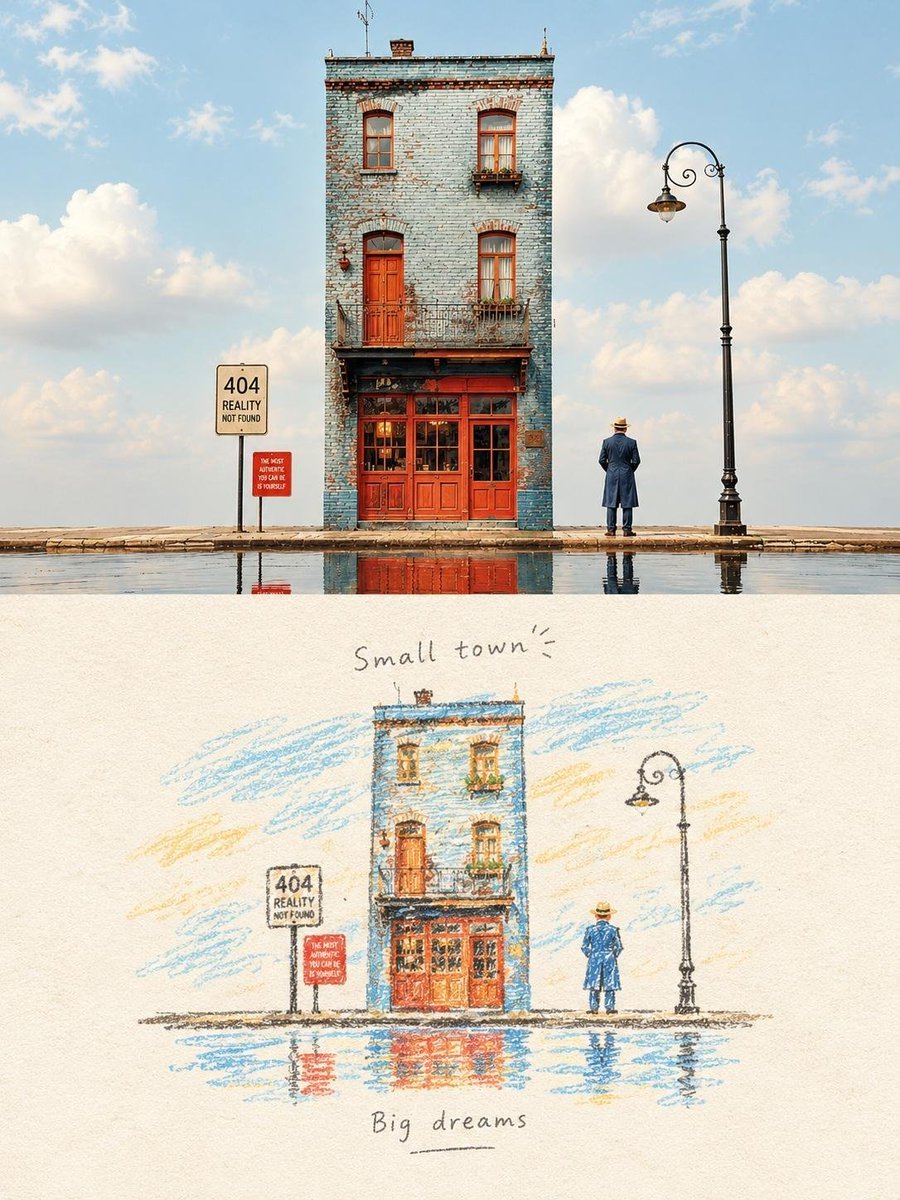
- Prompt included
- Model and format preset
- Free template
The prompt behind this image
Copy the exact prompt behind Hand-Drawn Travel Journal Illustration, or open it in the studio and make it yours.
Transform the reference photograph into a delicate hand-drawn travel journal illustration while preserving the original composition, architecture, people, trees, grass, road, and overall perspective. Use a traditional colored-pencil and watercolor sketch aesthetic on warm, slightly aged cream paper. Keep the buildings recognizable but simplify them into expressive hand-drawn shapes, with visible pencil strokes, loose watercolor washes, subtle paper grain, imperfect outlines, and gentle cross-hatching. Preserve the sunny summer atmosphere, soft blue sky, warm beige buildings, green lawn, scattered people relaxing on the grass, benches, trees, and distant cars. Use a muted vintage travel-sketch palette with natural imperfections and understated colors. Place the illustration in the lower portion of the page with generous cream-colored negative space around it. Add elegant handwritten typography above: “Sunny Days”, and below: “— Good time —”. Minimal, nostalgic, artistic travel magazine aesthetic, analog photography transformed into a personal sketchbook memory, sophisticated and authentic, no photorealism. Transform the reference photograph into a charming vintage travel sketchbook illustration, keeping the exact visual composition and recognizable details of the narrow blue-brick building, red doors and windows, vintage street lamp, man standing beside it, pavement, sky, and reflections in the water. Render everything as a hand-drawn colored-pencil and watercolor illustration on textured warm ivory paper. Use loose pencil contours, visible colored-pencil strokes, delicate watercolor washes, subtle cross-hatching, slightly imperfect edges, and an authentic handmade journal aesthetic. Preserve the unusual narrow architecture and dramatic empty sky while simplifying realistic details into artistic shapes. Maintain the original palette of faded blue, brick red, warm ochre, soft green and pale sky blue. Include the reflected building and street lamp in the shallow puddle. Add handwritten title at the top: “Small town”, and at the bottom: “Big dreams”. Nostalgic European travel diary, quiet surreal atmosphere, minimalist editorial composition, lots of cream negative space, tactile paper grain, beautifully imperfect analog illustration, no photorealism.
How to use Hand-Drawn Travel Journal Illustration in 3 steps
- 1Upload ImagePNG, JPG or paste
Add your photo
Upload the photo the template builds on. The prompt, model and format are already set.
- 2…a portrait of your subject in softgolden-hour light, 85mm…
Personalize
Edit the subject and creative details for your destination.
- 3Generate
Generate
Press Generate — your image is created in PicX Studio, so you can compare it with the original and refine one variable at a time.
More like this
Templates with the same subject, style or setup. Open one to see its prompt.
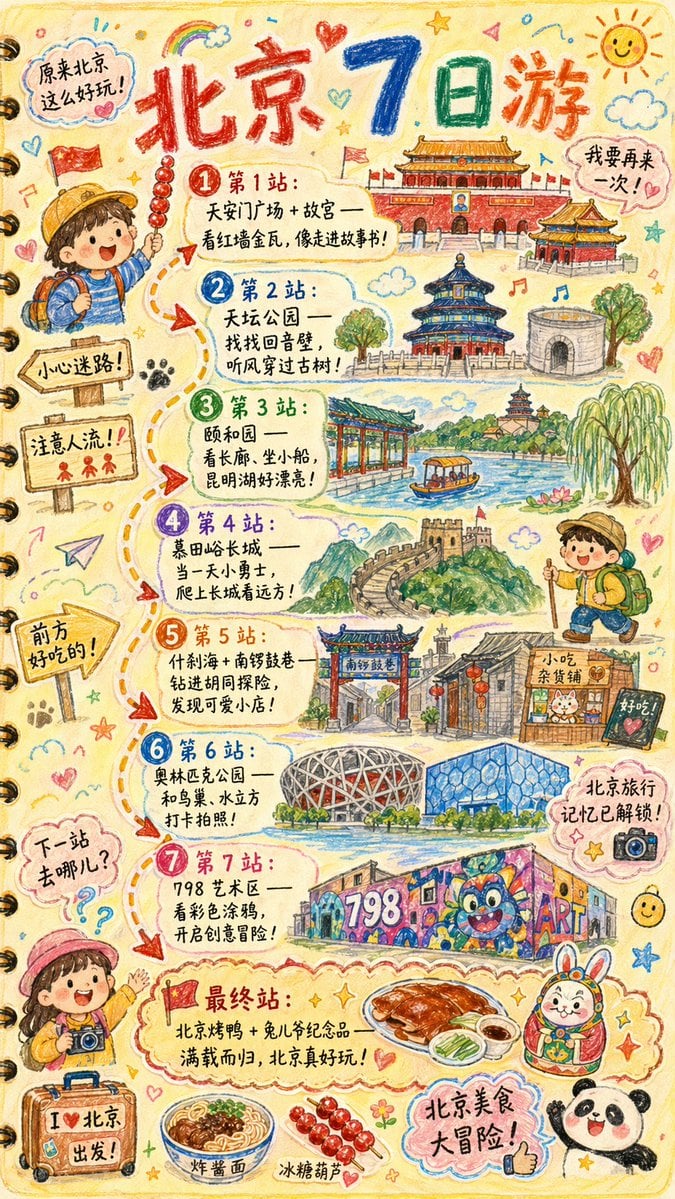
Hand-drawn Travel Journal Illustration

Open Travel Journal Overhead Still Life

City Posters by Nano Banana Pro

Kids Crayon Travel Journal Illustration

Hand-drawn Breakfast Journal Aesthetic Poster
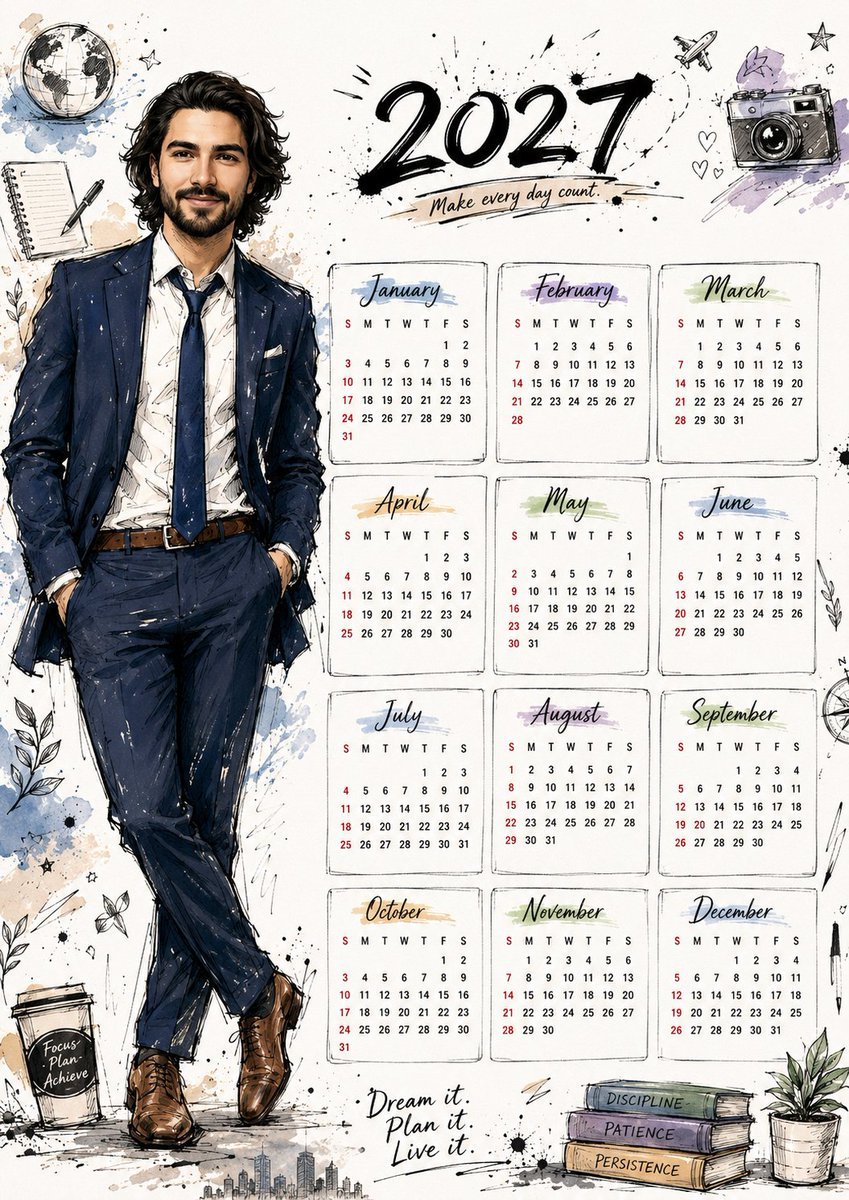
Hand Drawn Doodle Calendar Illustration
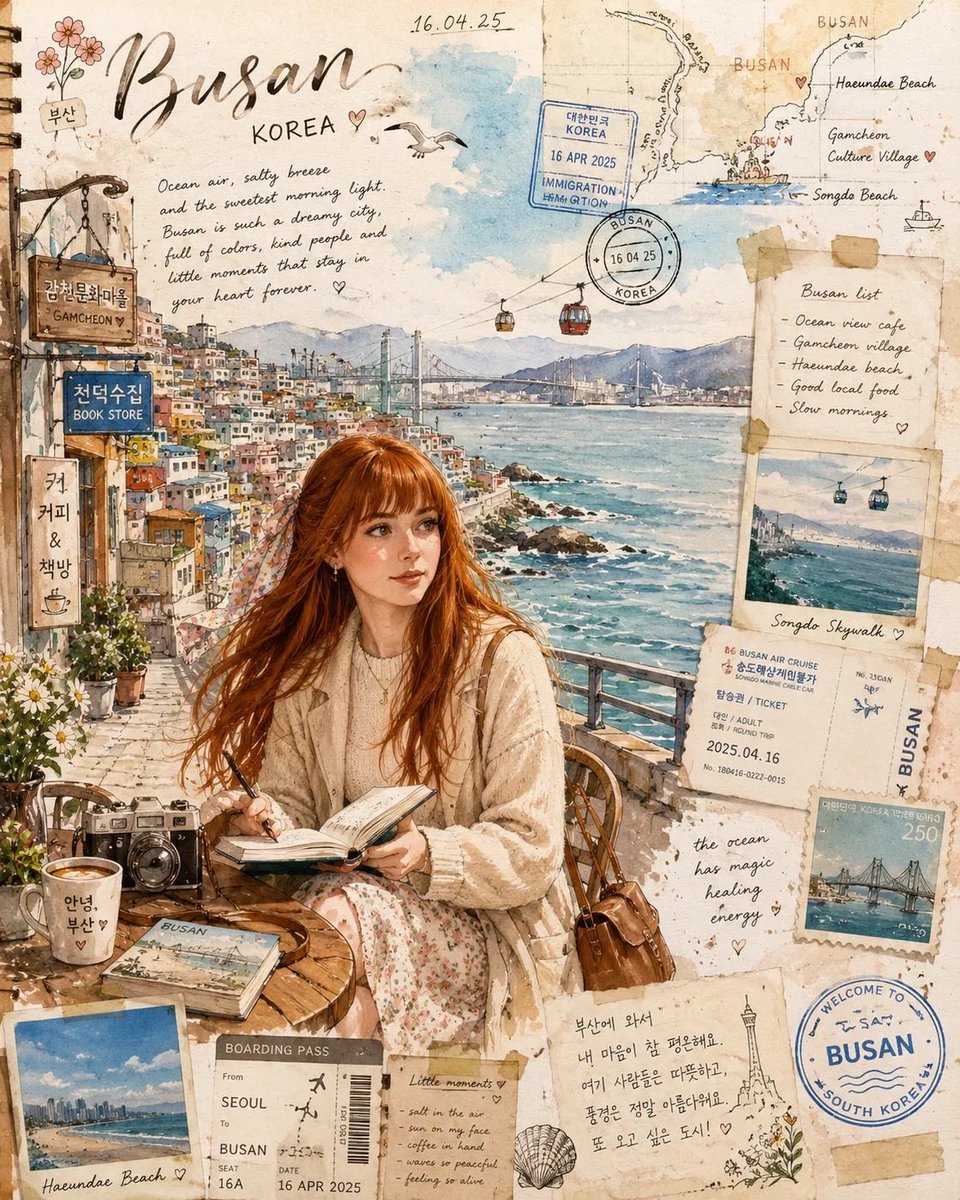
Busan Travel Journal Illustration
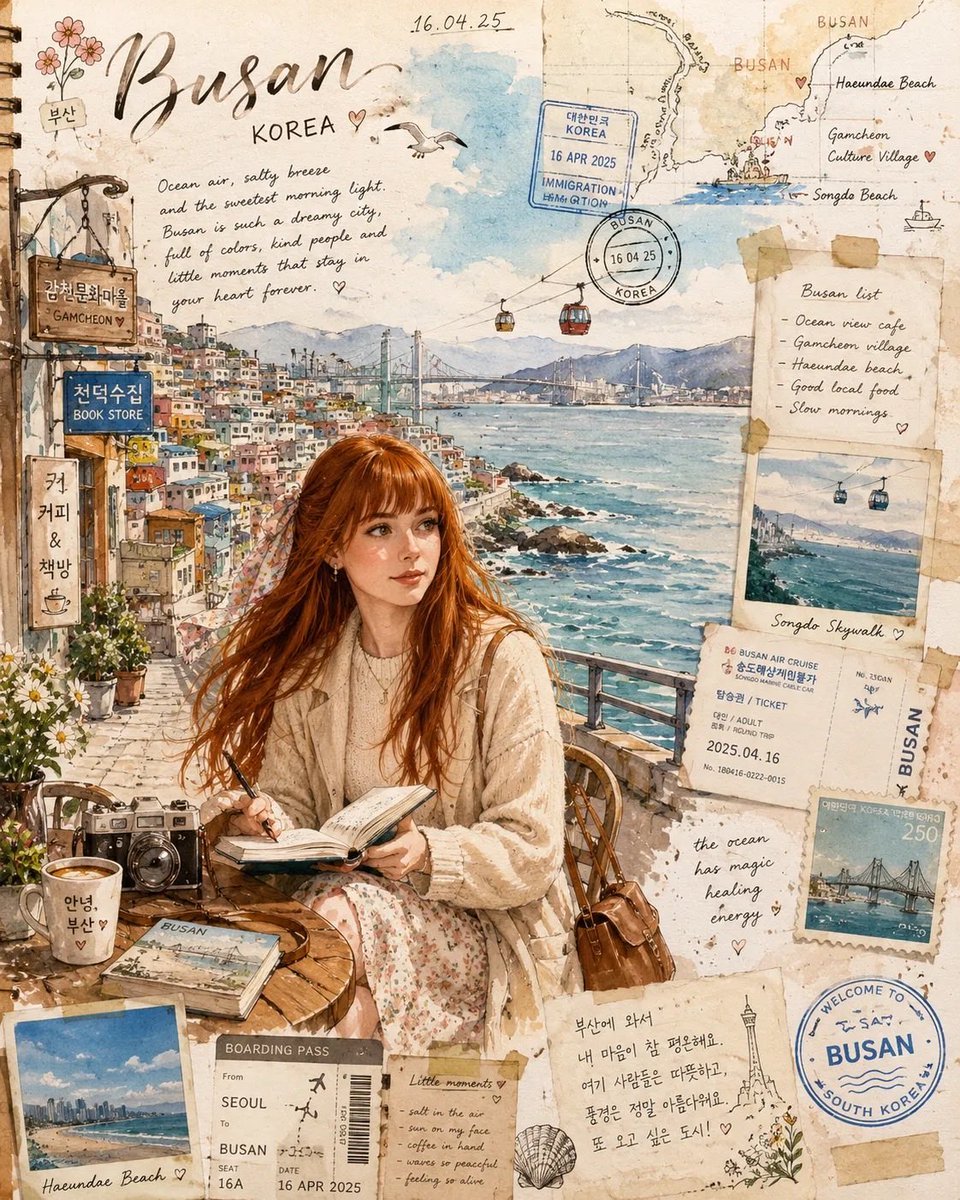
Watercolor Travel Journal Illustration
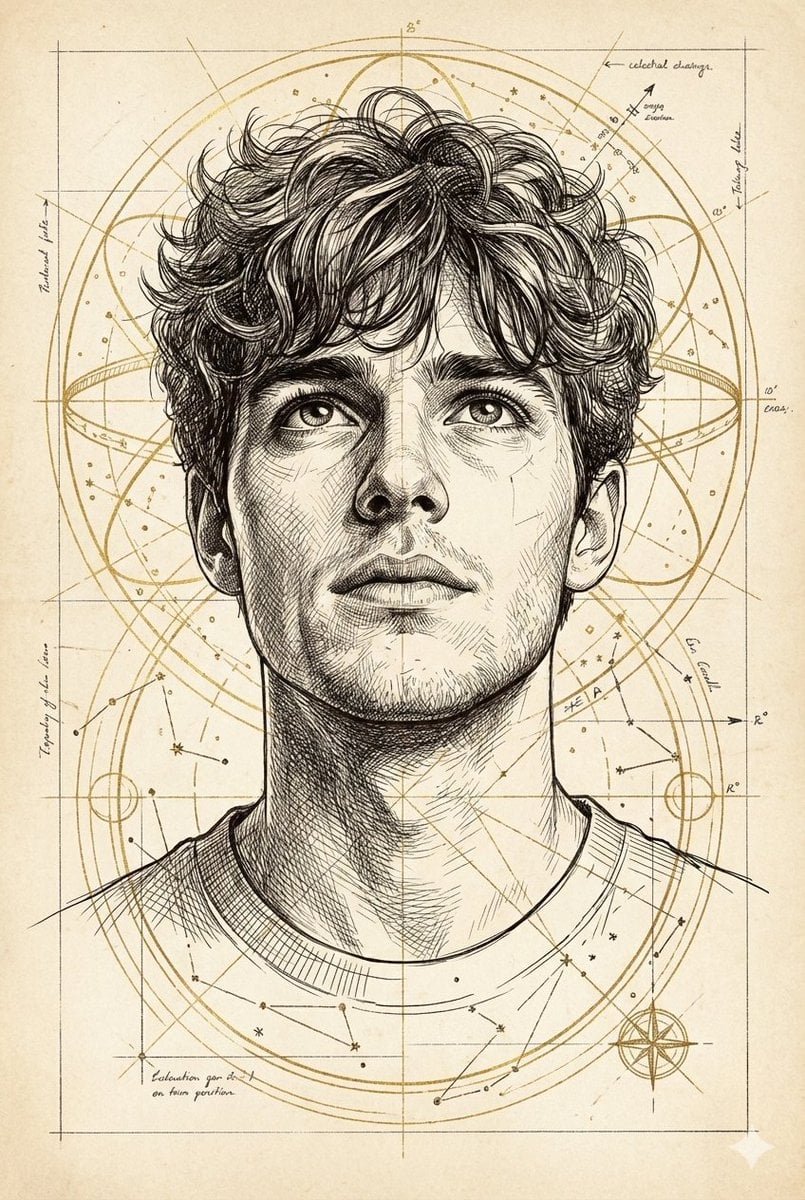
Hand-Drawn Technical Illustration Portrait Prompt
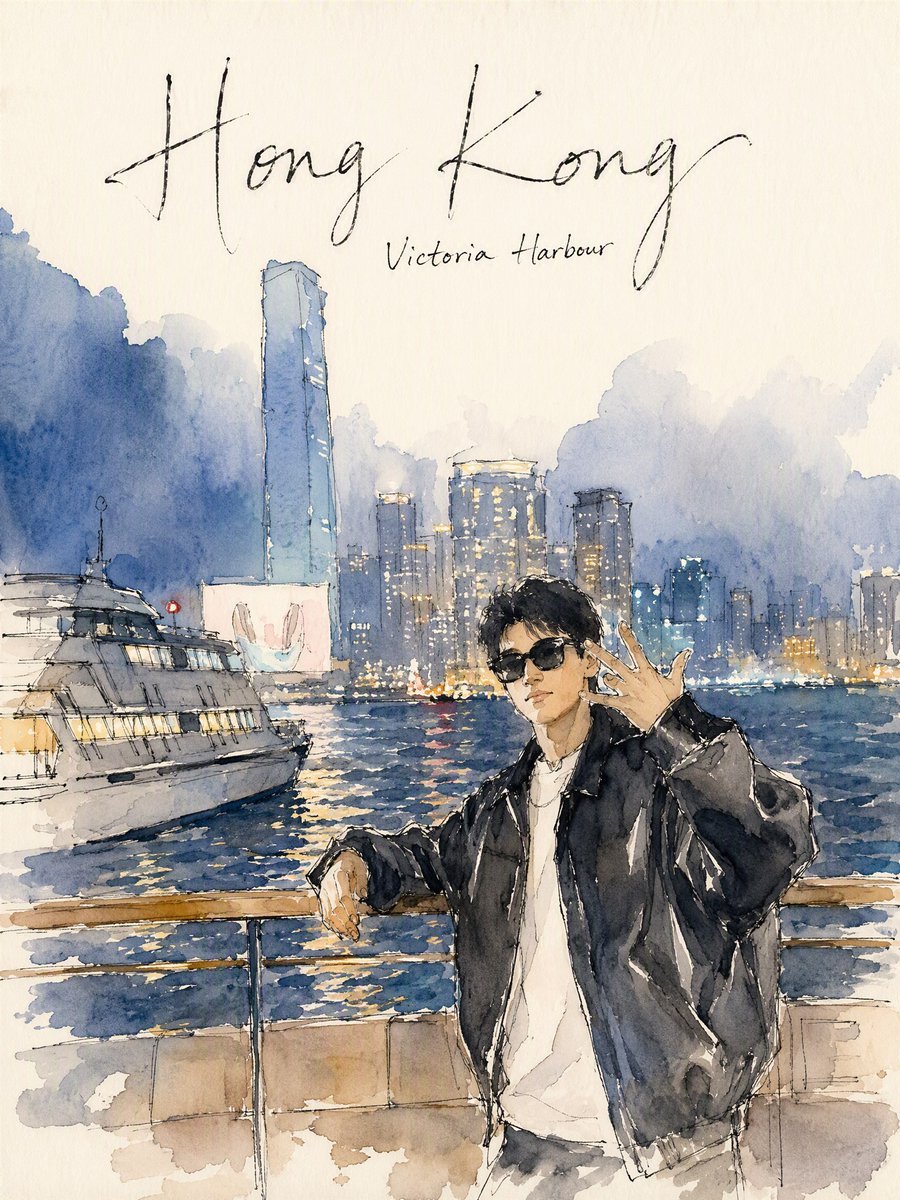
Hong Kong Watercolor Travel Journal
Simple Hand-Drawn Koala Mascot

Hand-Drawn Doodle Grid Poster
Make it yours
Hand-Drawn Travel Journal Illustration works as-is. These are the safest ways to change it without losing the look.
Change one field
Copy a single group, rewrite it, and generate again so you can see what that field is doing.
Keep the frame, change the subject
Hold the composition and light of Hand-Drawn Travel Journal Illustration, then swap wardrobe, props or the person for a new take.
| If the result… | Why | Fix |
|---|---|---|
| The result drifts from the preview | Too many fields changed at once. | Reuse Hand-Drawn Travel Journal Illustration as-is first, then change one group — subject, light, or setting. |
| The model over-stylizes the scene | The prose prompt leaves finish and camera underspecified. | Add one camera or lighting sentence and stay on GPT Image 2. |
More GPT Image 2 templates
Other prompts made for GPT Image 2.

Six VTuber Japanese Logo Sheet

Realistic Portrait of Woman and Deer

The Vista Modular Condo Poster

AI Model Routing Comparison Infographic

2.5D Anime Art Board

Isometric Productivity Desk Scene

New York Double Exposure Poster

Four-Panel AI Landscape Comparison

Japanese Tatami Lifestyle Magazine Cover

NESCAFÉ Coffee Map Poster
More image prompts
Fresh picks from across the catalog.
Cinematic Desert Explorer Scene Documentation
Japanese Office Horror Game Screenshot
Advanced Geolocation and Model Generation Prompts
Celestial Xianxia Fairy Palace
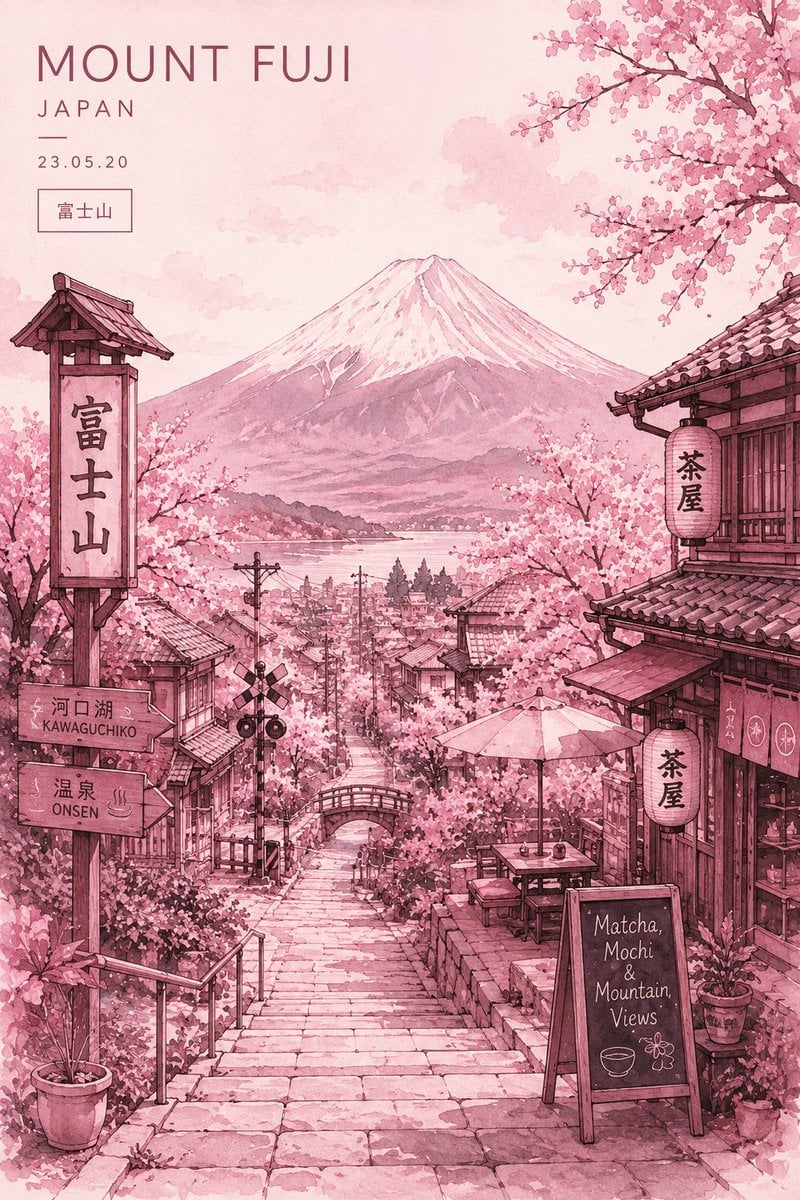
Watercolor Mount Fuji Travel Poster
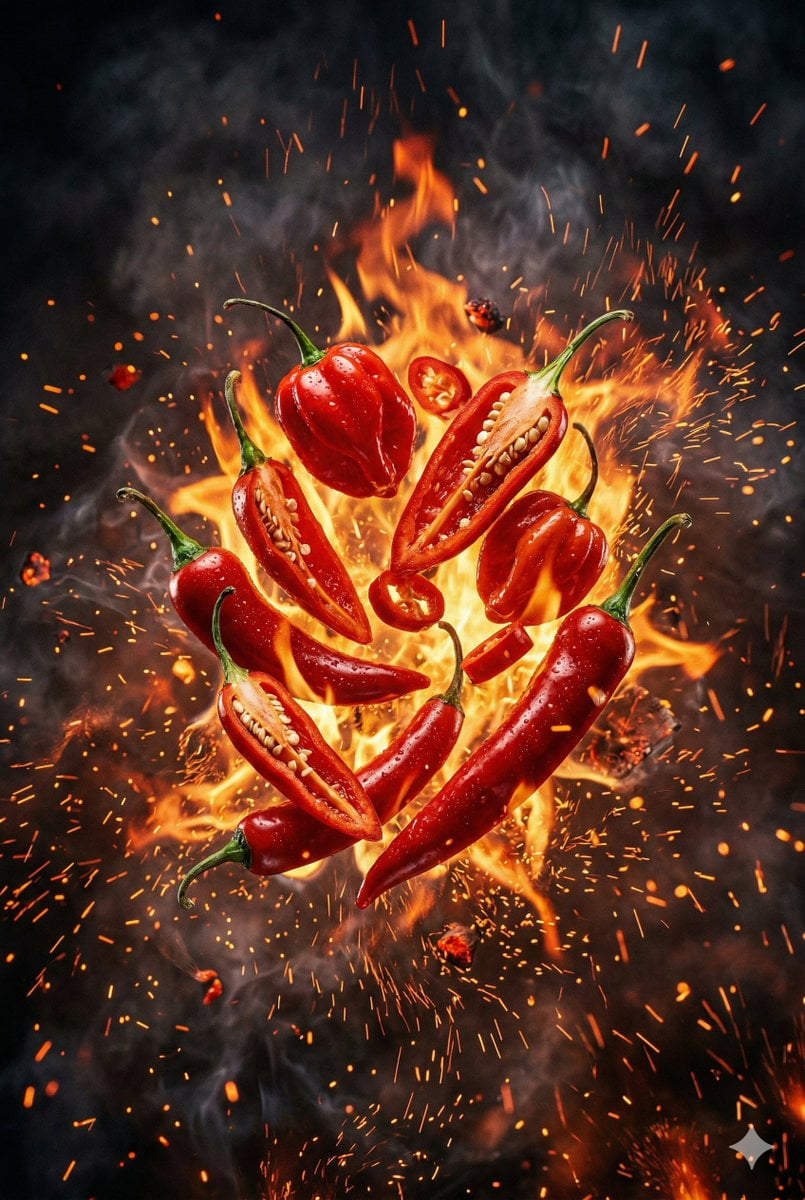
Explosive Chili Peppers Food Photography Prompt for Nano Banana 2
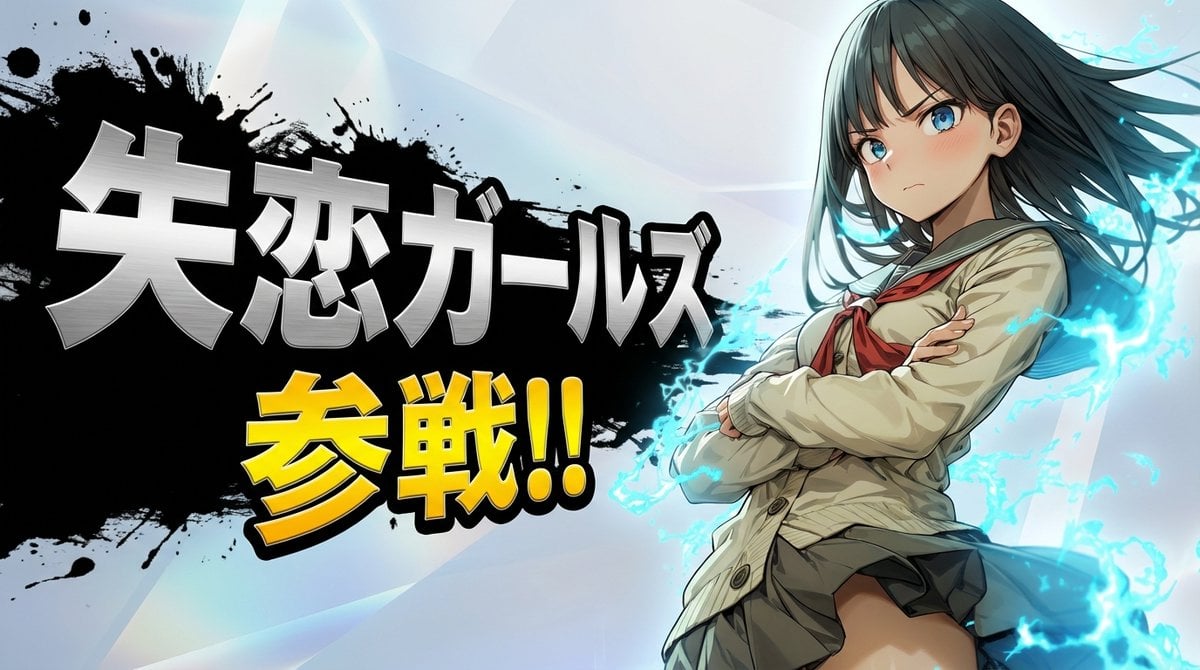
Nano Banana Pro Battle Entry Screen Prompt
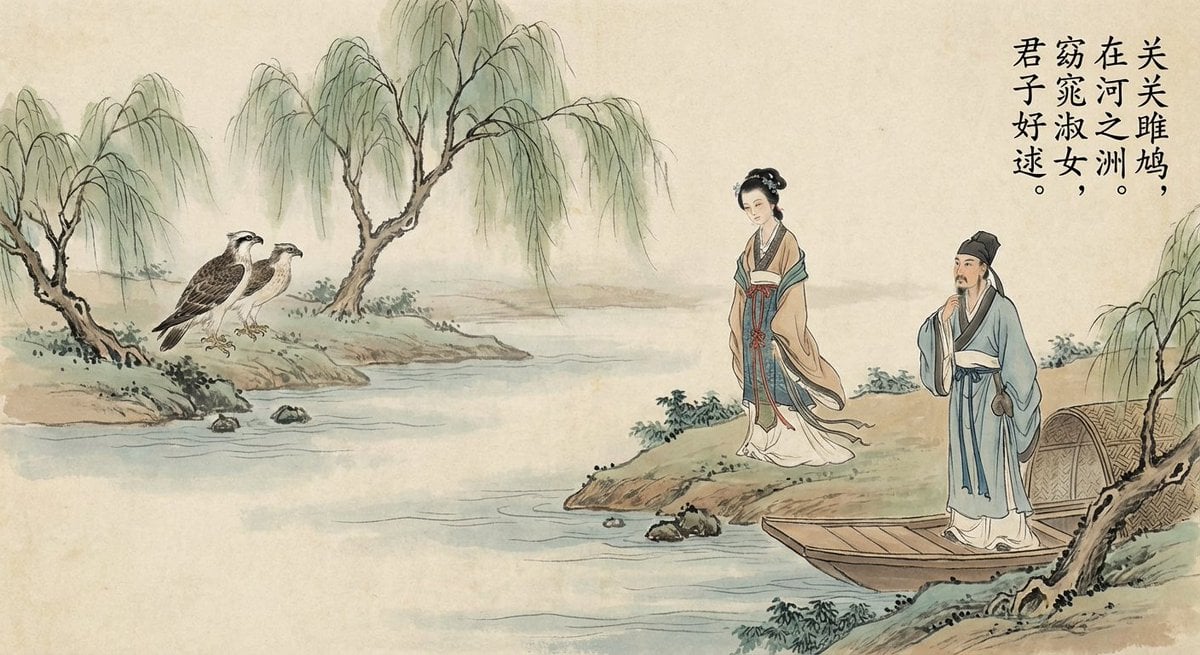
Nano Banana Pro brand hero image (another duplicate)
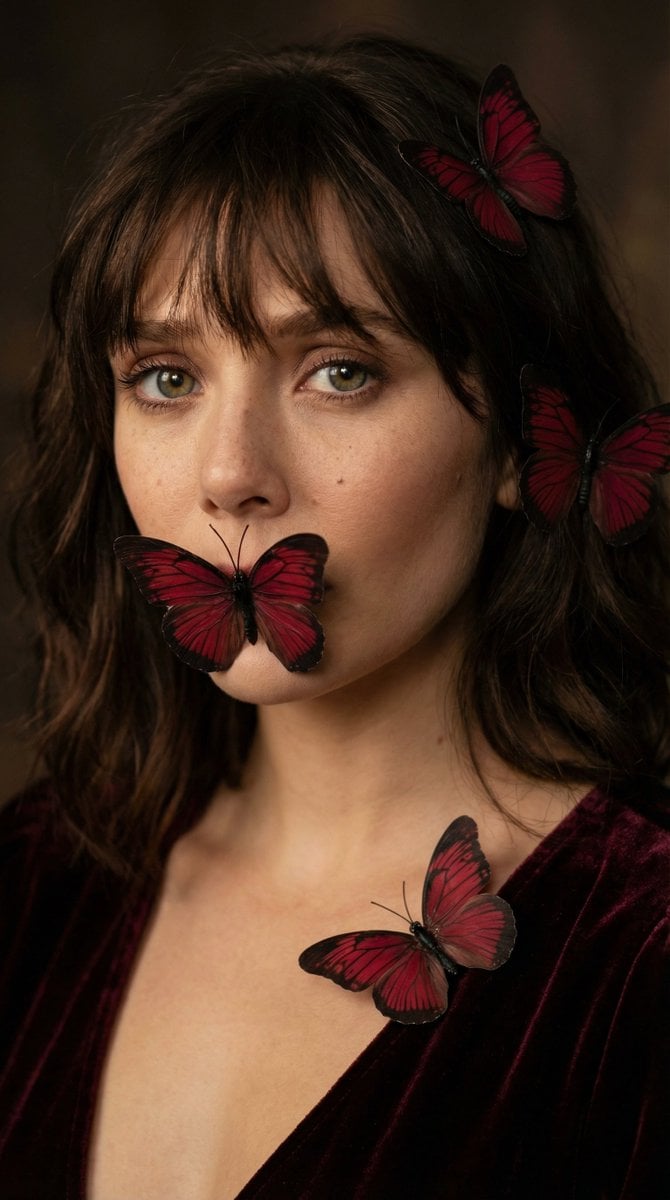
Mysterious Butterfly Portrait Prompt
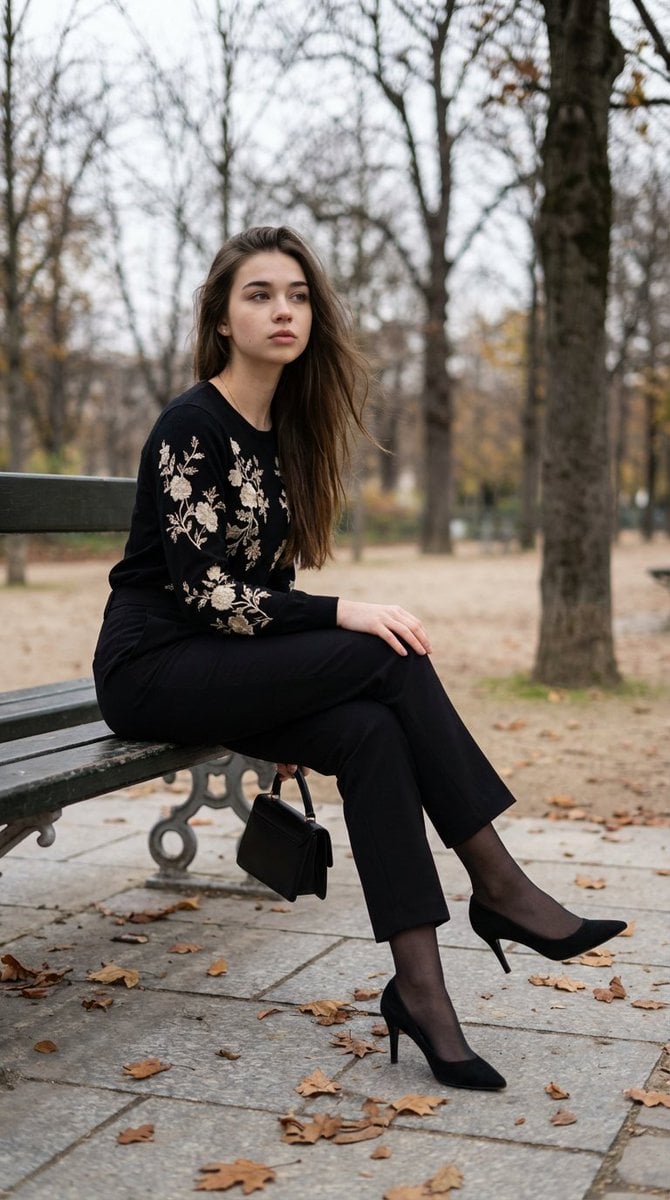
Editorial Parisian Elegance Park Scene Prompt
Browse template categories
Hand-Drawn Travel Journal Illustration questions
How do I use the Hand-Drawn Travel Journal Illustration template?
Add your photo if the template asks for one, edit the prompt if you like — the template's model and format are already selected — and press Generate. Your version opens in PicX Studio.
Can I customize the Hand-Drawn Travel Journal Illustration template?
Yes. You can change the subject, setting, lighting, mood, format, and available model controls before creating your image.
Is the Hand-Drawn Travel Journal Illustration template free?
Opening and editing this template is free. Generating uses credits, shown on the Generate button when you are signed in.
Which AI model should I use?
Start with GPT Image 2, which is the model associated with this template. You can compare another compatible model for a different finish.
Looking for something else? Browse all templates.

Your photo, any look
Thousands of ready templates for every top image and video model, from one credit balance.