
Cinematic Desert Explorer Scene Documentation
A structured JSON prompt designed to document and generate a cinematic image of a male desert explorer.
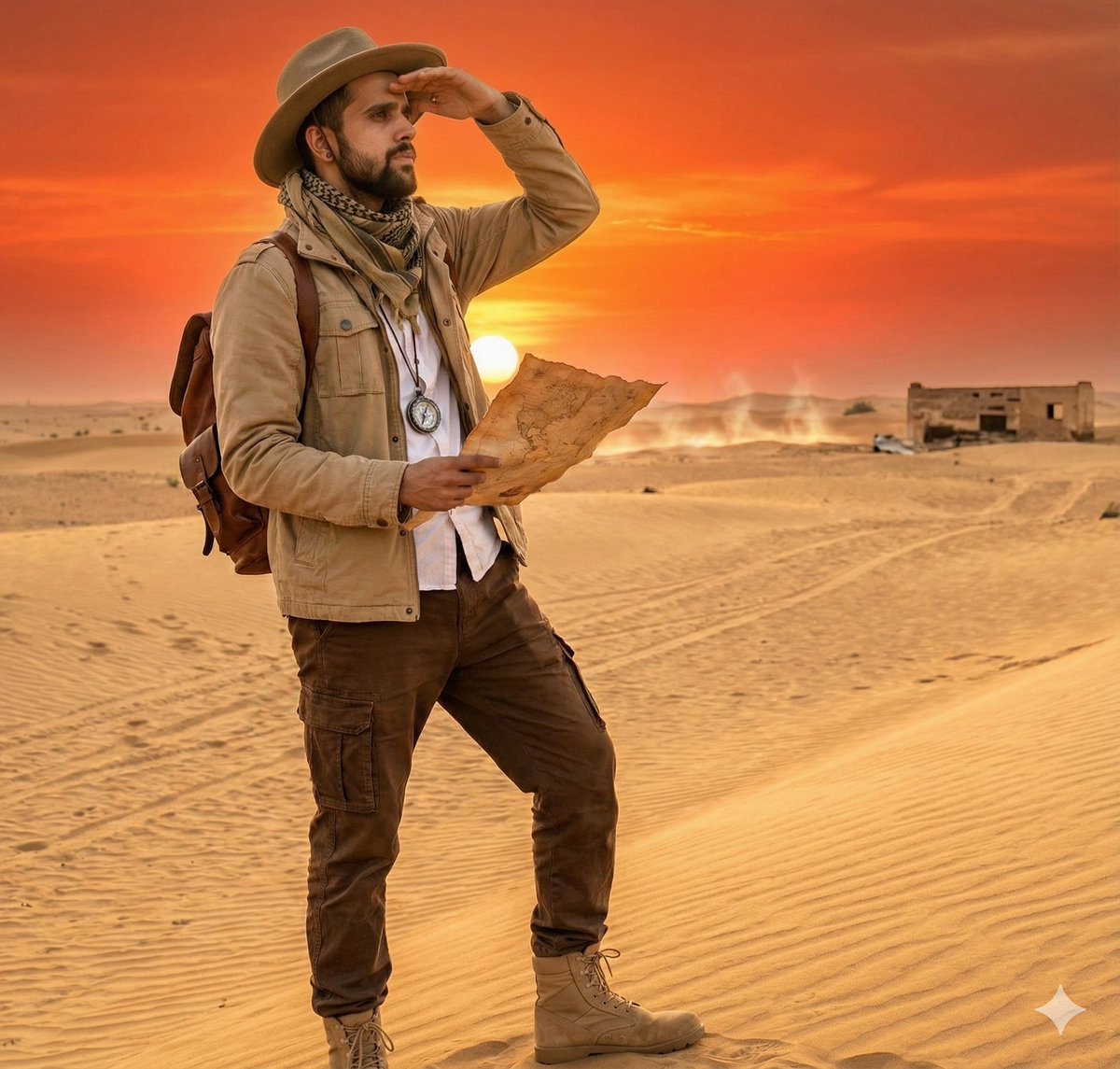
- Prompt included
- Model and format preset
- Premium template
The prompt behind this image
Copy the exact prompt behind Cinematic Desert Explorer Scene Documentation, or open it in the studio and make it yours.
- Objective
- Transform the user's descriptive scene prompt into a structured JSON format for cinematic AI image generation and scene documentation.
- Persona Details › Character
- Male desert explorer
- Persona Details › Clothing › Outerwear
- Beige travel jacket
- Persona Details › Clothing › Lowerwear
- Brown cargo pants
- Persona Details › Clothing › Footwear
- Tan desert boots
- Persona Details › Clothing › Accessories
- Wide-brimmed hat, dust scarf
- Persona Details › Behavior
- Cautiously surveying the desert horizon
- Persona Details › Actions
- Stands on a sand dune, Holds a map partially unfolded, Shields eyes using one hand, Tracks movement in the distance
- Environment Details › Setting
- Golden desert dunes
- Environment Details › Sky
- Bright orange and red sunset gradient
- Environment Details › Weather
- Hot, dry breeze
- Environment Details › Lighting
- Warm, directional sunset light
- Environment Details › Scene Composition › Subject Position
- Lower left of frame
- Environment Details › Scene Composition › Purpose
- Show vast scale of dunes
- Environment Details › Scene Composition › Framing
- Large dunes curve up to the glowing sky
- Objects And Props › Travel Gear
- Compass hanging from neck, Weathered leather backpack
- Objects And Props › Observed Items
- Camel tracks in the sand, Distant silhouette of an abandoned structure
- Technical Attributes › Style
- Cinematic realism
- Technical Attributes › Resolution
- 4K
- Technical Attributes › Detail Emphasis
- Sand grain texture, Sunlight reflections, Heat waves near the horizon
- Task Instructions › Intended Usage
- Use this JSON structure to reproduce or modify the desert explorer scene.
- Task Instructions › Editable Fields
- Persona_Details, Environment_Details, Objects_and_Props, Technical_Attributes
- Task Instructions › Guidance
- Adjust time of day, clothing, or desert conditions for alternate scenarios.
- Response Format › Type
- Structured Scene JSON
Raw JSON
{
  "Objective": "Transform the user's descriptive scene prompt into a structured JSON format for cinematic AI image generation and scene documentation.",

  "Persona_Details": {
    "Character": "Male desert explorer",
    "Clothing": {
      "Outerwear": "Beige travel jacket",
      "Lowerwear": "Brown cargo pants",
      "Footwear": "Tan desert boots",
      "Accessories": "Wide-brimmed hat, dust scarf"
    },
    "Behavior": "Cautiously surveying the desert horizon",
    "Actions": [
      "Stands on a sand dune",
      "Holds a map partially unfolded",
      "Shields eyes using one hand",
      "Tracks movement in the distance"
    ]
  },

  "Environment_Details": {
    "Setting": "Golden desert dunes",
    "Sky": "Bright orange and red sunset gradient",
    "Weather": "Hot, dry breeze",
    "Lighting": "Warm, directional sunset light",
    "Scene_Composition": {
      "Subject_Position": "Lower left of frame",
      "Purpose": "Show vast scale of dunes",
      "Framing": "Large dunes curve up to the glowing sky"
    }
  },

  "Objects_and_Props": {
    "Travel_Gear": [
      "Compass hanging from neck",
      "Weathered leather backpack"
    ],
    "Observed_Items": [
      "Camel tracks in the sand",
      "Distant silhouette of an abandoned structure"
    ]
  },

  "Technical_Attributes": {
    "Style": "Cinematic realism",
    "Resolution": "4K",
    "Detail_Emphasis": [
      "Sand grain texture",
      "Sunlight reflections",
      "Heat waves near the horizon"
    ]
  },

  "Task_Instructions": {
    "Intended_Usage": "Use this JSON structure to reproduce or modify the desert explorer scene.",
    "Editable_Fields": [
      "Persona_Details",
      "Environment_Details",
      "Objects_and_Props",
      "Technical_Attributes"
    ],
    "Guidance": "Adjust time of day, clothing, or desert conditions for alternate scenarios."
  },

  "Response_Format": {
    "Type": "Structured Scene JSON",
    "Consistency_Requirements": [
      "High clarity",
      "Modular structure",
      "Accurate visual translation"
    ]
  }
}How to use Cinematic Desert Explorer Scene Documentation in 3 steps
- 1
Open
The prompt is already in the box next to the preview, with the template's model and format selected.
- 2…a portrait of your subject in softgolden-hour light, 85mm…
Personalize
Edit the subject and creative details for your destination.
- 3Generate
Generate
Press Generate — your image is created in PicX Studio, so you can compare it with the original and refine one variable at a time.
More like this
Templates with the same subject, style or setup. Open one to see its prompt.

Saudi Arabia Paper Cut Travel Poster
Tiny Safari Explorer With Giant Lion
Explorer in a Vast Blue Ice Cave
Chibi Explorer Dragon Cave Poster
Cinematic Portrait of a Mountain Explorer
Celestial Observatory Explorer
Vintage Mascot Explorer Dossier Poster
Vintage Explorer Watercolor Illustration
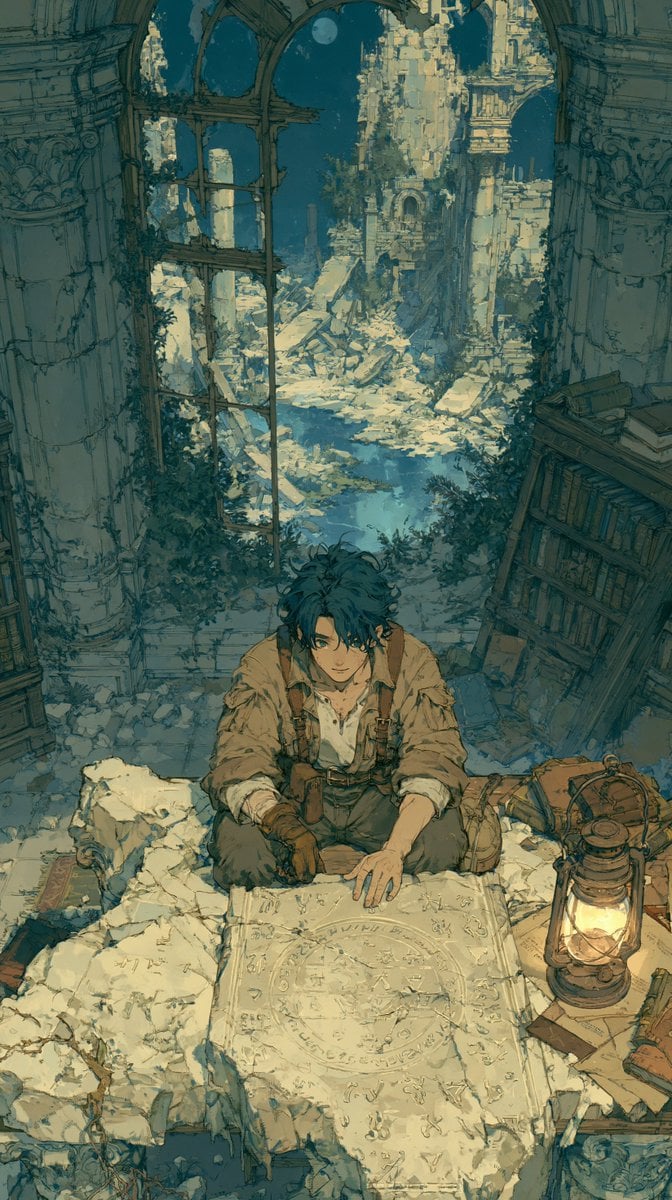
Moonlit Lost Civilization Explorer
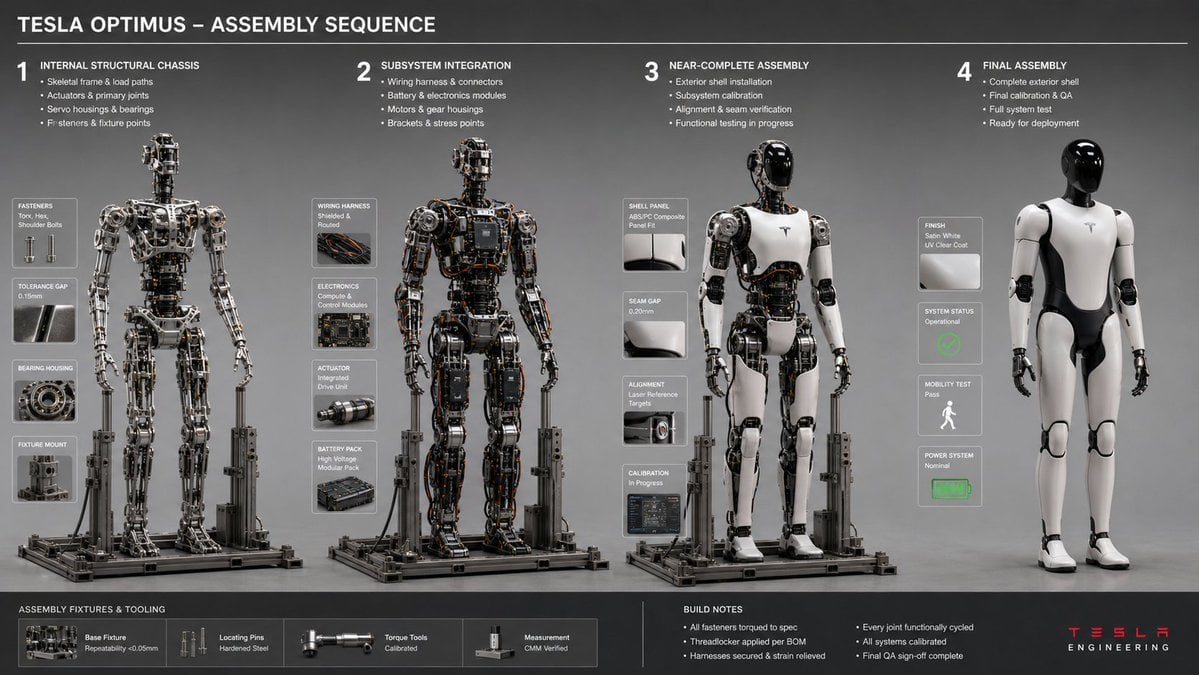
Engineering Assembly Documentation Layout
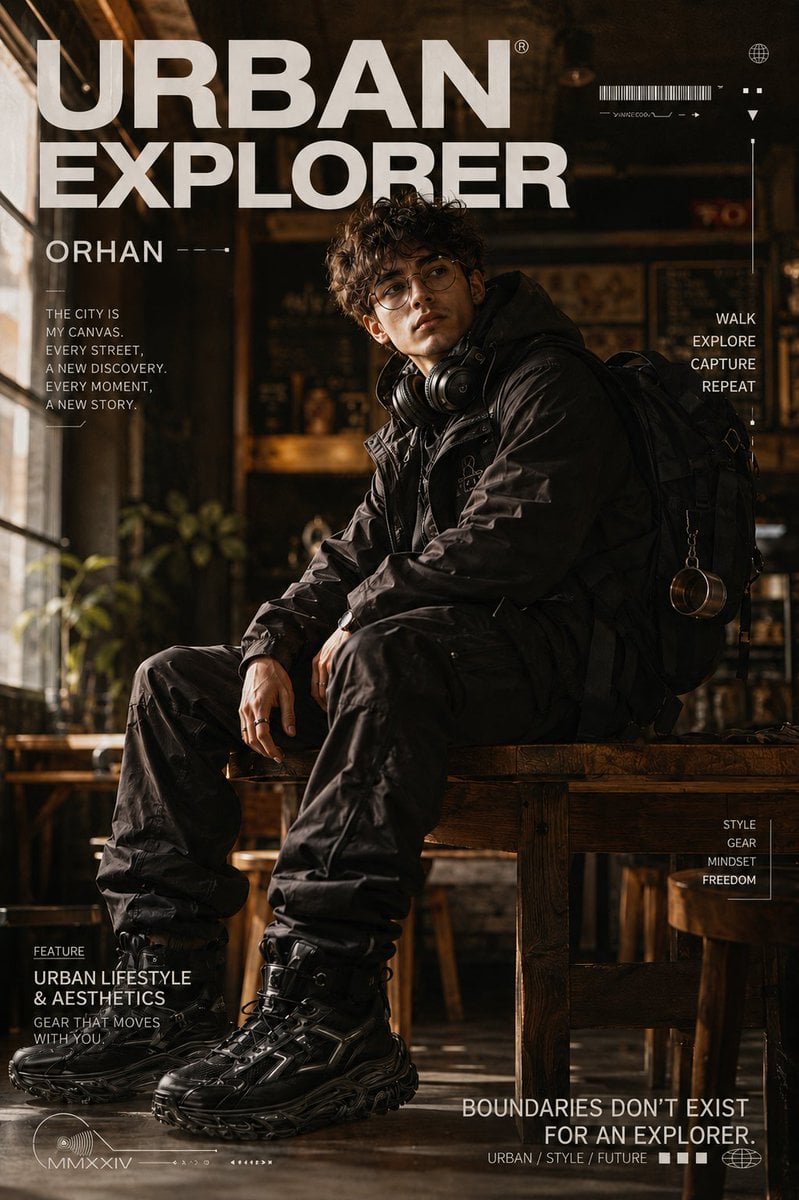
Urban Explorer Techwear Editorial
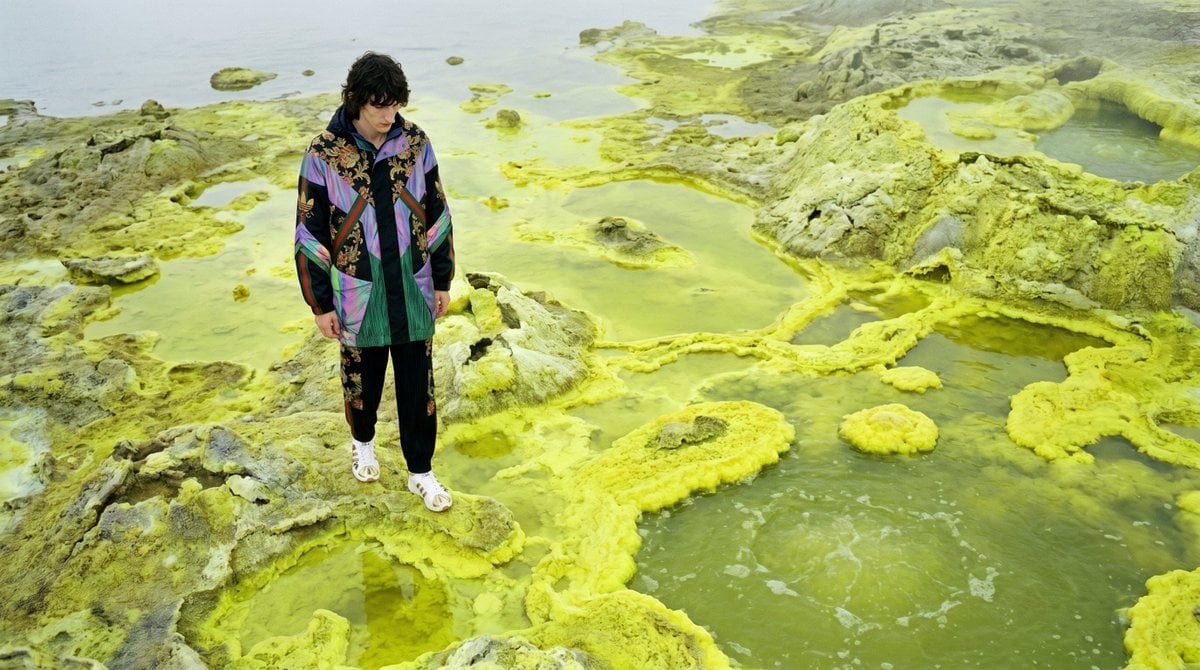
Surreal Sulfur Hot Spring Explorer
Make it yours
Cinematic Desert Explorer Scene Documentation works as-is. These are the safest ways to change it without losing the look.
Change one field
Copy a single group, rewrite it, and generate again so you can see what that field is doing.
Keep the frame, change the subject
Hold the composition and light of Cinematic Desert Explorer Scene Documentation, then swap wardrobe, props or the person for a new take.
| If the result… | Why | Fix |
|---|---|---|
| The result drifts from the preview | Too many fields changed at once. | Reuse Cinematic Desert Explorer Scene Documentation as-is first, then change one group — subject, light, or setting. |
| Nano Banana 2 ignores part of the JSON | Some models flatten or skip nested keys. | Keep the same values and paste them as a short paragraph instead. |
More Nano Banana 2 templates
Other prompts made for Nano Banana 2.

Photorealistic Leaf Shaped Like a Dragon

K-Pop Idol Portrait Grid for Rapid Selection

Poetic Rain Forest Portrait During Golden Hour

Urban Street Portrait with Cartoon Inner Self Duo

Candid Nighttime Photo with Cat Prompt

High-Concept 3D Diorama Generation Prompt

Cinematic Futuristic Studio Portrait Template

Skincare Editorial Photography Collage Prompt

Hyper-Realistic Commercial Product Photography (Splash Effect)

Hyper-Realistic Nightclub Portrait Prompt
More image prompts
Fresh picks from across the catalog.
Tropical Skincare Product Photography
VHS 90s Mall Teen Group Portrait
Iridescent Squirrel Girl Above Sapporo
Manga Evolution Architectural Section Prompt

Oriental Fantasy Female Pianist 3D CG
Luxury Menswear Street Portrait
Melancholic K-Drama Subway Poster
1/7 Scale Collectible Figure Product Shot
High-Impact Product Explosion Video Prompt
Steampunk Shih Tzu Airship Pilot
Browse template categories
Cinematic Desert Explorer Scene Documentation questions
How do I use the Cinematic Desert Explorer Scene Documentation template?
Add your photo if the template asks for one, edit the prompt if you like — the template's model and format are already selected — and press Generate. Your version opens in PicX Studio.
Can I customize the Cinematic Desert Explorer Scene Documentation template?
Yes. You can change the subject, setting, lighting, mood, format, and available model controls before creating your image.
Is the Cinematic Desert Explorer Scene Documentation template free?
Opening and editing this template is free. Generating uses credits, shown on the Generate button when you are signed in.
Which AI model should I use?
Start with Nano Banana 2, which is the model associated with this template. You can compare another compatible model for a different finish.
Looking for something else? Browse all templates.

Your photo, any look
Thousands of ready templates for every top image and video model, from one credit balance.