
Explorer in a Vast Blue Ice Cave
A cinematic photorealistic prompt for generating an immense glowing glacier cave with a lone explorer for scale.
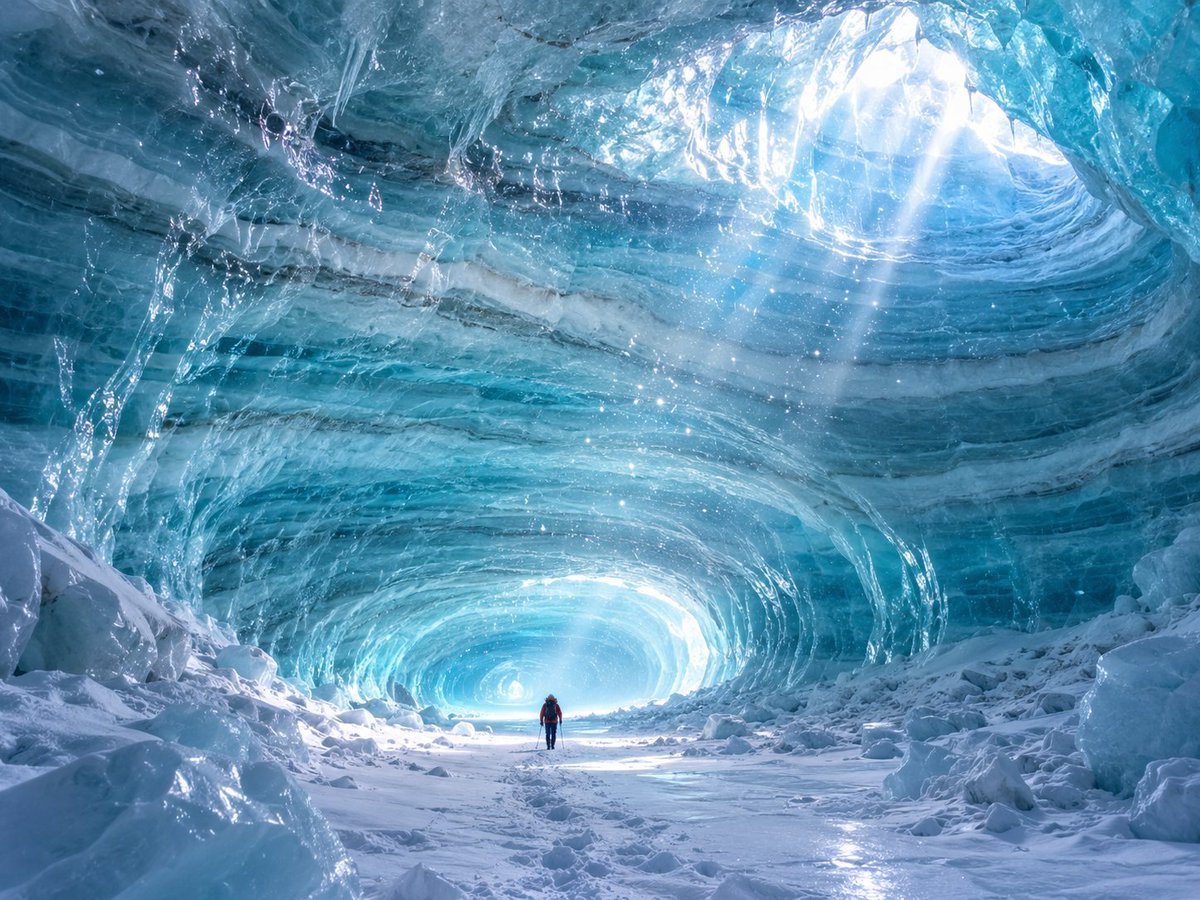
- Prompt included
- Model and format preset
- Free template
The prompt behind this image
Copy the exact prompt behind Explorer in a Vast Blue Ice Cave, or open it in the studio and make it yours.
Create a breathtaking photorealistic wide-angle scene inside a colossal natural ice cave, viewed from ground level looking down a snowy tunnel toward a glowing opening in the distance. The cave walls and ceiling are translucent layered glacier ice in rich cyan, turquoise, teal, and deep blue, with sweeping curved striations, frozen ripples, glossy wet surfaces, icicles, embedded bubbles, and sparkling frost particles suspended in the air. Bright white sunlight pours through an oval skylight high in the upper right, forming visible shafts of light and lens-like glints across the icy ceiling, while a second intense glow illuminates the far end of the tunnel. The foreground is a rough snow-covered floor with scattered ice boulders and chunks on both sides, crisp footprints leading inward, and reflective patches of frozen surface. Place exactly one tiny human explorer near the center bottom of the composition, wearing {argument name="jacket color" default="red"} outerwear, dark pants, a backpack, and holding trekking poles, emphasizing the immense scale of the cave. Use a {argument name="camera perspective" default="ultra wide angle low perspective"}, cinematic adventure photography style, high dynamic range, sharp detail, cool blue color grading, realistic volumetric light, natural textures, and awe-inspiring arctic atmosphere. No text, no watermark, no extra people, no animals, no artificial structures.
How to use Explorer in a Vast Blue Ice Cave in 3 steps
- 1Upload ImagePNG, JPG or paste
Add your photo
Upload the photo the template builds on. The prompt, model and format are already set.
- 2…a portrait of your subject in softgolden-hour light, 85mm…
Personalize
Edit the subject and creative details for your destination.
- 3Generate
Generate
Press Generate — your image is created in PicX Studio, so you can compare it with the original and refine one variable at a time.
More like this
Templates with the same subject, style or setup. Open one to see its prompt.
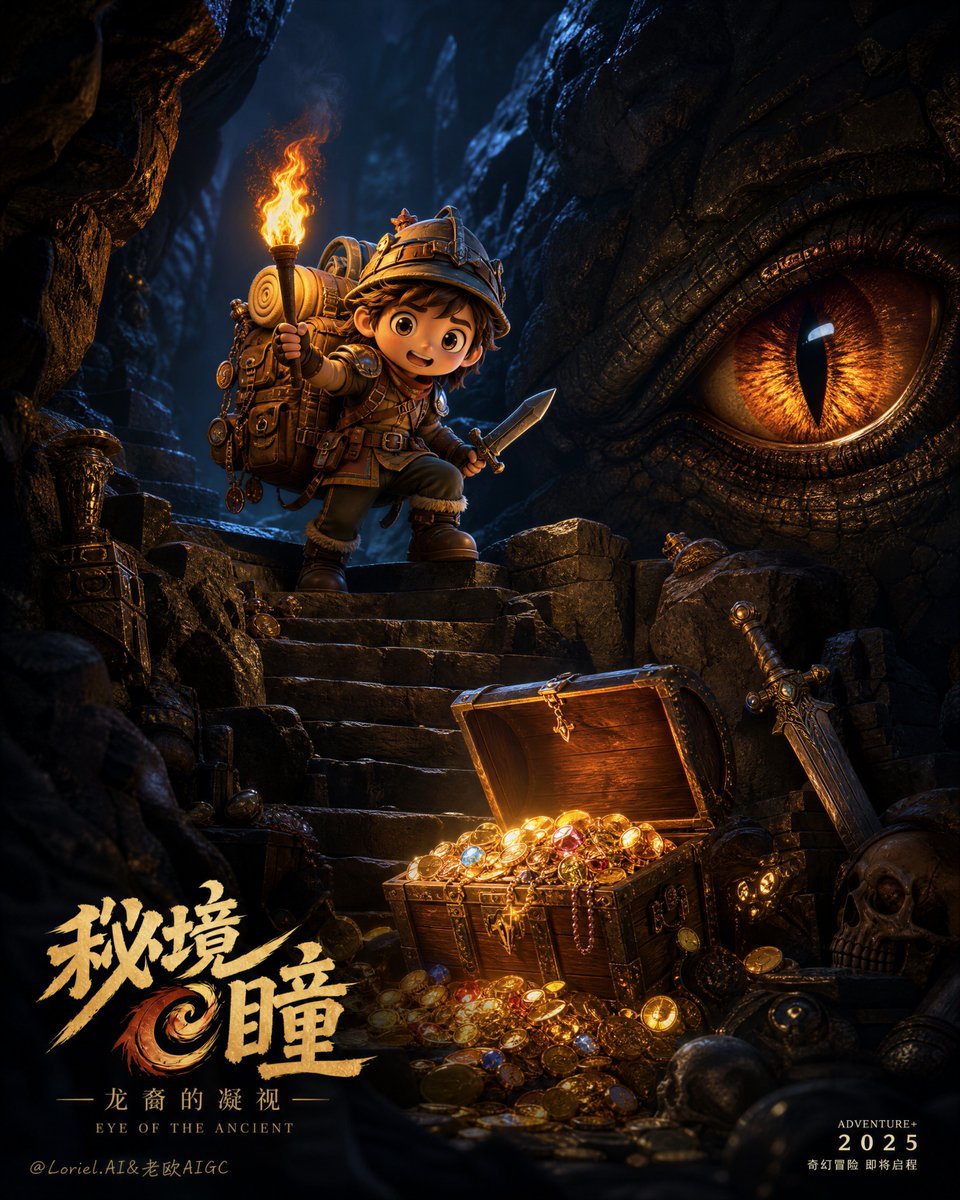
Chibi Explorer Dragon Cave Poster

Monochrome Portrait Jersey Accent Poster
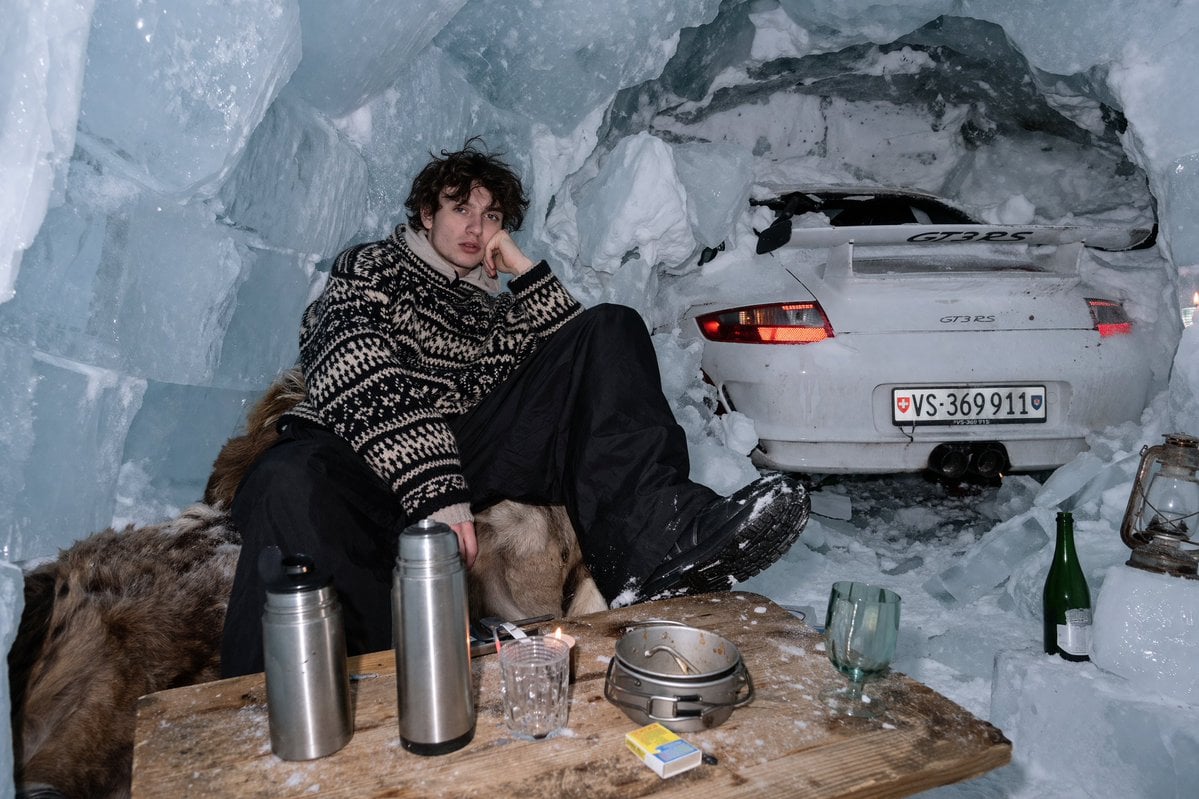
Surreal Ice Cave Flash Photography
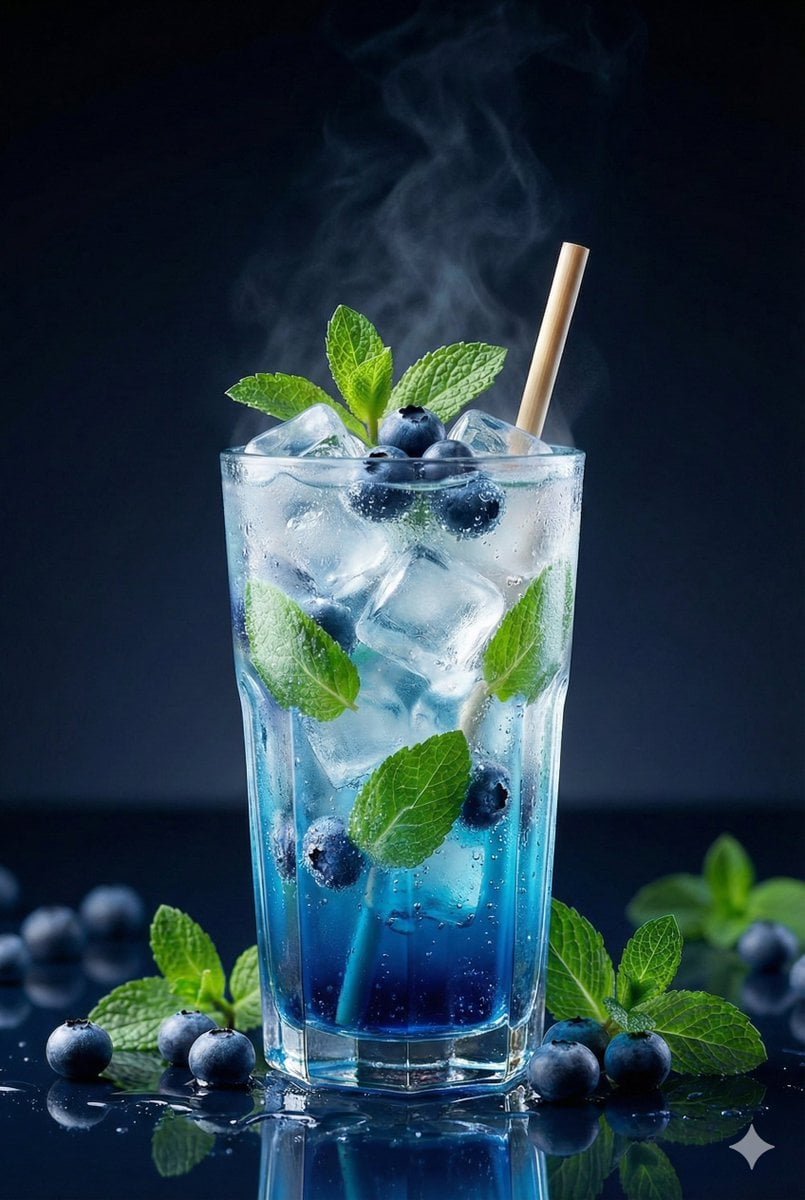
Premium Studio Shot of Blueberry Mint Iced Drink

Cosmetic Tube Product — Nano Banana 2

Nano Banana - Evening Champagne Blue
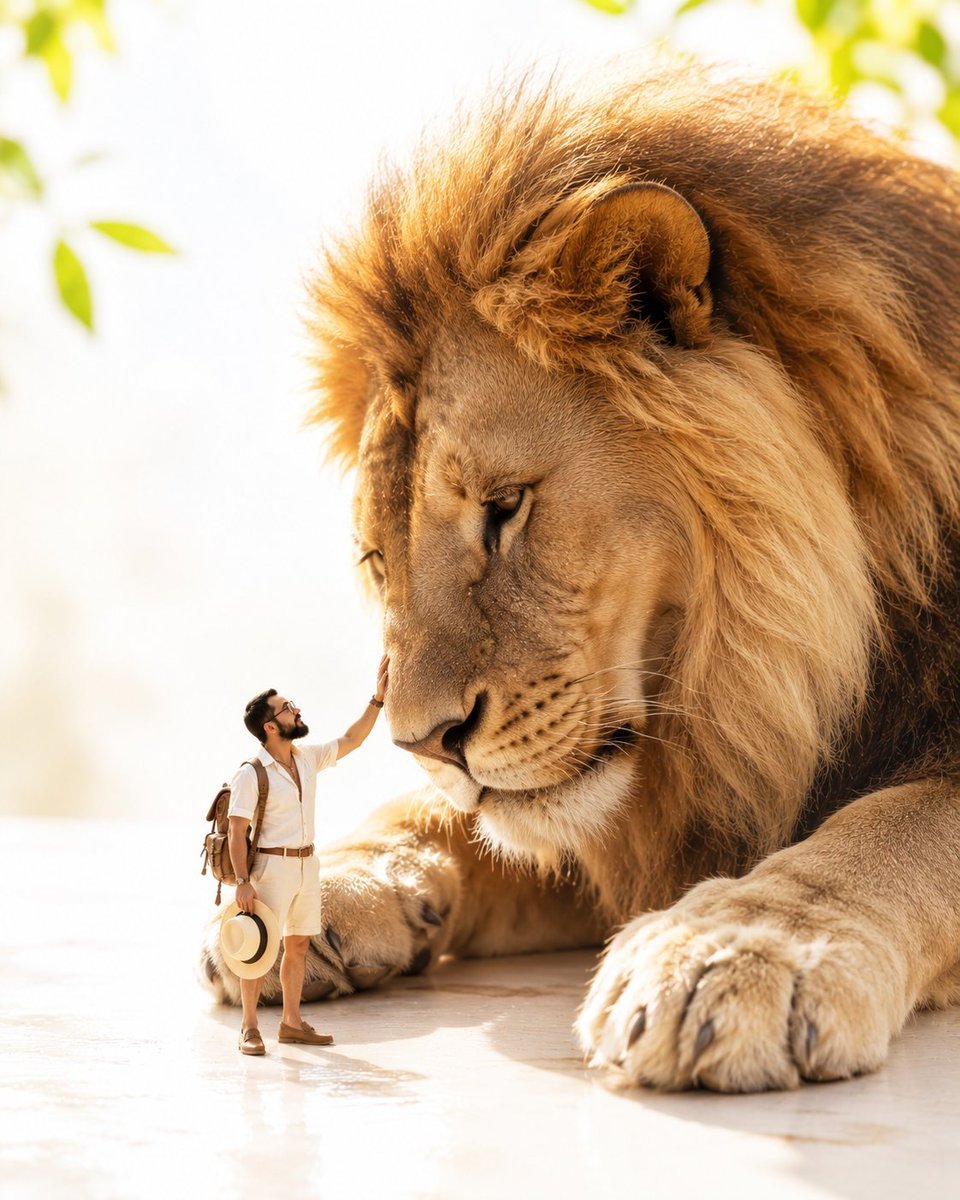
Tiny Safari Explorer With Giant Lion
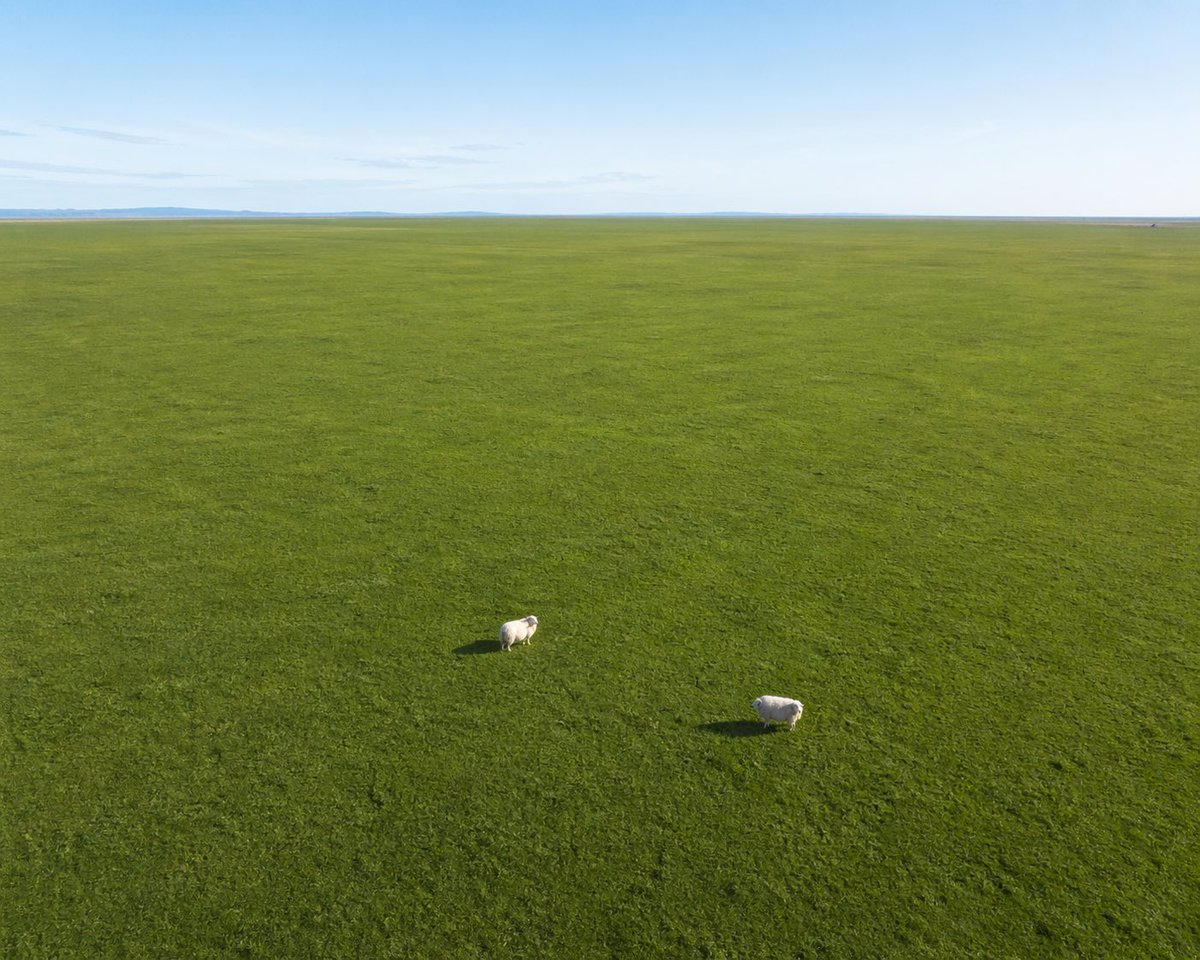
Aerial View of Vast Grassy Plain with Two Sheep
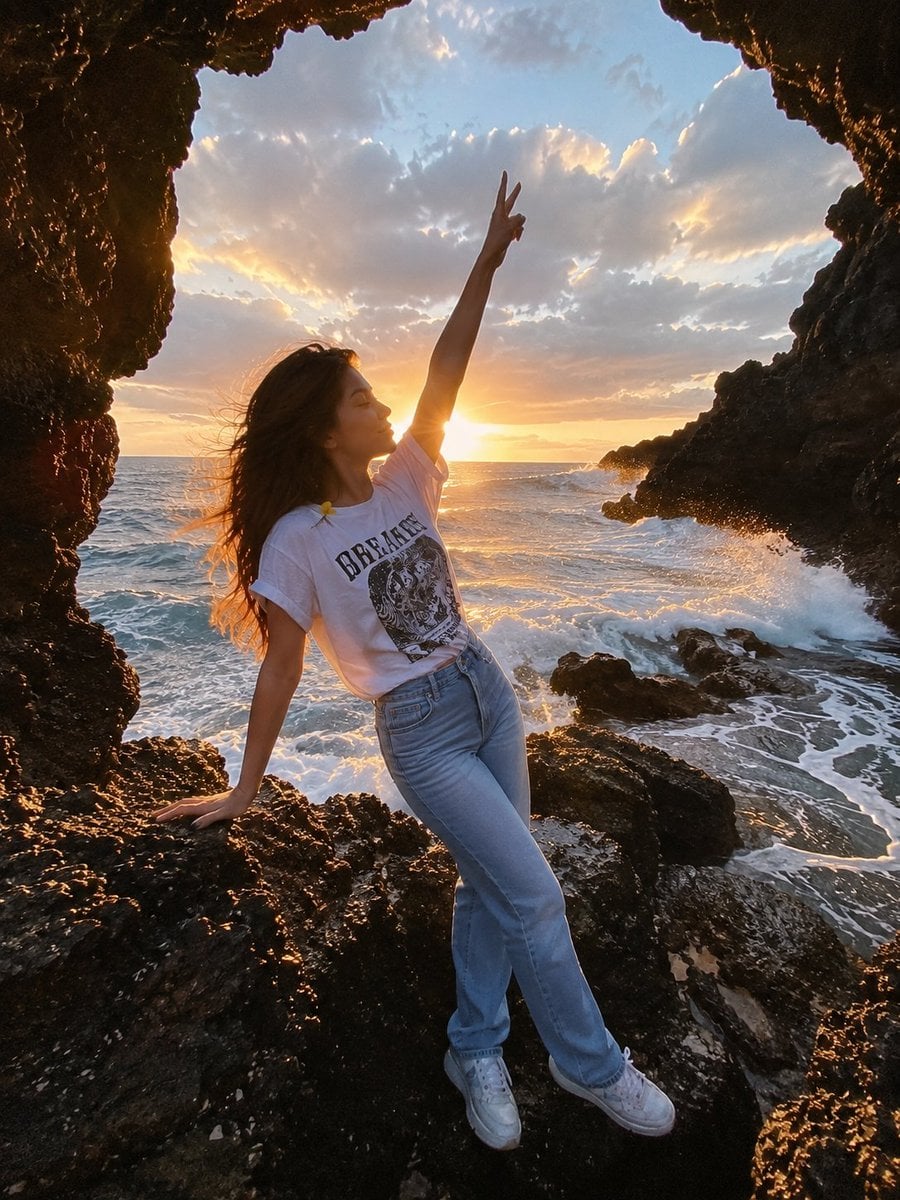
Seaside Cave Cinematic Portrait
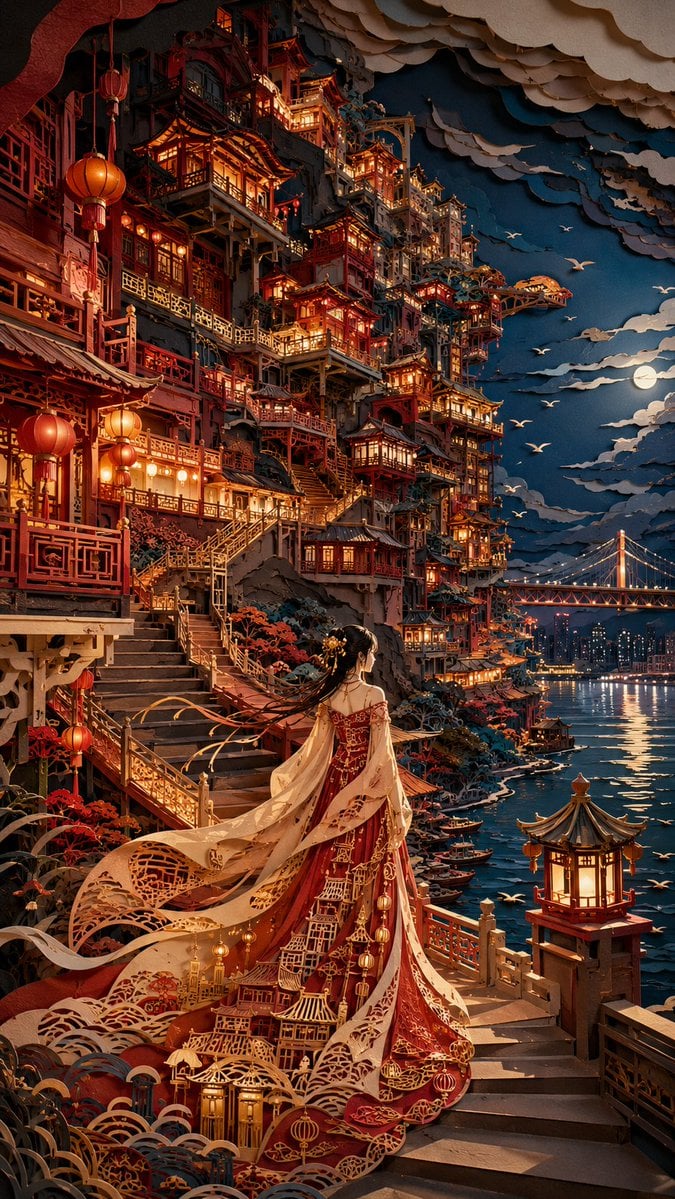
Oriental Papercut Art of Hongya Cave
Holographic Car Blueprint Wireframe
Girl on Vast Overlook
Make it yours
Explorer in a Vast Blue Ice Cave works as-is. These are the safest ways to change it without losing the look.
Change one field
Copy a single group, rewrite it, and generate again so you can see what that field is doing.
Keep the frame, change the subject
Hold the composition and light of Explorer in a Vast Blue Ice Cave, then swap wardrobe, props or the person for a new take.
| If the result… | Why | Fix |
|---|---|---|
| The result drifts from the preview | Too many fields changed at once. | Reuse Explorer in a Vast Blue Ice Cave as-is first, then change one group — subject, light, or setting. |
| The model over-stylizes the scene | The prose prompt leaves finish and camera underspecified. | Add one camera or lighting sentence and stay on GPT Image 2. |
More GPT Image 2 templates
Other prompts made for GPT Image 2.

Six VTuber Japanese Logo Sheet

Realistic Portrait of Woman and Deer

The Vista Modular Condo Poster

AI Model Routing Comparison Infographic

2.5D Anime Art Board

Isometric Productivity Desk Scene

New York Double Exposure Poster

Four-Panel AI Landscape Comparison

Japanese Tatami Lifestyle Magazine Cover

NESCAFÉ Coffee Map Poster
More image prompts
Fresh picks from across the catalog.

Ethereal Fantasy Portrait
Vintage Studio Portrait with Identity Preservation Prompt
Ultra-Photorealistic Winter Beauty Ad Product Replacement

Childlike Colored Pencil Drawing

4x4 Grid - Candid Nostalgic Vacation Selfies

Cinematic studio portrait with exact facial match
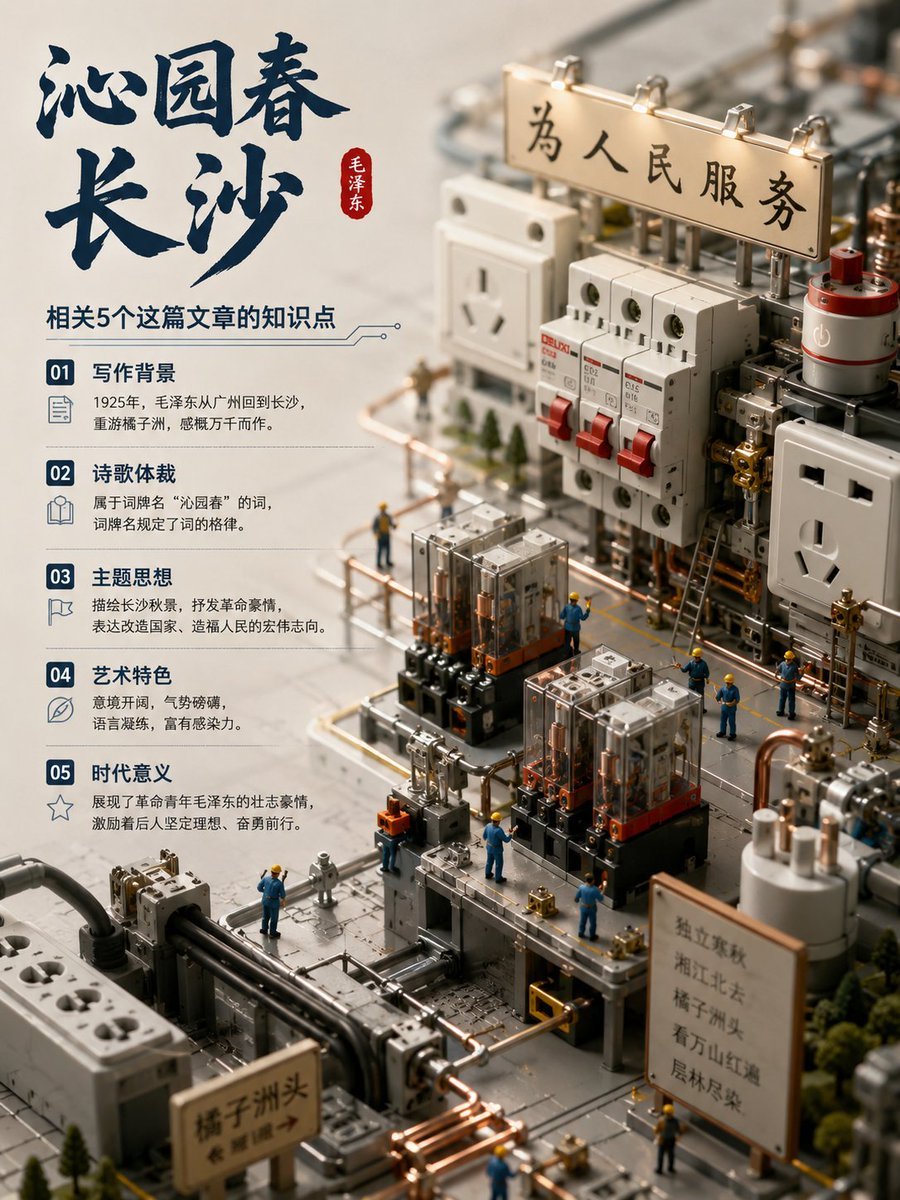
Chinese Poem Electrical Diorama Poster
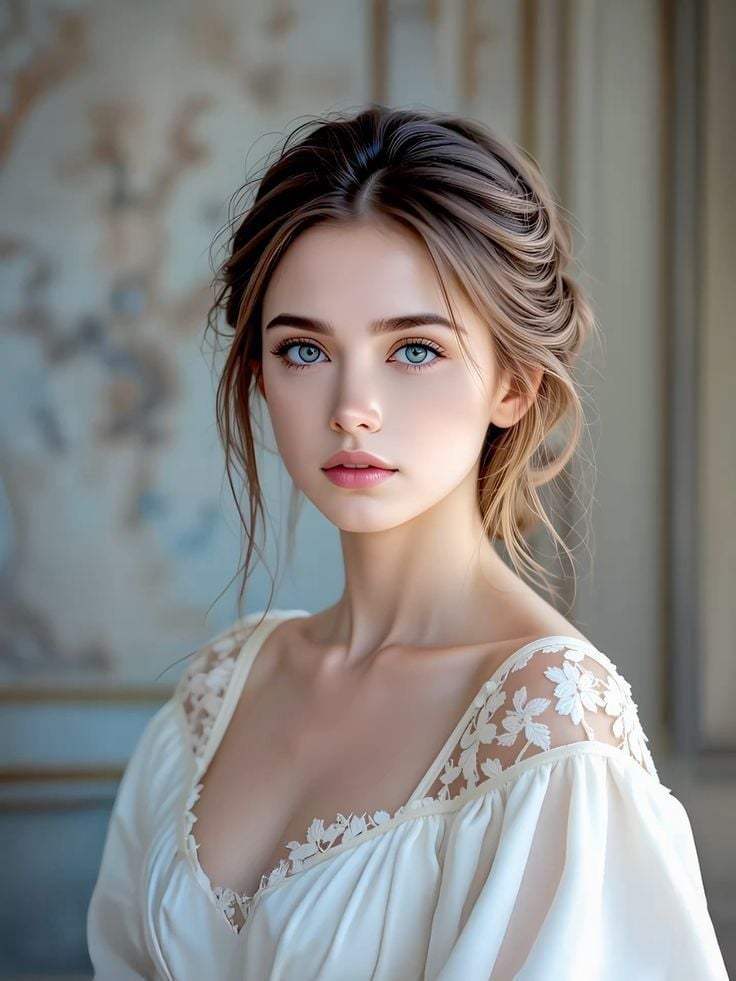
Vogue Style Romantic Portrait
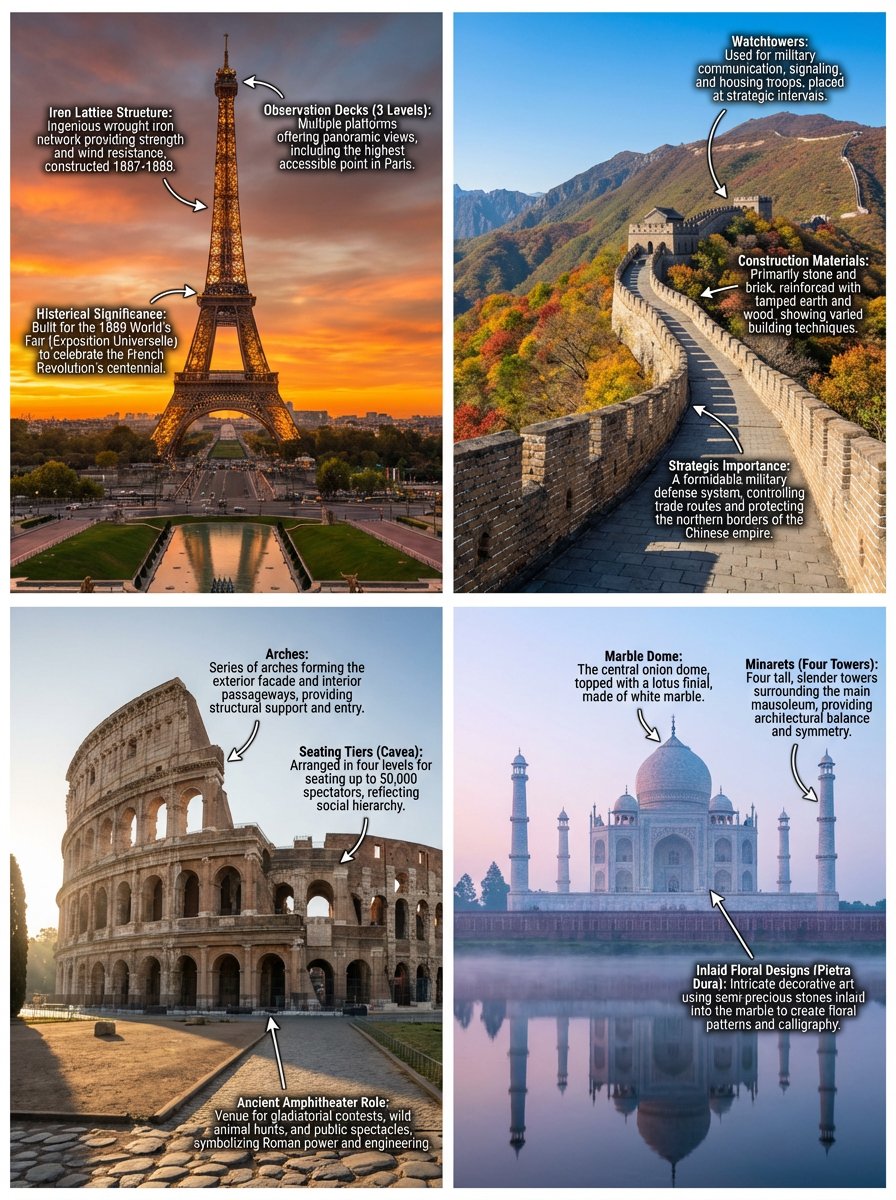
Annotated landmark images of Eiffel Tower, Great Wall, Colosseum, Taj Mahal
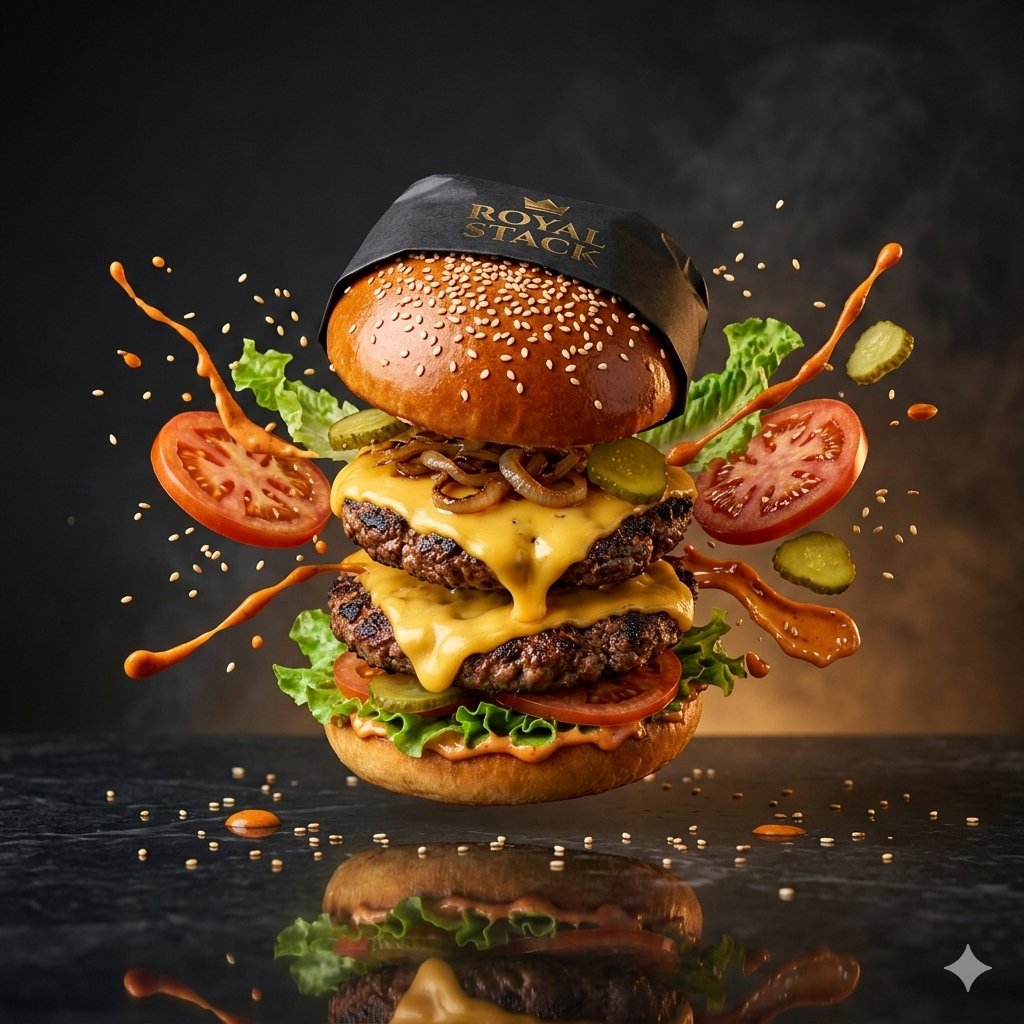
High-Speed Commercial Luxury Burger Photography
Browse template categories
Explorer in a Vast Blue Ice Cave questions
How do I use the Explorer in a Vast Blue Ice Cave template?
Add your photo if the template asks for one, edit the prompt if you like — the template's model and format are already selected — and press Generate. Your version opens in PicX Studio.
Can I customize the Explorer in a Vast Blue Ice Cave template?
Yes. You can change the subject, setting, lighting, mood, format, and available model controls before creating your image.
Is the Explorer in a Vast Blue Ice Cave template free?
Opening and editing this template is free. Generating uses credits, shown on the Generate button when you are signed in.
Which AI model should I use?
Start with GPT Image 2, which is the model associated with this template. You can compare another compatible model for a different finish.
Looking for something else? Browse all templates.

Your photo, any look
Thousands of ready templates for every top image and video model, from one credit balance.