
Chinese Poem Electrical Diorama Poster
Generates a Chinese educational infographic poster where electrical spare parts form a LEGO-like miniature city around poem study notes.
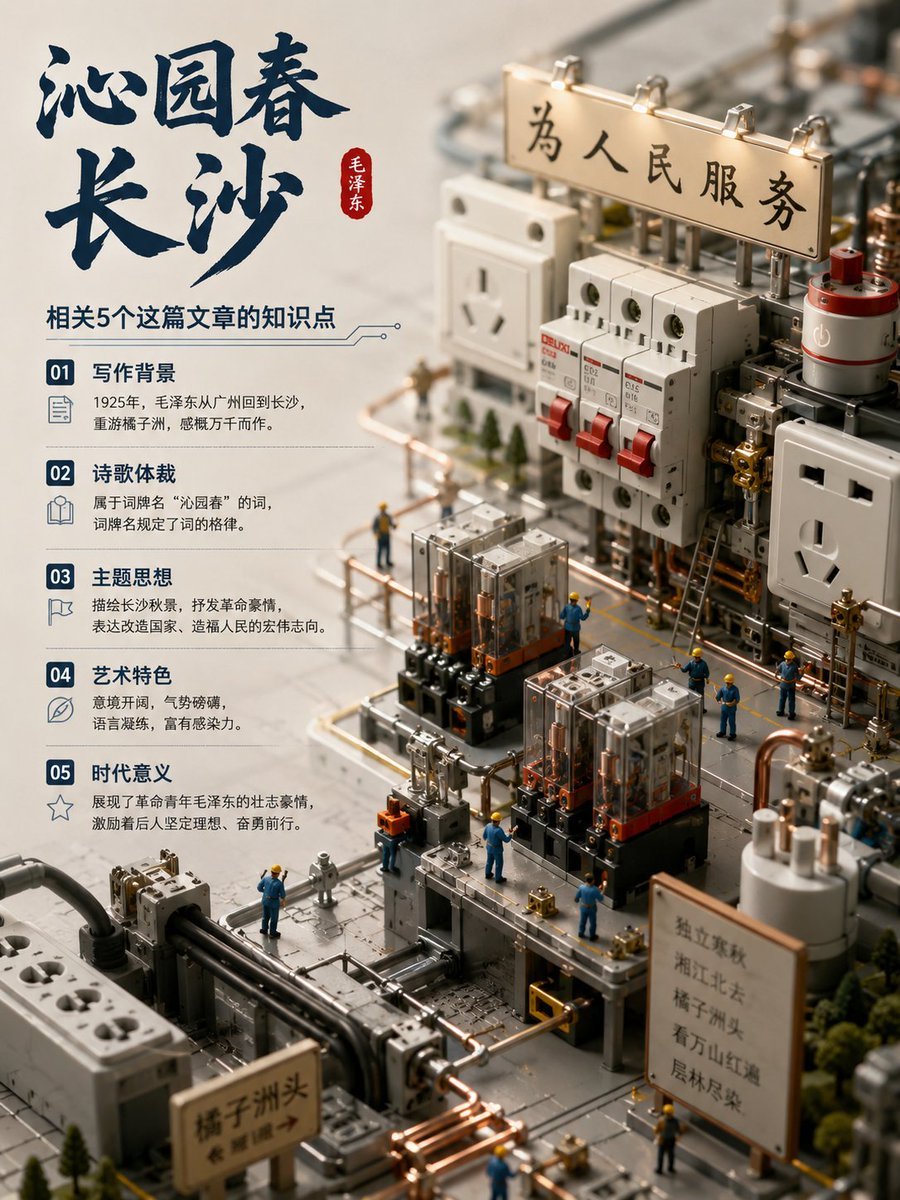
- Prompt included
- Model and format preset
- Free template
The prompt behind this image
Copy the exact prompt behind Chinese Poem Electrical Diorama Poster, or open it in the studio and make it yours.
Goal: Create a vertical Chinese educational poster that combines a miniature LEGO-like electrical components diorama with a study-note infographic about the poem {argument name="poem title" default="沁园春 长沙"}. Canvas: Portrait 3:4 poster, warm beige background, premium editorial layout. Left side is a clean information panel; right and lower area is a realistic macro miniature scene made from electrical hardware parts arranged like a tiny industrial city. Layout: Large dark navy brush-calligraphy title at the upper left reading “沁园春” on the first line and “长沙” on the second line, with a small vertical red seal beside it reading “毛泽东”. Under the title, add the subtitle “相关5个这篇文章的知识点”. Beneath the subtitle, create exactly 5 stacked knowledge cards, each with a navy numbered square, a small line icon, a bold heading, and two short lines of explanatory Chinese text. The 5 cards must be labeled exactly: 01 写作背景, 02 诗歌体裁, 03 主题思想, 04 艺术特色, 05 时代意义. Use fine divider lines and a subtle circuit-trace decoration near the subtitle. Miniature electrical diorama: On the right side, build a highly detailed tabletop scene using electrical spare parts as if they were LEGO architecture: white wall sockets, circuit breakers with red toggle switches, relays, terminal blocks, capacitors, metal rails, copper pipes, black cables, transparent fuse blocks, gray platforms, and tiny bolts. Include a prominent wooden sign at the upper right mounted above circuit components reading {argument name="main sign text" default="为人民服务"}. Add a large wall socket on the right edge and another socket block toward the upper middle-left. Add exactly 10 tiny worker figurines in blue uniforms and yellow hard hats positioned around the machinery, standing on platforms, beside relay towers, and near copper pipe routes. Add small model trees around the edges to make the electrical parts feel like a miniature city. Additional visible signs: Add exactly 2 smaller wooden placards in the lower half of the diorama. One near the bottom-left foreground reads “橘子洲头” with a small arrow. One near the lower-right foreground contains several short vertical Chinese lines suggesting poem-related notes; keep it legible but secondary. Visual style: Photorealistic macro photography mixed with infographic design, shallow depth of field, warm studio lighting, crisp focus on the central electrical components, softly blurred background, realistic plastic, ceramic, copper, and metal textures. Color palette: cream beige, dark navy ink, copper orange, electrical white, gray metal, red switch accents, and small blue-yellow worker figures. Constraints: Use Chinese text exactly where specified, keep the left infographic clean and readable, maintain exactly 5 knowledge cards and exactly 10 worker figurines, avoid random extra titles or watermarks, and make the electrical spare parts look playfully modular like LEGO while still recognizable as real electrical hardware.
How to use Chinese Poem Electrical Diorama Poster in 3 steps
- 1Upload ImagePNG, JPG or paste
Add your photo
Upload the photo the template builds on. The prompt, model and format are already set.
- 2…a portrait of your subject in softgolden-hour light, 85mm…
Personalize
Edit the subject and creative details for your destination.
- 3Generate
Generate
Press Generate — your image is created in PicX Studio, so you can compare it with the original and refine one variable at a time.
More like this
Templates with the same subject, style or setup. Open one to see its prompt.

Clay Miniature Landmark Travel Diorama

Japan Travel Brochure Poster

Layered Paper Cut Forest Diorama

Soft Handcrafted Paper-Cut Layered Illustration

Cartoon TV Show Poster Pack

Trendy Cafe Drink Promo Poster

Urban Fashion Editorial Collage Streetwear Poster

Premium Fashion Editorial Cover Layout System

Polo Ralph Lauren Luxury American Heritage Fashion Campaign

Monochrome Halftone Editorial Fashion Poster

Retro Mirror Luxury Fashion Campaign Poster

Luxury Fashion Campaign Typography Poster System
Make it yours
Chinese Poem Electrical Diorama Poster works as-is. These are the safest ways to change it without losing the look.
Change one field
Copy a single group, rewrite it, and generate again so you can see what that field is doing.
Keep the frame, change the subject
Hold the composition and light of Chinese Poem Electrical Diorama Poster, then swap wardrobe, props or the person for a new take.
| If the result… | Why | Fix |
|---|---|---|
| The result drifts from the preview | Too many fields changed at once. | Reuse Chinese Poem Electrical Diorama Poster as-is first, then change one group — subject, light, or setting. |
| The model over-stylizes the scene | The prose prompt leaves finish and camera underspecified. | Add one camera or lighting sentence and stay on GPT Image 2. |
More GPT Image 2 templates
Other prompts made for GPT Image 2.

Six VTuber Japanese Logo Sheet

Realistic Portrait of Woman and Deer

The Vista Modular Condo Poster

AI Model Routing Comparison Infographic

2.5D Anime Art Board

Isometric Productivity Desk Scene

New York Double Exposure Poster

Four-Panel AI Landscape Comparison

Japanese Tatami Lifestyle Magazine Cover

NESCAFÉ Coffee Map Poster
More image prompts
Fresh picks from across the catalog.
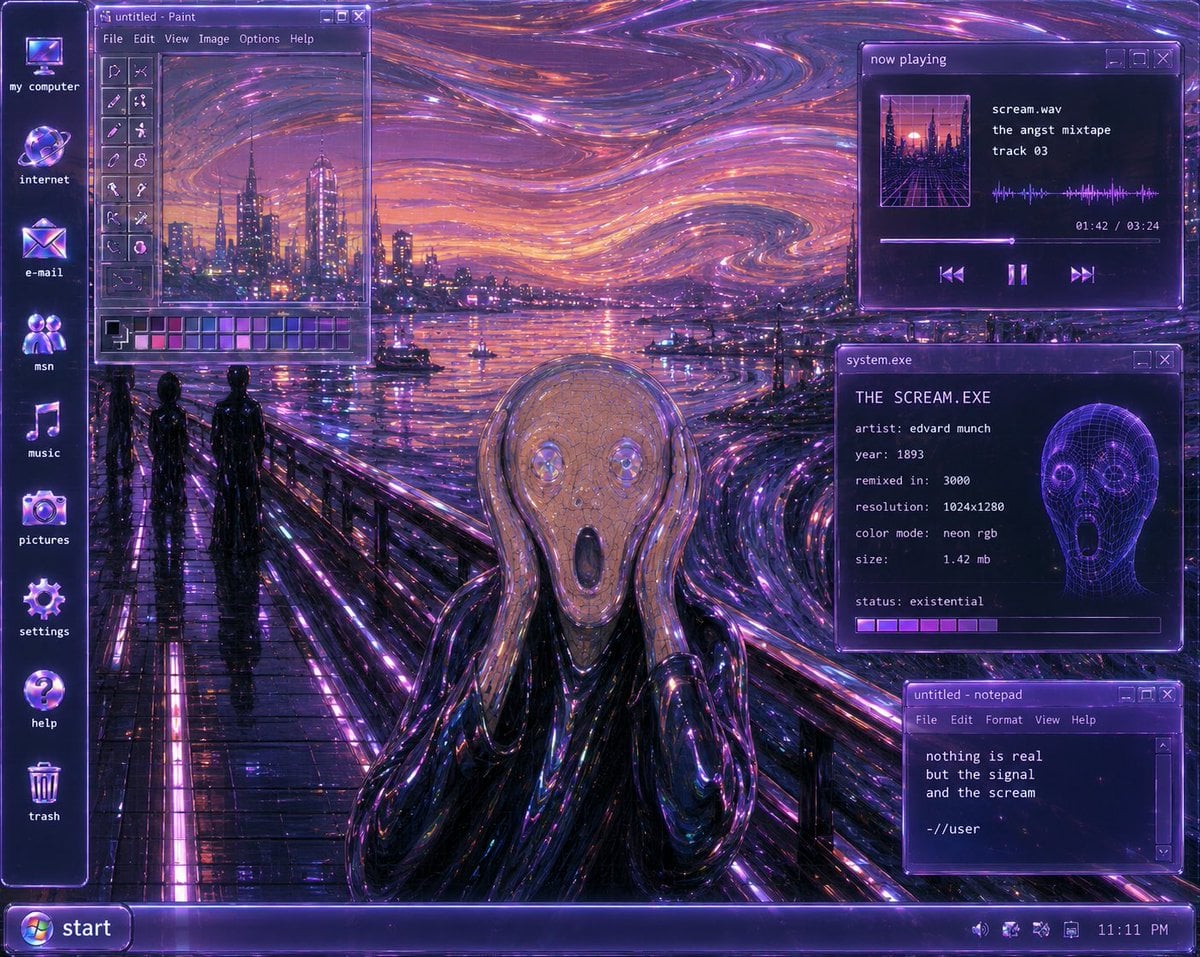
Y2K Futurist Scream Desktop

Ultra-Realistic 3D Render of a Furry Logo

Professional AI Headshot Transformation

Add baseball hat with embroidered text

Summery Skincare Beauty Advertisement

E-Girl Mirror Selfie Prompt (JSON Format)
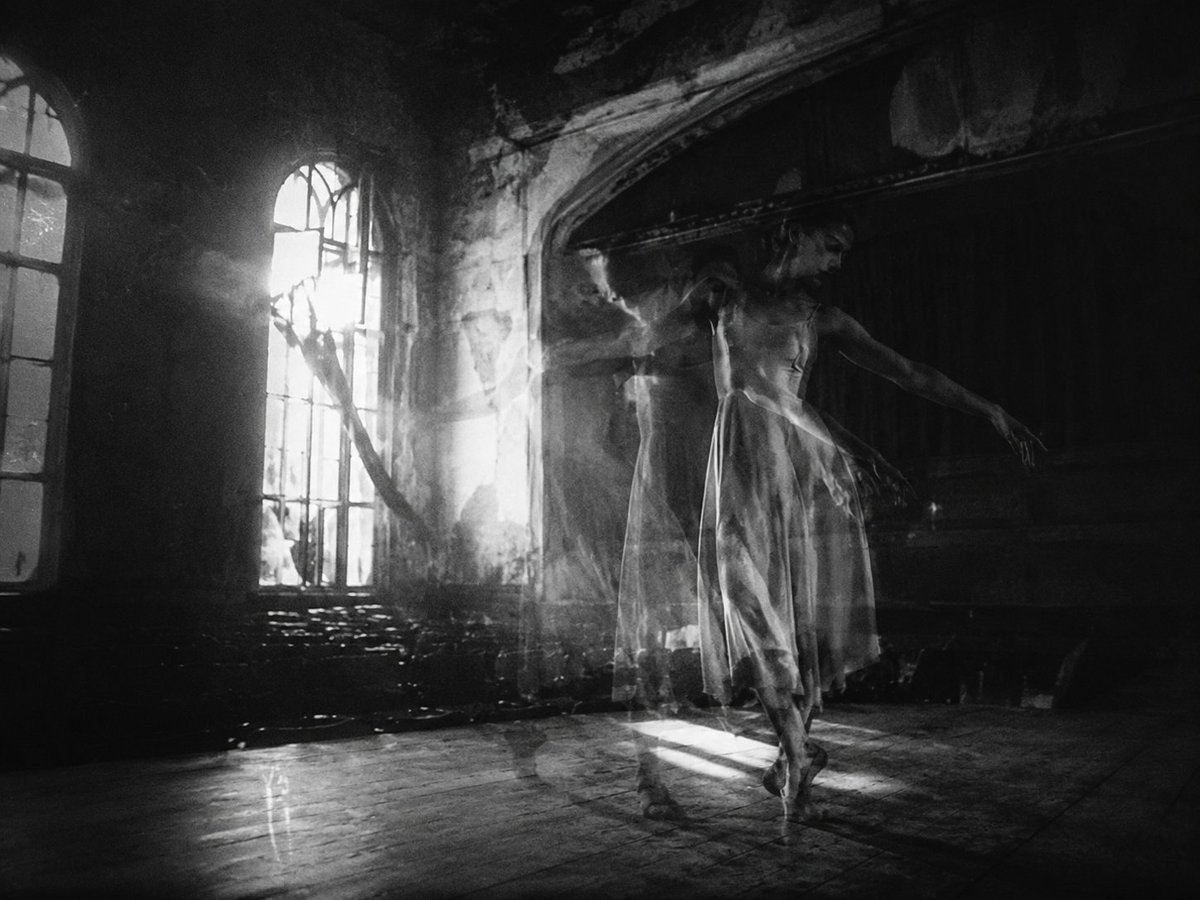
Ghostly Ballerina in Abandoned Theater

Realistic Cinematic Portrait in Luxury Bar
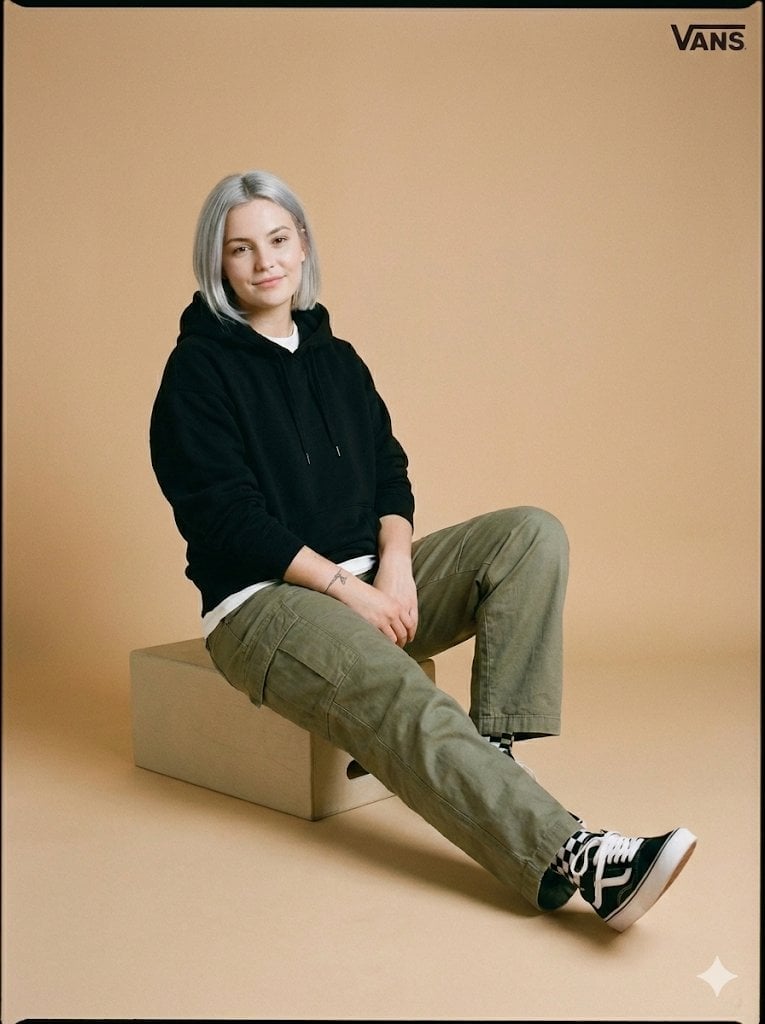
Full-Body Studio Photo in Streetwear
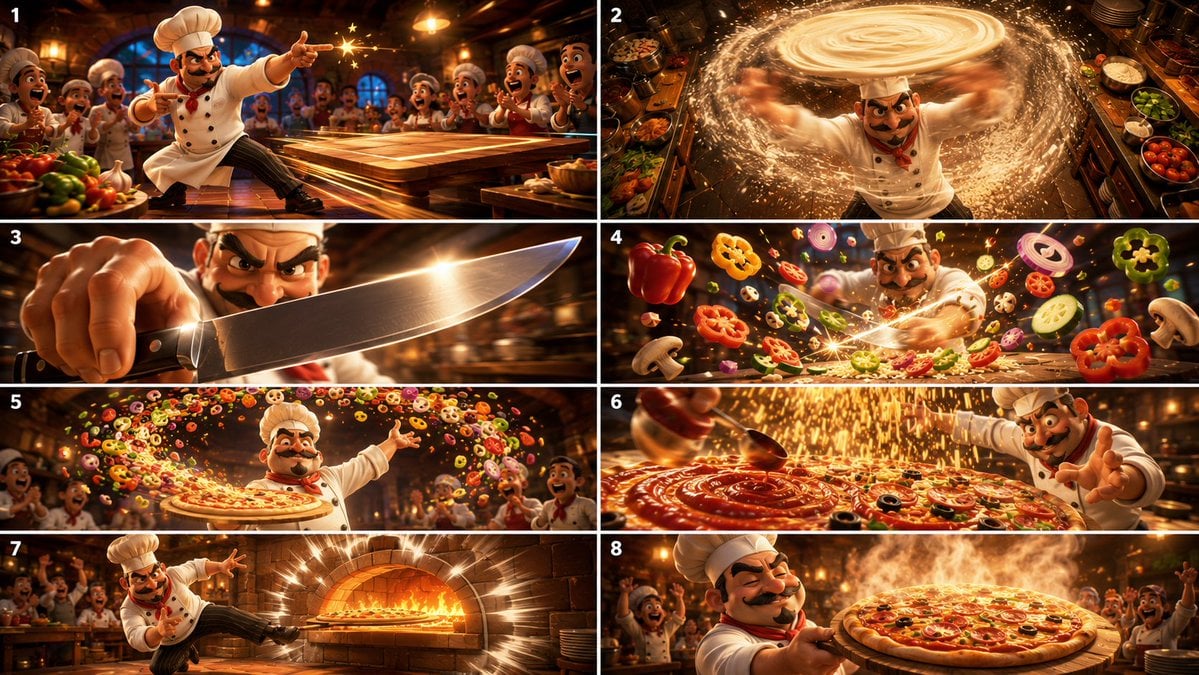
Cinematic Karate Pizza Chef Storyboard
Browse template categories
Chinese Poem Electrical Diorama Poster questions
How do I use the Chinese Poem Electrical Diorama Poster template?
Add your photo if the template asks for one, edit the prompt if you like — the template's model and format are already selected — and press Generate. Your version opens in PicX Studio.
Can I customize the Chinese Poem Electrical Diorama Poster template?
Yes. You can change the subject, setting, lighting, mood, format, and available model controls before creating your image.
Is the Chinese Poem Electrical Diorama Poster template free?
Opening and editing this template is free. Generating uses credits, shown on the Generate button when you are signed in.
Which AI model should I use?
Start with GPT Image 2, which is the model associated with this template. You can compare another compatible model for a different finish.
Looking for something else? Browse all templates.

Your photo, any look
Thousands of ready templates for every top image and video model, from one credit balance.