
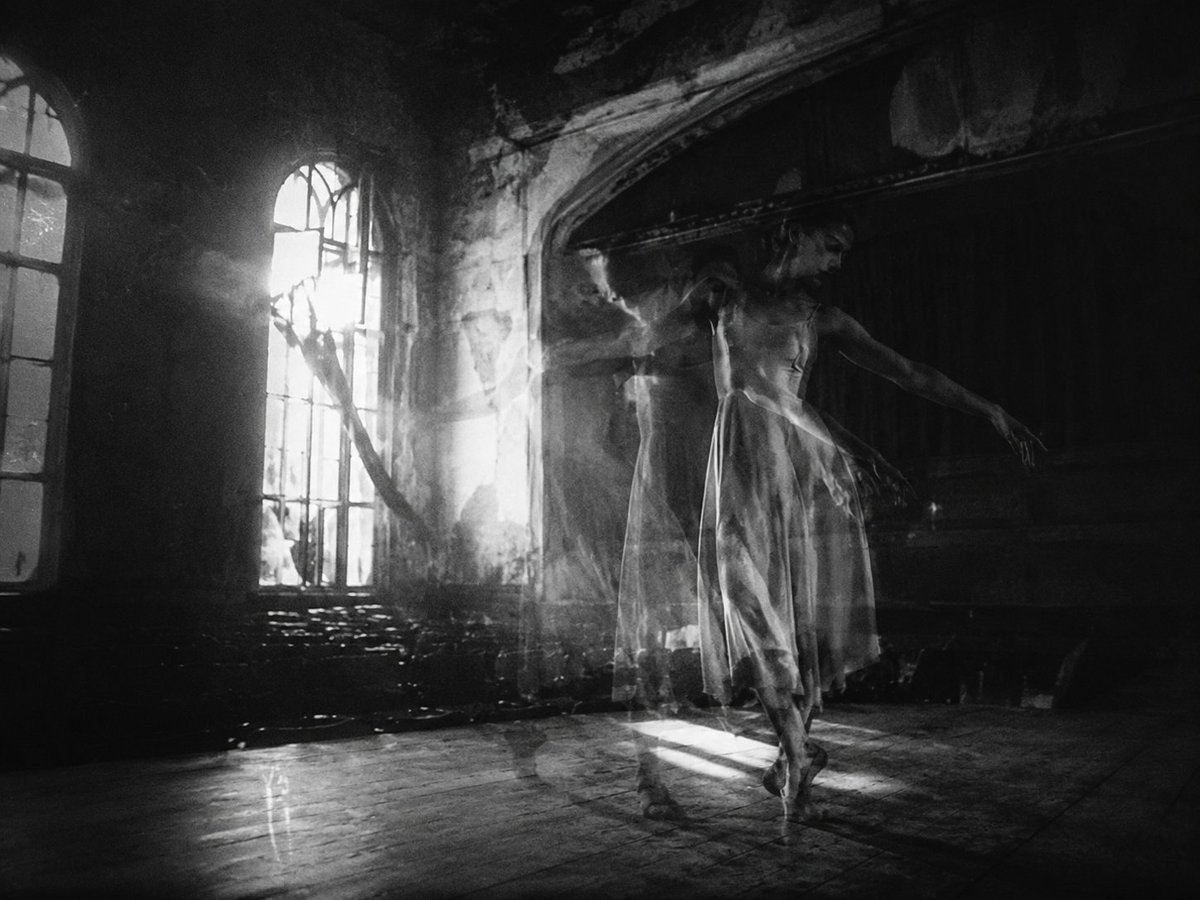
Ghostly Ballerina in Abandoned Theater
A monochrome cinematic prompt for generating a haunting long-exposure ballerina photograph in a decayed theater with dramatic window light.
- Prompt included
- Model and format preset
- Free template
The prompt behind this image
Copy the exact prompt behind Ghostly Ballerina in Abandoned Theater, or open it in the studio and make it yours.
Create a cinematic black-and-white fine-art photograph of {argument name="subject" default="a ghostly ballerina"} dancing alone inside {argument name="location" default="an abandoned old theater or ballroom"}. The dancer is positioned slightly right of center, wearing a translucent knee-length ballet dress and pointe shoes, with her arms extended in an elegant, fragile pose; use a long-exposure multiple-exposure effect so her body appears as two or three overlapping semi-transparent silhouettes, suggesting motion and haunting presence. The room is dark, decayed, and atmospheric, with cracked plaster, an arched alcove or stage opening on the right, rows of shadowed seats or debris in the background, and tall broken arched windows on the left. Strong sunlight blasts through the window from the left rear, creating visible shafts of dusty light, smoky haze, high-contrast rim lighting, and a bright rectangular patch of light on the wooden floor beneath the dancer. Use {argument name="lighting style" default="dramatic backlight with volumetric dust beams"}, deep blacks, glowing highlights, film grain, soft blur from movement, and a moody gothic mood. Compose in a horizontal 4:3 frame, wide interior view, low-to-mid camera height, with the dancer small enough to show the environment. No text, no modern objects, no color, no clean studio look.
How to use Ghostly Ballerina in Abandoned Theater in 3 steps
- 1Upload ImagePNG, JPG or paste
Add your photo
Upload the photo the template builds on. The prompt, model and format are already set.
- 2…a portrait of your subject in softgolden-hour light, 85mm…
Personalize
Edit the subject and creative details for your destination.
- 3Generate
Generate
Press Generate — your image is created in PicX Studio, so you can compare it with the original and refine one variable at a time.
More like this
Templates with the same subject, style or setup. Open one to see its prompt.

Minecraft Japanese Research Lab Exploration
Astronaut in Abandoned Lunar Base
Abandoned Gothic Amusement Park
Cinematic Luxury Theater Portrait
Abandoned Greenhouse Cinematic Portrait
Sketch to Vintage Horror Theater Scene
Ghostly Lighthouse Storm Seascape
Ancient Abandoned Library Fantasy Portrait

Abandoned Library Fantasy Portrait
Modern Korean Theater Poster Design
Anime Airship and Ghostly Holy Mother
Cinematic Abandoned Room Portrait
Make it yours
Ghostly Ballerina in Abandoned Theater works as-is. These are the safest ways to change it without losing the look.
Change one field
Copy a single group, rewrite it, and generate again so you can see what that field is doing.
Keep the frame, change the subject
Hold the composition and light of Ghostly Ballerina in Abandoned Theater, then swap wardrobe, props or the person for a new take.
| If the result… | Why | Fix |
|---|---|---|
| The result drifts from the preview | Too many fields changed at once. | Reuse Ghostly Ballerina in Abandoned Theater as-is first, then change one group — subject, light, or setting. |
| The model over-stylizes the scene | The prose prompt leaves finish and camera underspecified. | Add one camera or lighting sentence and stay on GPT Image 2. |
More GPT Image 2 templates
Other prompts made for GPT Image 2.

Six VTuber Japanese Logo Sheet

Realistic Portrait of Woman and Deer

The Vista Modular Condo Poster

AI Model Routing Comparison Infographic

2.5D Anime Art Board

Isometric Productivity Desk Scene

New York Double Exposure Poster

Four-Panel AI Landscape Comparison

Japanese Tatami Lifestyle Magazine Cover

NESCAFÉ Coffee Map Poster
More image prompts
Fresh picks from across the catalog.

Luxury Fashion Mural Portrait
Candid iPhone Portrait in Dim Stairwell
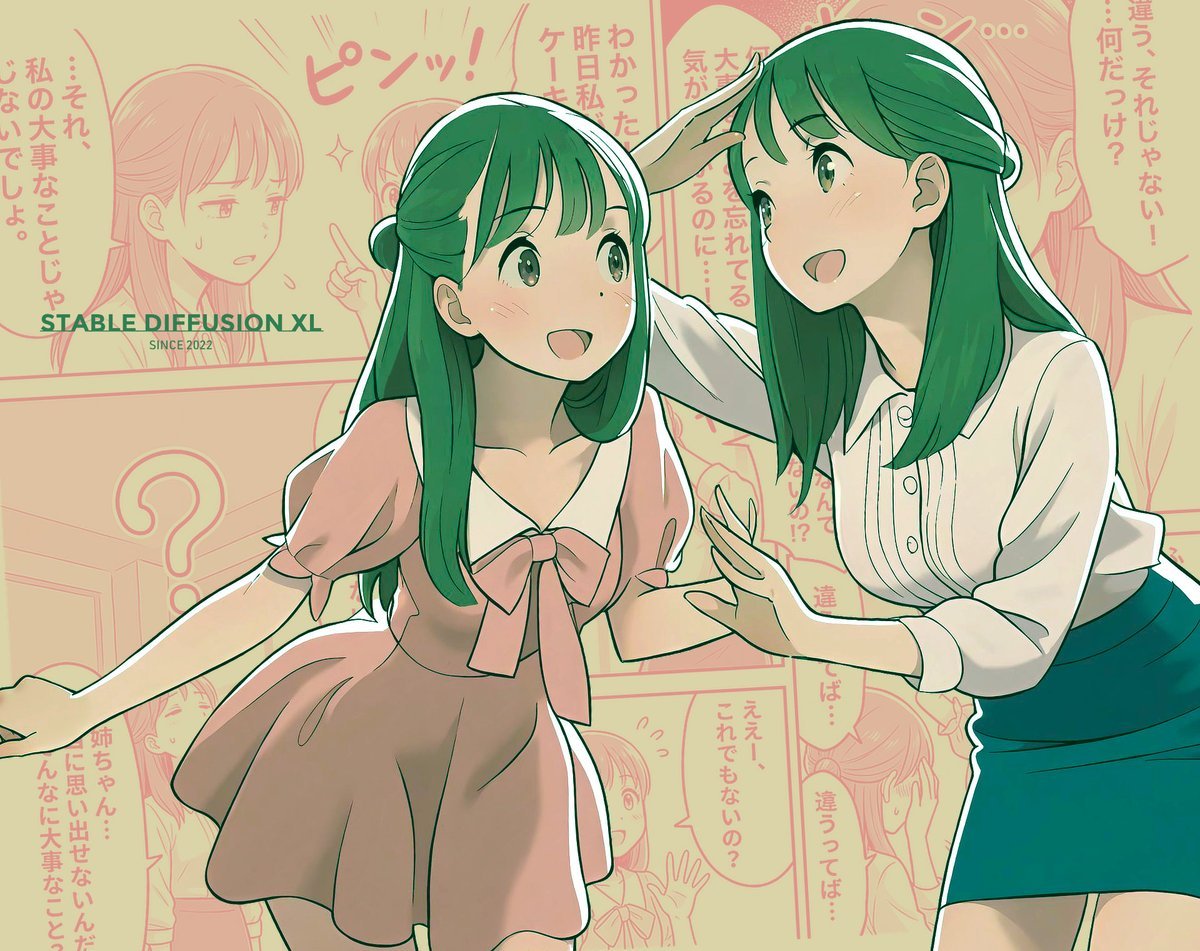
Manga page prompt for Nano Banana Pro
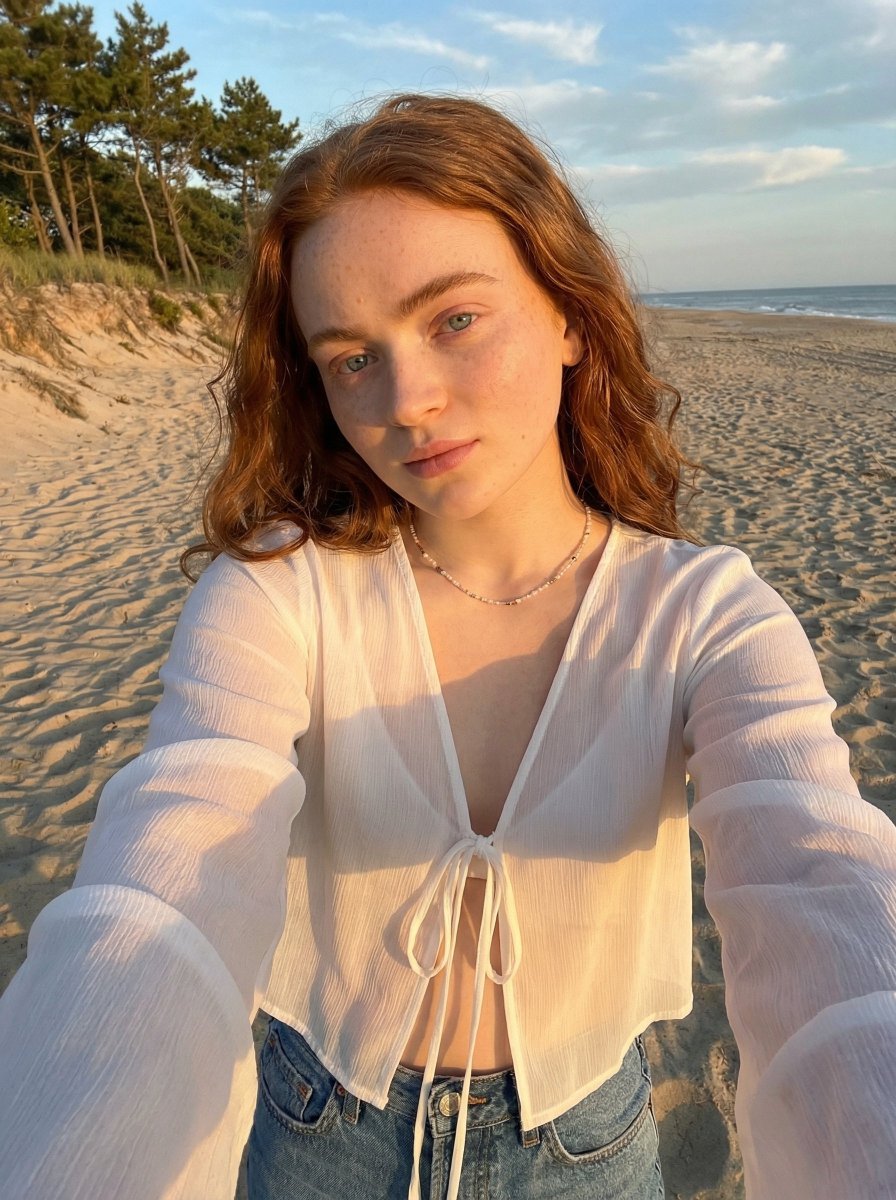
Golden Hour Beach Selfie Prompt
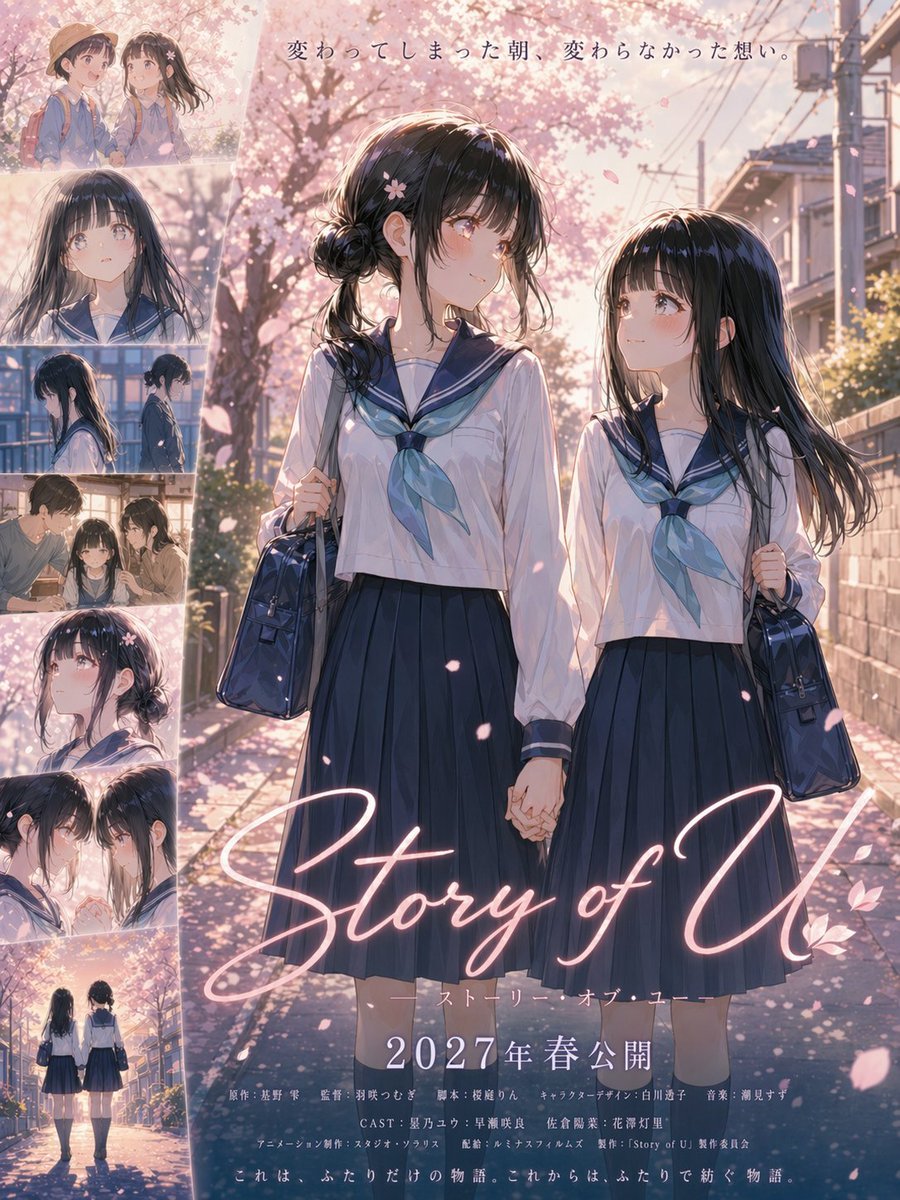
Anime Sakura Movie Poster
Character consistency with outfit change prompt

Flat Vector Office Team Illustration

Enka CD Jacket Design with Nano Banana 2
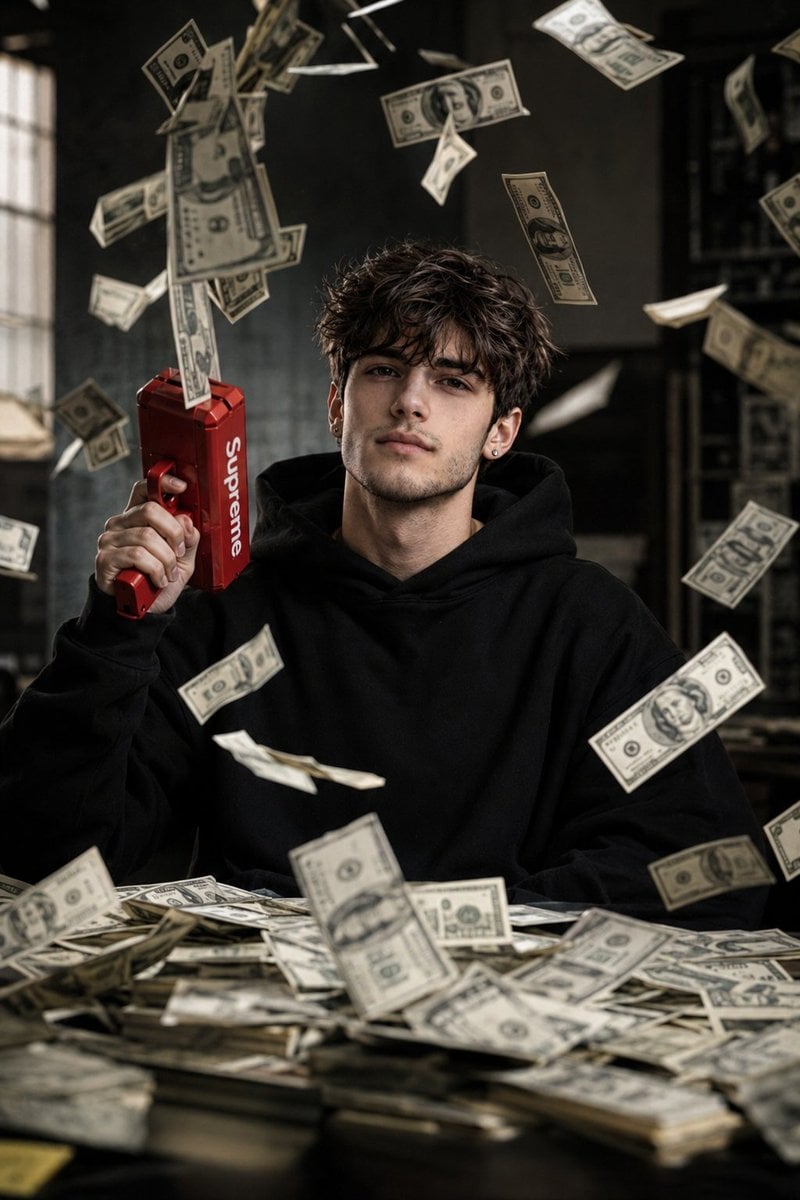
Cinematic Raining Money Portrait

Cyber-Horror YouTube Thumbnail Generator
Browse template categories
Ghostly Ballerina in Abandoned Theater questions
How do I use the Ghostly Ballerina in Abandoned Theater template?
Add your photo if the template asks for one, edit the prompt if you like — the template's model and format are already selected — and press Generate. Your version opens in PicX Studio.
Can I customize the Ghostly Ballerina in Abandoned Theater template?
Yes. You can change the subject, setting, lighting, mood, format, and available model controls before creating your image.
Is the Ghostly Ballerina in Abandoned Theater template free?
Opening and editing this template is free. Generating uses credits, shown on the Generate button when you are signed in.
Which AI model should I use?
Start with GPT Image 2, which is the model associated with this template. You can compare another compatible model for a different finish.
Looking for something else? Browse all templates.

Your photo, any look
Thousands of ready templates for every top image and video model, from one credit balance.