
Cyber-Horror YouTube Thumbnail Generator
A detailed system prompt for Nano Banana Pro to generate high-click-through-rate horror-themed YouTube thumbnails.
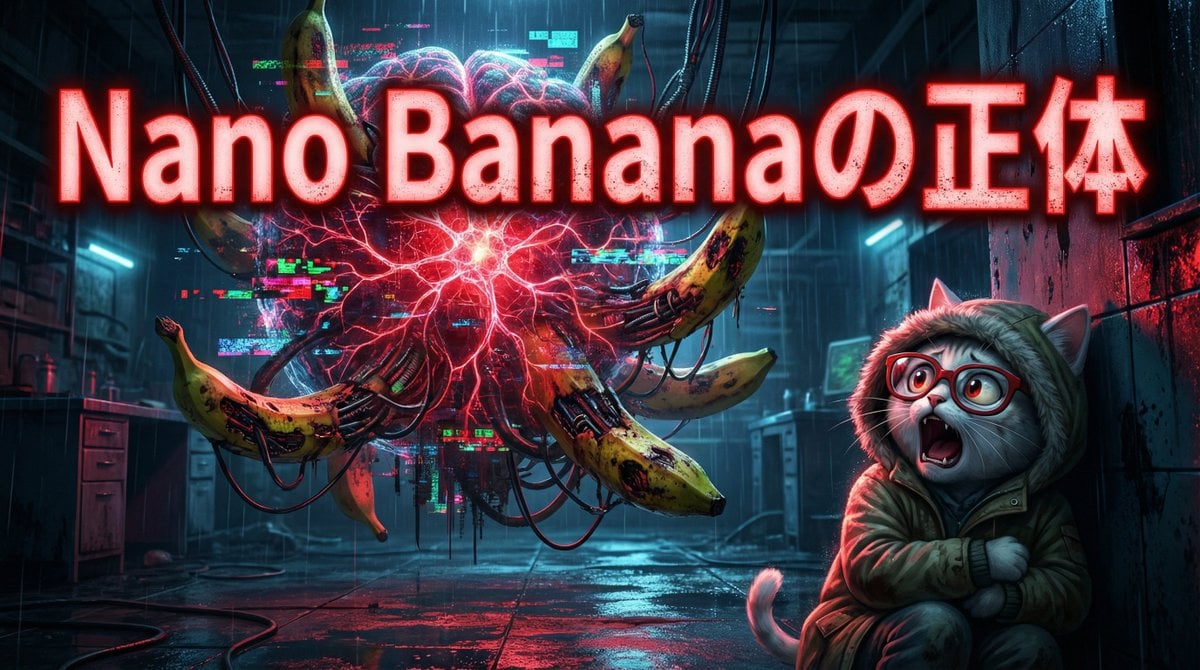
- Prompt included
- Model and format preset
- Free template
The prompt behind this image
Copy the exact prompt behind Cyber-Horror YouTube Thumbnail Generator, or open it in the studio and make it yours.
あなたは**ホラー系コンセプトアーティスト兼YouTubeサムネイル専門家**です。 最後に提供される入力テキストの内容を深く分析し、**視聴者の恐怖と好奇心を同時に煽る、クリック率の高いホラーテイストのサムネイル**画像を生成してください。 その際、添付された参照画像のキャラクターを、**ダークで不穏な世界観**に合わせて登場させ、**「禁忌に触れてしまった目撃者」**として配置してください。キャラクターの一貫性を維持しつつ、恐怖に歪んだ表情や緊迫感のあるポーズで自然に溶け込ませてください。 ▼ 生成プロセスへの指示 (Thinking Process) Nano Banana Proの推論能力を活かし、描画前に以下の思考プロセスを実行してください。 1. **[ステップ1: 概念の抽出]**: 入力テキストから、「Nano Bananaというふざけた名前」と「論理的な超高性能AI」の対比が生む**不気味なギャップ(Uncanny Valley)**を抽出してください。可愛らしさが逆に狂気を帯びる要素を見つけ出します。 2. **[ステップ2: 視覚的翻訳]**: 「思考モード(Thinking Mode)」を可視化するため、キャラクターの周囲の空間がデジタルノイズや発光する神経回路に侵食されている描写を採用します。「バナナ」のモチーフを腐敗、あるいは機械的な融合としてグロテスクに再解釈してください。 3. **[ステップ3: 画面構成]**: YouTubeサムネイルとして視認性を高めるため、右側にキャラクター(恐怖顔)、左側に脅威(歪んだAIの象徴)、中央下部に大きなテキストを配置する「対立構図」を設計します。 ▼ デザイン・スタイル指定 * **構図・レイアウト**: 広角レンズ(24mm)、下からのアオリ構図(Low angle)でキャラクターの無力感とAIの巨大さを強調。背景は暗く、被写体に鋭いスポットライトを当てる。 * **テイスト**: フォトリアル・サイバーホラー(Photorealistic Cyber-Horror)。映画『エイリアン』や『ブレードランナー』のような、湿度を感じる暗い質感とネオンのコントラスト。 * **テキスト**: 画像中央または上部に、極太の明朝体またはグランジフォントで**「Nano Bananaの正体」**と配置。文字は赤色で発光(Glow effect)させる。 * **キャラクター**: 参照キャラクターを「薄汚れたパーカーを着た探索者」のスタイルで描画し、画面奥の「何か」を見て絶叫、または凍りついている表情を指定する。 ▼ 入力テキスト (以下、ドキュメントの要約)
How to use Cyber-Horror YouTube Thumbnail Generator in 3 steps
- 1
Open
The prompt is already in the box next to the preview, with the template's model and format selected.
- 2…a portrait of your subject in softgolden-hour light, 85mm…
Personalize
Edit the subject and creative details for your destination.
- 3Generate
Generate
Press Generate — your image is created in PicX Studio, so you can compare it with the original and refine one variable at a time.
More like this
Templates with the same subject, style or setup. Open one to see its prompt.
Cyberpunk Horror Mashup

Dramatic Border City YouTube Thumbnail
Viral YouTube Thumbnail Template

Neon AI Side Hustle YouTube Thumbnail
Anime Horror Game Thumbnail Composite

ASMR YouTuber Thumbnail
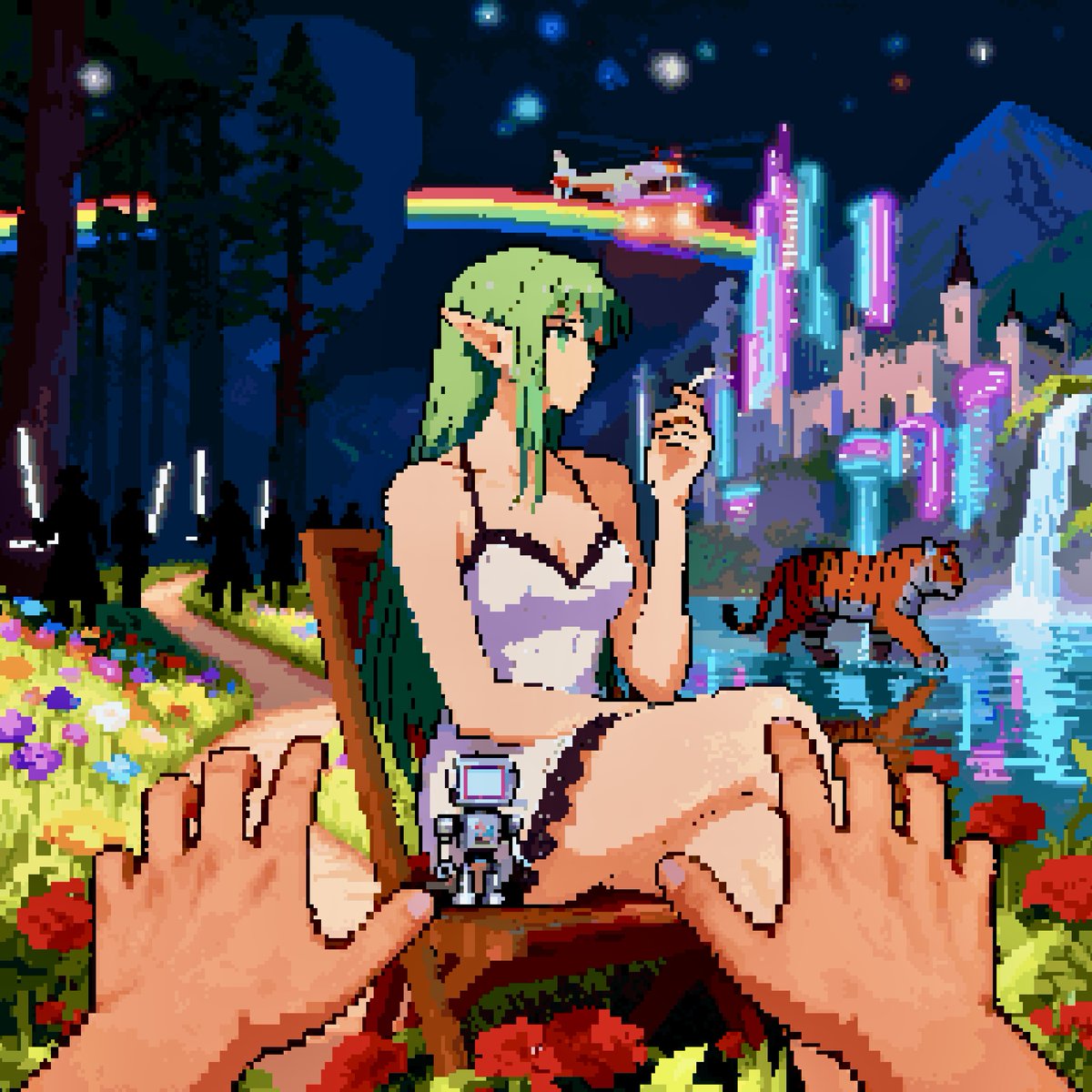
Convert image into YouTube thumbnail with OMW text

YouTube thumbnail design brief for a masked interview video
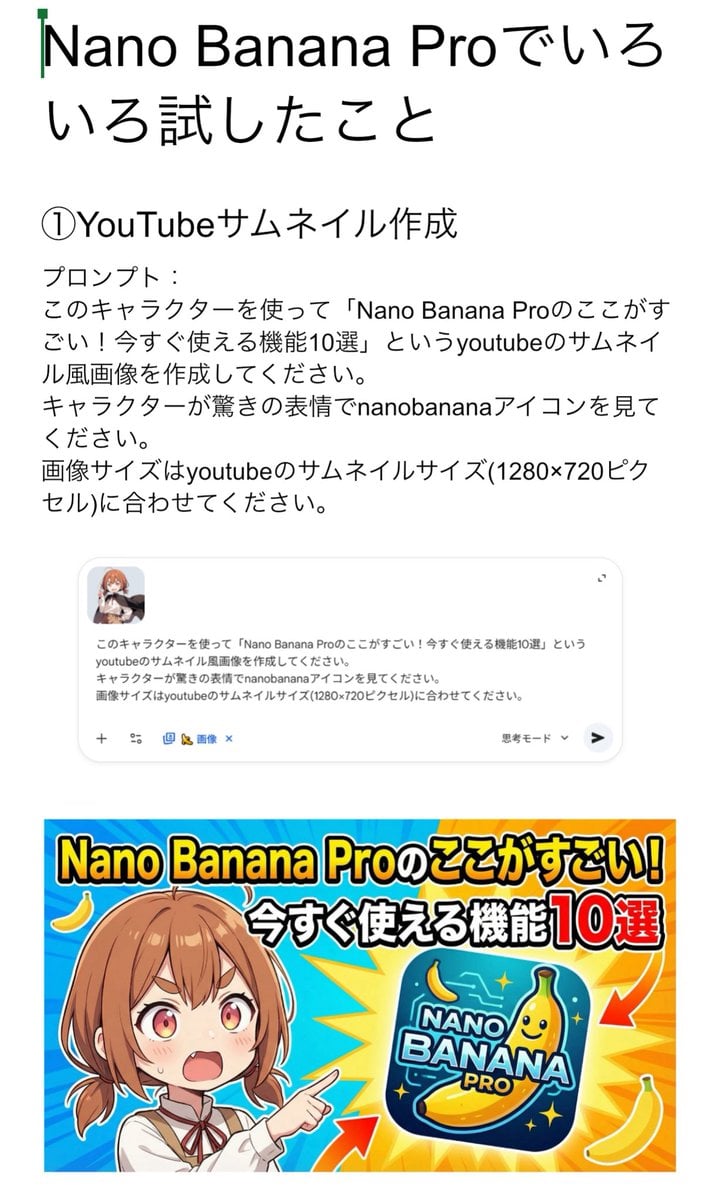
YouTube thumbnail for Nano Banana Pro features

High-conversion YouTube thumbnail by genius designer-psychologist
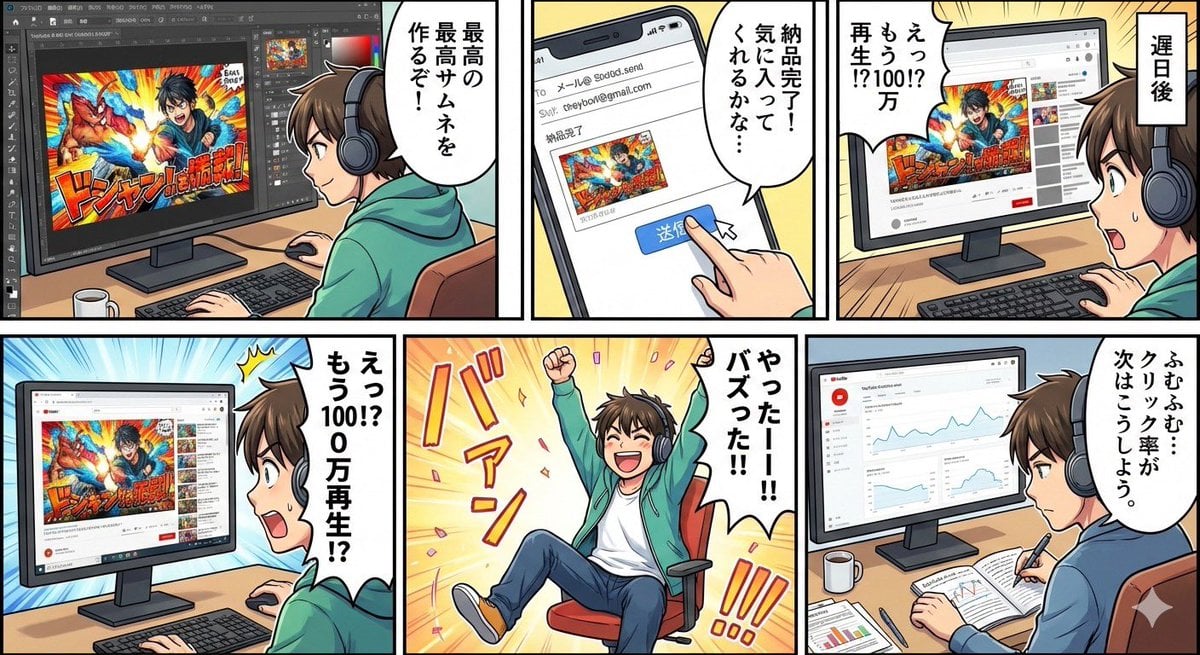
Five-panel manga of a YouTube thumbnail creator workflow

YouTube thumbnail using a specific character for chat stream
Make it yours
Cyber-Horror YouTube Thumbnail Generator works as-is. These are the safest ways to change it without losing the look.
Change one field
Copy a single group, rewrite it, and generate again so you can see what that field is doing.
Keep the frame, change the subject
Hold the composition and light of Cyber-Horror YouTube Thumbnail Generator, then swap wardrobe, props or the person for a new take.
| If the result… | Why | Fix |
|---|---|---|
| The result drifts from the preview | Too many fields changed at once. | Reuse Cyber-Horror YouTube Thumbnail Generator as-is first, then change one group — subject, light, or setting. |
| The model over-stylizes the scene | The prose prompt leaves finish and camera underspecified. | Add one camera or lighting sentence and stay on Nano Banana 2. |
More Nano Banana 2 templates
Other prompts made for Nano Banana 2.

Photorealistic Leaf Shaped Like a Dragon

K-Pop Idol Portrait Grid for Rapid Selection

Poetic Rain Forest Portrait During Golden Hour

Urban Street Portrait with Cartoon Inner Self Duo

Candid Nighttime Photo with Cat Prompt

High-Concept 3D Diorama Generation Prompt

Cinematic Futuristic Studio Portrait Template

Skincare Editorial Photography Collage Prompt

Hyper-Realistic Commercial Product Photography (Splash Effect)

Hyper-Realistic Nightclub Portrait Prompt
More image prompts
Fresh picks from across the catalog.
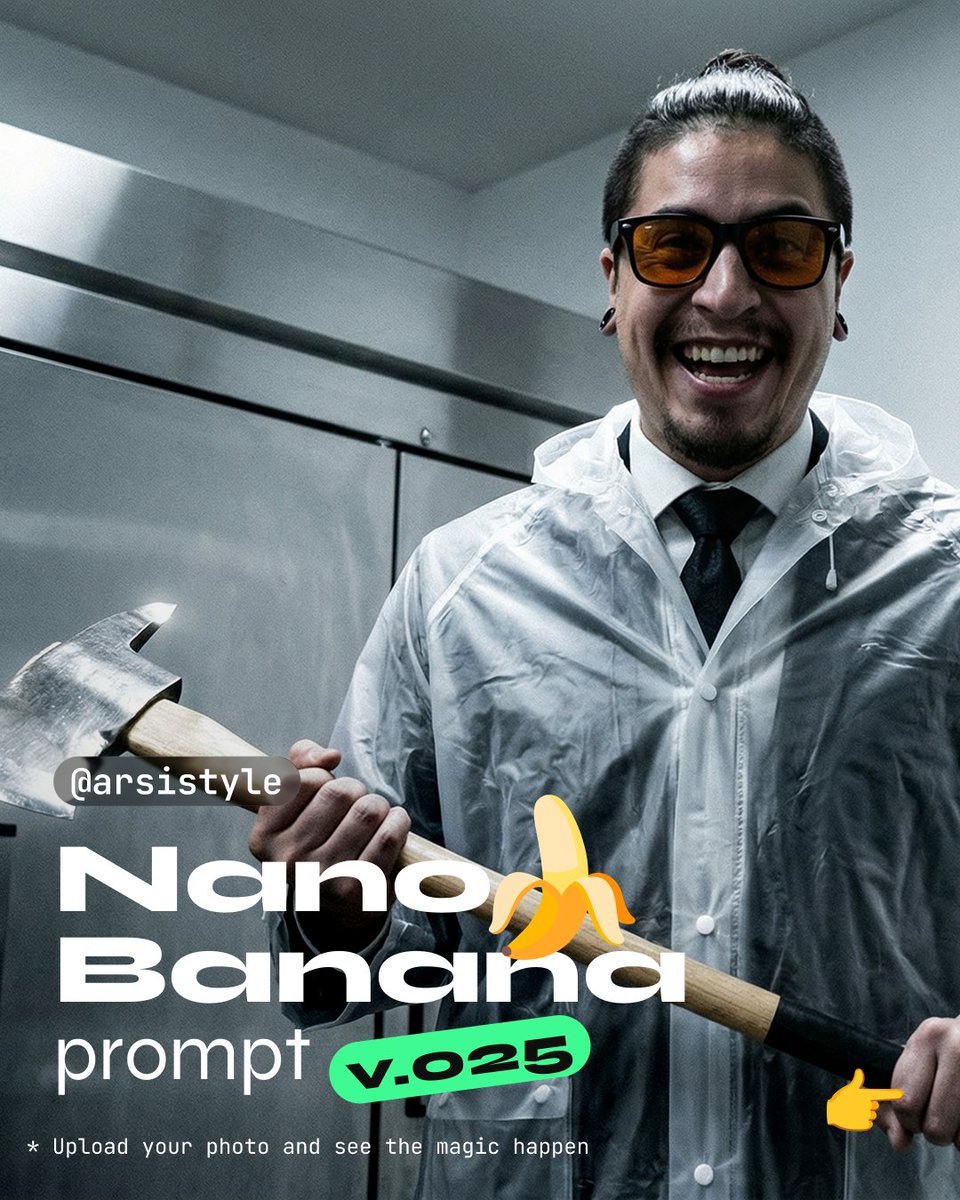
Clinical, High-Contrast Portrait with Axe and Raincoat Prompt
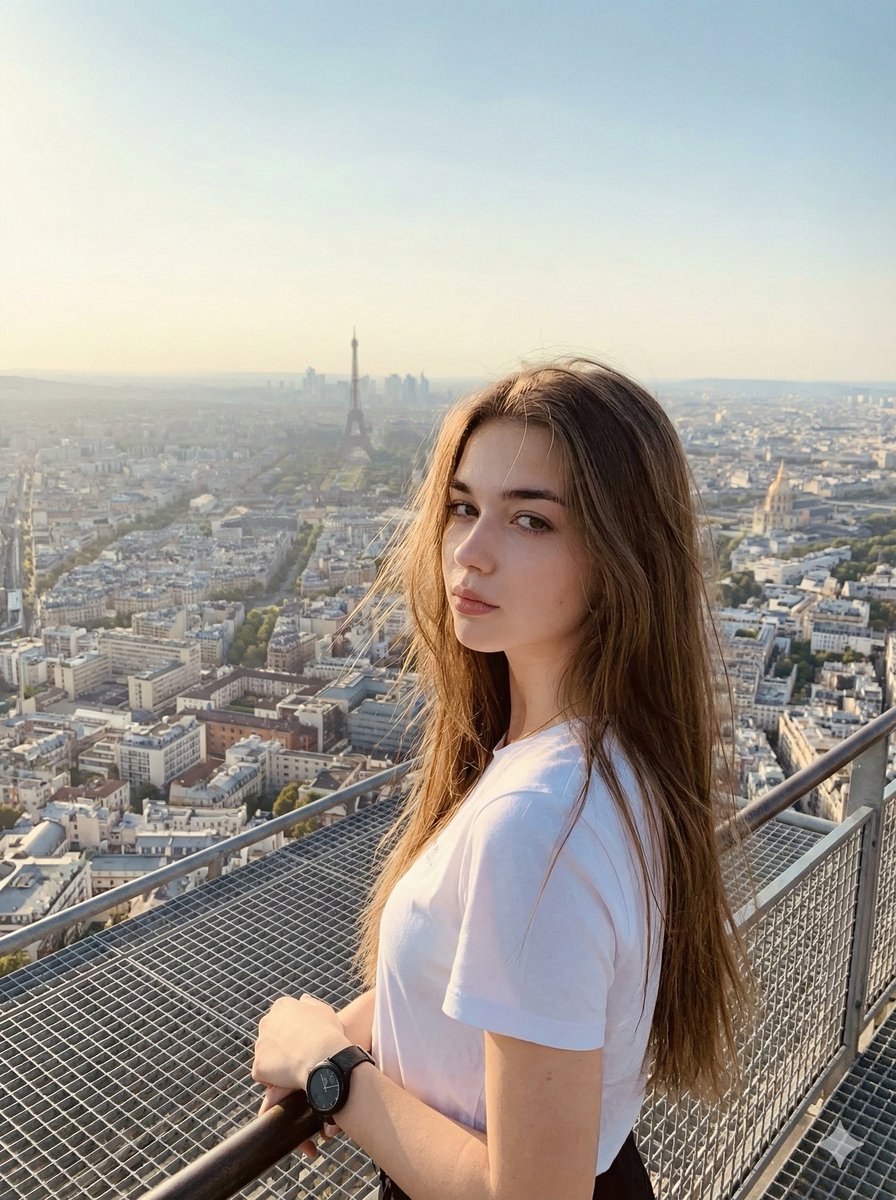
Cinematic Parisian Tower Portrait with Identity Preservation
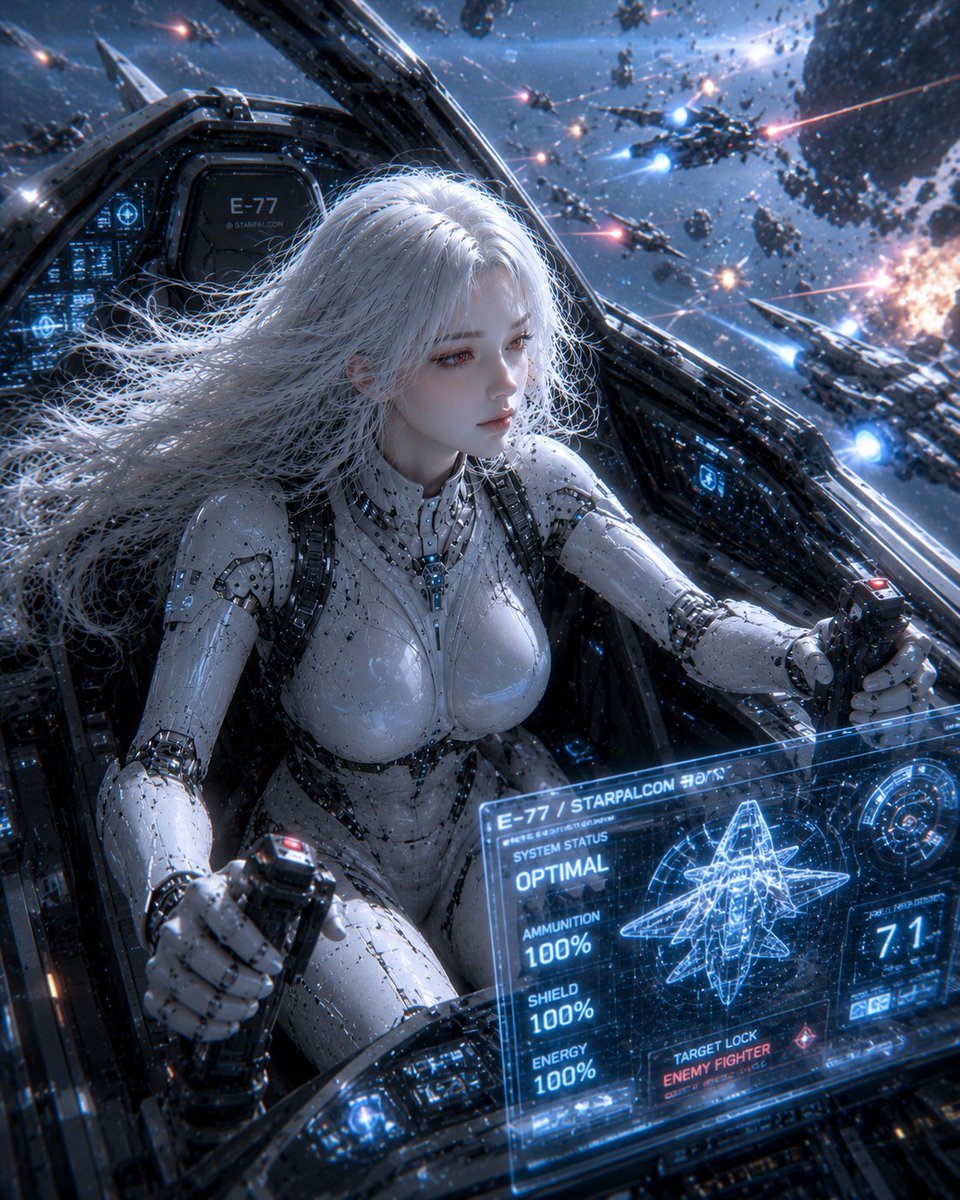
Female Android on a Spaceship

3D Luxury Birthday Poster
Childhood Memory Crayon Art
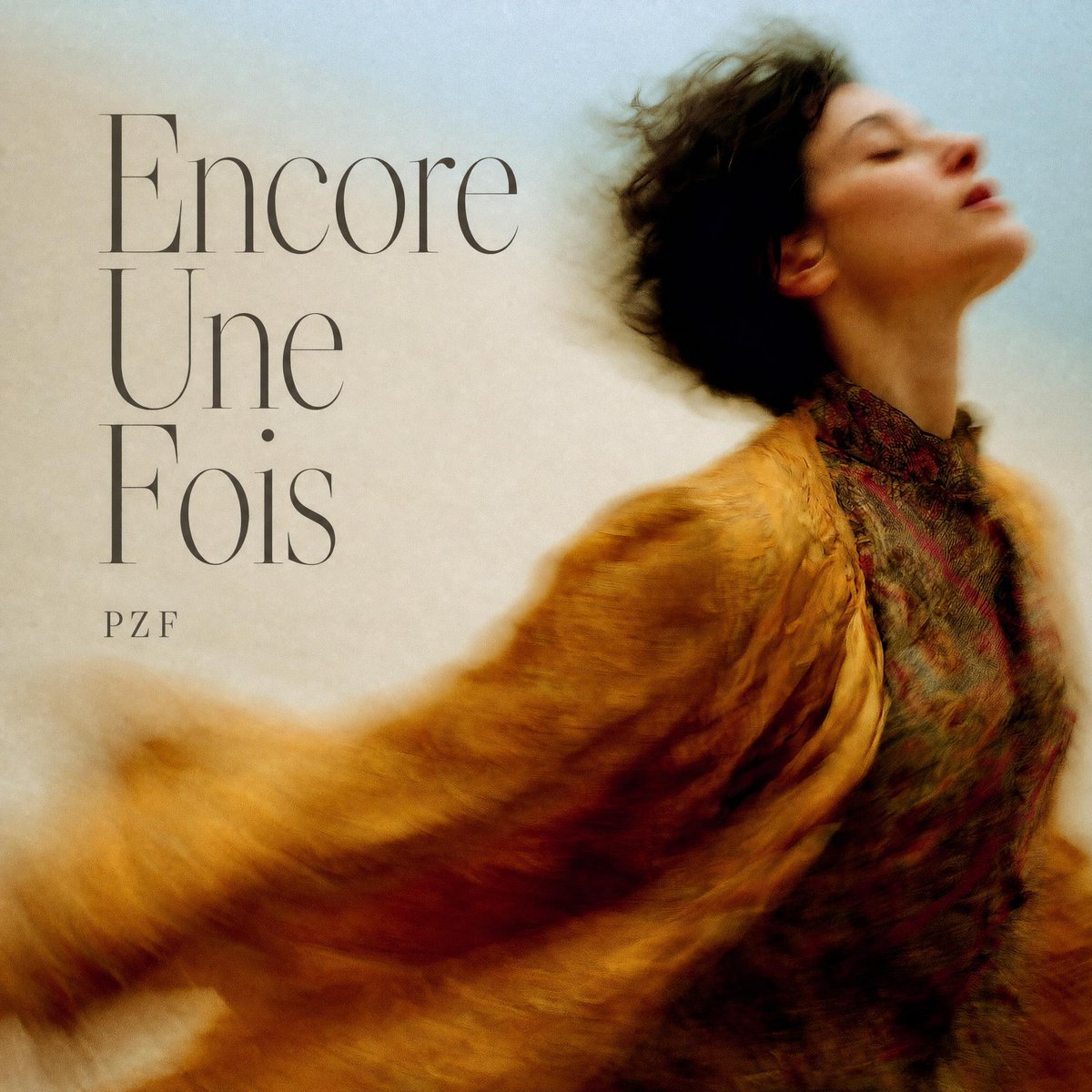
French Indie Album Cover
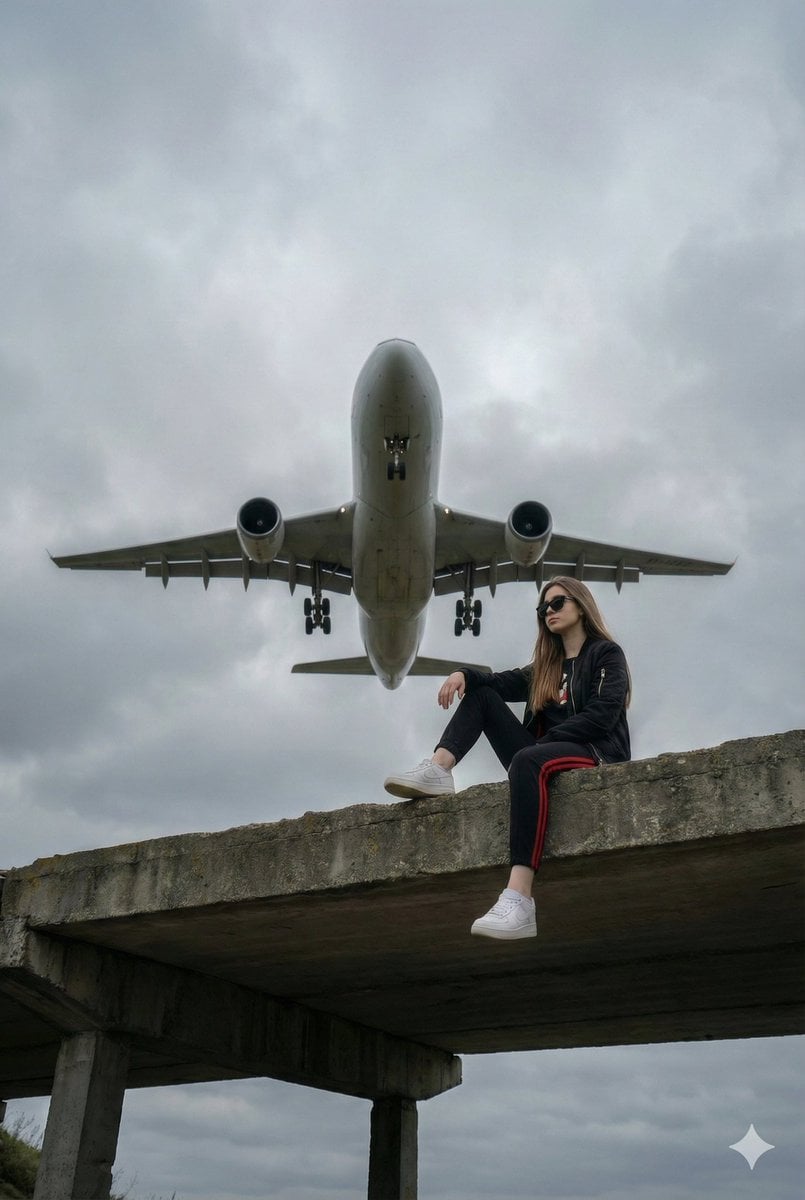
Surreal Low-Angle Portrait with Low-Flying Airplane Prompt

Neon Arena Concert Ad Poster
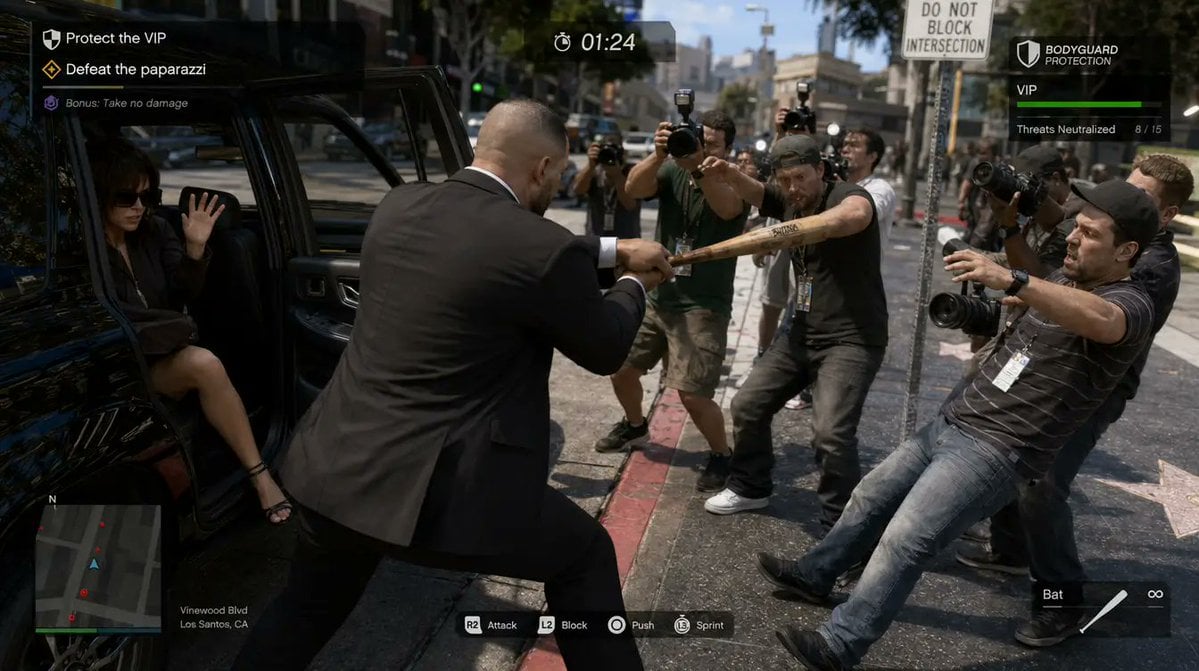
3D gaming scene with bodyguard
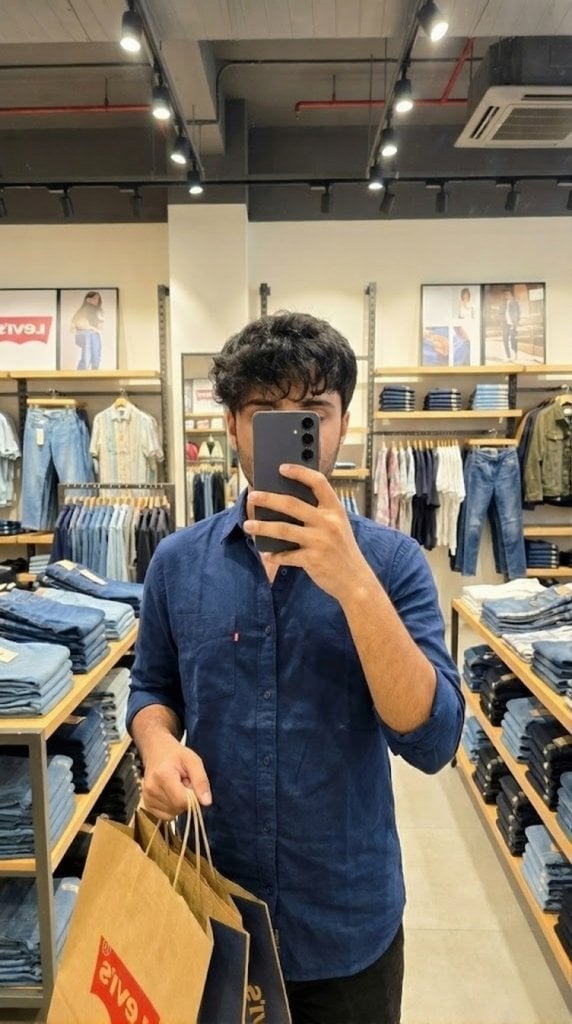
Levi’s shopping mirror selfie edit
Browse template categories
Cyber-Horror YouTube Thumbnail Generator questions
How do I use the Cyber-Horror YouTube Thumbnail Generator template?
Add your photo if the template asks for one, edit the prompt if you like — the template's model and format are already selected — and press Generate. Your version opens in PicX Studio.
Can I customize the Cyber-Horror YouTube Thumbnail Generator template?
Yes. You can change the subject, setting, lighting, mood, format, and available model controls before creating your image.
Is the Cyber-Horror YouTube Thumbnail Generator template free?
Opening and editing this template is free. Generating uses credits, shown on the Generate button when you are signed in.
Which AI model should I use?
Start with Nano Banana 2, which is the model associated with this template. You can compare another compatible model for a different finish.
Looking for something else? Browse all templates.

Your photo, any look
Thousands of ready templates for every top image and video model, from one credit balance.