
Neon Arena Concert Ad Poster
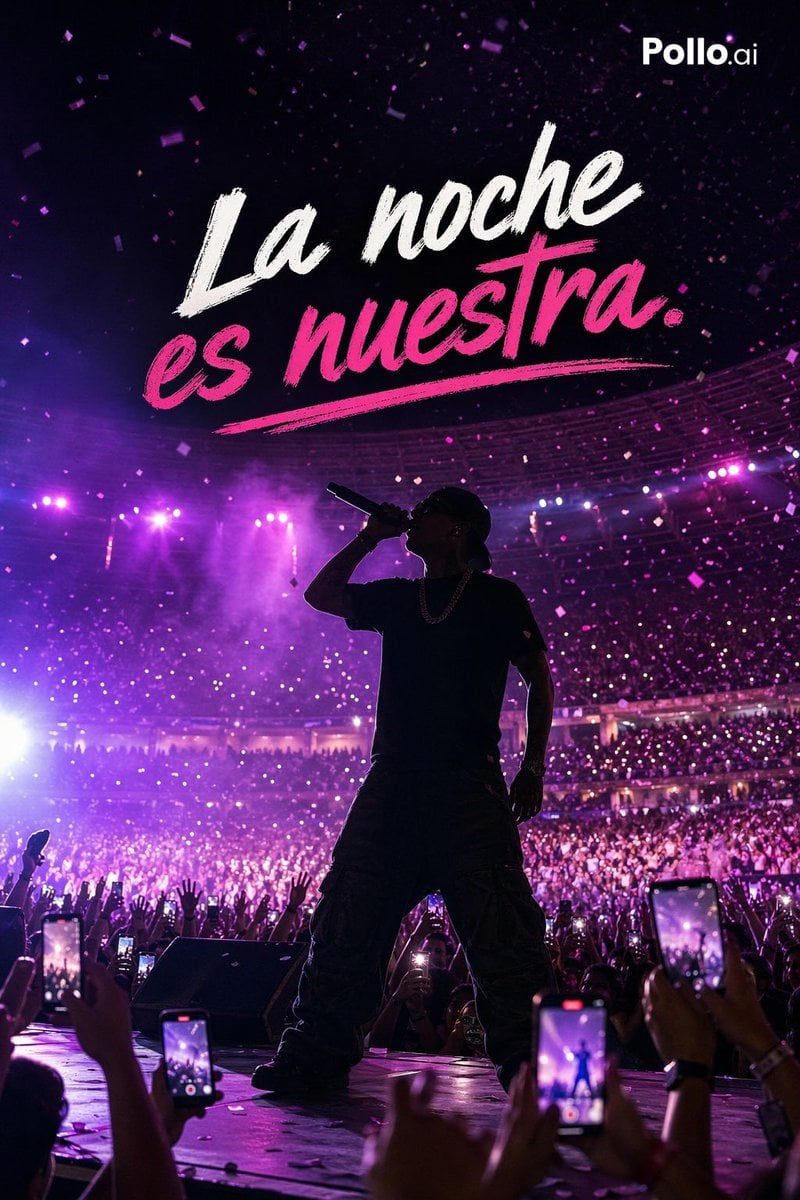
This prompt generates a high-energy vertical concert advertisement image with a silhouetted singer, massive crowd, neon purple lighting, and bold Spanish headline text for music, nightlife, or mobile app marketing.
- Prompt included
- Model and format preset
- Free template
The prompt behind this image
Copy the exact prompt behind Neon Arena Concert Ad Poster, or open it in the studio and make it yours.
A dramatic vertical concert poster photograph shot from the audience at stage level, showing a single male performer in full-body silhouette standing powerfully at center stage with legs apart, holding a microphone to his mouth in one hand. He wears a dark oversized t-shirt, very baggy cargo pants, a cap, and a chain necklace, with his face mostly hidden in shadow. Behind him is a massive packed indoor arena with thousands of fans, glowing phone lights, raised hands, and a curved stadium seating bowl. The lighting is intense magenta, purple, and pink with haze, backlight, lens bloom, and atmospheric smoke, creating a high-energy reggaeton or urban pop concert mood. Confetti pieces float through the air across the frame. In the foreground, exactly 5 visible audience smartphones are raised and recording the performance, framing the scene from the crowd perspective. At the top center, add large bold brush-script lettering in Spanish reading {argument name="headline text" default="La noche es nuestra."}, with “La noche” in white and “es nuestra.” in vivid hot pink, including a painted underline swoosh beneath the pink text. Place a small clean white {argument name="brand name" default="Pollo.ai"} logo in the top-right corner. High contrast, cinematic live-event photography, glossy social-media ad aesthetic, sharp crowd detail with a silhouetted artist, vibrant neon nightlife energy, optimized for a mobile promotional poster.
How to use Neon Arena Concert Ad Poster in 3 steps
- 1Upload ImagePNG, JPG or paste
Add your photo
Upload the photo the template builds on. The prompt, model and format are already set.
- 2…a portrait of your subject in softgolden-hour light, 85mm…
Personalize
Edit the subject and creative details for your destination.
- 3Generate
Generate
Press Generate — your image is created in PicX Studio, so you can compare it with the original and refine one variable at a time.
More like this
Templates with the same subject, style or setup. Open one to see its prompt.

Cartoon TV Show Poster Pack

Neon Glitch Cyber Symbiote Music Poster
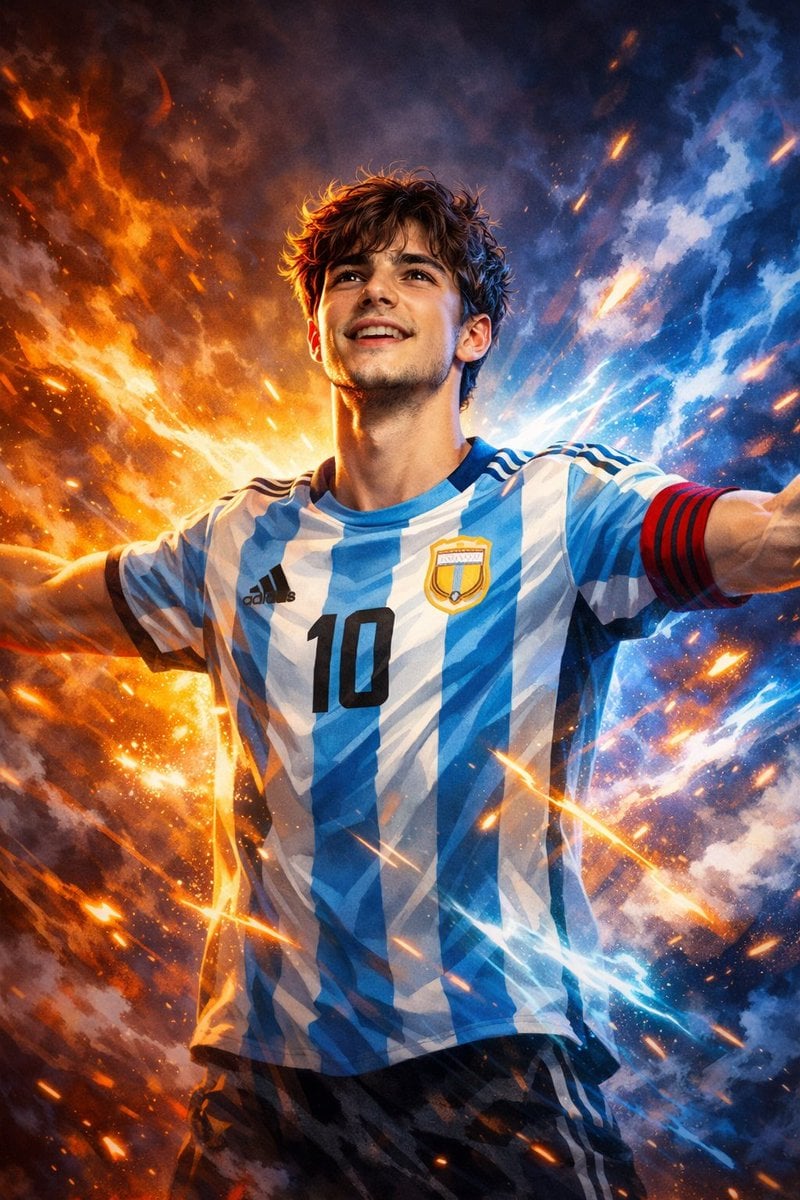
Victory Aura Superhero Neon Poster
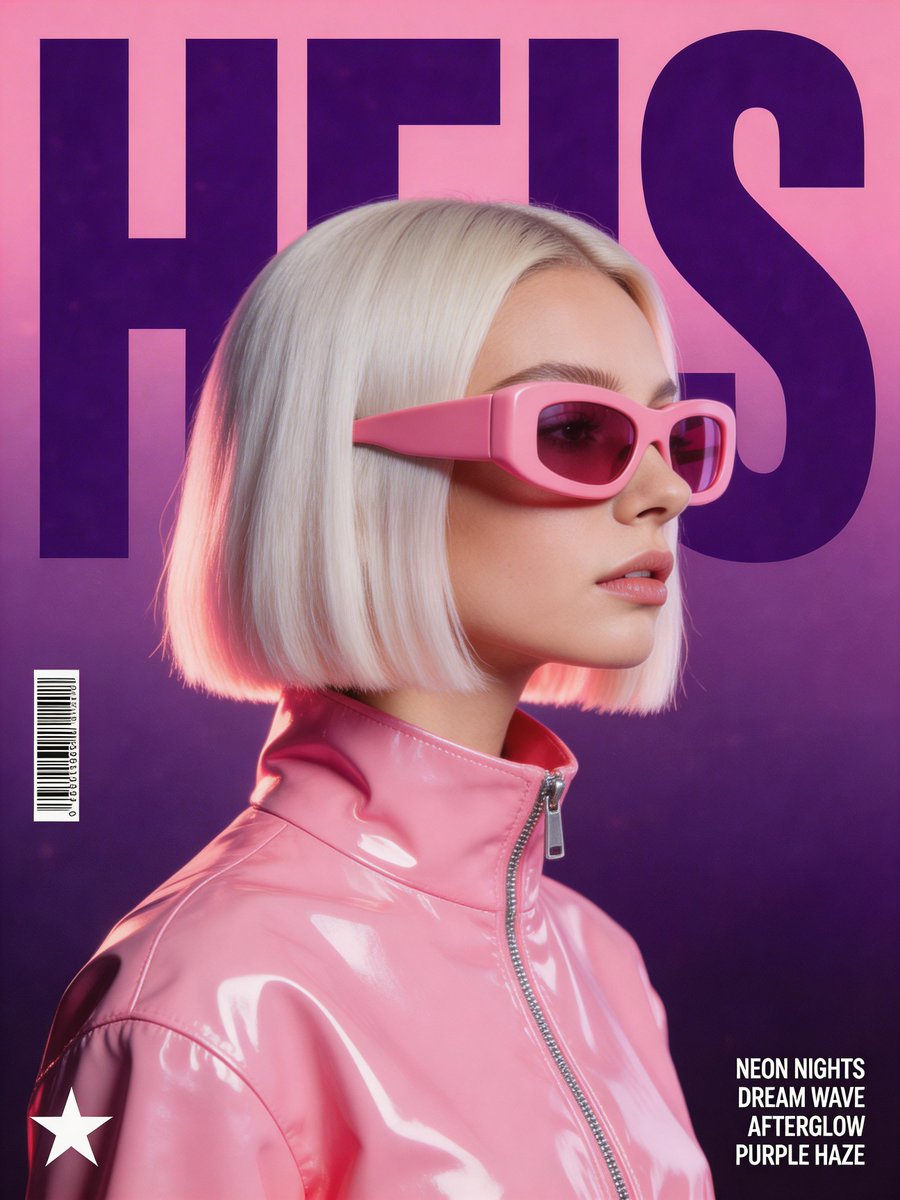
Synthwave Retro Superhero Music Poster
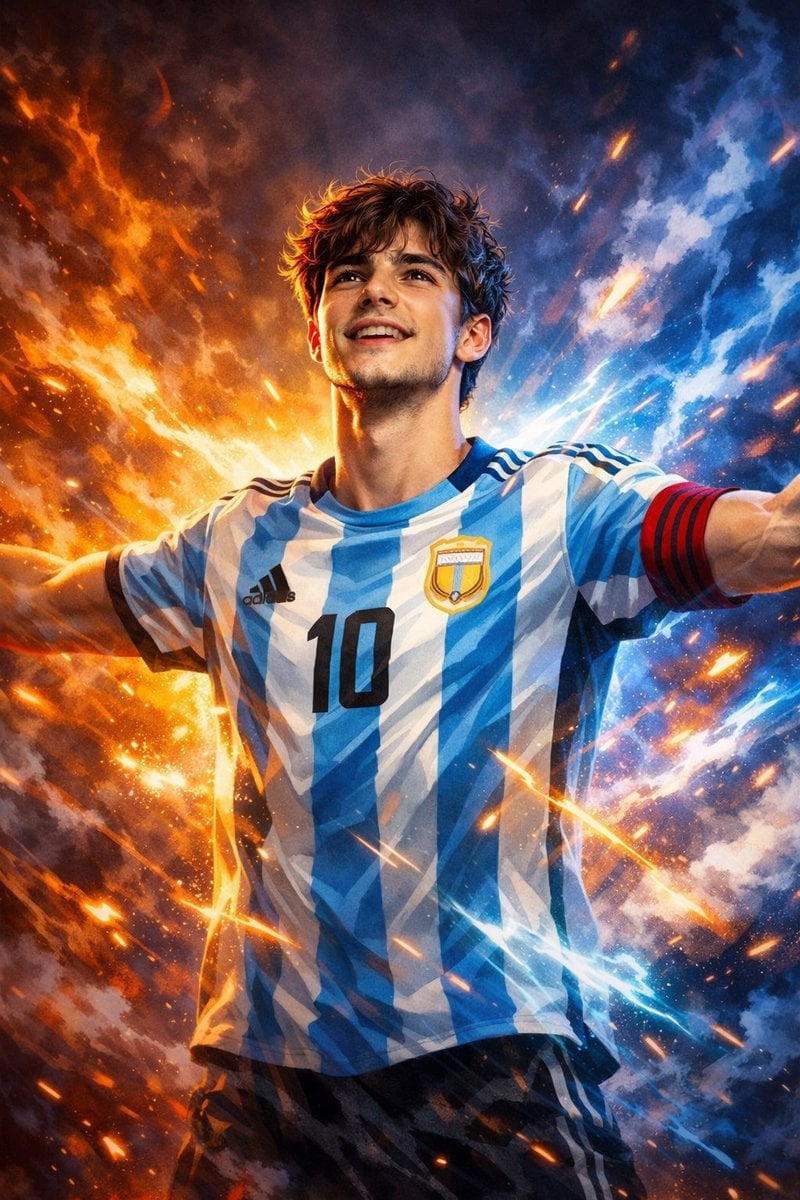
Victory Aura Football Poster

80s Neon Disco Night
Surreal Brahms Piano Concerto Arena

Japan Travel Brochure Poster

Trendy Cafe Drink Promo Poster

Urban Fashion Editorial Collage Streetwear Poster

Premium Fashion Editorial Cover Layout System

Polo Ralph Lauren Luxury American Heritage Fashion Campaign
Make it yours
Neon Arena Concert Ad Poster works as-is. These are the safest ways to change it without losing the look.
Change one field
Copy a single group, rewrite it, and generate again so you can see what that field is doing.
Keep the frame, change the subject
Hold the composition and light of Neon Arena Concert Ad Poster, then swap wardrobe, props or the person for a new take.
| If the result… | Why | Fix |
|---|---|---|
| The result drifts from the preview | Too many fields changed at once. | Reuse Neon Arena Concert Ad Poster as-is first, then change one group — subject, light, or setting. |
| The model over-stylizes the scene | The prose prompt leaves finish and camera underspecified. | Add one camera or lighting sentence and stay on GPT Image 2. |
More GPT Image 2 templates
Other prompts made for GPT Image 2.

Six VTuber Japanese Logo Sheet

Realistic Portrait of Woman and Deer

The Vista Modular Condo Poster

AI Model Routing Comparison Infographic

2.5D Anime Art Board

Isometric Productivity Desk Scene

New York Double Exposure Poster

Four-Panel AI Landscape Comparison

Japanese Tatami Lifestyle Magazine Cover

NESCAFÉ Coffee Map Poster
More image prompts
Fresh picks from across the catalog.
Kawaii Food Advertisement Poster
Retro Japanese Tech Magazine Layout
Alpine Ski Portrait with Anatomical Specifications
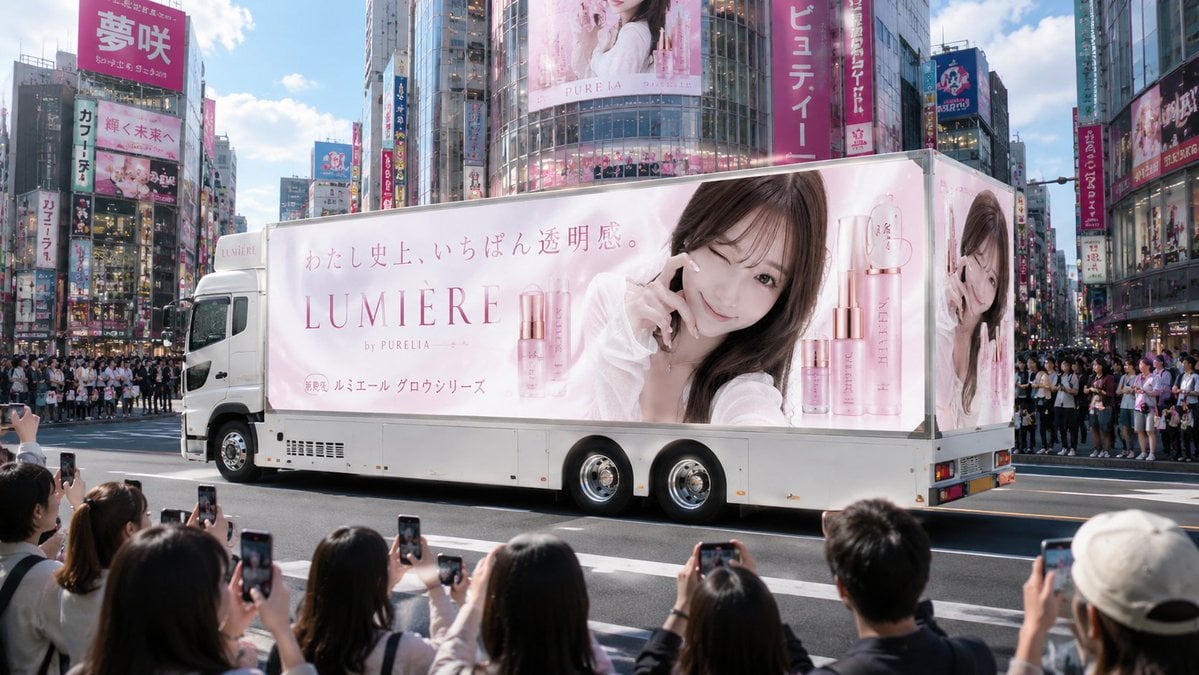
Japanese Cosmetic Ad Truck
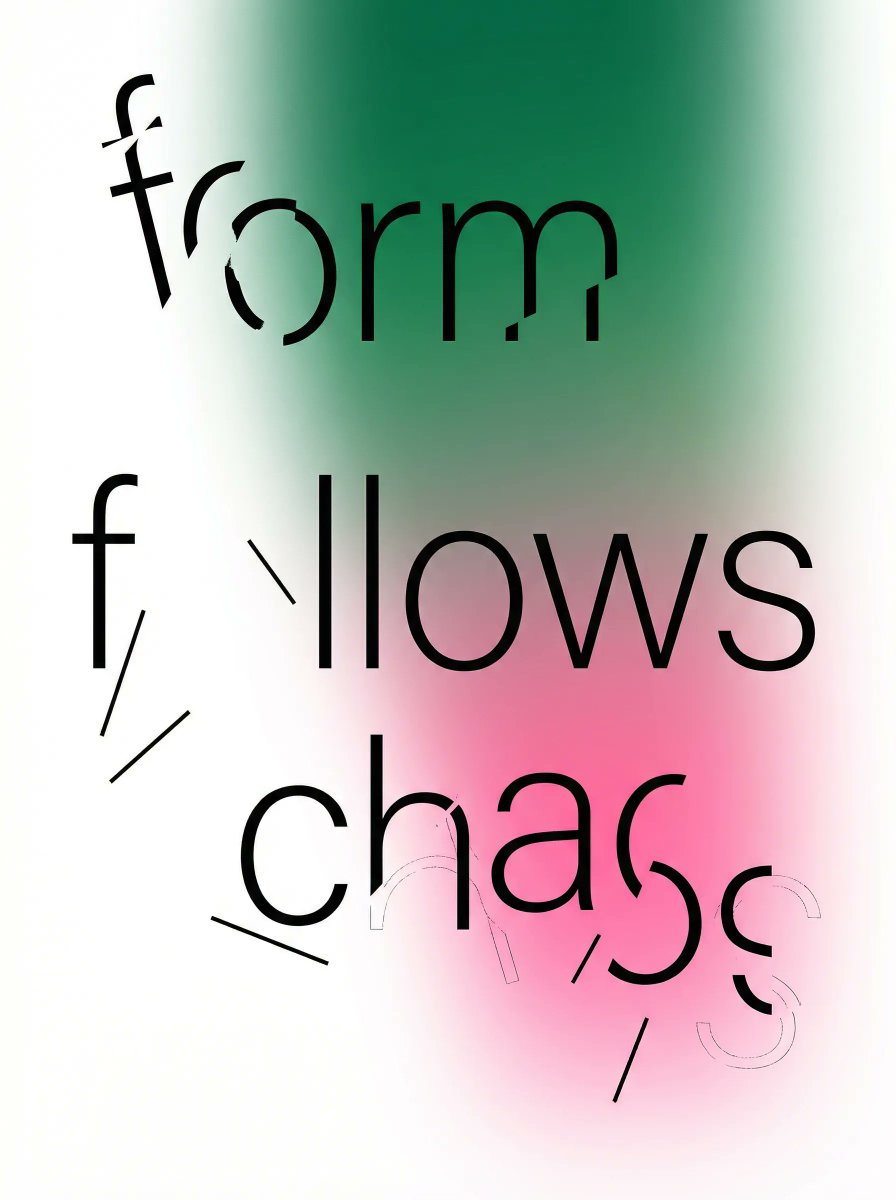
Fragmented Typography Poster Prompt (Minimalist Chaos)
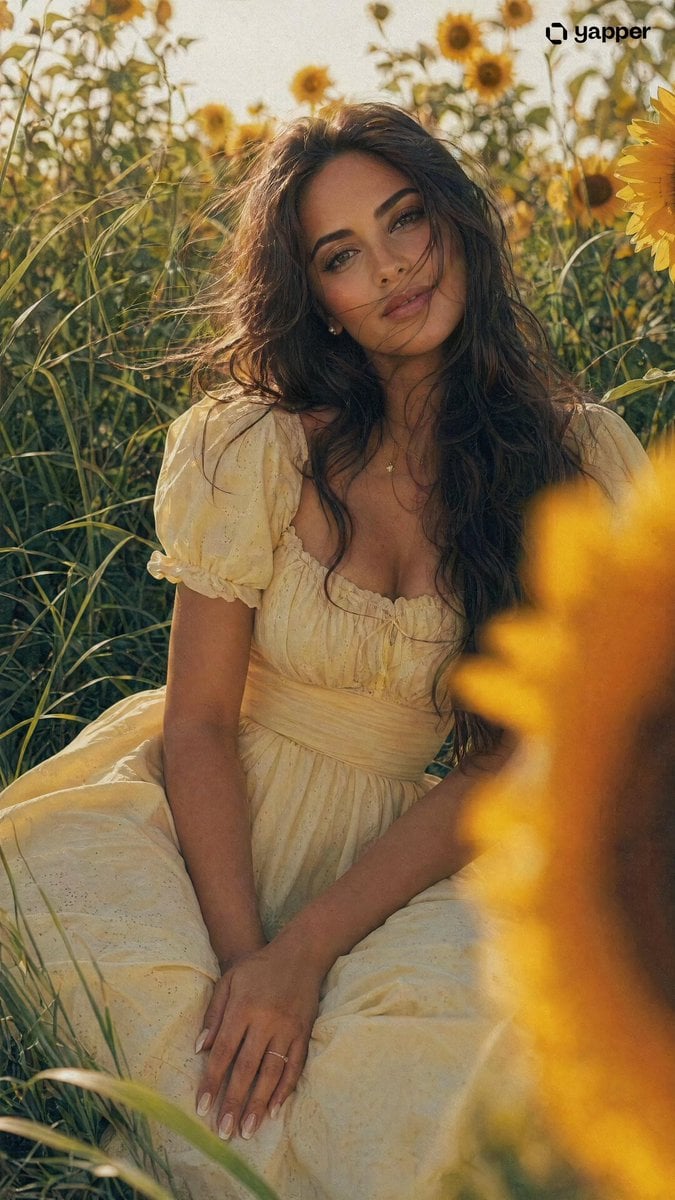
Romantic Girl in Sunflower Field
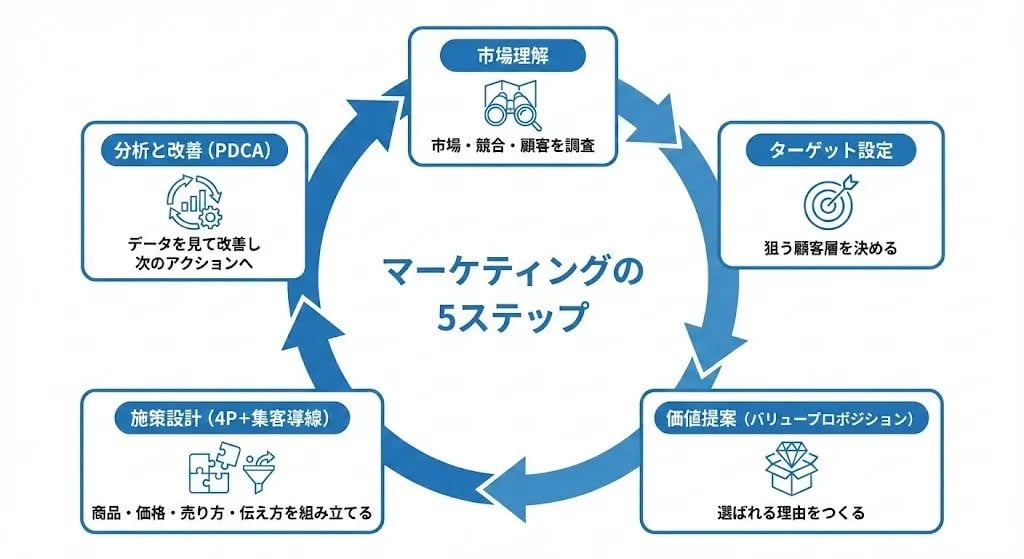
Step Marketing Flowchart Diagram Generator
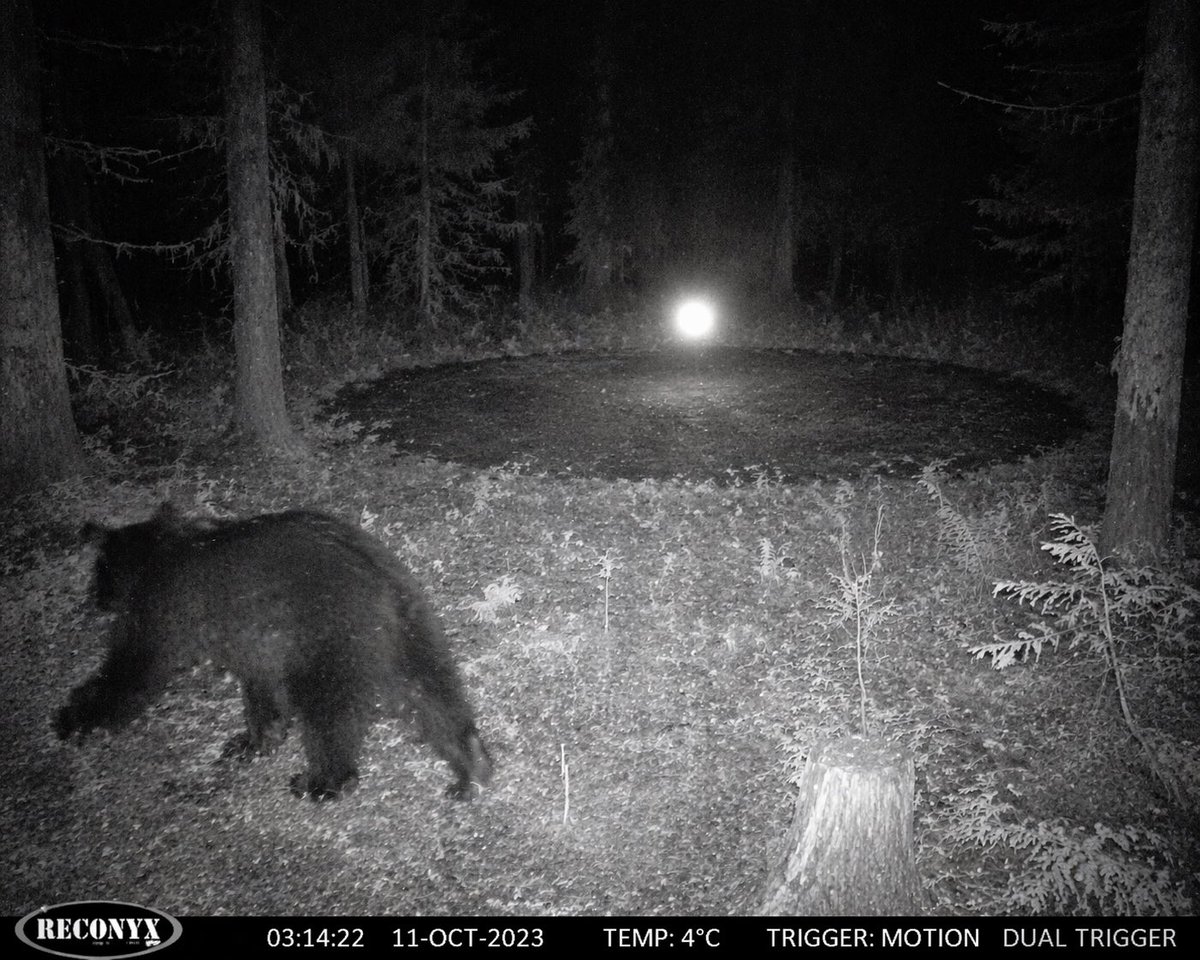
Paranormal Trail Camera Encounter
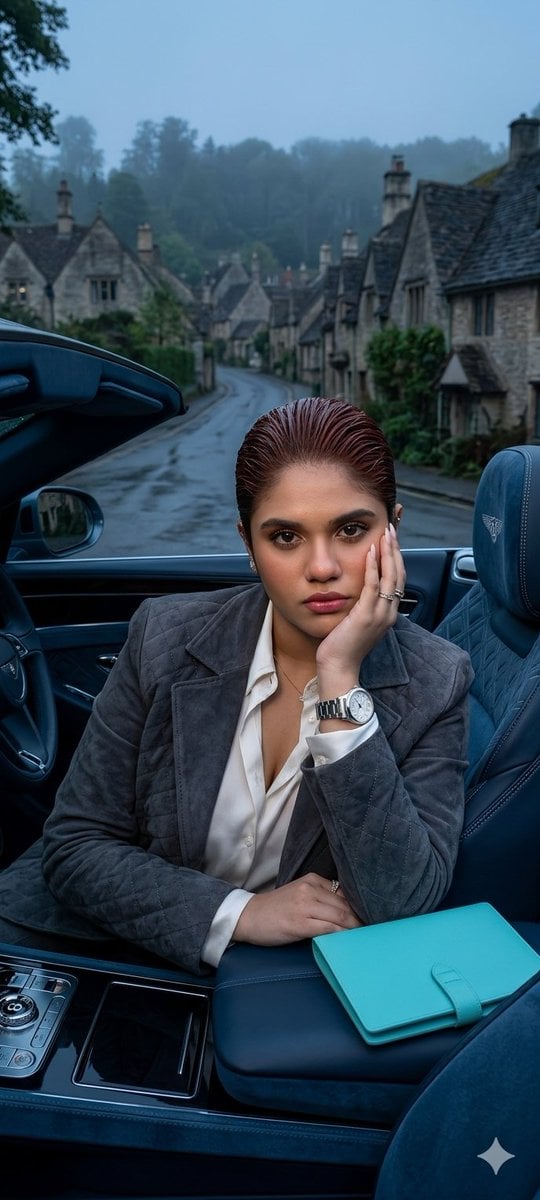
X Oye Samia Hyper Realistic Scene on the Outskirts
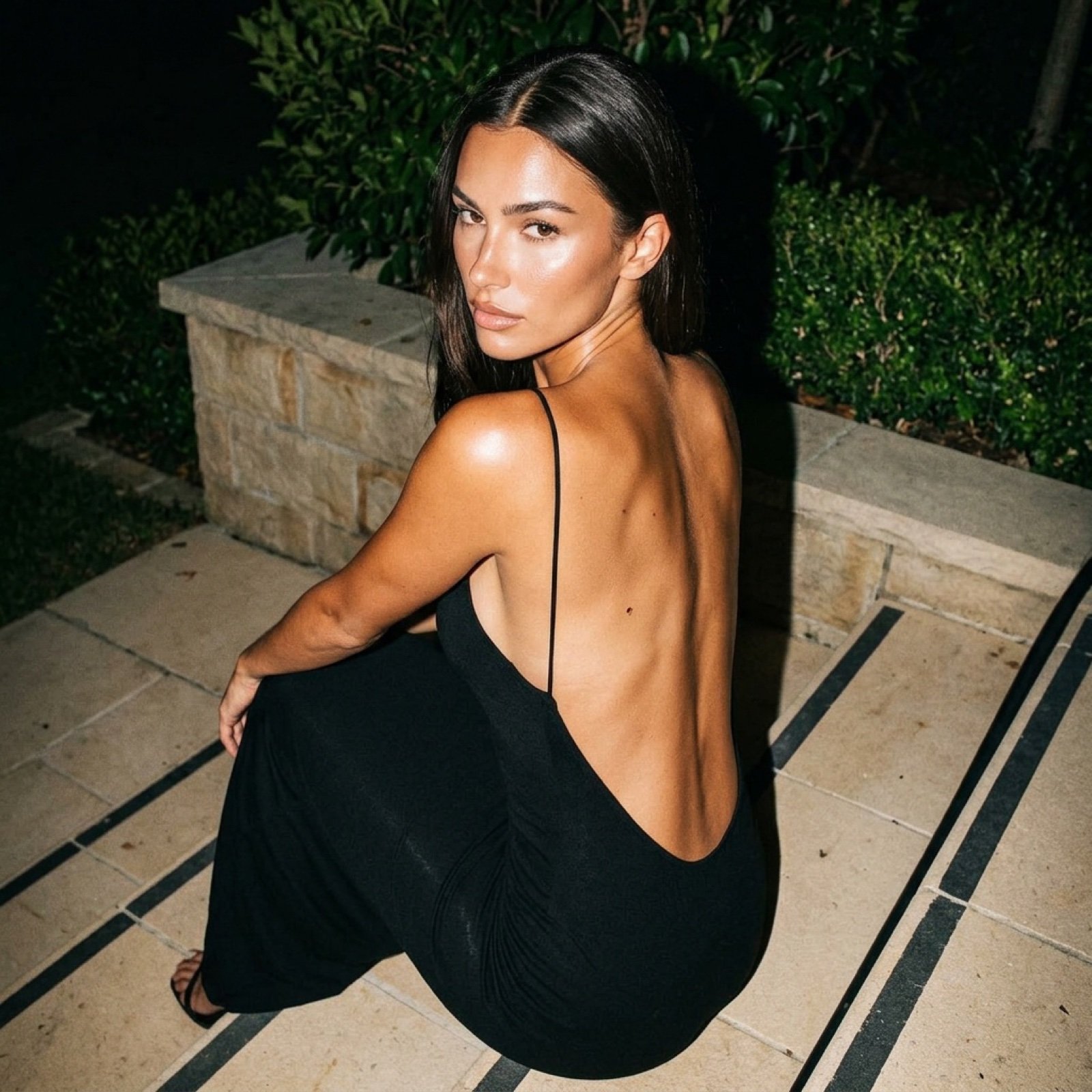
Hard Flash Backless Dress Night Photo Prompt
Browse template categories
Neon Arena Concert Ad Poster questions
How do I use the Neon Arena Concert Ad Poster template?
Add your photo if the template asks for one, edit the prompt if you like — the template's model and format are already selected — and press Generate. Your version opens in PicX Studio.
Can I customize the Neon Arena Concert Ad Poster template?
Yes. You can change the subject, setting, lighting, mood, format, and available model controls before creating your image.
Is the Neon Arena Concert Ad Poster template free?
Opening and editing this template is free. Generating uses credits, shown on the Generate button when you are signed in.
Which AI model should I use?
Start with GPT Image 2, which is the model associated with this template. You can compare another compatible model for a different finish.
Looking for something else? Browse all templates.

Your photo, any look
Thousands of ready templates for every top image and video model, from one credit balance.