
Surreal Brahms Piano Concerto Arena
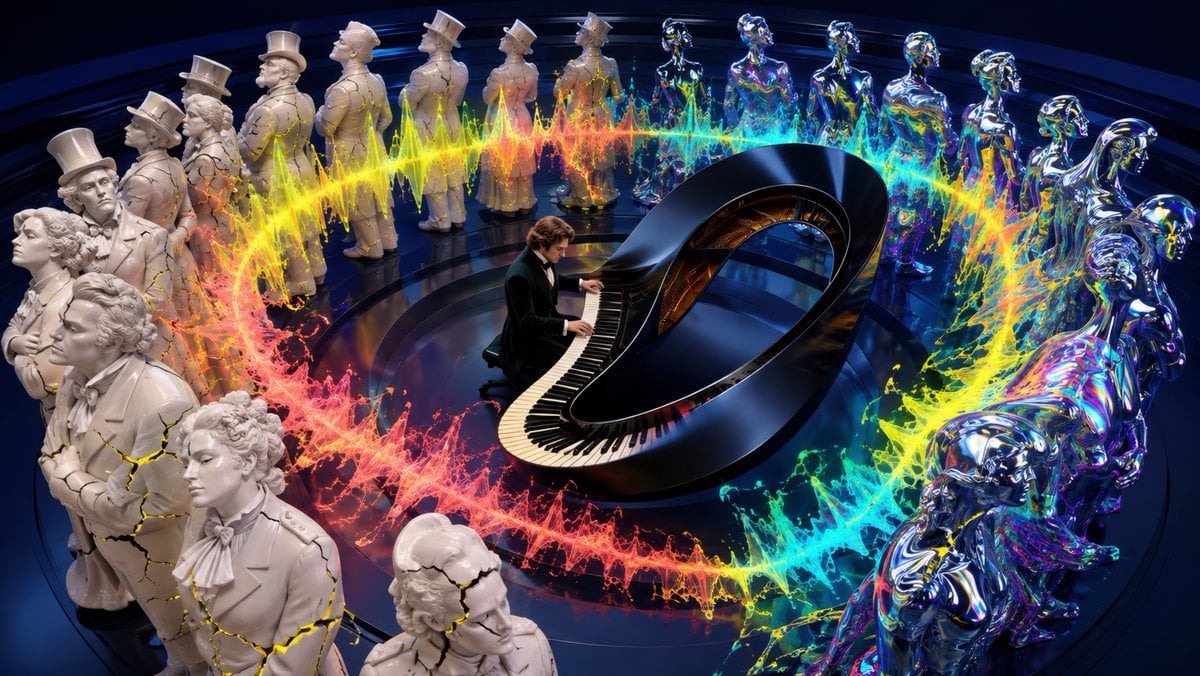
A cinematic surreal scene of a pianist performing inside a circular clash between classical marble conservatives and iridescent futuristic progressives.
- Prompt included
- Model and format preset
- Free template
The prompt behind this image
Copy the exact prompt behind Surreal Brahms Piano Concerto Arena, or open it in the studio and make it yours.
Create a cinematic surreal 16:9 wide image about {argument name="music theme" default="Brahms Piano Concerto No. 1"}: a young {argument name="pianist description" default="romantic-era male pianist with wavy brown hair in a black velvet tuxedo"} performs at the center of a dark glossy circular stage on an impossible black grand piano shaped like a Möbius loop, with the keyboard wrapping around the front curve and the piano body arching into a sculptural oval. Surround the pianist with exactly 24 life-size audience statues arranged in a circular amphitheater ring: 12 matte white neoclassical conservative figures on the left side, dressed in 19th-century formal coats, cravats, bonnets, and top hats, some cracked with glowing yellow fissures; and 12 futuristic progressive figures on the right side, polished chrome and iridescent rainbow like liquid metal, with abstract modern silhouettes and reflective surfaces. A thick circular waveform of explosive paint and light encircles the piano and cuts between both camps, transitioning from hot red and orange on the left through yellow and green to electric cyan and blue on the right, with splashes, sparks, and jagged audio-wave peaks. The composition should feel like conservatives and progressives frozen in judgment around a wild piano performance, viewed from a high three-quarter angle, ultra-detailed, dramatic studio lighting, deep navy-black background, glossy reflections on the floor, high contrast, no text, no watermark.
How to use Surreal Brahms Piano Concerto Arena in 3 steps
- 1Upload ImagePNG, JPG or paste
Add your photo
Upload the photo the template builds on. The prompt, model and format are already set.
- 2…a portrait of your subject in softgolden-hour light, 85mm…
Personalize
Edit the subject and creative details for your destination.
- 3Generate
Generate
Press Generate — your image is created in PicX Studio, so you can compare it with the original and refine one variable at a time.
More like this
Templates with the same subject, style or setup. Open one to see its prompt.

Surreal Cat Astronaut — Humanoid Face Freefall

Bold Red Contrast Fashion Editorial Newspaper Room

Stylized Fashion Portrait Bold Color Contrast Editorial

Azed Double Exposure

Firefly Pixar Spill — Nano Banana Pro
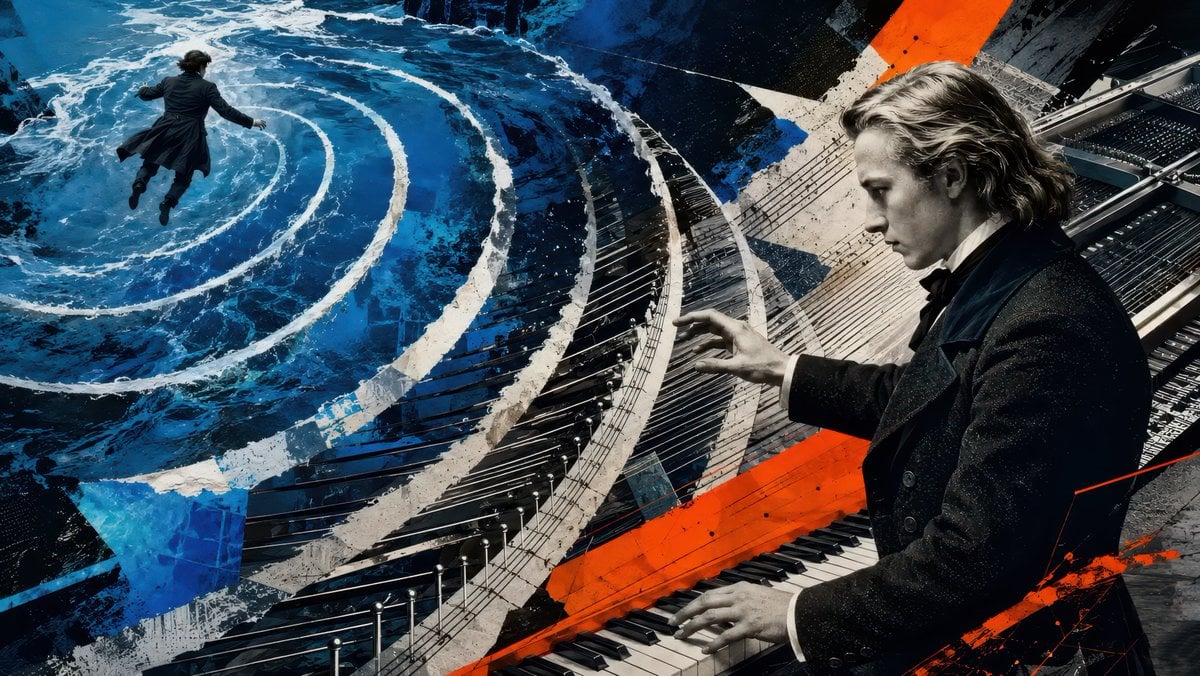
Schumann and Brahms Rhine Poster
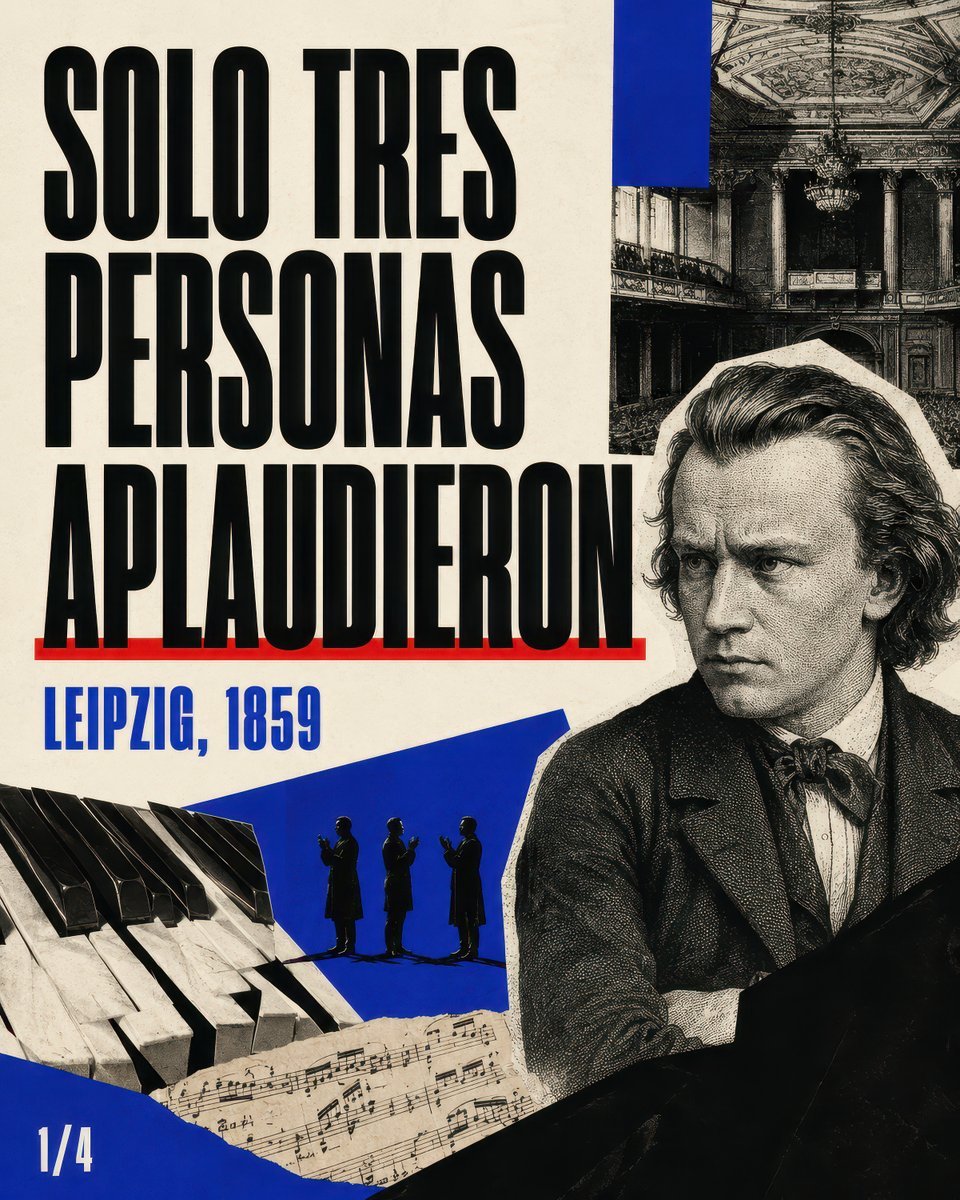
Brahms Leipzig 1859 Poster
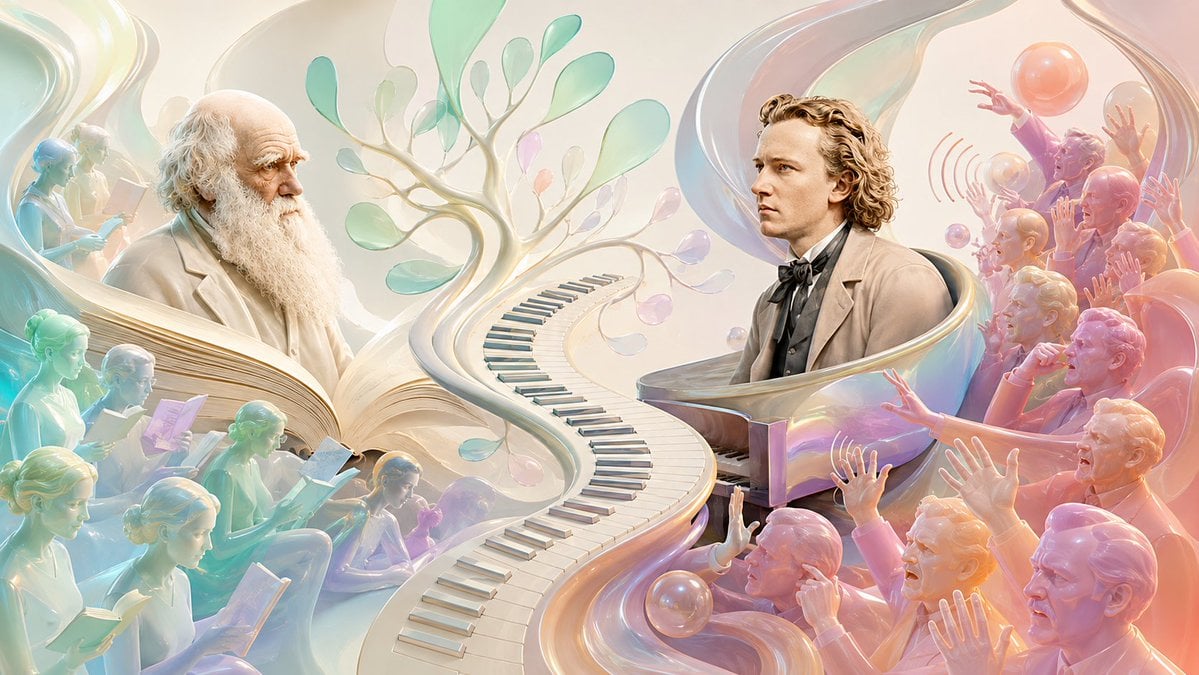
Darwin and Brahms in 1859
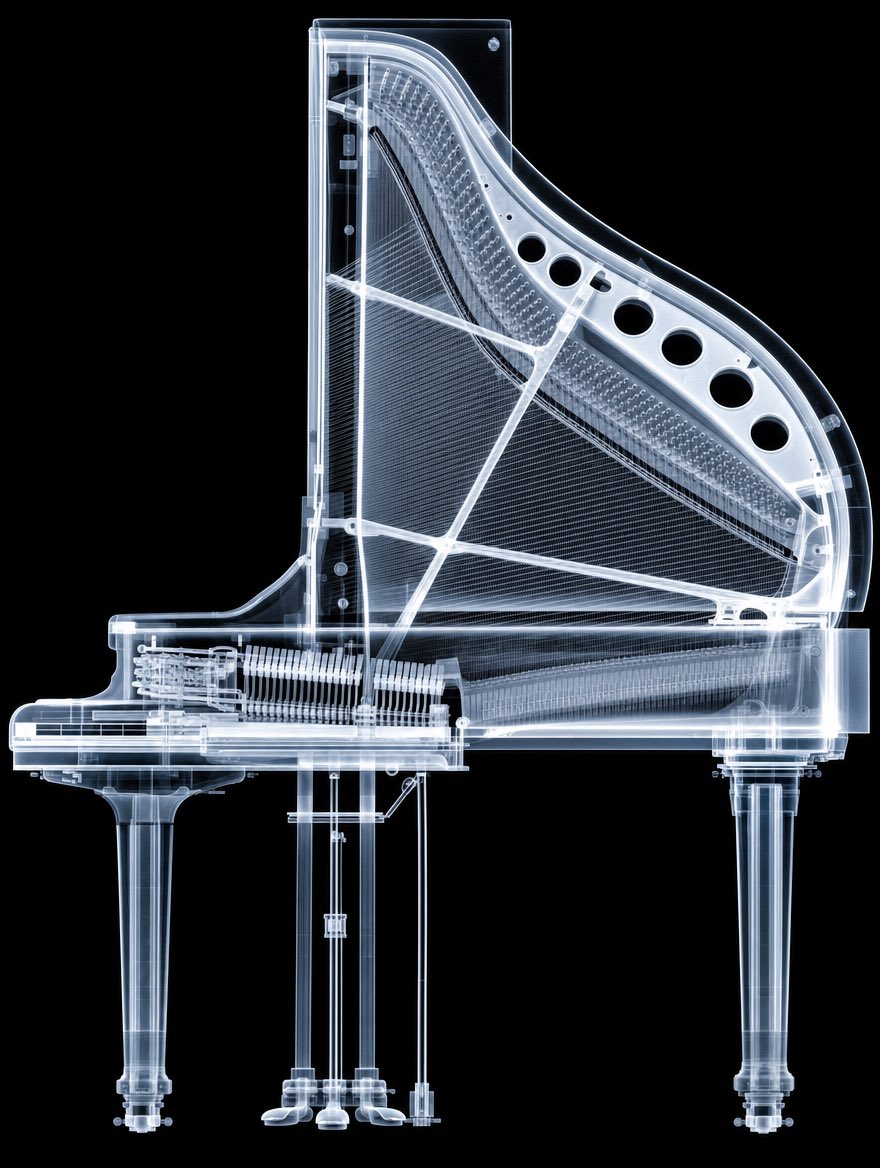
X-Ray Transparent Grand Piano
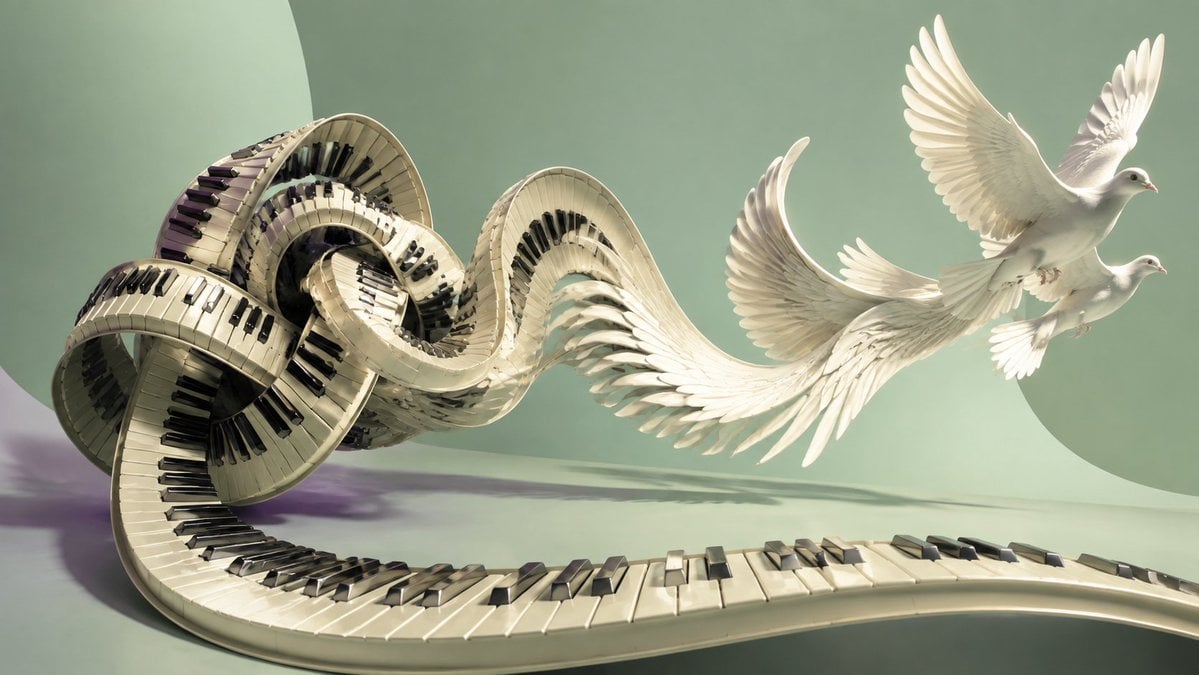
Piano Keyboard Transforming Into Doves
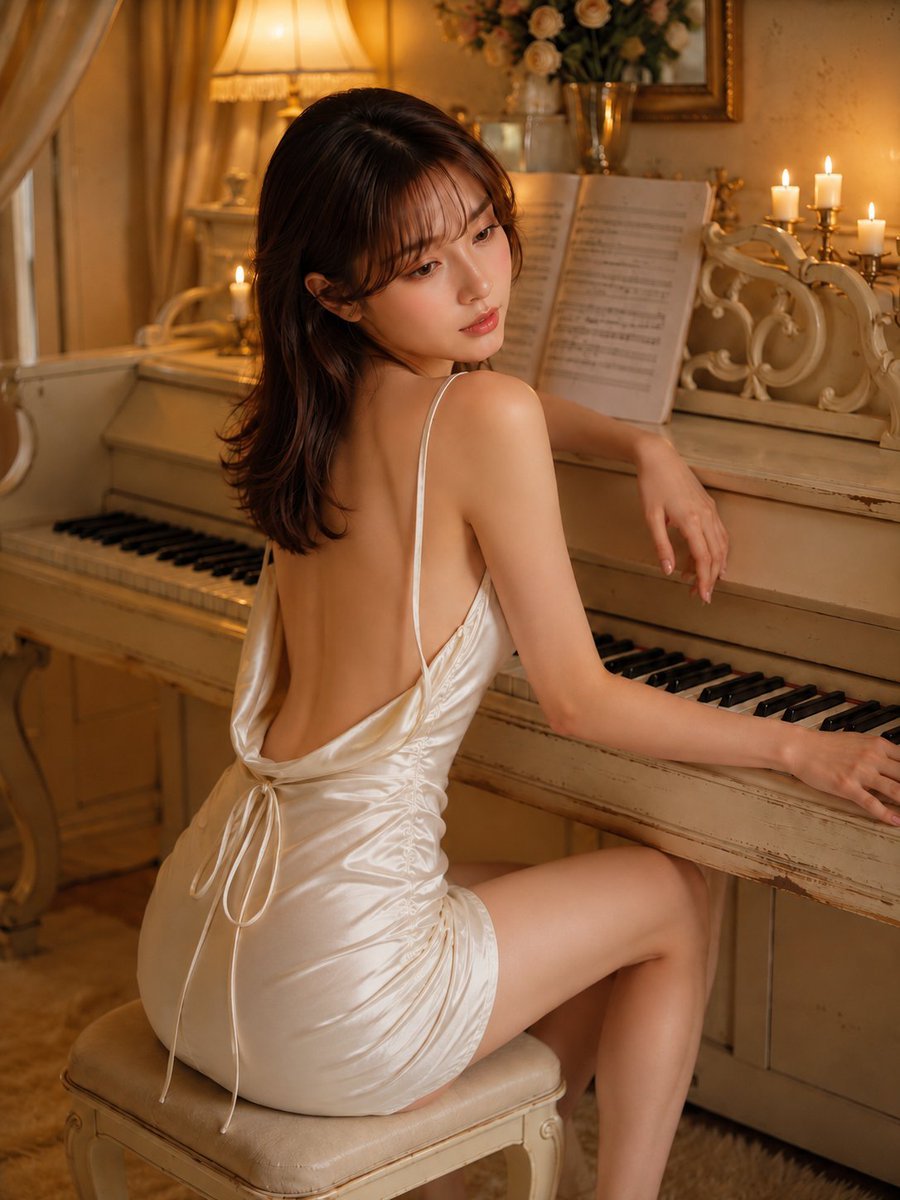
Piano Woman in White Satin Dress
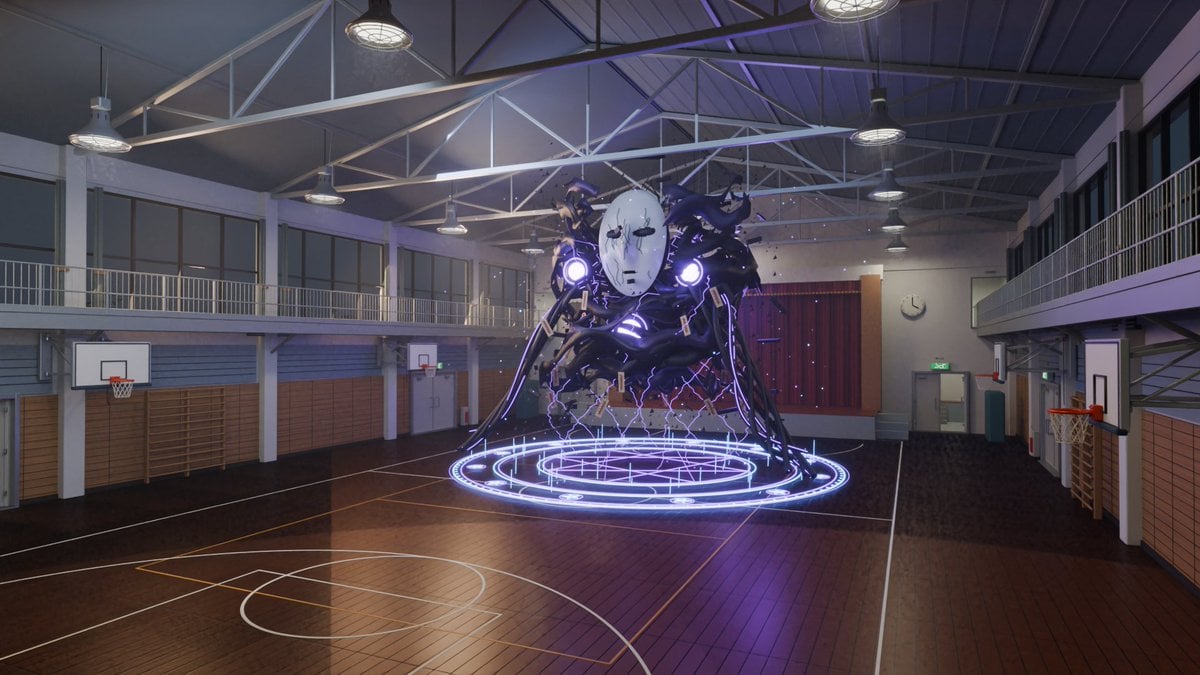
3D School Gym Boss Arena
Make it yours
Surreal Brahms Piano Concerto Arena works as-is. These are the safest ways to change it without losing the look.
Change one field
Copy a single group, rewrite it, and generate again so you can see what that field is doing.
Keep the frame, change the subject
Hold the composition and light of Surreal Brahms Piano Concerto Arena, then swap wardrobe, props or the person for a new take.
| If the result… | Why | Fix |
|---|---|---|
| The result drifts from the preview | Too many fields changed at once. | Reuse Surreal Brahms Piano Concerto Arena as-is first, then change one group — subject, light, or setting. |
| The model over-stylizes the scene | The prose prompt leaves finish and camera underspecified. | Add one camera or lighting sentence and stay on GPT Image 2. |
More GPT Image 2 templates
Other prompts made for GPT Image 2.

Six VTuber Japanese Logo Sheet

Realistic Portrait of Woman and Deer

The Vista Modular Condo Poster

AI Model Routing Comparison Infographic

2.5D Anime Art Board

Isometric Productivity Desk Scene

New York Double Exposure Poster

Four-Panel AI Landscape Comparison

Japanese Tatami Lifestyle Magazine Cover

NESCAFÉ Coffee Map Poster
More image prompts
Fresh picks from across the catalog.
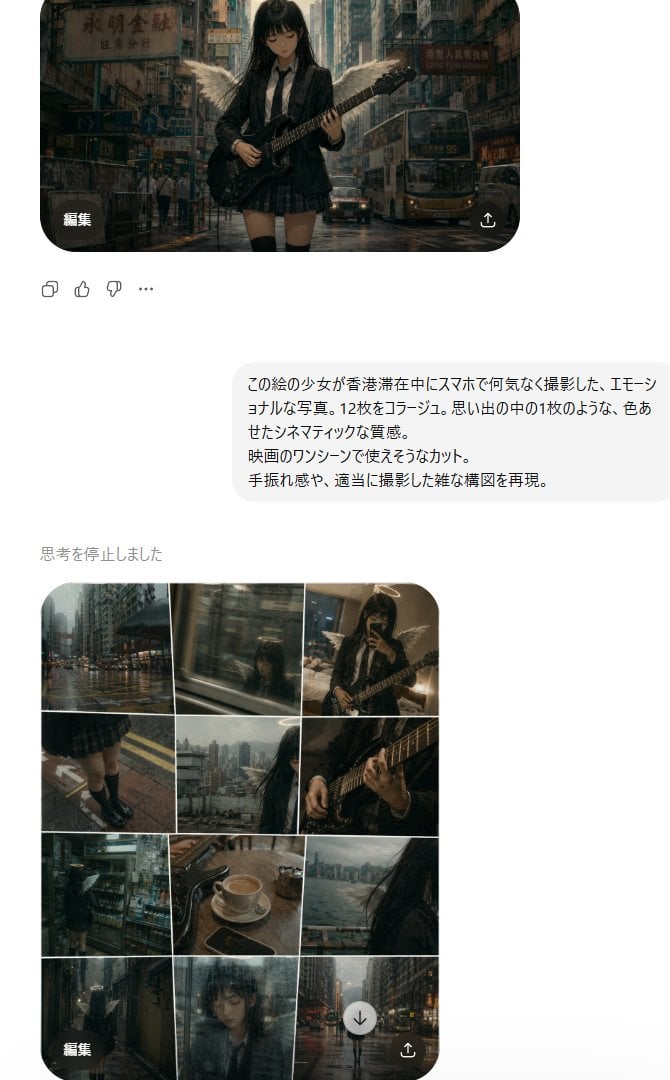
Rainy Hong Kong Schoolgirl Guitar Collage
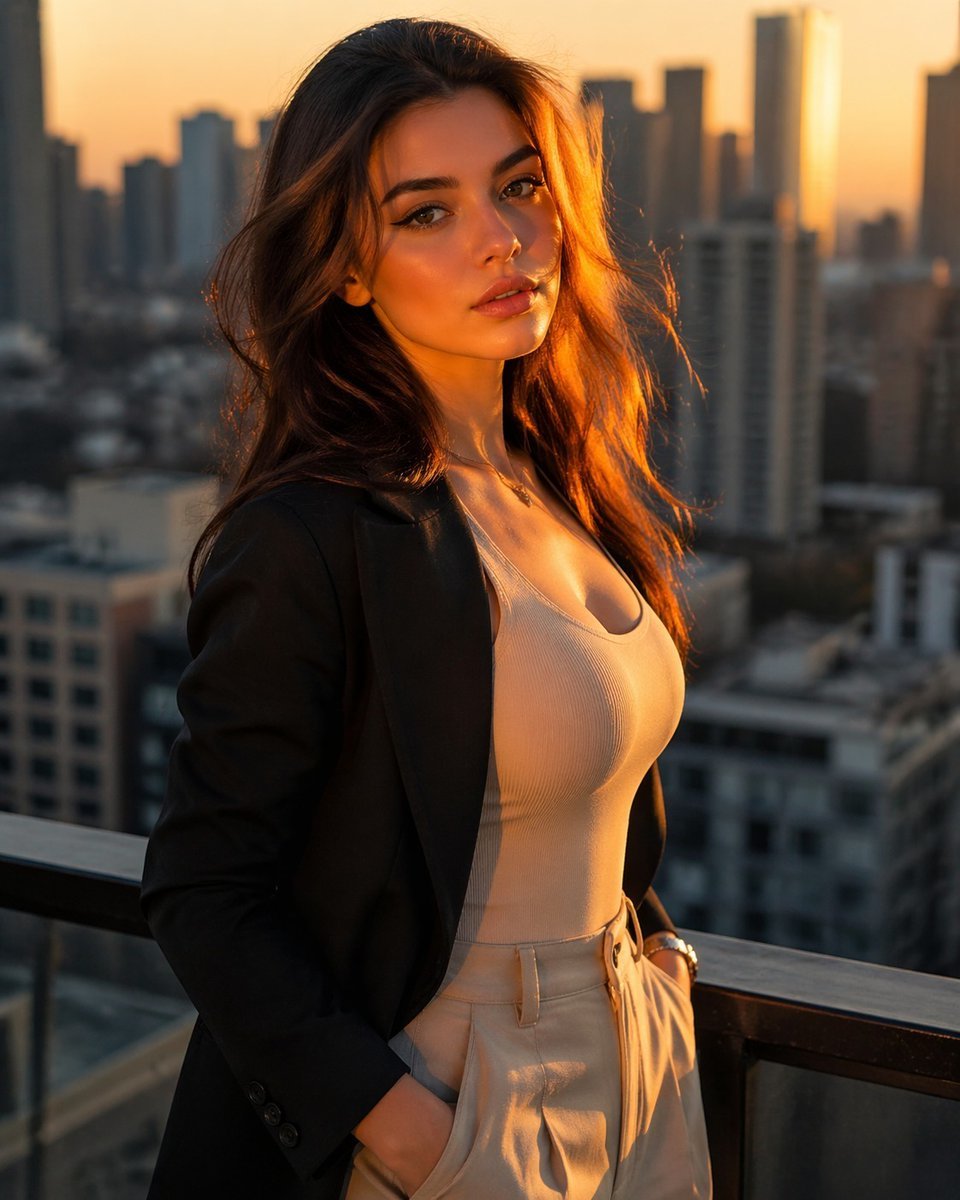
Golden Hour Rooftop Fashion Portrait
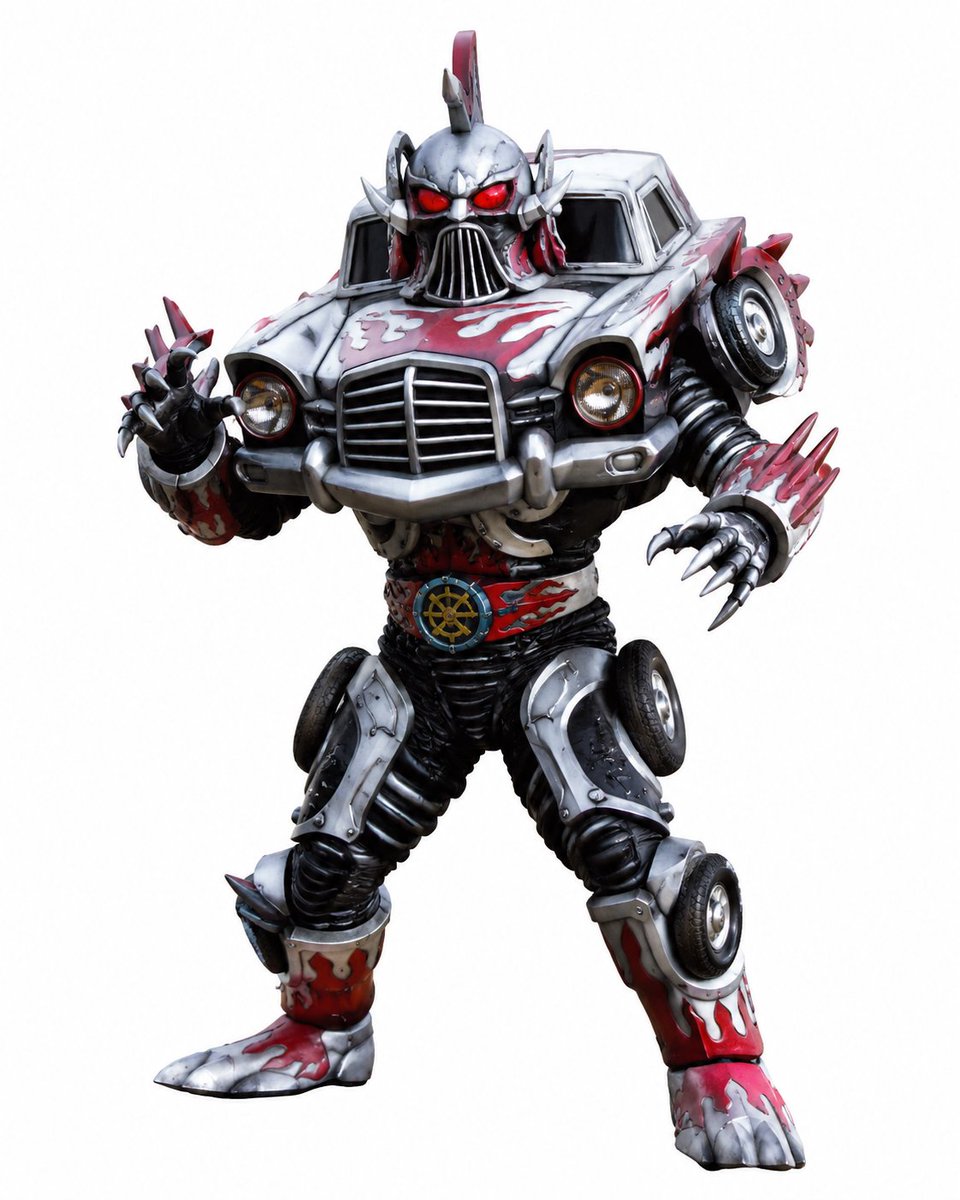
Vintage Car Kaijin Villain
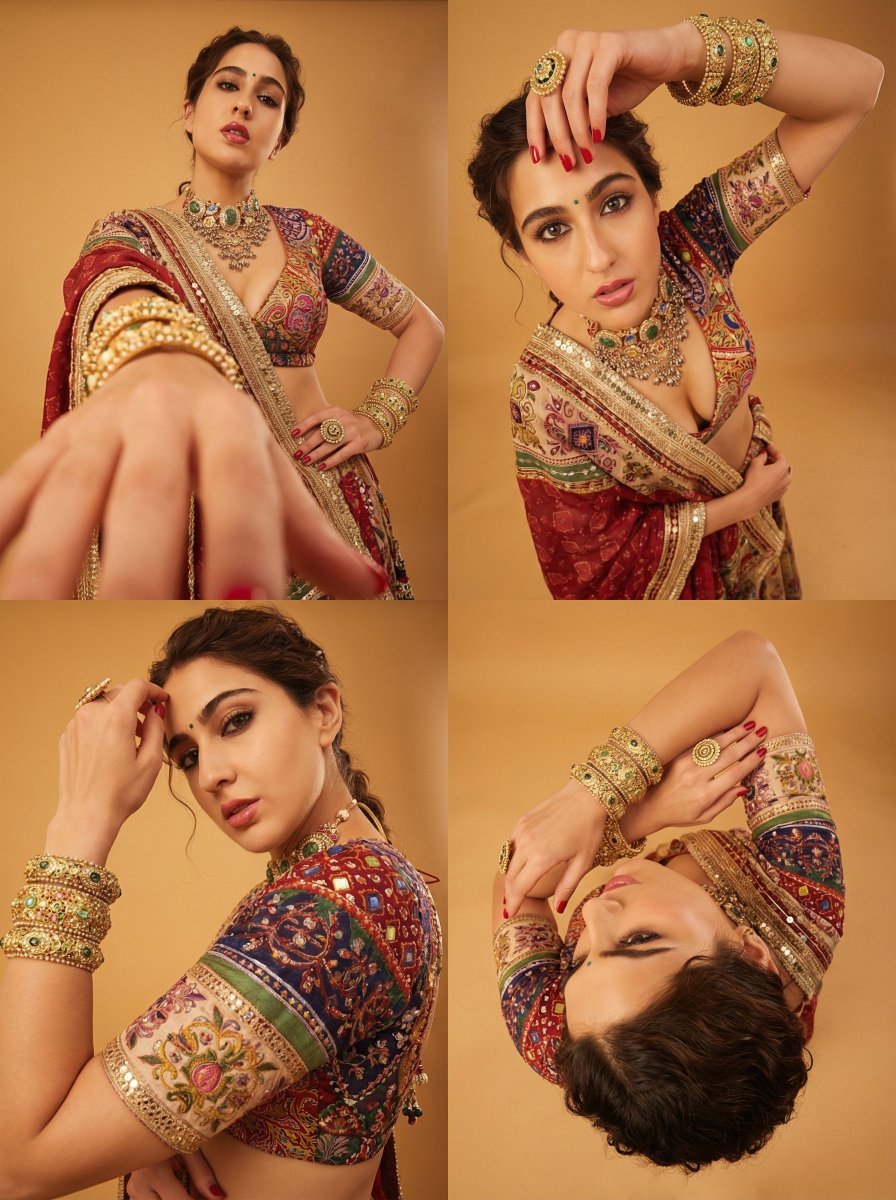
Dramatic Photorealistic Portrait with Lens Emphasis
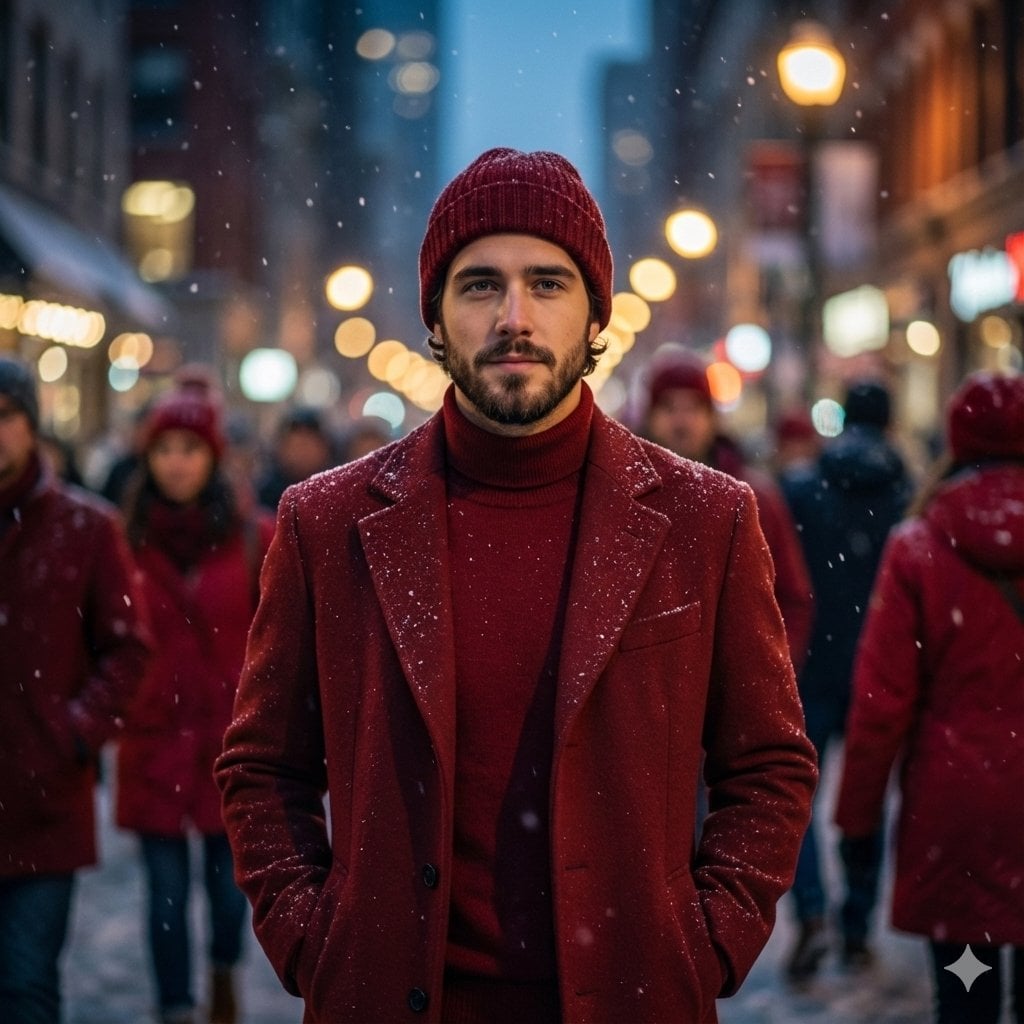
Cinematic Fashion Editorial Portrait in Winter Night
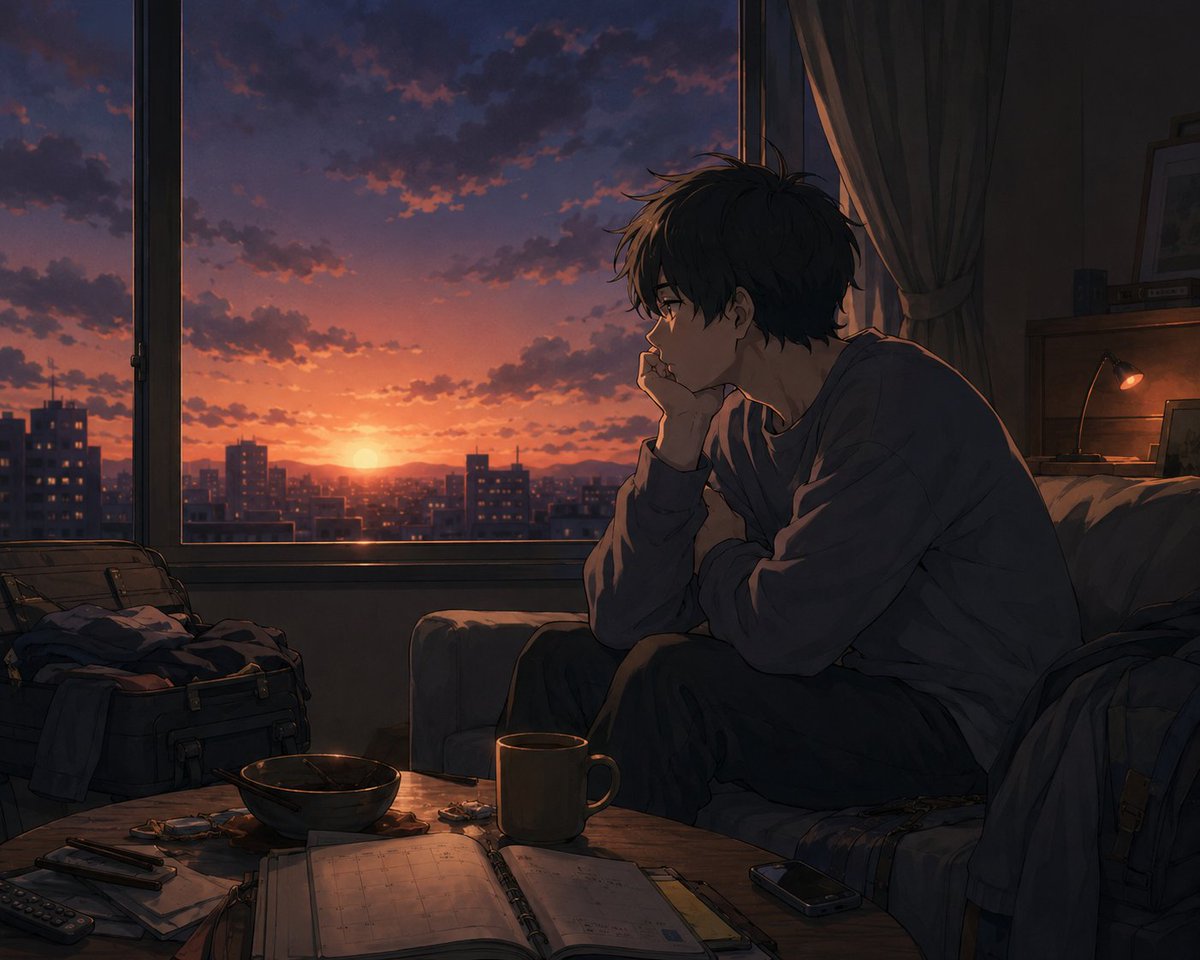
Golden Week Ending Melancholy
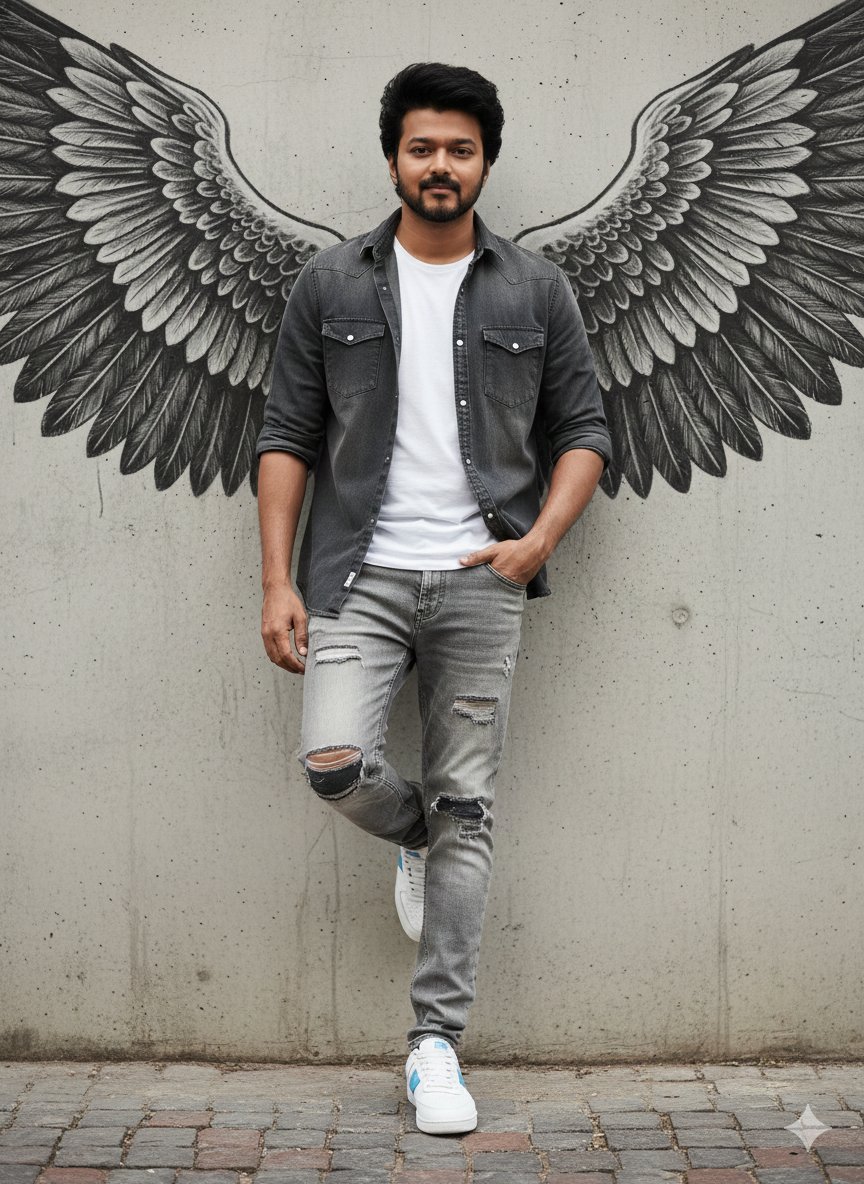
Urban Cinematic Portrait with Painted Angel Wings
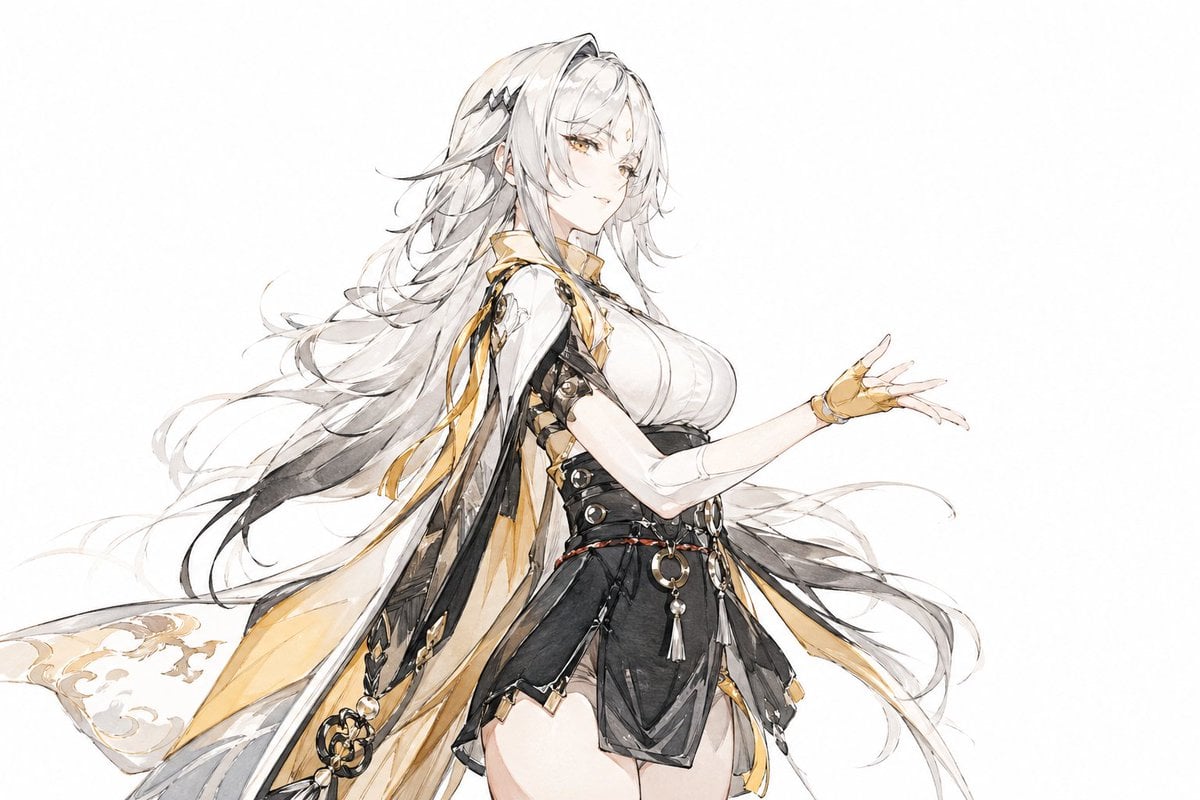
Traditional Chinese Ink Illustration Style

Tennis Hydration Ad Poster

High-Tech Corporate KPI Presentation Slide
Browse template categories
Surreal Brahms Piano Concerto Arena questions
How do I use the Surreal Brahms Piano Concerto Arena template?
Add your photo if the template asks for one, edit the prompt if you like — the template's model and format are already selected — and press Generate. Your version opens in PicX Studio.
Can I customize the Surreal Brahms Piano Concerto Arena template?
Yes. You can change the subject, setting, lighting, mood, format, and available model controls before creating your image.
Is the Surreal Brahms Piano Concerto Arena template free?
Opening and editing this template is free. Generating uses credits, shown on the Generate button when you are signed in.
Which AI model should I use?
Start with GPT Image 2, which is the model associated with this template. You can compare another compatible model for a different finish.
Looking for something else? Browse all templates.

Your photo, any look
Thousands of ready templates for every top image and video model, from one credit balance.