
X-Ray Transparent Grand Piano
Generates a photorealistic black-background X-ray view of a grand piano with its internal strings, frame, action, legs, and hardware visible.
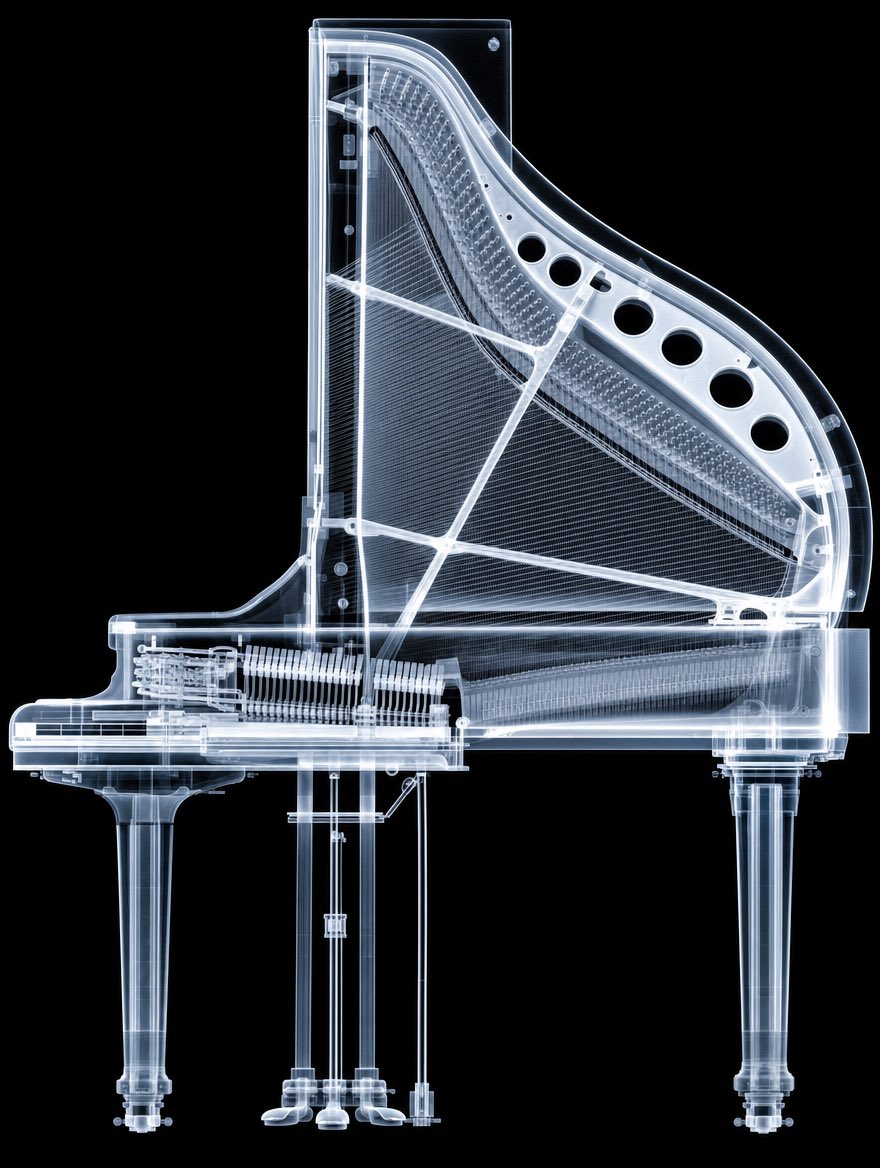
- Prompt included
- Model and format preset
- Free template
The prompt behind this image
Copy the exact prompt behind X-Ray Transparent Grand Piano, or open it in the studio and make it yours.
Create a highly detailed photorealistic X-ray image of a transparent grand piano, shown in clean side profile on a pure black background. The piano should look like it is made of glowing translucent glass and pale blue-white radiographic material, revealing all internal mechanisms: the harp-shaped frame, dense parallel strings, soundboard ribs, cross braces, tuning pin area, keyboard action, hammers, dampers, pedal rods, and structural supports. Show exactly 3 visible legs: one front left leg under the keyboard, one central support/pedal assembly area with thin vertical rods, and one rear right leg under the body. Include exactly 6 large circular sound holes along the upper curved rim of the piano frame. Make the outer casing thick and transparent with bright illuminated edges, fine screws and hardware visible, and layered internal components overlapping like a medical scan. Use crisp high-contrast lighting, luminous cyan-white highlights, subtle bloom, sharp technical detail, and no text, no people, no watermark. Center the object vertically and horizontally, with the full piano visible and cropped only by the image frame margins. The overall effect should be a futuristic museum-quality X-ray scan of a {argument name="object" default="grand piano"}, combining engineering cutaway precision with dramatic black-background radiography.
How to use X-Ray Transparent Grand Piano in 3 steps
- 1Upload ImagePNG, JPG or paste
Add your photo
Upload the photo the template builds on. The prompt, model and format are already set.
- 2…a portrait of your subject in softgolden-hour light, 85mm…
Personalize
Edit the subject and creative details for your destination.
- 3Generate
Generate
Press Generate — your image is created in PicX Studio, so you can compare it with the original and refine one variable at a time.
More like this
Templates with the same subject, style or setup. Open one to see its prompt.
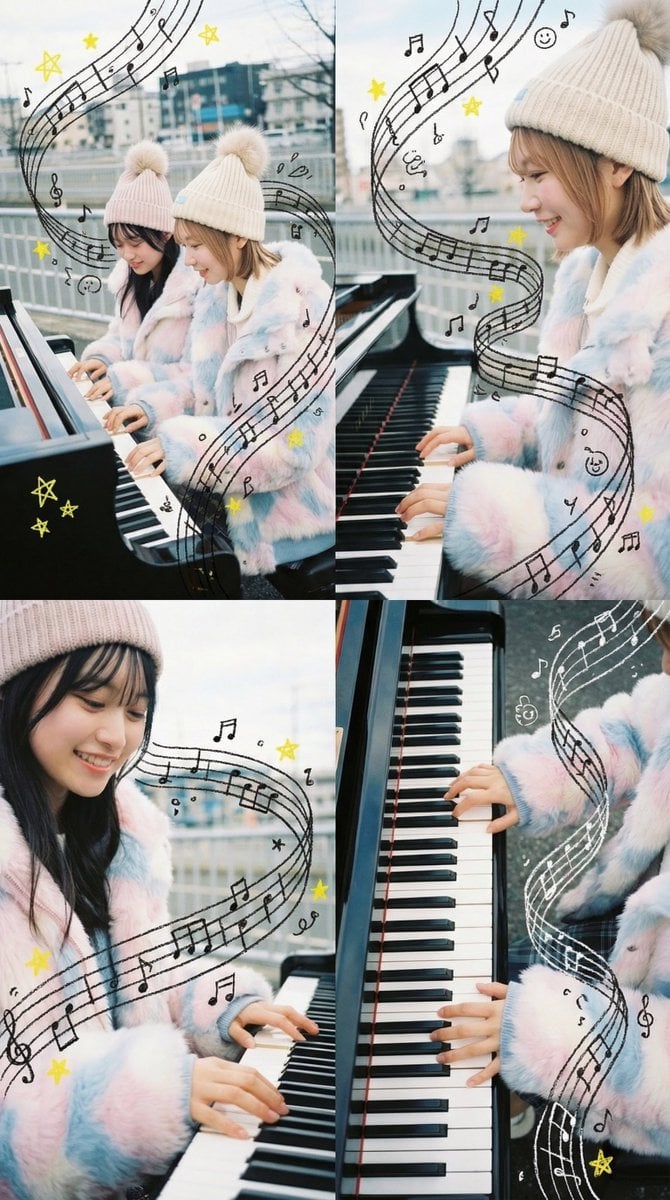
Panel Grid Composition with Piano Scene and Crayon Art Overlay

Transparent Bear Character Cutout
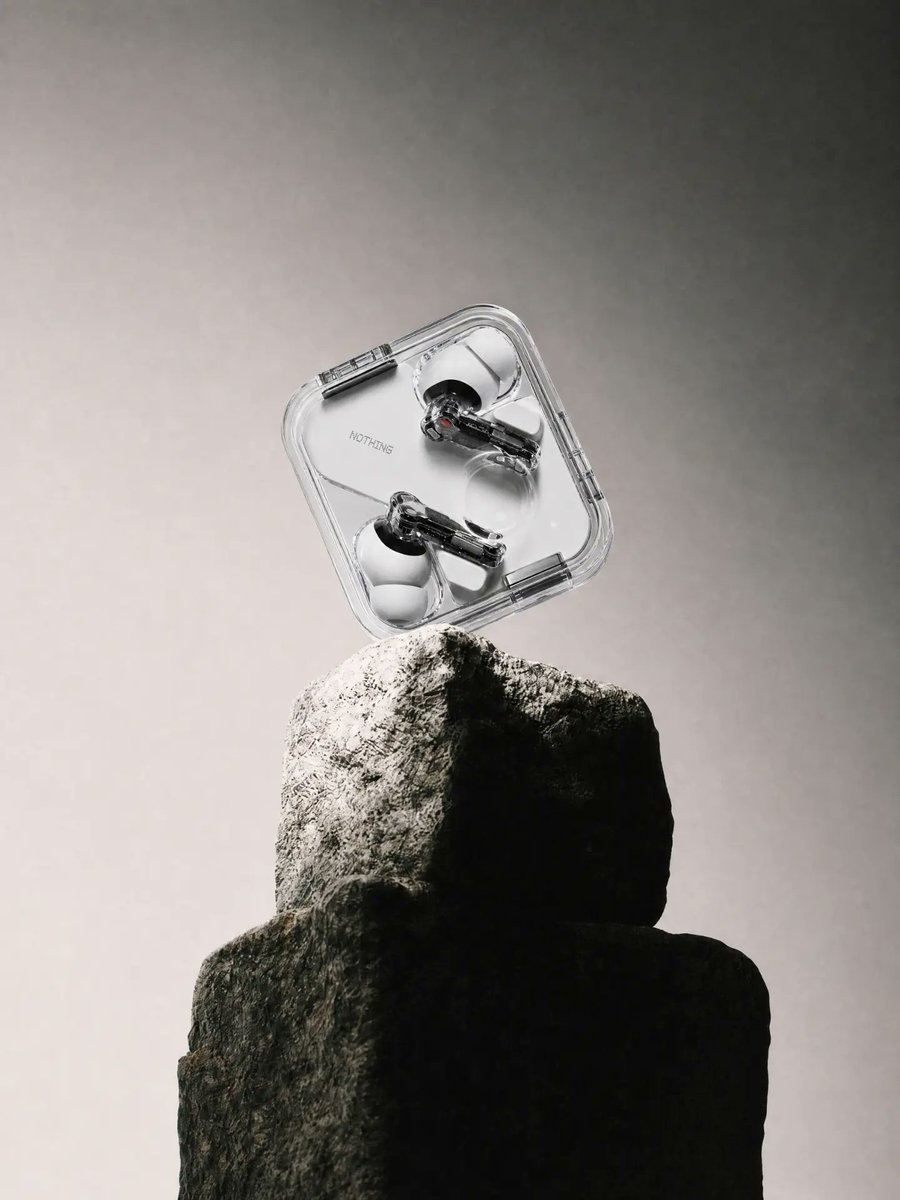
Transparent Earbuds on Stone Pedestal
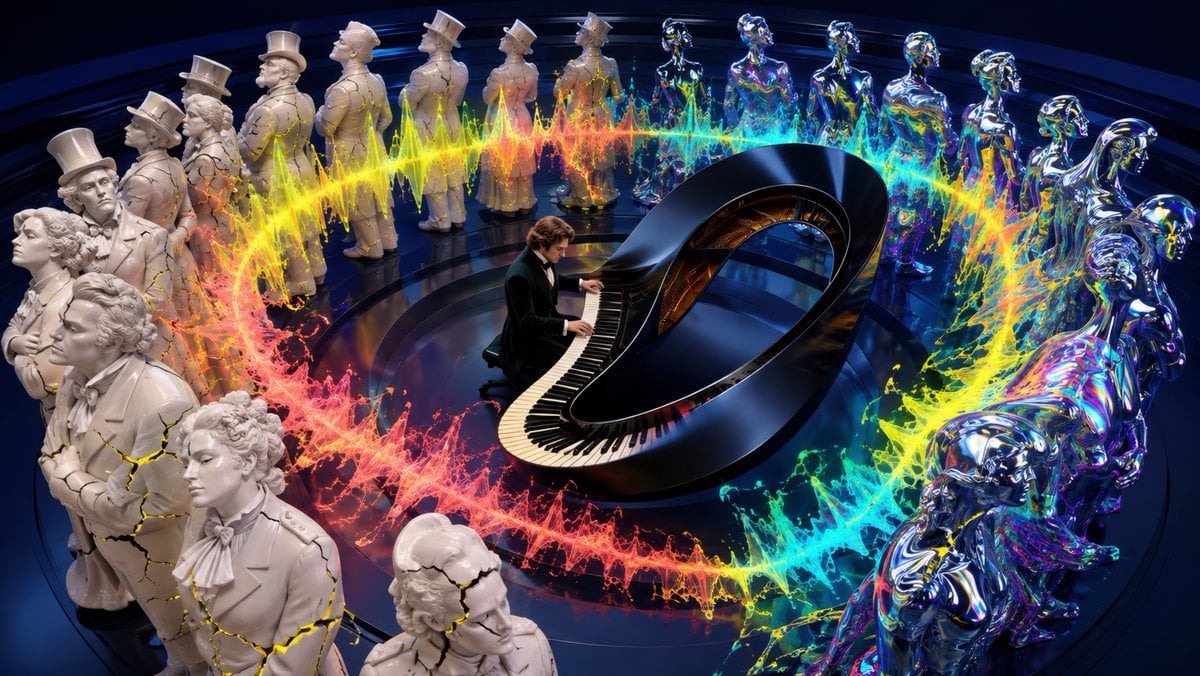
Surreal Brahms Piano Concerto Arena
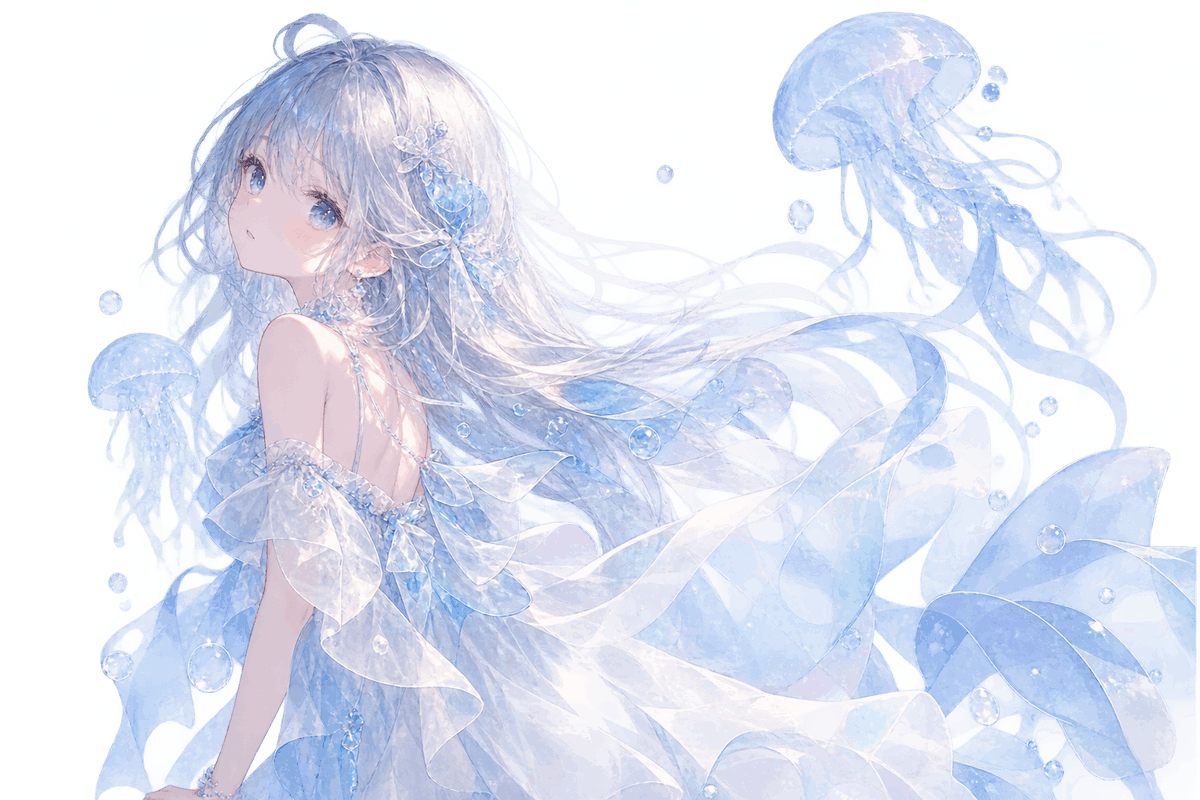
Transparent Jellyfish Princess
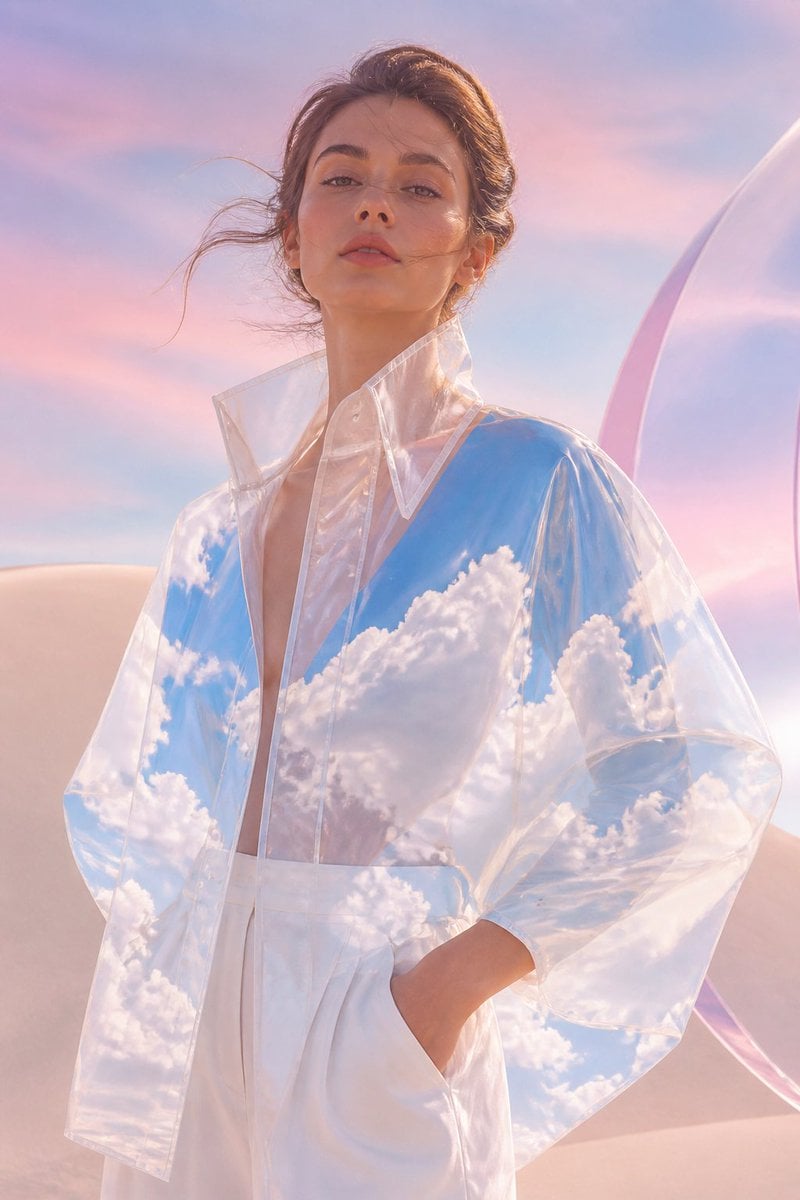
Transparent Sky Jacket Fashion
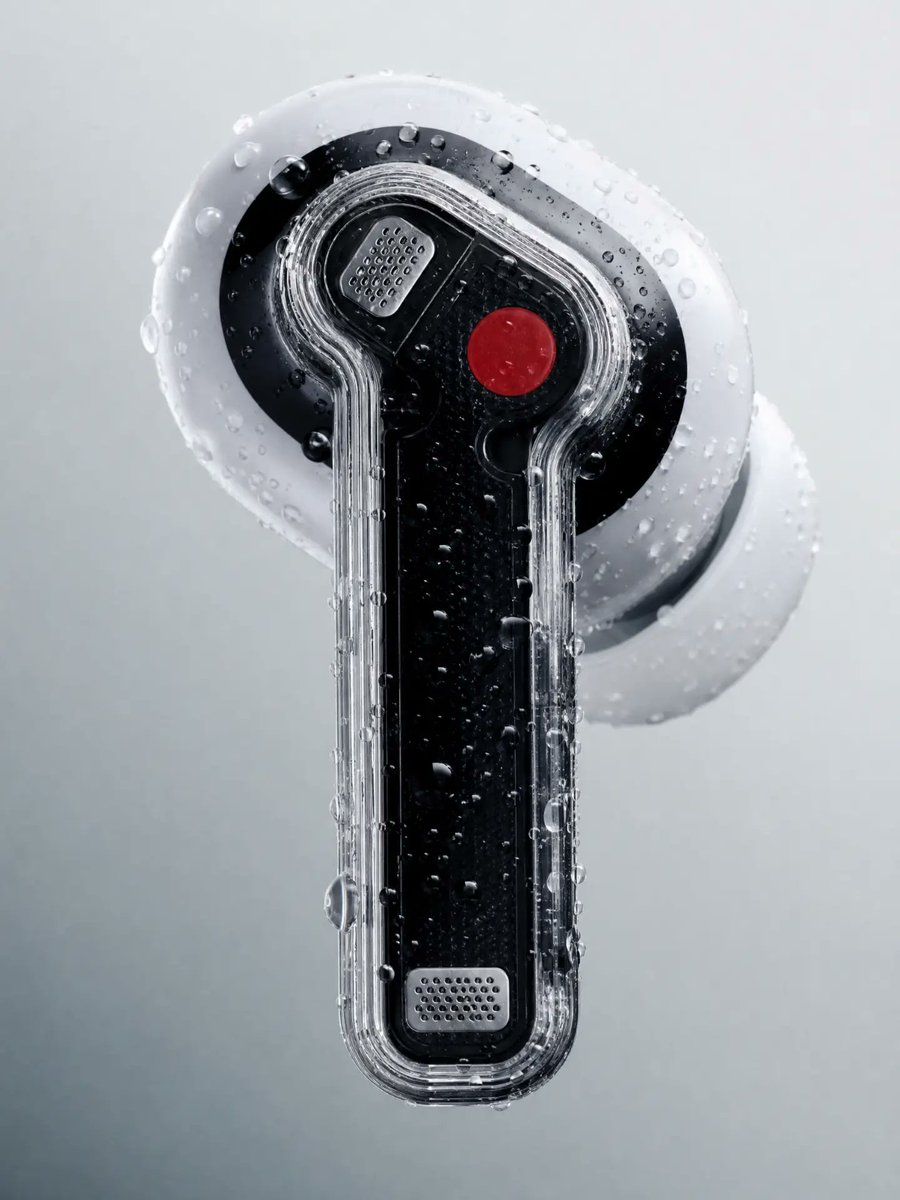
Wet Transparent Earbud Macro
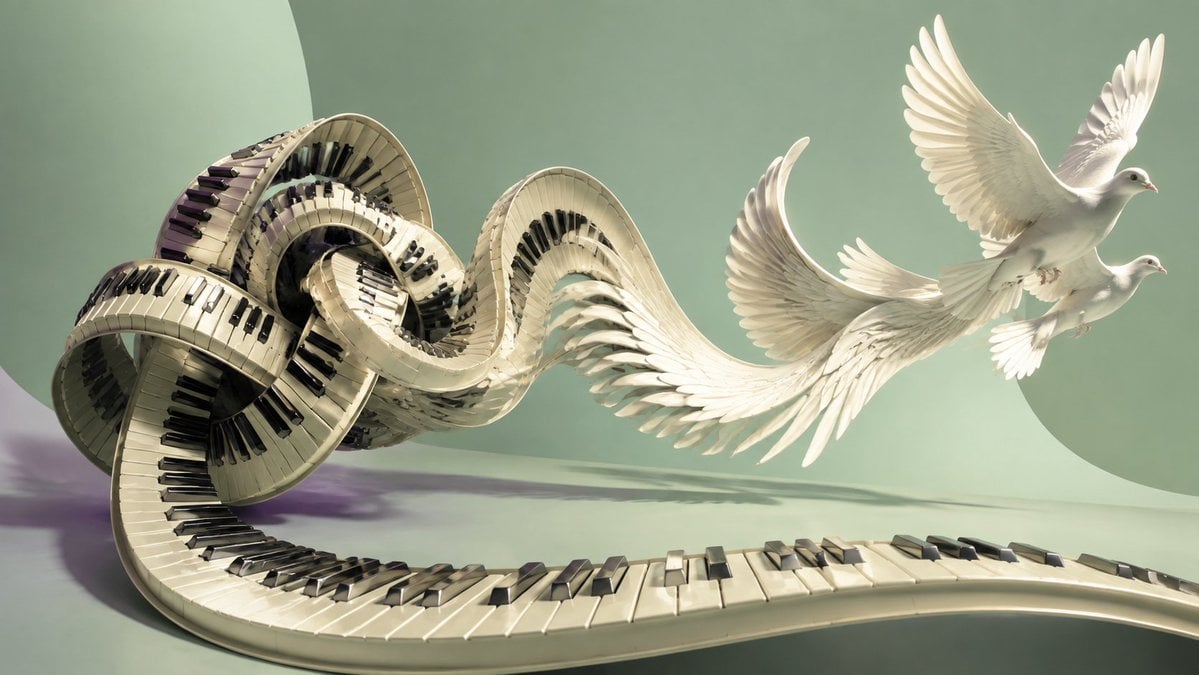
Piano Keyboard Transforming Into Doves
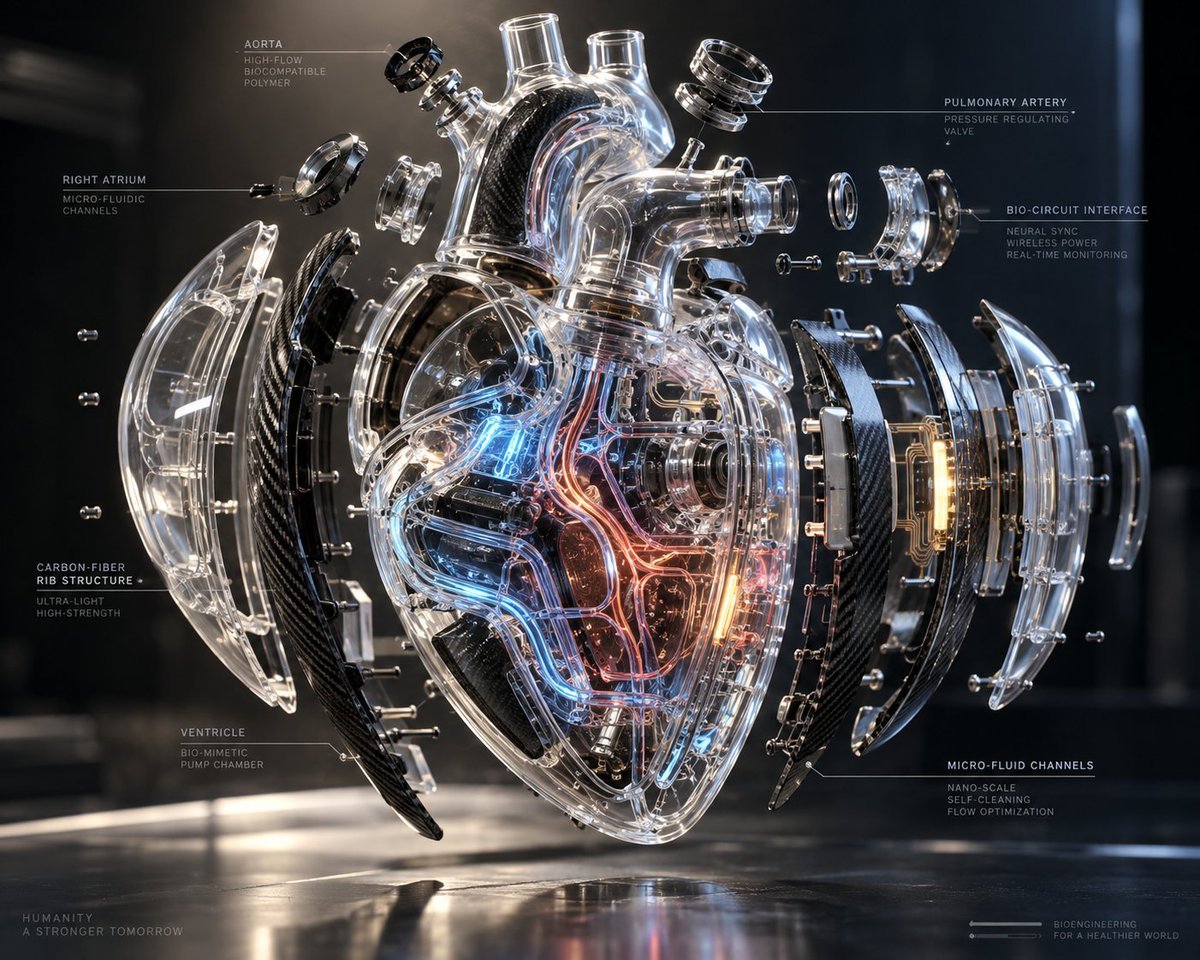
Exploded Transparent Artificial Heart

Transparent background soccer player
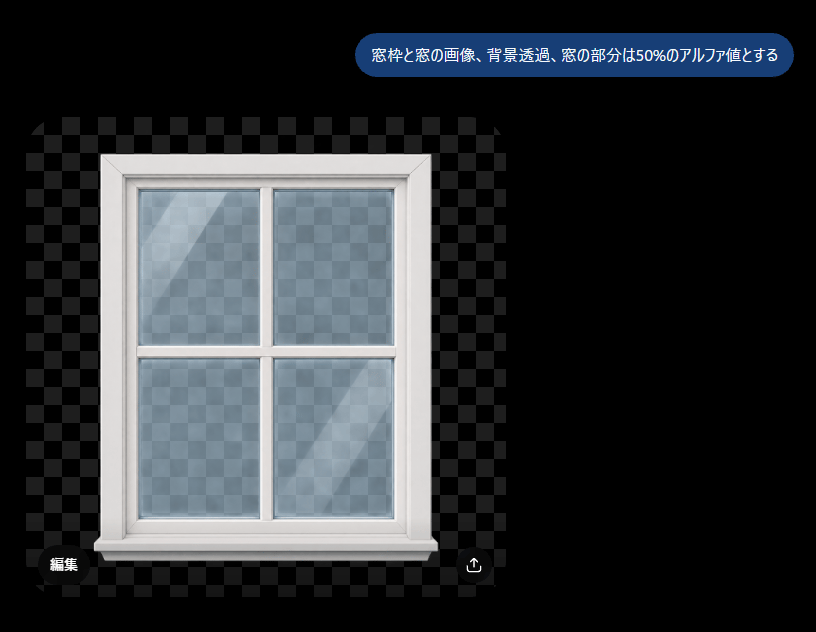
Transparent Window Alpha Demo
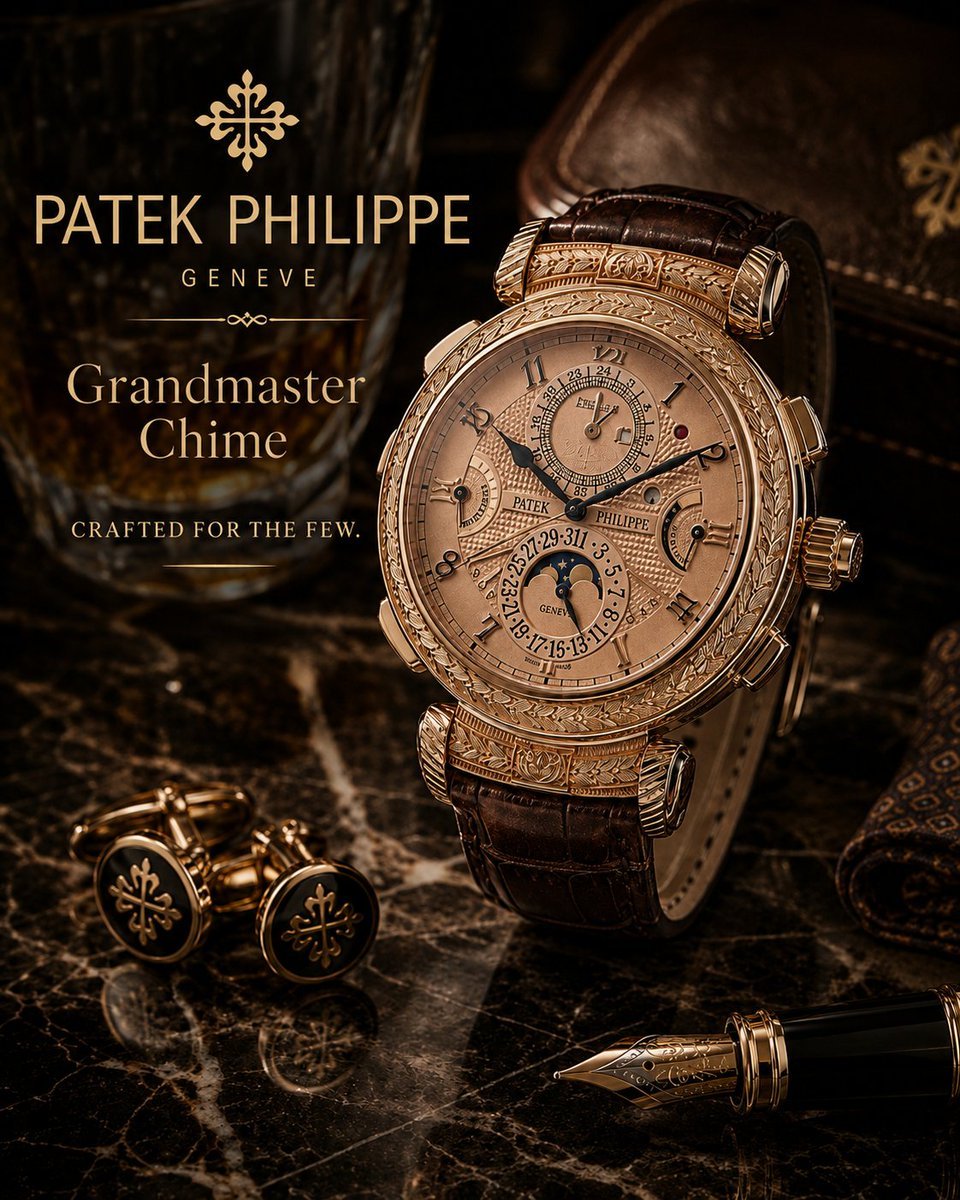
Luxury Grandmaster Chime Watch Ad
Make it yours
X-Ray Transparent Grand Piano works as-is. These are the safest ways to change it without losing the look.
Change one field
Copy a single group, rewrite it, and generate again so you can see what that field is doing.
Keep the frame, change the subject
Hold the composition and light of X-Ray Transparent Grand Piano, then swap wardrobe, props or the person for a new take.
| If the result… | Why | Fix |
|---|---|---|
| The result drifts from the preview | Too many fields changed at once. | Reuse X-Ray Transparent Grand Piano as-is first, then change one group — subject, light, or setting. |
| The model over-stylizes the scene | The prose prompt leaves finish and camera underspecified. | Add one camera or lighting sentence and stay on GPT Image 2. |
More GPT Image 2 templates
Other prompts made for GPT Image 2.

Six VTuber Japanese Logo Sheet

Realistic Portrait of Woman and Deer

The Vista Modular Condo Poster

AI Model Routing Comparison Infographic

2.5D Anime Art Board

Isometric Productivity Desk Scene

New York Double Exposure Poster

Four-Panel AI Landscape Comparison

Japanese Tatami Lifestyle Magazine Cover

NESCAFÉ Coffee Map Poster
More image prompts
Fresh picks from across the catalog.

Kimetsu no Yaiba-style anime transformation with brush calligraphy
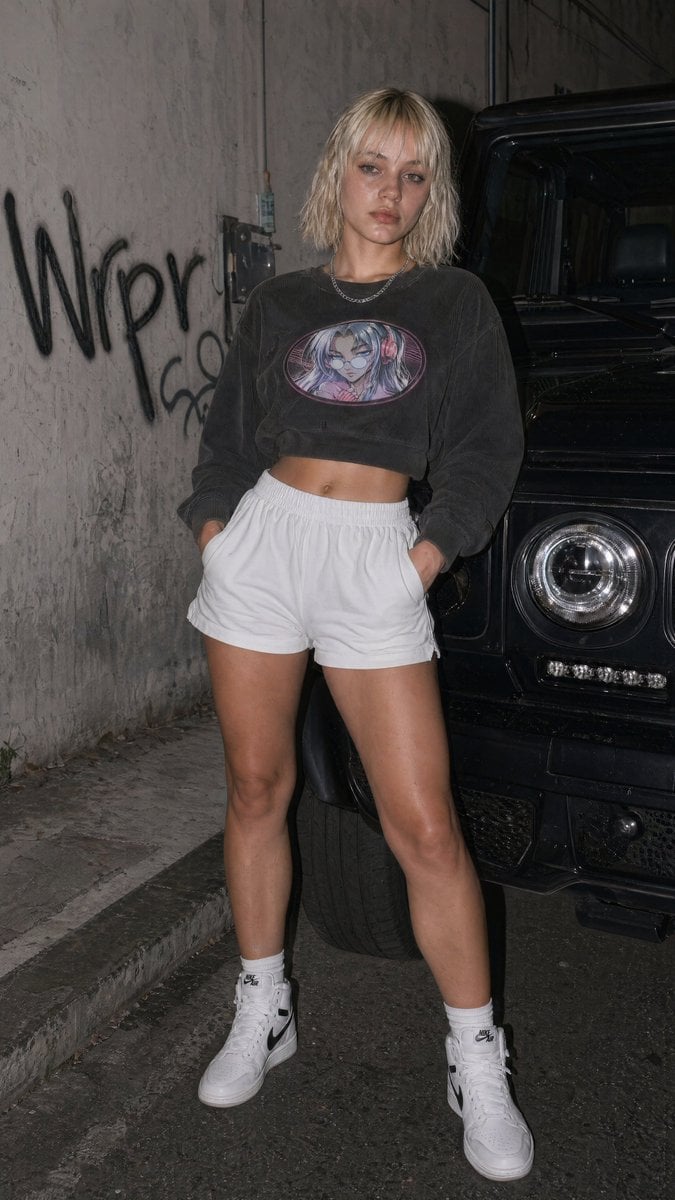
Flash Streetwear Portrait by Black SUV
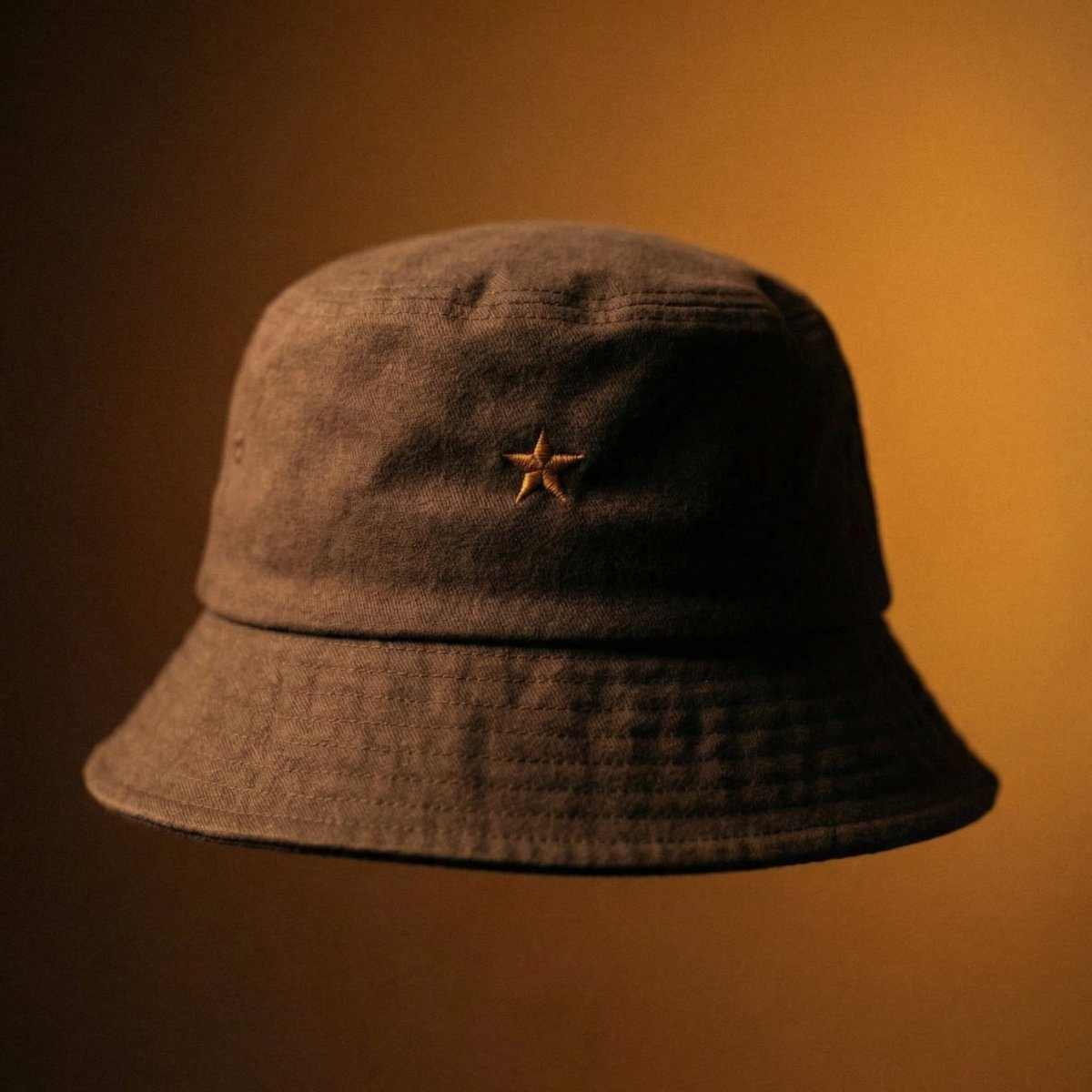
Luxury Bucket Hat Product Editorial
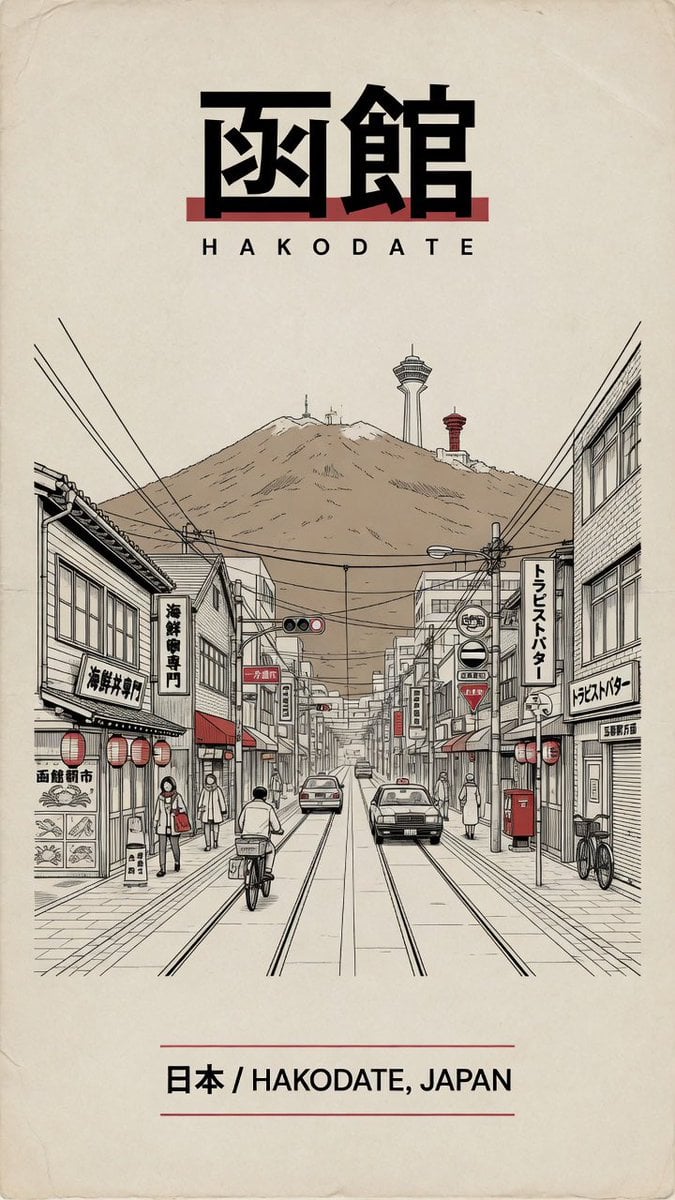
Vintage Hakodate Travel Poster
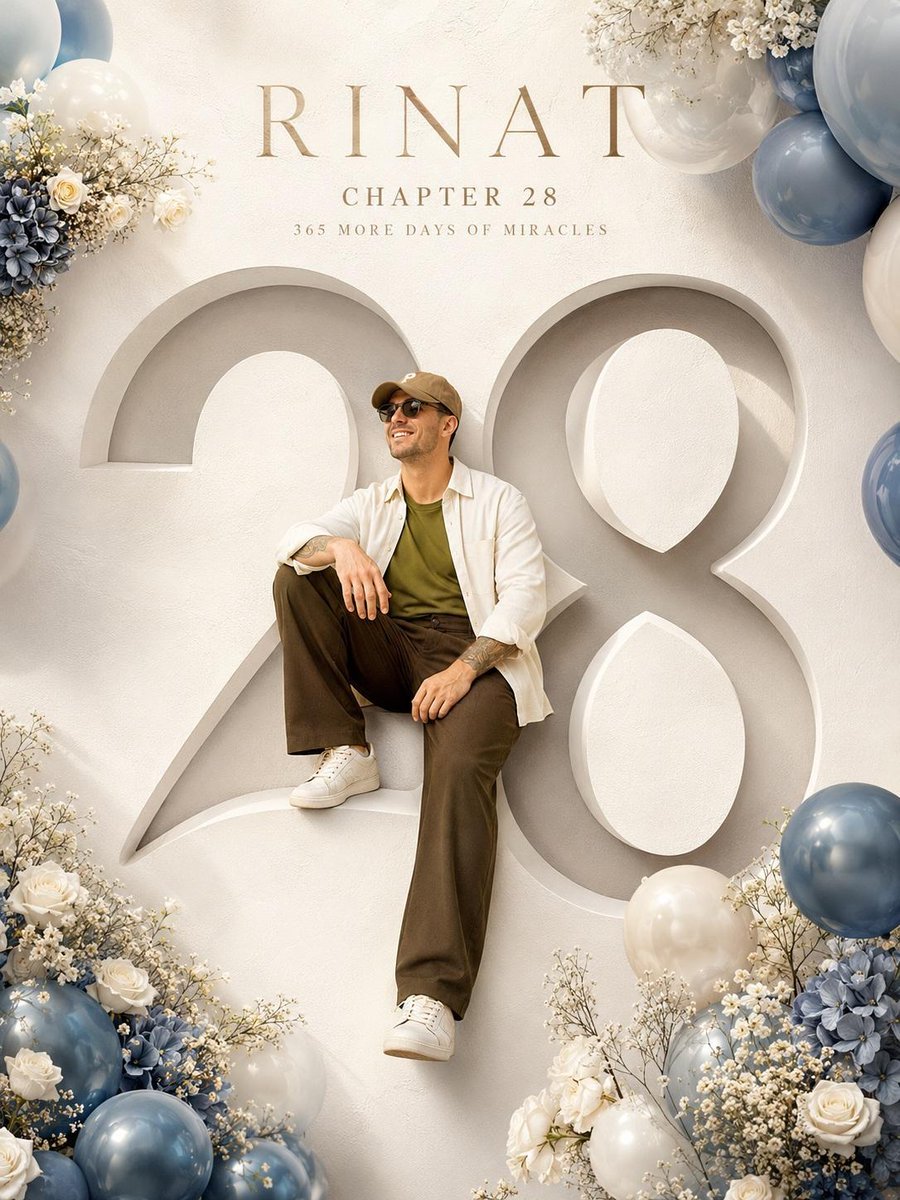
Luxury Birthday Milestone Poster
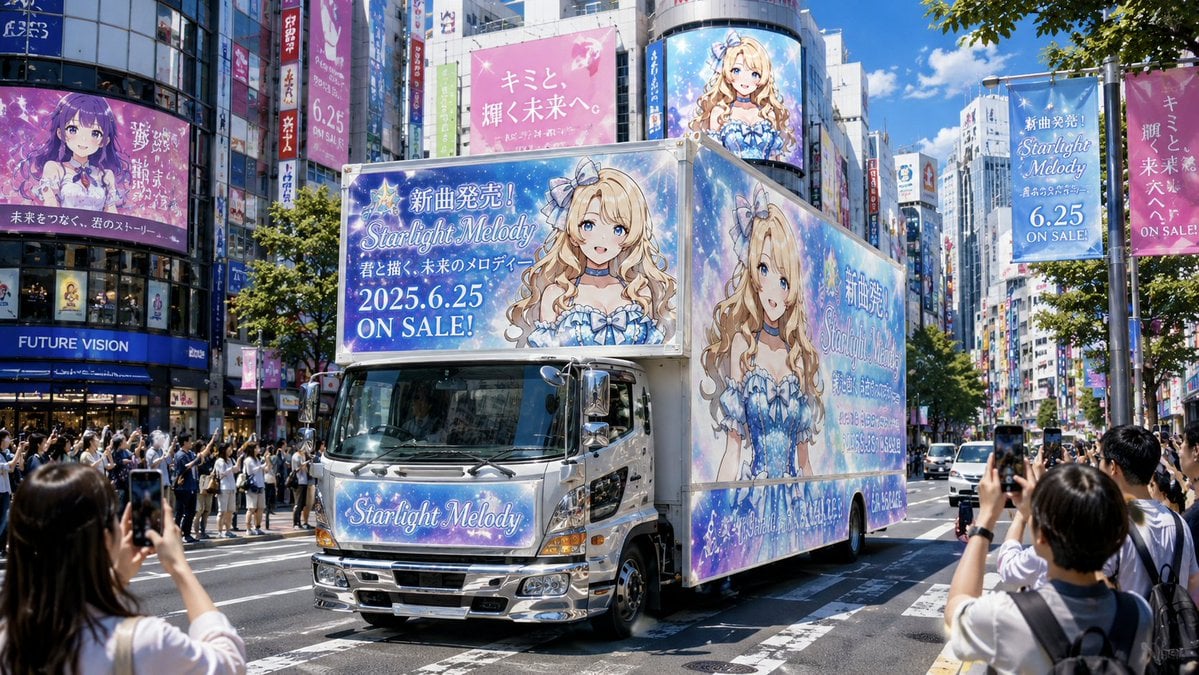
Anime Idol Ad Truck in Japan

Kids Crayon Travel Journal Illustration
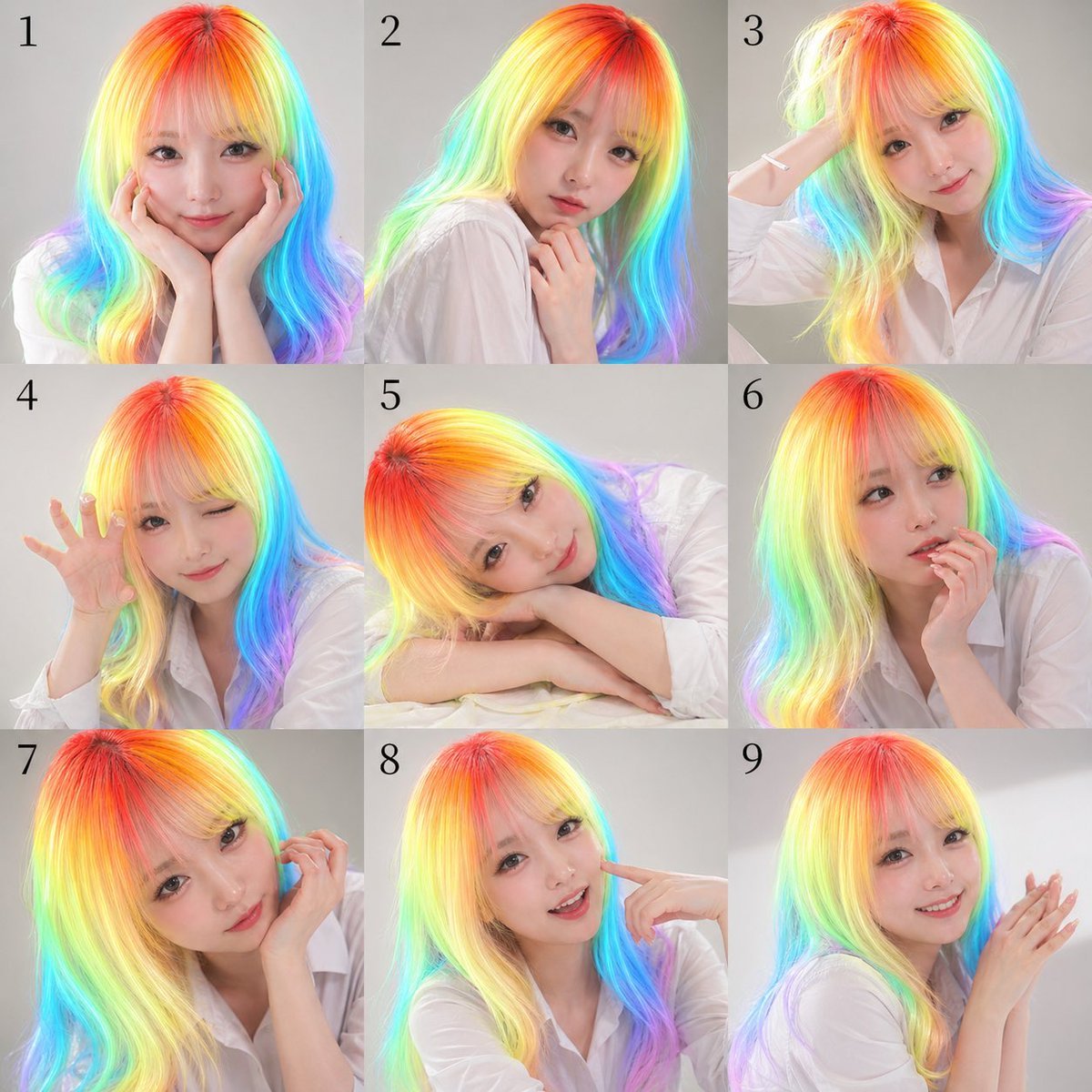
Nine-Panel Rainbow Hair Portrait Sheet
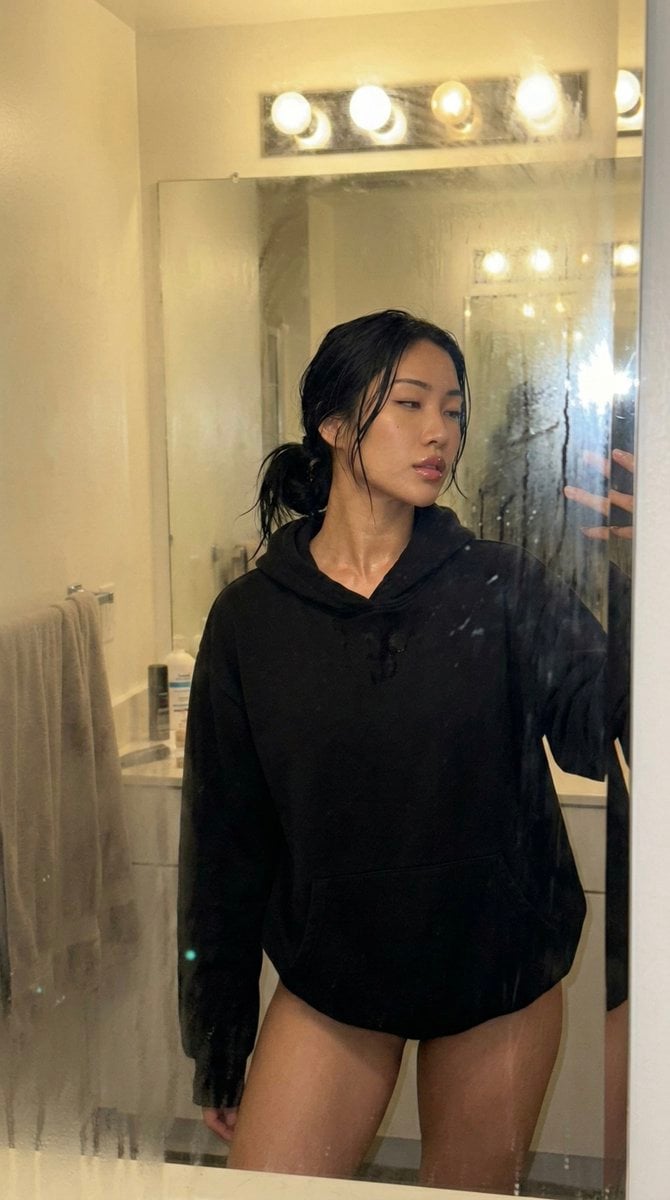
Steamy Mirror Selfie Prompt
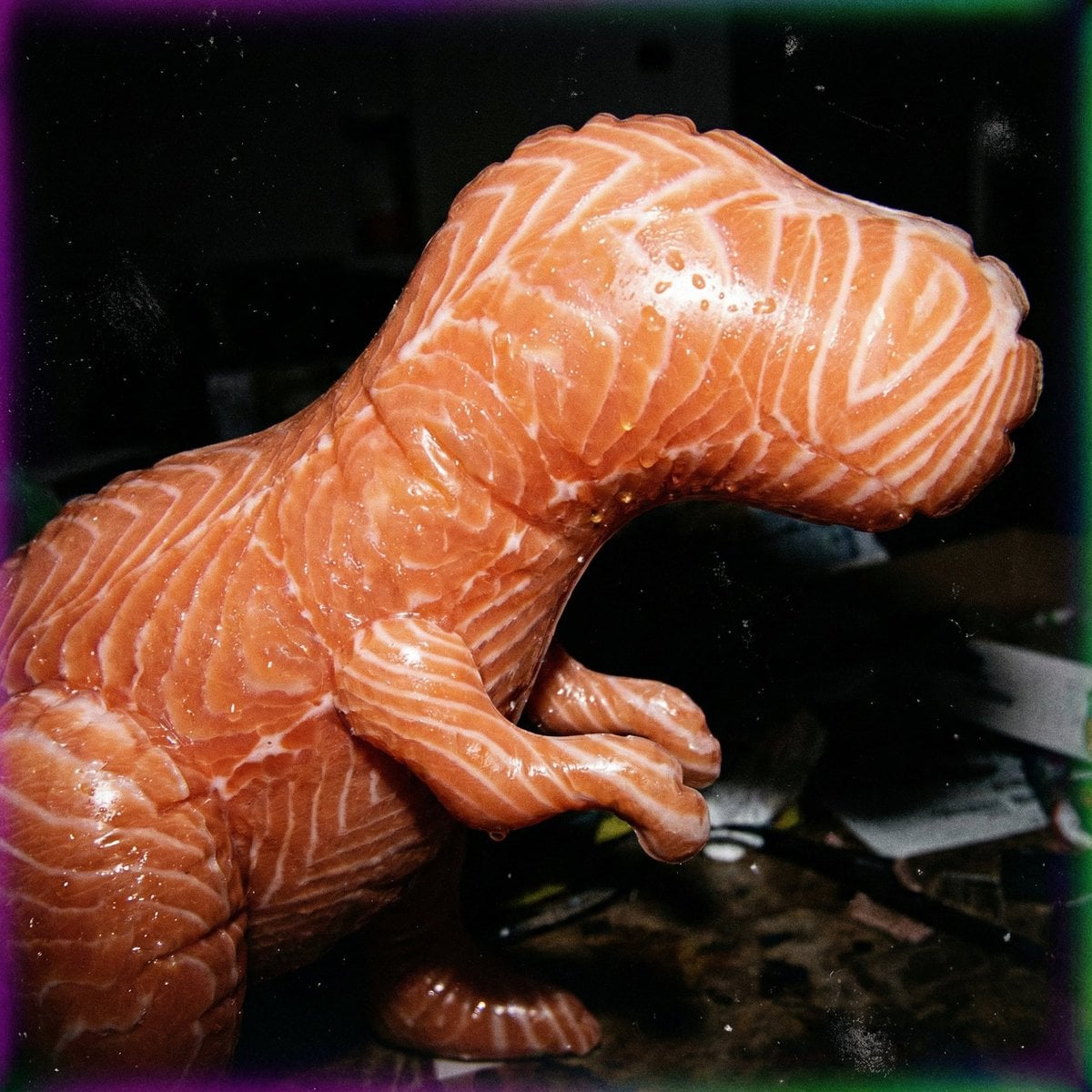
Macro Food Horror Prompt
Browse template categories
X-Ray Transparent Grand Piano questions
How do I use the X-Ray Transparent Grand Piano template?
Add your photo if the template asks for one, edit the prompt if you like — the template's model and format are already selected — and press Generate. Your version opens in PicX Studio.
Can I customize the X-Ray Transparent Grand Piano template?
Yes. You can change the subject, setting, lighting, mood, format, and available model controls before creating your image.
Is the X-Ray Transparent Grand Piano template free?
Opening and editing this template is free. Generating uses credits, shown on the Generate button when you are signed in.
Which AI model should I use?
Start with GPT Image 2, which is the model associated with this template. You can compare another compatible model for a different finish.
Looking for something else? Browse all templates.

Your photo, any look
Thousands of ready templates for every top image and video model, from one credit balance.