
Piano Keyboard Transforming Into Doves
A surreal cinematic prompt for creating a flowing piano keyboard that twists into a knot and dissolves into two peaceful white doves.
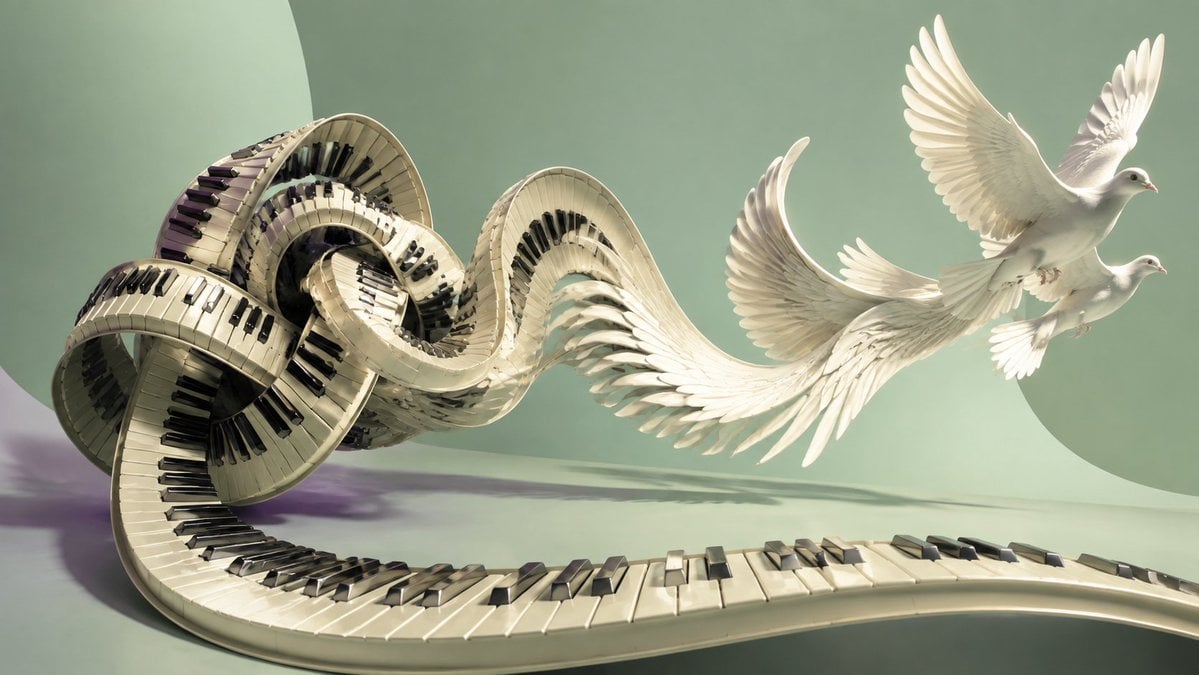
- Prompt included
- Model and format preset
- Free template
The prompt behind this image
Copy the exact prompt behind Piano Keyboard Transforming Into Doves, or open it in the studio and make it yours.
Create a surreal cinematic 3D artwork of a grand piano keyboard transforming into a flowing ribbon of music and then into doves in flight. The scene shows one continuous ivory piano keyboard starting in the lower foreground, snaking leftward, twisting into several looped spirals like a knot, then unfurling toward the right as white feathered wings. Include exactly 2 white doves on the right side, both flying upward-right with spread wings, soft gray shadows, delicate feathers, and peaceful expressions. The keyboard should have realistic ivory keys and glossy black keys, with the keys continuing along every curve and loop of the impossible ribbon structure. The transformation should feel like a musical phrase loosening from tension into release, elegant and emotional, inspired by classical piano. Use a wide horizontal 16:9 composition, the tangled keyboard mass occupying the left half, the feather-wing transition in the center, and the two doves in the upper-right. Background: minimalist pale sage green studio space with large soft circular wall shapes, a smooth floor, gentle shadows, and diffused warm daylight from the upper left. Visual style: hyper-detailed photorealistic CGI with a subtle fine-art surrealism mood, creamy ivory and muted green palette, soft depth of field, graceful motion, no text, no people, no watermark. Optional thematic cue: {argument name="musical emotion" default="a knot in the throat finally beginning to loosen"}.
How to use Piano Keyboard Transforming Into Doves in 3 steps
- 1Upload ImagePNG, JPG or paste
Add your photo
Upload the photo the template builds on. The prompt, model and format are already set.
- 2…a portrait of your subject in softgolden-hour light, 85mm…
Personalize
Edit the subject and creative details for your destination.
- 3Generate
Generate
Press Generate — your image is created in PicX Studio, so you can compare it with the original and refine one variable at a time.
More like this
Templates with the same subject, style or setup. Open one to see its prompt.
Surreal Brahms Piano Concerto Arena
X-Ray Transparent Grand Piano
Piano Woman in White Satin Dress
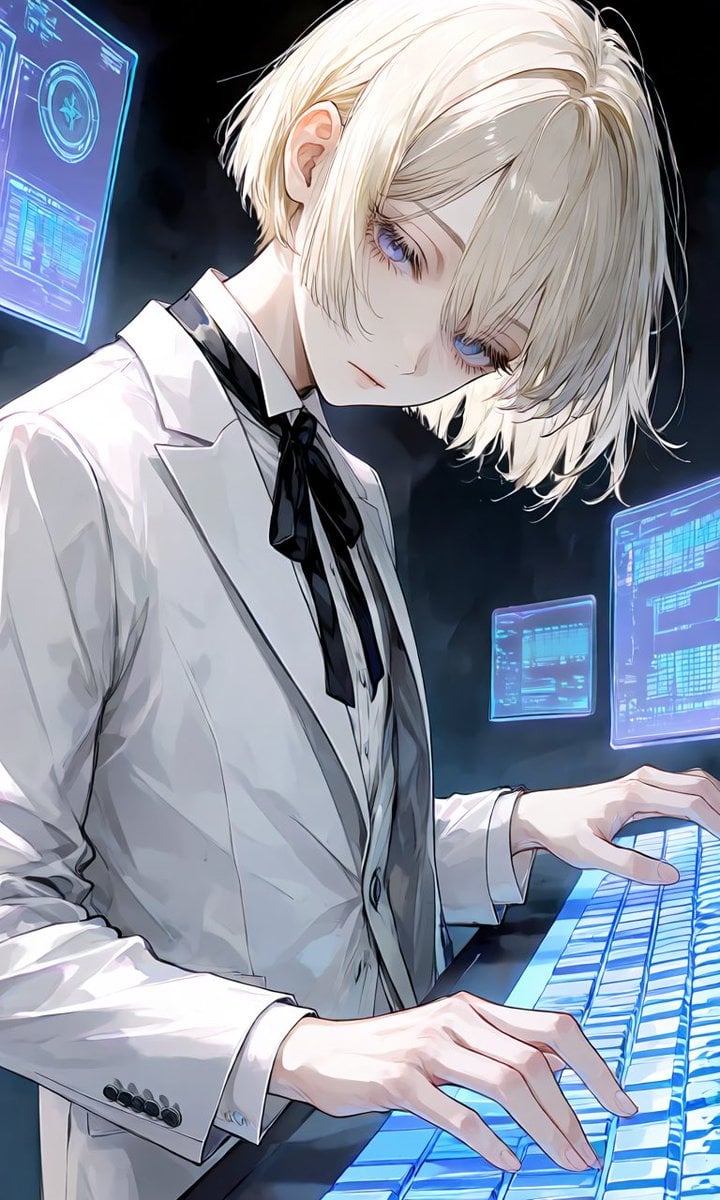
Anime Hacker at Holographic Keyboard
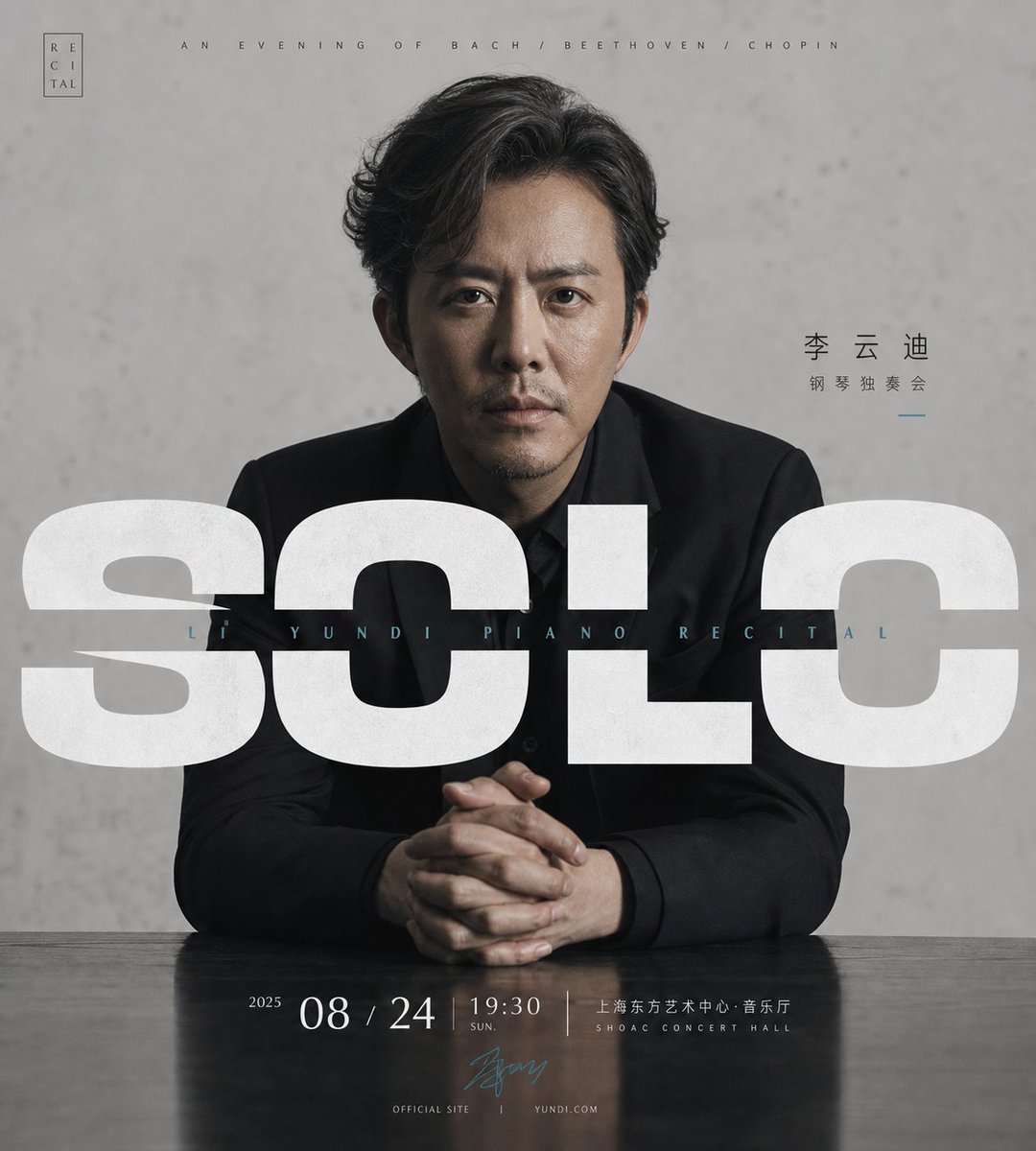
Minimalist Piano Recital Poster
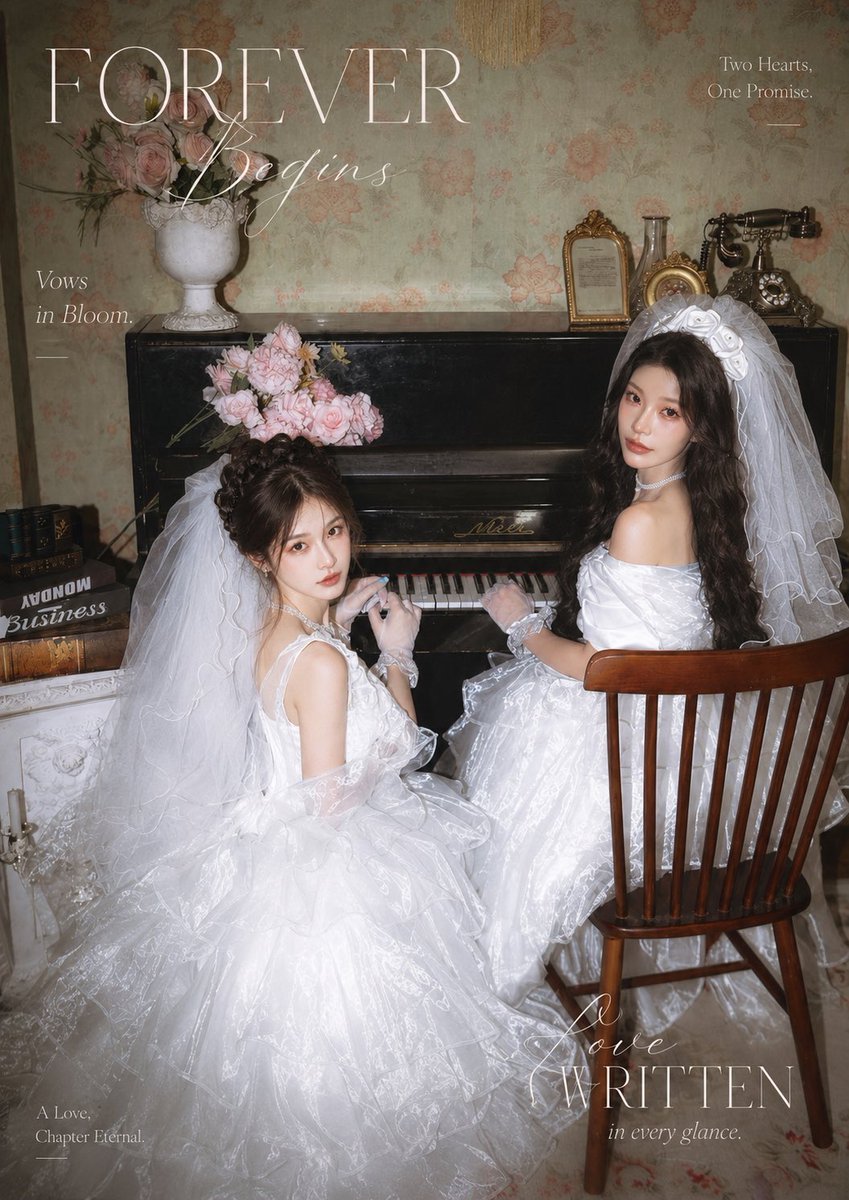
Vintage Piano Brides Magazine Cover
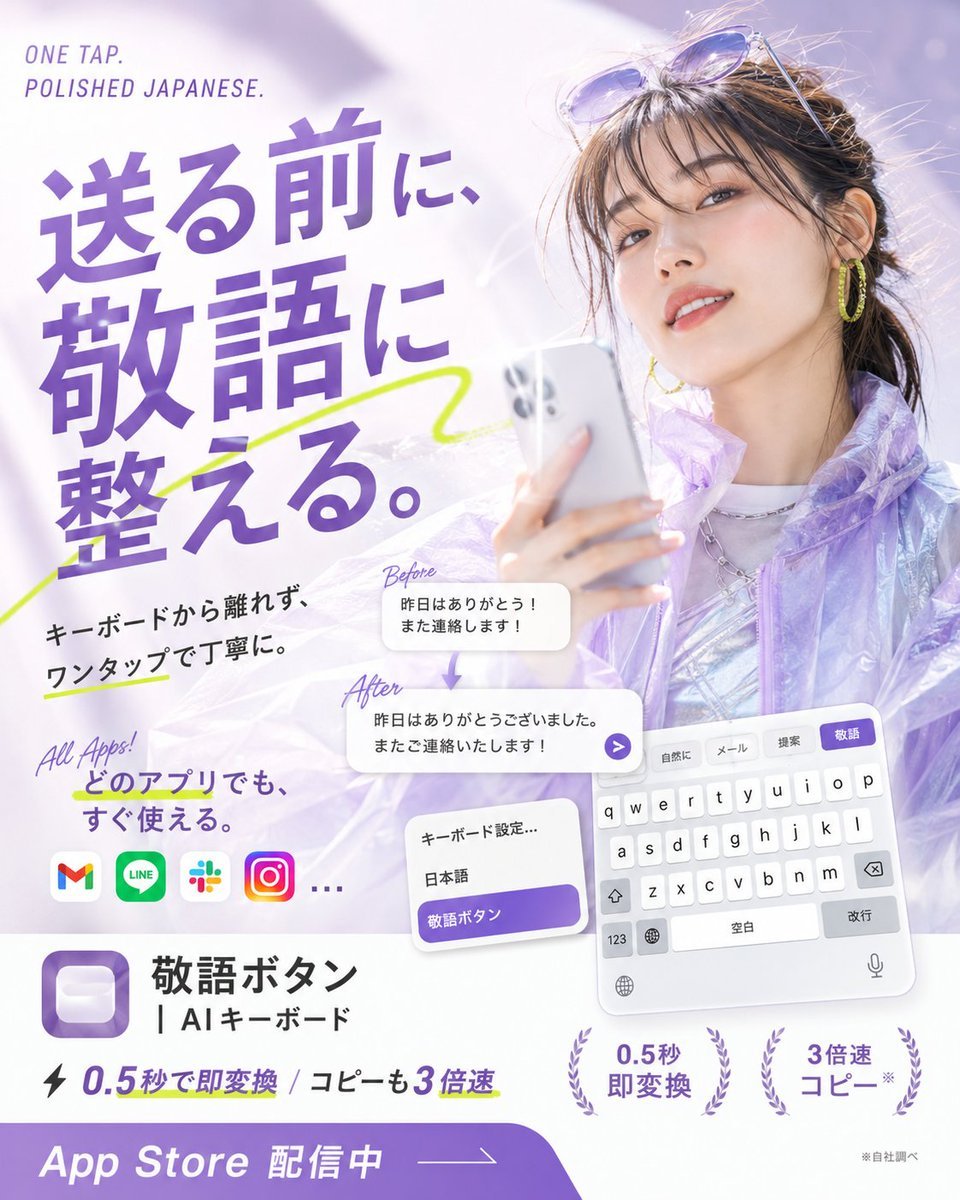
Japanese AI Keyboard App Poster
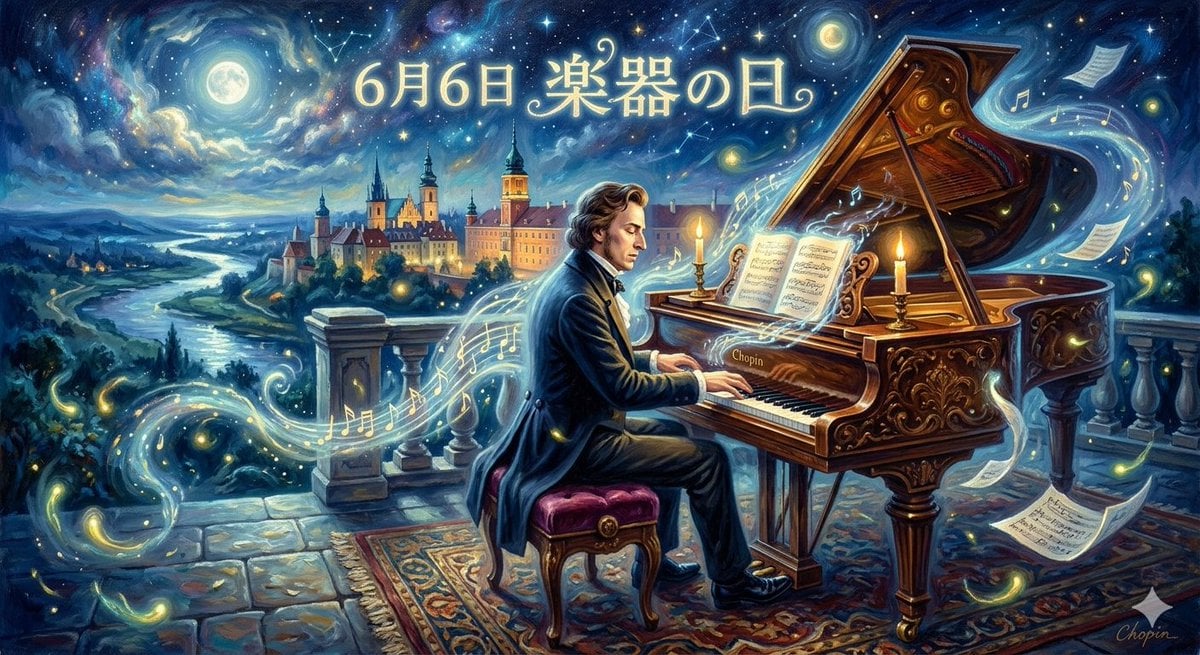
Chopin Playing Piano (Fantasy Style)
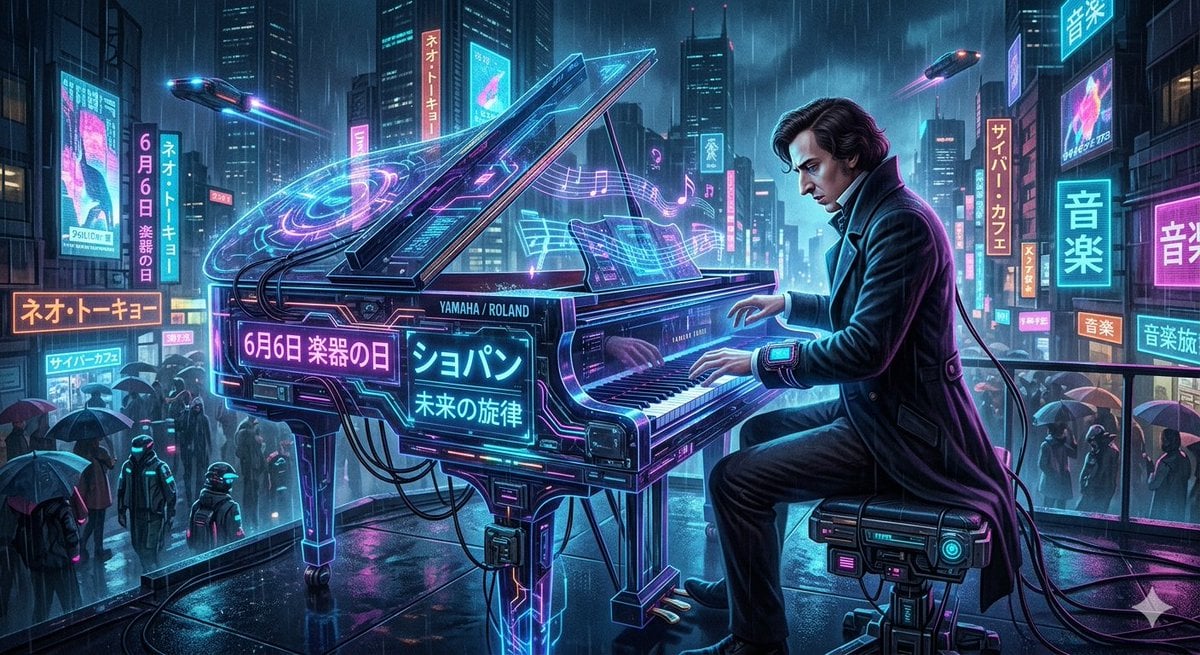
Chopin Playing Piano (Cyberpunk Style)

Black And White Piano Keys
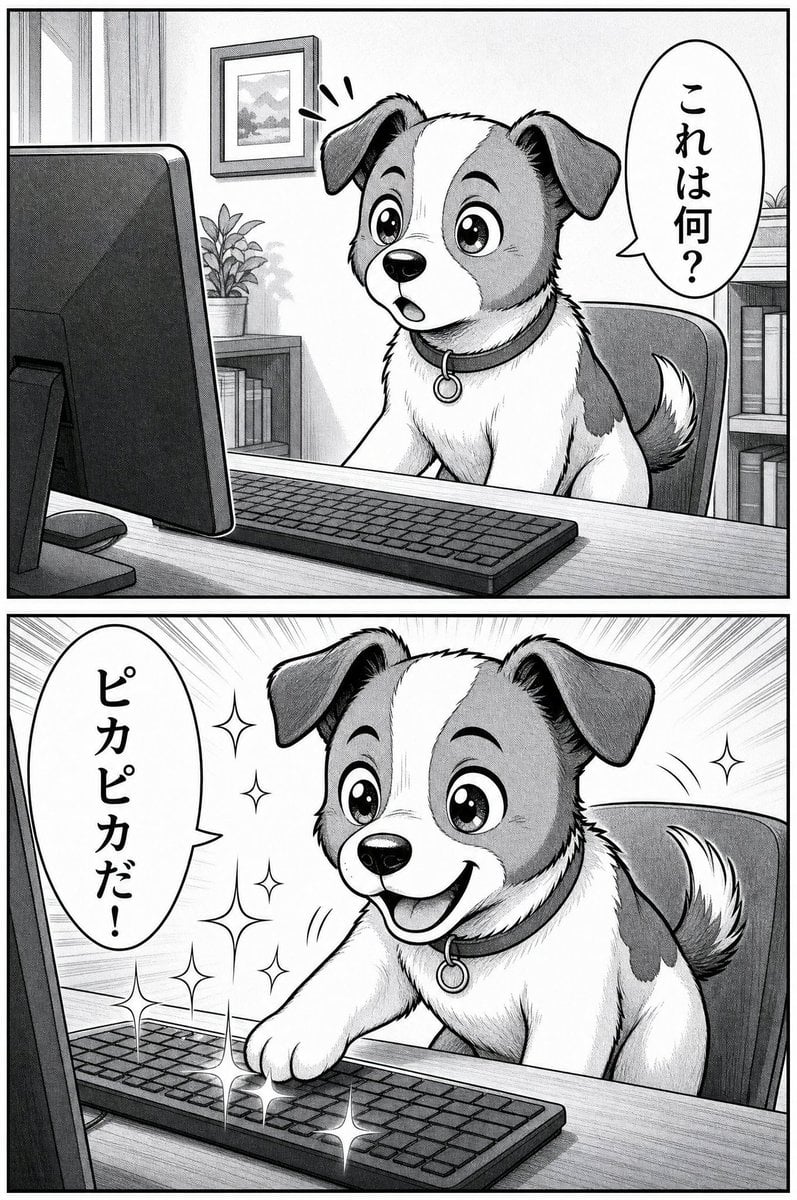
Two-Panel Puppy Keyboard Manga
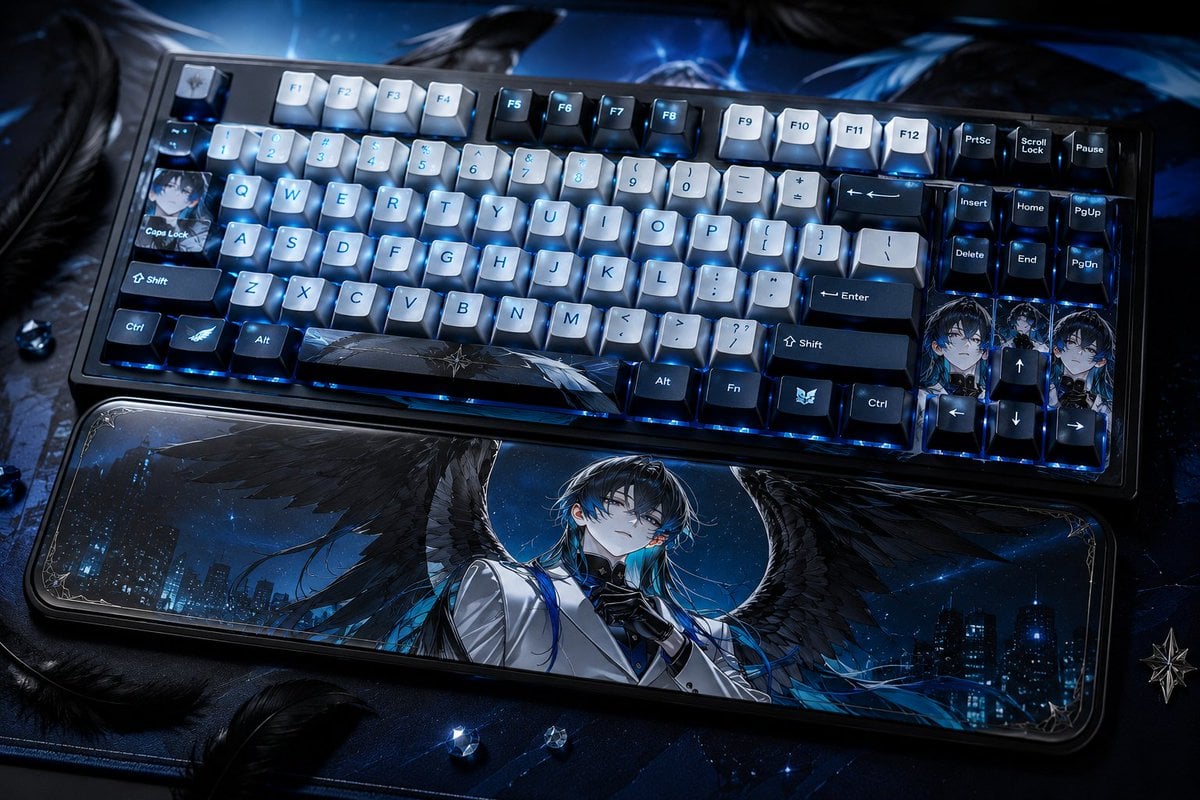
Character-Themed Custom Keyboard
Make it yours
Piano Keyboard Transforming Into Doves works as-is. These are the safest ways to change it without losing the look.
Change one field
Copy a single group, rewrite it, and generate again so you can see what that field is doing.
Keep the frame, change the subject
Hold the composition and light of Piano Keyboard Transforming Into Doves, then swap wardrobe, props or the person for a new take.
| If the result… | Why | Fix |
|---|---|---|
| The result drifts from the preview | Too many fields changed at once. | Reuse Piano Keyboard Transforming Into Doves as-is first, then change one group — subject, light, or setting. |
| The model over-stylizes the scene | The prose prompt leaves finish and camera underspecified. | Add one camera or lighting sentence and stay on GPT Image 2. |
More GPT Image 2 templates
Other prompts made for GPT Image 2.

Six VTuber Japanese Logo Sheet

Realistic Portrait of Woman and Deer

The Vista Modular Condo Poster

AI Model Routing Comparison Infographic

2.5D Anime Art Board

Isometric Productivity Desk Scene

New York Double Exposure Poster

Four-Panel AI Landscape Comparison

Japanese Tatami Lifestyle Magazine Cover

NESCAFÉ Coffee Map Poster
More image prompts
Fresh picks from across the catalog.
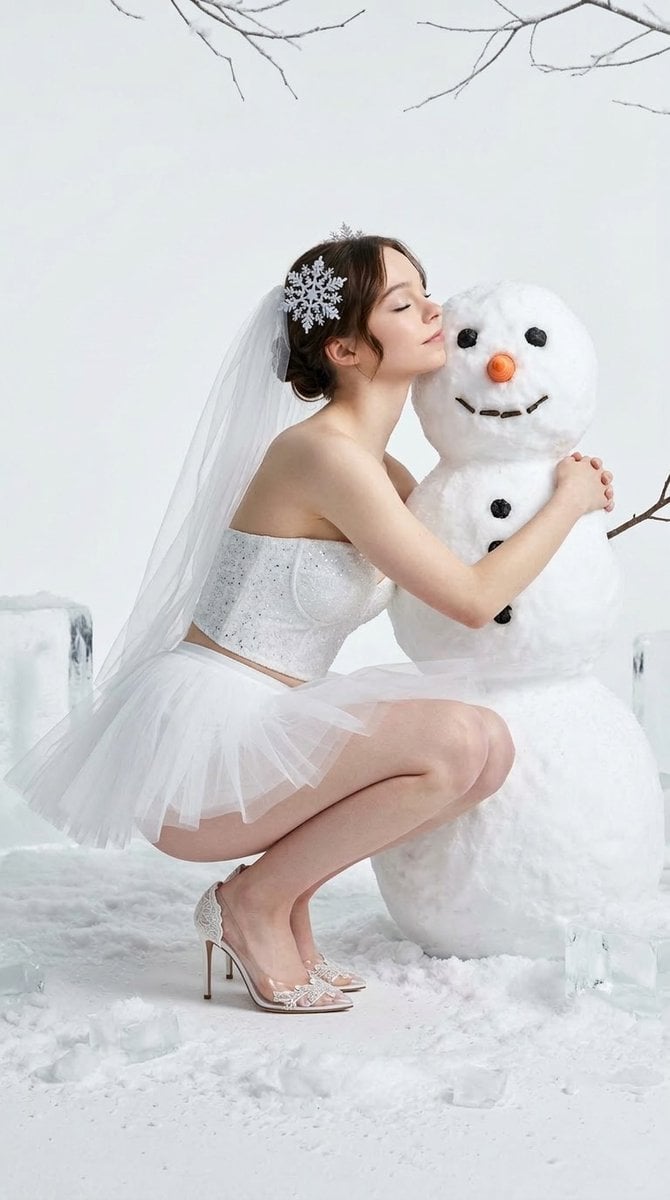
Winter Fantasy Editorial with Emma Myers Lookalike

Celestial Desert Minimalist Wallpaper Prompt
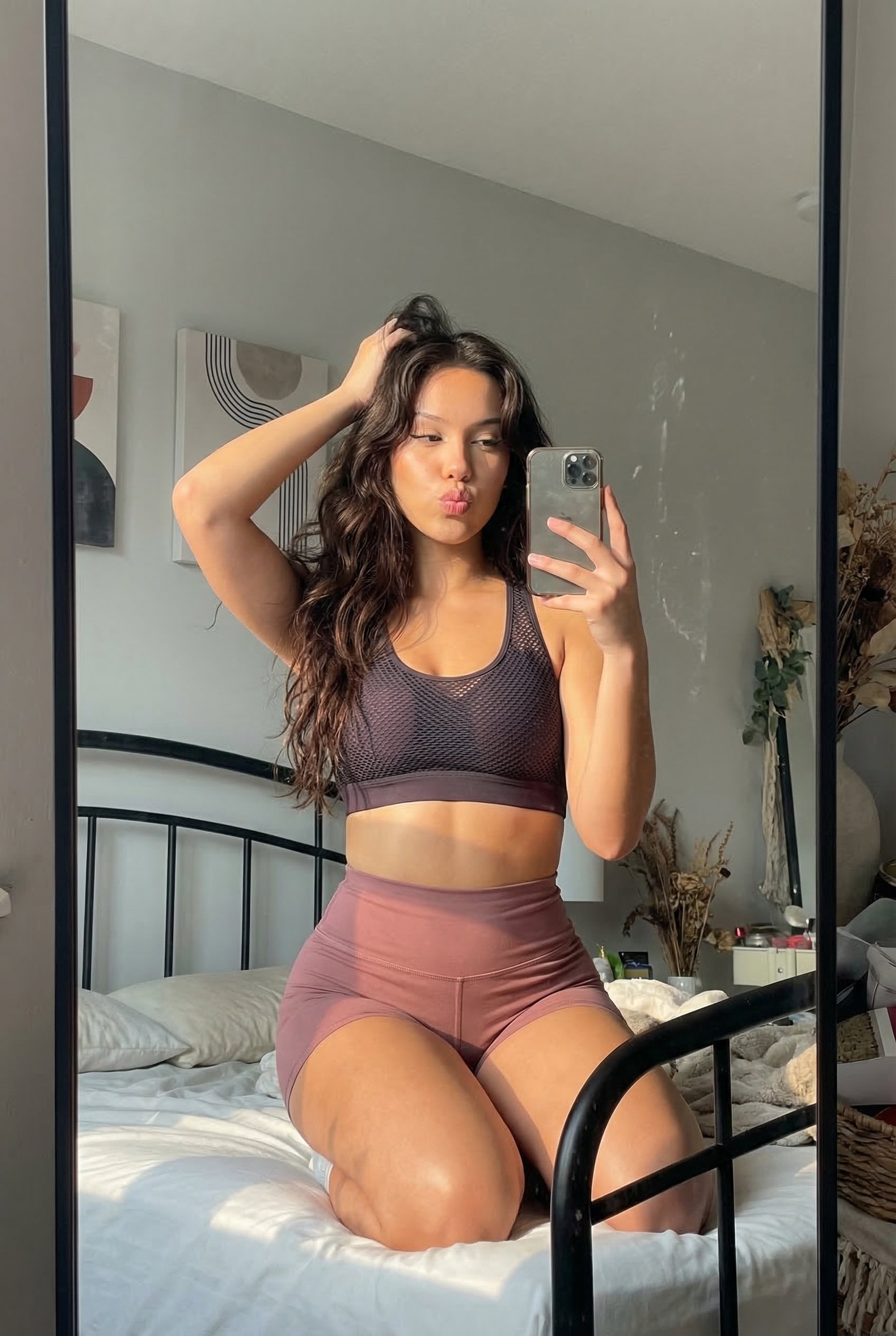
Dress
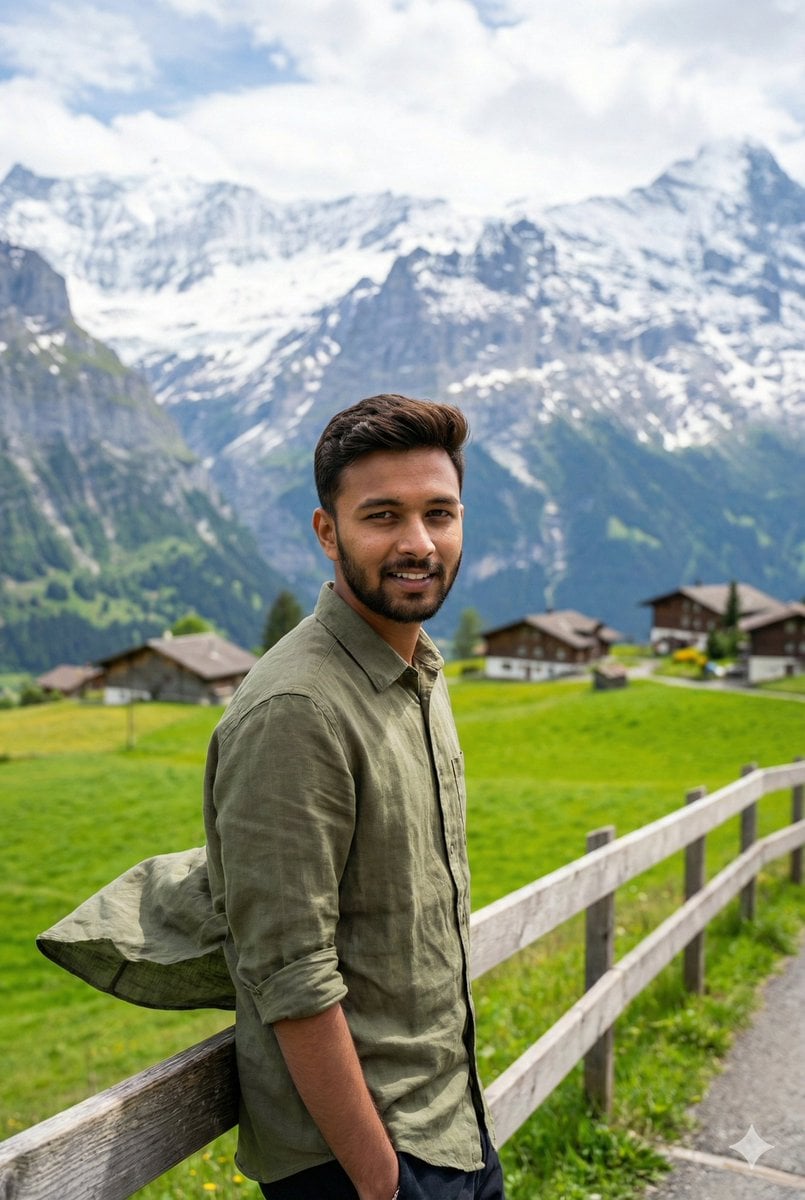
Serene Mountain Trail Portrait
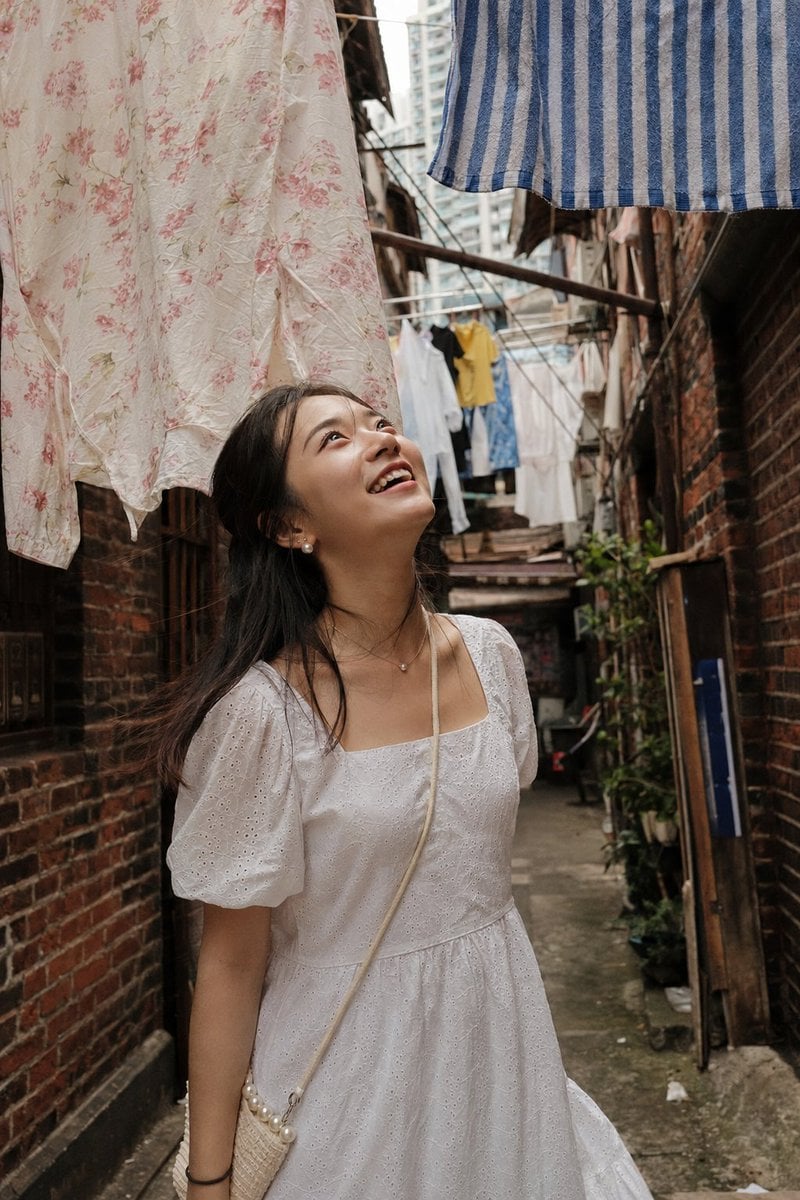
Shanghai Alley Candid Street Photography
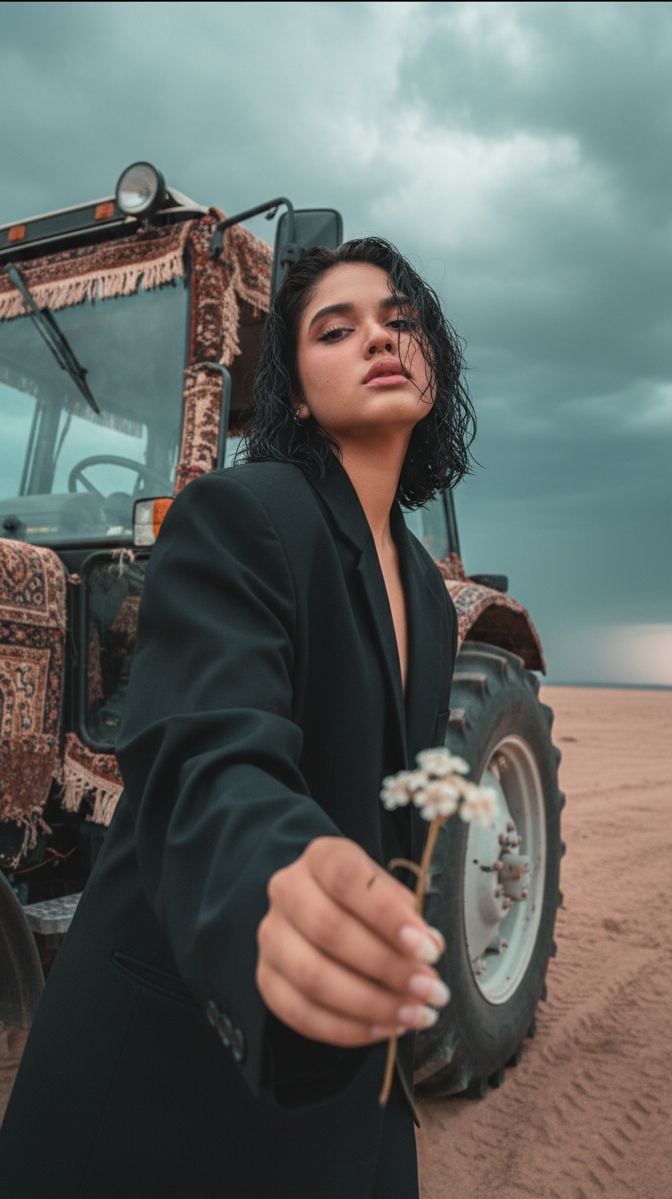
Cinematic Close-up of Man in Tractor Holding Wildflower
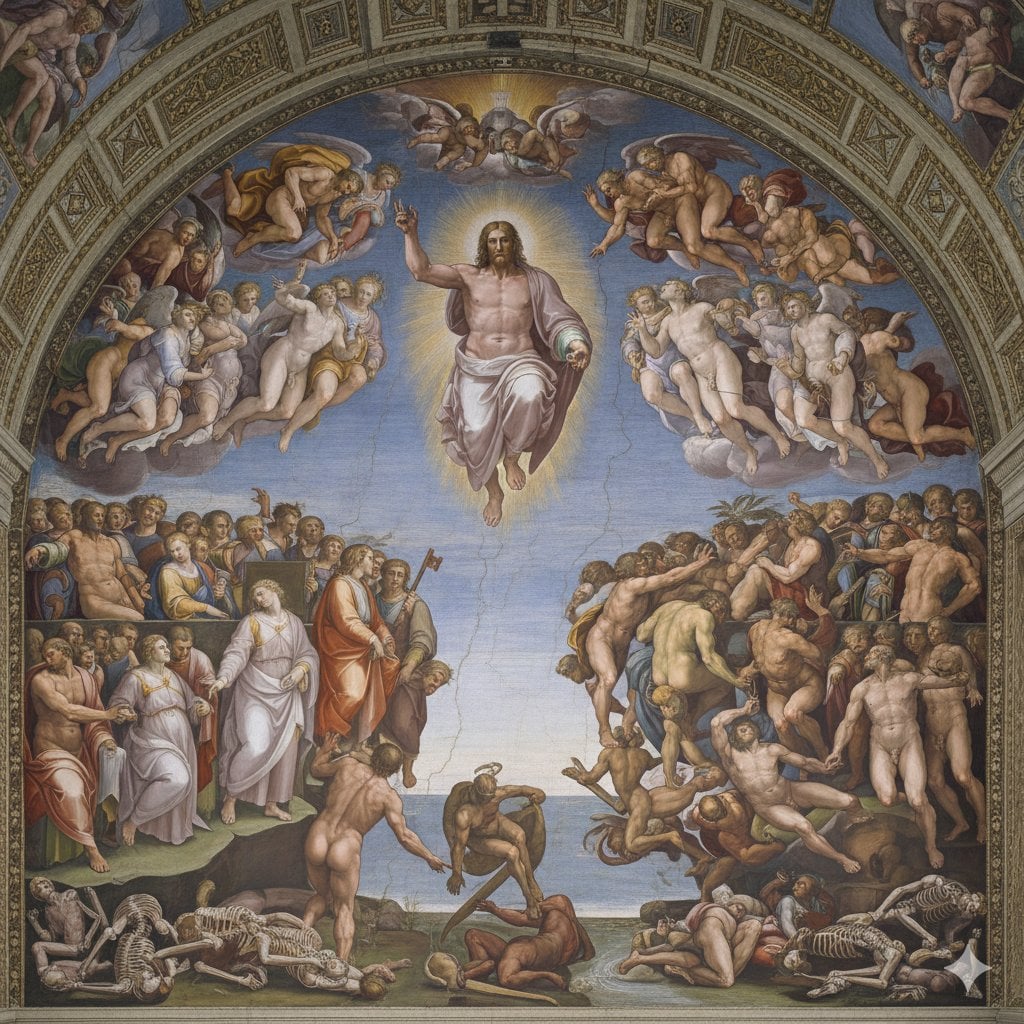
Michelangelo's Last Judgment Style Image
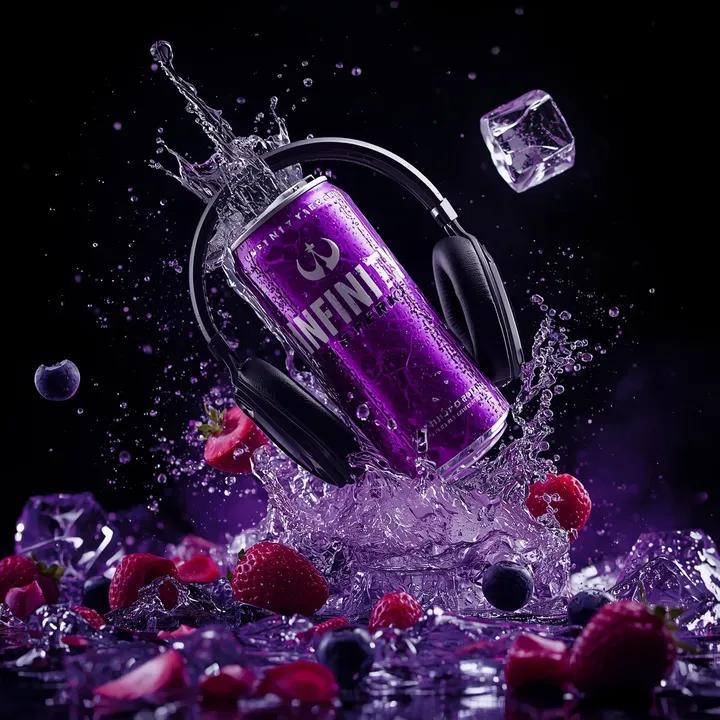
Ultra-Cinematic Floating Energy Drink Product Shot
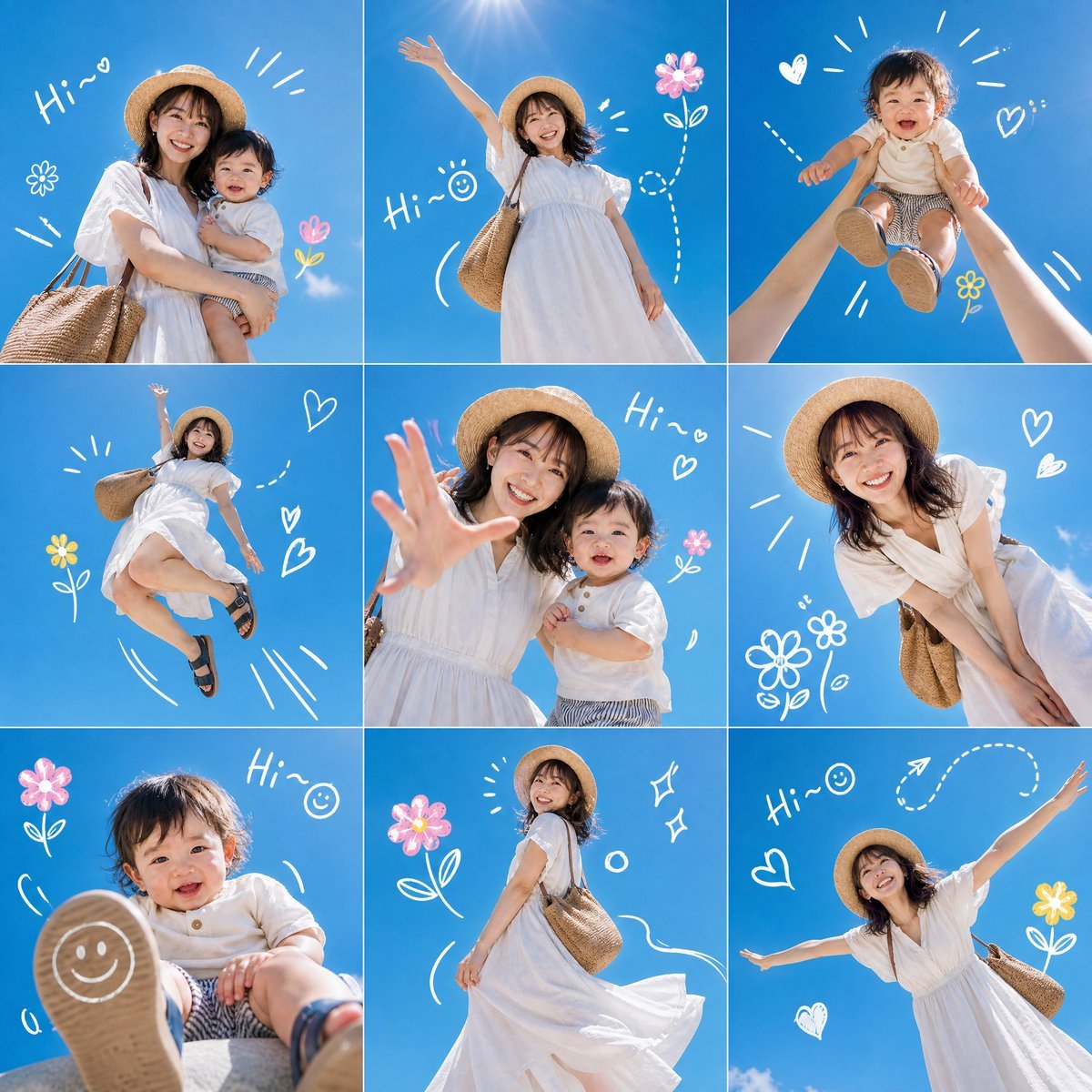
Summer Mother and Baby Sky Collage
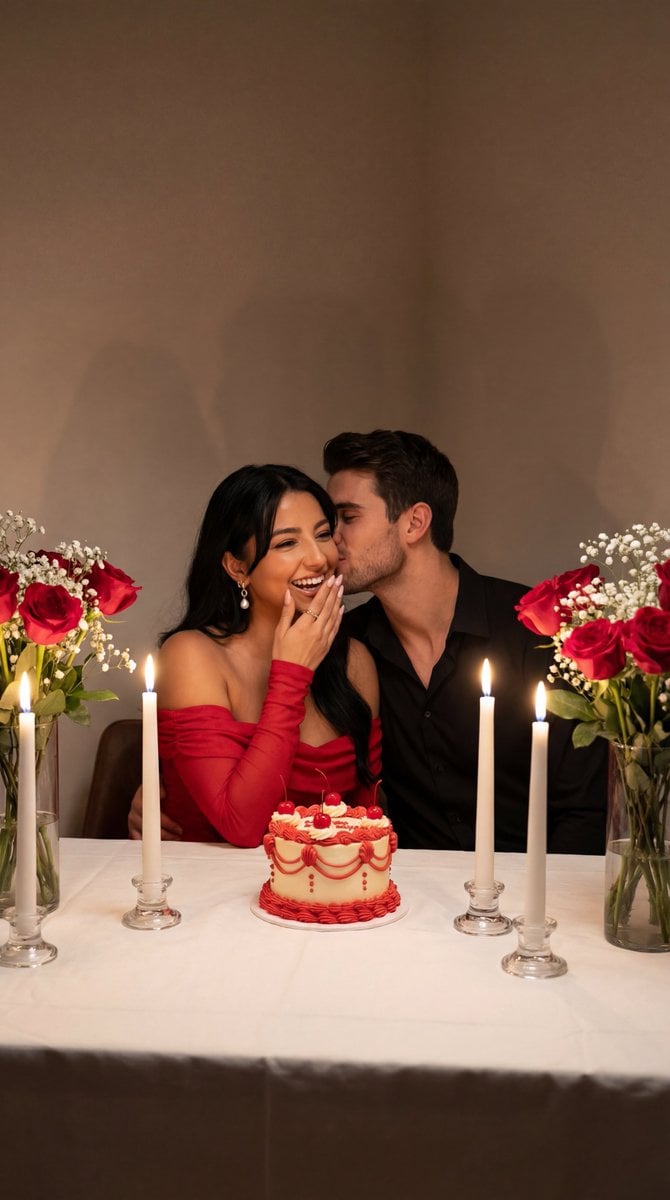
Ultra-Photoreal Candlelight Dinner Scene with Couple
Browse template categories
Piano Keyboard Transforming Into Doves questions
How do I use the Piano Keyboard Transforming Into Doves template?
Add your photo if the template asks for one, edit the prompt if you like — the template's model and format are already selected — and press Generate. Your version opens in PicX Studio.
Can I customize the Piano Keyboard Transforming Into Doves template?
Yes. You can change the subject, setting, lighting, mood, format, and available model controls before creating your image.
Is the Piano Keyboard Transforming Into Doves template free?
Opening and editing this template is free. Generating uses credits, shown on the Generate button when you are signed in.
Which AI model should I use?
Start with GPT Image 2, which is the model associated with this template. You can compare another compatible model for a different finish.
Looking for something else? Browse all templates.

Your photo, any look
Thousands of ready templates for every top image and video model, from one credit balance.