
Vintage Piano Brides Magazine Cover
Generates a romantic vintage bridal editorial cover with two Asian brides in white gowns seated at an antique piano.
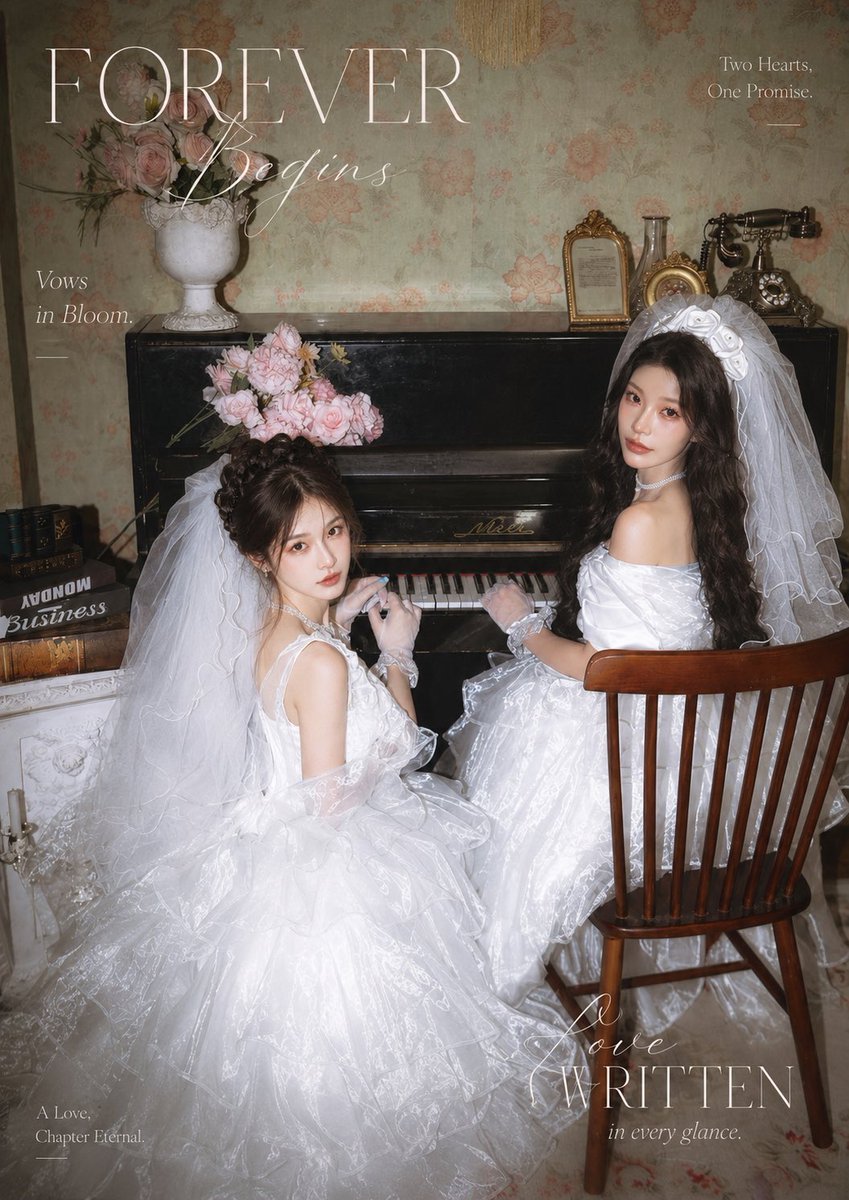
- Prompt included
- Model and format preset
- Premium template
The prompt behind this image
Copy the exact prompt behind Vintage Piano Brides Magazine Cover, or open it in the studio and make it yours.
Create a vertical vintage romantic wedding magazine cover photo featuring {argument name="bride count and identity" default="two adult Asian female brides"} seated at a black antique upright piano in an old European-style room. Both brides wear voluminous white princess wedding gowns with transparent organza texture, layered tulle skirts, long flowing veils, lace gloves, pearl chokers, and soft cool-toned sweet bridal makeup with delicate skin. The left bride sits lower and closer to the camera, turned back toward the viewer with hands near the piano keys, hair in an elegant updo, veil cascading over a huge puffy skirt, and a pale pink rose bouquet resting above her head on the piano. The right bride sits on a wooden spindle-back chair facing the piano, turned over her shoulder toward the viewer, with long dark wavy hair, a large white bow or headpiece under her veil, one hand on the keys, and a calm romantic gaze. Use {argument name="flower bouquet" default="pale pink roses"} in soft arrangements. The setting includes exactly 9 prominent vintage props and decor elements: a black upright piano, a white urn vase filled with pink roses on the piano, a loose pink rose bouquet on the piano near the left bride, a small gold picture frame, a glass bottle, a small gold oval clock or frame, a black antique rotary telephone, a stack of old books on the left, and a wooden chair. Background: faded floral wallpaper in muted sage and peach tones, dim warm flash photography, soft film grain, slight vignette, high-fashion bridal editorial mood, nostalgic and elegant. Add magazine-cover typography in thin white serif and cursive fonts: large title text {argument name="main title" default="FOREVER"} across the upper left, cursive subtitle {argument name="subtitle" default="Wedding"} overlapping it, small text “Vows in Bloom.” on the left, “Two Hearts. One Promise.” on the upper right with a short line beneath, “A Love, Chapter Eternal” at bottom left, and “Love WRITTEN in every glance.” at bottom right. Composition should be intimate, dreamy, polished, and like a premium wedding magazine spread, with no extra people and no modern objects.
How to use Vintage Piano Brides Magazine Cover in 3 steps
- 1Upload ImagePNG, JPG or paste
Add your photo
Upload the photo the template builds on. The prompt, model and format are already set.
- 2…a portrait of your subject in softgolden-hour light, 85mm…
Personalize
Edit the subject and creative details for your destination.
- 3Generate
Generate
Press Generate — your image is created in PicX Studio, so you can compare it with the original and refine one variable at a time.
More like this
Templates with the same subject, style or setup. Open one to see its prompt.












Make it yours
Vintage Piano Brides Magazine Cover works as-is. These are the safest ways to change it without losing the look.
Change one field
Copy a single group, rewrite it, and generate again so you can see what that field is doing.
Keep the frame, change the subject
Hold the composition and light of Vintage Piano Brides Magazine Cover, then swap wardrobe, props or the person for a new take.
| If the result… | Why | Fix |
|---|---|---|
| The result drifts from the preview | Too many fields changed at once. | Reuse Vintage Piano Brides Magazine Cover as-is first, then change one group — subject, light, or setting. |
| The model over-stylizes the scene | The prose prompt leaves finish and camera underspecified. | Add one camera or lighting sentence and stay on GPT Image 2. |
More GPT Image 2 templates
Other prompts made for GPT Image 2.

Six VTuber Japanese Logo Sheet

Realistic Portrait of Woman and Deer

The Vista Modular Condo Poster

AI Model Routing Comparison Infographic

2.5D Anime Art Board

Isometric Productivity Desk Scene

New York Double Exposure Poster

Four-Panel AI Landscape Comparison

Japanese Tatami Lifestyle Magazine Cover

NESCAFÉ Coffee Map Poster
More image prompts
Fresh picks from across the catalog.
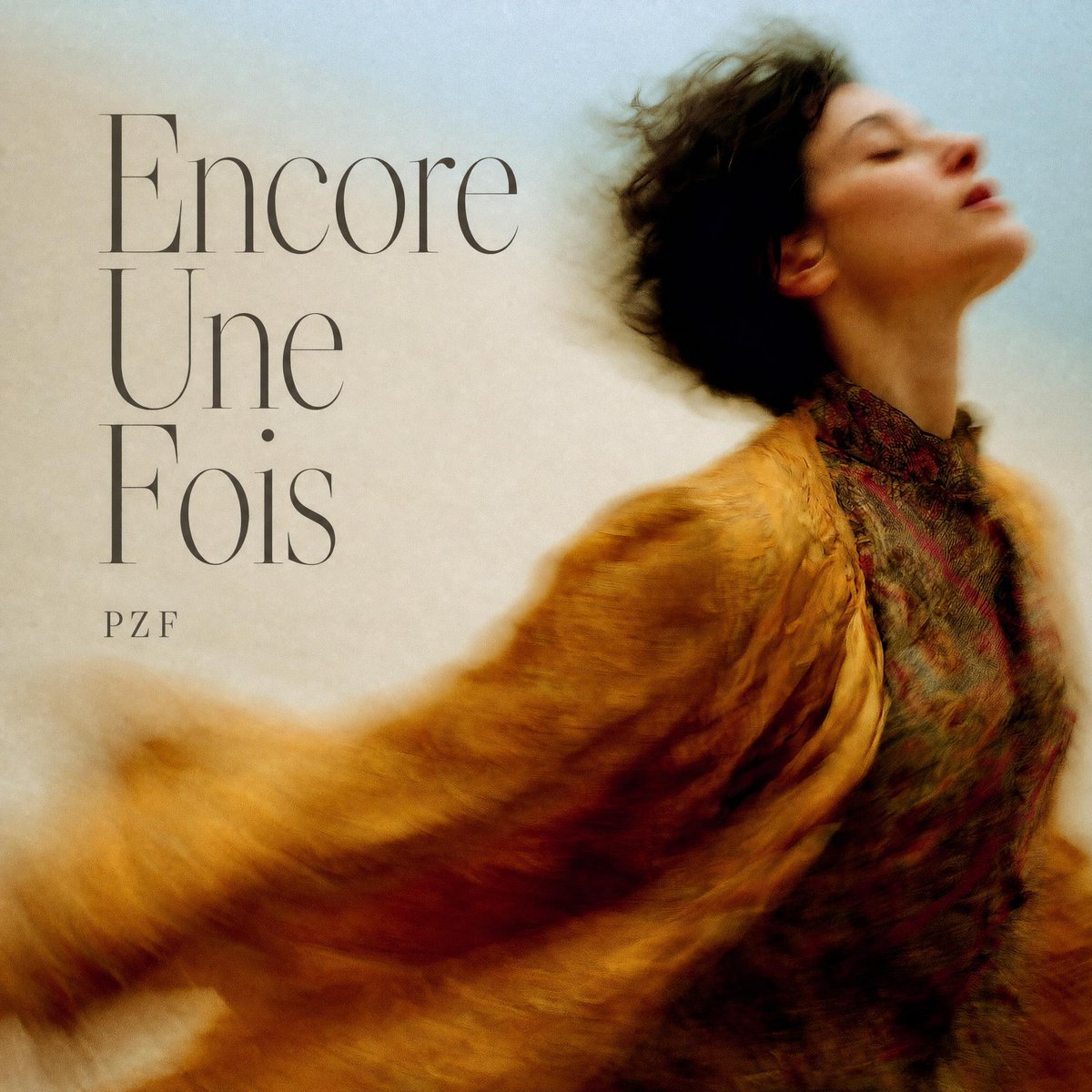
French Indie Album Cover

Moody High-Contrast Portrait with Rim Light

Ultra-Realistic 8K Lifestyle Portrait at Modern Café
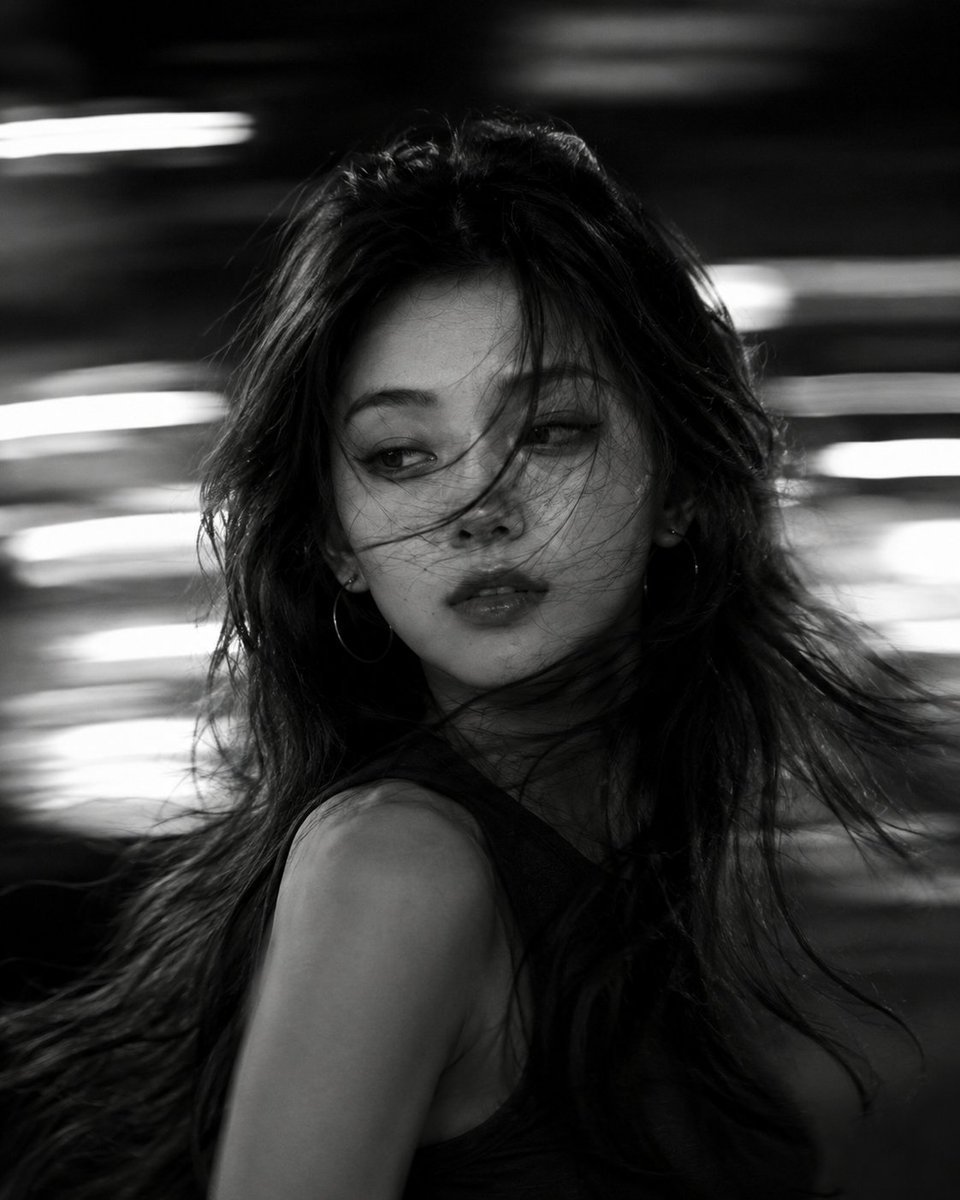
Cinematic Black and White Motion Portrait

Rainforest Clearing with Speckle Artifacts

Historical Rabbit King Social Media Page
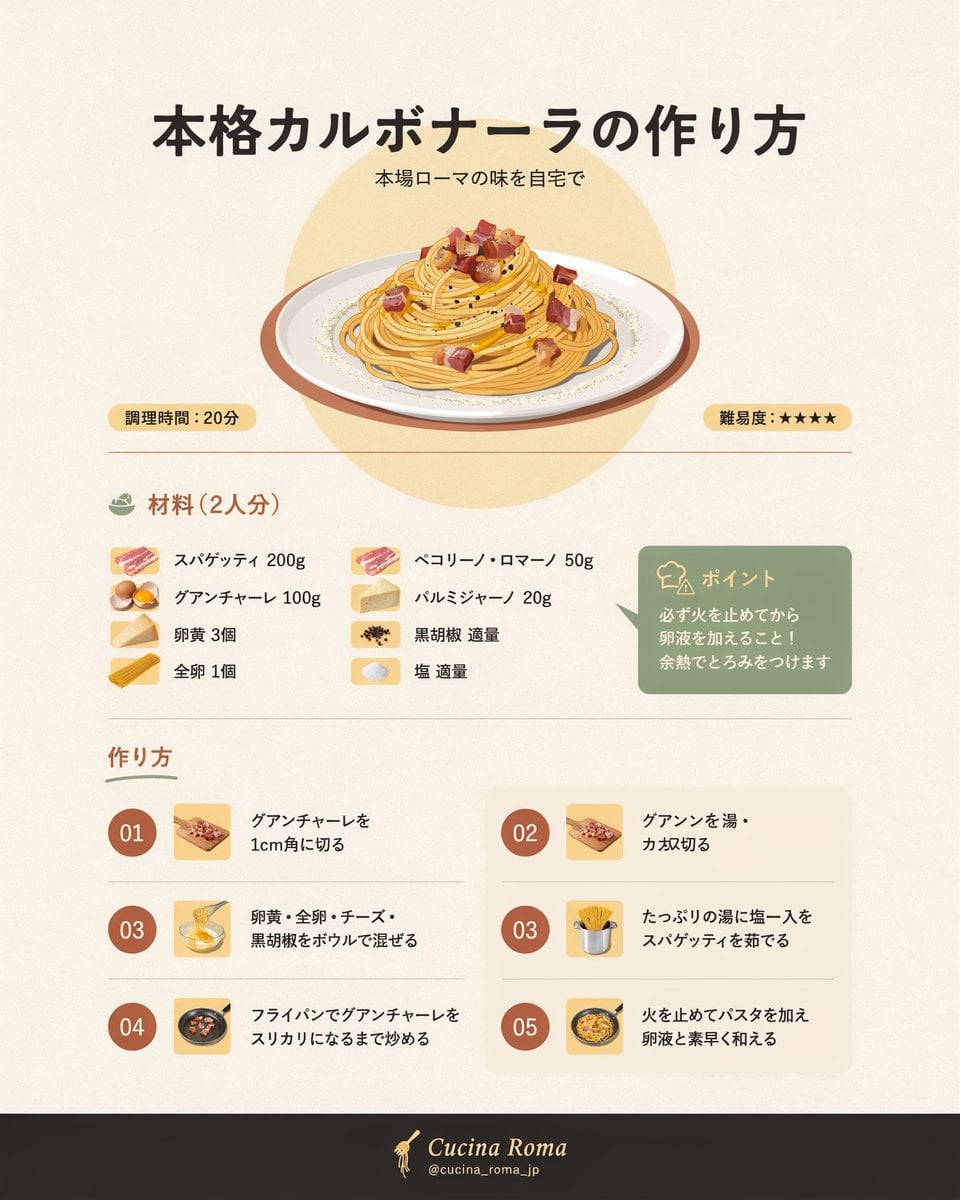
Japanese Carbonara Recipe Infographic

Generating the Crucifixion scene using Nano Banana Pro and Genie 3

Schizophrenic Conspiracy Scribbles Overlay
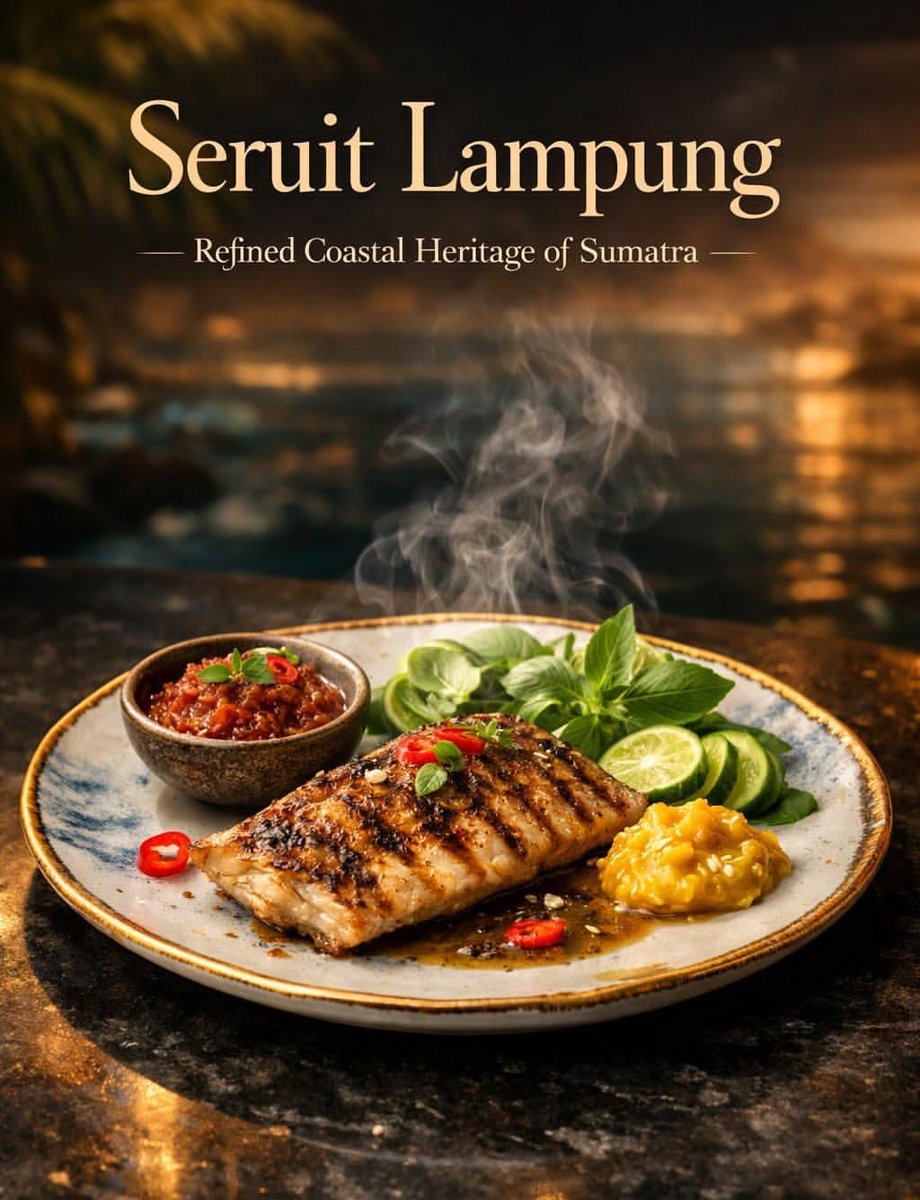
Luxury Cinematic Food Photography of Seruit Lampung
Browse template categories
Vintage Piano Brides Magazine Cover questions
How do I use the Vintage Piano Brides Magazine Cover template?
Add your photo if the template asks for one, edit the prompt if you like — the template's model and format are already selected — and press Generate. Your version opens in PicX Studio.
Can I customize the Vintage Piano Brides Magazine Cover template?
Yes. You can change the subject, setting, lighting, mood, format, and available model controls before creating your image.
Is the Vintage Piano Brides Magazine Cover template free?
Opening and editing this template is free. Generating uses credits, shown on the Generate button when you are signed in.
Which AI model should I use?
Start with GPT Image 2, which is the model associated with this template. You can compare another compatible model for a different finish.
Looking for something else? Browse all templates.

Your photo, any look
Thousands of ready templates for every top image and video model, from one credit balance.