
Rainforest Clearing with Speckle Artifacts
This prompt generates a photorealistic tropical jungle clearing scene with dramatic sunlight and intentional grid-like speckle artifacts, suitable for illustrating image quality issues in AI-generated nature photography.
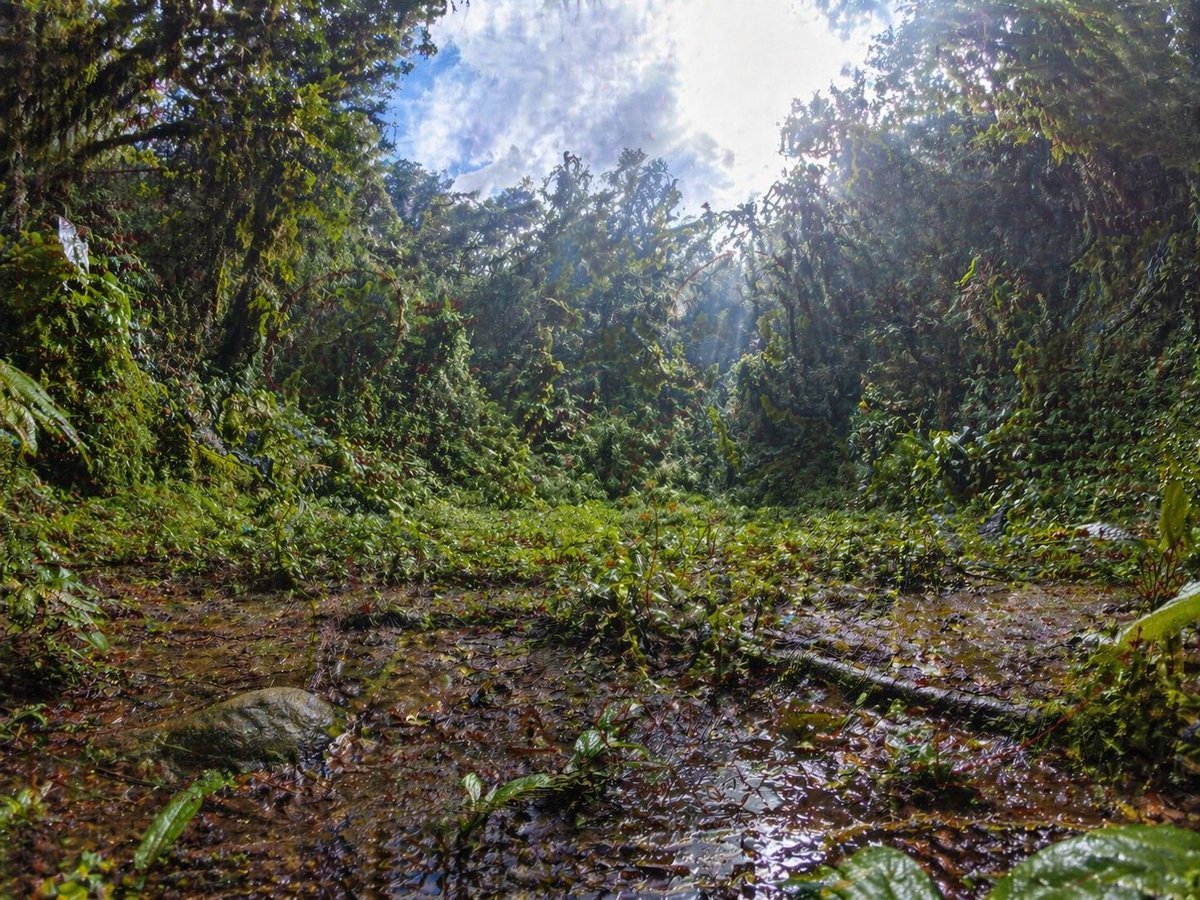
- Prompt included
- Model and format preset
- Free template
The prompt behind this image
Copy the exact prompt behind Rainforest Clearing with Speckle Artifacts, or open it in the studio and make it yours.
An ultra-detailed wide-angle rainforest clearing photographed from a very low ground-level perspective, with the camera almost at the edge of a shallow muddy puddle. Dense tropical jungle vegetation forms a circular wall around the clearing, with tangled vines, broad wet leaves, shrubs, and tree trunks heavily covered in greenery. The foreground is slick with brown water, leaf litter, and reflective puddles, including a fallen branch stretching diagonally across the lower right area and a rounded mossy rock on the lower left. The center opens into a patch of low green plants, while the background rises into thick jungle canopy. Bright midday sunlight breaks through the treetops in the upper right, creating strong rays, haze, glowing highlights, and high contrast against a partly cloudy blue-and-white sky visible through the canopy. Use a dramatic fisheye or ultra-wide lens effect with subtle barrel distortion, immersive environmental scale, rich saturated greens, wet textures, realistic natural lighting, crisp foliage detail, and a photorealistic documentary nature-photography look. Include a faint, unnatural grid-like speckle noise artifact pattern across the image, especially visible in darker foliage and muddy ground, as if from an image-generation quality bug.
How to use Rainforest Clearing with Speckle Artifacts in 3 steps
- 1Upload ImagePNG, JPG or paste
Add your photo
Upload the photo the template builds on. The prompt, model and format are already set.
- 2…a portrait of your subject in softgolden-hour light, 85mm…
Personalize
Edit the subject and creative details for your destination.
- 3Generate
Generate
Press Generate — your image is created in PicX Studio, so you can compare it with the original and refine one variable at a time.
More like this
Templates with the same subject, style or setup. Open one to see its prompt.
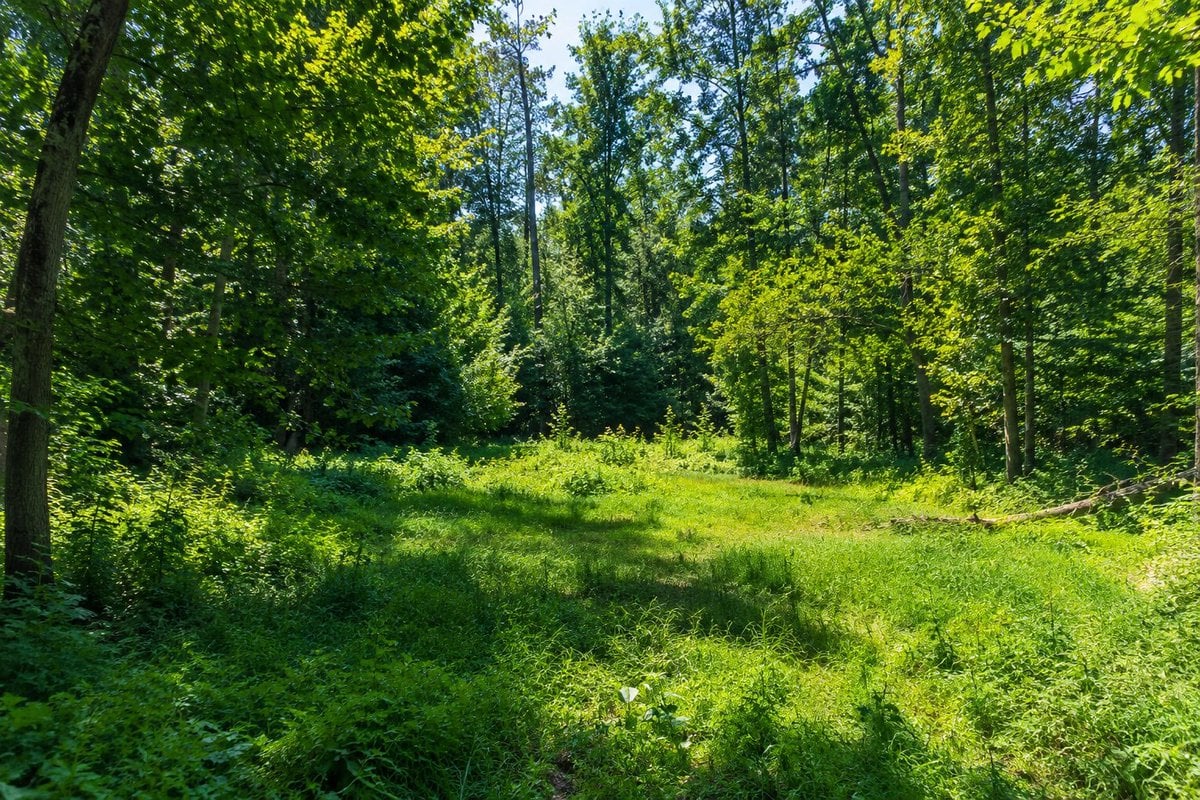
High Resolution Forest Clearing Photo
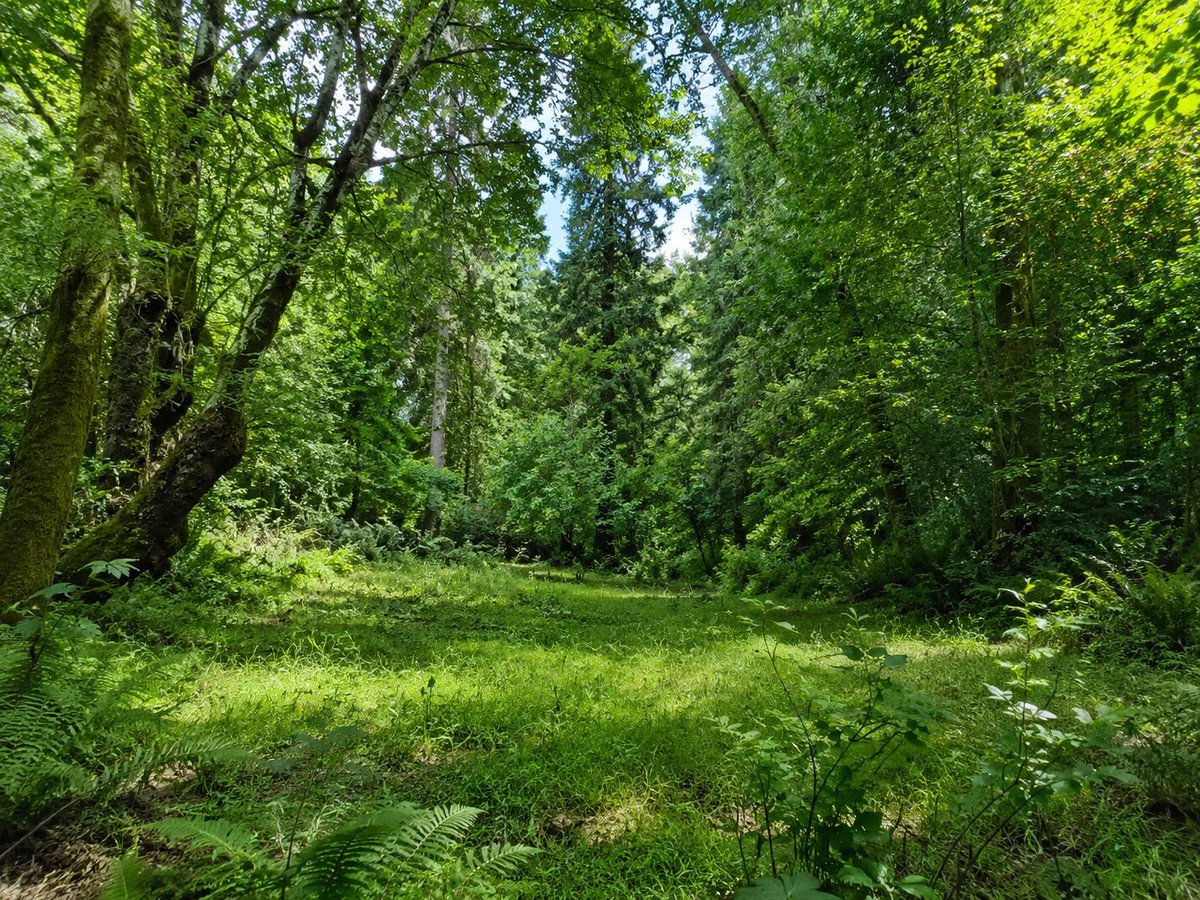
Sunlit Forest Clearing Photo
Intense film grain, analog noise, and scanline artifacts
Rainforest Custard Pudding Frog
Tropical Rainforest Wildlife Ecosystem
Space Mission Technical Artifacts
Futuristic City With Sparkling Artifacts

50 artifacts from different eras and cultures
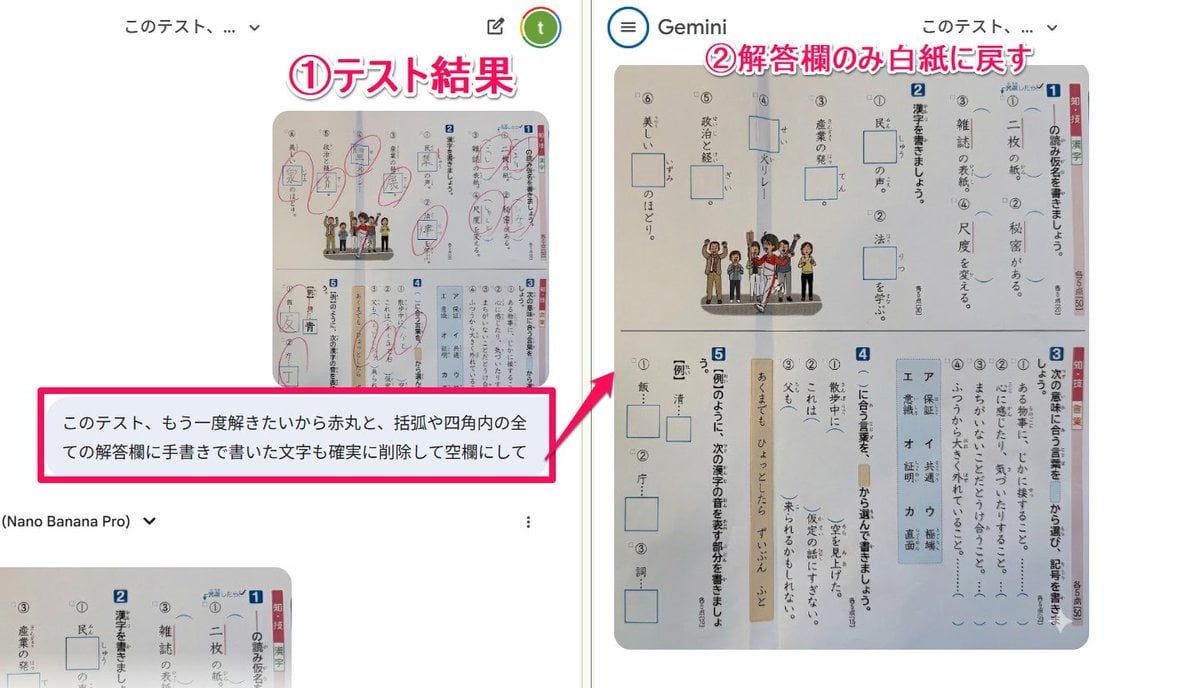
Prompt for clearing handwritten answers from a test image for reuse
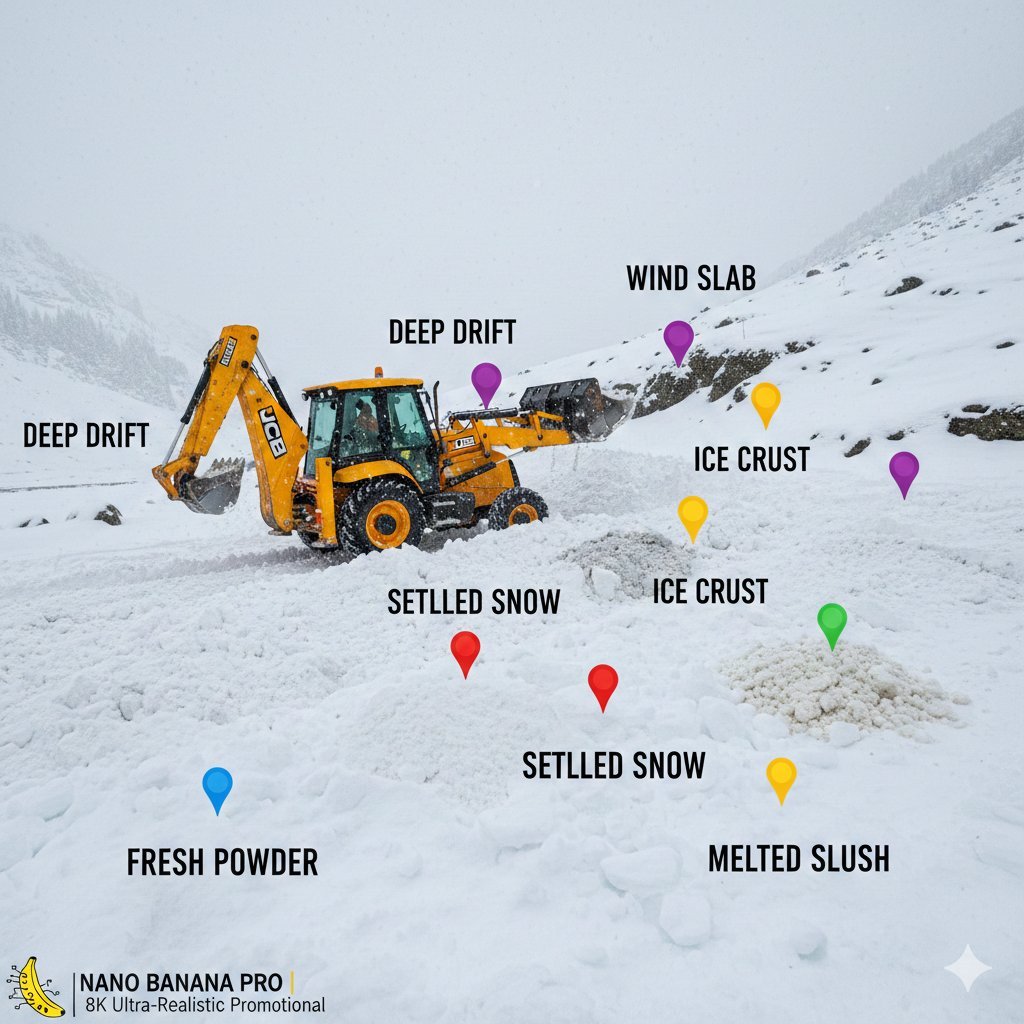
Cinematic JCB Clearing Snow in Kashmir
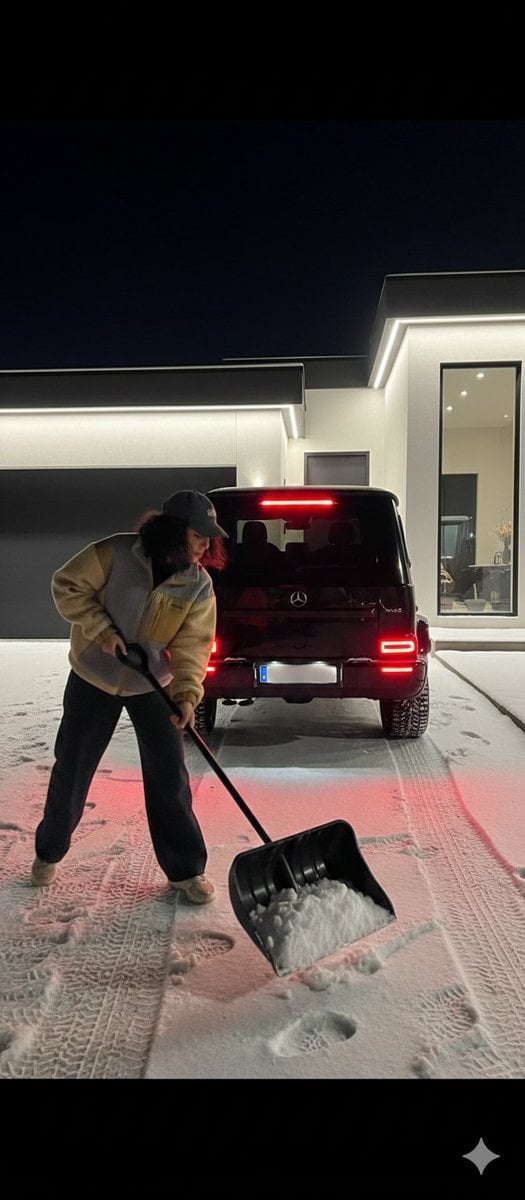
Night Photography Prompt: Clearing Snow with Mercedes G 63 AMG
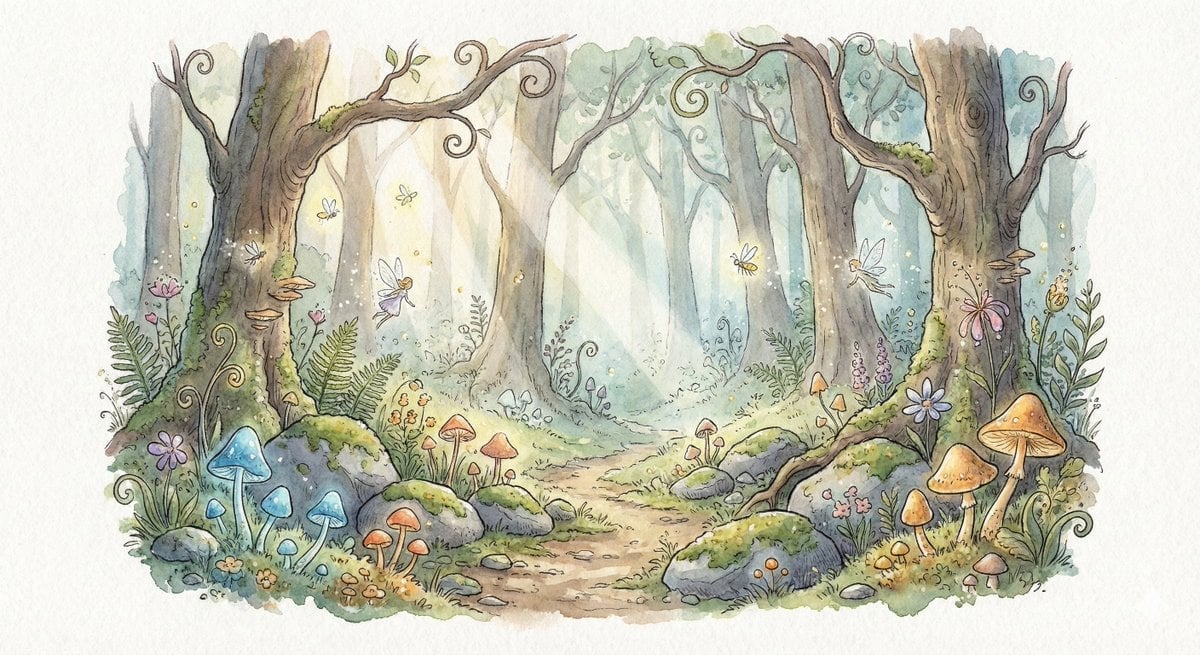
Watercolor Illustration of Enchanted Forest Clearing at Dawn
Make it yours
Rainforest Clearing with Speckle Artifacts works as-is. These are the safest ways to change it without losing the look.
Change one field
Copy a single group, rewrite it, and generate again so you can see what that field is doing.
Keep the frame, change the subject
Hold the composition and light of Rainforest Clearing with Speckle Artifacts, then swap wardrobe, props or the person for a new take.
| If the result… | Why | Fix |
|---|---|---|
| The result drifts from the preview | Too many fields changed at once. | Reuse Rainforest Clearing with Speckle Artifacts as-is first, then change one group — subject, light, or setting. |
| The model over-stylizes the scene | The prose prompt leaves finish and camera underspecified. | Add one camera or lighting sentence and stay on GPT Image 2. |
More GPT Image 2 templates
Other prompts made for GPT Image 2.

Six VTuber Japanese Logo Sheet

Realistic Portrait of Woman and Deer

AI Model Routing Comparison Infographic

Isometric Productivity Desk Scene

Four-Panel AI Landscape Comparison

Japanese Tatami Lifestyle Magazine Cover

Brutalist Cogito Chinese Typography Poster
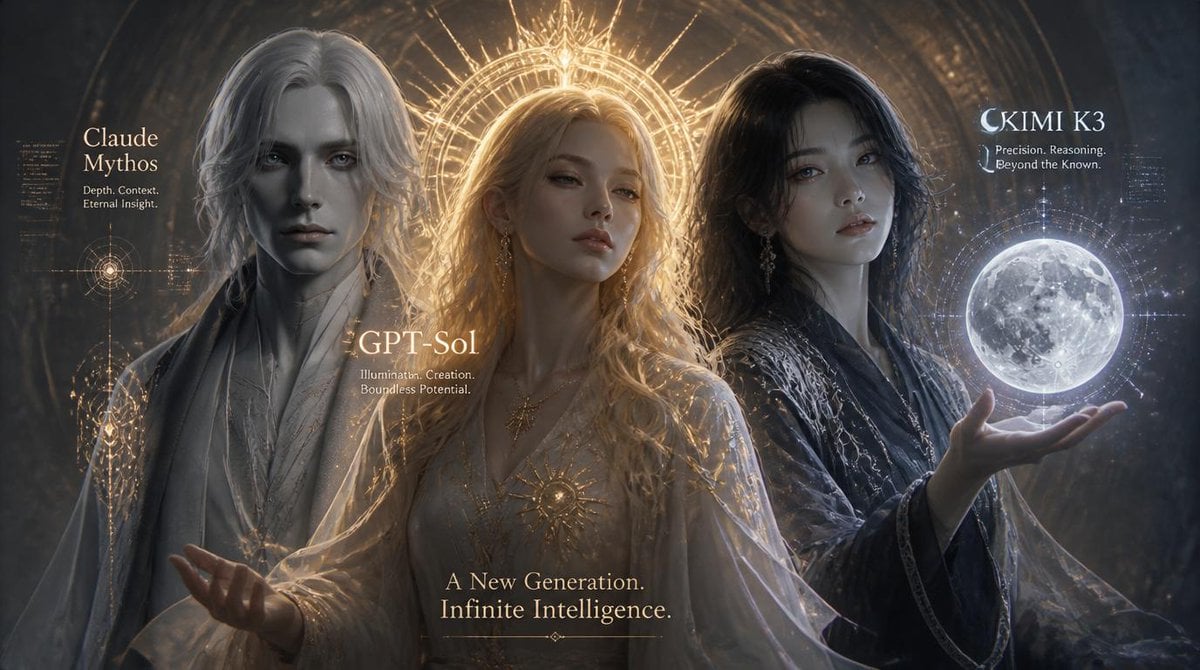
Three AI Deities Fantasy Poster

Japanese Personality Settings UI

Nostalgic Summer '26 Lifestyle Photo
More image prompts
Fresh picks from across the catalog.

Moody Cinematic Portrait
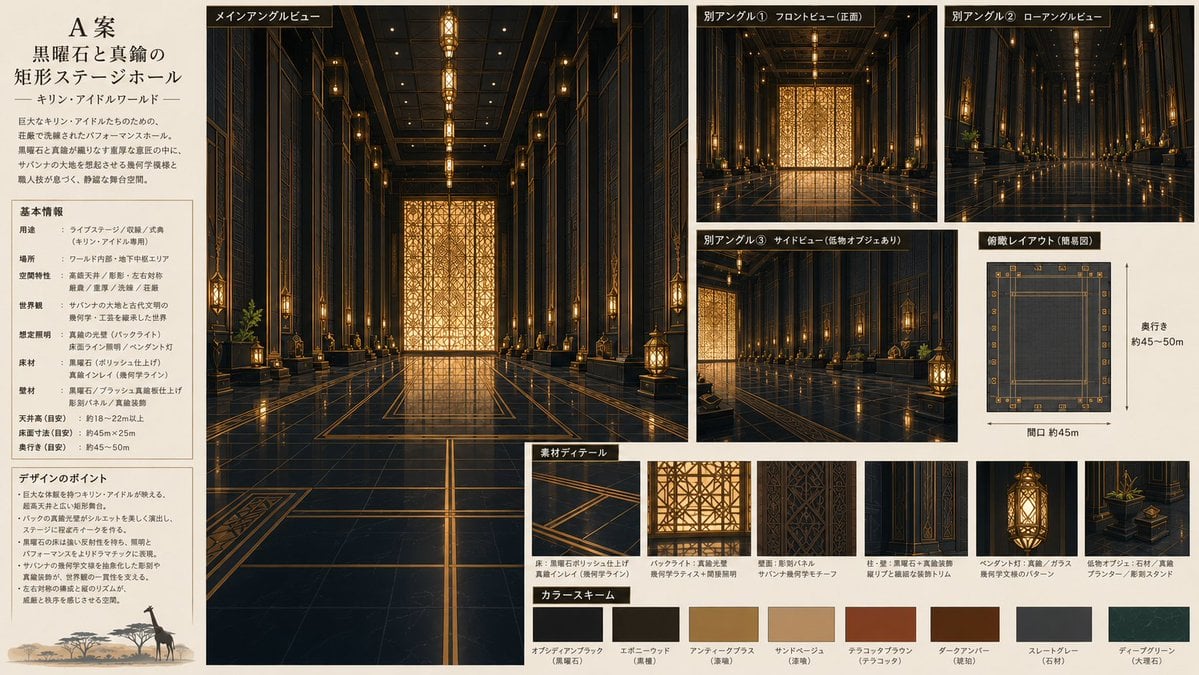
Obsidian Brass Stage Hall Sheet
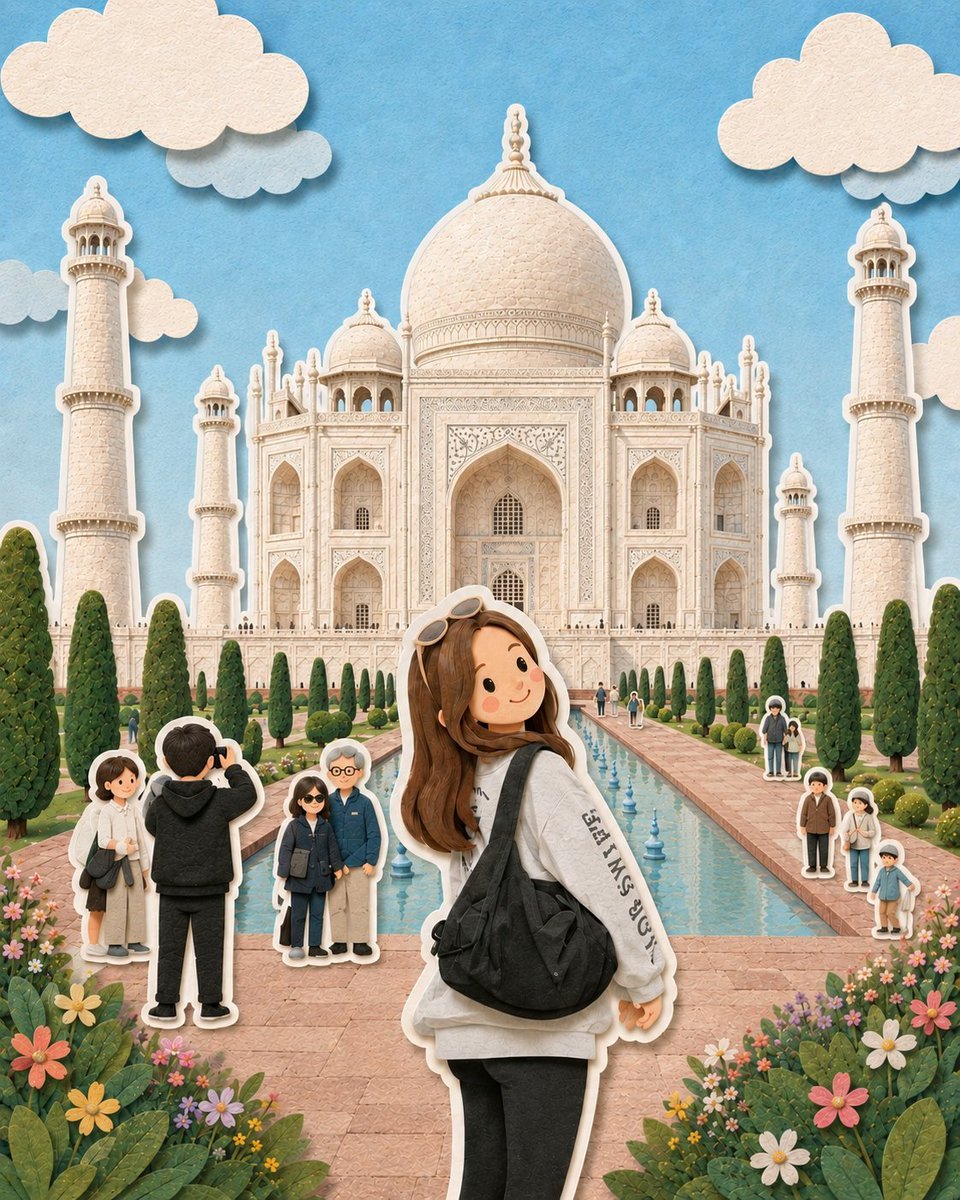
Paper-Cut Diorama Illustration
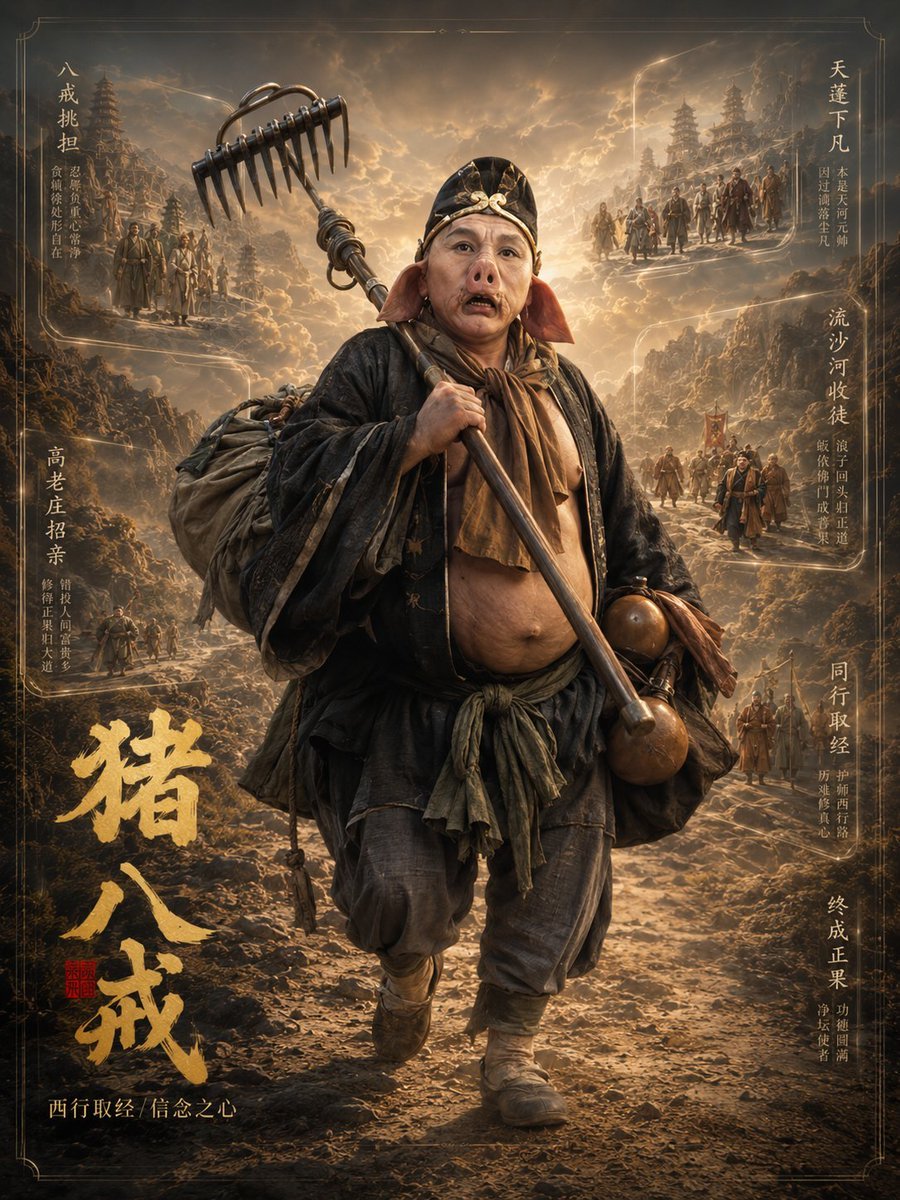
Zhu Bajie 3D Character Poster
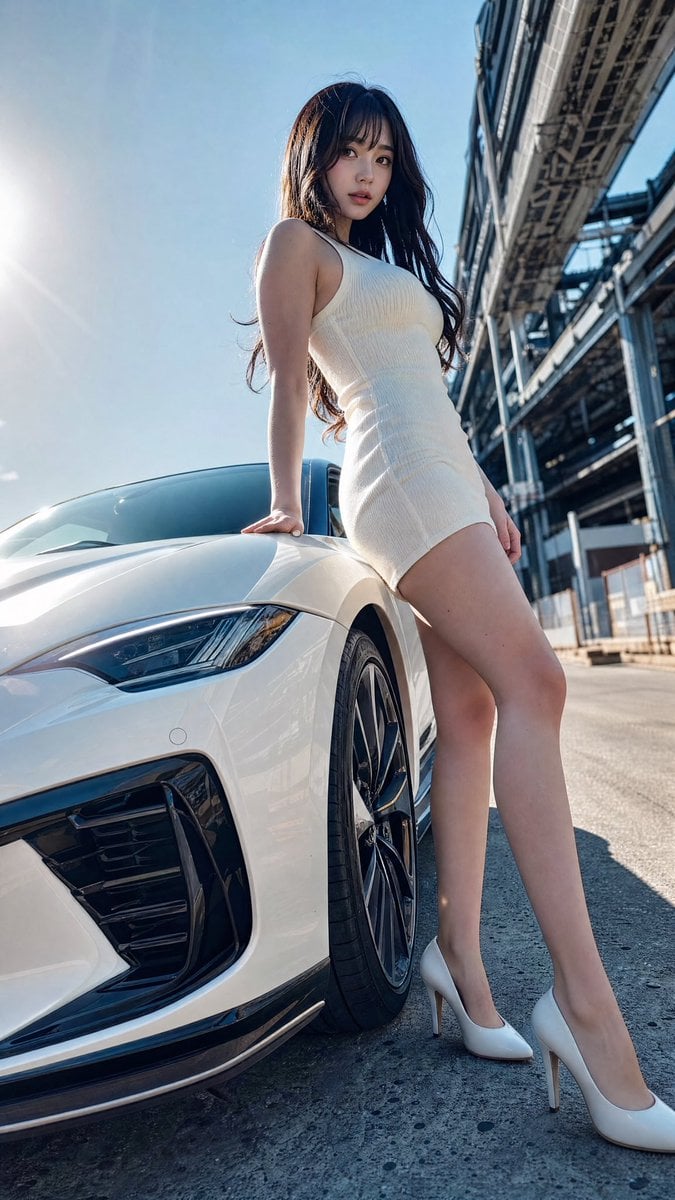
Sports Car Advertisement with Japanese Girl
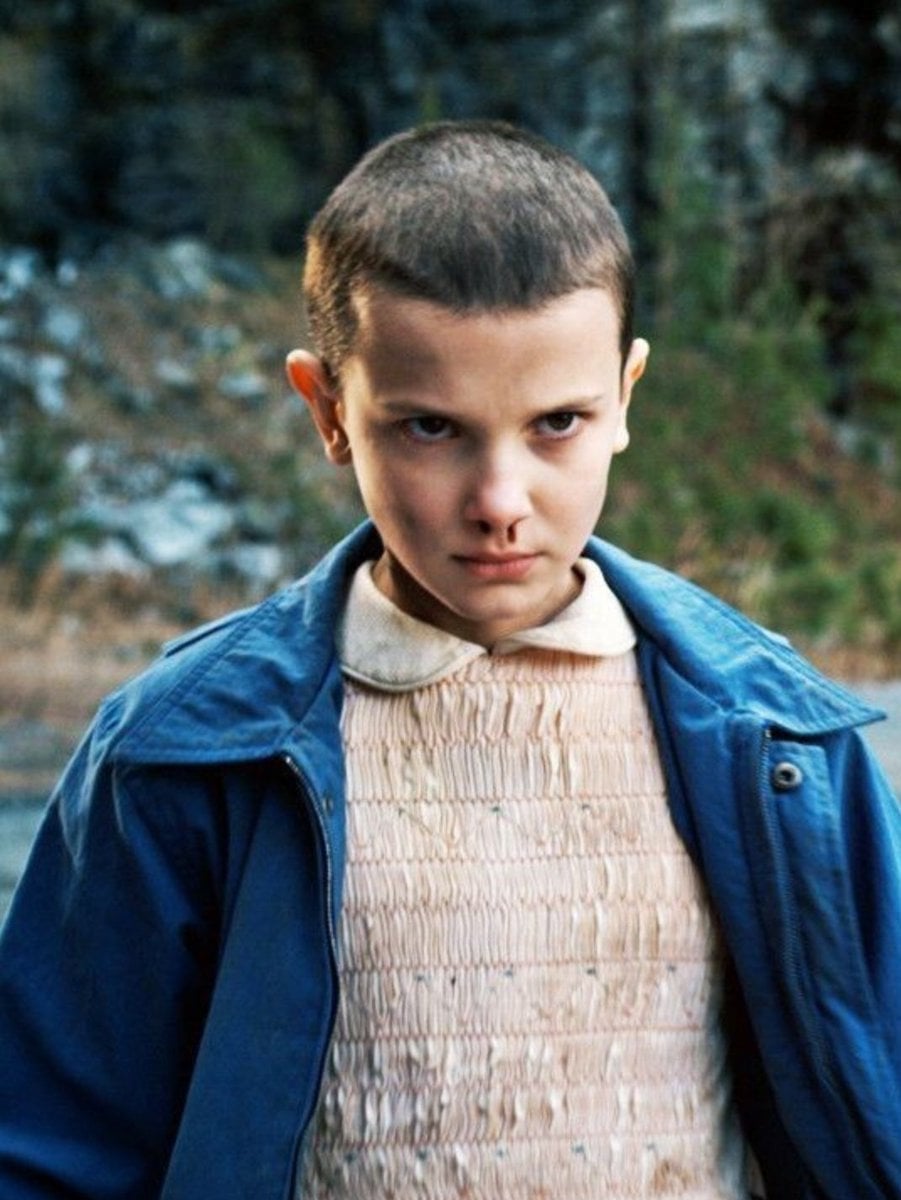
Convert Photo to Professional Passport Size Image
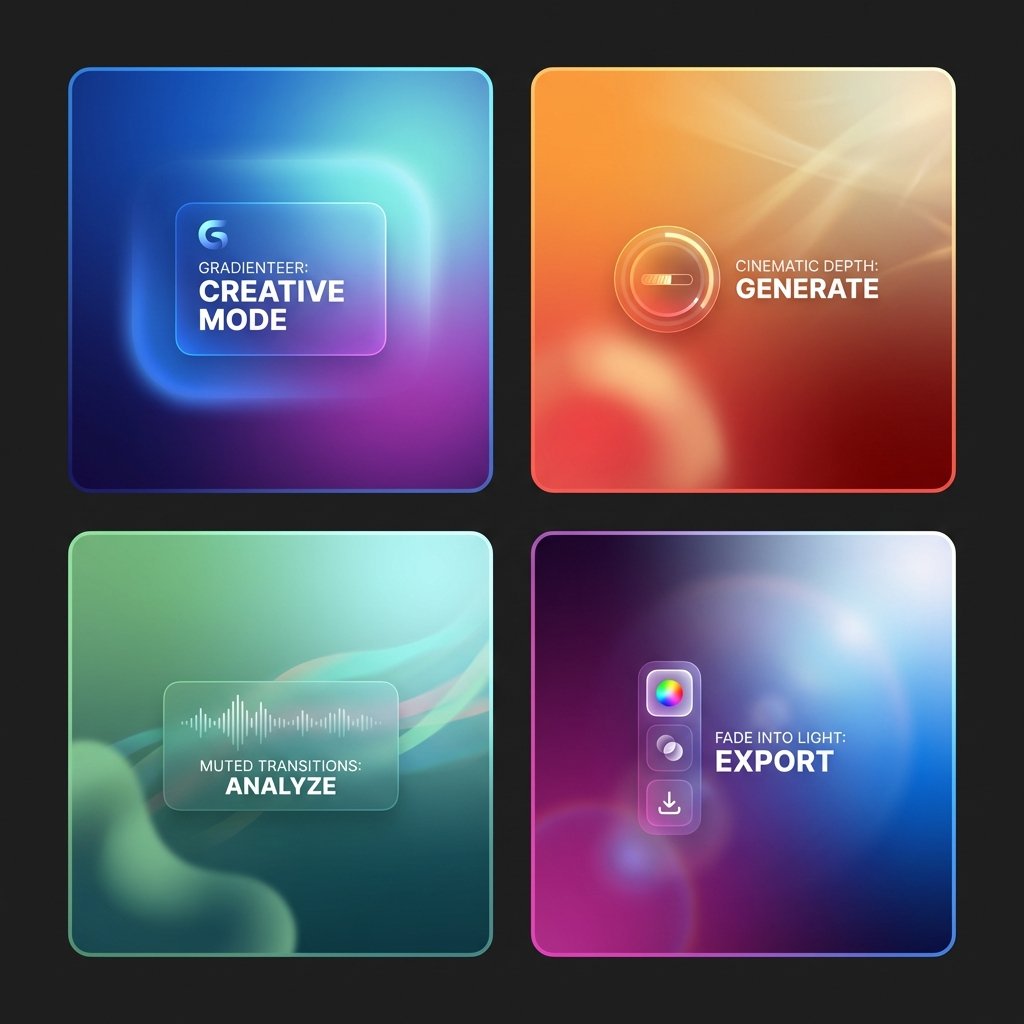
Premium Depth Gradient for Atmospheric Realism

Founder Rising-Star Poster

Professional Magazine Cover Portrait
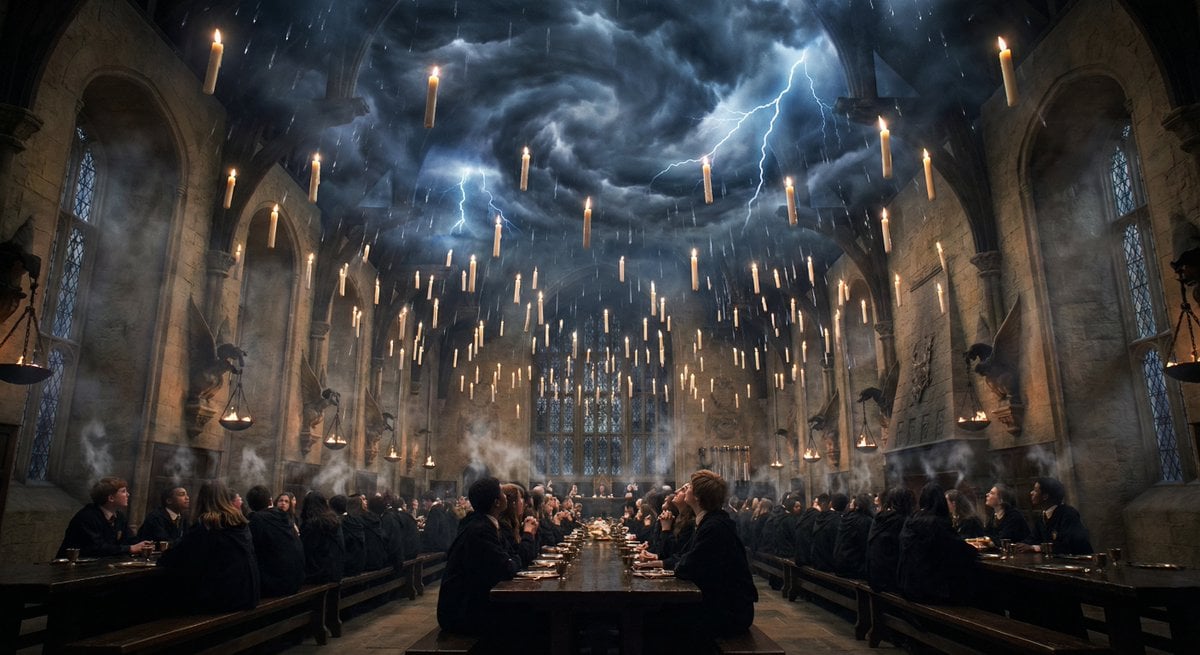
Hogwarts Great Hall during a thunderstorm
Browse template categories
Rainforest Clearing with Speckle Artifacts questions
How do I use the Rainforest Clearing with Speckle Artifacts template?
Add your photo if the template asks for one, edit the prompt if you like — the template's model and format are already selected — and press Generate. Your version opens in PicX Studio.
Can I customize the Rainforest Clearing with Speckle Artifacts template?
Yes. You can change the subject, setting, lighting, mood, format, and available model controls before creating your image.
Is the Rainforest Clearing with Speckle Artifacts template free?
Opening and editing this template is free. Generating uses credits, shown on the Generate button when you are signed in.
Which AI model should I use?
Start with GPT Image 2, which is the model associated with this template. You can compare another compatible model for a different finish.
Looking for something else? Browse all templates.

Your photo, any look
Thousands of ready templates for every top image and video model, from one credit balance.