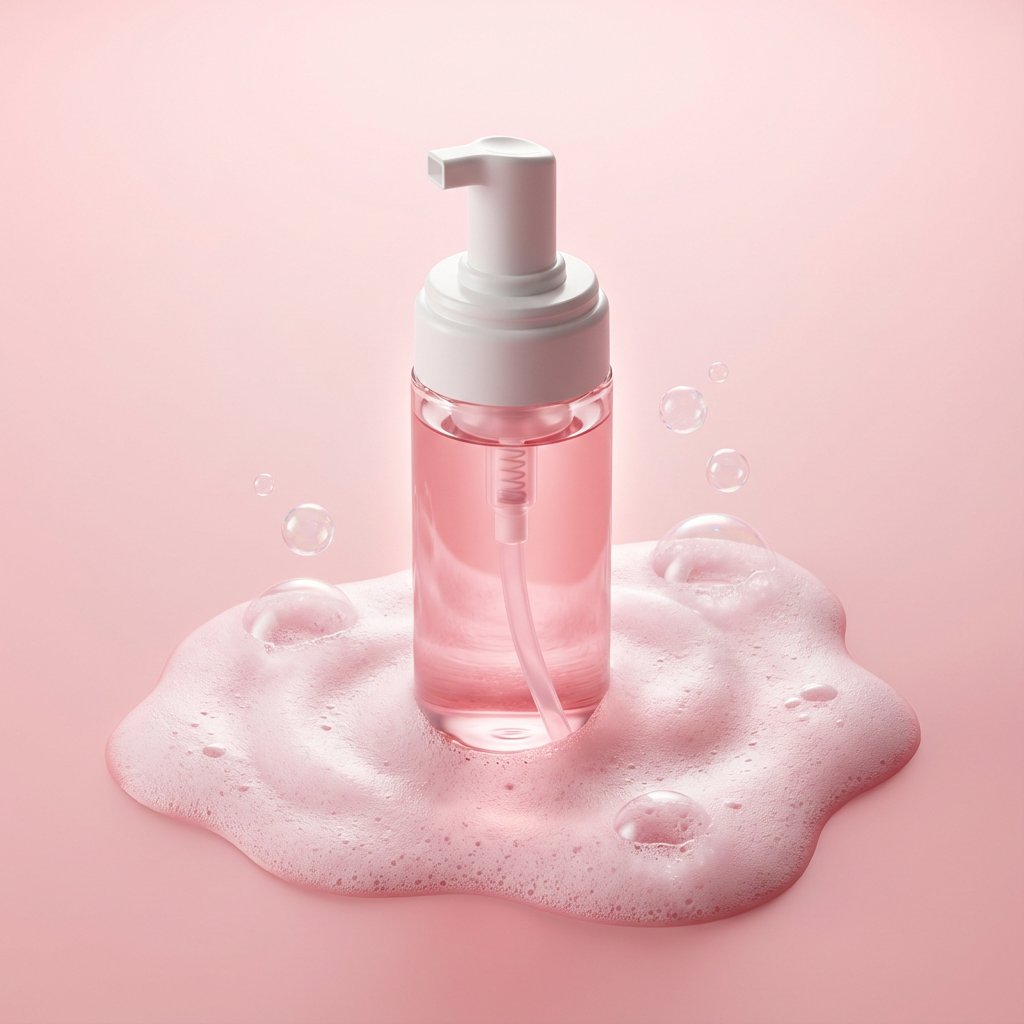
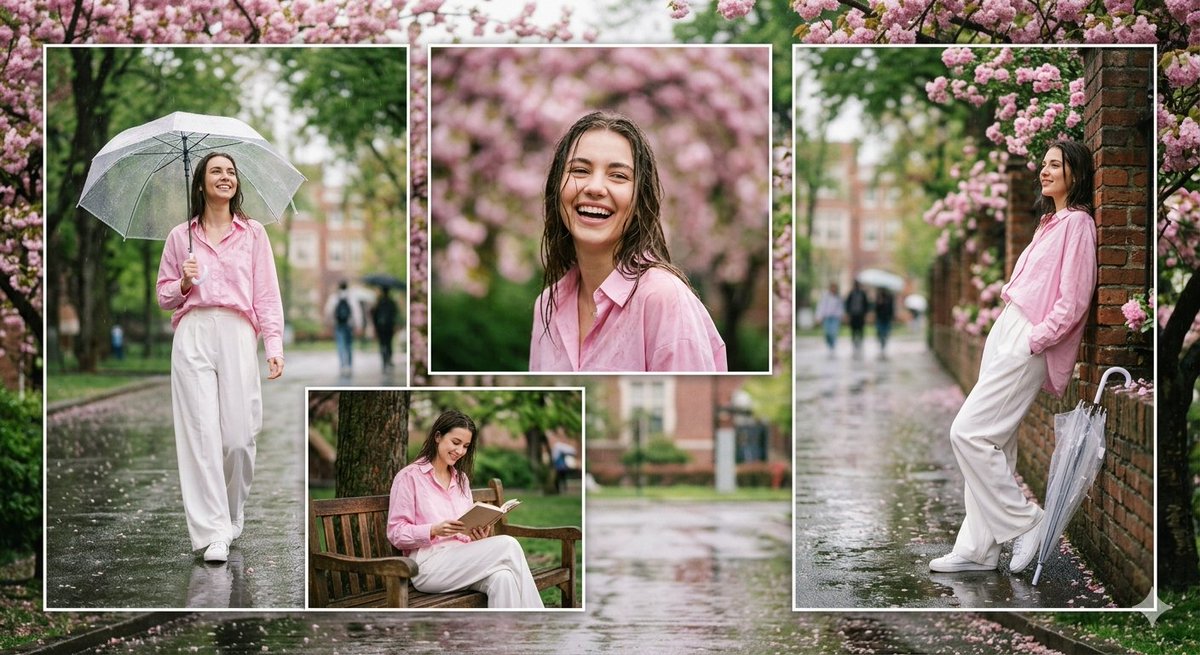
How do I use the Professional Magazine Cover Portrait template?
Choose the primary action to open PicX Studio with the available template settings. Review the model and format, personalize the creative direction, and generate when ready.
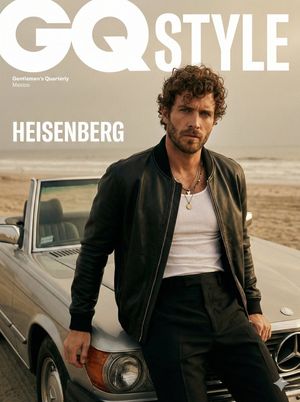
A detailed prompt for creating a high-fashion magazine cover portrait, specifically modeled after The Times Magazine style. Change the subject, setting, or lighting one variable at a time.
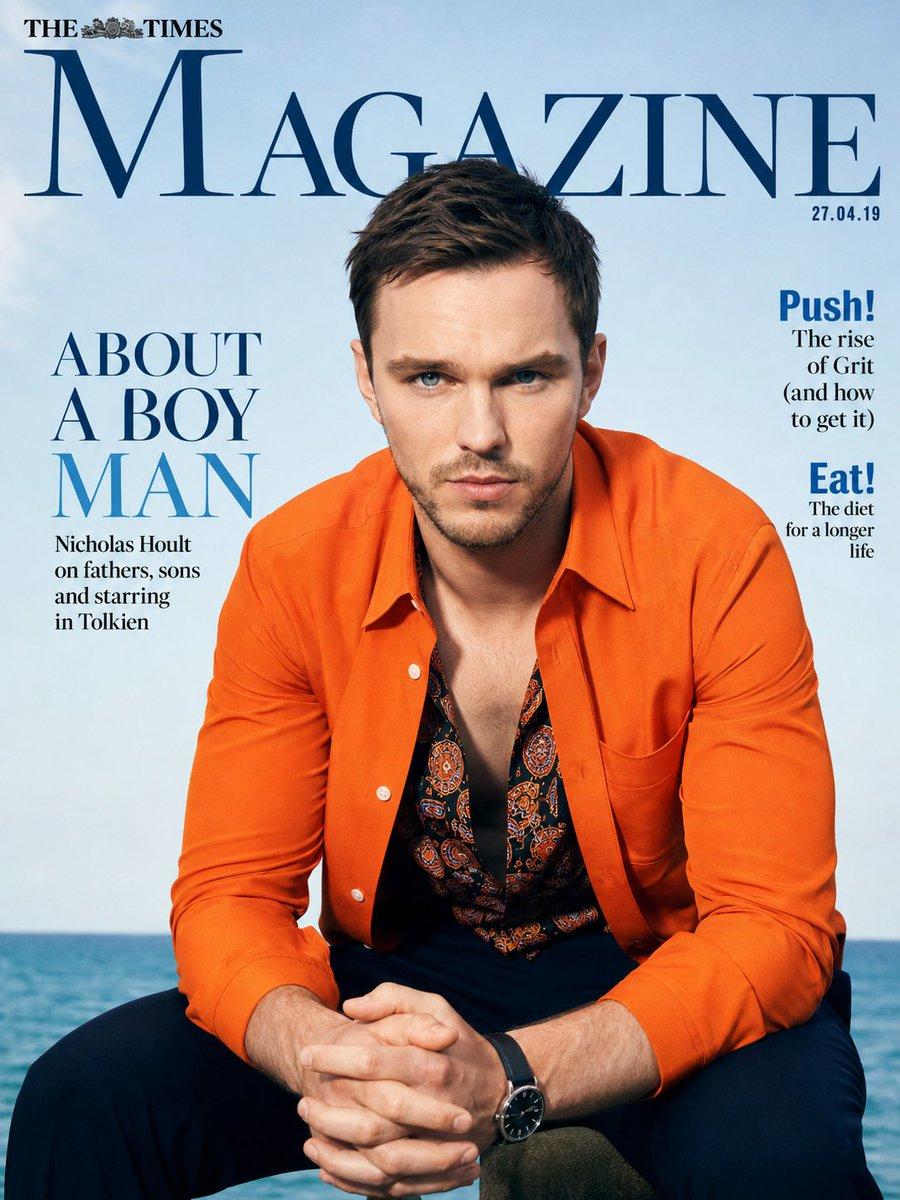
A photorealistic magazine cover portrait of {argument name="subject" default="Nicholas Hoult"} {argument name="setting" default="sitting outdoors by the sea"}, The Times Magazine cover style. He is wearing a {argument name="clothing" default="bright orange long-sleeve button-up shirt open over a dark patterned shirt with orange and black intricate designs"}, dark trousers, and a black watch. He is seated with his hands clasped together in front of him, elbows resting on his knees, looking directly at the camera with a serious, intense gaze and slightly furrowed brows. Short brown hair, light stubble. Bright natural daylight, clear blue sky and calm ocean in the background. Professional studio magazine photography style, sharp details, vibrant colors, cinematic lighting.
Choose the primary action to open PicX Studio with the available template settings. Review the model and format, personalize the creative direction, and generate when ready.
Yes. You can change the subject, setting, lighting, mood, format, and available model controls before creating your image.
This template is free to open and customize. Generation usage is shown in PicX Studio before you create.
Start with GPT Image 2, which is the model associated with this template. You can compare another compatible model for a different finish.
© 2026 PicX Studio. All rights reserved.

Follow a topic to a crawlable collection of related PicX Studio templates.
43,474 public templates available. Verified via the PicX Studio public templates API; refreshed hourly.


![Luxury Streetwear Magazine Cover — [Reference Image] Ultra-realistic luxury streetwear editorial magazine cover featuring a commanding {argument name="subject"](https://cms-assets.youmind.com/media/1784104893056_x33stm_HNKEdJnaQAAAulH-300x530.jpg)
















![Minimalist Flat Vector Travel Poster — Premium minimalist flat-vector travel poster for {argument name="city name" default="[CITY_NAME]"}, 3:4 vertical format.](https://cms-assets.youmind.com/media/1787917359711_3ug846_HQX205cbMAA6F6S-300x400.jpg)



















![Cinematic Disintegration Portrait with Energy Aura — Transform this image [Upload Your Image] into a 64K DSLR shot resolution of an a ultra-hyperrealistic, cine](https://pbs.twimg.com/media/HB2nCpua0AAO5Yq.jpg)