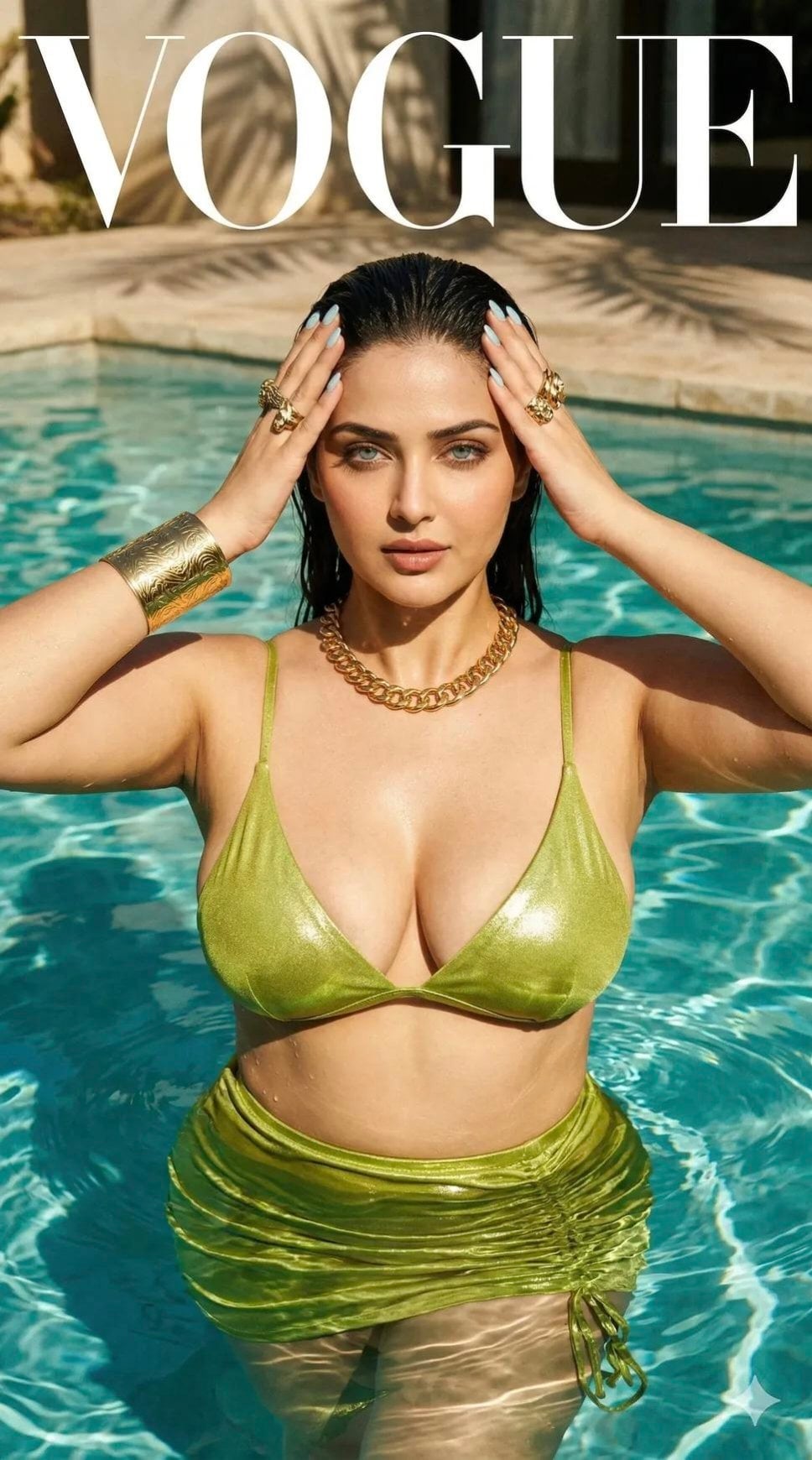
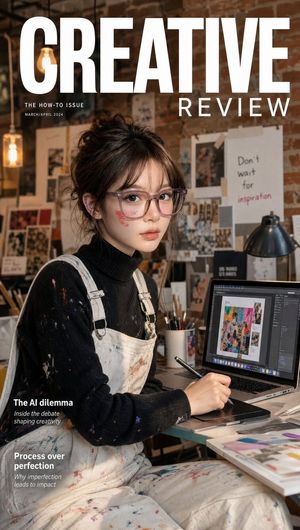
How do I use the High-Fashion Magazine Cover Portrait template?
Choose the primary action to open PicX Studio with the available template settings. Review the model and format, personalize the creative direction, and generate when ready.
A prompt for a close-up magazine-style portrait of a woman with freckles, featuring bold colors and professional studio lighting.

A close-up, high-fashion portrait of a {argument name="subject" default="woman with distinct features"}, looking directly at the camera with {argument name="eye color" default="striking green-grey eyes"}. She has {argument name="hair style" default="voluminous, wavy, golden-brown shoulder-length hair"} and abundant freckles across her nose and cheeks. Her lips are painted with a {argument name="lipstick" default="bold, matte red lipstick"}. She is wearing an {argument name="outfit" default="ornate, mustard-yellow lace blouse with a large bow tied at the neck"}. The background is a solid, textured olive green. The lighting is strong, casting natural shadows that define her bone structure. The style is that of a professional magazine cover photograph, but with all typography removed. A thin dark border surrounds the composition.
Choose the primary action to open PicX Studio with the available template settings. Review the model and format, personalize the creative direction, and generate when ready.
Yes. You can change the subject, setting, lighting, mood, format, and available model controls before creating your image.
This template is free to open and customize. Generation usage is shown in PicX Studio before you create.
Start with Nano Banana 2, which is the model associated with this template. You can compare another compatible model for a different finish.
Follow a topic to a crawlable collection of related PicX Studio templates.