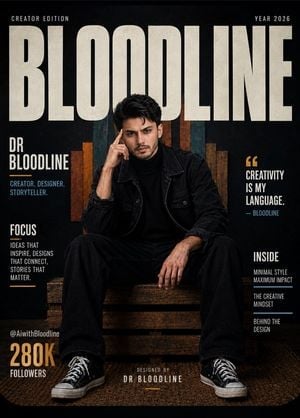
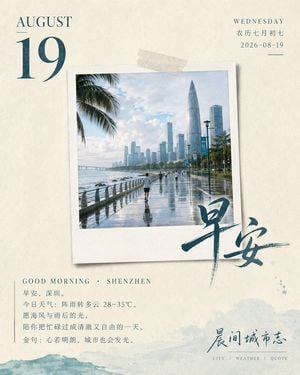
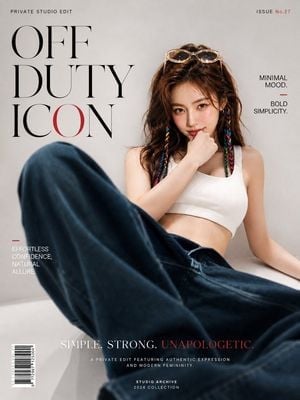
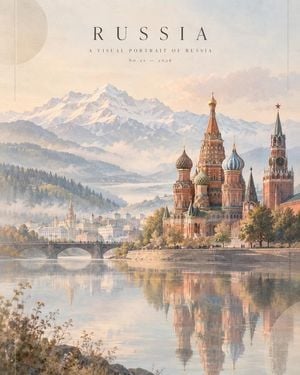
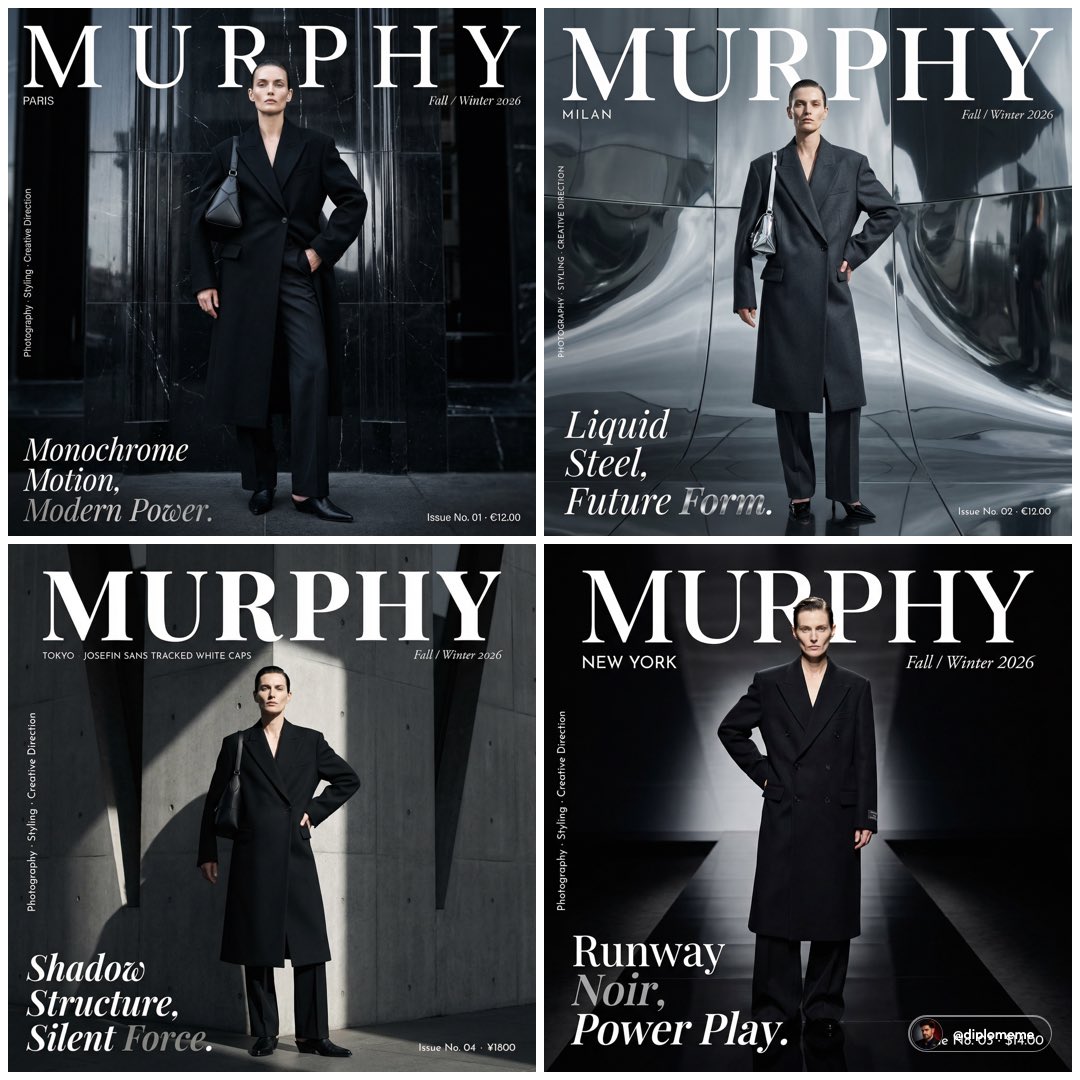
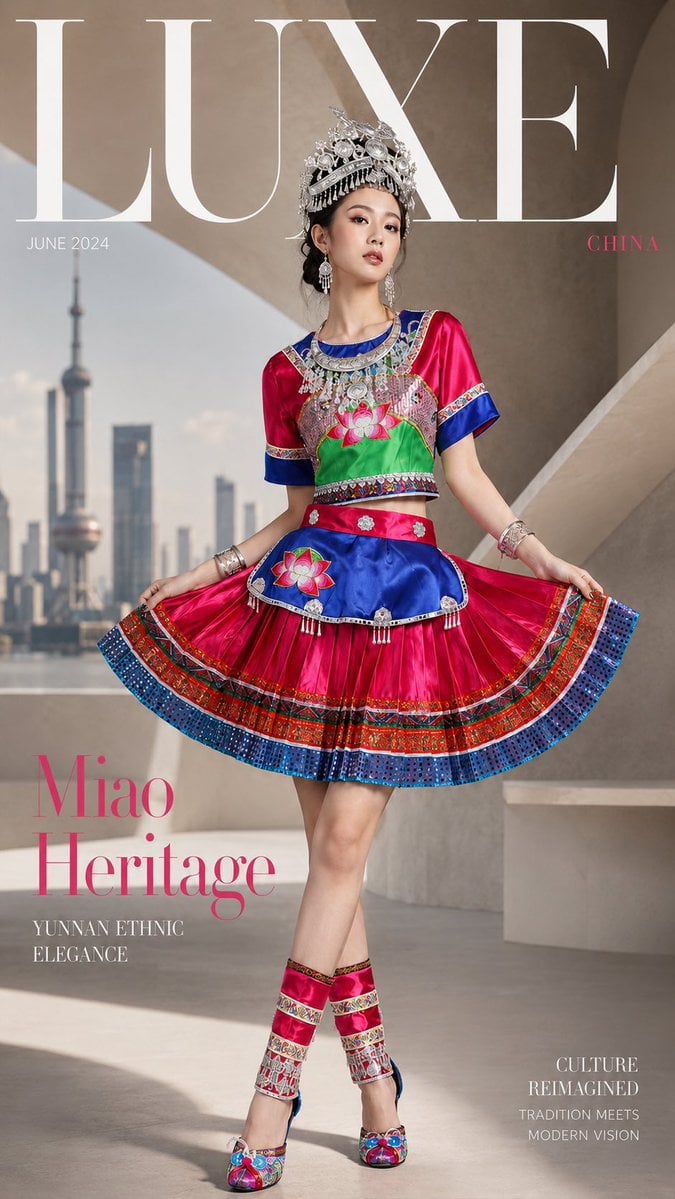
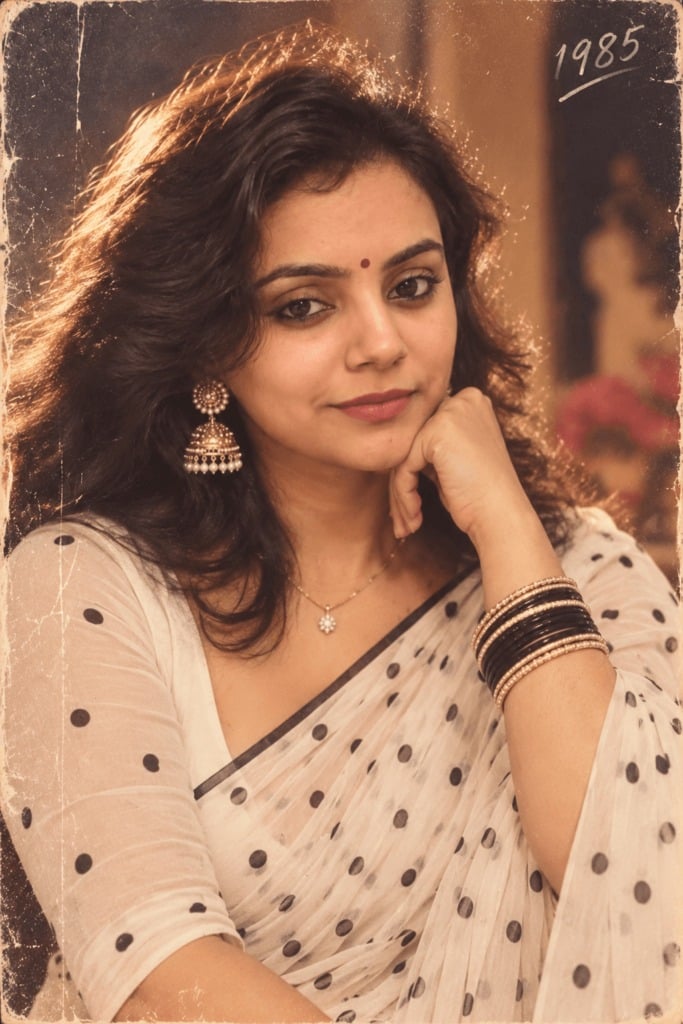
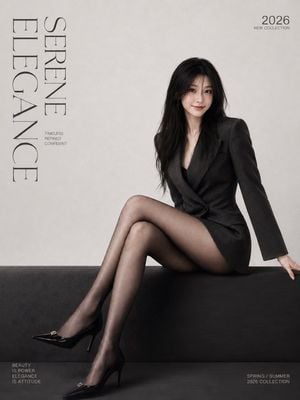
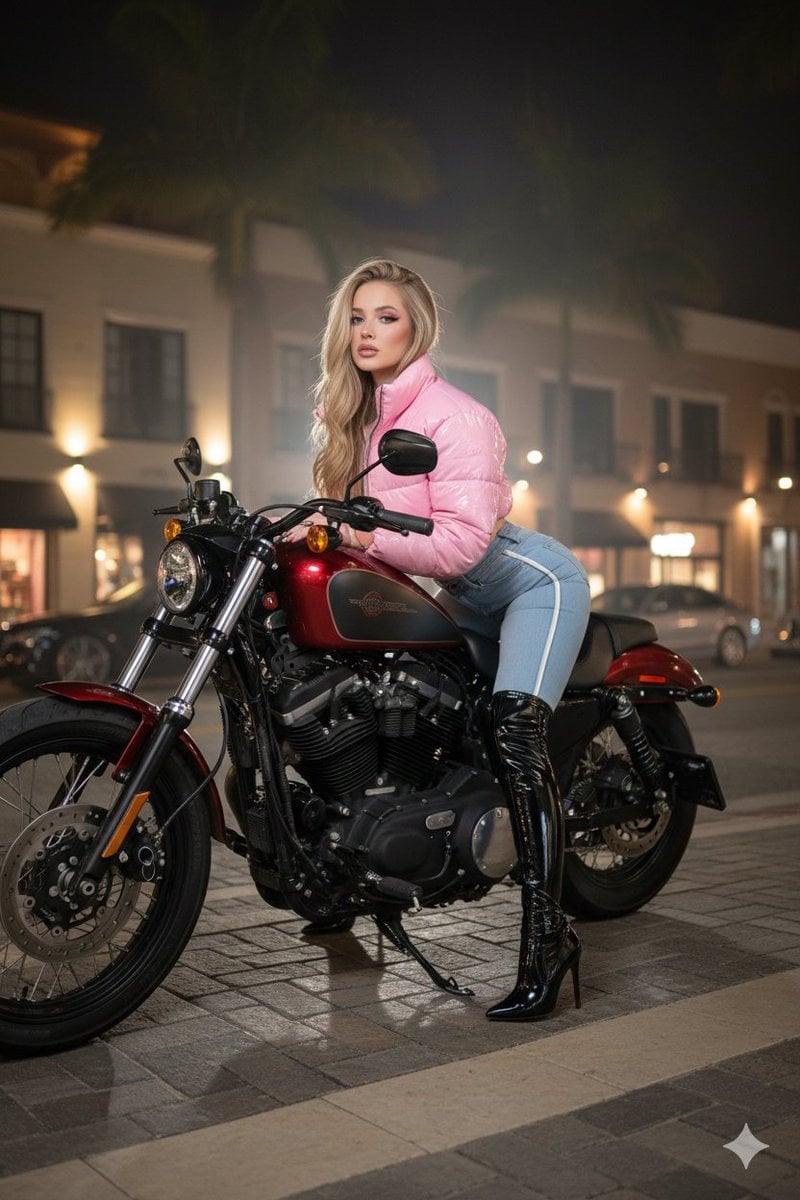
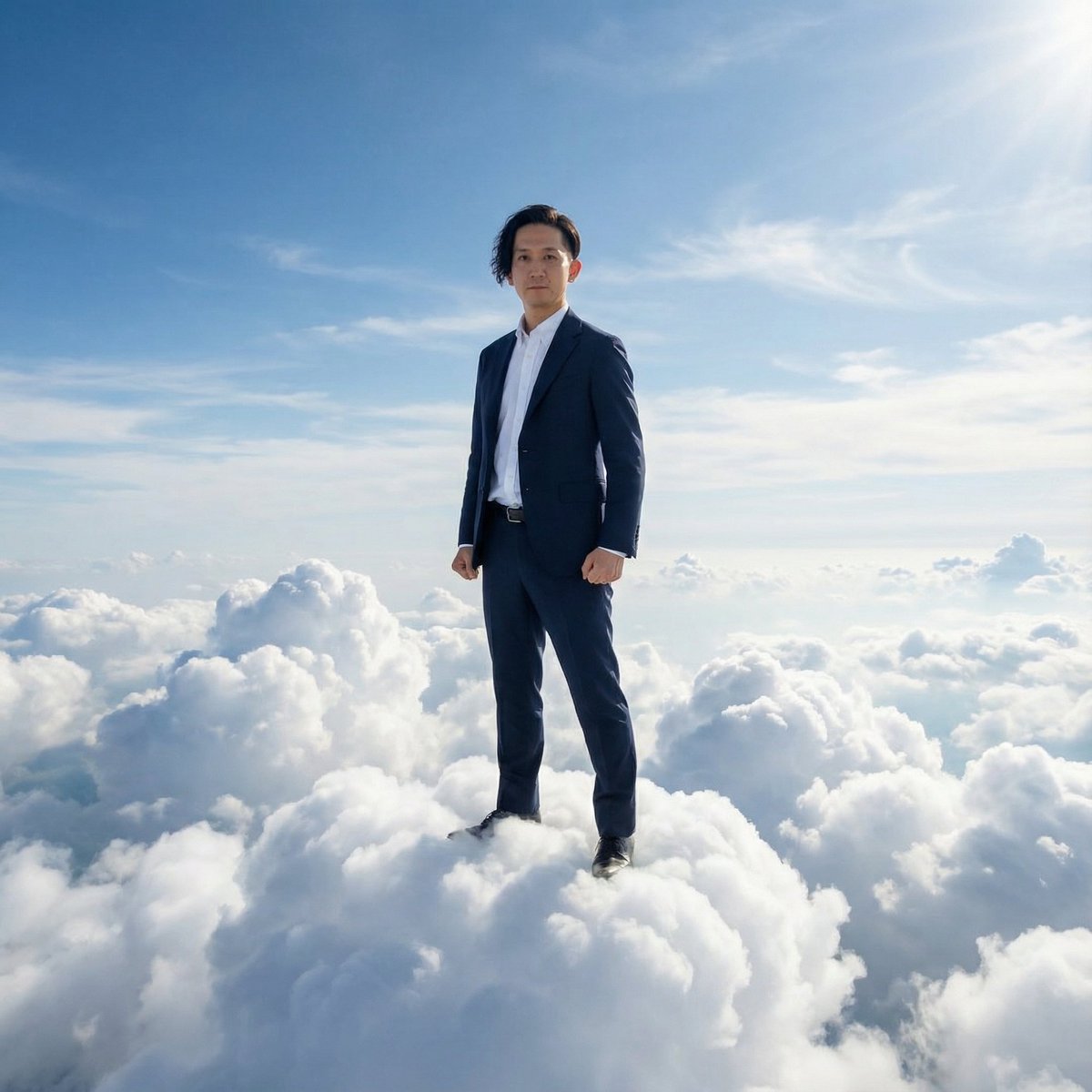
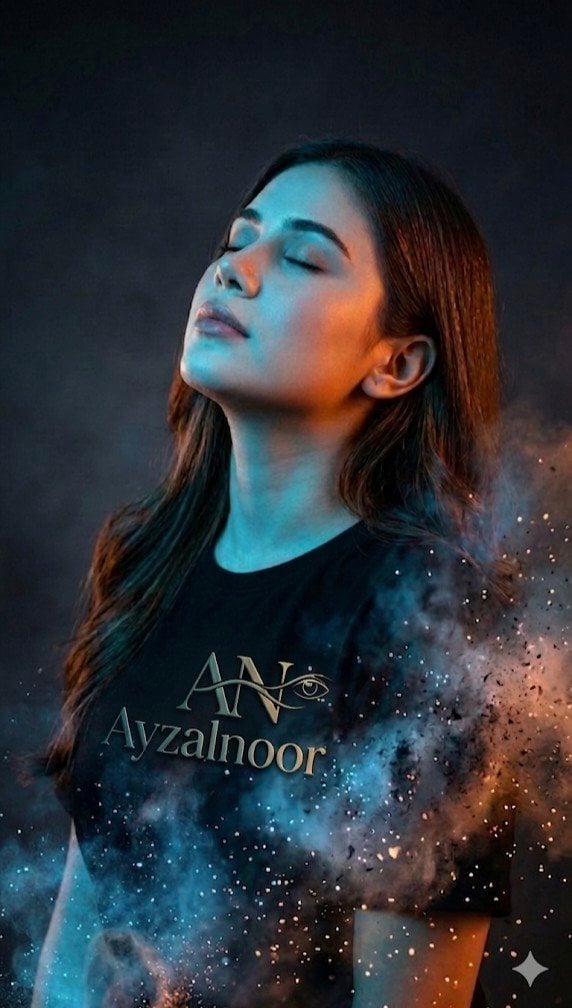
How do I use the Japanese Fashion Magazine Anime Cover template?
Edit the prompt in the box under the preview — the template's model and format are already selected — and press Generate. Your version appears right on this page.
A high-end Japanese fashion magazine cover style illustration using minimalist anime aesthetics and a yellow-black color palette.

This template uses your photo — add one with the + button.
An illustration with the feel of a high-end Japanese fashion magazine cover, featuring the model in the attached image as the main subject. The illustration is in a 9:16 vertical format, employing a minimalist and modern anime fashion style. Colored with a refined celluloid palette, it uses large, clean blocks of color for shaping, with almost no contour lines and elegant, crisp edges. The overall color scheme is shifted to {argument name="color tones" default="yellow-black tones"}, using bright yellow, golden yellow, and amber yellow as the primary background or environment colors, with cream, ivory, and light skin tones as the base colors for the main subject. Shadows and dark areas are rendered with hard-edged blocks of pure black, charcoal black, and dark gray, creating a strong and sophisticated contrast. Small amounts of {argument name="accent color" default="yellow ochre"}, caramel, grayish brown, or a minimal area of reddish-orange can be added as secondary accents, but the overall effect remains minimalist. The background is clean, retaining large areas of negative space. Intense light falls from the upper left, with translucent highlights and precisely defined shadows; the main subject's outline is elongated, the pose calm and distant. No text, no watermarks.
An illustration with the feel of a high-end Japanese fashion magazine cover, featuring the model in the attached image as the main subject. The illustration is in a 9:16 vertical format, employing a minimalist and modern anime fashion style. Colored with a refined celluloid palette, it uses large, clean blocks of color for shaping, with almost no contour lines and elegant, crisp edges. The overall color scheme is shifted to {argument name="color tones" default="yellow-black tones"}, using bright yellow, golden yellow, and amber yellow as the primary background or environment colors, with cream, ivory, and light skin tones as the base colors for the main subject. Shadows and dark areas are rendered with hard-edged blocks of pure black, charcoal black, and dark gray, creating a strong and sophisticated contrast. Small amounts of {argument name="accent color" default="yellow ochre"}, caramel, grayish brown, or a minimal area of reddish-orange can be added as secondary accents, but the overall effect remains minimalist. The background is clean, retaining large areas of negative space. Intense light falls from the upper left, with translucent highlights and precisely defined shadows; the main subject's outline is elongated, the pose calm and distant. No text, no watermarks.
Edit the prompt in the box under the preview — the template's model and format are already selected — and press Generate. Your version appears right on this page.
Yes. You can change the subject, setting, lighting, mood, format, and available model controls before creating your image.
Opening and editing this template is free. Generating uses credits, shown on the Generate button when you are signed in.
Start with GPT Image 2, which is the model associated with this template. You can compare another compatible model for a different finish.
Follow a topic to a crawlable collection of related PicX Studio templates.