
Fashion Editorial Magazine Cover
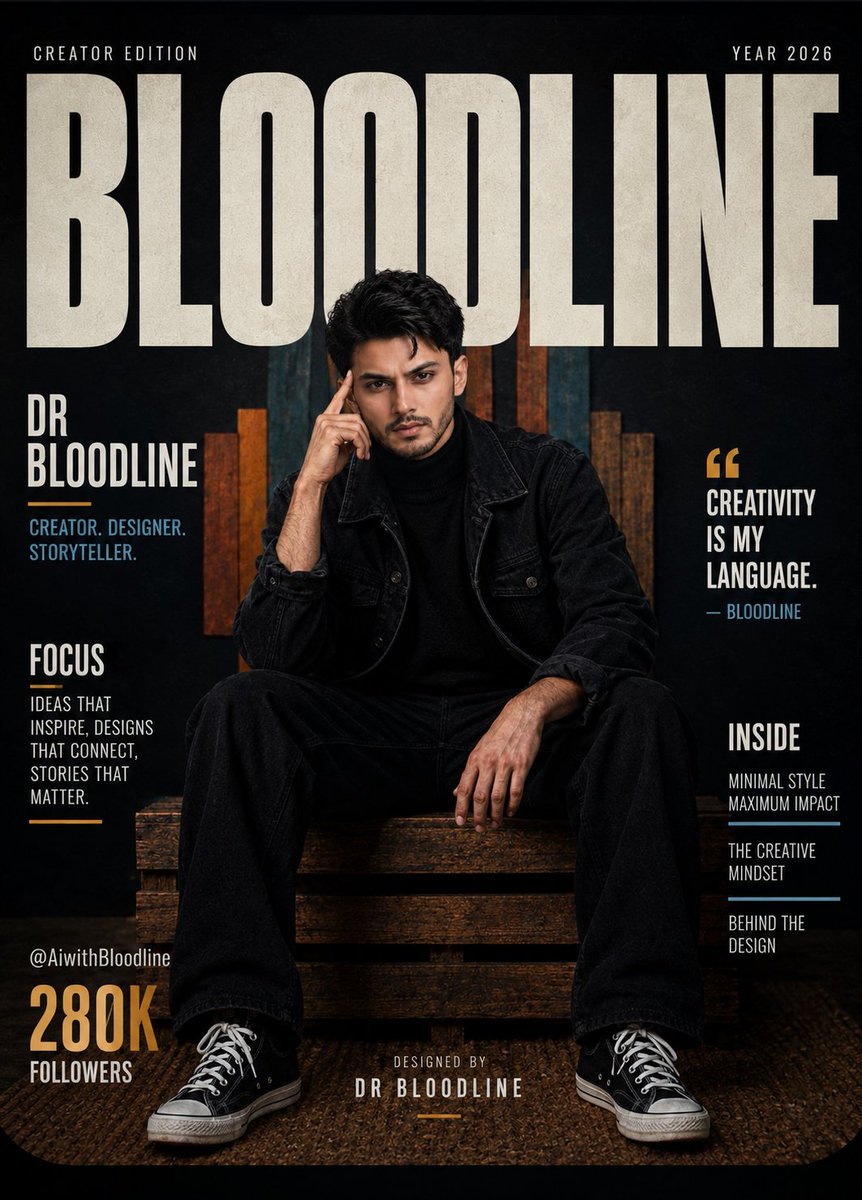
A prompt for a monochrome streetwear magazine cover featuring bold typography and cinematic studio lighting.
- Prompt included
- Model and format preset
- Free template
The prompt behind this image
Copy the exact prompt behind Fashion Editorial Magazine Cover, or open it in the studio and make it yours.
Ultra-realistic fashion editorial magazine cover showing {argument name="subject" default="[Reference Person]"} seated confidently on a low wooden pallet bench inside a contemporary creative studio. Outfit is fully monochrome: black denim jacket, wide-leg black trousers, black t-shirt, and black low-top canvas sneakers with white rubber soles and white laces. Sitting in a relaxed wide stance, leaning slightly forward, one elbow resting on the knee, one finger resting at the temple, gaze locked directly into the lens. Mood: calm, self-assured, visionary. Studio backdrop: a matte black wall lined with vertical wooden art panels painted in vivid geometric shapes, giving the space an elevated creative-agency feel. Warm cinematic lighting falls softly across the face and jacket, while rich shadows preserve dramatic editorial contrast. A natural textured woven rug sits beneath, adding warmth to the luxury studio setting. Cover layout uses a single typographic element only: oversized bold beige text at the very top spelling "{argument name="magazine title" default="BLOODLINE"}" in a wide condensed sans-serif, dominating the upper portion of the frame. Zero additional text anywhere, no subheadings, no captions, no handles, no dates, no watermarks, no logos. "{argument name="magazine title" default="BLOODLINE"}" is the sole word visible in the entire image. Color story: jet black, warm cream-beige, muted burnt orange, earthy brown, dusty teal, cinematic shadow tones. Centered, symmetrical crop with the visual weight of a GQ editorial, a high-end streetwear campaign, and a cinematic creator brand shoot. Captured on a {argument name="lens" default="50mm prime lens"}, shallow depth of field, hyper-detailed skin and fabric texture, soft drop shadows, photorealistic lighting, clean type design, high-resolution editorial composition, 8K output, premium cinematic color grade.
How to use Fashion Editorial Magazine Cover in 3 steps
- 1Upload ImagePNG, JPG or paste
Add your photo
Upload the photo the template builds on. The prompt, model and format are already set.
- 2…a portrait of your subject in softgolden-hour light, 85mm…
Personalize
Edit the subject and creative details for your destination.
- 3Generate
Generate
Press Generate — your image is created in PicX Studio, so you can compare it with the original and refine one variable at a time.
More like this
Templates with the same subject, style or setup. Open one to see its prompt.

Blue Backdrop Luxury Fashion Portrait Campaign
Typography Mask Editorial Fashion Poster
Luxury Black-and-White Fashion Contact Sheet
Blue Hour Editorial Fashion Portrait
untitled
Google Gemini Nano Banana Pro
Conceptual Fashion Portrait in Spider We
01 Skincare Split Portrait — Nano Banana 2
24 The Getty Center — California Series
21 Glass Floor Skyscraper — California Series

19 Luxury Helicopter Travel — California Series

08 Rodeo Drive Luxury Exit — California Series
Make it yours
Fashion Editorial Magazine Cover works as-is. These are the safest ways to change it without losing the look.
Change one field
Copy a single group, rewrite it, and generate again so you can see what that field is doing.
Keep the frame, change the subject
Hold the composition and light of Fashion Editorial Magazine Cover, then swap wardrobe, props or the person for a new take.
| If the result… | Why | Fix |
|---|---|---|
| The result drifts from the preview | Too many fields changed at once. | Reuse Fashion Editorial Magazine Cover as-is first, then change one group — subject, light, or setting. |
| The model over-stylizes the scene | The prose prompt leaves finish and camera underspecified. | Add one camera or lighting sentence and stay on GPT Image 2. |
More GPT Image 2 templates
Other prompts made for GPT Image 2.

Six VTuber Japanese Logo Sheet

Realistic Portrait of Woman and Deer

The Vista Modular Condo Poster

AI Model Routing Comparison Infographic

2.5D Anime Art Board

Isometric Productivity Desk Scene

New York Double Exposure Poster

Four-Panel AI Landscape Comparison

Japanese Tatami Lifestyle Magazine Cover

NESCAFÉ Coffee Map Poster
More image prompts
Fresh picks from across the catalog.

Nano Banana 2 High Fashion Sports Campai

New Year Recipe Article Eyecatch Image Prompt (Neo-Japanese Style)
Ultra-Photorealistic Candid Film Still of Night Camping and Stargazing
Gpt2 Anime Martial Arts Battle Illustration
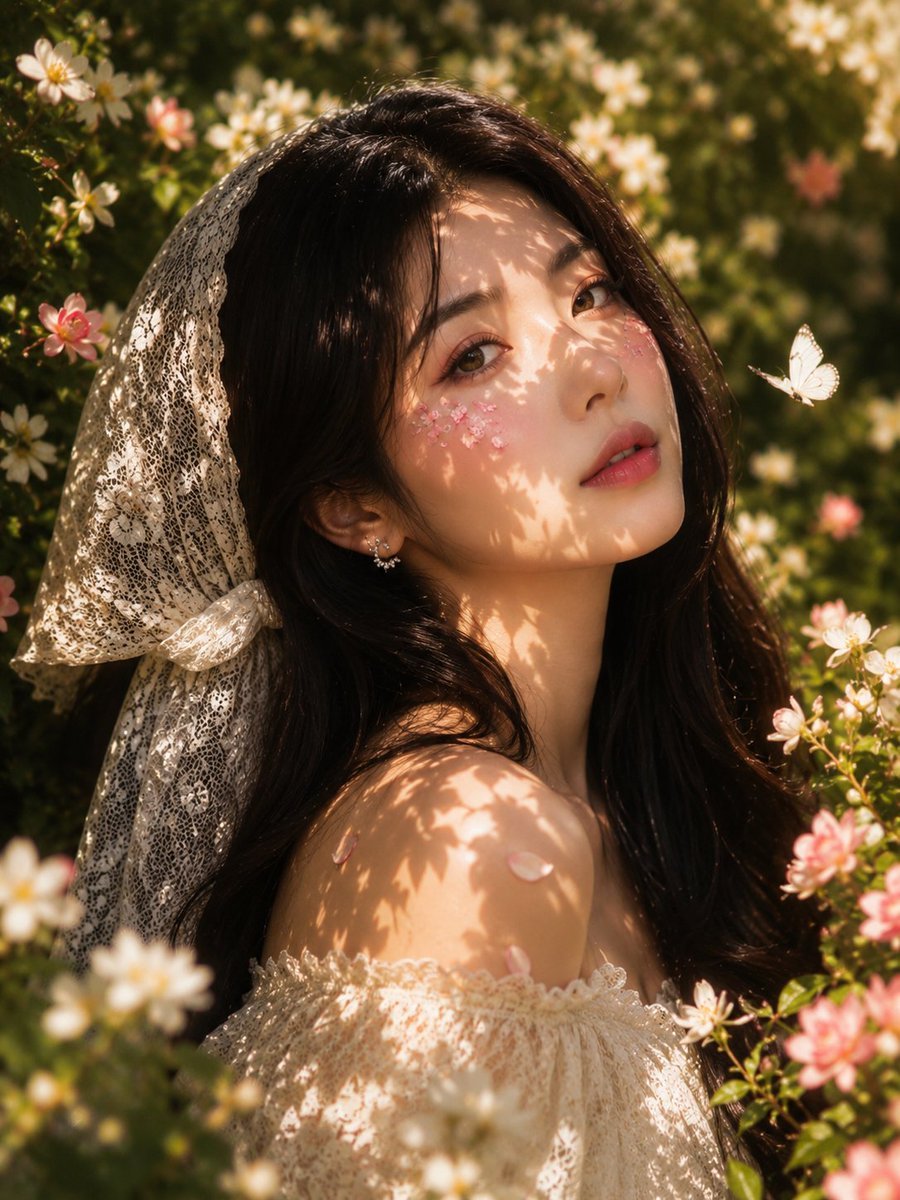
Golden Hour Floral Portrait
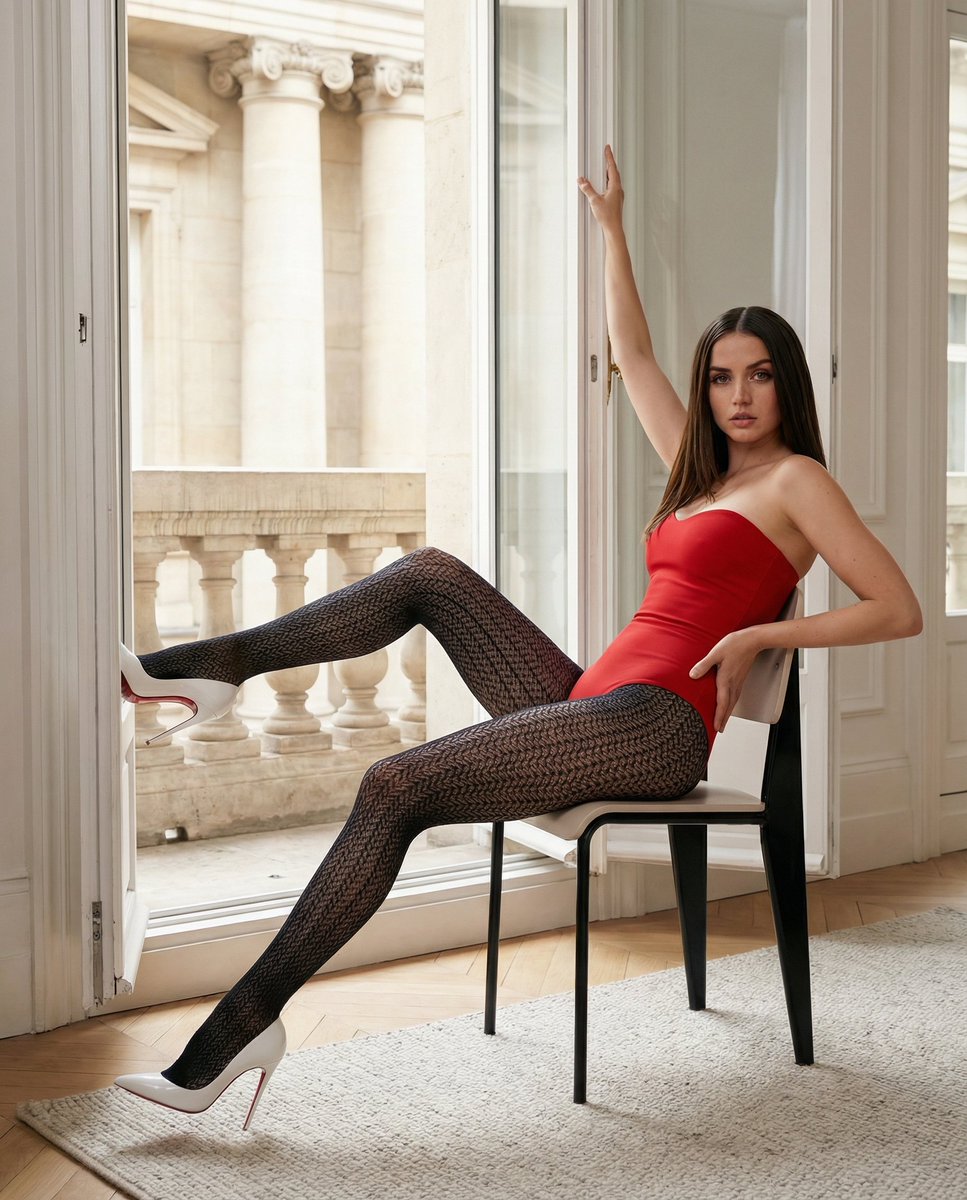
Structured Fashion Portrait in Paris with Detailed Pose and Outfit
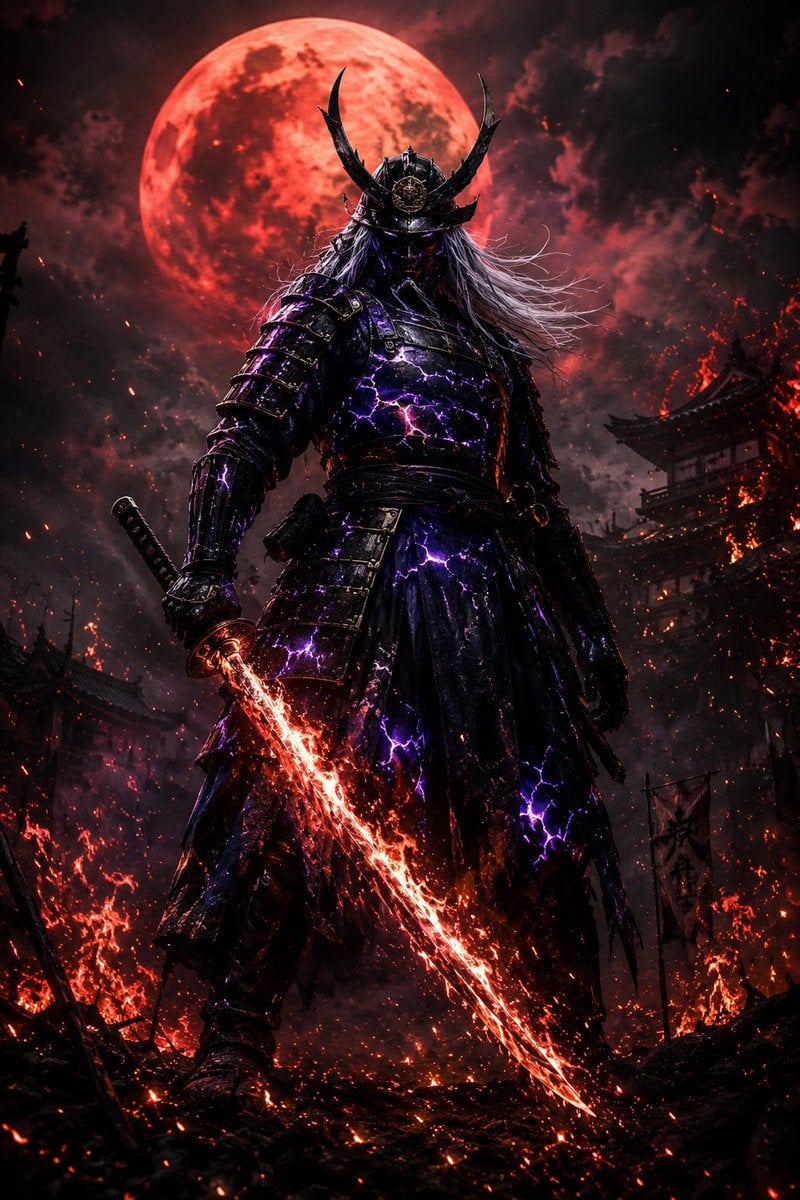
Dark Fantasy Samurai Warlord
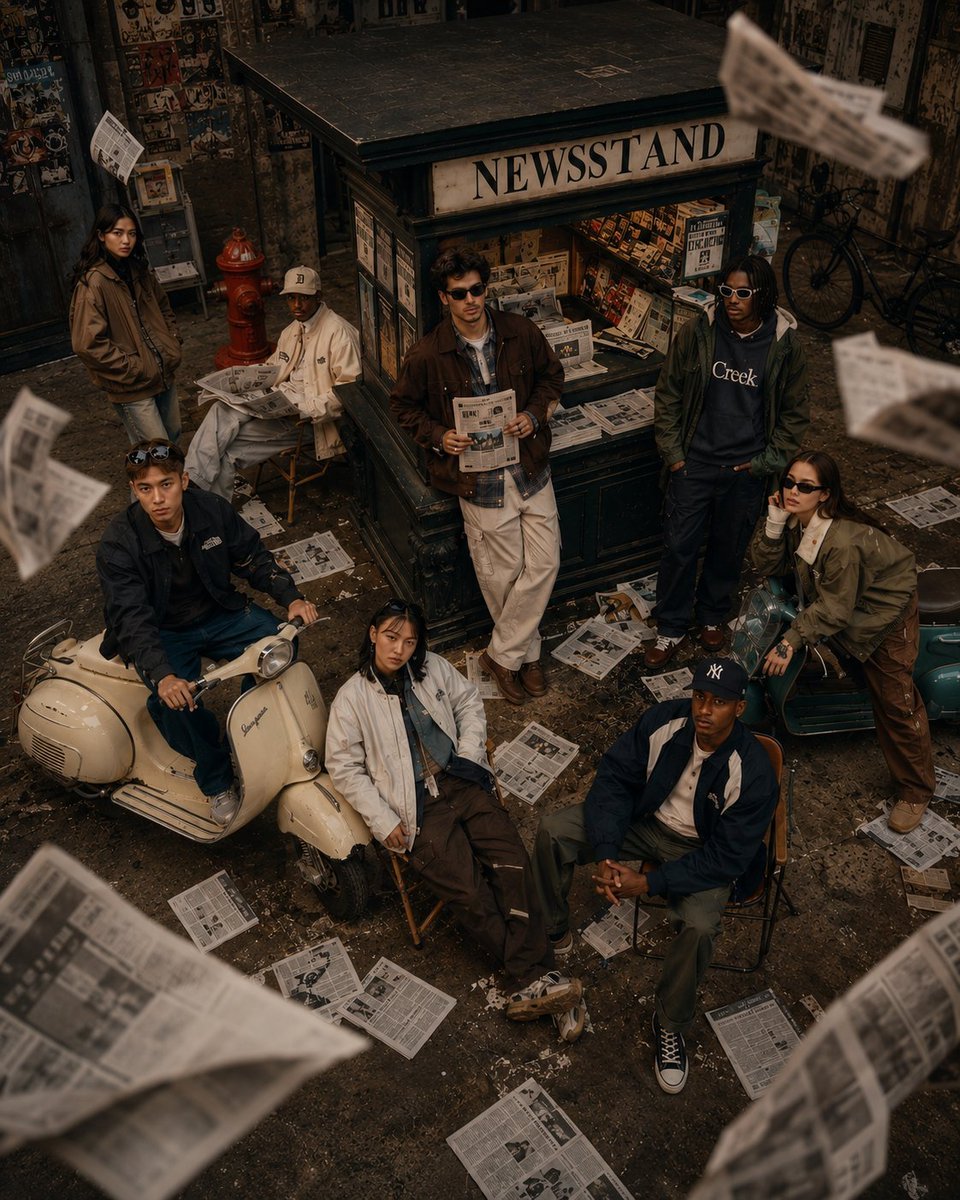
90s Retro Streetwear Fashion Editorial
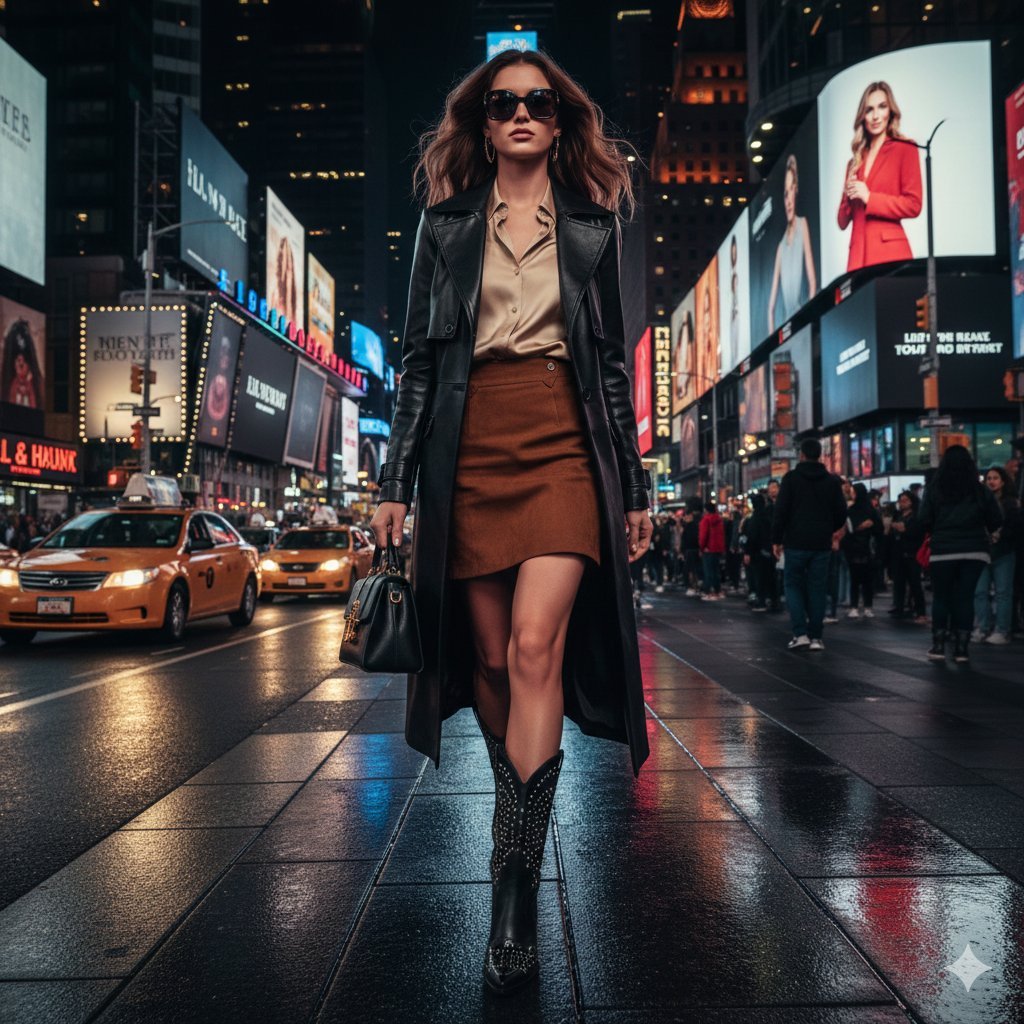
Ultra-realistic cinematic western fashion in Times Square prompt
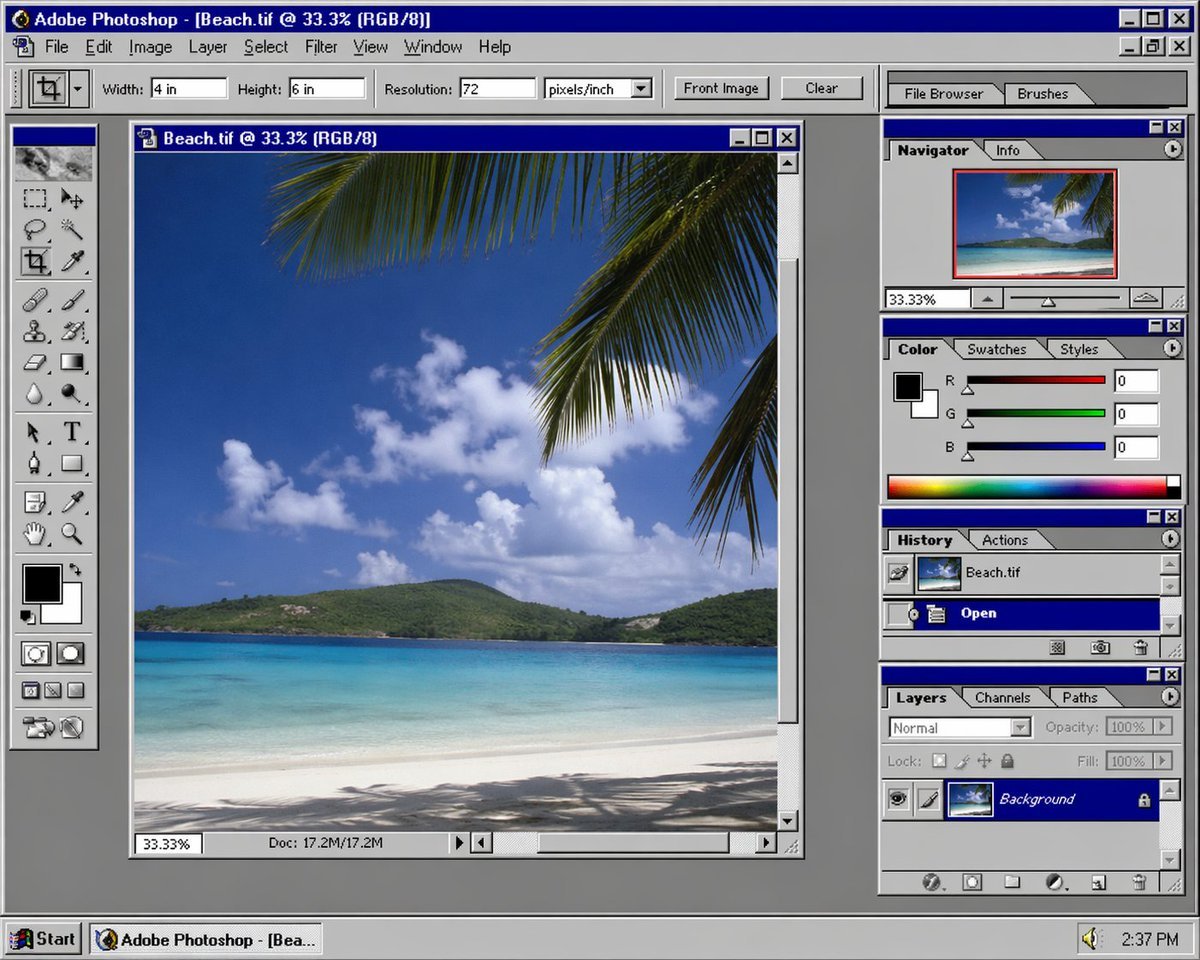
Nostalgic Software Interface
Browse template categories
Fashion Editorial Magazine Cover questions
How do I use the Fashion Editorial Magazine Cover template?
Add your photo if the template asks for one, edit the prompt if you like — the template's model and format are already selected — and press Generate. Your version opens in PicX Studio.
Can I customize the Fashion Editorial Magazine Cover template?
Yes. You can change the subject, setting, lighting, mood, format, and available model controls before creating your image.
Is the Fashion Editorial Magazine Cover template free?
Opening and editing this template is free. Generating uses credits, shown on the Generate button when you are signed in.
Which AI model should I use?
Start with GPT Image 2, which is the model associated with this template. You can compare another compatible model for a different finish.
Looking for something else? Browse all templates.

Your photo, any look
Thousands of ready templates for every top image and video model, from one credit balance.