
Structured Fashion Portrait in Paris with Detailed Pose and Outfit
A highly detailed JSON prompt for Nano Banana Pro generating an ultra-high resolution, photorealistic fashion portrait.
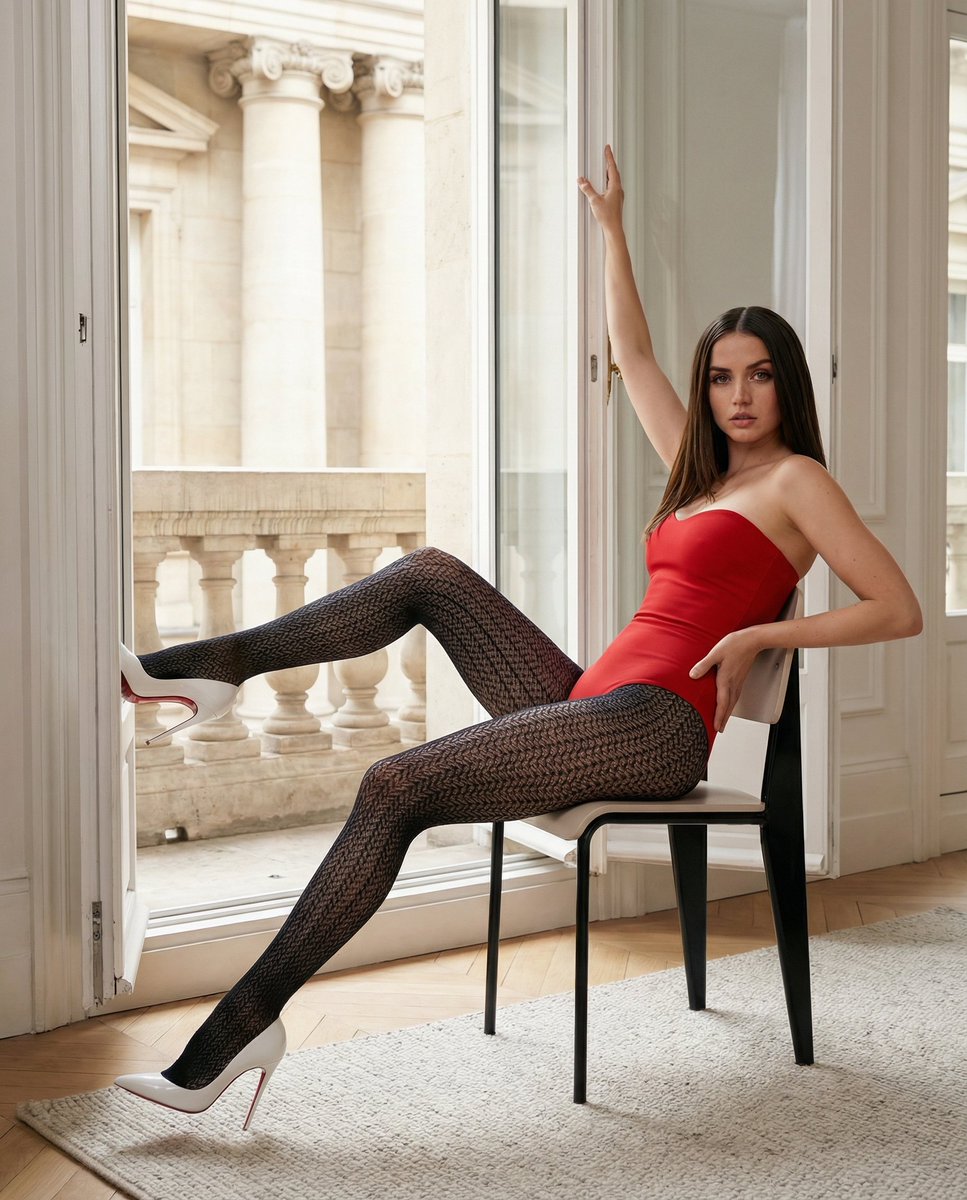
- Prompt included
- Model and format preset
- Free template
The prompt behind this image
Copy the exact prompt behind Structured Fashion Portrait in Paris with Detailed Pose and Outfit, or open it in the studio and make it yours.
{ "prompt_type": "full image generation", "language": "English", "output": { "image_count": 1, "aspect_ratio": "4:5", "orientation": "portrait", "quality": "ultra high resolution", "detail_level": "extreme", "photorealism": "very high" }, "camera": { "shot_type": "full body fashion portrait", "angle": "side profile body with frontal face orientation", "distance": "approximately 3 meters", "lens": "50mm prime lens", "focus": "sharp focus on subject, background slightly softened", "framing": "full body visible from head to feet, subject centered" }, "subject": { "type": "young Women", "pose": { "body_position": "seated sideways on a modern chair", "torso": "elongated and slightly arched backward, chest open", "back": "lightly leaning against the chair backrest", "legs": { "left_leg": { "position": "extended forward and slightly elevated", "knee_angle": "almost fully extended with a subtle bend", "foot_orientation": "toes pointing forward" }, "right_leg": { "position": "extended downward toward the floor", "knee_angle": "nearly straight", "foot_orientation": "toes angled diagonally downward" }, "crossing_detail": "legs not crossed, clearly separated on different depth planes" }, "feet": { "placement": "one foot elevated, one near the floor", "ankle_angle": "pronounced arch emphasizing stiletto heel curvature" }, "arms": { "left_arm": "raised above the head, hand resting on a vertical window frame", "right_arm": "bent and relaxed, hand resting lightly near the hip" }, "head": { "orientation": "turned toward the camera", "rotation": "head rotated independently from the torso", "tilt": "very subtle tilt", "gaze": "direct eye contact with the camera", "expression": "confident, composed, editorial calm" } } }, "face": { "visibility": "fully visible, unobstructed", "expression": "neutral to confident fashion expression", "features": { "skin": "smooth natural complexion", "makeup": "refined, minimal, professional editorial makeup", "eyes": "clearly defined, sharp focus, looking directly into the lens" } }, "hair": { "color": "dark brown", "style": "long, straight, sleek", "parting": "center part", "length": "reaching the lower back", "texture": "smooth with natural shine" }, "outfit": { "bodysuit": { "type": "strapless fitted bodysuit", "color": "matte black", "fabric": "smooth stretch fabric", "fit": "snug and sculpting" }, "hosiery": { "type": "full-length patterned tights", "color": "black", "pattern": "precise geometric diamond lattice", "we
How to use Structured Fashion Portrait in Paris with Detailed Pose and Outfit in 3 steps
- 1
Open
The prompt is already in the box next to the preview, with the template's model and format selected.
- 2…a portrait of your subject in softgolden-hour light, 85mm…
Personalize
Edit the subject and creative details for your destination.
- 3Generate
Generate
Press Generate — your image is created in PicX Studio, so you can compare it with the original and refine one variable at a time.
More like this
Templates with the same subject, style or setup. Open one to see its prompt.
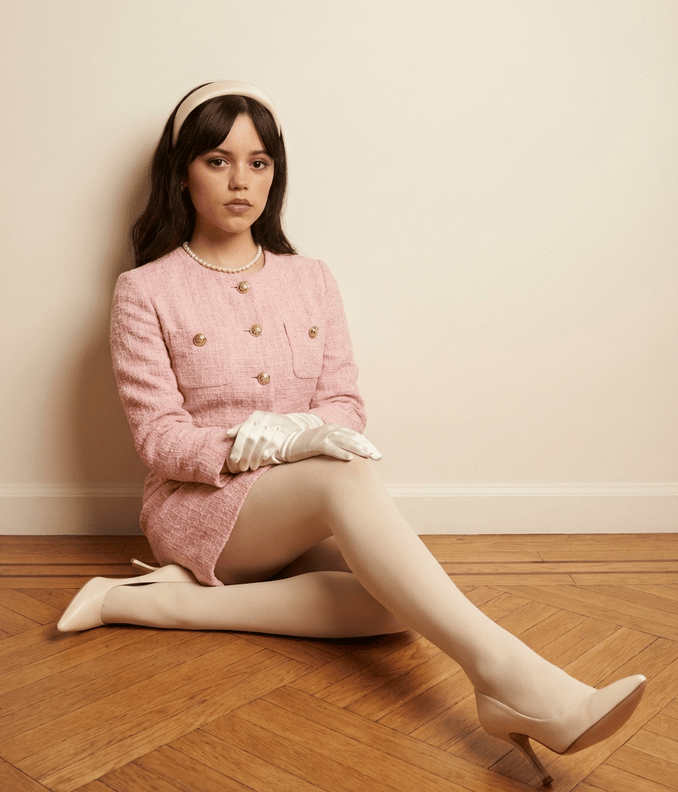
Structured Fashion Portrait with Precise Pose and Outfit Details

Nano Banana 2 High Fashion Sports Campai

Couture Fashion Editorial Woman and Drag

Ive Yujin Fashion Portrait in Blue

Nano Banana 2 Editorial Fashion Portrait

Caution Tape Fashion — Industrial Editorial

Nano Banana - Street Paris T-Shirt

Nano Banana - Paris Cafe Editorial

Miniature Self Portrait Collage

Found Photograph: Us, 1970

80s Couple Studio Portrait

80s College Gate
Make it yours
Structured Fashion Portrait in Paris with Detailed Pose and Outfit works as-is. These are the safest ways to change it without losing the look.
Change one field
Copy a single group, rewrite it, and generate again so you can see what that field is doing.
Keep the frame, change the subject
Hold the composition and light of Structured Fashion Portrait in Paris with Detailed Pose and Outfit, then swap wardrobe, props or the person for a new take.
| If the result… | Why | Fix |
|---|---|---|
| The result drifts from the preview | Too many fields changed at once. | Reuse Structured Fashion Portrait in Paris with Detailed Pose and Outfit as-is first, then change one group — subject, light, or setting. |
| The model over-stylizes the scene | The prose prompt leaves finish and camera underspecified. | Add one camera or lighting sentence and stay on Nano Banana 2. |
More Nano Banana 2 templates
Other prompts made for Nano Banana 2.

Photorealistic Leaf Shaped Like a Dragon

K-Pop Idol Portrait Grid for Rapid Selection

Poetic Rain Forest Portrait During Golden Hour

Urban Street Portrait with Cartoon Inner Self Duo

Candid Nighttime Photo with Cat Prompt

High-Concept 3D Diorama Generation Prompt

Cinematic Futuristic Studio Portrait Template

Skincare Editorial Photography Collage Prompt

Hyper-Realistic Commercial Product Photography (Splash Effect)

Hyper-Realistic Nightclub Portrait Prompt
More image prompts
Fresh picks from across the catalog.
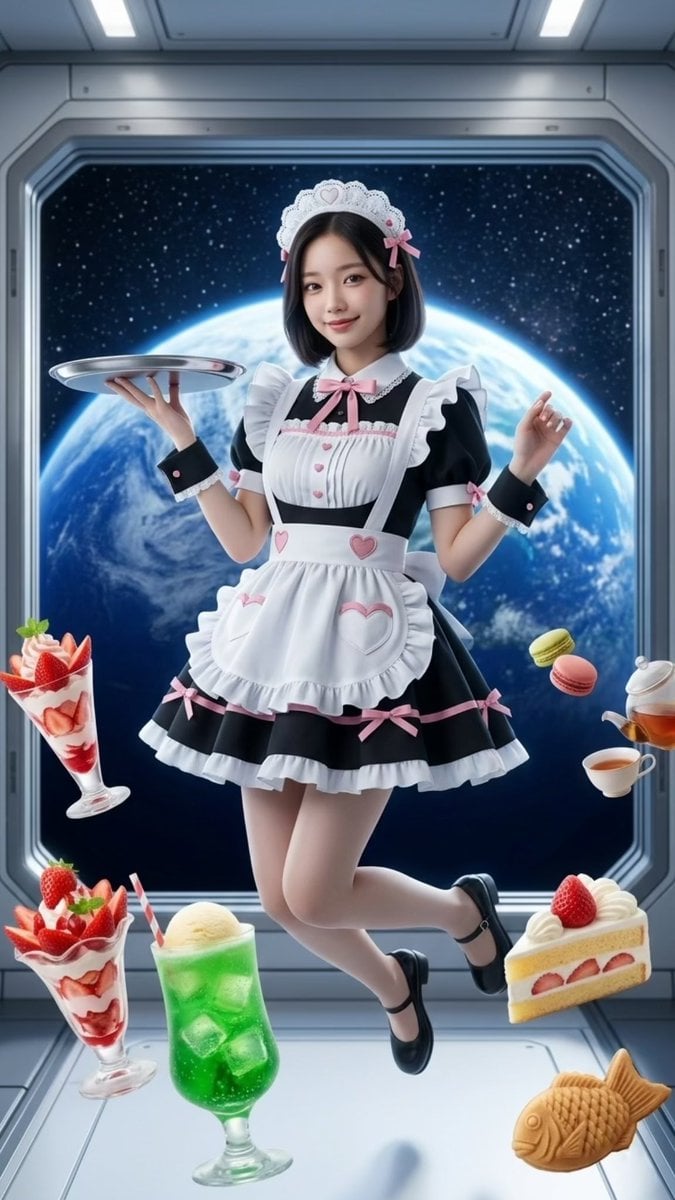
Zero-Gravity Space Maid Cafe Portrait
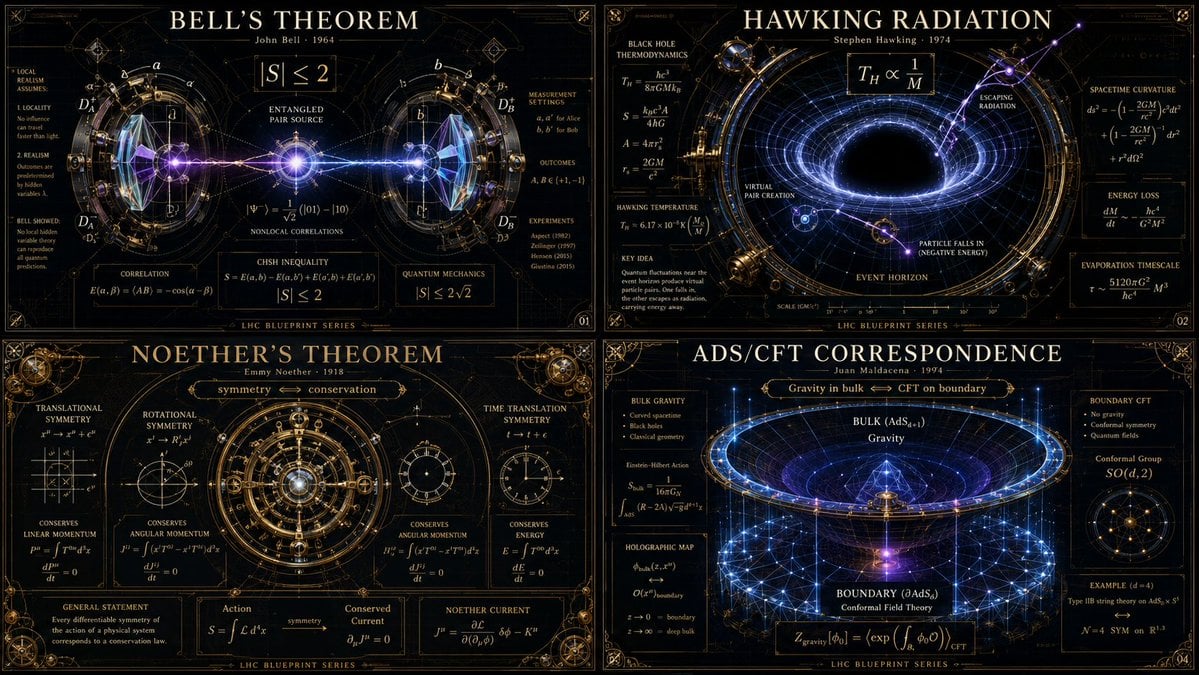
Advanced Physics Paradox Infographic
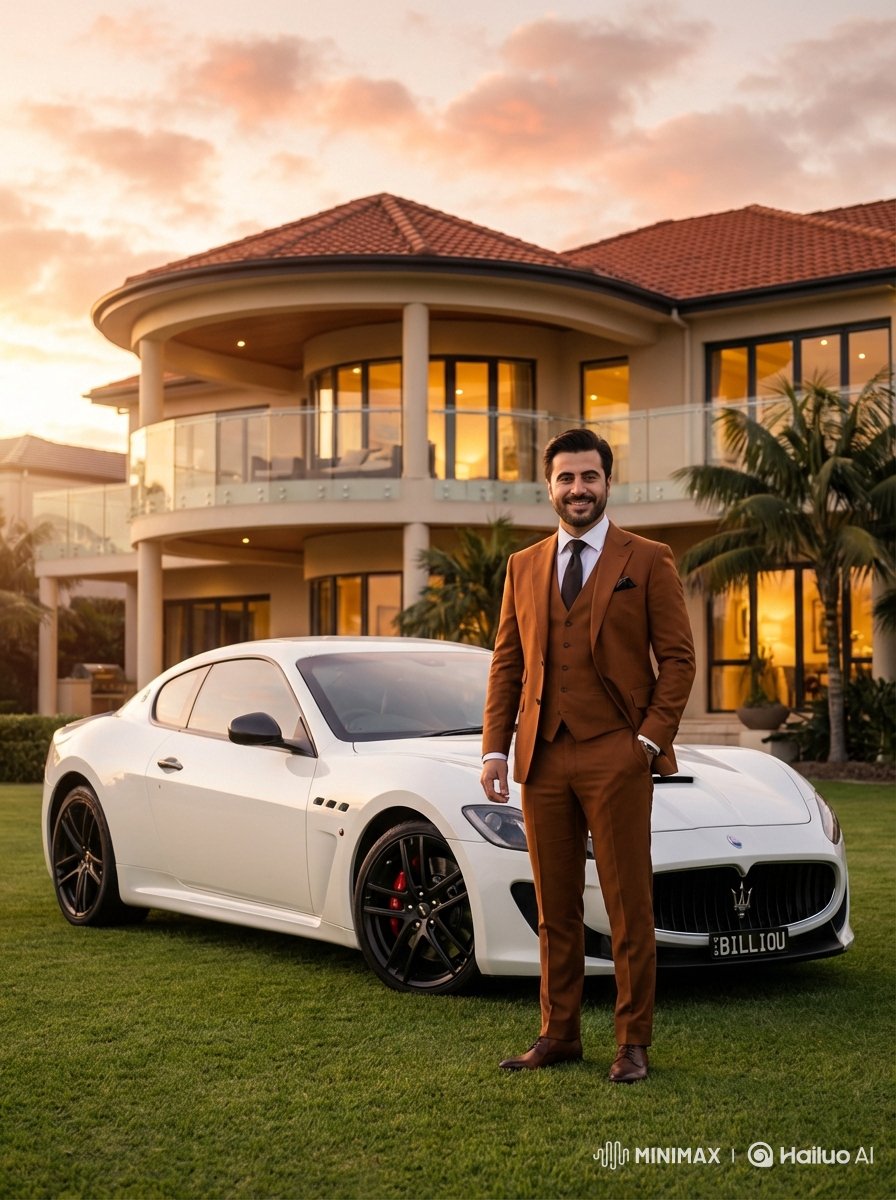
Luxurious Lifestyle Portrait with Maserati and Mansion
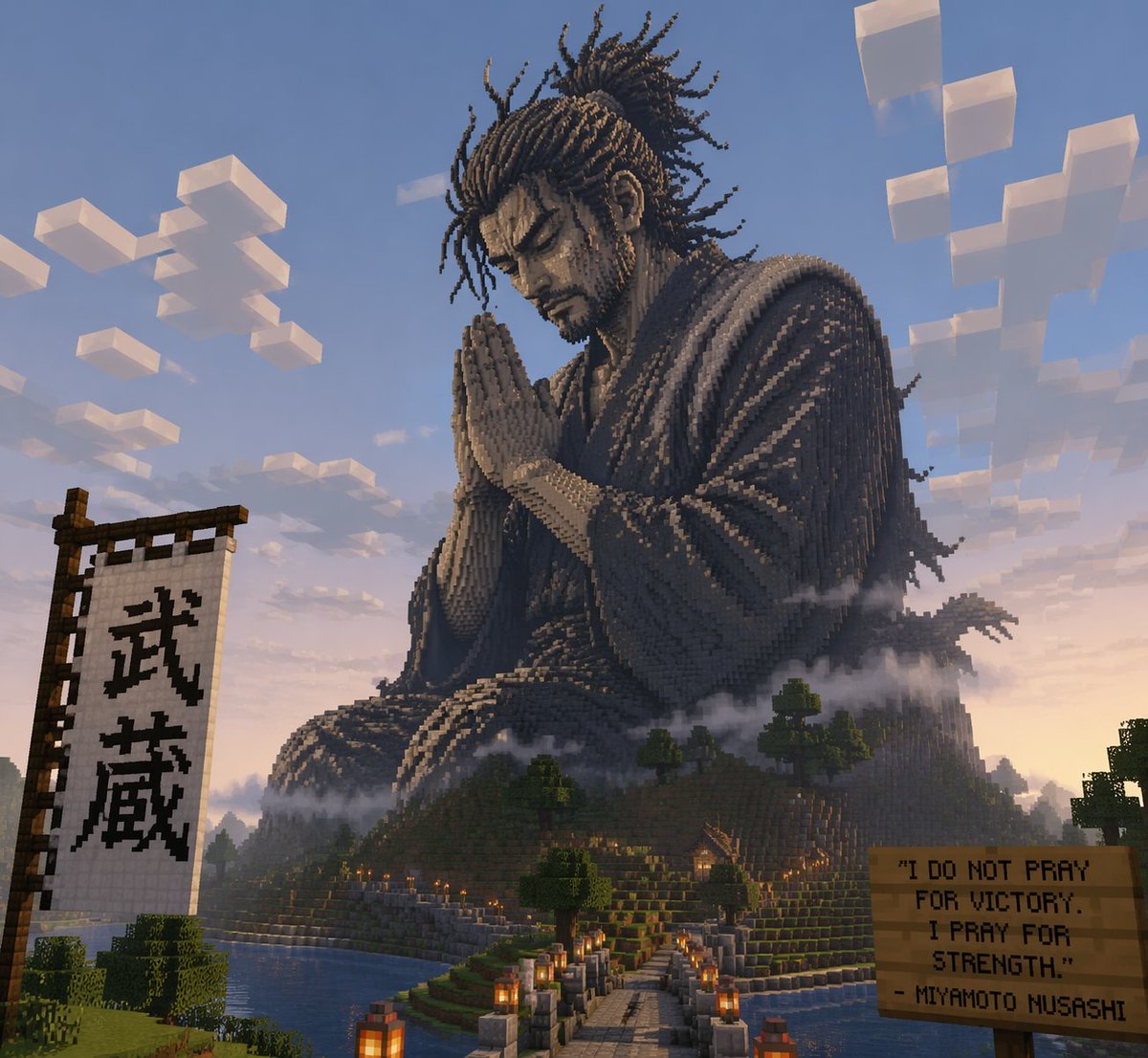
Minecraft Statue of Musashi
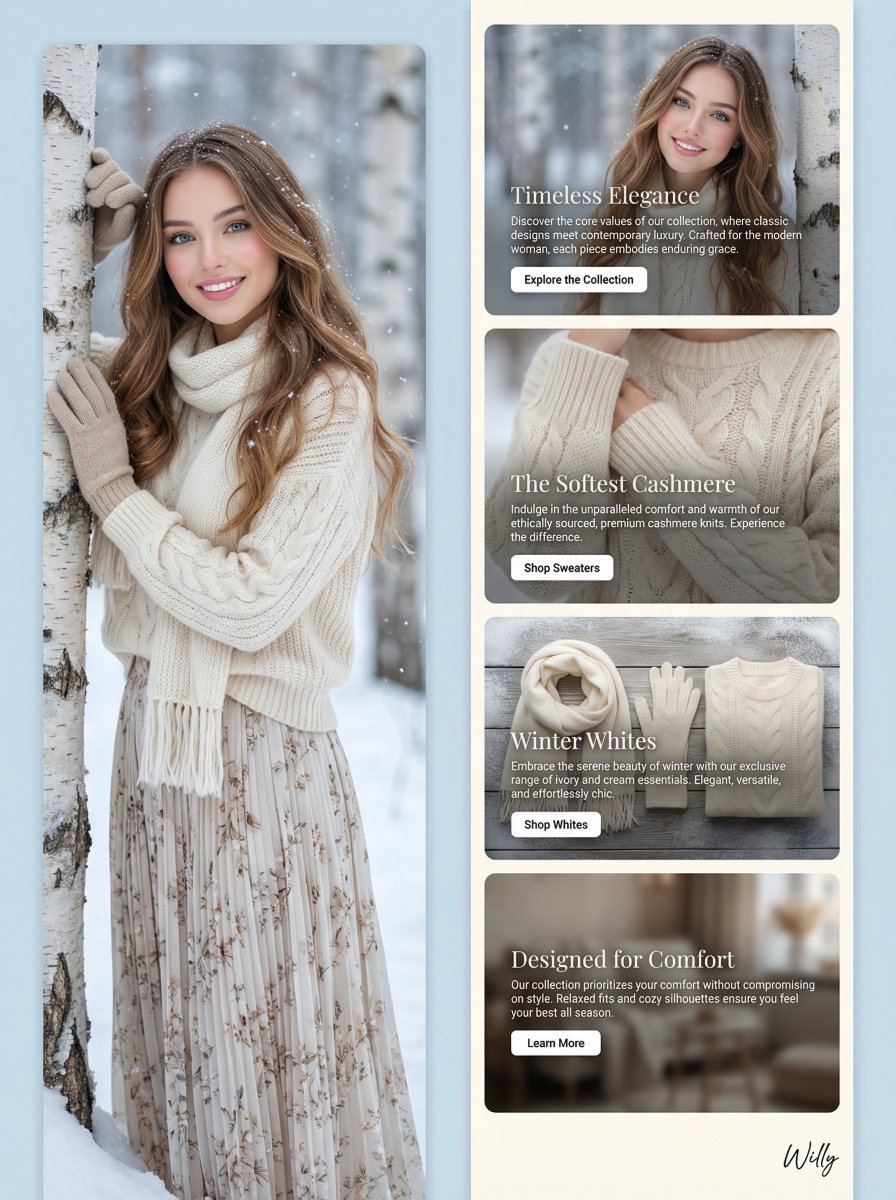
Winter Fashion Landing Page Design and Editorial Image
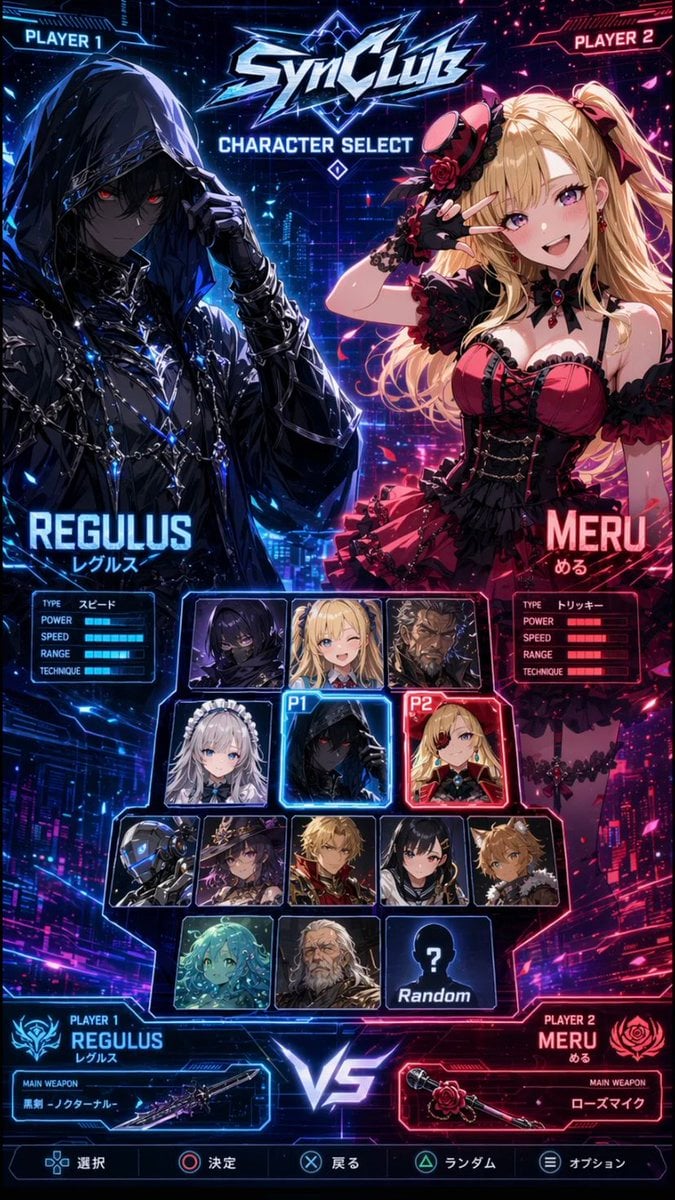
Cyberpunk Anime Character Select Screen
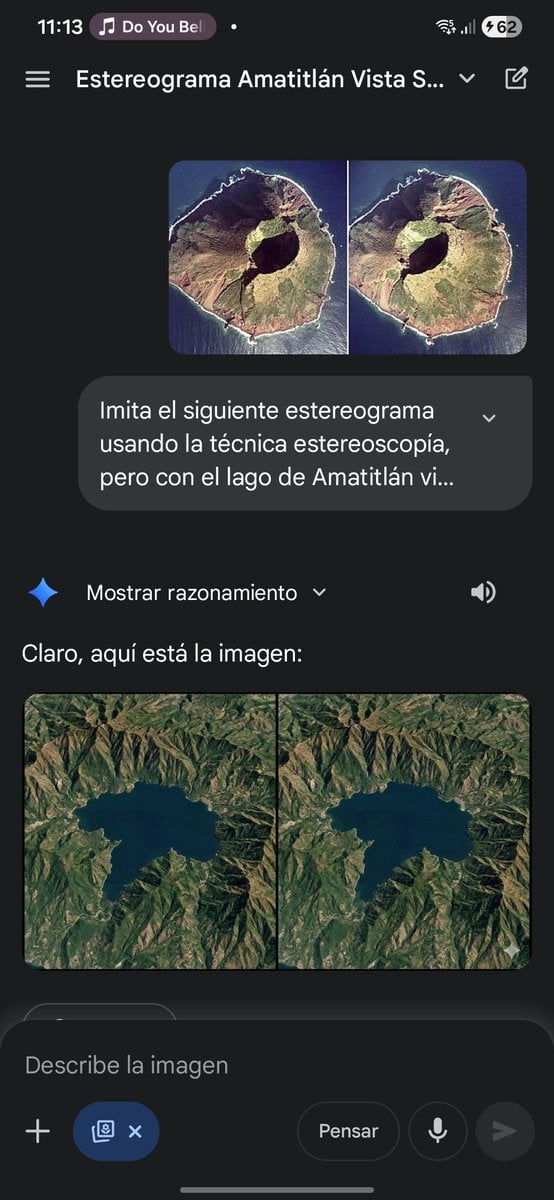
Stereogram of Amatitlán Lake from above
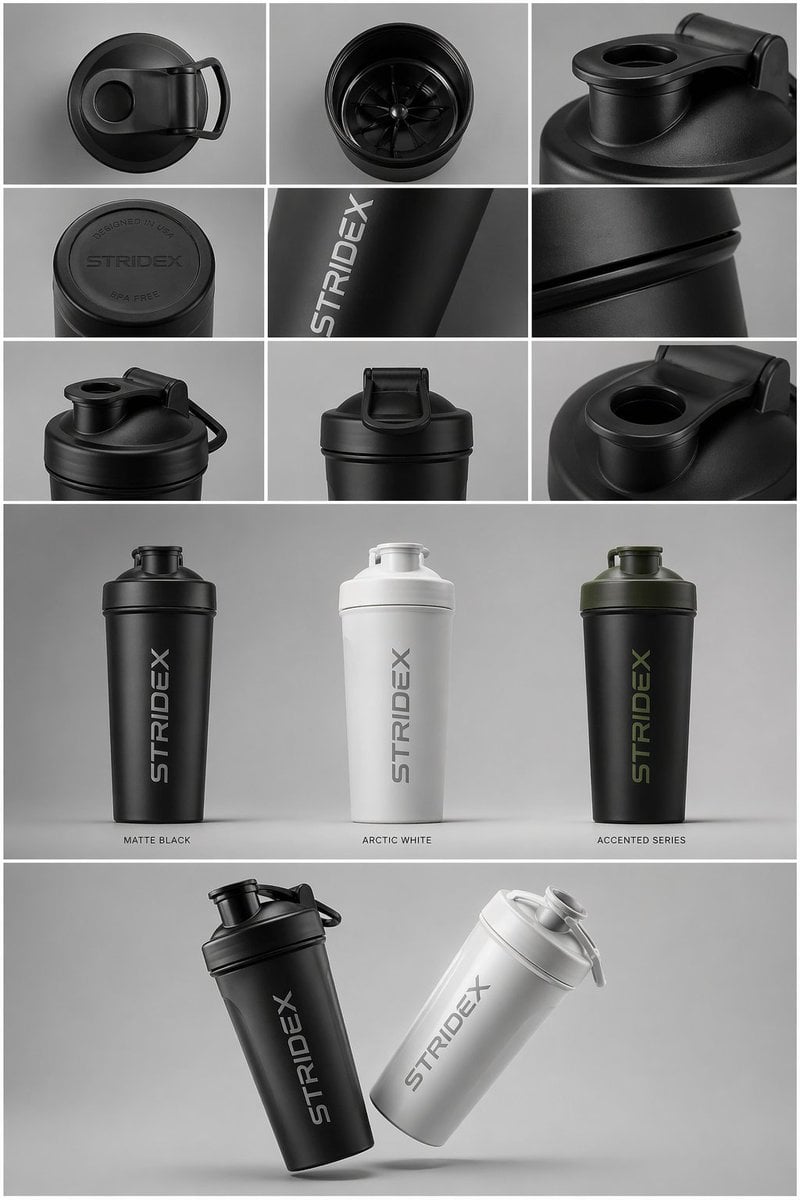
Industrial Design Presentation Sheet
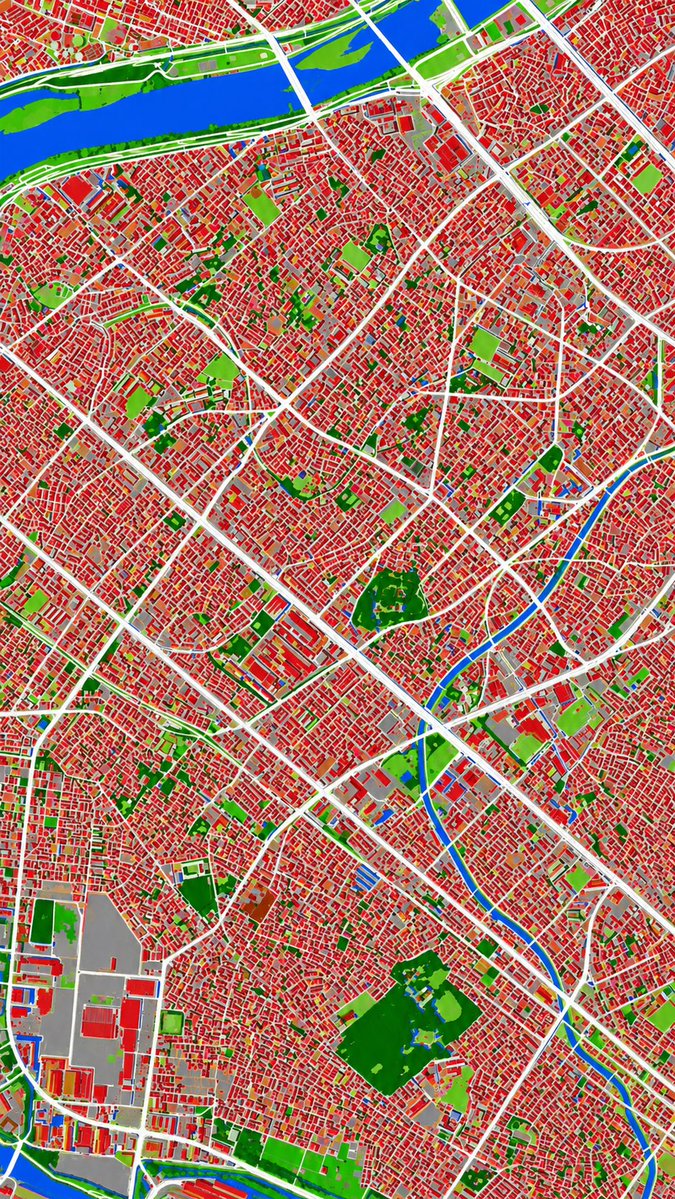
Aerial Photo to Land-Cover Map
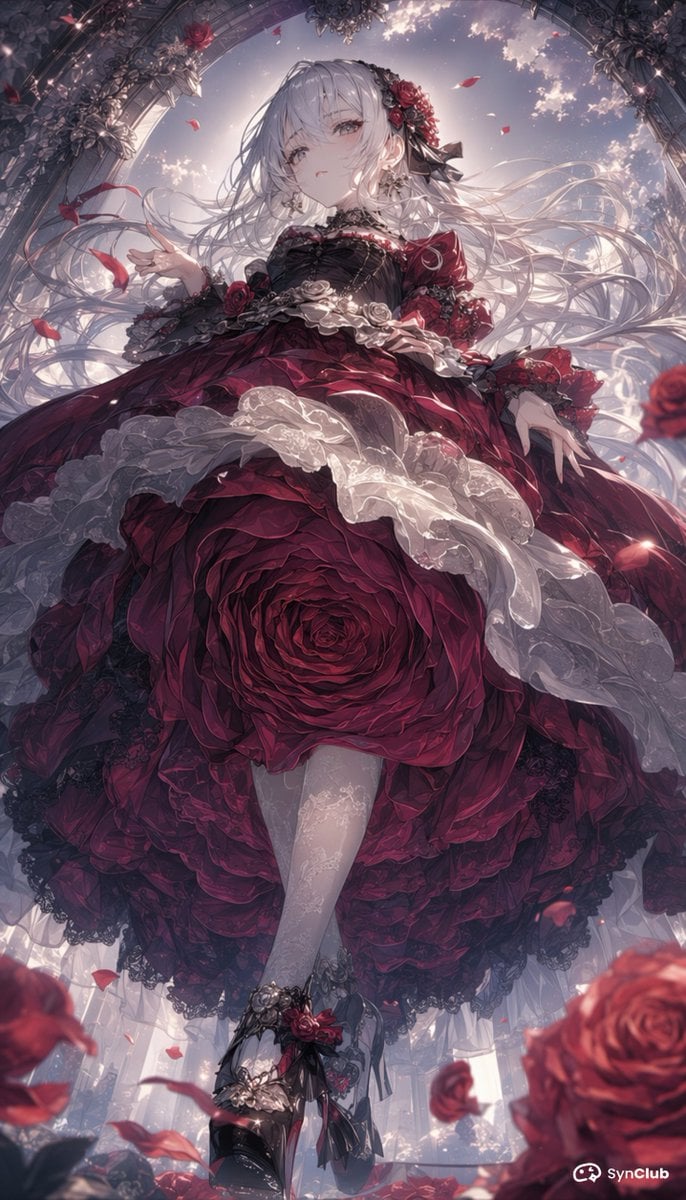
Gothic Rose Princess
Browse template categories
Structured Fashion Portrait in Paris with Detailed Pose and Outfit questions
How do I use the Structured Fashion Portrait in Paris with Detailed Pose and Outfit template?
Add your photo if the template asks for one, edit the prompt if you like — the template's model and format are already selected — and press Generate. Your version opens in PicX Studio.
Can I customize the Structured Fashion Portrait in Paris with Detailed Pose and Outfit template?
Yes. You can change the subject, setting, lighting, mood, format, and available model controls before creating your image.
Is the Structured Fashion Portrait in Paris with Detailed Pose and Outfit template free?
Opening and editing this template is free. Generating uses credits, shown on the Generate button when you are signed in.
Which AI model should I use?
Start with Nano Banana 2, which is the model associated with this template. You can compare another compatible model for a different finish.
Looking for something else? Browse all templates.

Your photo, any look
Thousands of ready templates for every top image and video model, from one credit balance.