
Winter Fashion Landing Page Design and Editorial Image
A complex prompt that combines a request for a vertical-scroll landing page design layout with a highly detailed description of the main editorial image.
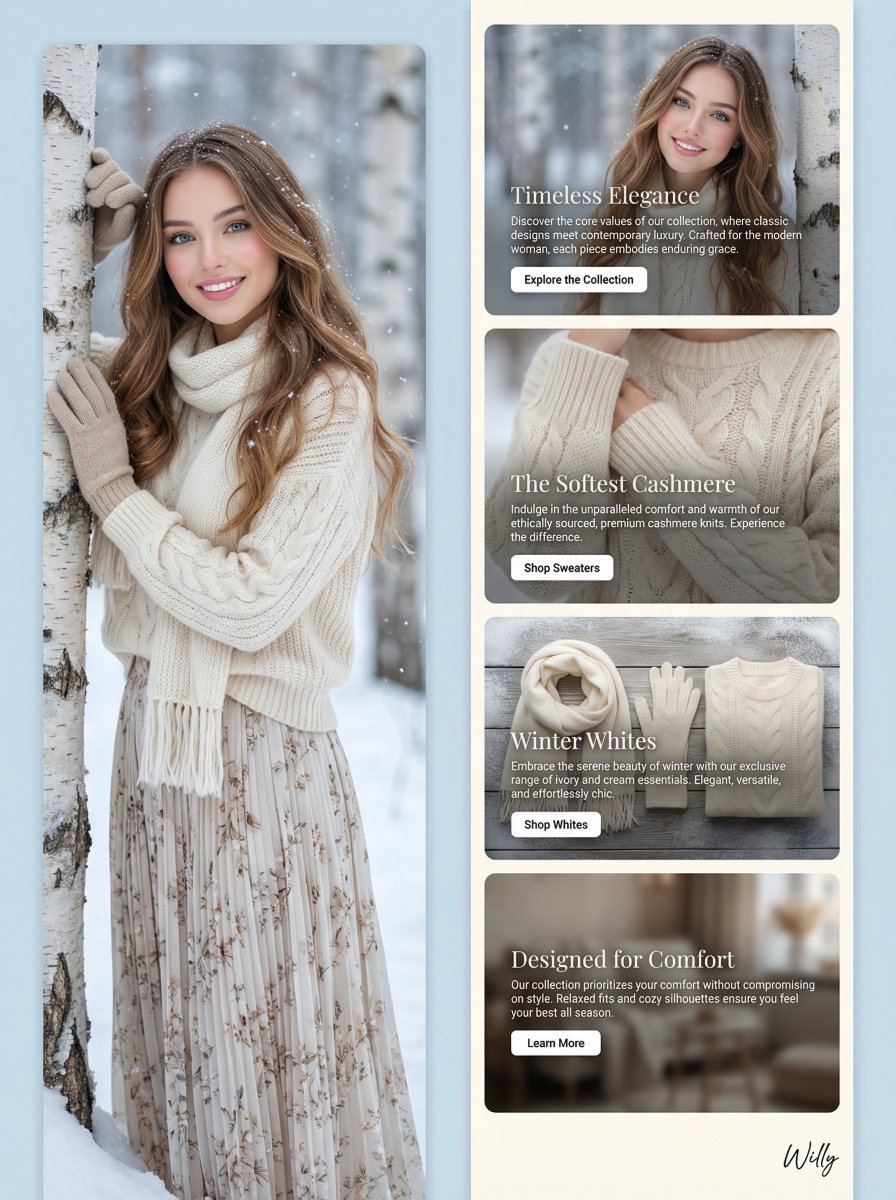
- Prompt included
- Model and format preset
- Free template
The prompt behind this image
Copy the exact prompt behind Winter Fashion Landing Page Design and Editorial Image, or open it in the studio and make it yours.
Landing page design for a winter fashion collection, vertical scroll layout, full-bleed top image, feature cards below, stacked sections. Editorial fashion portrait of a young Eurasian woman in her early 20s with a slim oval face and V-line jawline, standing in a snowy birch forest, long flowing wavy light brown hair with golden caramel highlights, delicate snowflakes in hair, large bright blue-green doe eyes with long natural lashes, luminous dewy porcelain skin with healthy glow, glass skin effect, soft rosy blush on cheeks, glossy pink lips with radiant smile showing perfect teeth, slim straight nose, delicate feminine features, ethereal doll-like beauty, wearing a cream cable knit oversized sweater, ivory knit scarf wrapped cozy around neck, matching beige knit gloves touching birch bark, wearing a long flowing pleated silk maxi skirt with a subtle floral pattern, elegant relaxed pose with gentle head tilt, soft dreamy expression, snowy birch forest background with beautiful bokeh, gentle snowfall, soft diffused winter lighting, shot on 85mm f1.4 lens, shallow depth of field, cool blue and warm cream tones, high-end fashion editorial style. FEATURE CARDS: - Card 1: "Timeless Elegance" - image of the woman in the forest, text describing the core values of the collection, CTA to "Explore the Collection" - Card 2: "The Softest Cashmere" - close-up shot of the cashmere sweater, details on the material and craftsmanship, CTA to "Shop Sweaters" - Card 3: "Winter Whites" - a selection of ivory and cream pieces from the collection, CTA to "Shop Whites" - Card 4: "Designed for Comfort" - description of the relaxed fit and cozy designs, CTA to "Learn More" A stylish handwritten signature "Willy" is elegantly placed in small letters at the bottom right corner.
How to use Winter Fashion Landing Page Design and Editorial Image in 3 steps
- 1
Open
The prompt is already in the box next to the preview, with the template's model and format selected.
- 2…a portrait of your subject in softgolden-hour light, 85mm…
Personalize
Edit the subject and creative details for your destination.
- 3Generate
Generate
Press Generate — your image is created in PicX Studio, so you can compare it with the original and refine one variable at a time.
More like this
Templates with the same subject, style or setup. Open one to see its prompt.

Blue Backdrop Luxury Fashion Portrait Campaign

Typography Mask Editorial Fashion Poster

Luxury Black-and-White Fashion Contact Sheet

untitled

Google Gemini Nano Banana Pro

Conceptual Fashion Portrait in Spider We

01 Skincare Split Portrait — Nano Banana 2

24 The Getty Center — California Series

21 Glass Floor Skyscraper — California Series

19 Luxury Helicopter Travel — California Series

08 Rodeo Drive Luxury Exit — California Series

03 Beverly Hills Convertible — California Series
Make it yours
Winter Fashion Landing Page Design and Editorial Image works as-is. These are the safest ways to change it without losing the look.
Change one field
Copy a single group, rewrite it, and generate again so you can see what that field is doing.
Keep the frame, change the subject
Hold the composition and light of Winter Fashion Landing Page Design and Editorial Image, then swap wardrobe, props or the person for a new take.
| If the result… | Why | Fix |
|---|---|---|
| The result drifts from the preview | Too many fields changed at once. | Reuse Winter Fashion Landing Page Design and Editorial Image as-is first, then change one group — subject, light, or setting. |
| The model over-stylizes the scene | The prose prompt leaves finish and camera underspecified. | Add one camera or lighting sentence and stay on Nano Banana 2. |
More Nano Banana 2 templates
Other prompts made for Nano Banana 2.

Photorealistic Leaf Shaped Like a Dragon

K-Pop Idol Portrait Grid for Rapid Selection

Poetic Rain Forest Portrait During Golden Hour

Urban Street Portrait with Cartoon Inner Self Duo

Candid Nighttime Photo with Cat Prompt

High-Concept 3D Diorama Generation Prompt

Cinematic Futuristic Studio Portrait Template

Skincare Editorial Photography Collage Prompt

Hyper-Realistic Commercial Product Photography (Splash Effect)

Hyper-Realistic Nightclub Portrait Prompt
More image prompts
Fresh picks from across the catalog.
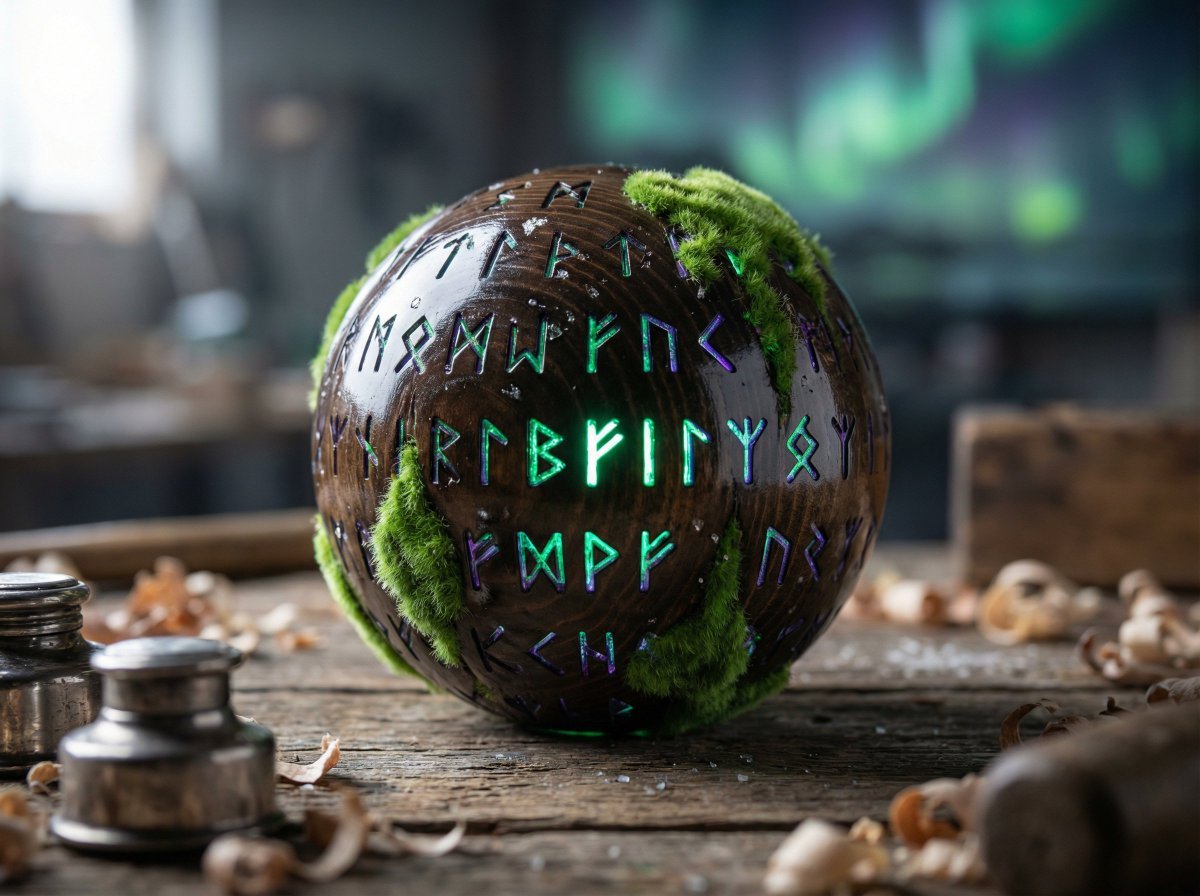
Artisan Toy Product Photography Prompt
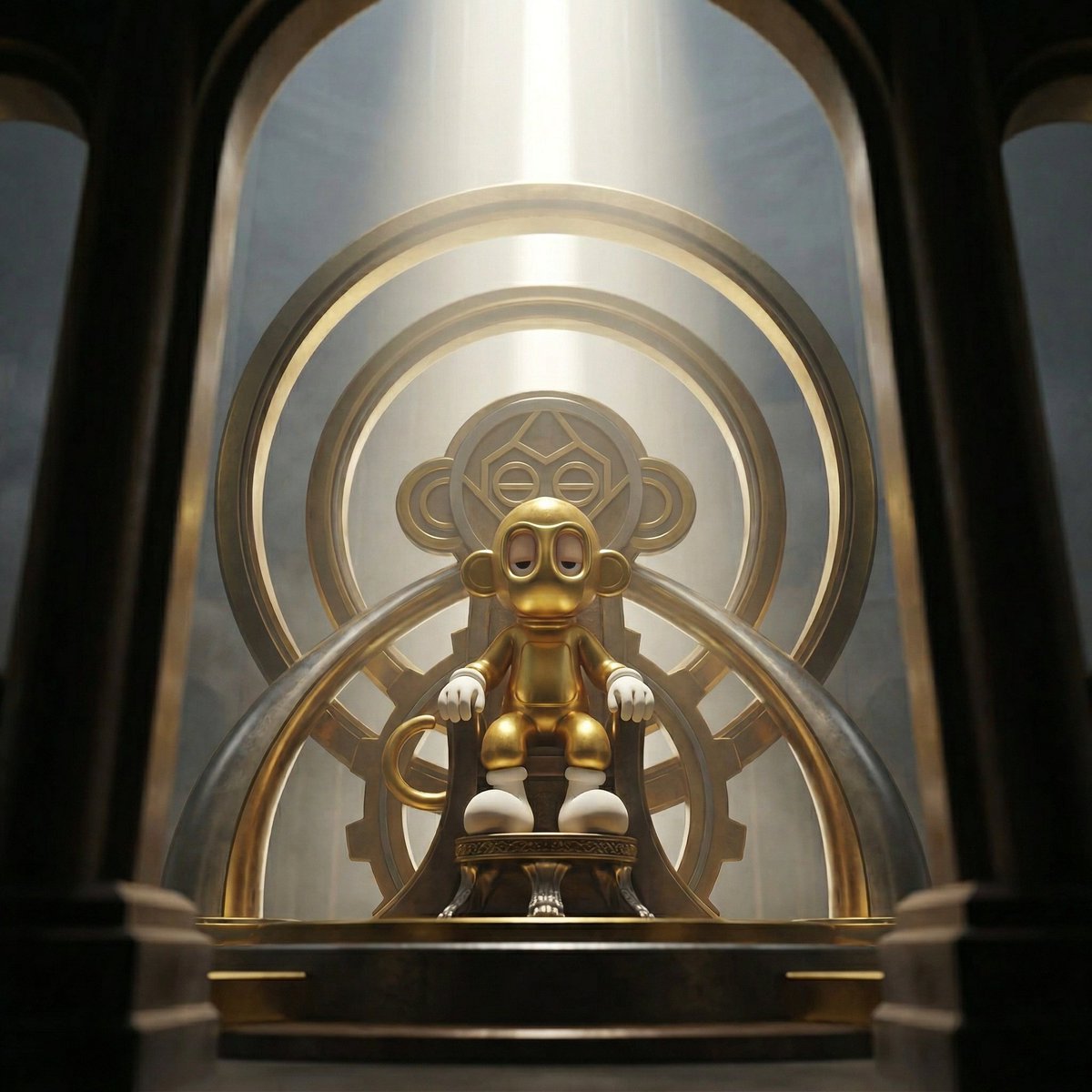
Dominance portrait generation prompt (Gemini - Thinking mode)
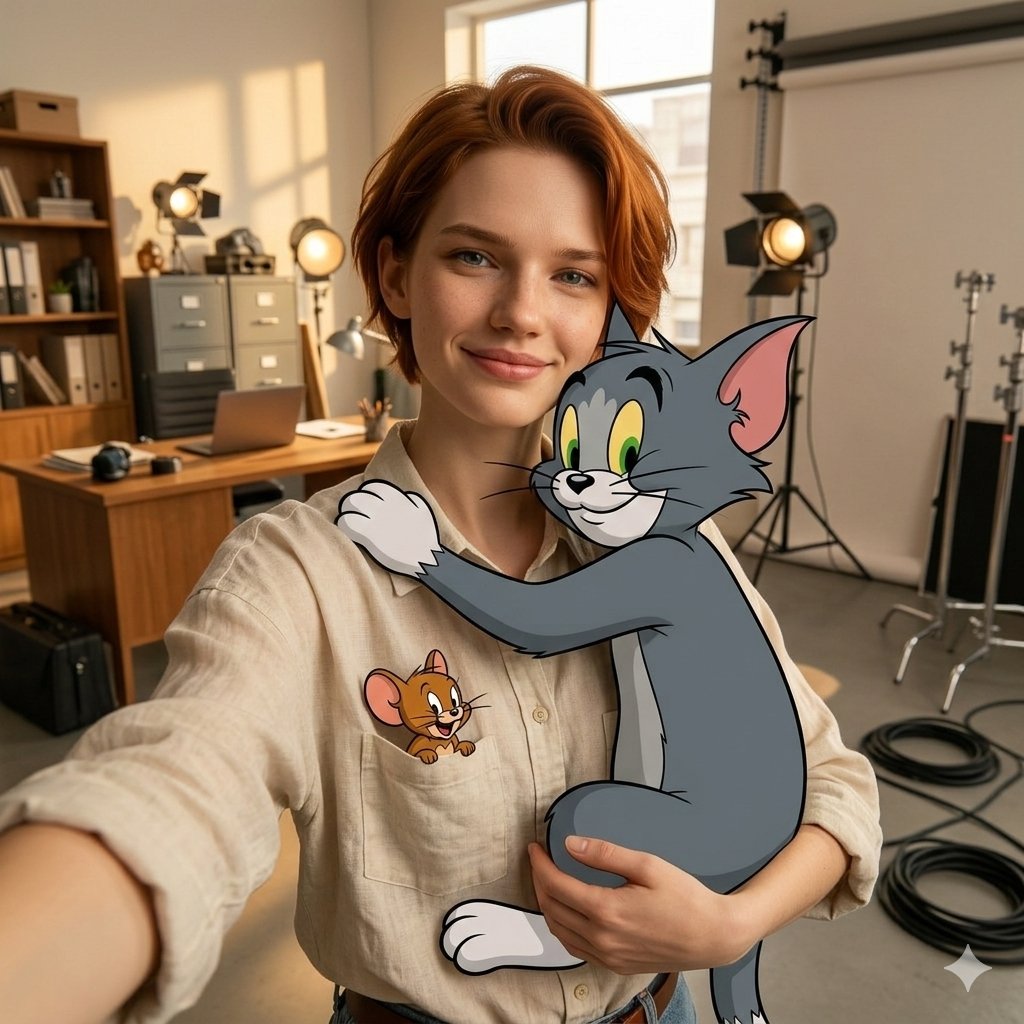
First-Person Selfie Hugging Stylized Tom and Jerry
Intimate Late-Night Portrait with Screen Glow
High-Fashion Editorial of Zhao Lusi in Black Bow Gown
LocalBanana Copilot Feature for Prompt Refinement
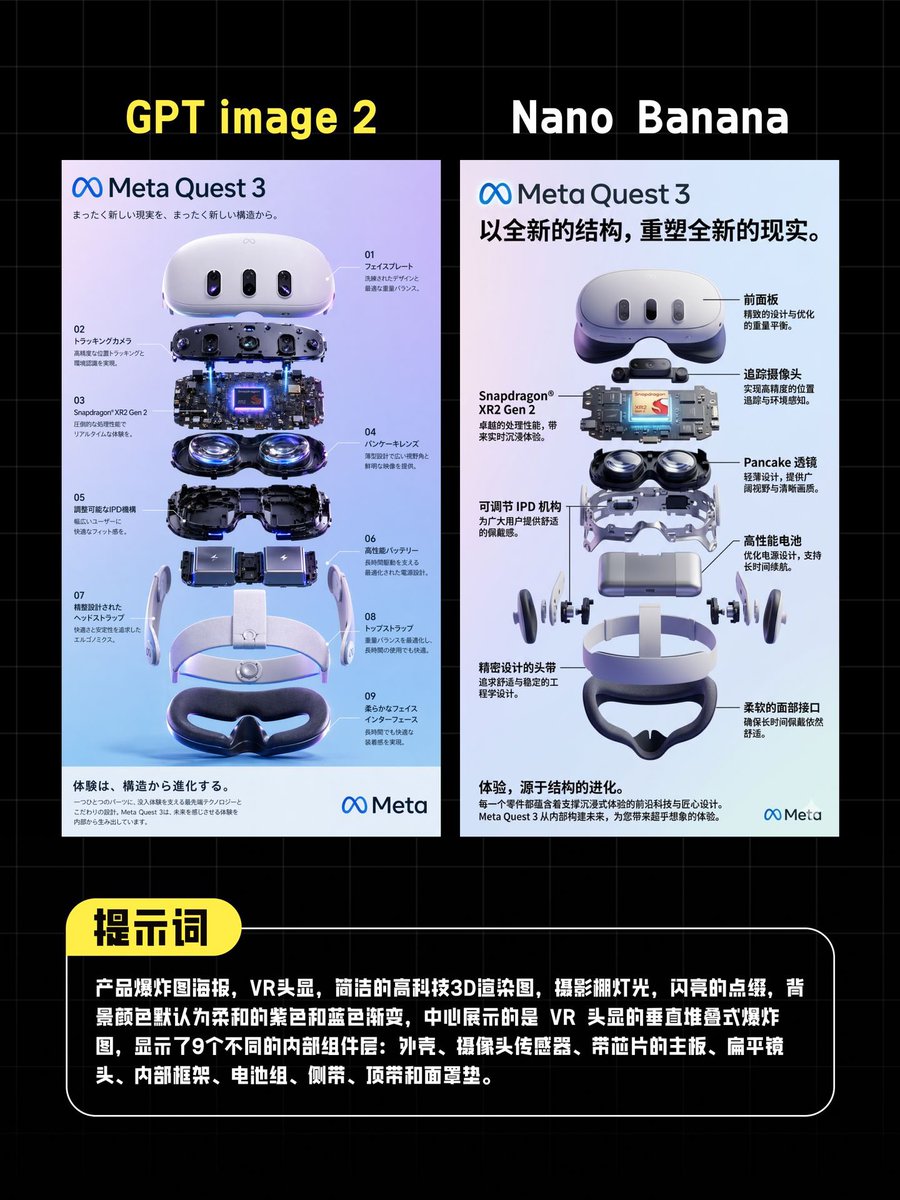
AI VR Poster Comparison
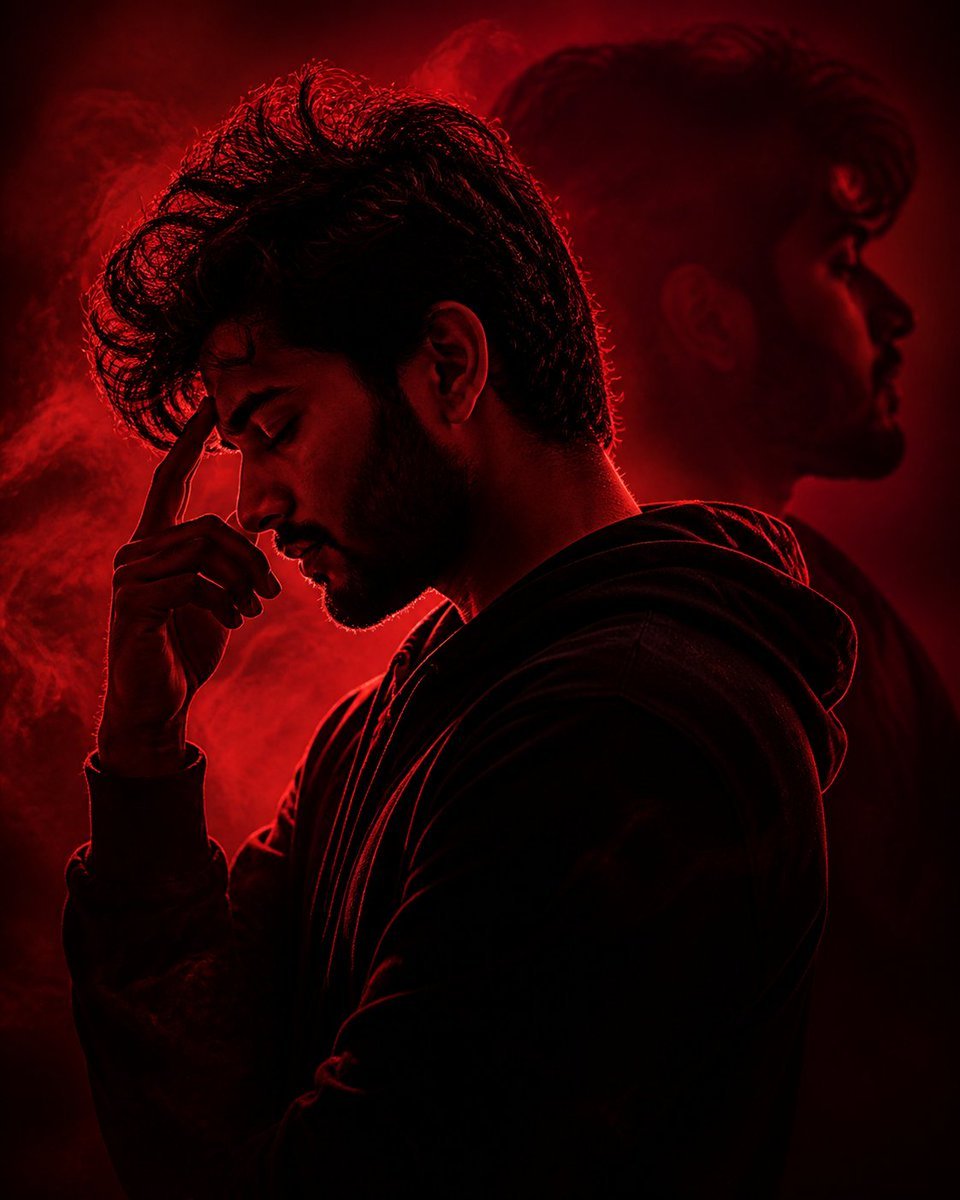
Crimson Moody Double Exposure Portrait
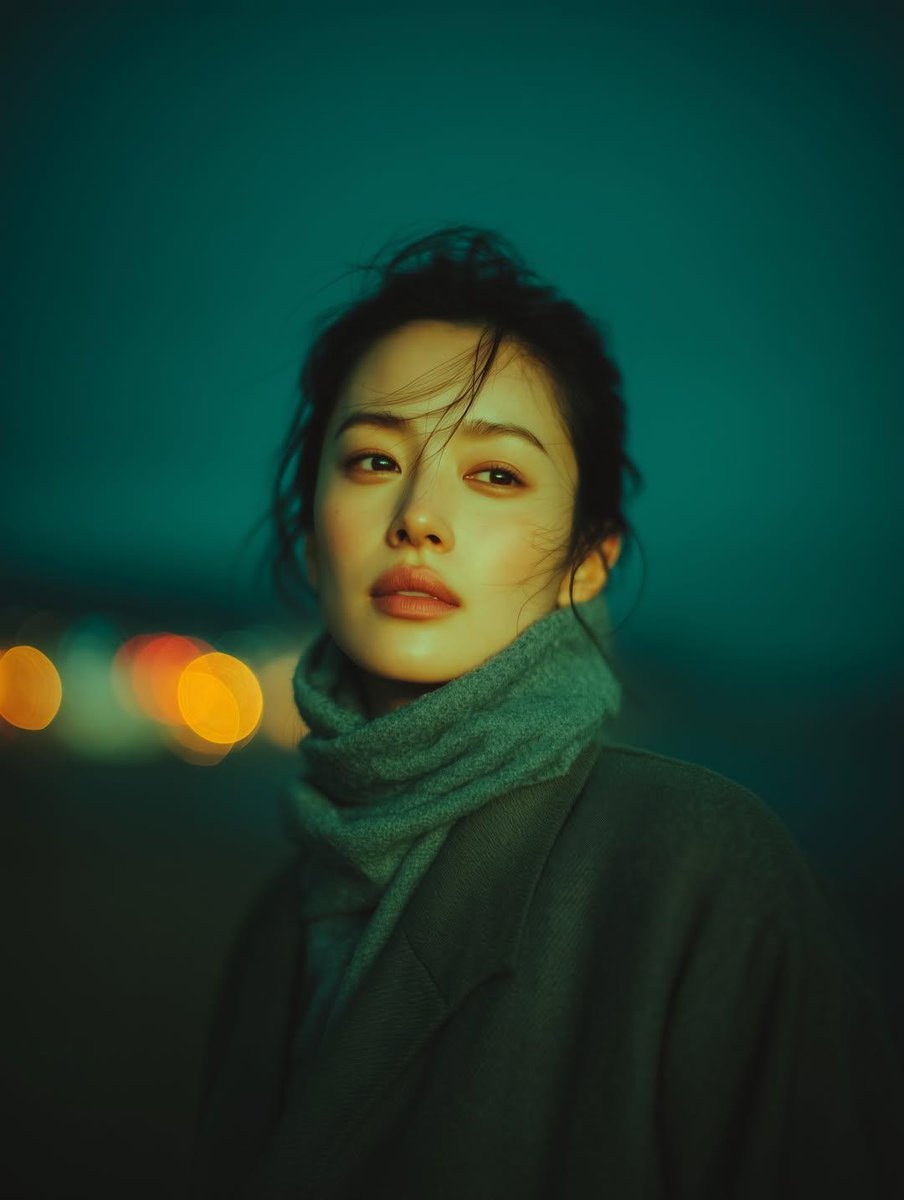
Cinematic Night Portrait with Teal-Green Grading
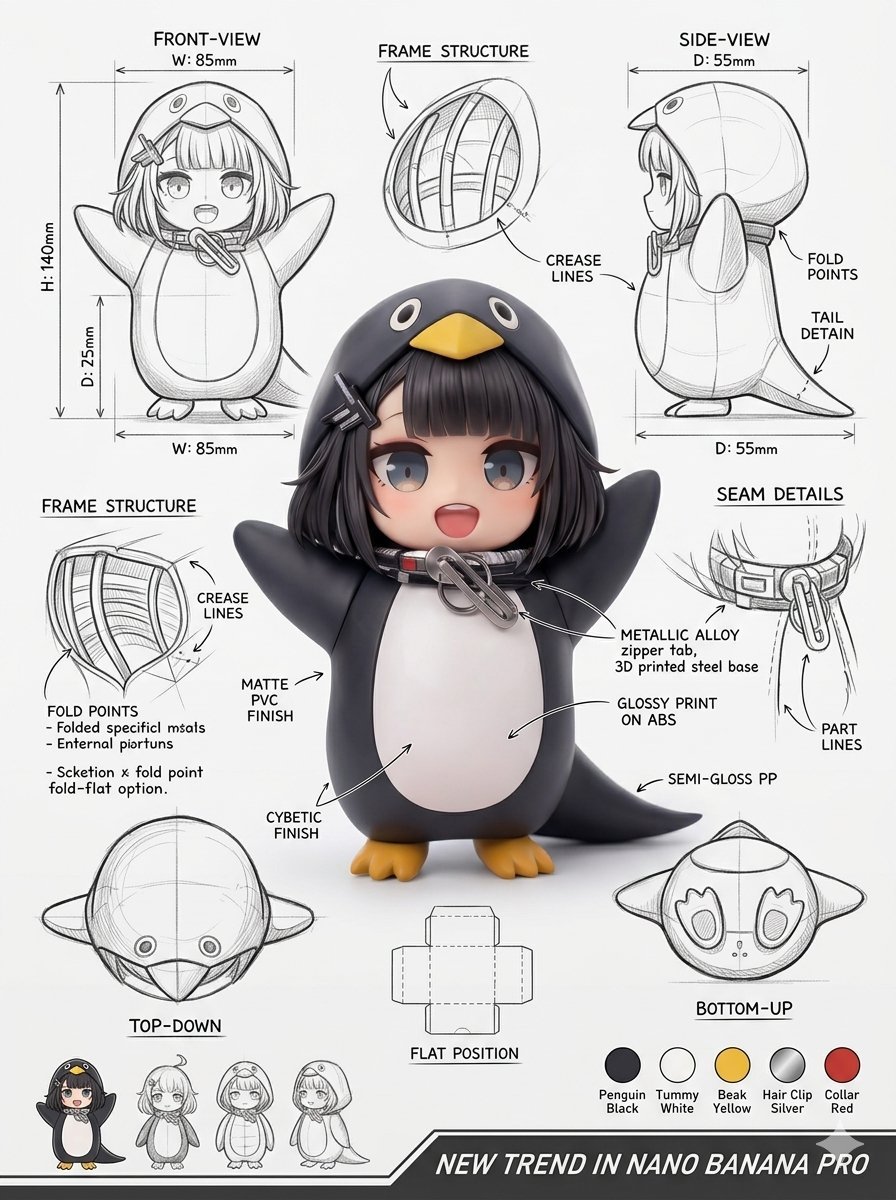
Industrial Packaging Design Sheet
Browse template categories
Winter Fashion Landing Page Design and Editorial Image questions
How do I use the Winter Fashion Landing Page Design and Editorial Image template?
Add your photo if the template asks for one, edit the prompt if you like — the template's model and format are already selected — and press Generate. Your version opens in PicX Studio.
Can I customize the Winter Fashion Landing Page Design and Editorial Image template?
Yes. You can change the subject, setting, lighting, mood, format, and available model controls before creating your image.
Is the Winter Fashion Landing Page Design and Editorial Image template free?
Opening and editing this template is free. Generating uses credits, shown on the Generate button when you are signed in.
Which AI model should I use?
Start with Nano Banana 2, which is the model associated with this template. You can compare another compatible model for a different finish.
Looking for something else? Browse all templates.

Your photo, any look
Thousands of ready templates for every top image and video model, from one credit balance.