How do I use the Industrial Packaging Design Sheet template?
Choose the primary action to open PicX Studio with the available template settings. Review the model and format, personalize the creative direction, and generate when ready.
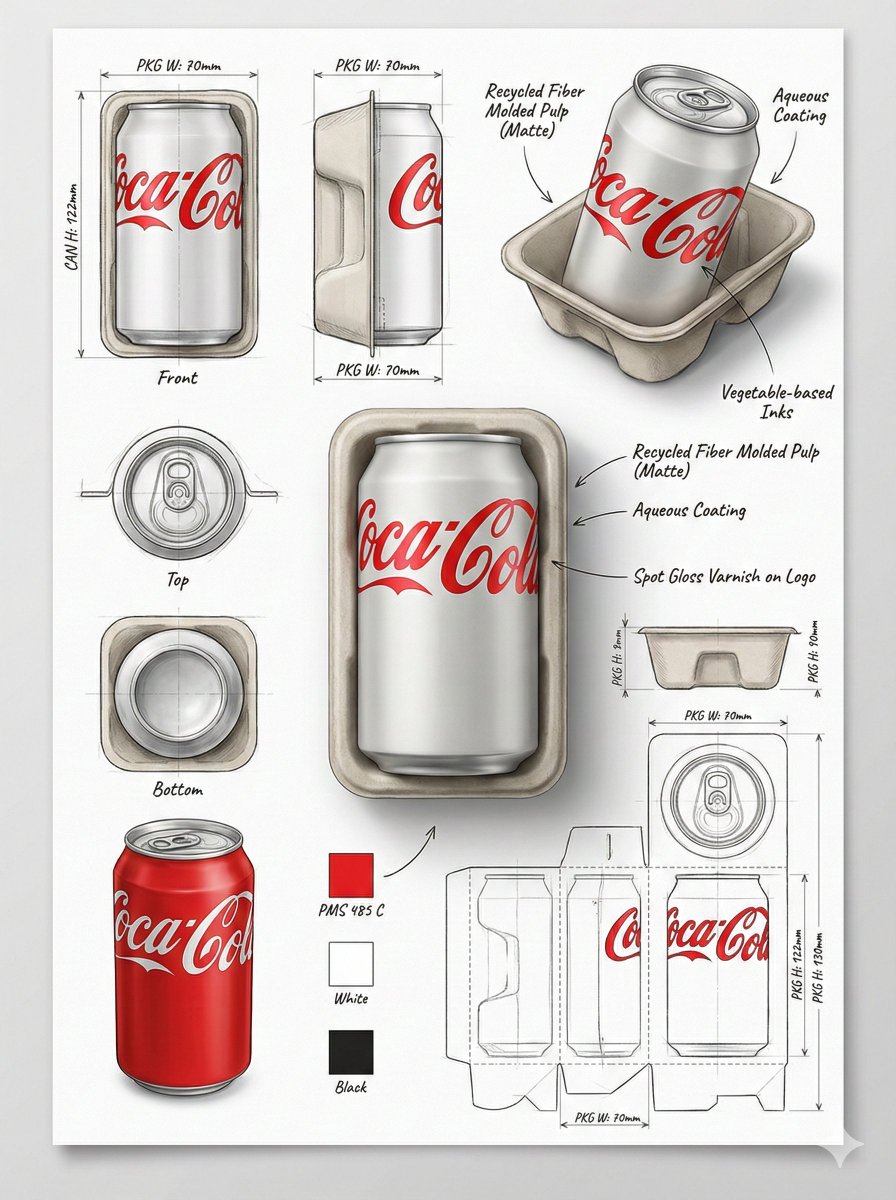
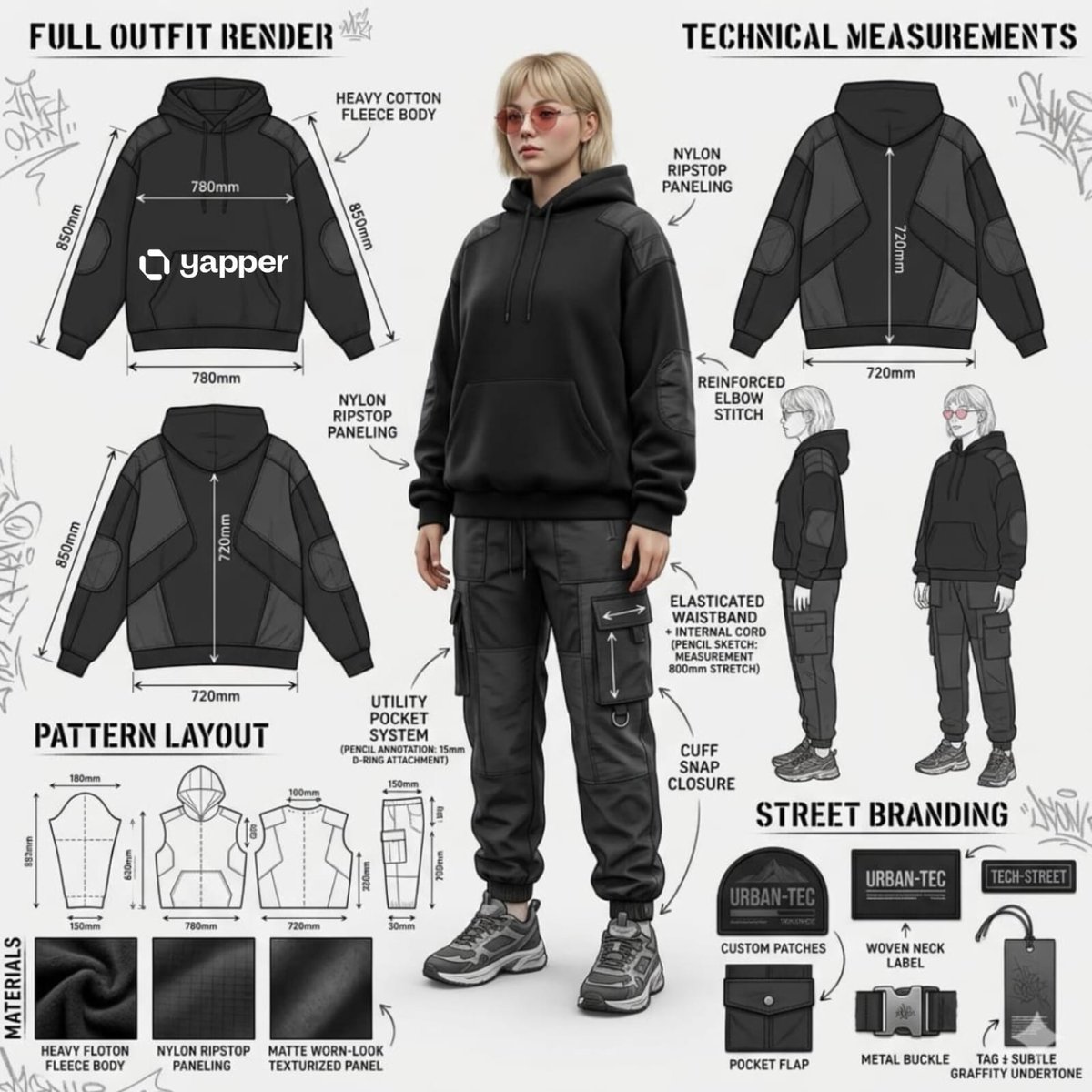
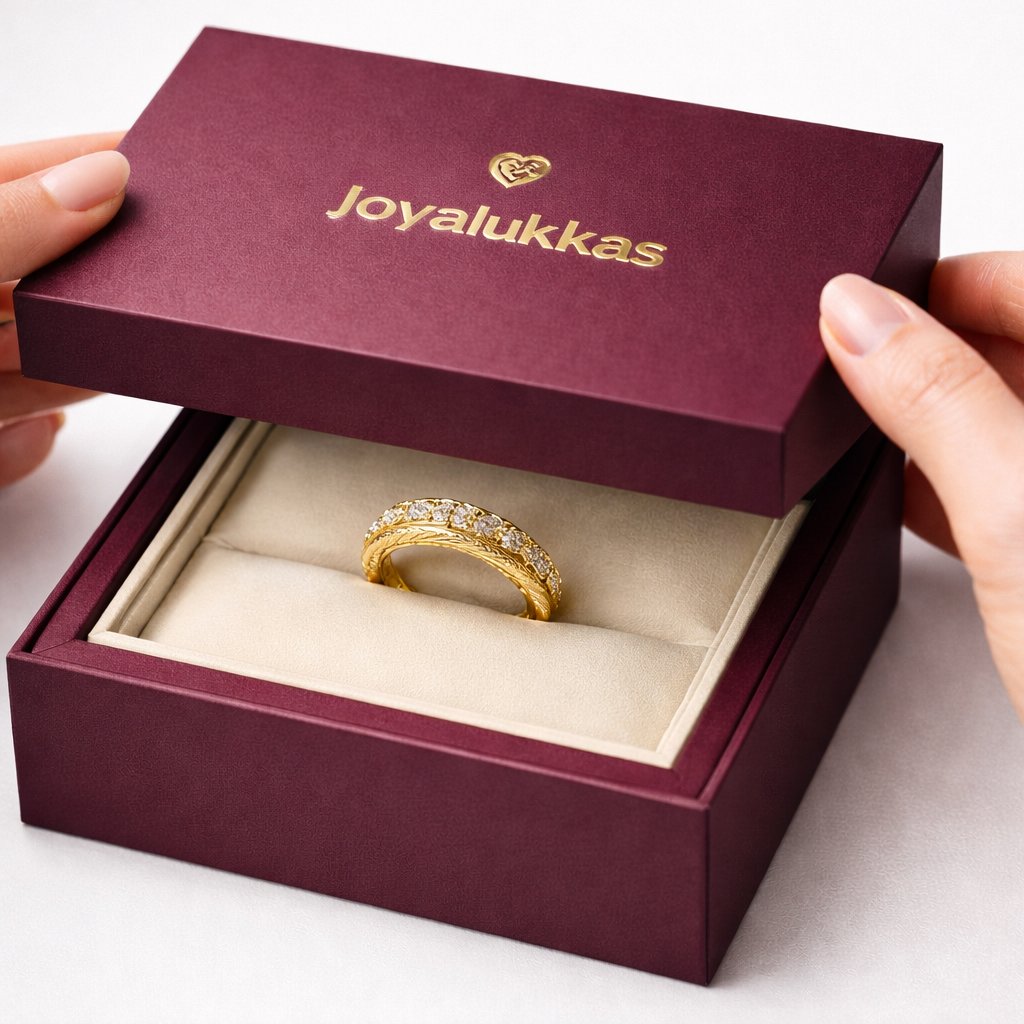
A professional prompt for creating industrial-design packaging layouts, including 3D renders, technical views, and material annotations.
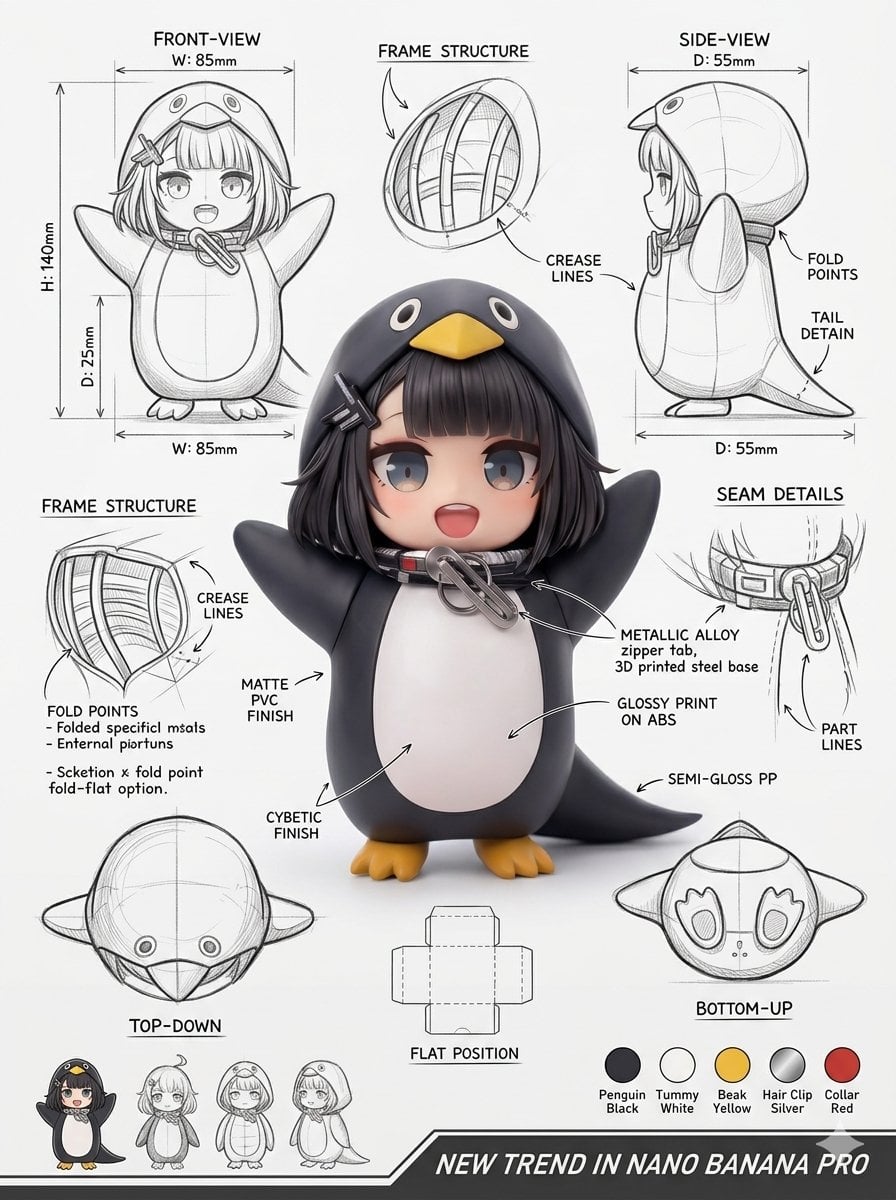
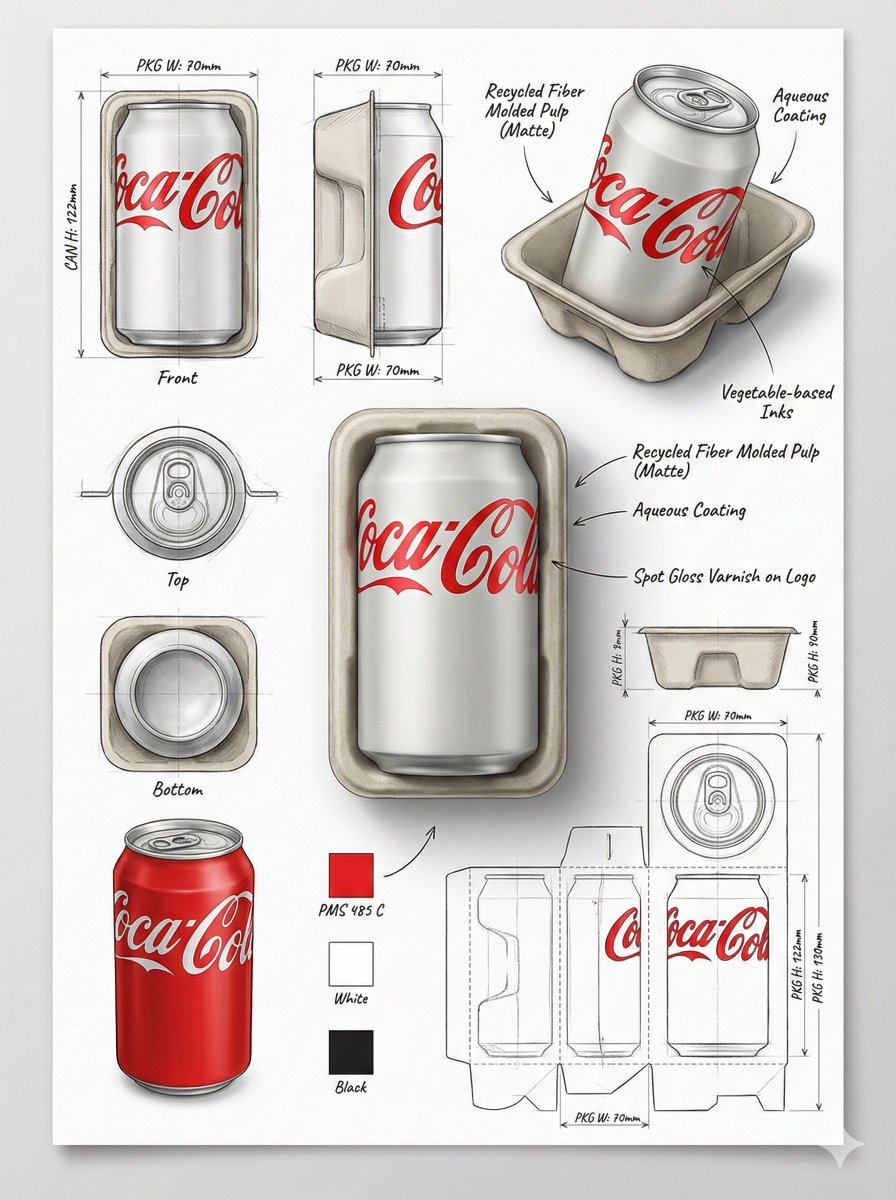
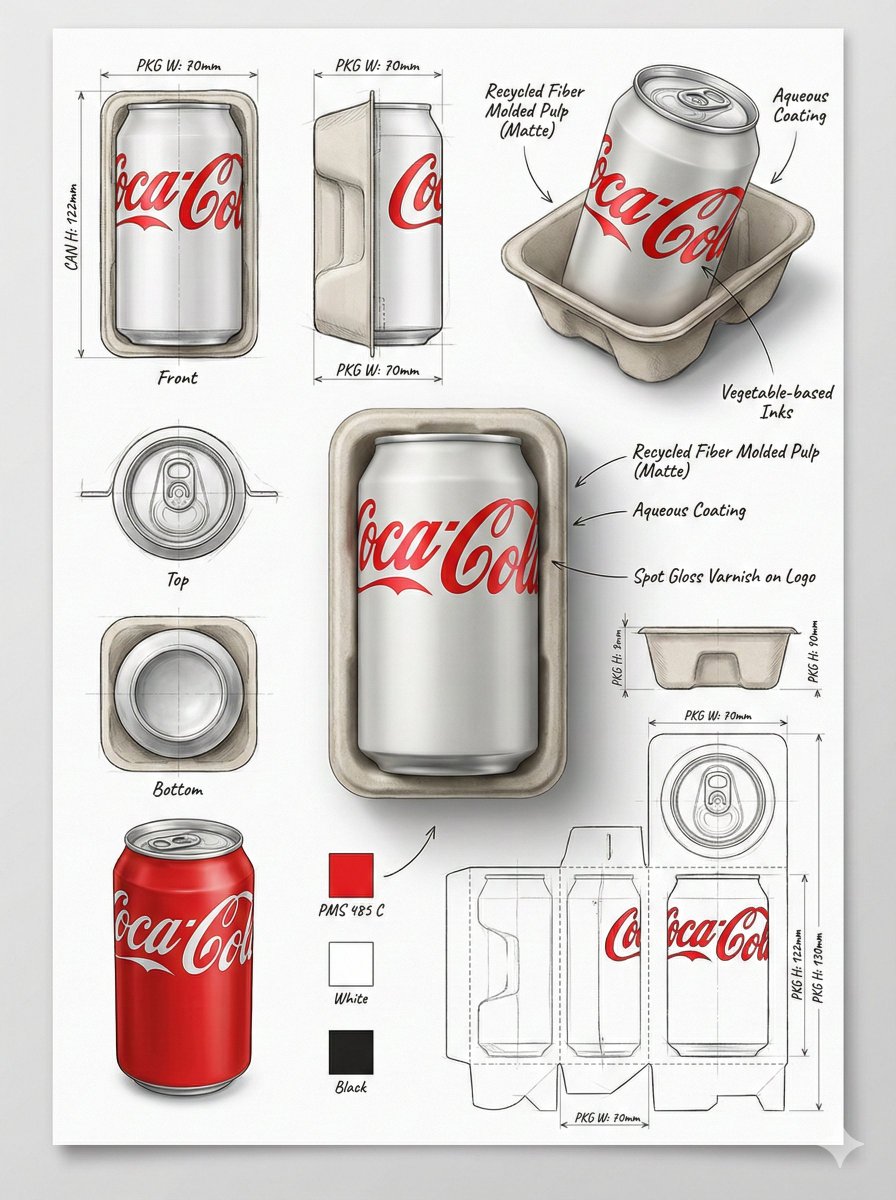
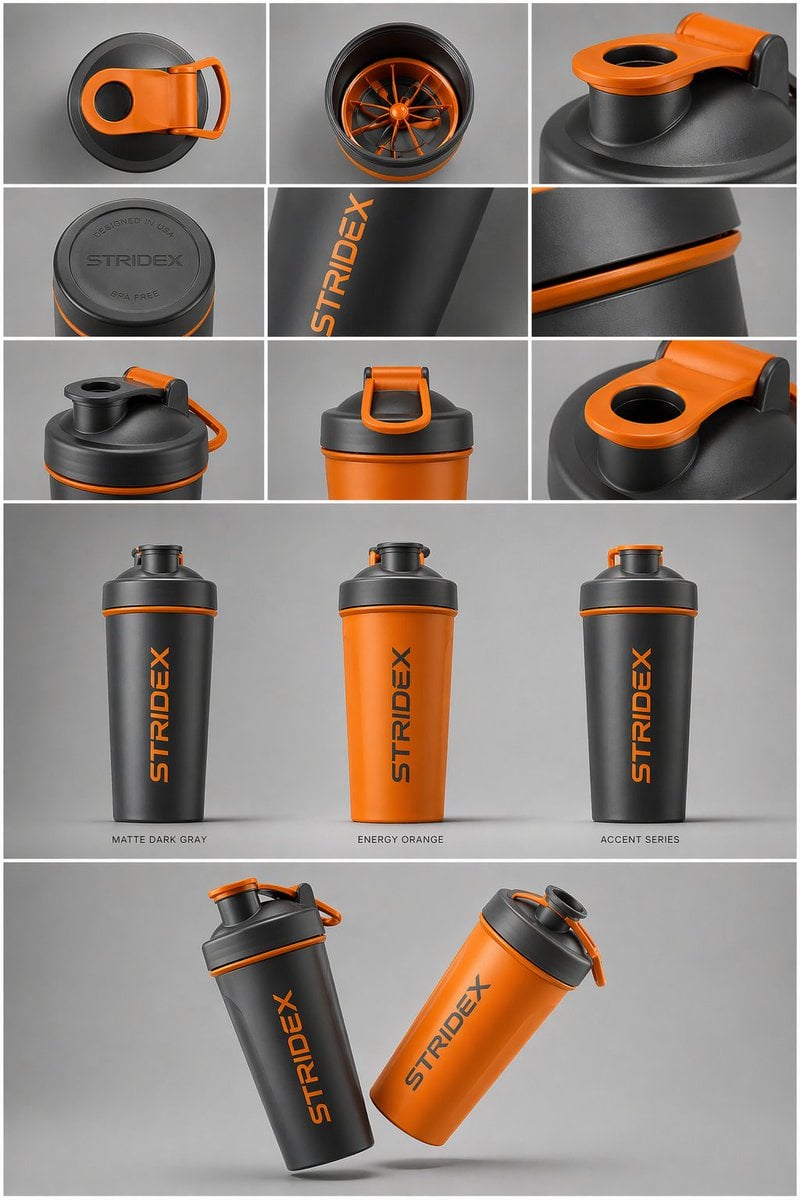
Using the supplied reference image, produce a professional industrial-design packaging illustration sheet for the package ({argument name="package type" default="PACKAGE TYPE"}). Place a hero 3D render in the middle with photoreal materials, gentle studio lighting, and a polished commercial finish. Around it, lay out the technical views: front, side, top, bottom, an oblique angle, and a flat unfolded layout. Add line sketches showing the {argument name="technical details" default="frame structure, fold/crease lines, seam details, and dimension arrows labeled in millimeters"}. Annotate materials and surface finishes ({argument name="material list" default="matte, gloss print, plastic, paper, glass, etc."}) with handwritten callouts. Drop in color swatches, supporting product mockups, and soft cast shadows. Background: clean sketchbook paper. Style: photoreal render mixed with pencil-sketch overlays, modern design aesthetic, ultra-detailed, portfolio quality.
Choose the primary action to open PicX Studio with the available template settings. Review the model and format, personalize the creative direction, and generate when ready.
Yes. You can change the subject, setting, lighting, mood, format, and available model controls before creating your image.
This template is free to open and customize. Generation usage is shown in PicX Studio before you create.
Start with GPT Image 2, which is the model associated with this template. You can compare another compatible model for a different finish.
Follow a topic to a crawlable collection of related PicX Studio templates.