How do I use the Luxury Fashion Color Block Campaign template?
Edit the prompt in the box under the preview — the template's model and format are already selected — and press Generate. Your version appears right on this page.
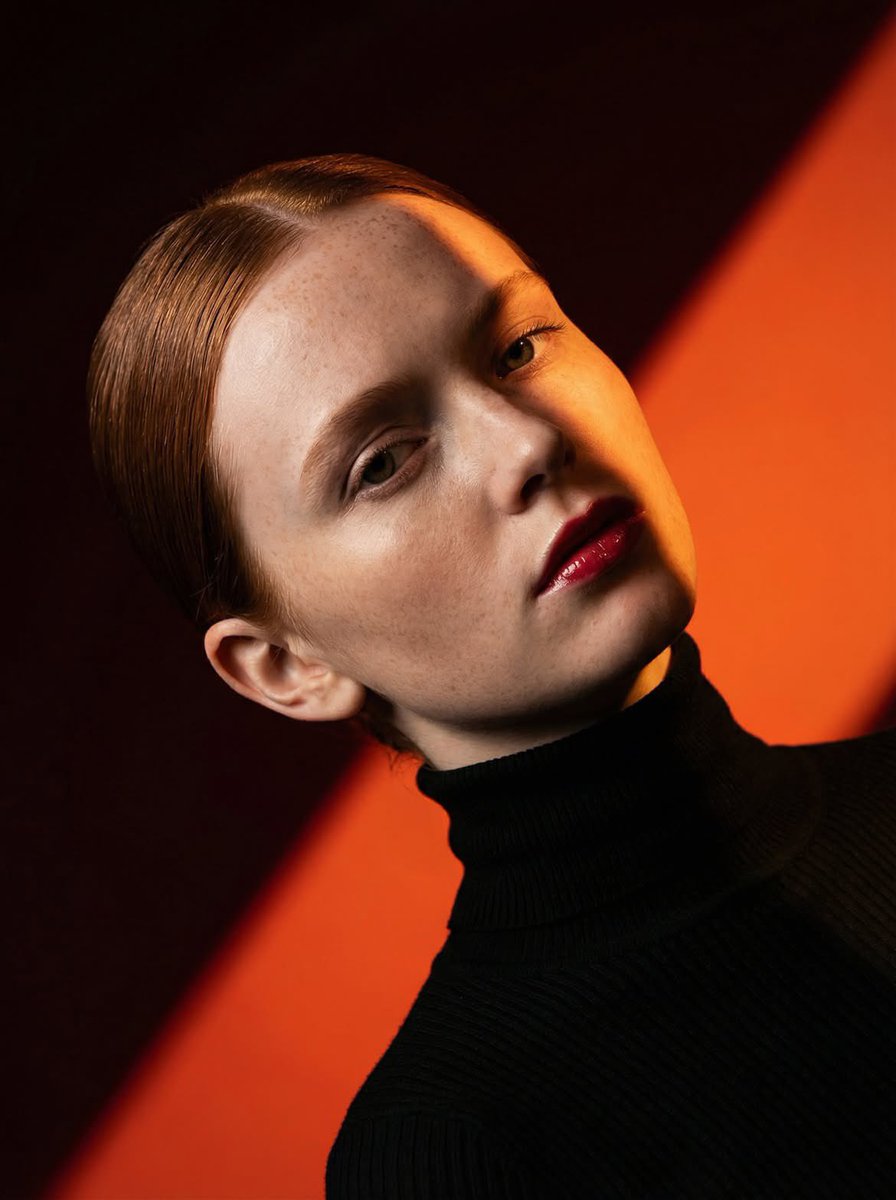
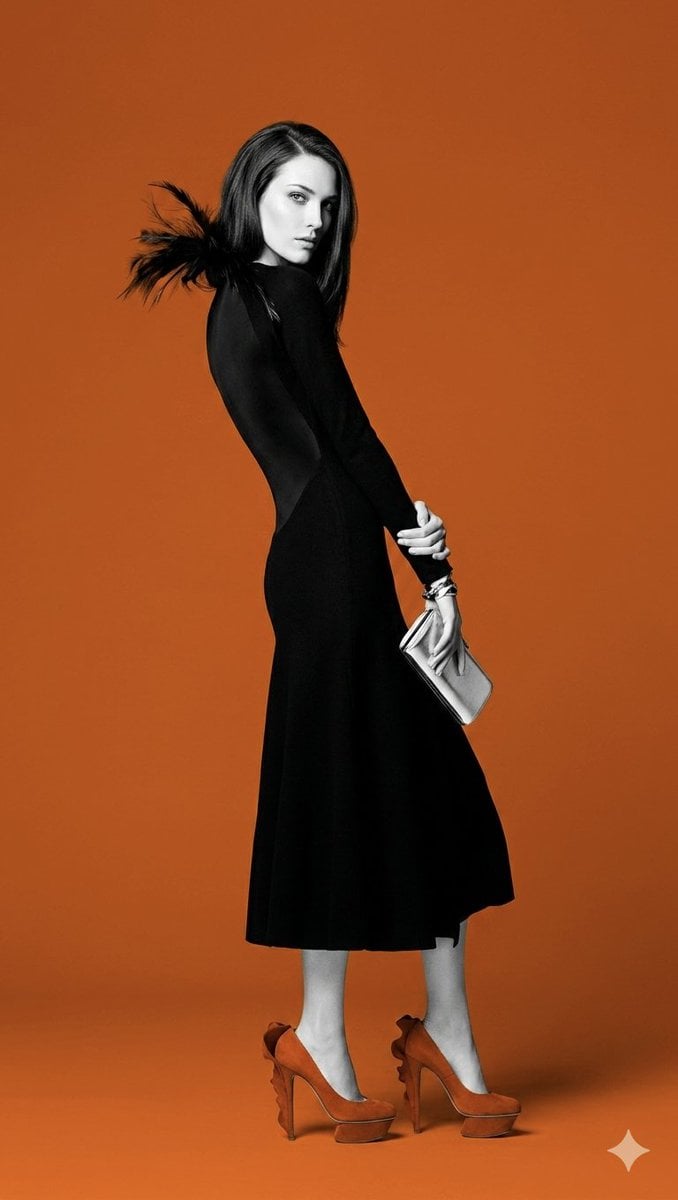
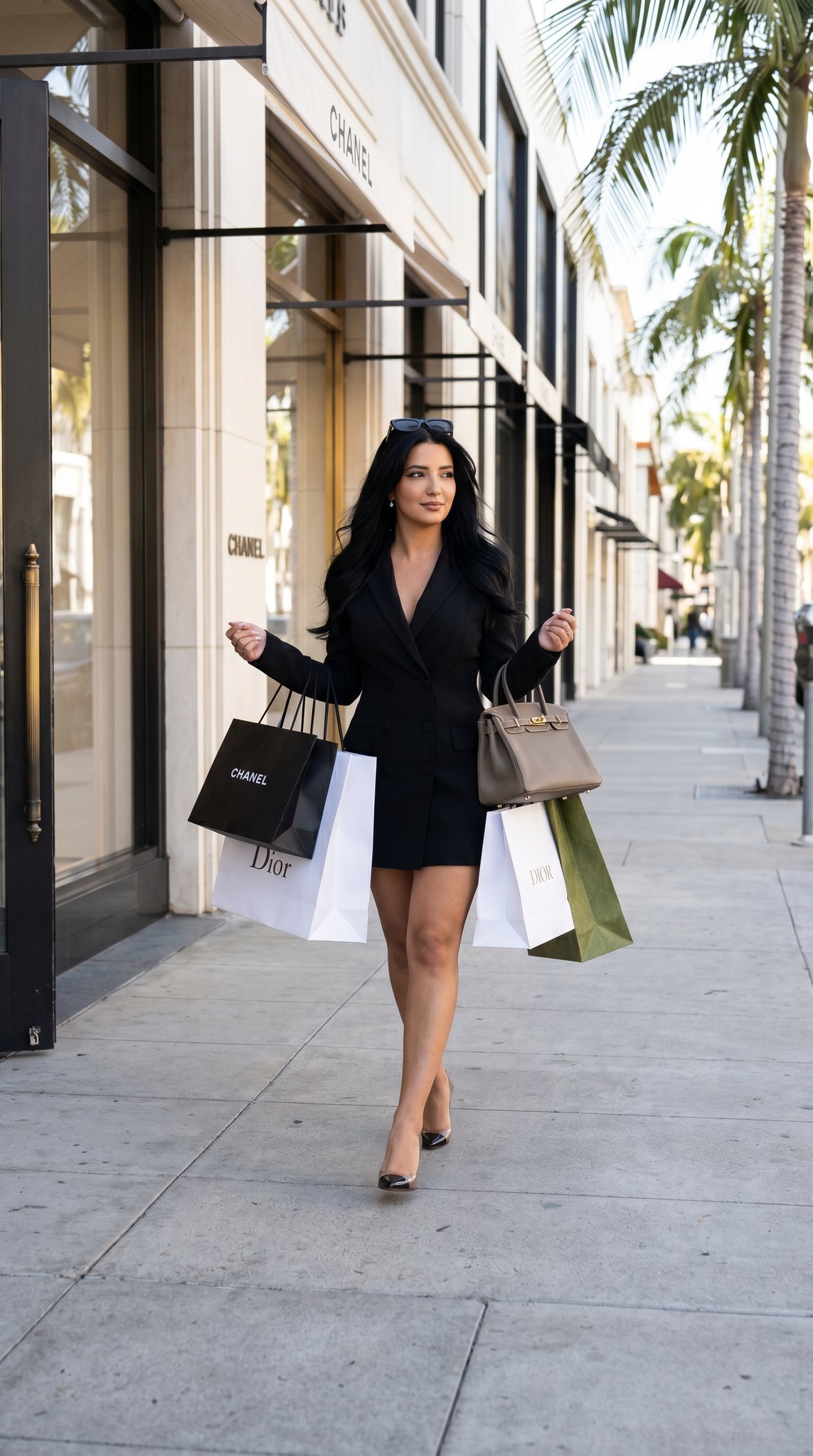
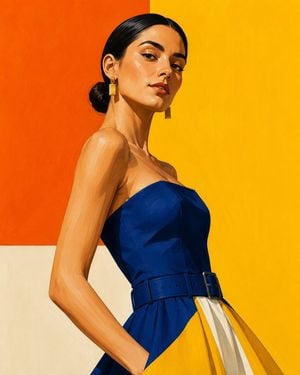
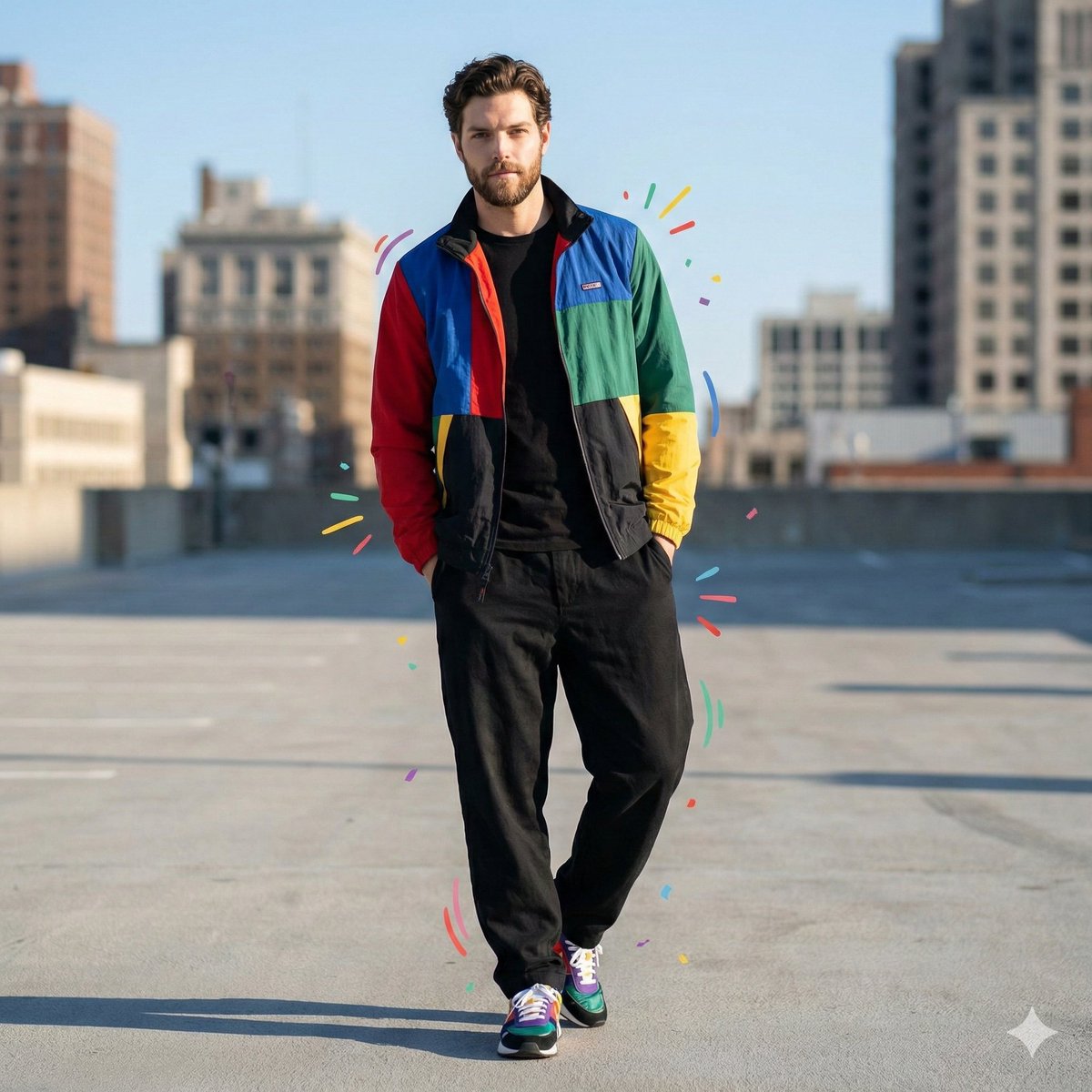
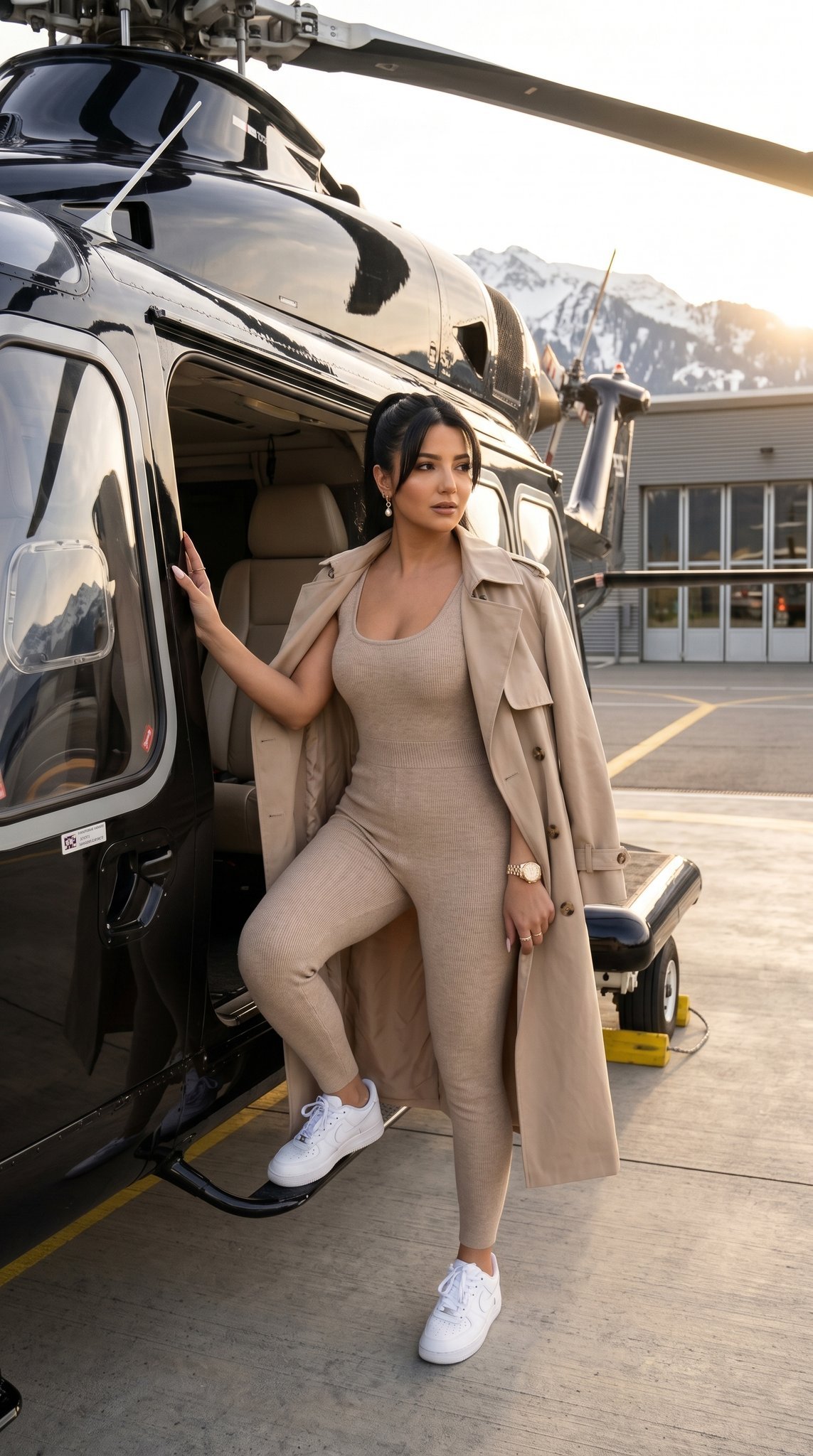
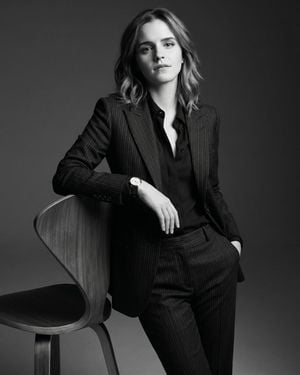
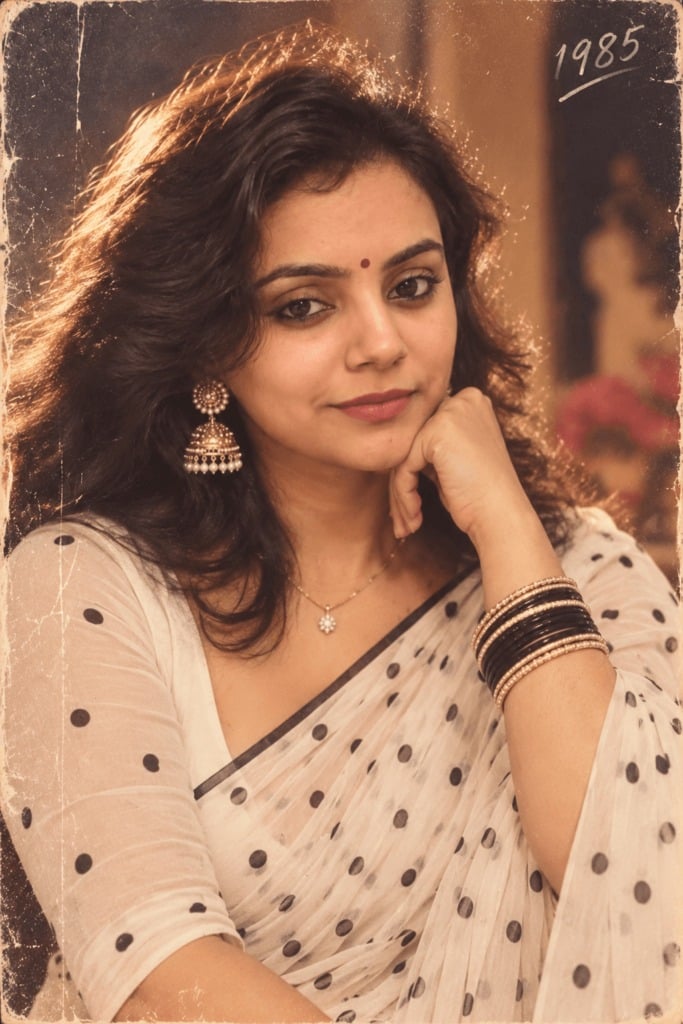
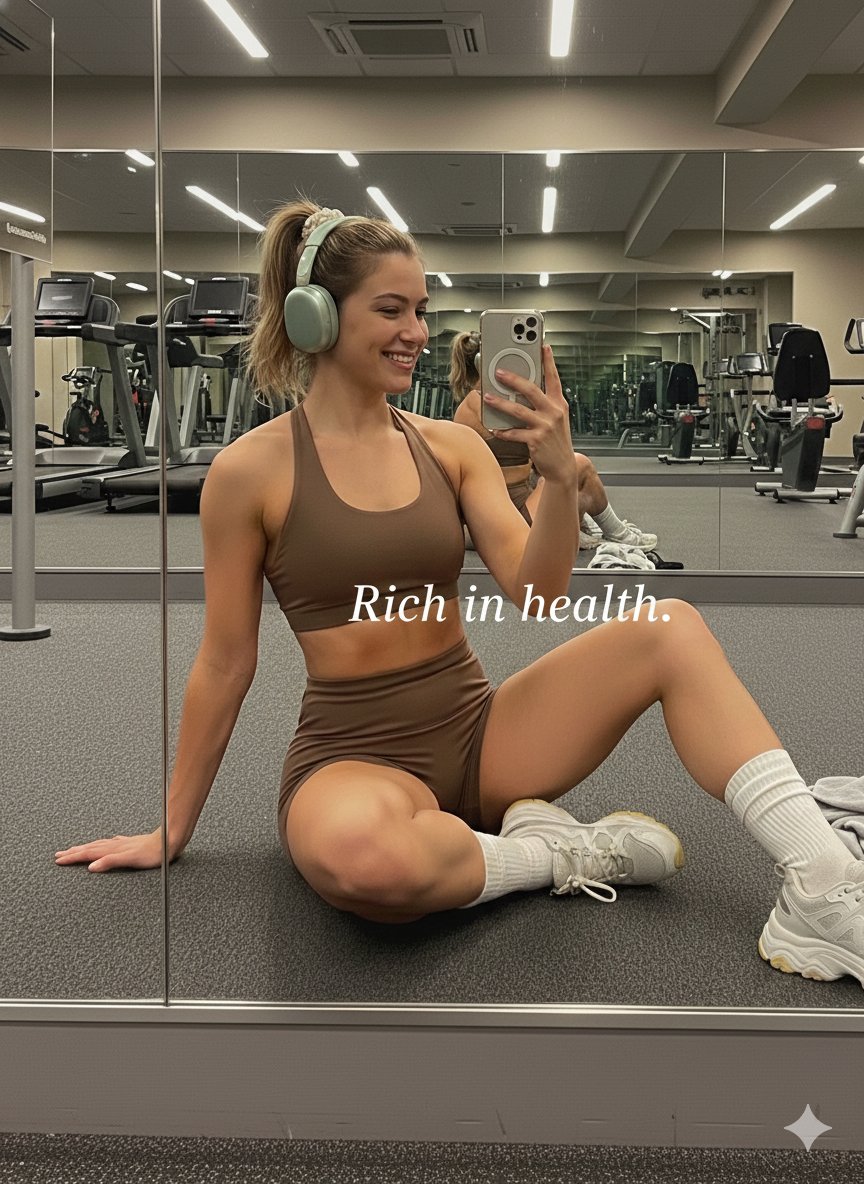
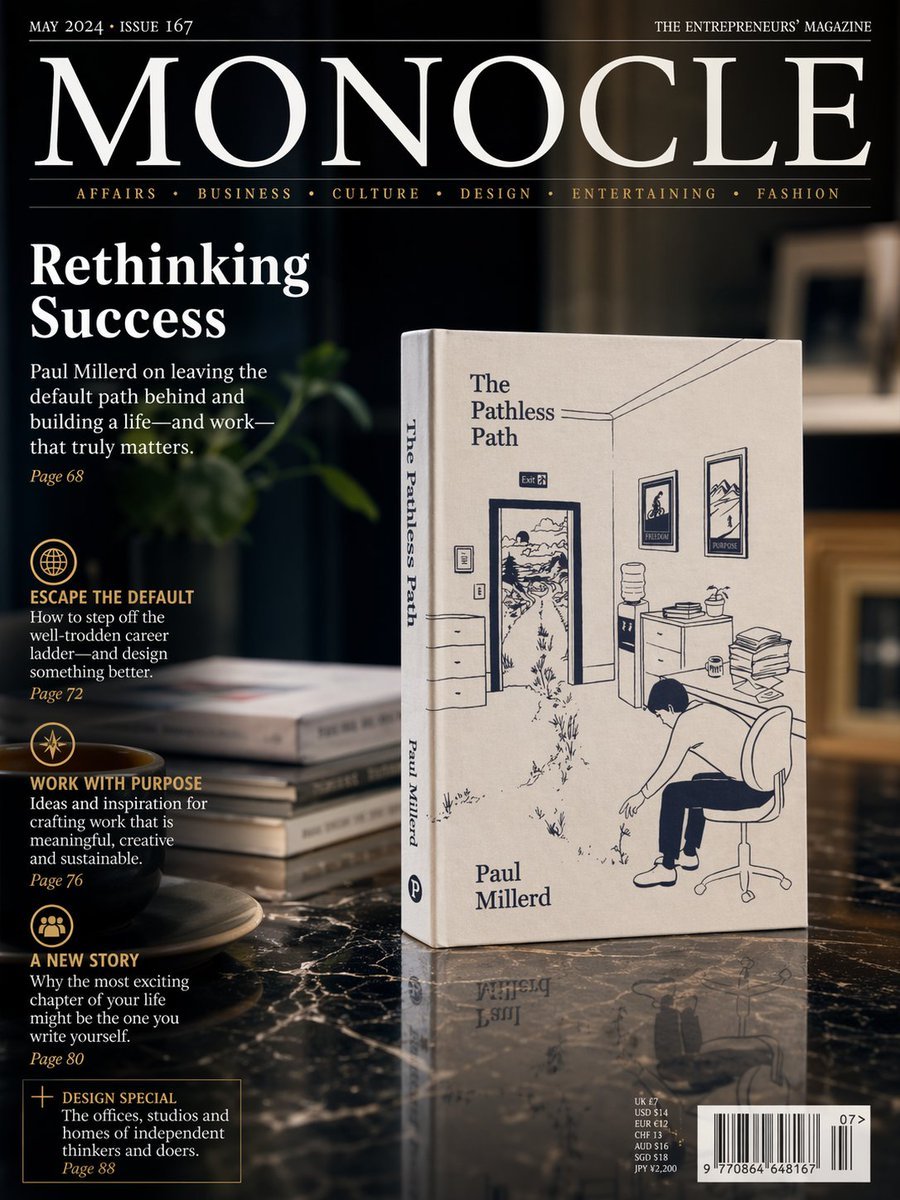
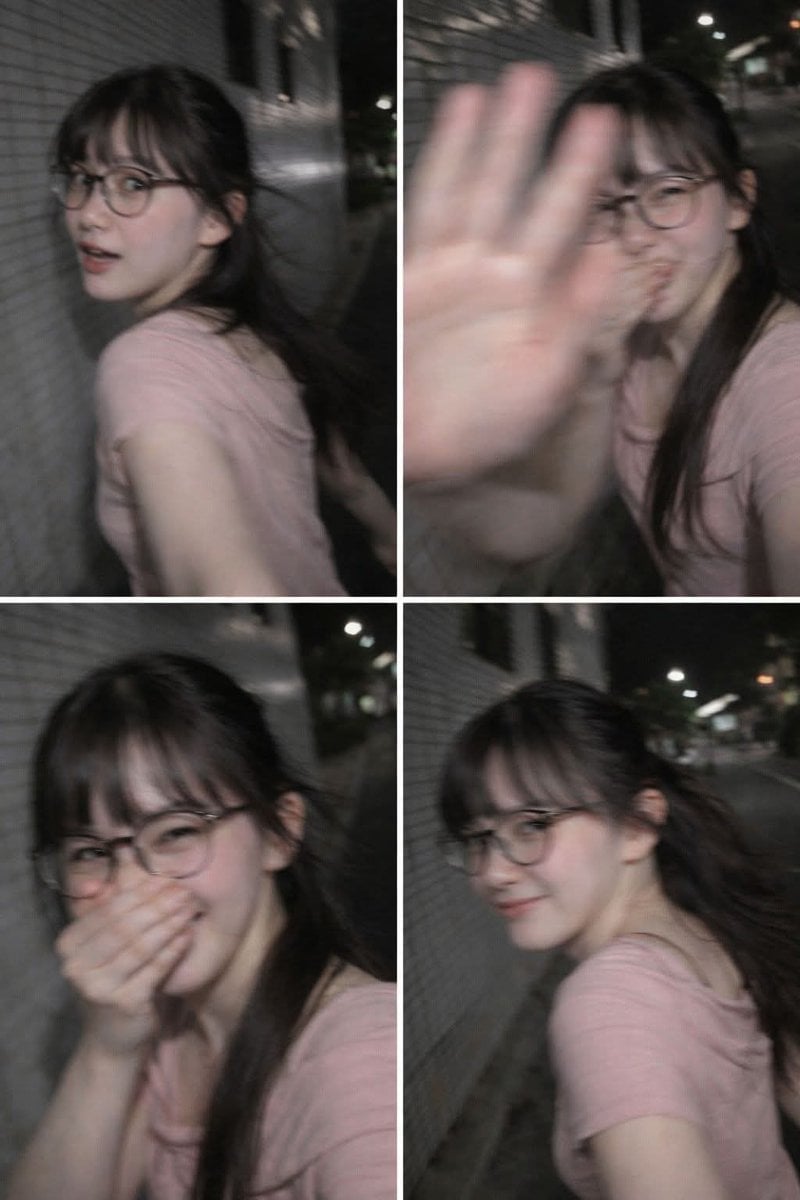
A high-end editorial prompt designed to generate a fashion campaign poster with one model displayed across multiple color-blocked panels in different designer outfits.

Luxury fashion campaign poster featuring the SAME model displayed in {argument name="panels" default="four vertical color blocks"}. Different designer outfits in every panel while maintaining identical facial identity. Studio spotlights, glossy floor reflections, fashion week advertising aesthetic, dramatic editorial lighting, high contrast, luxury branding, premium magazine cover design. clean composition, ultra-realistic photography, masterpiece.
Luxury fashion campaign poster featuring the SAME model displayed in {argument name="panels" default="four vertical color blocks"}. Different designer outfits in every panel while maintaining identical facial identity. Studio spotlights, glossy floor reflections, fashion week advertising aesthetic, dramatic editorial lighting, high contrast, luxury branding, premium magazine cover design. clean composition, ultra-realistic photography, masterpiece.
Edit the prompt in the box under the preview — the template's model and format are already selected — and press Generate. Your version appears right on this page.
Yes. You can change the subject, setting, lighting, mood, format, and available model controls before creating your image.
Opening and editing this template is free. Generating uses credits, shown on the Generate button when you are signed in.
Start with GPT Image 2, which is the model associated with this template. You can compare another compatible model for a different finish.
Follow a topic to a crawlable collection of related PicX Studio templates.