
Orange Ultra Power iPhone Ad Poster
Creates a premium Apple-style smartphone launch poster with a model, close-up orange phone, bold headline, and four feature cards.
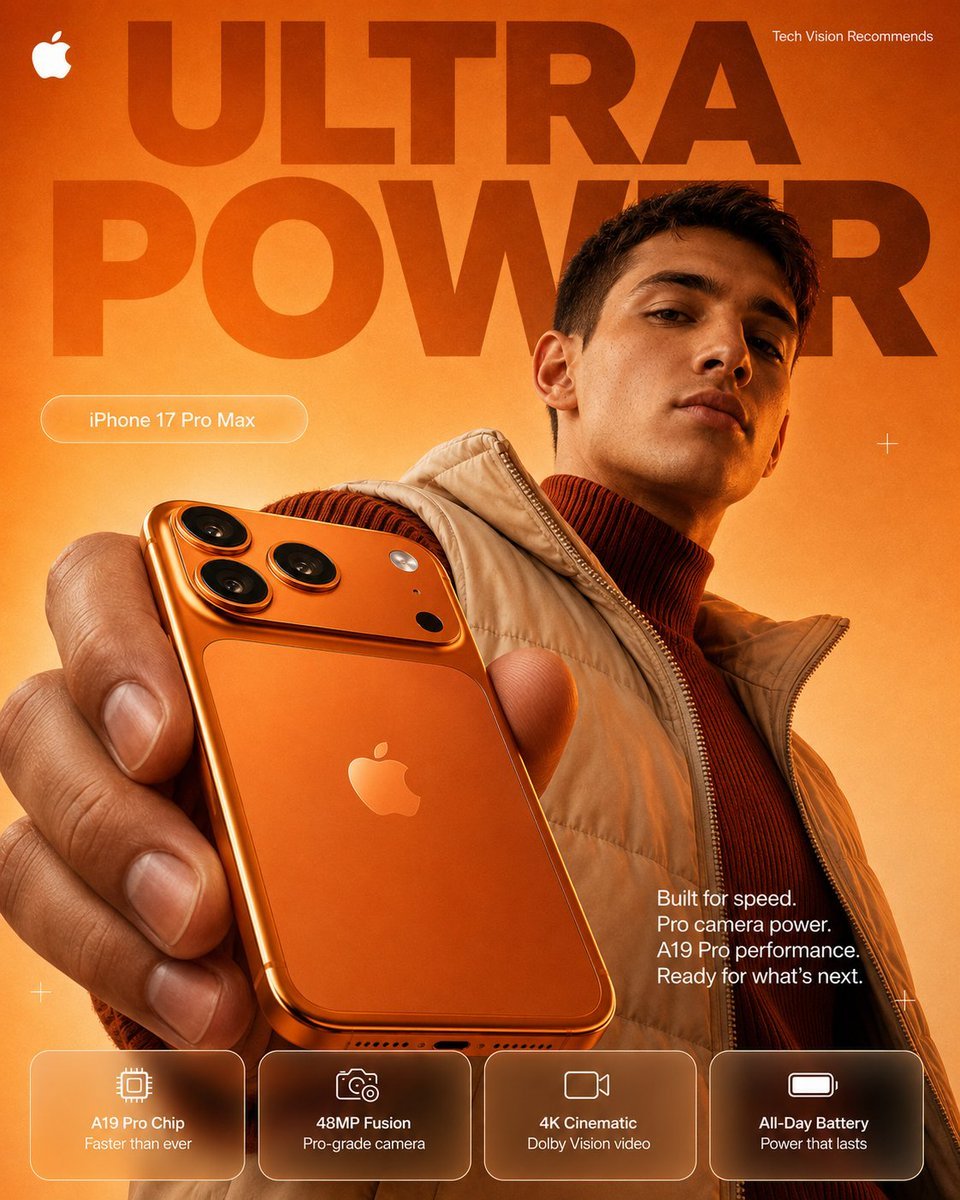
- Prompt included
- Model and format preset
- Free template
The prompt behind this image
Copy the exact prompt behind Orange Ultra Power iPhone Ad Poster, or open it in the studio and make it yours.
Goal: Create a premium Apple-style smartphone advertising poster for {argument name="product name" default="iPhone 17 Pro Max"}, emphasizing speed, pro camera power, and an orange ultra-premium colorway. Canvas: Vertical poster, 4:5 aspect ratio, high-resolution commercial product-ad composition. Use a warm orange-to-golden gradient background with subtle texture and dramatic studio lighting. Layout: A huge dark translucent headline fills the top and middle background in two stacked words: {argument name="headline text" default="ULTRA POWER"}. Place a small white Apple logo in the top-left corner and small white text in the top-right reading {argument name="recommendation text" default="Tech Vision Recommends"}. Place a rounded outlined pill label on the left reading the product name. Add small minimal white plus-sign crosshair accents around the poster. Main subject: A fashionable male model is positioned on the right, cropped from chest upward, wearing a tan puffer vest over a dark rust-red ribbed turtleneck. His face is intentionally covered by a solid medium-brown square censor block. His hand extends toward the camera from the lower-left foreground, holding a glossy orange iPhone-like device very close to the viewer, creating strong perspective and depth. The phone back is visible with a centered Apple logo, metallic orange body, rounded corners, and a raised square camera island with exactly 3 large black camera lenses, 1 small white flash, and 1 small black sensor. Text content: Add a white feature paragraph on the right side near the model’s torso: “Built for speed.\nPro camera power.\nA19 Pro performance.\nReady for what’s next.” At the bottom, create exactly 4 translucent rounded feature cards with thin white borders and simple white line icons. Card 1: microchip icon, “A19 Pro Chip”, “Faster than ever”. Card 2: camera icon, “48MP Fusion”, “Pro-grade camera”. Card 3: video camera icon, “4K Cinematic”, “Dolby Vision video”. Card 4: battery icon, “All-Day Battery”, “Power that lasts”. Visual style: Hyper-realistic product photography mixed with clean tech-poster graphic design, bold Apple keynote aesthetic, glossy reflections, warm highlights, shallow depth of field, crisp typography, high contrast, premium advertising finish. Constraints: Keep the palette dominated by orange, amber, rust, tan, and white. Use exactly 4 bottom feature cards and exactly 5 phone camera-area components as listed. Do not add extra logos, extra cards, watermarks, or unrelated text.
How to use Orange Ultra Power iPhone Ad Poster in 3 steps
- 1Upload ImagePNG, JPG or paste
Add your photo
Upload the photo the template builds on. The prompt, model and format are already set.
- 2…a portrait of your subject in softgolden-hour light, 85mm…
Personalize
Edit the subject and creative details for your destination.
- 3Generate
Generate
Press Generate — your image is created in PicX Studio, so you can compare it with the original and refine one variable at a time.
More like this
Templates with the same subject, style or setup. Open one to see its prompt.

Brazil Passion Power Shot Poster

Japan Travel Brochure Poster

Cartoon TV Show Poster Pack

Trendy Cafe Drink Promo Poster

Urban Fashion Editorial Collage Streetwear Poster

Premium Fashion Editorial Cover Layout System

Polo Ralph Lauren Luxury American Heritage Fashion Campaign

Monochrome Halftone Editorial Fashion Poster

Retro Mirror Luxury Fashion Campaign Poster

Luxury Fashion Campaign Typography Poster System

Premium Fashion Editorial Campaign Poster System

Ultra-Stylized High-Fashion Streetwear Poster
Make it yours
Orange Ultra Power iPhone Ad Poster works as-is. These are the safest ways to change it without losing the look.
Change one field
Copy a single group, rewrite it, and generate again so you can see what that field is doing.
Keep the frame, change the subject
Hold the composition and light of Orange Ultra Power iPhone Ad Poster, then swap wardrobe, props or the person for a new take.
| If the result… | Why | Fix |
|---|---|---|
| The result drifts from the preview | Too many fields changed at once. | Reuse Orange Ultra Power iPhone Ad Poster as-is first, then change one group — subject, light, or setting. |
| The model over-stylizes the scene | The prose prompt leaves finish and camera underspecified. | Add one camera or lighting sentence and stay on GPT Image 2. |
More GPT Image 2 templates
Other prompts made for GPT Image 2.

Six VTuber Japanese Logo Sheet

Realistic Portrait of Woman and Deer

The Vista Modular Condo Poster

AI Model Routing Comparison Infographic

2.5D Anime Art Board

Isometric Productivity Desk Scene

New York Double Exposure Poster

Four-Panel AI Landscape Comparison

Japanese Tatami Lifestyle Magazine Cover

NESCAFÉ Coffee Map Poster
More image prompts
Fresh picks from across the catalog.
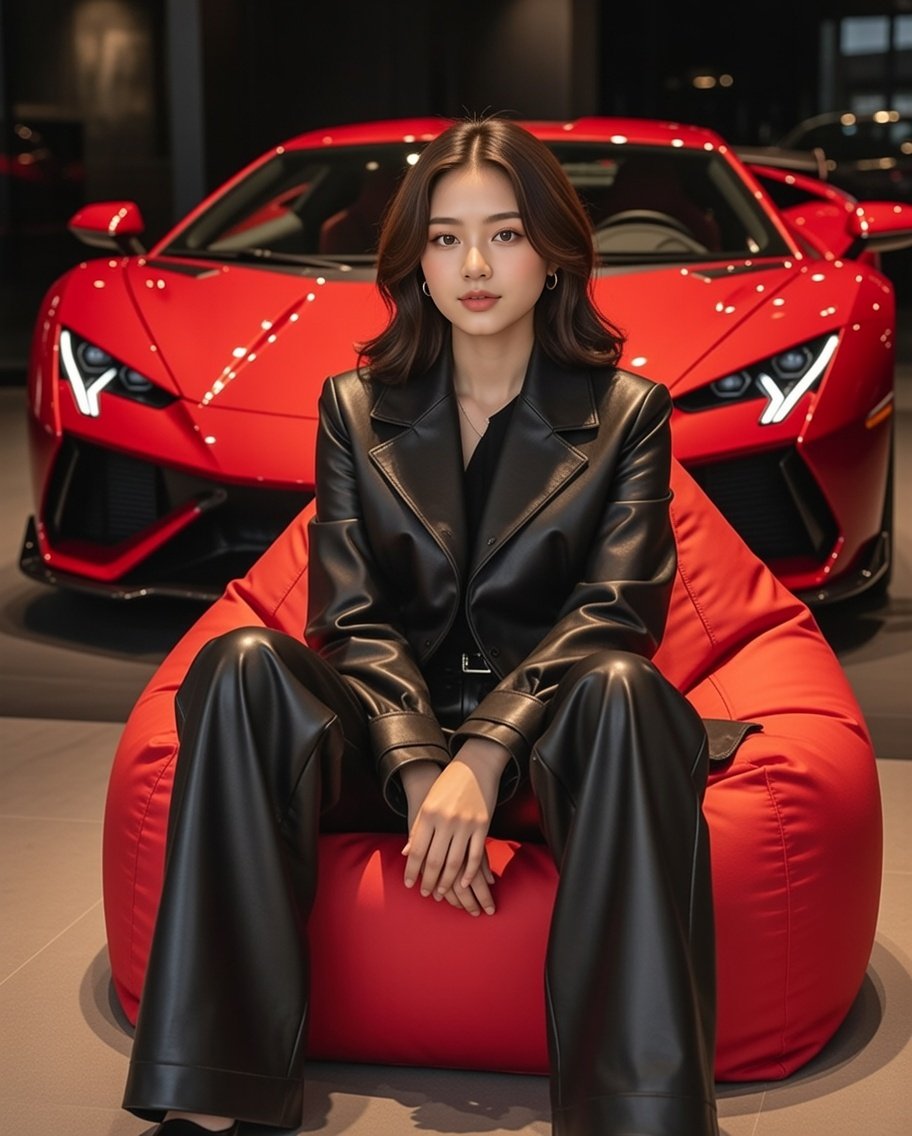
Luxury Showroom Scene with Red Supercar and All-Black Outfit

Summon Dash Roblox Fantasy Thumbnail
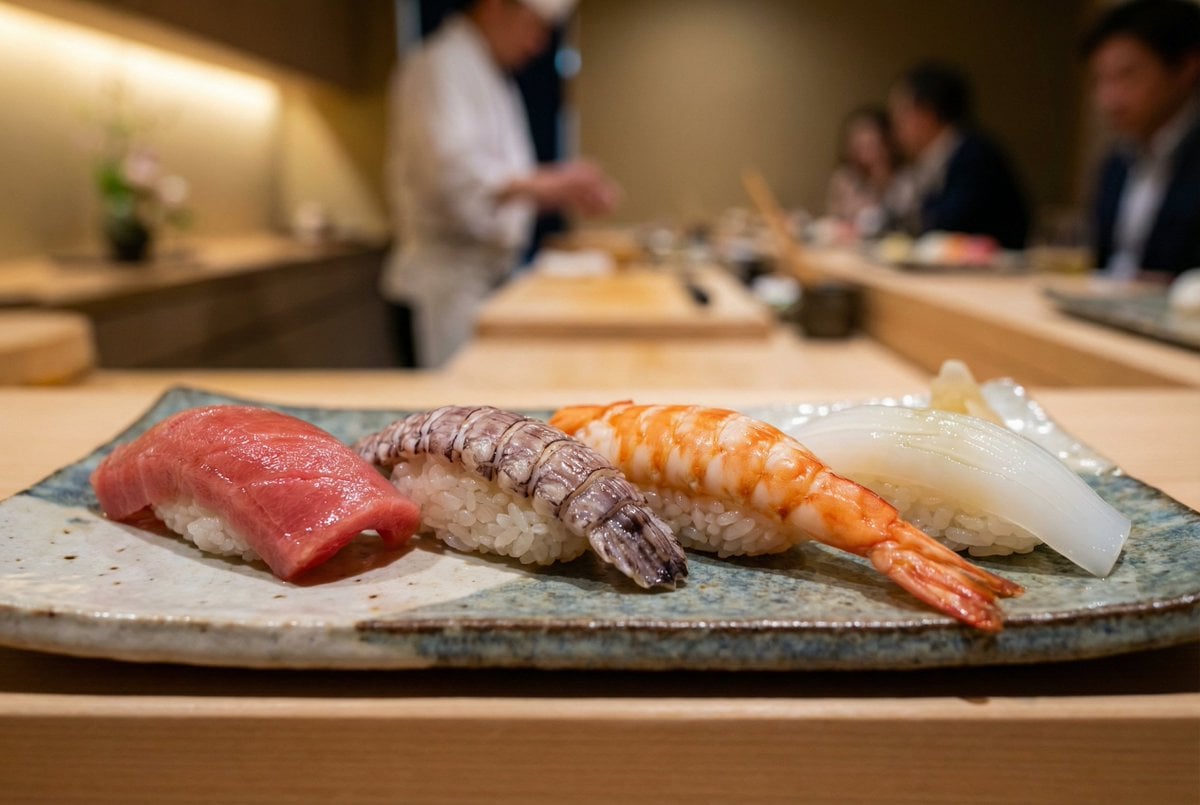
Controlling Lighting in Image Generation

High-Contrast Street Fashion Editorial Portrait

Athena vs. Enceladus Greek Mythology Prompt

Image cleanup and colorization for old photographs

3x3 Keyframe Grid Generation for Video Workflow

Crumpled Fabric Editorial Poster
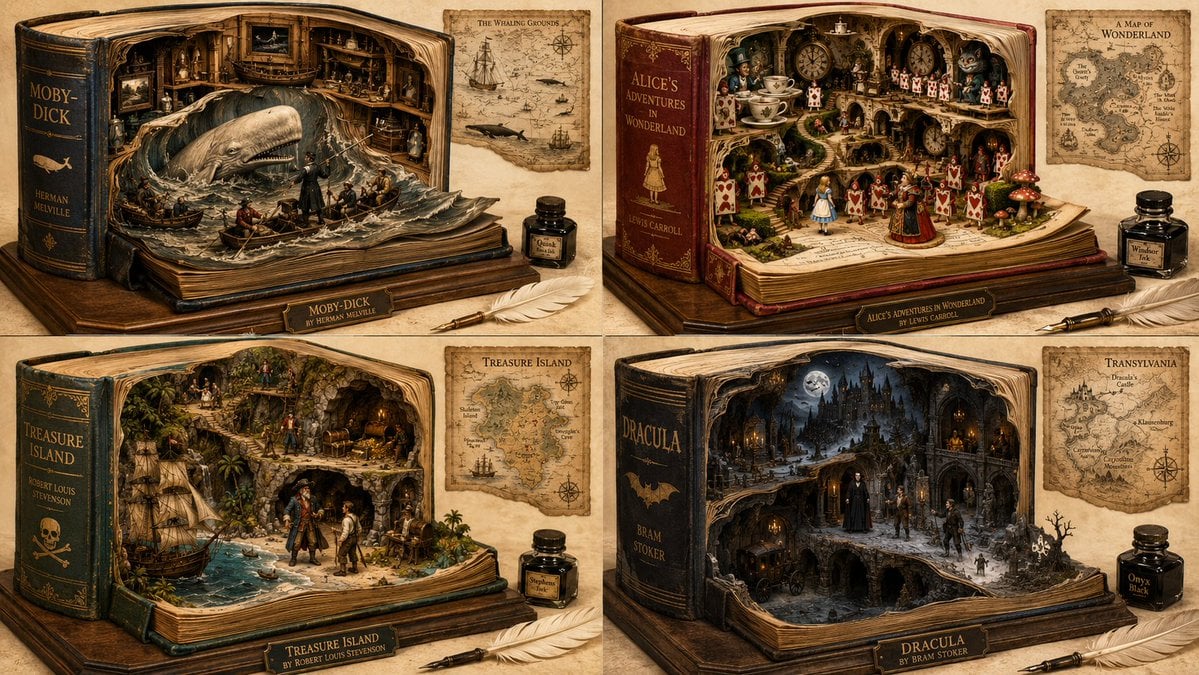
Magical Fantasy Book Diorama Grid
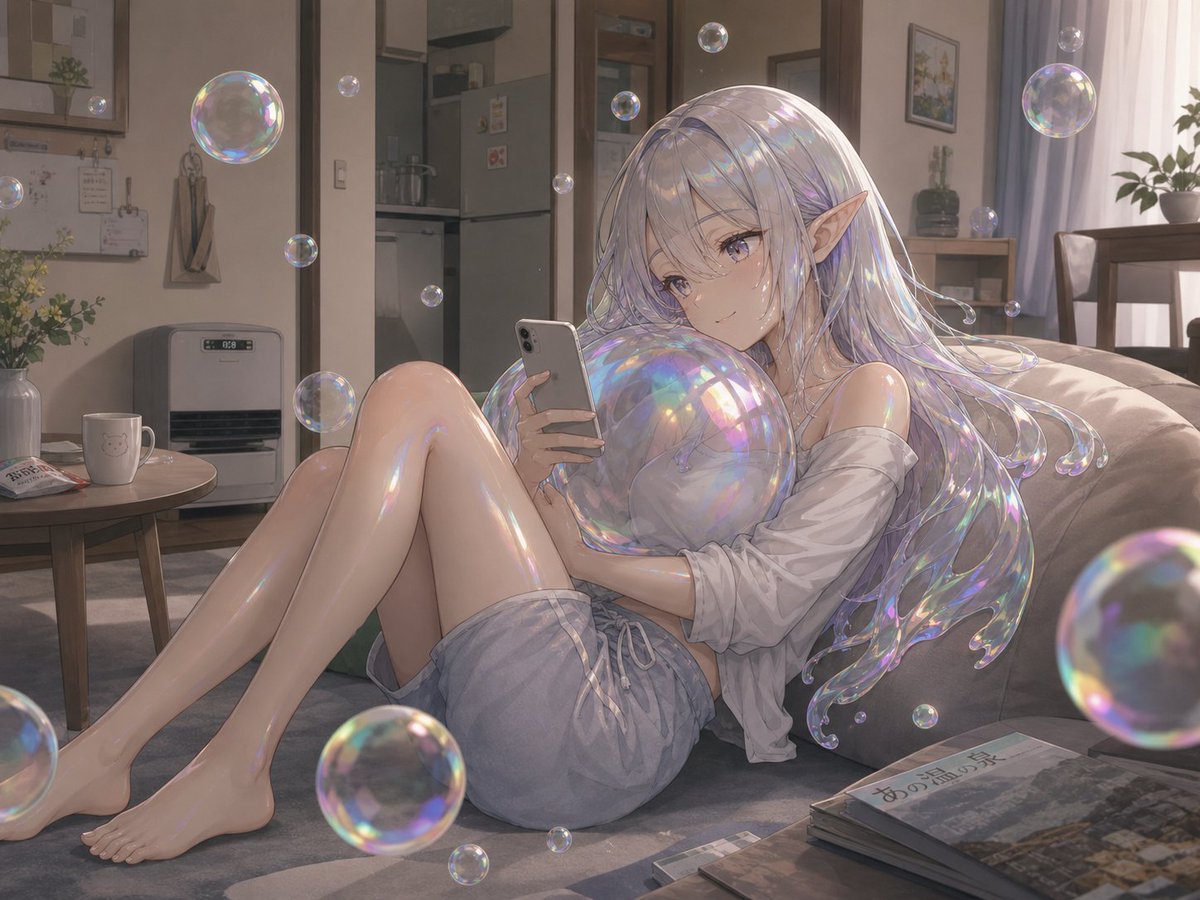
Soap Bubble Elf in Cozy Apartment
Browse template categories
Orange Ultra Power iPhone Ad Poster questions
How do I use the Orange Ultra Power iPhone Ad Poster template?
Add your photo if the template asks for one, edit the prompt if you like — the template's model and format are already selected — and press Generate. Your version opens in PicX Studio.
Can I customize the Orange Ultra Power iPhone Ad Poster template?
Yes. You can change the subject, setting, lighting, mood, format, and available model controls before creating your image.
Is the Orange Ultra Power iPhone Ad Poster template free?
Opening and editing this template is free. Generating uses credits, shown on the Generate button when you are signed in.
Which AI model should I use?
Start with GPT Image 2, which is the model associated with this template. You can compare another compatible model for a different finish.
Looking for something else? Browse all templates.

Your photo, any look
Thousands of ready templates for every top image and video model, from one credit balance.