
Crumpled Fabric Editorial Poster
A creative editorial poster prompt using typography cut through crumpled fabric, creating a high-fashion magazine cover aesthetic.
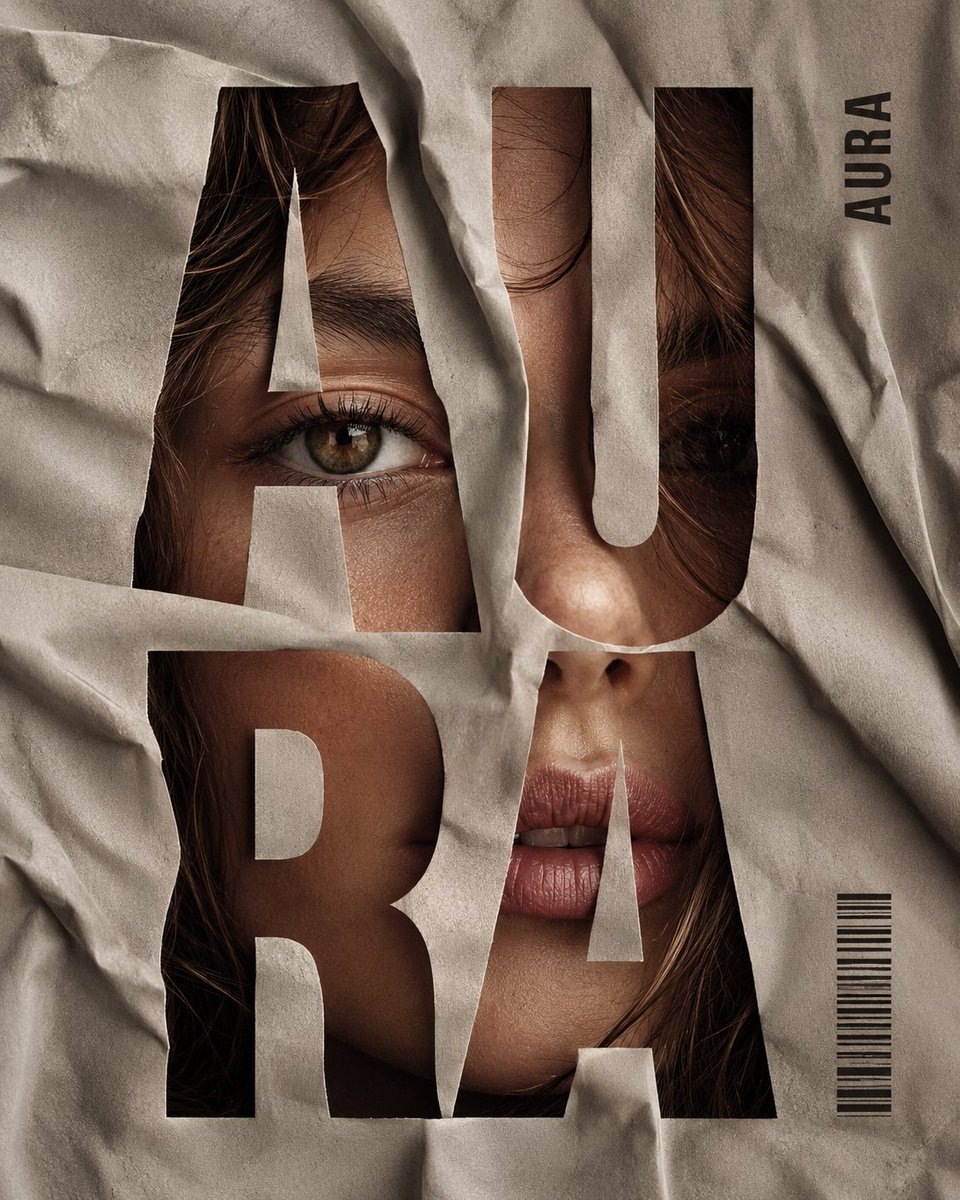
- Prompt included
- Model and format preset
- Free template
The prompt behind this image
Copy the exact prompt behind Crumpled Fabric Editorial Poster, or open it in the studio and make it yours.
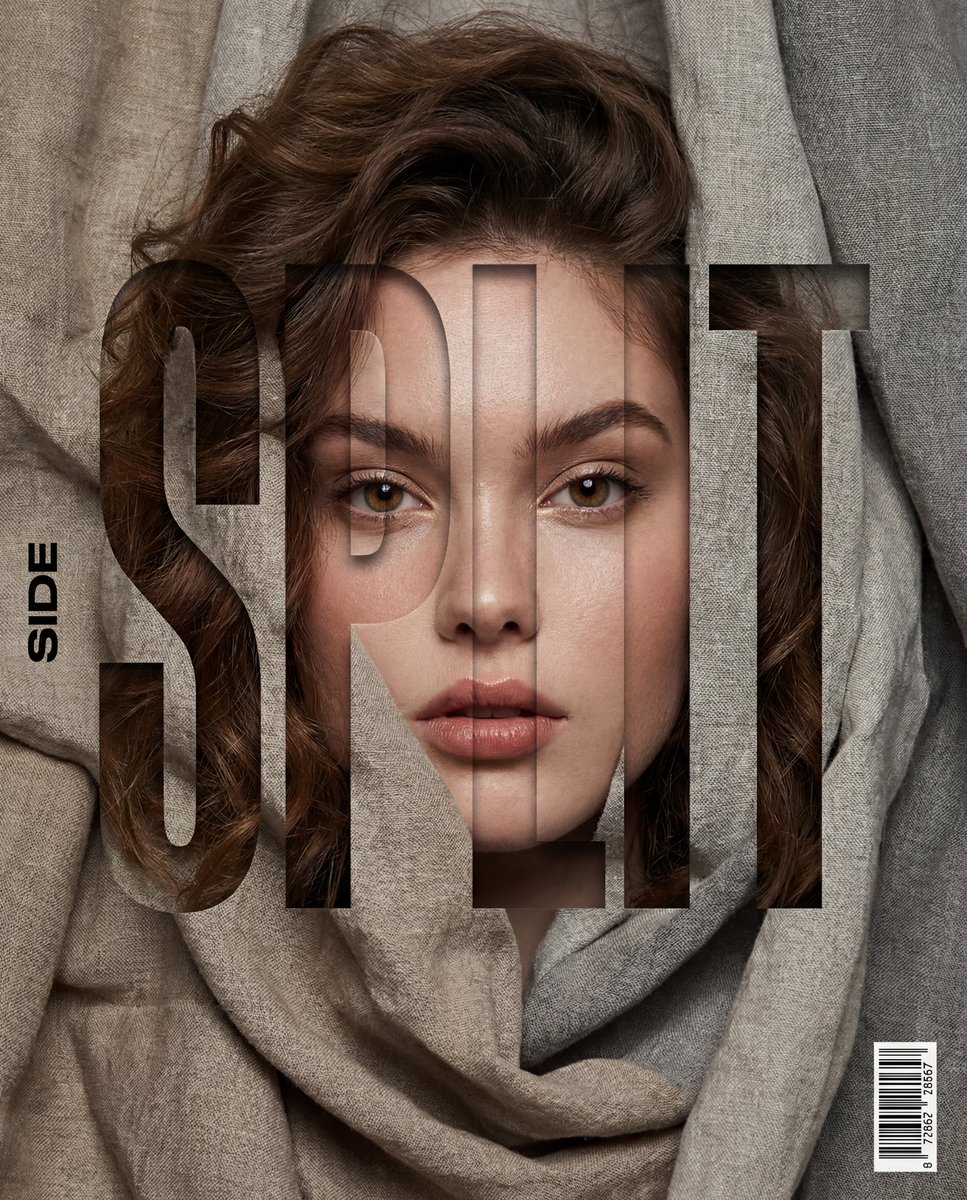
Vertical editorial poster portrait of {argument name="character" default="[CHARACTER]"} with {argument name="hair style" default="[HAIR]"}, face tightly framed behind crumpled {argument name="fabric" default="[FABRIC]"}, oversized bold condensed sans-serif typography cut through the fabric spelling “[SPLIT]” in stacked syllables across the whole image, eyes, nose and lips visible through the letter openings, small vertical side word “[SIDE]”, tiny barcode block near the lower right, high-fashion beauty lighting, realistic skin texture, soft shadows in the folds, muted [PALETTE], clean magazine-cover composition, sharp typography hierarchy, premium print finish, no extra words, no messy layout, no cartoon style, no 3D render, ar 4:5
How to use Crumpled Fabric Editorial Poster in 3 steps
- 1
Open
The prompt is already in the box next to the preview, with the template's model and format selected.
- 2…a portrait of your subject in softgolden-hour light, 85mm…
Personalize
Edit the subject and creative details for your destination.
- 3Generate
Generate
Press Generate — your image is created in PicX Studio, so you can compare it with the original and refine one variable at a time.
More like this
Templates with the same subject, style or setup. Open one to see its prompt.

Ethereal Dream Editorial Through Fabric Portrait
Fabric Collage Travel Memory Poster
Retro Fabric Patchwork Art Poster

Japan Travel Brochure Poster
Typography Fabric Poster Template

Cartoon TV Show Poster Pack
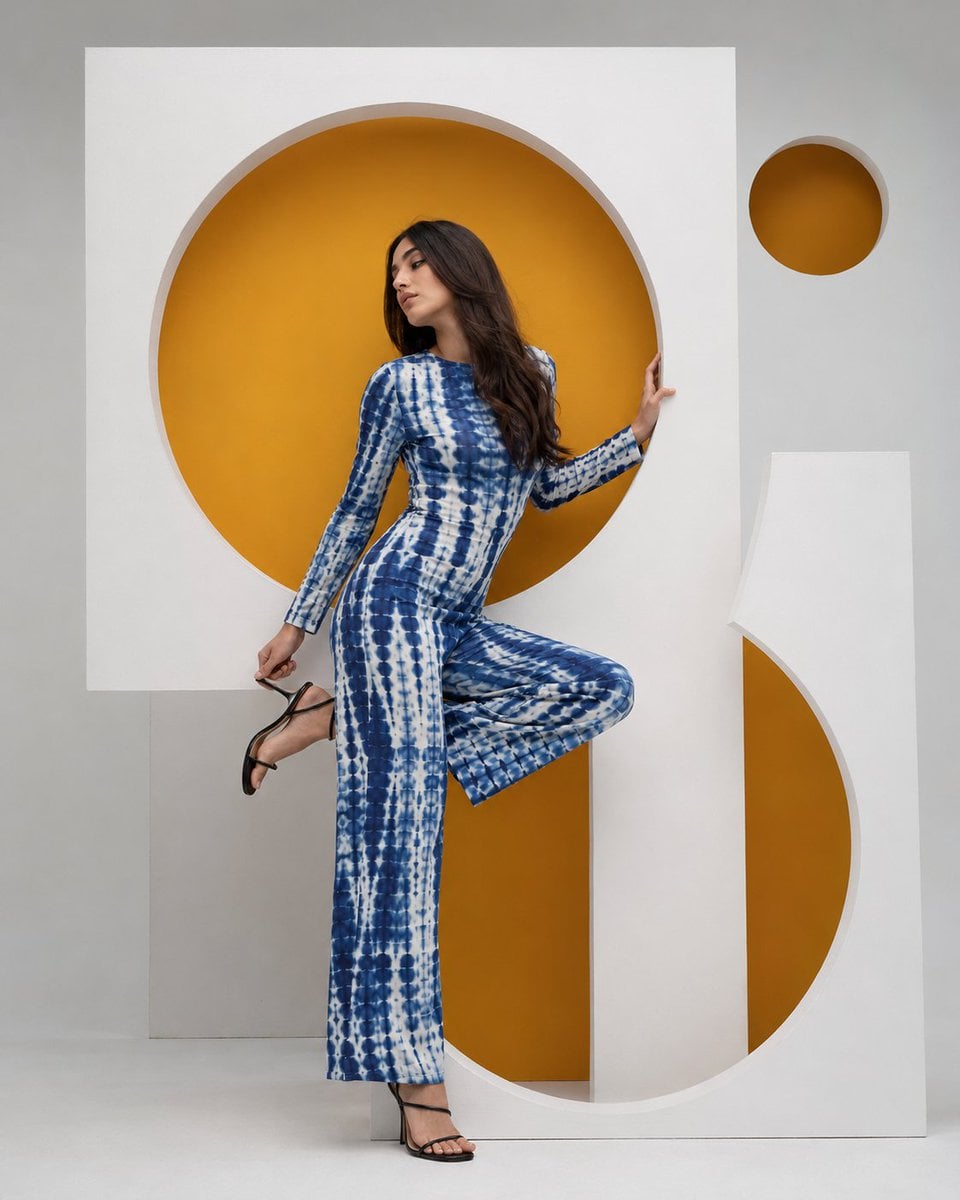
High-Fashion Bauhaus Geometric Cutout Editorial

Spider-Man Night Swing New York Cinematic

Gpt2 Product Marketing Streetwear Sneaker Poster Ad

Gpt2 Product Marketing Japanese Chinese Food Delivery Flyer

Gpt2 Youtube Thumbnail Wuxia Movie Character Posters

Gpt2 Youtube Thumbnail Anime Music Bootcamp Promo Poster
Make it yours
Crumpled Fabric Editorial Poster works as-is. These are the safest ways to change it without losing the look.
Change one field
Copy a single group, rewrite it, and generate again so you can see what that field is doing.
Keep the frame, change the subject
Hold the composition and light of Crumpled Fabric Editorial Poster, then swap wardrobe, props or the person for a new take.
| If the result… | Why | Fix |
|---|---|---|
| The result drifts from the preview | Too many fields changed at once. | Reuse Crumpled Fabric Editorial Poster as-is first, then change one group — subject, light, or setting. |
| The model over-stylizes the scene | The prose prompt leaves finish and camera underspecified. | Add one camera or lighting sentence and stay on GPT Image 2. |
More GPT Image 2 templates
Other prompts made for GPT Image 2.
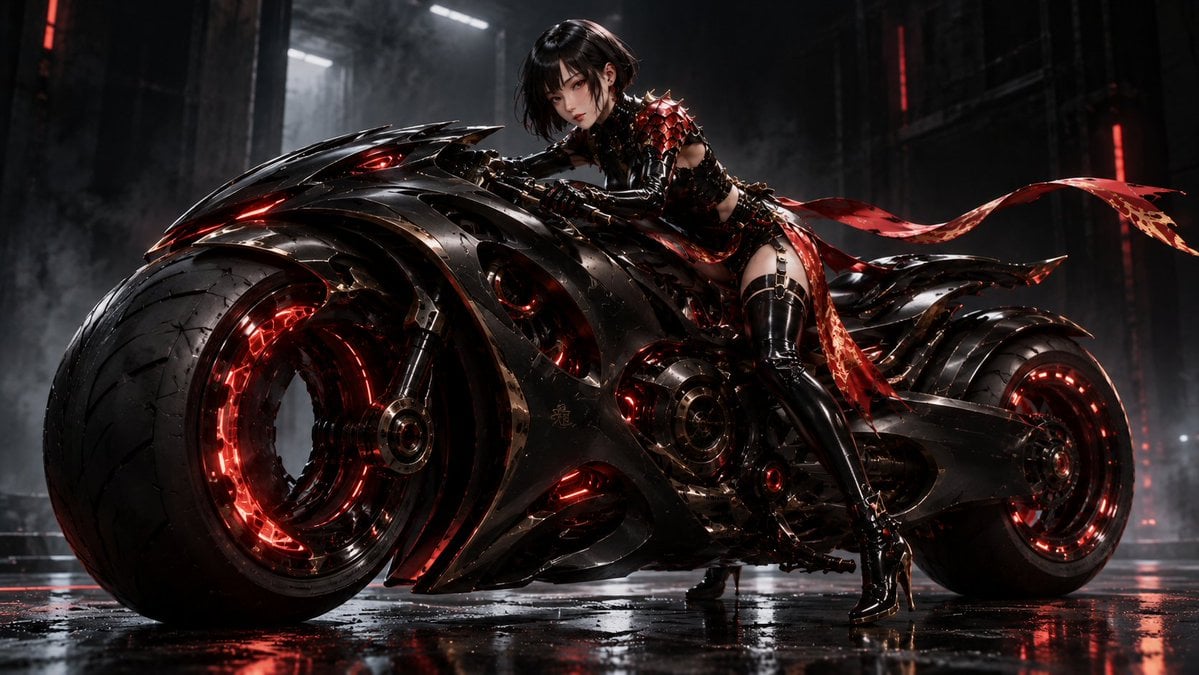
Futuristic Void Fang Mech
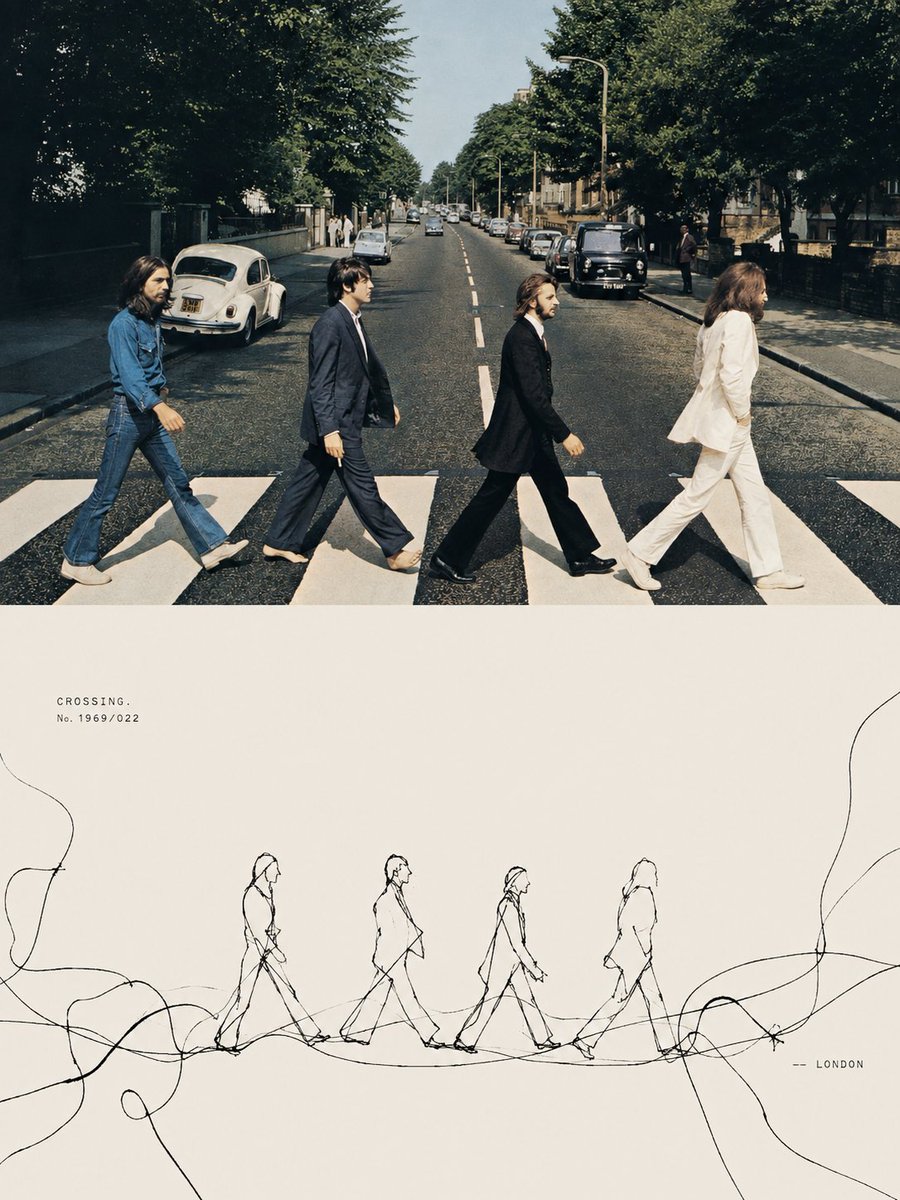
Tension Line Art Concept Poster
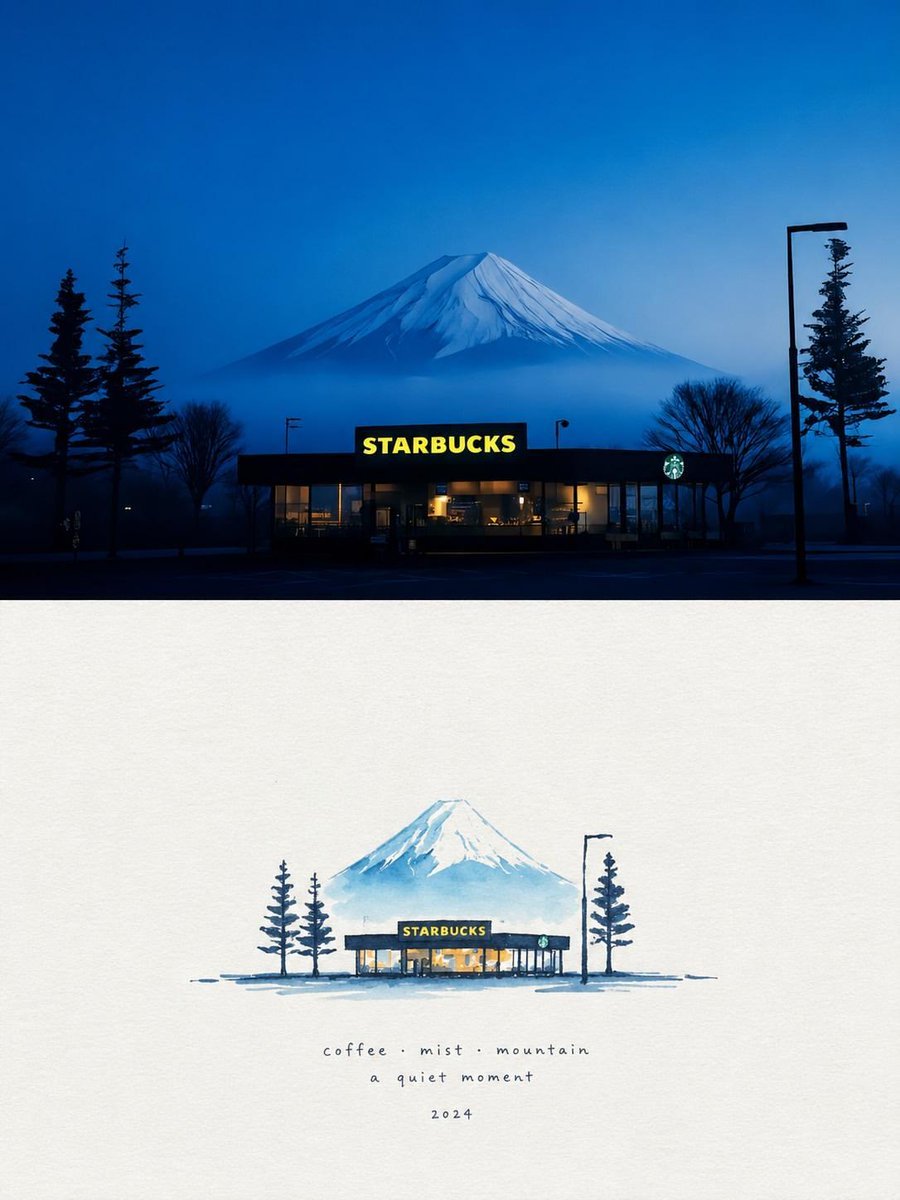
Starbucks Mountain Watercolor Comparison

Six VTuber Japanese Logo Sheet

Luxury ABKR Portrait Poster
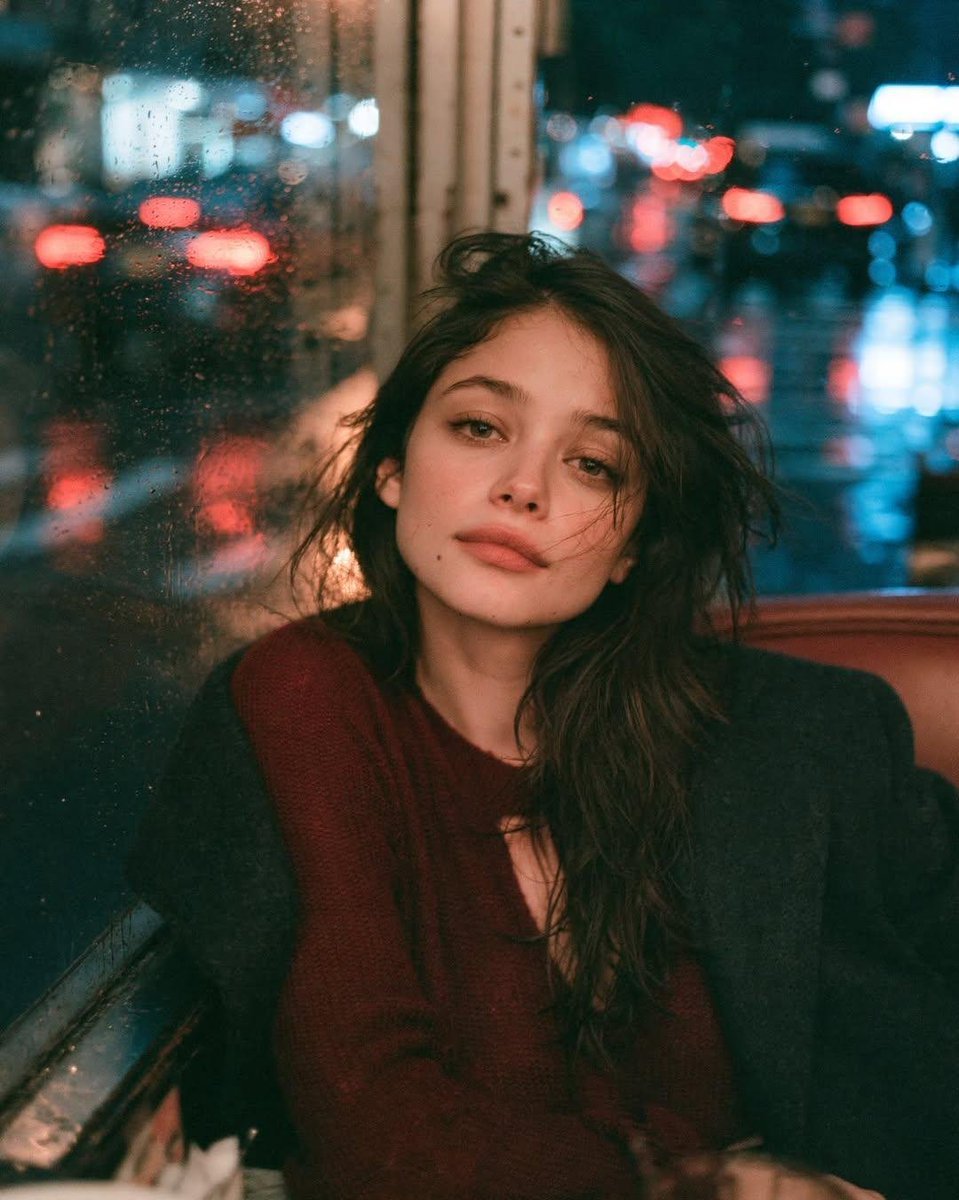
Rainy Night Vintage Diner Portrait
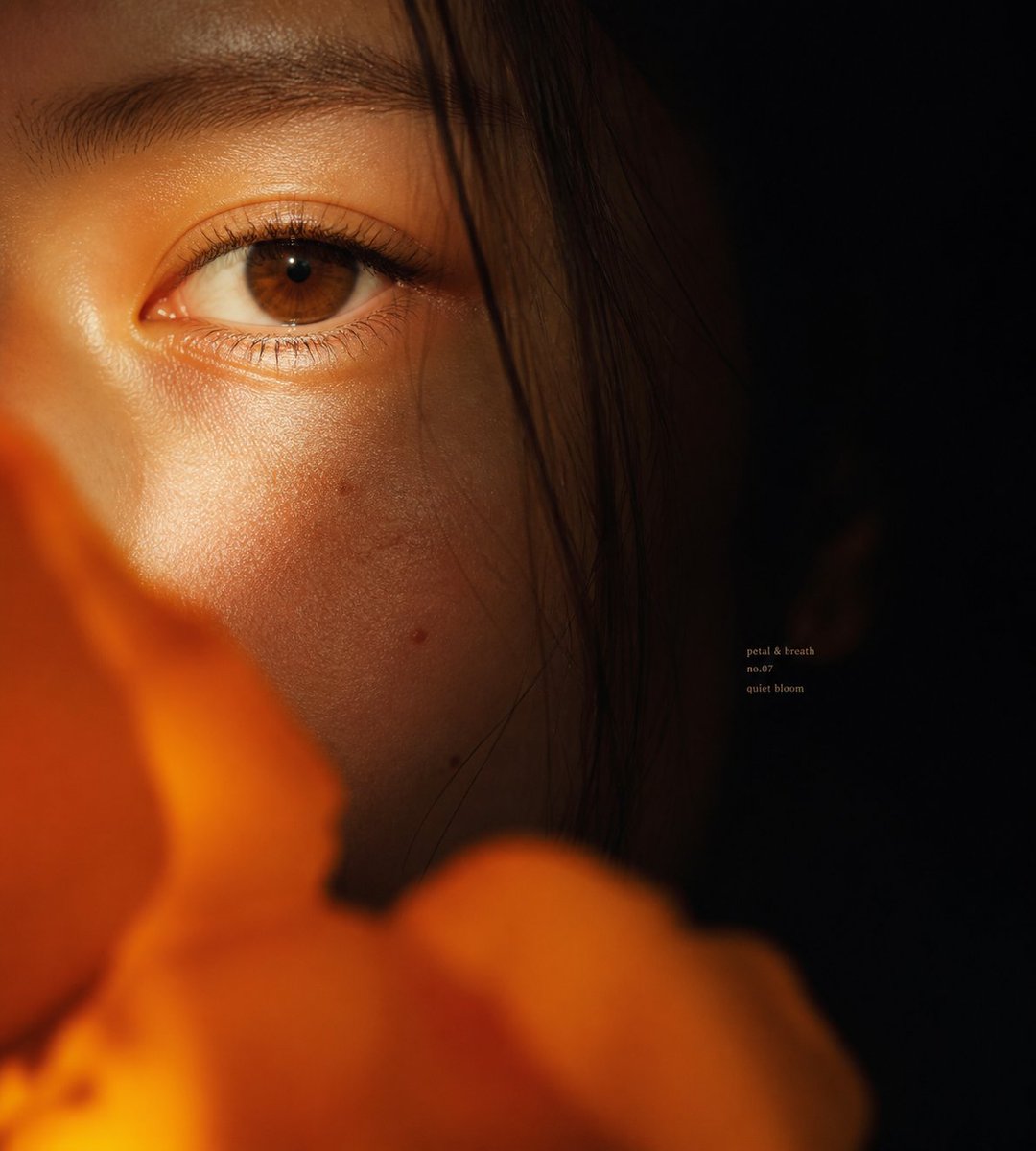
Intimate Flower Petal Macro Portrait
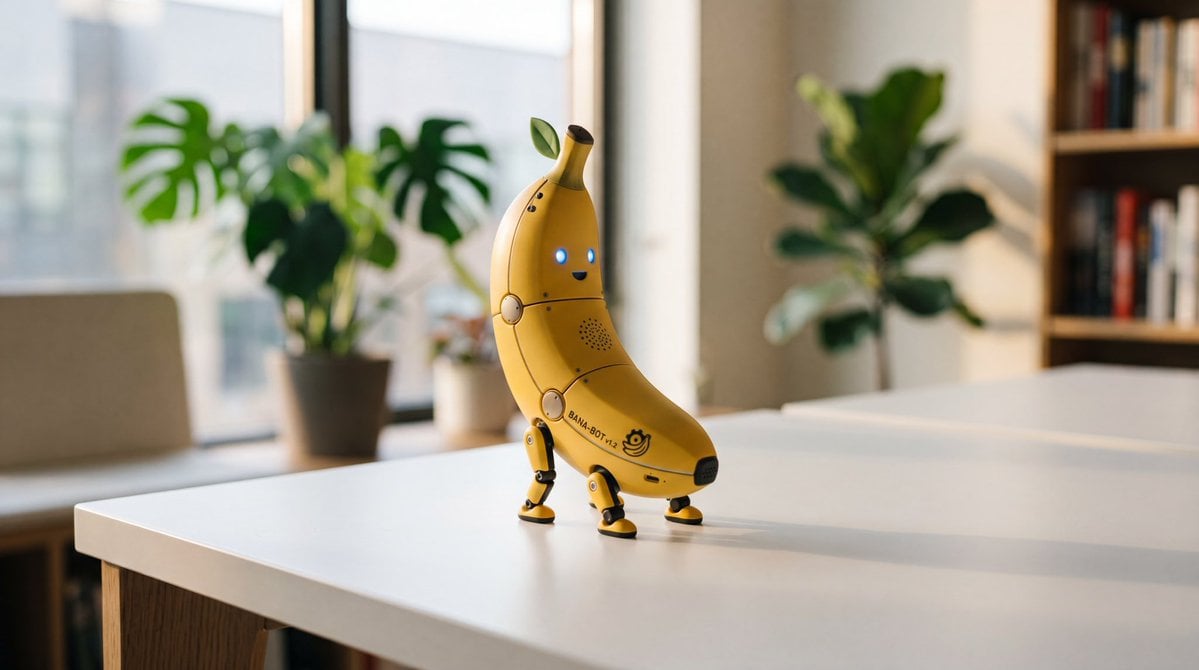
Cute Banana Robot on Table
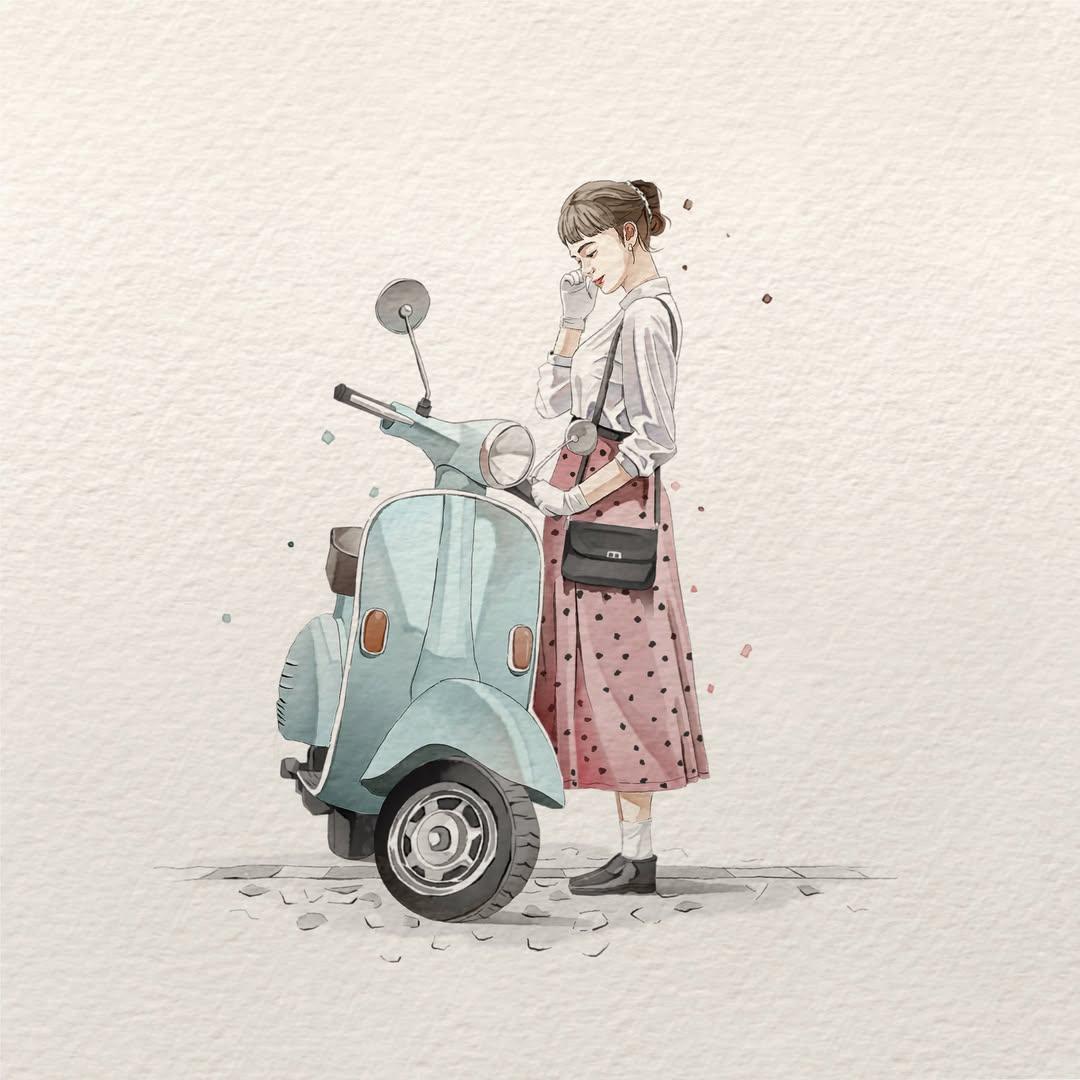
Watercolor Fashion Illustration Aesthetic

Sunlit Orchard Girl With Apples
More image prompts
Fresh picks from across the catalog.
Vintage Mediterranean Herb Poster
Hand-Drawn Linear Sketch Art
New Year's Eve Soba and Tempura Image Prompt
Minimal Game Engine Skybox Scene

Instagram Story with Annotations
Line Art Illustration Style
Hyper-Detailed Prone Selfie with Anatomical Realism
HD Cinematic Bollywood Poster with Dual Image Composition
Thoughtful Systems Presentation Cover
Semi-Pixel Armored Warrior
Browse template categories
Crumpled Fabric Editorial Poster questions
How do I use the Crumpled Fabric Editorial Poster template?
Add your photo if the template asks for one, edit the prompt if you like — the template's model and format are already selected — and press Generate. Your version opens in PicX Studio.
Can I customize the Crumpled Fabric Editorial Poster template?
Yes. You can change the subject, setting, lighting, mood, format, and available model controls before creating your image.
Is the Crumpled Fabric Editorial Poster template free?
Opening and editing this template is free. Generating uses credits, shown on the Generate button when you are signed in.
Which AI model should I use?
Start with GPT Image 2, which is the model associated with this template. You can compare another compatible model for a different finish.
Looking for something else? Browse all templates.

Your photo, any look
Thousands of ready templates for every top image and video model, from one credit balance.