
Hand-Drawn Linear Sketch Art
A complex prompt for generating delicate line drawings on paper with precise color annotations and a manuscript feel.
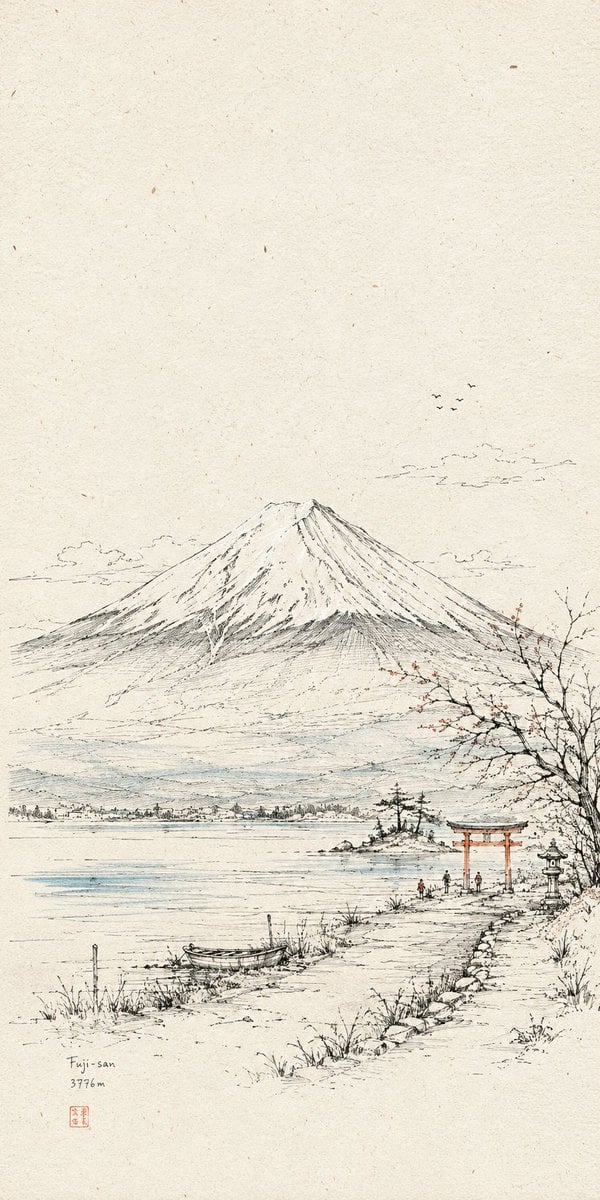
- Prompt included
- Model and format preset
- Free template
The prompt behind this image
Copy the exact prompt behind Hand-Drawn Linear Sketch Art, or open it in the studio and make it yours.
Generate a paper line-drawing visual work built around a specific theme/content: the image should first use extremely fine, slightly hand-drawn, trembling lines to establish the space, the main subject's outline, structural turns, paths, and scale relationships; then let a small number of highly saturated color planes enter only the most critical identifying surfaces, connection nodes, emotional pauses, and informational focal points — the color is not meant to fully paint the image, but rather to edit the viewer's attention like a precise annotation. Overall, a warm cream-white paper field and fine black lines should occupy the largest visual area; paper texture, tiny specks, and a slight scan-like feel should be clearly present, with ample blank space kept above or around the edges, so the subject feels like it's being observed on a page of a travel manuscript. The main visual weight should be concentrated in the middle or lower-middle of the image, with breathable paper-space kept around the subject; the composition should consist of one clear anchor point, a low-density environmental layer, and a small number of colored nodes. The core object should retain recognizable structural lines, contour edges, local hatching, and compressed detail — first break the subject down into edges, planes, paths, nodes, scale markers, and semantic context, then decide which parts are allowed to be activated by color; non-critical areas should be left to the paper color and line art, without uniform flat coloring. Detail should cluster along structural edges, openings, corners, joints, and paths of motion, while open areas remain empty paper; line direction should follow the semantics of the object — use stable parallel line fields where things flow, vertical or cross-hatching in dark areas, and short broken lines at fragile edges. Volume, shadow, and material should be rendered through fine hatching, cross-hatching, parallel line fields, and variation in line density, with the lines sitting on top of the color planes, and the edges of the color blocks carrying a slight hand-made misalignment and a sense of paper-texture bleed-through. The background should be generated from the subject's own spatial or informational context, but should only appear as a low-density line-art memory layer, using light contours, near/far relationships, sparse markers, and a small amount of hatching to convey place, time, scale, or semantic weight; the background should be lighter, less colored, and lower-contrast than the main subject. Color should maintain a controlled warm/cool division of roles: the paper color and black lines anchor the overall image, a small amount of cool structural color establishes space and order, a small amount of warm memory color lights up entry points, turns, and emotional beats, and the brightest color should appear only as sparse, small pause-points; when the theme changes, the hue should adjust slightly to follow the theme's semantics, but the area hierarchy, concentration of saturation, warm/cool division of roles, and dot-like highlights must remain stable. Add extremely small figures, objects, symbols, or functional markers into the image as scale-noise, rendered with just a few lines and dots of color, so the space carries traces of use and a sense of everyday warmth — these markers should be small enough to only affect the rhythm without becoming the main subject. If text is needed, use a thin, restrained, low-interference annotation-style lettering, participating in the boundaries, paths, and information hierarchy the way margin notes do on an architectural sketch, while keeping the negative space intact. The final surface should have the finish of pen line art, colored pencil, or thin ink overlay color, fine lines pressed over color, slight color-registration deviation, paper fiber, scan grain, and hand-drawn perspective error — combining accurate structure with a quiet, open, hand-crafted texture that carries the memory of the scene. Theme for this piece: {argument name="Theme" default="a close-up of the Great Hall of the People"} Ratio {argument name="Ratio" default="1:2"} Purpose: {argument name="Purpose" default="phone wallpaper"}
How to use Hand-Drawn Linear Sketch Art in 3 steps
- 1
Open
The prompt is already in the box next to the preview, with the template's model and format selected.
- 2…a portrait of your subject in softgolden-hour light, 85mm…
Personalize
Edit the subject and creative details for your destination.
- 3Generate
Generate
Press Generate — your image is created in PicX Studio, so you can compare it with the original and refine one variable at a time.
More like this
Templates with the same subject, style or setup. Open one to see its prompt.

Minimal Hand-Drawn Sketch Watercolor Portrait
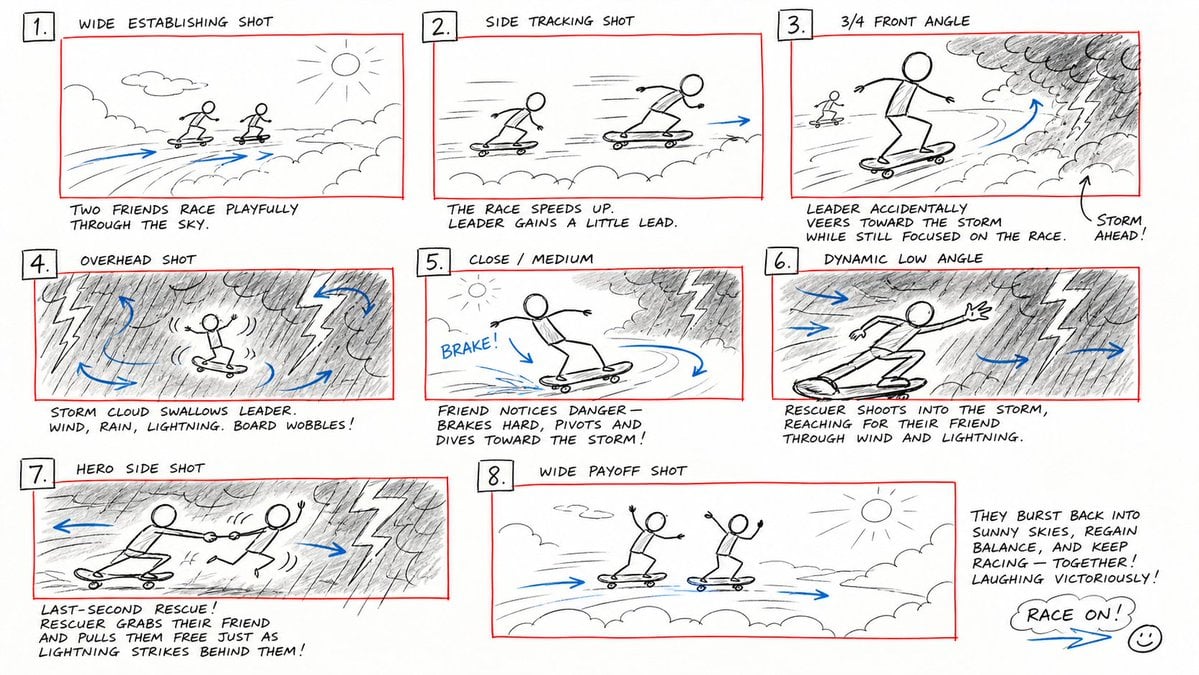
Hand-Drawn Storyboard Previs Sketch

Japanese Café Sketch Duo Illustration

Delicate Japanese Café Lifestyle Illustration
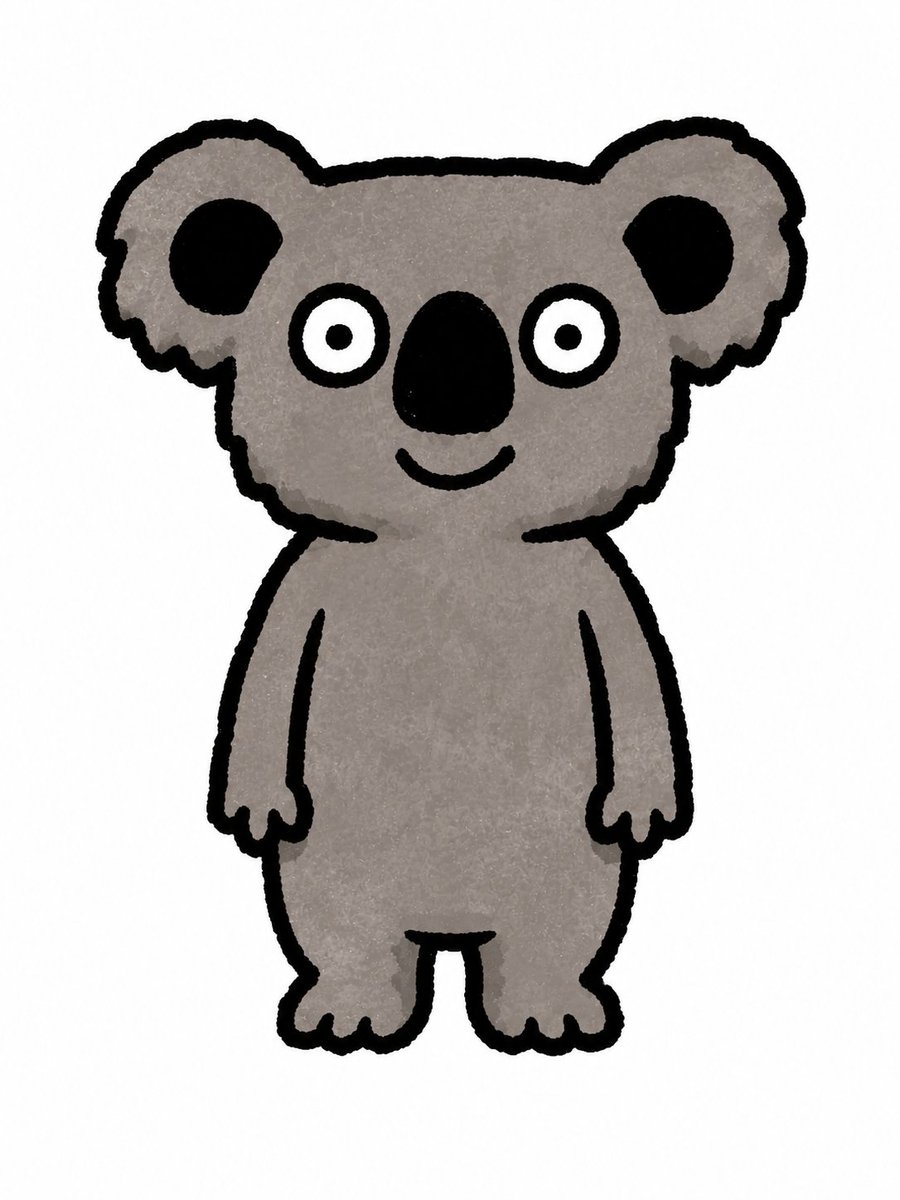
Simple Hand-Drawn Koala Mascot

Hand-Drawn Doodle Grid Poster

Hand-drawn Breakfast Journal Aesthetic Poster
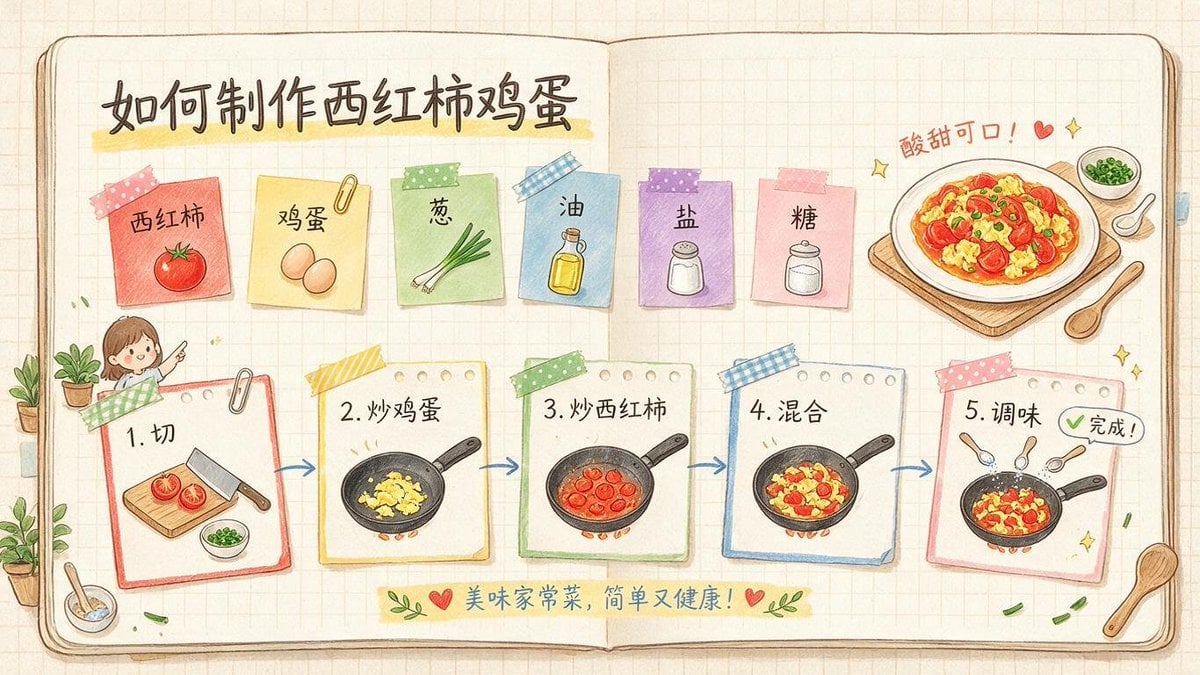
Hand-Drawn Tomato Egg Recipe Infographic
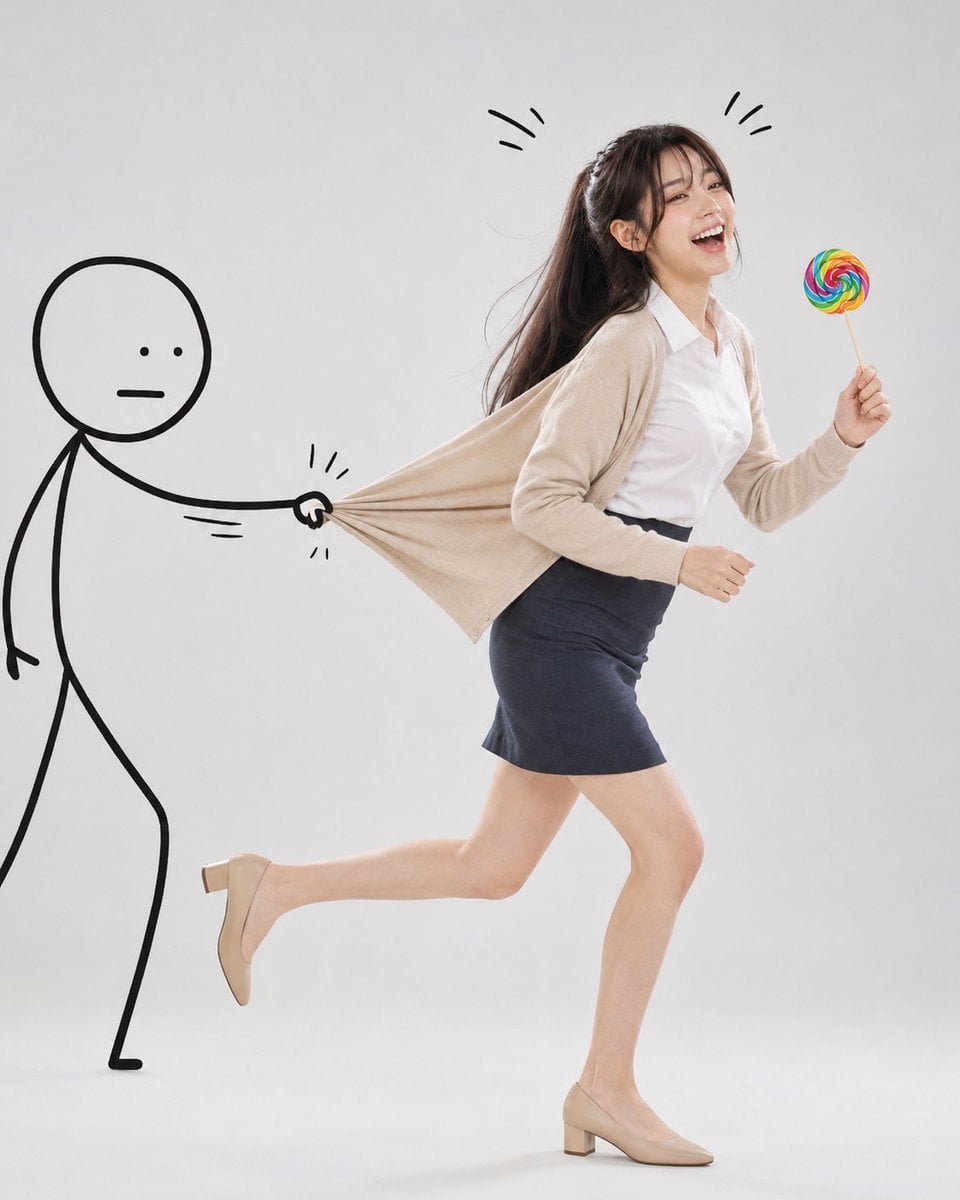
Surreal Studio Photography with Hand-Drawn Doodle
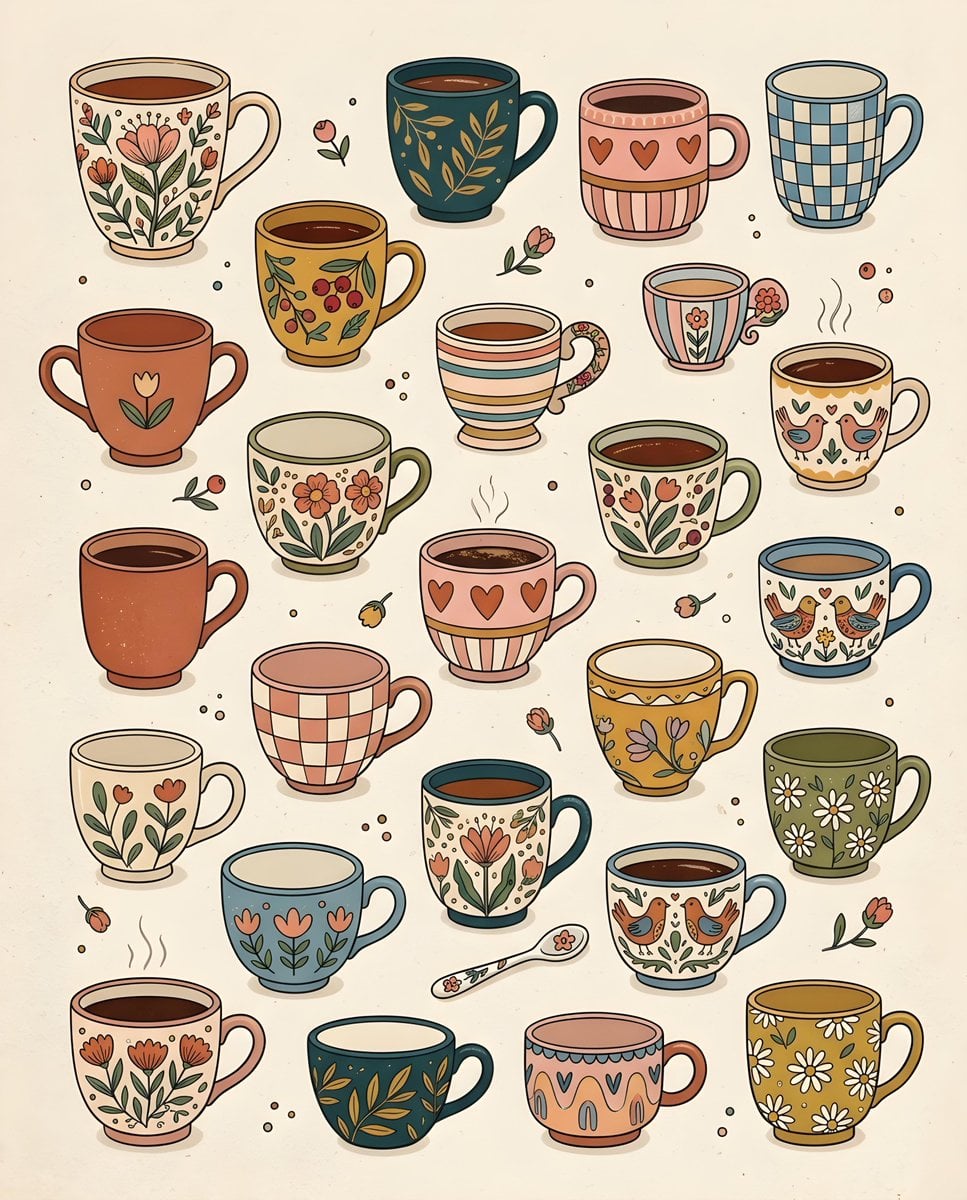
Whimsical Hand-Drawn Teacups
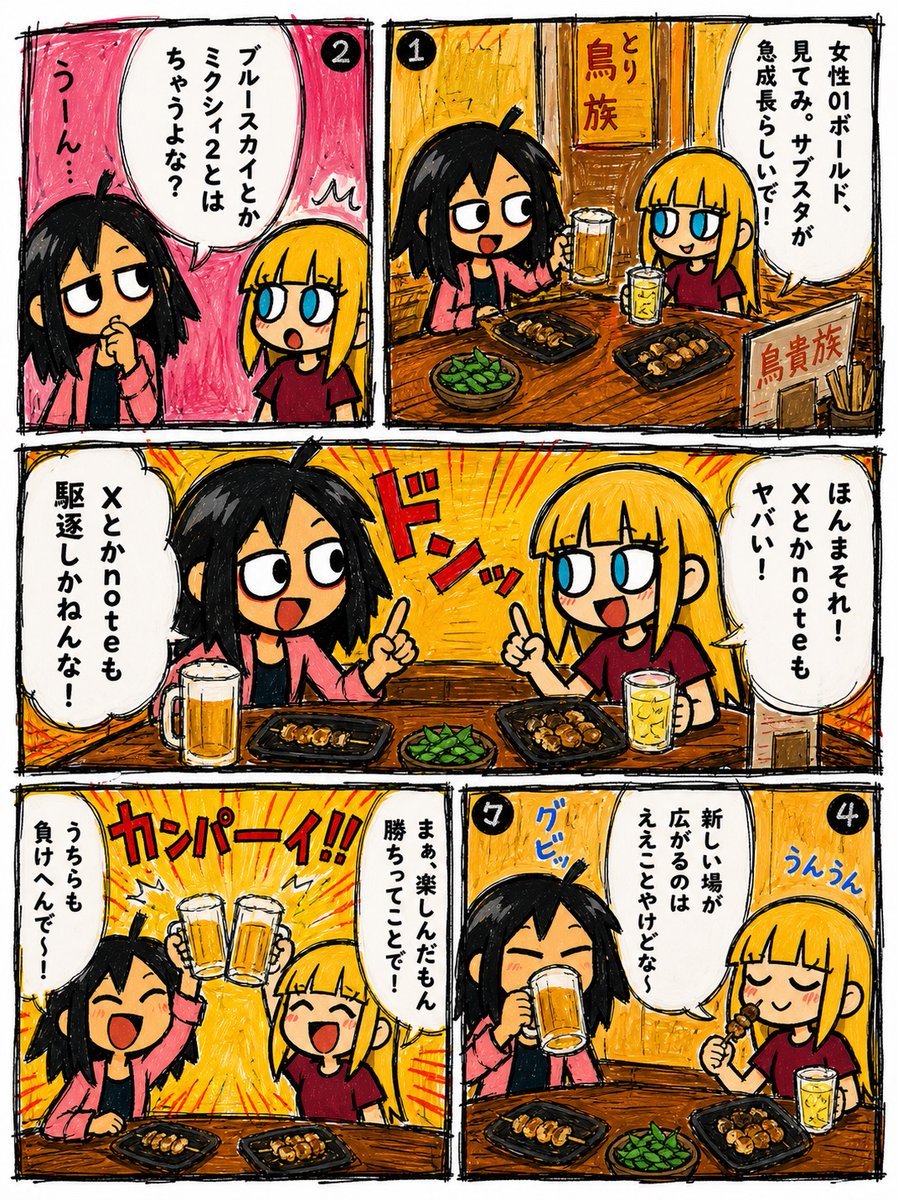
Hand-Drawn Izakaya Manga Page
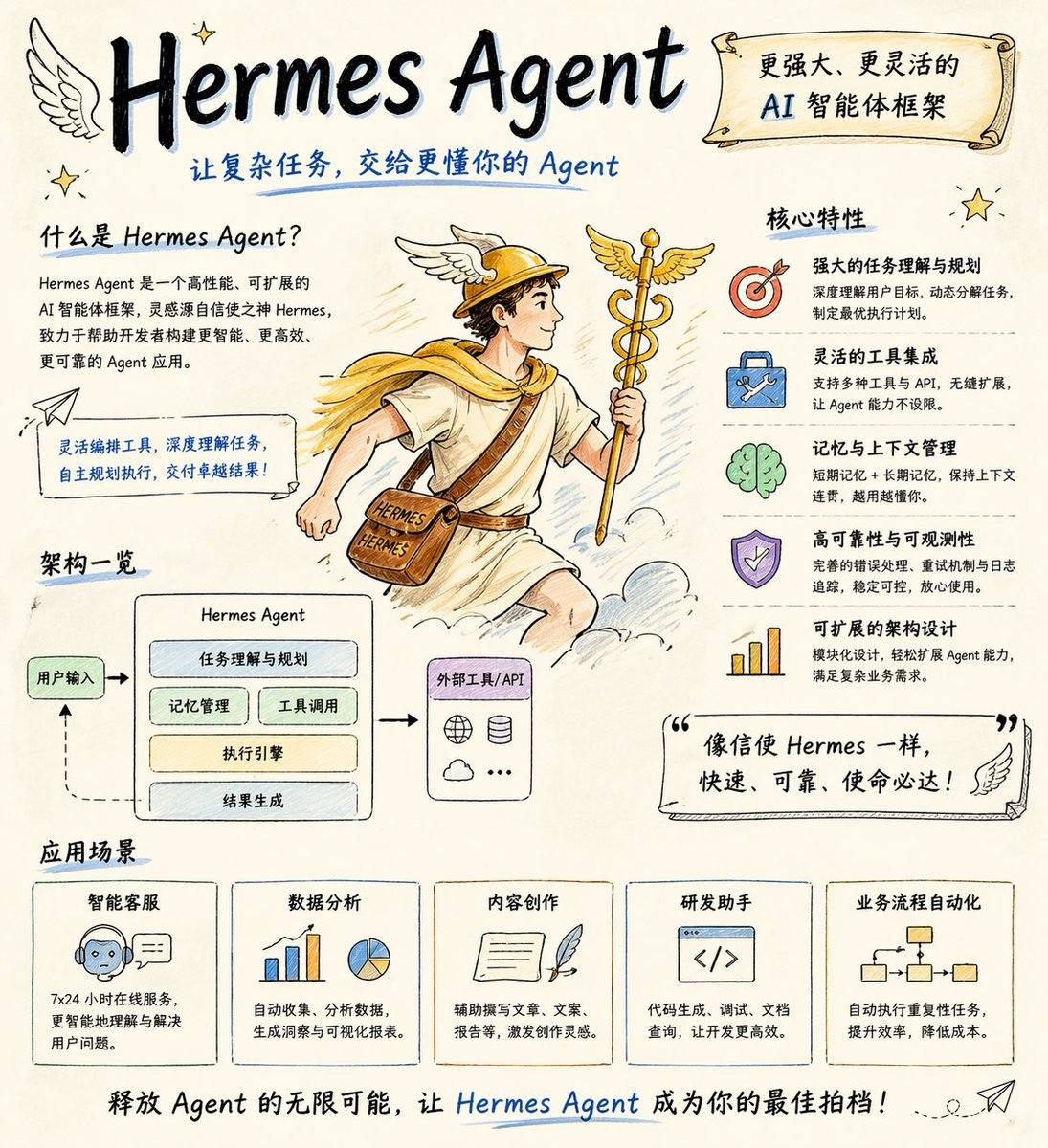
Hand-drawn Hermes Agent Poster
Make it yours
Hand-Drawn Linear Sketch Art works as-is. These are the safest ways to change it without losing the look.
Change one field
Copy a single group, rewrite it, and generate again so you can see what that field is doing.
Keep the frame, change the subject
Hold the composition and light of Hand-Drawn Linear Sketch Art, then swap wardrobe, props or the person for a new take.
| If the result… | Why | Fix |
|---|---|---|
| The result drifts from the preview | Too many fields changed at once. | Reuse Hand-Drawn Linear Sketch Art as-is first, then change one group — subject, light, or setting. |
| The model over-stylizes the scene | The prose prompt leaves finish and camera underspecified. | Add one camera or lighting sentence and stay on GPT Image 2. |
More GPT Image 2 templates
Other prompts made for GPT Image 2.

Six VTuber Japanese Logo Sheet

Realistic Portrait of Woman and Deer

The Vista Modular Condo Poster

AI Model Routing Comparison Infographic

2.5D Anime Art Board

Isometric Productivity Desk Scene

New York Double Exposure Poster

Four-Panel AI Landscape Comparison

Japanese Tatami Lifestyle Magazine Cover

NESCAFÉ Coffee Map Poster
More image prompts
Fresh picks from across the catalog.
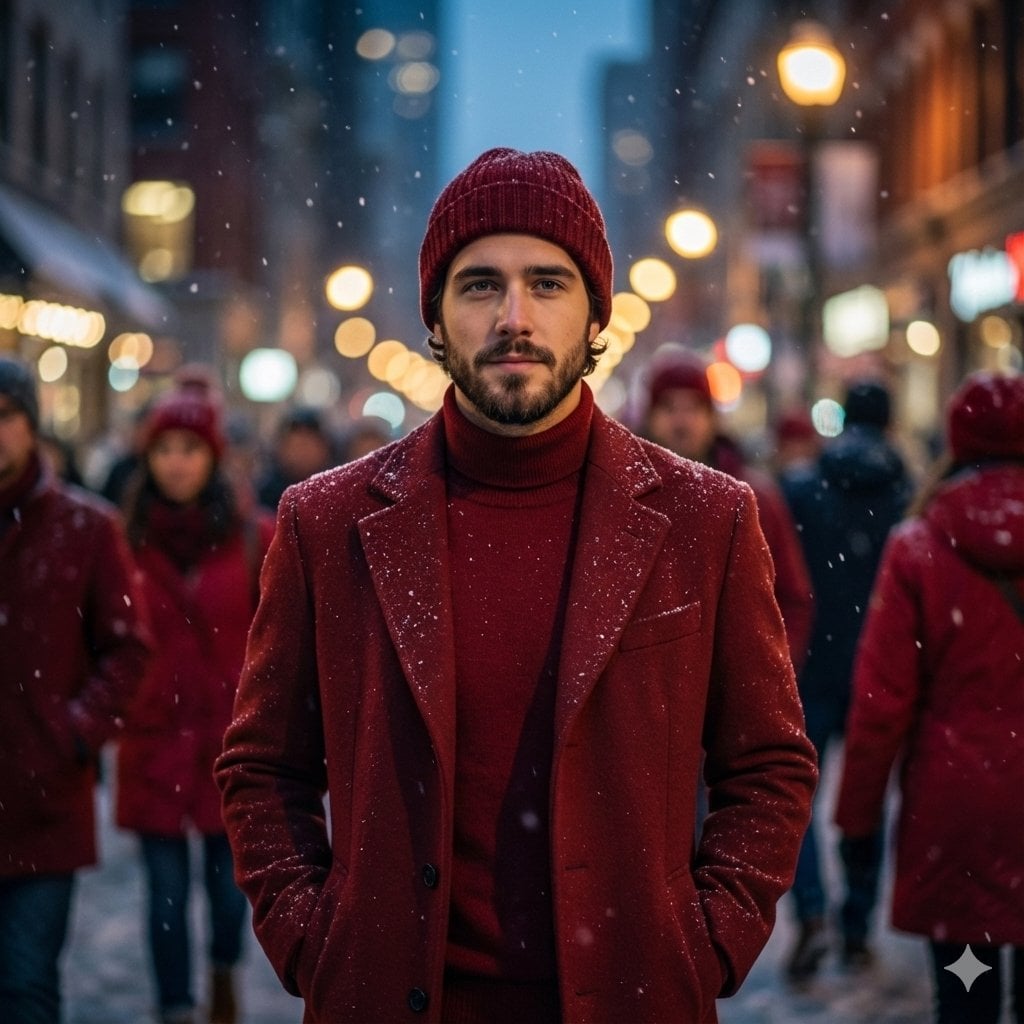
Cinematic Fashion Editorial Portrait in Winter Night
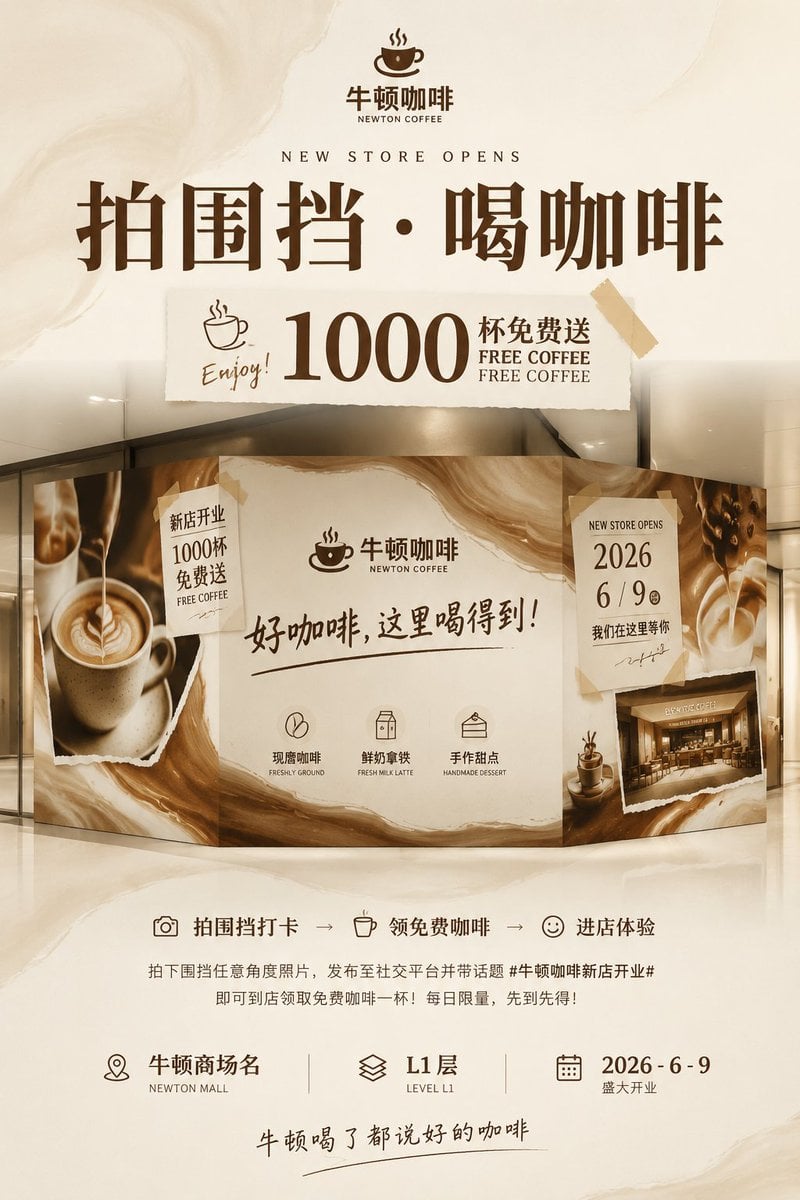
Newton Coffee Opening Poster
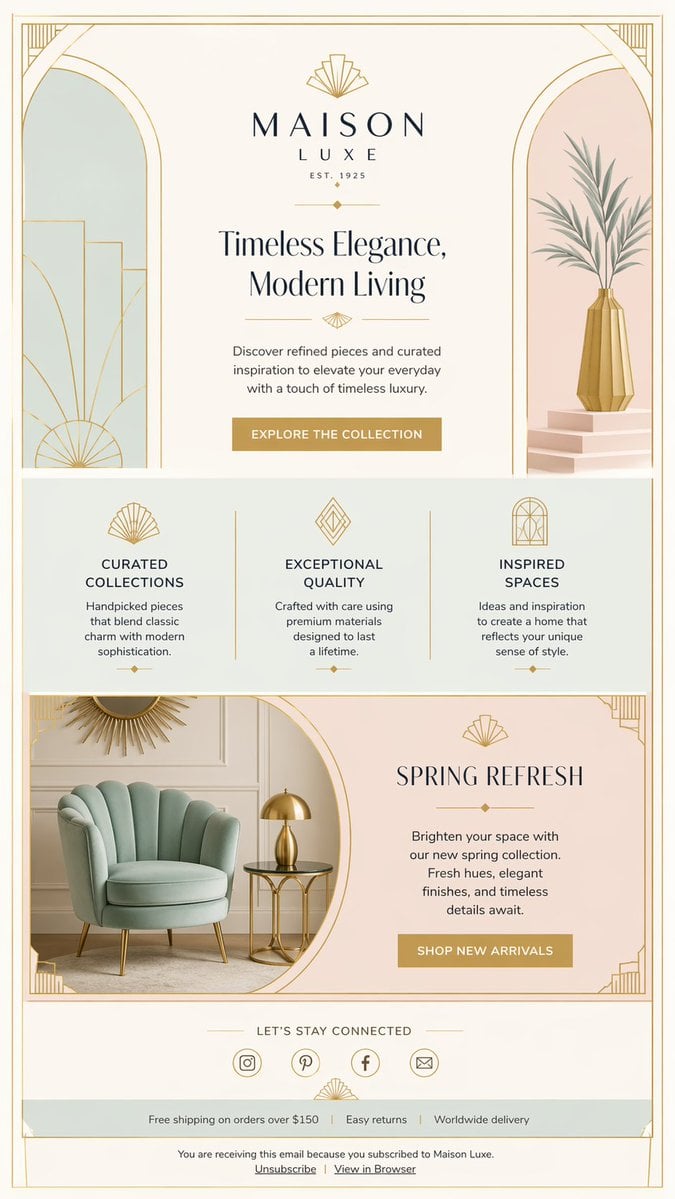
Luxury Art Deco Home Decor Email

Google Gemini Nano Banana Pro
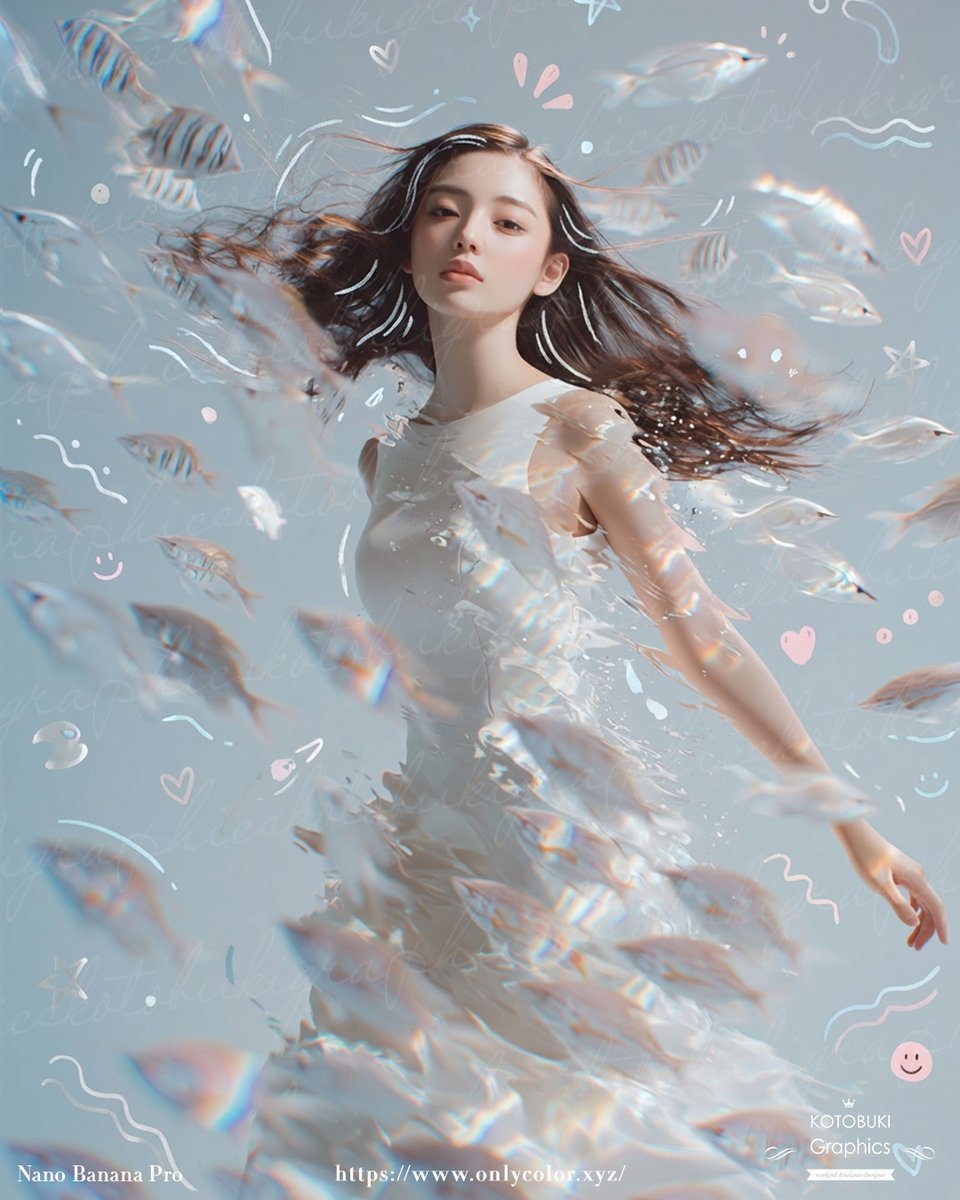
Gpt2 Profile Avatar Dreamy Underwater Woman with Translucent Fish
Transforming Research Papers Into Profes
Luxury Perfume Advertisement in Desert Setting
Backless Top Mirror Selfie Emphasizing Curves
Vascular Effect Object Prompt
Misty Glass Reflection Portrait
Browse template categories
Hand-Drawn Linear Sketch Art questions
How do I use the Hand-Drawn Linear Sketch Art template?
Add your photo if the template asks for one, edit the prompt if you like — the template's model and format are already selected — and press Generate. Your version opens in PicX Studio.
Can I customize the Hand-Drawn Linear Sketch Art template?
Yes. You can change the subject, setting, lighting, mood, format, and available model controls before creating your image.
Is the Hand-Drawn Linear Sketch Art template free?
Opening and editing this template is free. Generating uses credits, shown on the Generate button when you are signed in.
Which AI model should I use?
Start with GPT Image 2, which is the model associated with this template. You can compare another compatible model for a different finish.
Looking for something else? Browse all templates.

Your photo, any look
Thousands of ready templates for every top image and video model, from one credit balance.