
Backless Top Mirror Selfie Emphasizing Curves
A highly detailed JSON prompt for generating a mirror selfie focusing on a woman's back and curves.
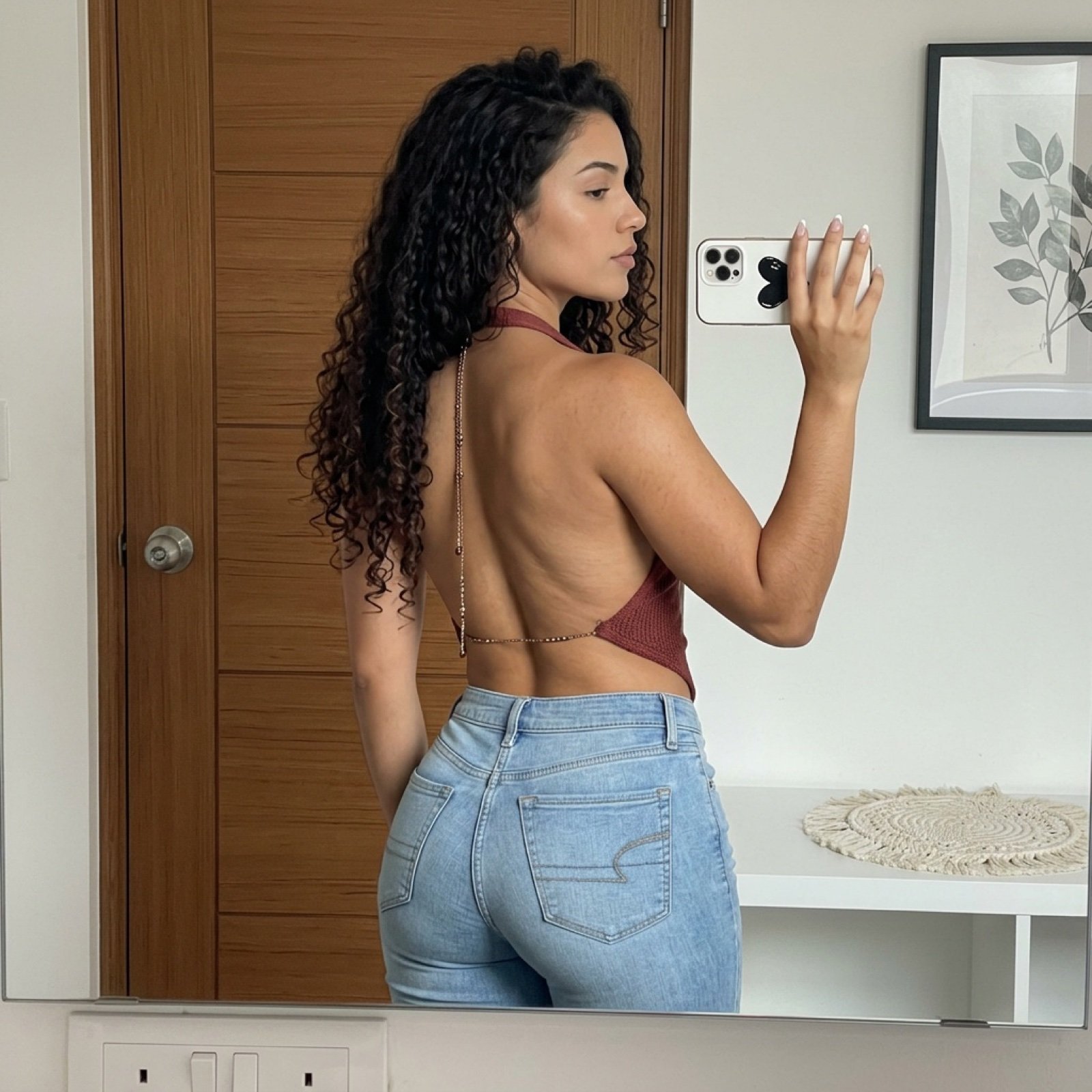
- Prompt included
- Model and format preset
- Premium template
The prompt behind this image
Copy the exact prompt behind Backless Top Mirror Selfie Emphasizing Curves, or open it in the studio and make it yours.
{ "subject": { "description": "Young woman with a curvy, athletic physique, captured from the rear and side profile.", "hair": "Long, dark, voluminous curly hair cascading down the back, reaching mid-back length, with distinct ringlets.", "apparel_top": "Backless reddish-brown or maroon halter top that exposes the entire back. Features a delicate, decorative metallic chain strap running vertically down the spine with small bead-like embellishments.", "apparel_bottom": "Light wash blue denim jeans, tight-fitting to accentuate the glutes and hips, featuring distinct back pocket stitching (American Eagle style stitching visible).", "body_features": "Tan skin tone with visible natural skin texture. Prominent hip-to-waist ratio, very curvy silhouette with emphasized glutes. Toned back muscles visible due to the open back of the top.", "face": "Side profile visible, looking towards the phone screen. Sharp jawline, neutral expression, soft makeup." }, "pose": { "orientation": "Standing with back primarily towards the mirror, twisted slightly to the right to show profile.", "head": "Turned to the right, eyes focused on the phone screen in the reflection.", "arms": "Right arm raised, elbow bent, hand holding a white smartphone to take the photo. Left arm relaxed by the side.", "torso": "Arching slightly to accentuate the lower back curve.", "legs": "Hips shifted to emphasize curves, standing posture.", "hands": "Right hand visible holding the phone, manicured nails (white or light tips)." }, "environment": { "setting": "Indoor room, likely a bedroom.", "background_left": "A wooden door with horizontal paneling and a silver doorknob.", "background_right": "White wall featuring a framed artwork with a black frame and a botanical print (leaves). Below the art, a white shelf or surface with a round woven macramé placemat or rug.", "foreground_details": "The bottom edge of the mirror is visible, showing white electrical outlets with switches on the wall below the mirror reflection." }, "camera": { "shot_type": "Mirror selfie, medium shot capturing from mid-thigh to top of head.", "perspective": "Reflected perspective, camera is the phone seen in the image.", "device": "White smartphone (iPhone style) with a case featuring a black heart or text design, held in the right hand.", "focal_length": "Standard mobile wide lens (approx 26mm equivalent).", "framing": "Vertical framing." }, "lighting": { "source": "Soft, diffused natural light coming from the front (behind the mirror) and ambient room lighting.", "quality": "Even illumination, soft shadows on the back and jeans, highlighting the contours of the body and fabric textures.", "shadows": "Subtle shadows defining the spinal groove and muscle definition on the back." }, "mood_and_expression": { "vibe": "Casual, confident, self-assured.", "expression": "Focused, neutral, checking appearance in the mirror." }, "style_and_realism": { "style": "Photorealistic, user-gener" }
How to use Backless Top Mirror Selfie Emphasizing Curves in 3 steps
- 1Upload ImagePNG, JPG or paste
Add your photo
Upload the photo the template builds on. The prompt, model and format are already set.
- 2…a portrait of your subject in softgolden-hour light, 85mm…
Personalize
Edit the subject and creative details for your destination.
- 3Generate
Generate
Press Generate — your image is created in PicX Studio, so you can compare it with the original and refine one variable at a time.
More like this
Templates with the same subject, style or setup. Open one to see its prompt.

Rooftop Fisheye — Cat-Ear Balaclava at Golden Hour

Felt & Knit 3D Character — Photo-Exact Face, Pixar-Quality Plush Figurine

Eid al-Adha Cute Chaos — Fisheye Selfie with Farm Selfie, Mosque & Animals

Cat Photobomb Selfie — 0.5x Wide Angle Café Chaos

Gen Z Triple Selfie Collage — Y2K Flash Photography

Surreal Cat Astronaut — Humanoid Face Freefall

Nano Banana Grwm Mirror Selfie Pink

Retro Mirror Luxury Fashion Campaign Poster

Photoreal Village Lanterns Minecraft Scene

Photoreal Snow Biome Name Tag UI

Photoreal Selfie Minecraft Block World

Photoreal Selfie Minecraft Village Ghast UI
Make it yours
Backless Top Mirror Selfie Emphasizing Curves works as-is. These are the safest ways to change it without losing the look.
Change one field
Copy a single group, rewrite it, and generate again so you can see what that field is doing.
Keep the frame, change the subject
Hold the composition and light of Backless Top Mirror Selfie Emphasizing Curves, then swap wardrobe, props or the person for a new take.
| If the result… | Why | Fix |
|---|---|---|
| The result drifts from the preview | Too many fields changed at once. | Reuse Backless Top Mirror Selfie Emphasizing Curves as-is first, then change one group — subject, light, or setting. |
| The model over-stylizes the scene | The prose prompt leaves finish and camera underspecified. | Add one camera or lighting sentence and stay on Nano Banana 2. |
More Nano Banana 2 templates
Other prompts made for Nano Banana 2.

Photorealistic Leaf Shaped Like a Dragon

K-Pop Idol Portrait Grid for Rapid Selection

Poetic Rain Forest Portrait During Golden Hour

Urban Street Portrait with Cartoon Inner Self Duo

Candid Nighttime Photo with Cat Prompt

High-Concept 3D Diorama Generation Prompt

Cinematic Futuristic Studio Portrait Template

Skincare Editorial Photography Collage Prompt

Hyper-Realistic Commercial Product Photography (Splash Effect)

Hyper-Realistic Nightclub Portrait Prompt
More image prompts
Fresh picks from across the catalog.
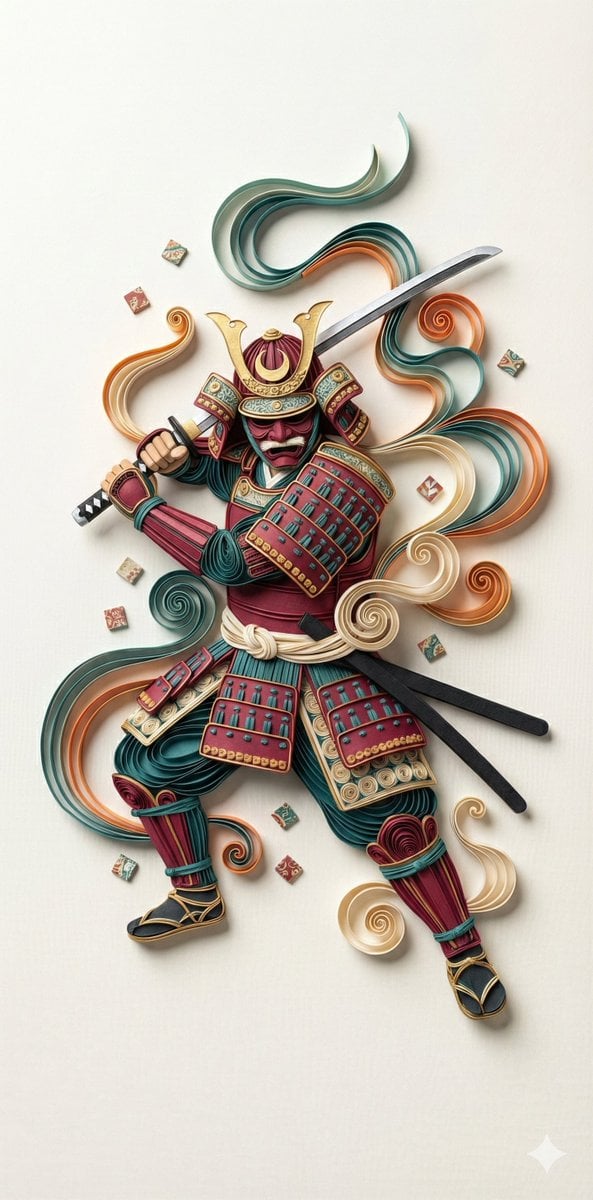
3D Paper Quilling Art: Samurai Warrior

Anime VTuber Reaction Thumbnail
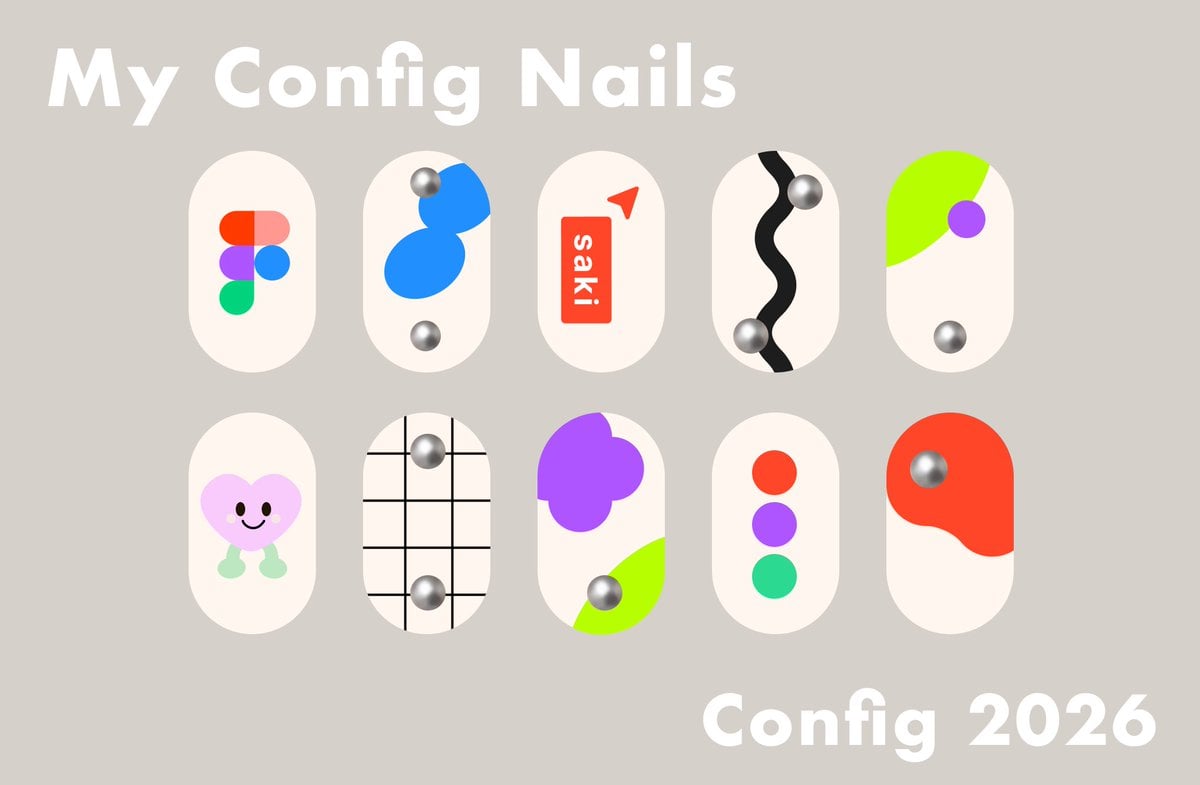
Config 2026 Nail Art Board
Inpainting with Nano Banana Pro and Drawthings
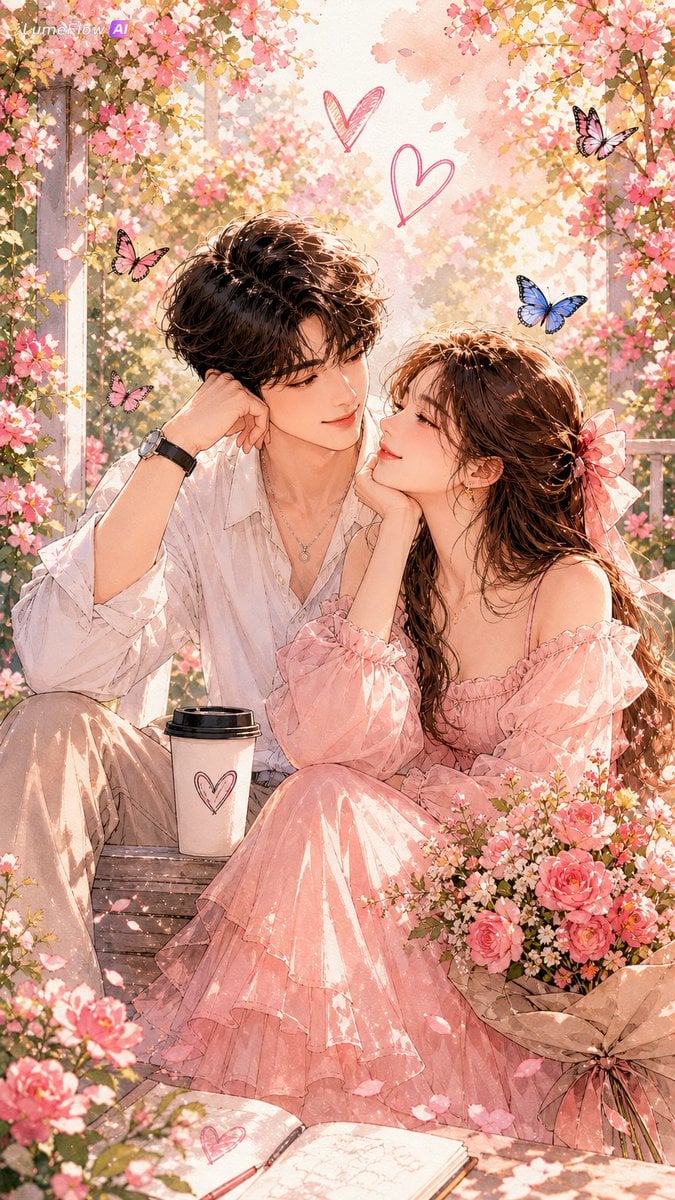
Watercolor Korean Couple Portrait
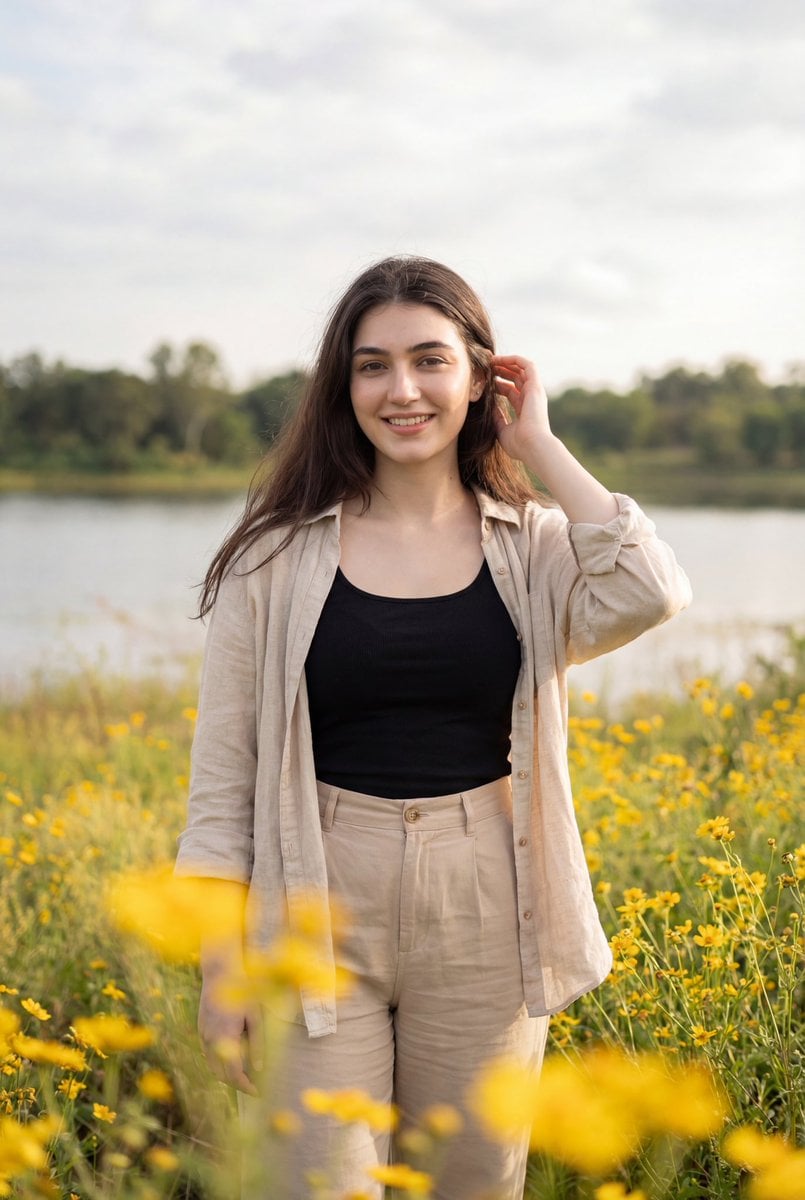
Photorealistic Portrait of Woman in Wildflowers
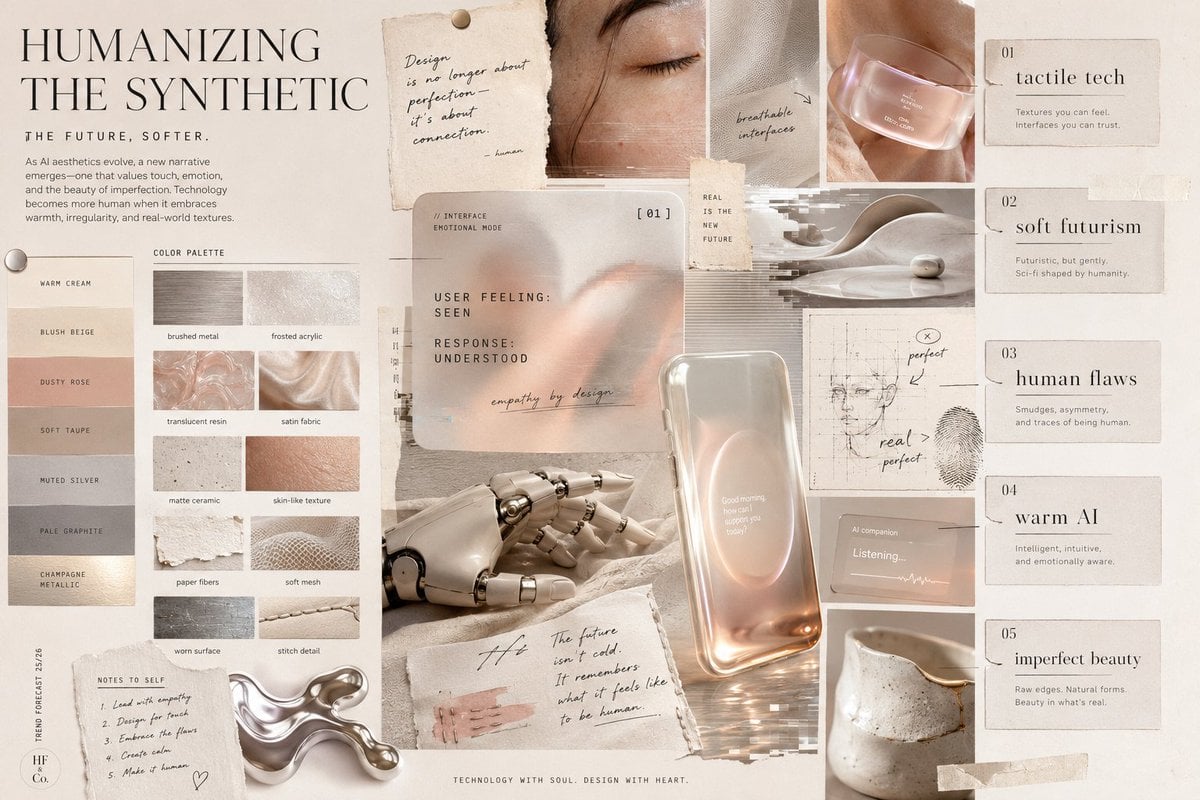
Visual Trend Analysis Moodboard

Dreamlike Double Exposure Montage
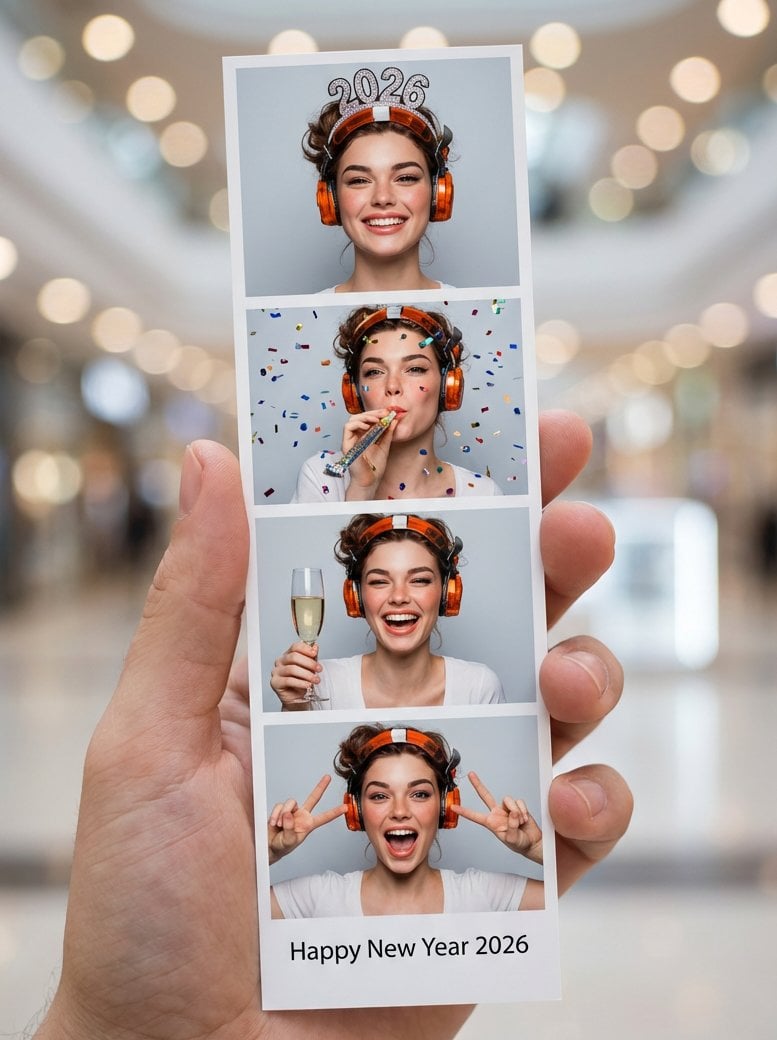
Photo-Booth Print Strip with Identity Lock
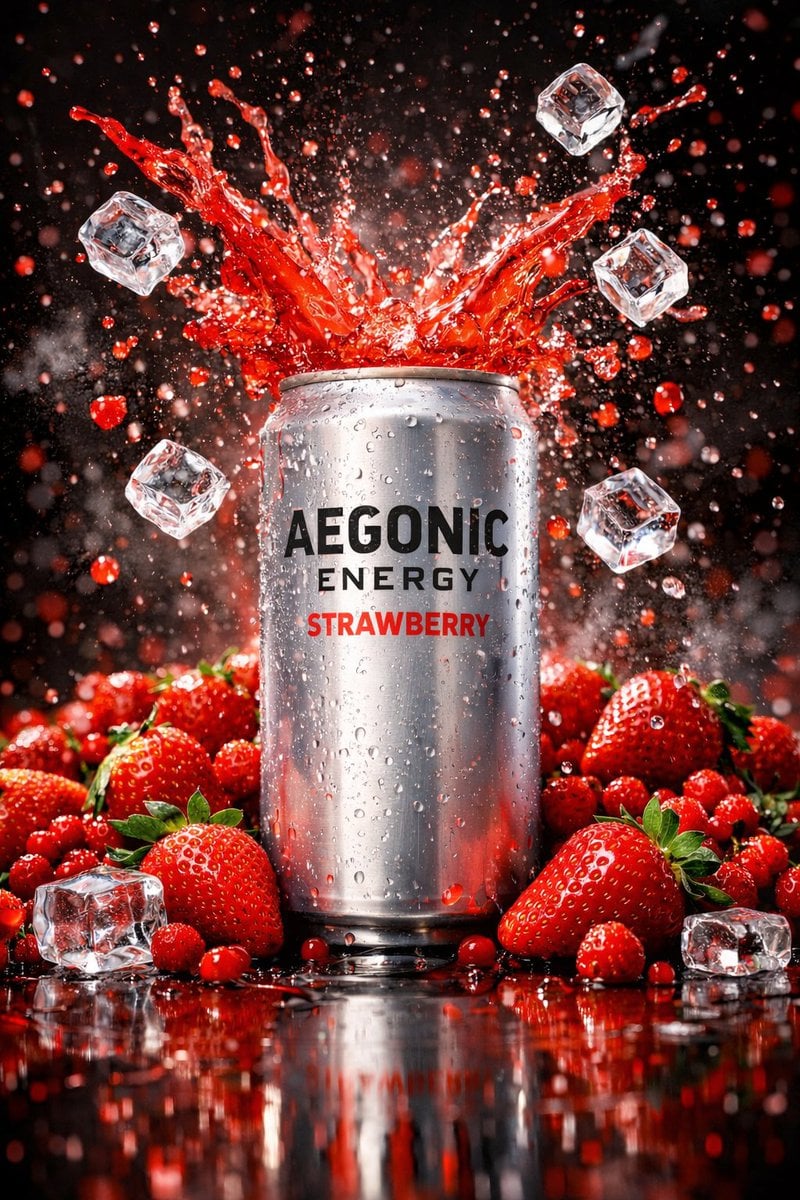
Cinematic Product Photography Prompt: Strawberry Energy Drink Explosion
Browse template categories
Backless Top Mirror Selfie Emphasizing Curves questions
How do I use the Backless Top Mirror Selfie Emphasizing Curves template?
Add your photo if the template asks for one, edit the prompt if you like — the template's model and format are already selected — and press Generate. Your version opens in PicX Studio.
Can I customize the Backless Top Mirror Selfie Emphasizing Curves template?
Yes. You can change the subject, setting, lighting, mood, format, and available model controls before creating your image.
Is the Backless Top Mirror Selfie Emphasizing Curves template free?
Opening and editing this template is free. Generating uses credits, shown on the Generate button when you are signed in.
Which AI model should I use?
Start with Nano Banana 2, which is the model associated with this template. You can compare another compatible model for a different finish.
Looking for something else? Browse all templates.

Your photo, any look
Thousands of ready templates for every top image and video model, from one credit balance.