
Config 2026 Nail Art Board
A cute horizontal poster-style mockup showing ten custom Config 2026 press-on nail designs with playful Figma-inspired graphics.
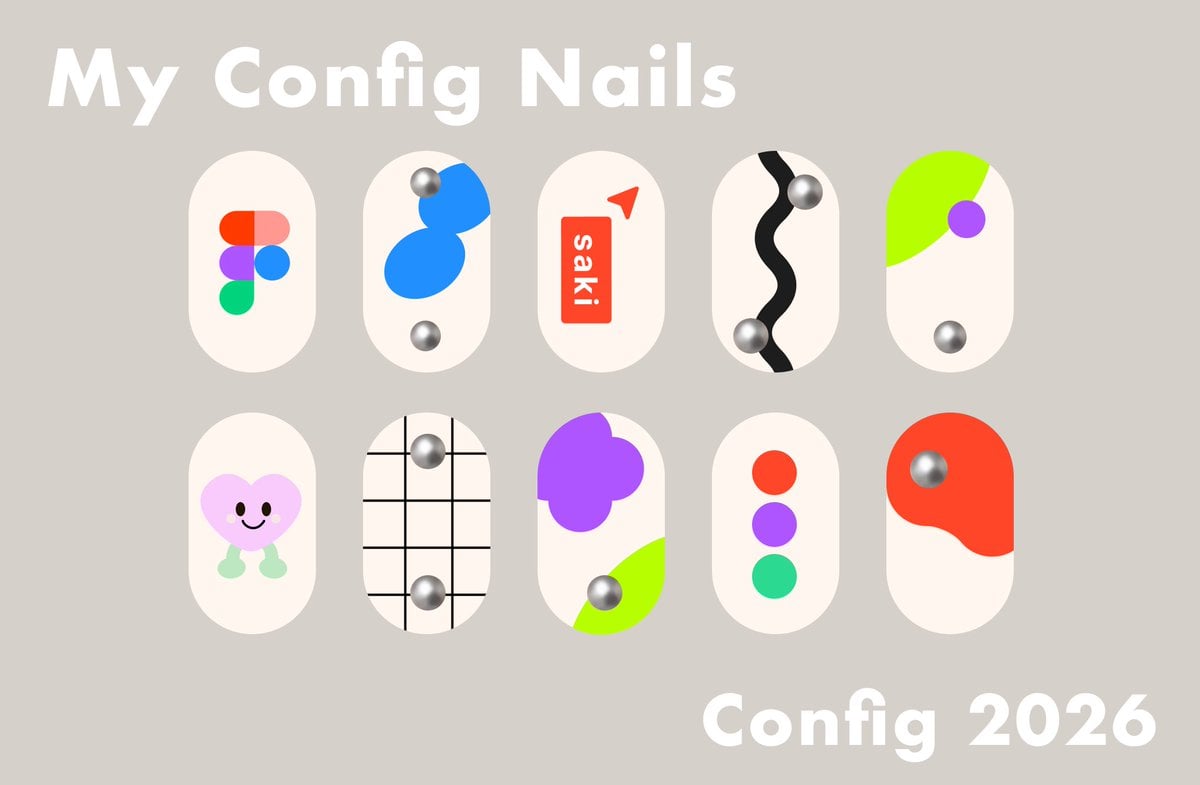
- Prompt included
- Model and format preset
- Free template
The prompt behind this image
Copy the exact prompt behind Config 2026 Nail Art Board, or open it in the studio and make it yours.
Goal: Create a cute presentation board for custom event nail art inspired by {argument name="event name" default="Config 2026"}, with playful Figma-like shapes and soft 3D metallic nail gems. Canvas: Horizontal 16:9 layout, warm taupe-gray background, clean minimal poster composition. Text content: Large bold rounded white title at the upper left: “My Config Nails”. Large bold rounded white event label at the lower right: “{argument name="event label" default="Config 2026"}”. Use a heavy friendly sans-serif font with soft rounded corners. Layout: Arrange exactly 10 press-on nail designs in two centered rows of five. Each nail is a vertical rounded capsule shape, ivory/off-white, evenly spaced, with subtle flat graphic decoration. Keep the nails large and isolated, like a Figma design mockup. Nail designs, exactly 10: 1. Top row, first nail: Figma logo made from five rounded colored blobs in red-orange, coral, purple, blue, and green. 2. Top row, second nail: abstract bright blue stacked bean shapes with two chrome silver spherical studs, one near the upper left and one near the bottom. 3. Top row, third nail: red vertical rounded rectangle label with white text “saki”, plus a small red paper-plane or cursor triangle near the upper right. 4. Top row, fourth nail: thick black wavy vertical stripe down the center with two chrome silver spherical studs, one near the upper right and one near the lower left. 5. Top row, fifth nail: neon lime green curved corner shape sweeping in from the upper left, purple circle near the right side, and one chrome silver stud near the lower center. 6. Bottom row, first nail: cute pastel pink heart character with black oval eyes, smiling mouth, and mint green little legs/feet. 7. Bottom row, second nail: black grid lines over the ivory nail, with two chrome silver studs aligned vertically, one upper center and one lower center. 8. Bottom row, third nail: large purple flower/blob cluster at upper left, neon lime green curved patch at lower right, and one chrome silver stud near the lower center. 9. Bottom row, fourth nail: three vertically stacked circles in red-orange, purple, and green, centered on the nail. 10. Bottom row, fifth nail: large red-orange organic blob covering the upper portion, with one chrome silver stud near the upper left of the blob. Visual style: Modern cute flat vector nail-art mockup, Figma conference aesthetic, soft cream nails, saturated accent colors, simple geometric shapes, subtle shadows only on chrome studs for a 3D metallic look. Keep everything crisp, clean, and poster-like. Constraints: Use exactly 10 nail capsules and exactly 10 chrome silver studs total. Do not add hands, fingers, bottles, extra decorations, watermarks, or additional text.
How to use Config 2026 Nail Art Board in 3 steps
- 1Upload ImagePNG, JPG or paste
Add your photo
Upload the photo the template builds on. The prompt, model and format are already set.
- 2…a portrait of your subject in softgolden-hour light, 85mm…
Personalize
Edit the subject and creative details for your destination.
- 3Generate
Generate
Press Generate — your image is created in PicX Studio, so you can compare it with the original and refine one variable at a time.
More like this
Templates with the same subject, style or setup. Open one to see its prompt.

Luxury Red Nail Polish Storyboard
Hand Nail Photo and Watercolor Poster
Pastel Anime Nail Artist at Desk

Subtle Rose Nail Edit

Luxury Nail Clipper Commercial Ad

Graphic Eyeliner and Lace Nails Portrait

Low-Cost AI Video Thumbnail
Muted Pastel Acrylic Nail Set
Japanese Nail Trimmer Landing Page
Realistic High-End Nail Art Generator

ASMR YouTuber Thumbnail
Config-style Japanese shonen manga page settings
Make it yours
Config 2026 Nail Art Board works as-is. These are the safest ways to change it without losing the look.
Change one field
Copy a single group, rewrite it, and generate again so you can see what that field is doing.
Keep the frame, change the subject
Hold the composition and light of Config 2026 Nail Art Board, then swap wardrobe, props or the person for a new take.
| If the result… | Why | Fix |
|---|---|---|
| The result drifts from the preview | Too many fields changed at once. | Reuse Config 2026 Nail Art Board as-is first, then change one group — subject, light, or setting. |
| The model over-stylizes the scene | The prose prompt leaves finish and camera underspecified. | Add one camera or lighting sentence and stay on GPT Image 2. |
More GPT Image 2 templates
Other prompts made for GPT Image 2.

Six VTuber Japanese Logo Sheet

Realistic Portrait of Woman and Deer

The Vista Modular Condo Poster

AI Model Routing Comparison Infographic

Isometric Productivity Desk Scene

New York Double Exposure Poster

Four-Panel AI Landscape Comparison

Japanese Tatami Lifestyle Magazine Cover

NESCAFÉ Coffee Map Poster

Brutalist Cogito Chinese Typography Poster
More image prompts
Fresh picks from across the catalog.

Lifestyle photo with pastel pink sports car at sunset

Lone Sentinel in Ruined City
Workout Complete Fitness Poster
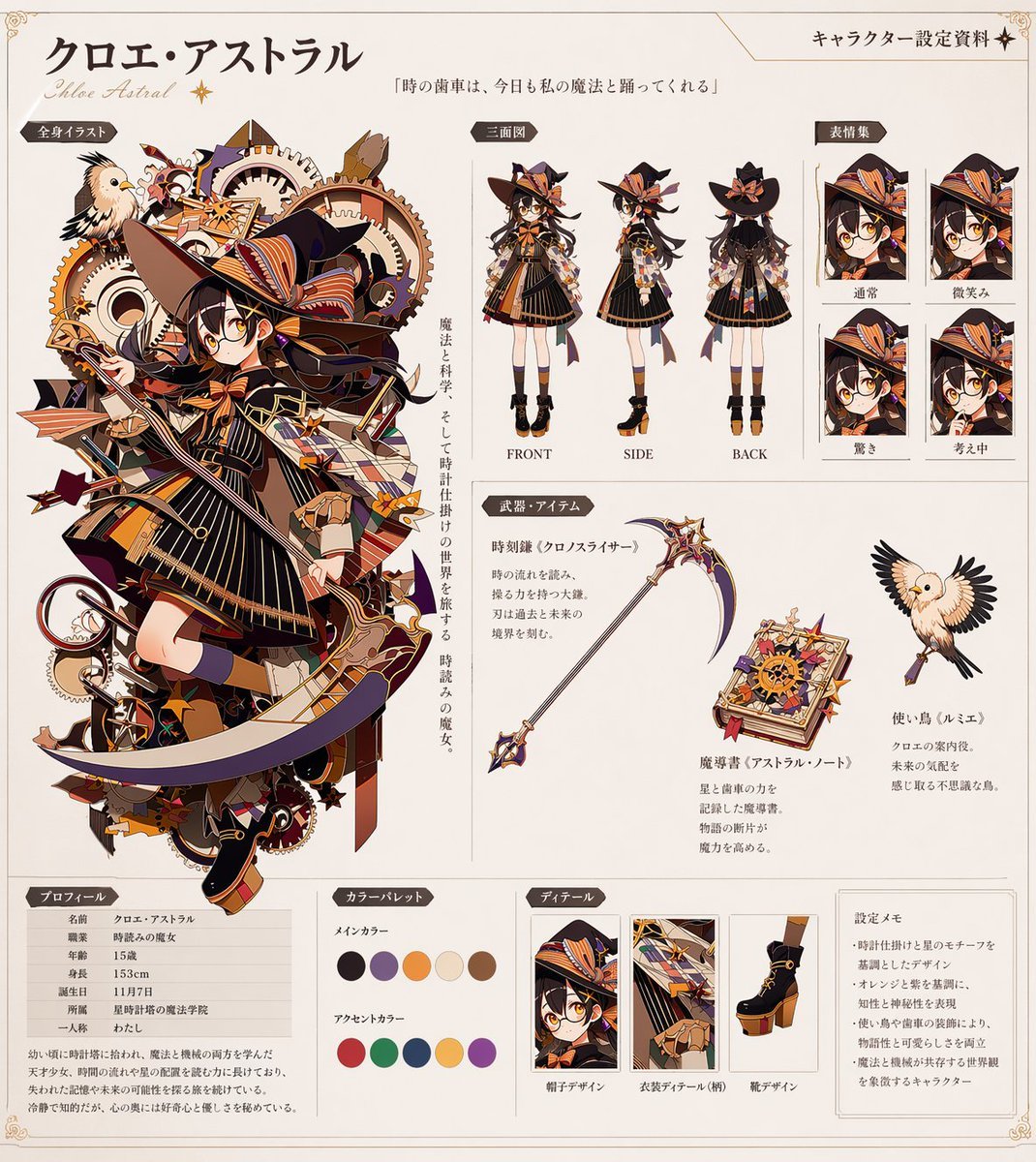
Anime Character Reference Sheet Generator

Dramatic Double Exposure Sports Portrait

Snow Flower Hashira Diagnosis Poster
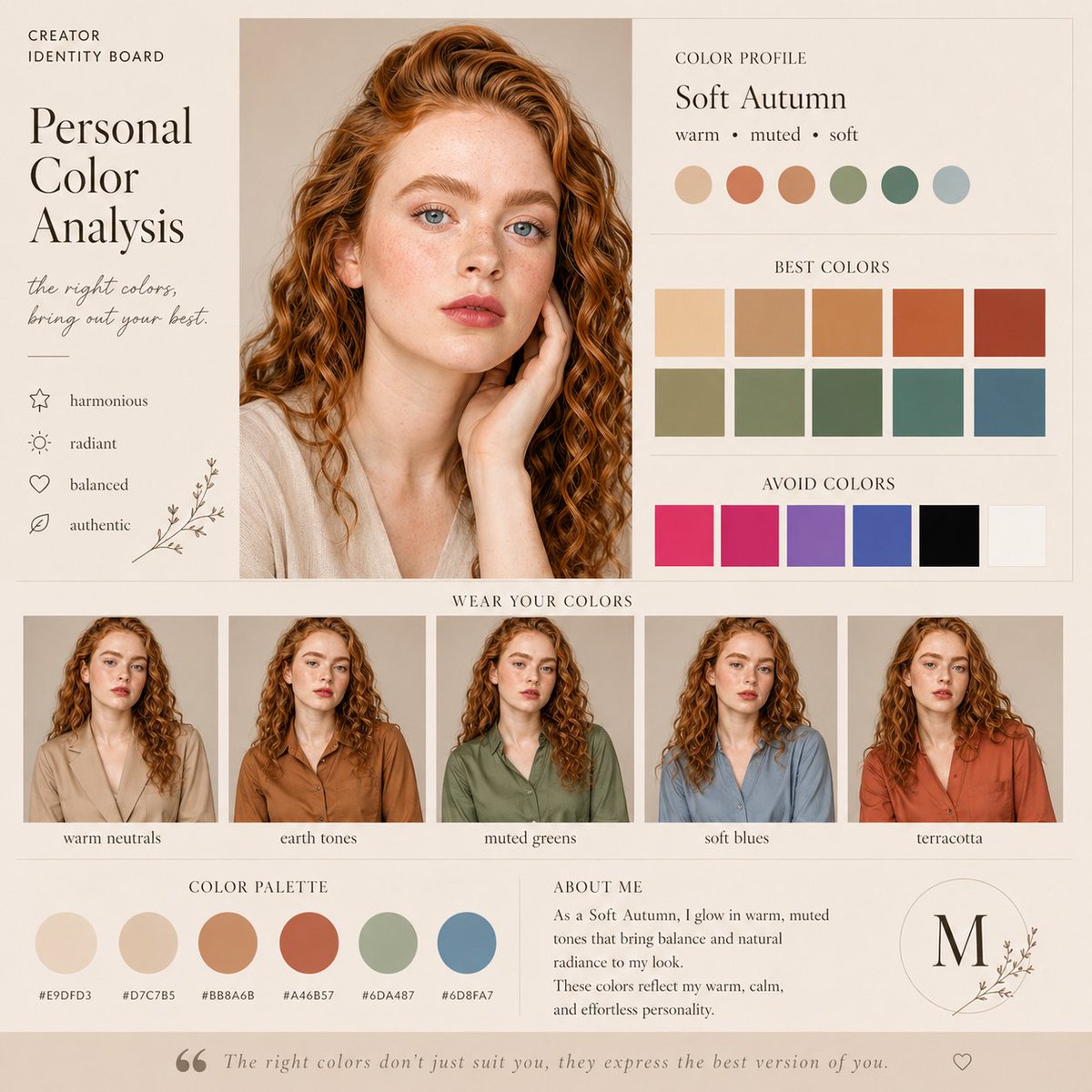
Soft Autumn Personal Color Board
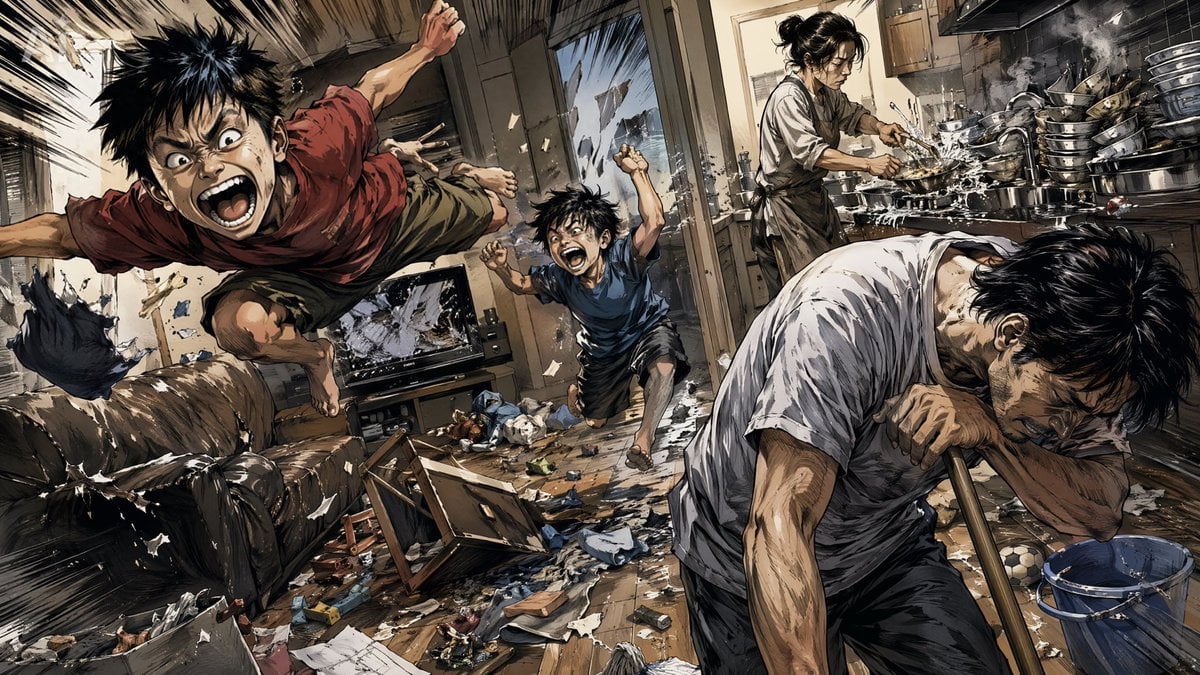
Chaotic Holiday at Home Manga Scene
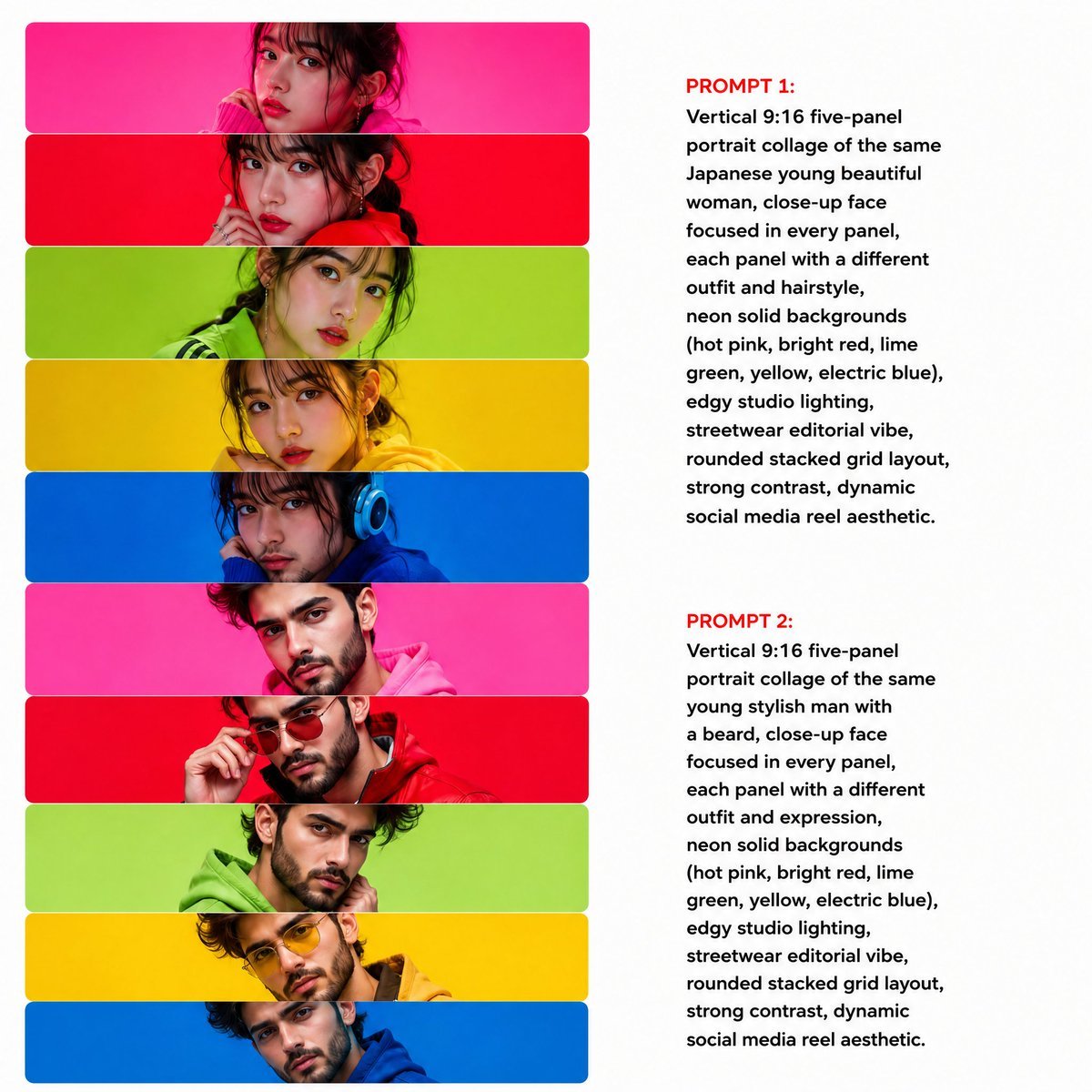
Neon Multi-Panel Fashion Collage
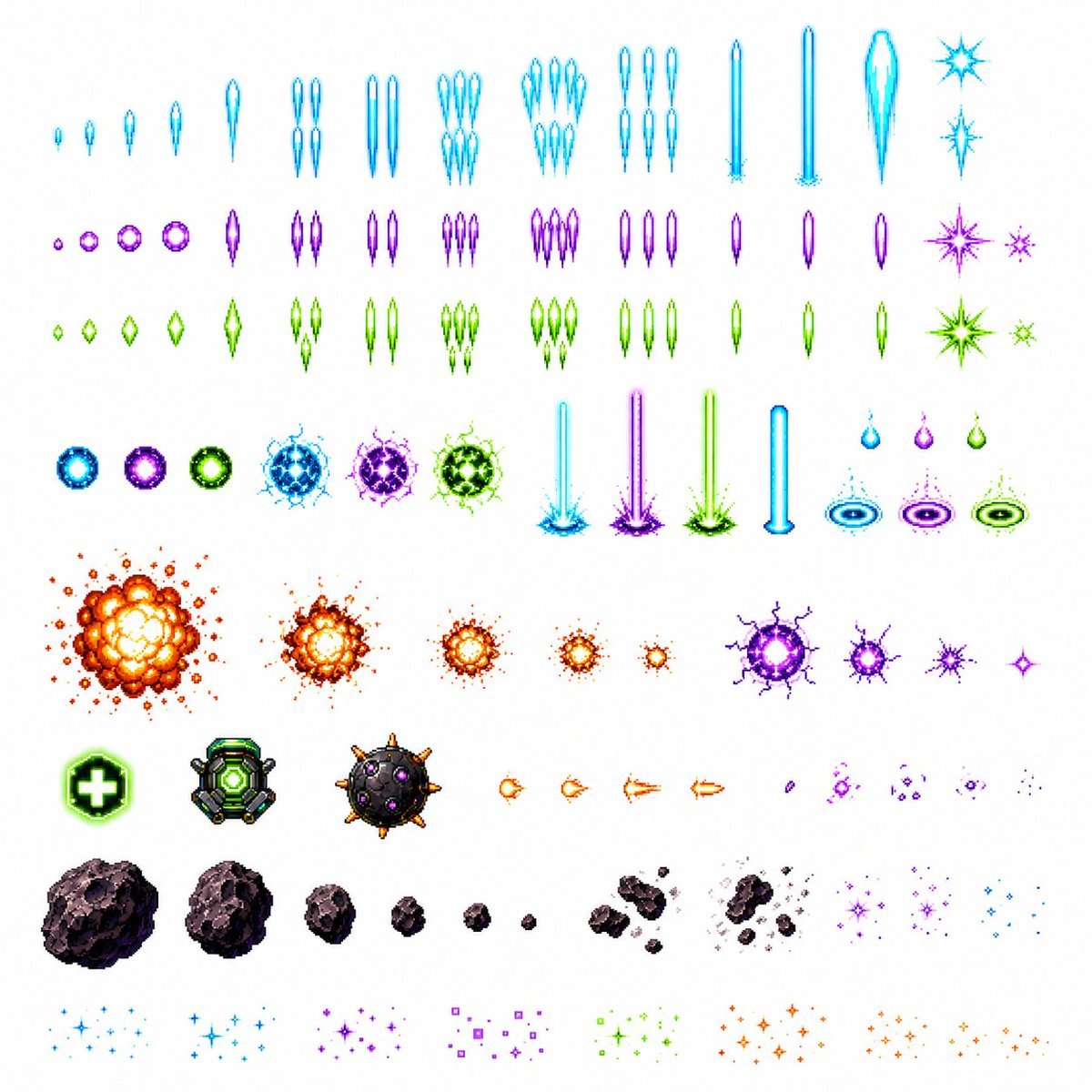
Retro Space Shooter VFX Sprite Sheet
Browse template categories
Config 2026 Nail Art Board questions
How do I use the Config 2026 Nail Art Board template?
Add your photo if the template asks for one, edit the prompt if you like — the template's model and format are already selected — and press Generate. Your version opens in PicX Studio.
Can I customize the Config 2026 Nail Art Board template?
Yes. You can change the subject, setting, lighting, mood, format, and available model controls before creating your image.
Is the Config 2026 Nail Art Board template free?
Opening and editing this template is free. Generating uses credits, shown on the Generate button when you are signed in.
Which AI model should I use?
Start with GPT Image 2, which is the model associated with this template. You can compare another compatible model for a different finish.
Looking for something else? Browse all templates.

Your photo, any look
Thousands of ready templates for every top image and video model, from one credit balance.