
Japanese Nail Trimmer Landing Page
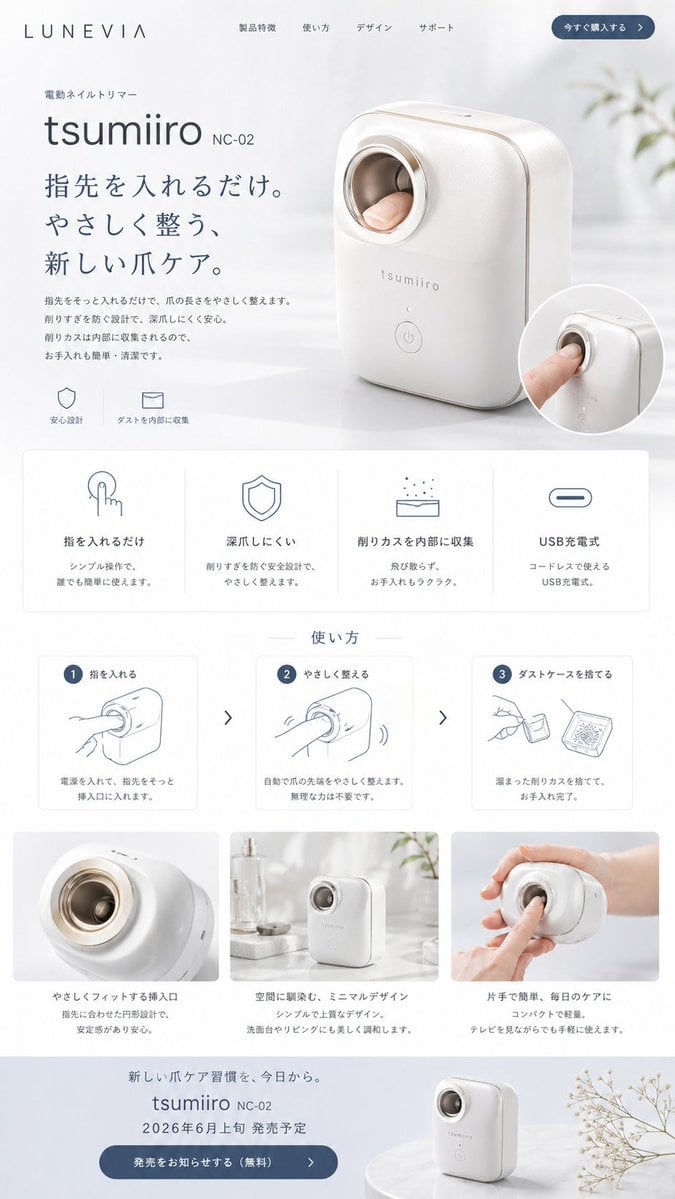
This generates a polished Japanese-style product webpage mockup for a fictional automatic nail trimmer, suitable for concept products, startup demos, and premium e-commerce presentations.
- Prompt included
- Model and format preset
- Free template
The prompt behind this image
Copy the exact prompt behind Japanese Nail Trimmer Landing Page, or open it in the studio and make it yours.
- Type
- minimal Japanese product landing page mockup
- Brand › Name
- LUNEVIA
- Product › Category
- electric nail trimmer
- Product › Name
- {argument name="product name" default="tsumiiro"}
- Product › Model
- {argument name="model number" default="NC-02"}
- Product › Appearance
- compact automatic nail care device with rounded rectangular body, glossy warm white shell, soft champagne-gold trim, circular finger insertion opening with metallic ring, subtle front logo, single round power button near the bottom
- Style › Overall
- premium, clean, calm, modern Japanese consumer electronics website
- Style › Palette
- white, soft gray, muted blue-gray, champagne gold accents
- Style › Lighting
- bright diffused daylight, airy and gentle shadows
- Style › Background
- minimal interior with sheer white curtains, pale tabletop, faint out-of-focus plant elements
- Layout › Header › Count
- 6
- Layout › Header › Items
- LUNEVIA logo, 製品特徴, 使い方, デザイン, サポート, 今すぐ購入する
- Layout › Hero › Count
- 7
- Layout › Hero › Items
- small category label 電動ネイルトリマー, large product name {argument name="product name" default="tsumiiro"}, model text {argument name="model number" default="NC-02"}, large Japanese headline {argument name="headline text" default="指先を入れるだけ。やさしく整う、新しい爪ケア。"}, short descriptive paragraph in Japanese, 2 small icon captions: 安心設計 and ダストを内部に収集, large three-quarter product photo with a finger inserted plus 1 circular inset close-up image
- Layout › Feature Grid › Title
- none visible
- Layout › Feature Grid › Position
- below hero
- Layout › Feature Grid › Count
- 4
- Layout › Feature Grid › Labels
- 指を入れるだけ, 深爪しにくい, 削りカスを内部に収集, USB充電式
- Layout › Feature Grid › Cards
- 4 evenly spaced white cards with thin borders, each containing 1 simple line icon, 1 bold heading, and 2 lines of smaller explanatory Japanese text
- Layout › How To Use › Title
- 使い方
- Layout › How To Use › Position
- mid page
- Layout › How To Use › Count
- 3
- Layout › How To Use › Labels
- 1 指を入れる, 2 やさしく整える, 3 ダストケースを捨てる
- Layout › How To Use › Cards
- 3 instructional cards with blue numbered circles, simple gray line drawings, and short Japanese descriptions, separated by 2 right-pointing chevrons
Raw JSON
{"type":"minimal Japanese product landing page mockup","brand":{"name":"LUNEVIA"},"product":{"category":"electric nail trimmer","name":"{argument name=\"product name\" default=\"tsumiiro\"}","model":"{argument name=\"model number\" default=\"NC-02\"}","appearance":"compact automatic nail care device with rounded rectangular body, glossy warm white shell, soft champagne-gold trim, circular finger insertion opening with metallic ring, subtle front logo, single round power button near the bottom"},"style":{"overall":"premium, clean, calm, modern Japanese consumer electronics website","palette":"white, soft gray, muted blue-gray, champagne gold accents","lighting":"bright diffused daylight, airy and gentle shadows","background":"minimal interior with sheer white curtains, pale tabletop, faint out-of-focus plant elements"},"layout":{"header":{"count":6,"items":["LUNEVIA logo","製品特徴","使い方","デザイン","サポート","今すぐ購入する"]},"hero":{"count":7,"items":["small category label 電動ネイルトリマー","large product name {argument name=\"product name\" default=\"tsumiiro\"}","model text {argument name=\"model number\" default=\"NC-02\"}","large Japanese headline {argument name=\"headline text\" default=\"指先を入れるだけ。やさしく整う、新しい爪ケア。\"}","short descriptive paragraph in Japanese","2 small icon captions: 安心設計 and ダストを内部に収集","large three-quarter product photo with a finger inserted plus 1 circular inset close-up image"]},"feature grid":{"title":"none visible","position":"below hero","count":4,"labels":["指を入れるだけ","深爪しにくい","削りカスを内部に収集","USB充電式"],"cards":"4 evenly spaced white cards with thin borders, each containing 1 simple line icon, 1 bold heading, and 2 lines of smaller explanatory Japanese text"},"how to use":{"title":"使い方","position":"mid page","count":3,"labels":["1 指を入れる","2 やさしく整える","3 ダストケースを捨てる"],"cards":"3 instructional cards with blue numbered circles, simple gray line drawings, and short Japanese descriptions, separated by 2 right-pointing chevrons"},"lifestyle gallery":{"position":"lower middle","count":3,"labels":["close-up insertion opening","device standing on a counter in a bright room","hand holding the device while using it"],"captions":["やさしくフィットする挿入口","空間に調和し、ミニマルデザイン","片手で簡単、毎日のケアに"]},"footer callout":{"count":6,"items":["small Japanese tagline about a new nail-care habit","product name and model repeated","release notice in Japanese with date {argument name=\"release date\" default=\"2026年6月上旬\"}","blue rounded CTA button 発売をお知らせする(無料)","small product photo on a round pedestal","delicate dried flower branch at the right edge"]}},"composition":"tall single-page website screenshot, centered product, generous whitespace, soft rounded panels, subtle shadows, high-end e-commerce presentation"}How to use Japanese Nail Trimmer Landing Page in 3 steps
- 1Upload ImagePNG, JPG or paste
Add your photo
Upload the photo the template builds on. The prompt, model and format are already set.
- 2…a portrait of your subject in softgolden-hour light, 85mm…
Personalize
Edit the subject and creative details for your destination.
- 3Generate
Generate
Press Generate — your image is created in PicX Studio, so you can compare it with the original and refine one variable at a time.
More like this
Templates with the same subject, style or setup. Open one to see its prompt.
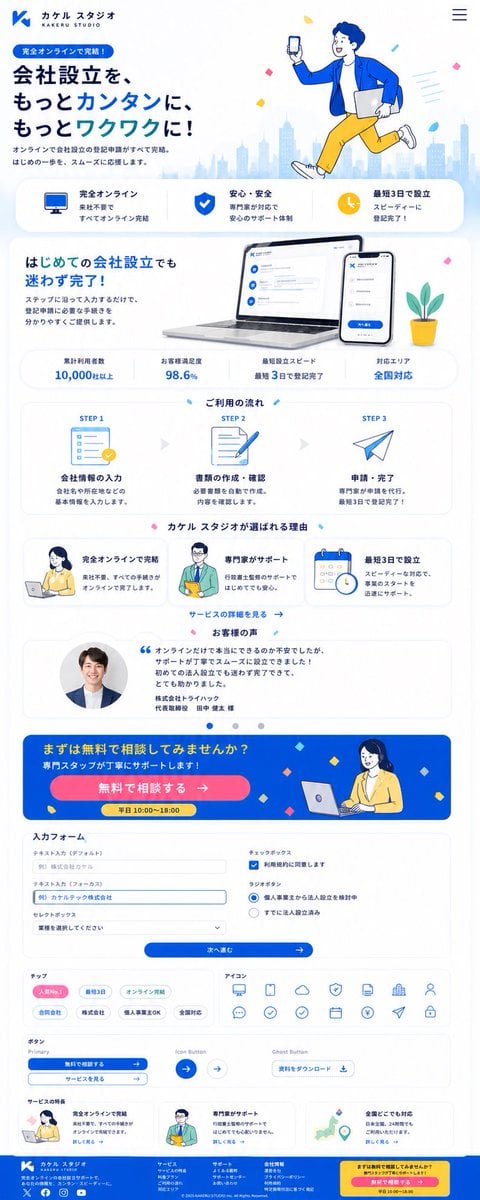
Japanese Company Setup Landing Page

Minecraft Japanese Research Lab Exploration

Neon Japanese AI IDE Landing Poster

Japanese Architectural Concrete Studio Fashion Campaign

Japanese Minimalist Concrete Studio Fashion Editorial

Blue Backdrop Luxury Fashion Portrait Campaign

Gpt2 Youtube Thumbnail Japanese Ai Battle Youtube Thumbnail

Japanese Film Reflection Idol

Cute AI Doodle Generator Landing Page
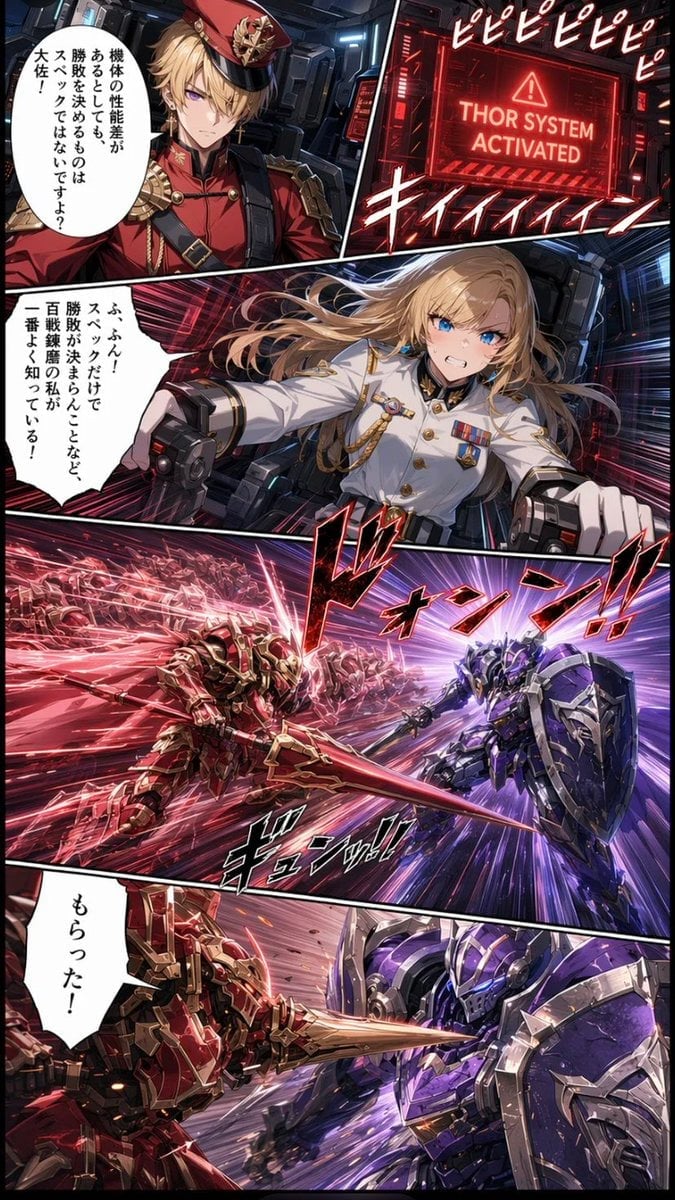
Japanese Webtoon Mecha Battle Page
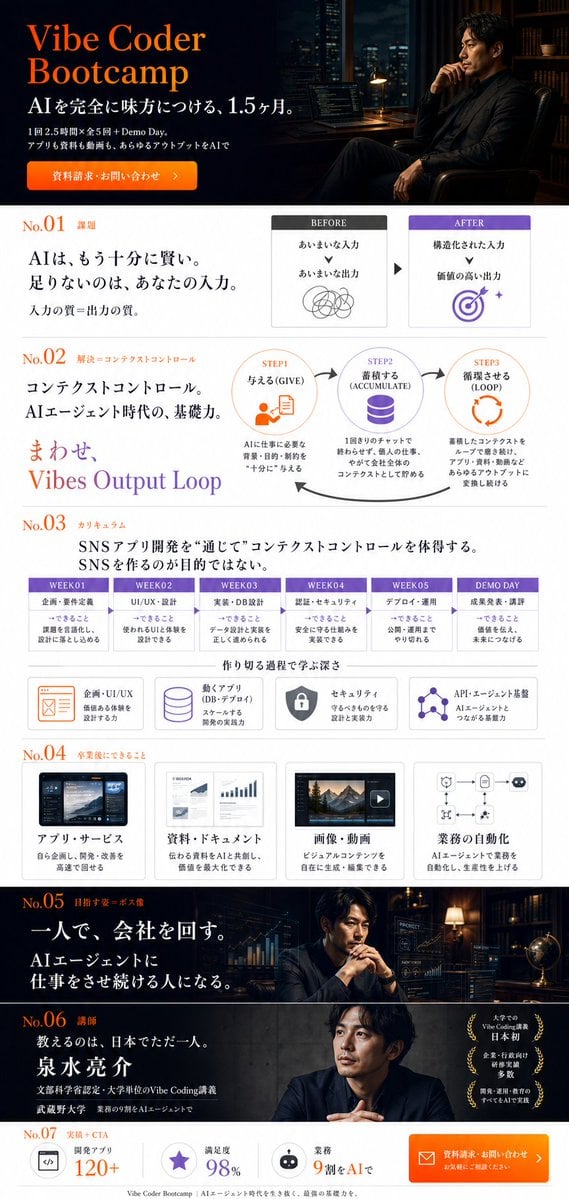
Vibe Coder Bootcamp Landing Page

Atlas GTM SaaS Hero Landing Page
Make it yours
Japanese Nail Trimmer Landing Page works as-is. These are the safest ways to change it without losing the look.
Swap the setting
Keep the rest of the prompt and replace the location block. The current setting is “minimal interior with sheer white curtains, pale tabletop, faint out-of-focus pl”.
Swap the light
One lighting change is enough to compare takes. Current light: “bright diffused daylight, airy and gentle shadows”.
Change one field
Copy a single group, rewrite it, and generate again so you can see what that field is doing.
| If the result… | Why | Fix |
|---|---|---|
| The result drifts from the preview | Too many fields changed at once. | Reuse Japanese Nail Trimmer Landing Page as-is first, then change one group — subject, light, or setting. |
| GPT Image 2 ignores part of the JSON | Some models flatten or skip nested keys. | Keep the same values and paste them as a short paragraph instead. |
More GPT Image 2 templates
Other prompts made for GPT Image 2.

Six VTuber Japanese Logo Sheet

Realistic Portrait of Woman and Deer

The Vista Modular Condo Poster

AI Model Routing Comparison Infographic

2.5D Anime Art Board

Isometric Productivity Desk Scene

New York Double Exposure Poster

Four-Panel AI Landscape Comparison

Japanese Tatami Lifestyle Magazine Cover

NESCAFÉ Coffee Map Poster
More image prompts
Fresh picks from across the catalog.

Goth Streetwear Anime Icon Portrait
Identical Prompt Comparison (Nano Banana Pro vs. ChatGPT)

Moonlit Gothic Lolita Balcony
Metallic Nano Puzzle Diorama

Cinematic rainy street, underwater cathedral, and design-to-photo

Cinematic Portrait with Fire in Hand

Underwater macro portrait (left half of face)

untitled

Cinematic Sequences with Midjourney V7

Cinematic 3D Render Conversion
Browse template categories
Japanese Nail Trimmer Landing Page questions
How do I use the Japanese Nail Trimmer Landing Page template?
Add your photo if the template asks for one, edit the prompt if you like — the template's model and format are already selected — and press Generate. Your version opens in PicX Studio.
Can I customize the Japanese Nail Trimmer Landing Page template?
Yes. You can change the subject, setting, lighting, mood, format, and available model controls before creating your image.
Is the Japanese Nail Trimmer Landing Page template free?
Opening and editing this template is free. Generating uses credits, shown on the Generate button when you are signed in.
Which AI model should I use?
Start with GPT Image 2, which is the model associated with this template. You can compare another compatible model for a different finish.
Looking for something else? Browse all templates.

Your photo, any look
Thousands of ready templates for every top image and video model, from one credit balance.