
Moonlit Gothic Lolita Balcony
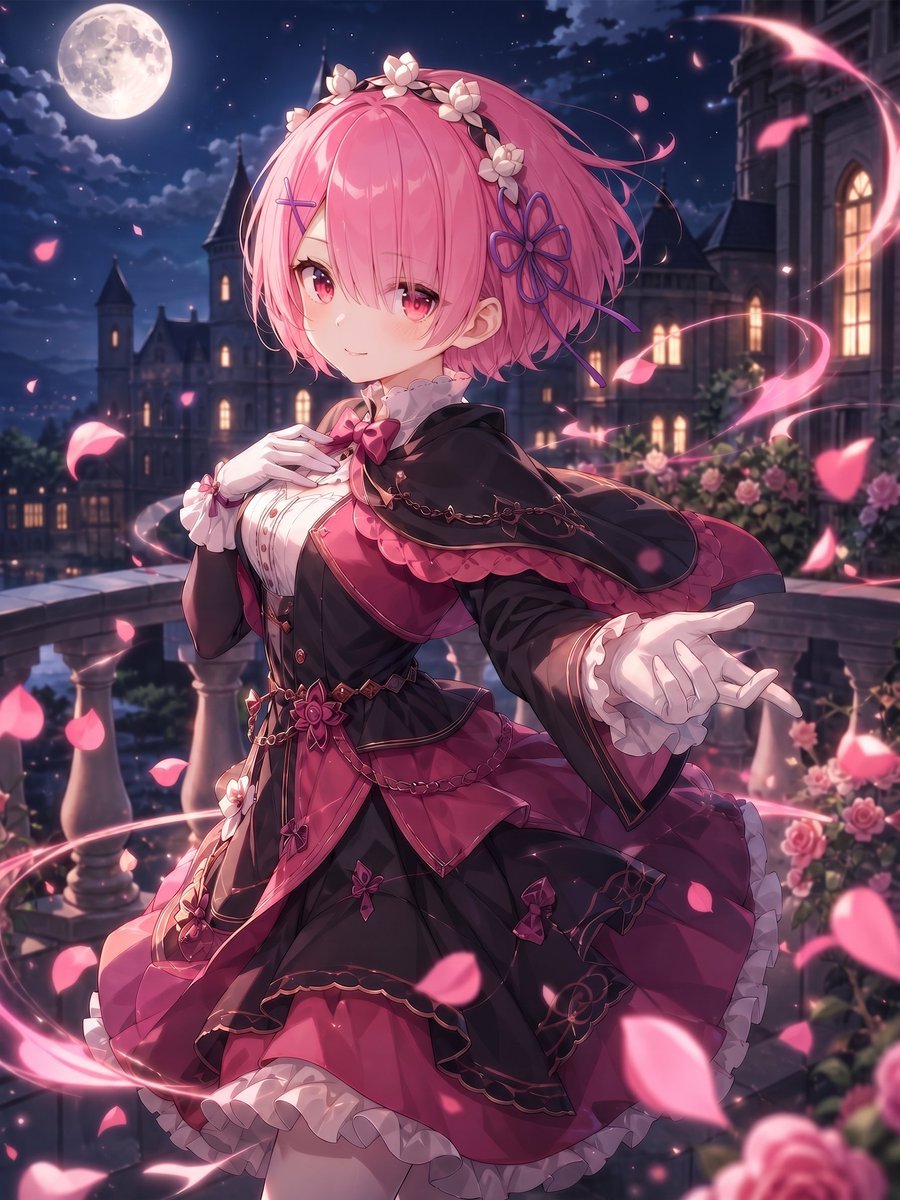
A detailed prompt for generating a romantic anime gothic-lolita girl on a moonlit castle balcony with roses, petals, and magical pink light.
- Prompt included
- Model and format preset
- Free template
The prompt behind this image
Copy the exact prompt behind Moonlit Gothic Lolita Balcony, or open it in the studio and make it yours.
Create a polished anime fantasy illustration of {argument name="character name" default="a graceful pink-haired noble girl"} standing on a moonlit castle balcony at night, shown from mid-thigh up in a vertical composition. She has short fluffy bobbed {argument name="hair color" default="pink"} hair with long side bangs partly covering one eye, large ruby-pink eyes, a soft shy smile, pale skin, and delicate features. Add a white flower crown across the top of her hair, a purple flower-shaped hair ornament on the right side, and a small cross hairpin on the left. Dress her in an ornate gothic lolita outfit in {argument name="dress colors" default="black, deep magenta, and rose pink"}: fitted bodice, puffed skirt with layered ruffles, white frilled blouse details, bow at the collar, capelet over the shoulders, rose brooch at the waist, fine gold chain decorations, embroidered floral trim, white cuffs, and frilly underskirt. Her left hand rests gently near her chest, while her right arm reaches outward toward the viewer with an open palm, elegant but slightly stylized anime fingers. The setting is a romantic European castle terrace with stone balustrades, blooming rose bushes, tall arched windows glowing warm yellow, distant gothic towers, and a large full moon in a deep navy starry sky. Surround her with swirling magical ribbons of pink light and many floating rose petals, including foreground petals blurred for depth. Use cinematic moonlight mixed with warm window glow, soft rim lighting, high detail, glossy anime rendering, dreamy atmosphere, rich magenta highlights, shallow depth of field, and a clean high-resolution illustration style. No text, no watermark, no modern objects.
How to use Moonlit Gothic Lolita Balcony in 3 steps
- 1Upload ImagePNG, JPG or paste
Add your photo
Upload the photo the template builds on. The prompt, model and format are already set.
- 2…a portrait of your subject in softgolden-hour light, 85mm…
Personalize
Edit the subject and creative details for your destination.
- 3Generate
Generate
Press Generate — your image is created in PicX Studio, so you can compare it with the original and refine one variable at a time.
More like this
Templates with the same subject, style or setup. Open one to see its prompt.
Anime Gothic Lolita Cape Transformation
Blonde Gothic Lolita Sakura Shrine
Cinematic Gothic Lolita 3x3 Anime Stills
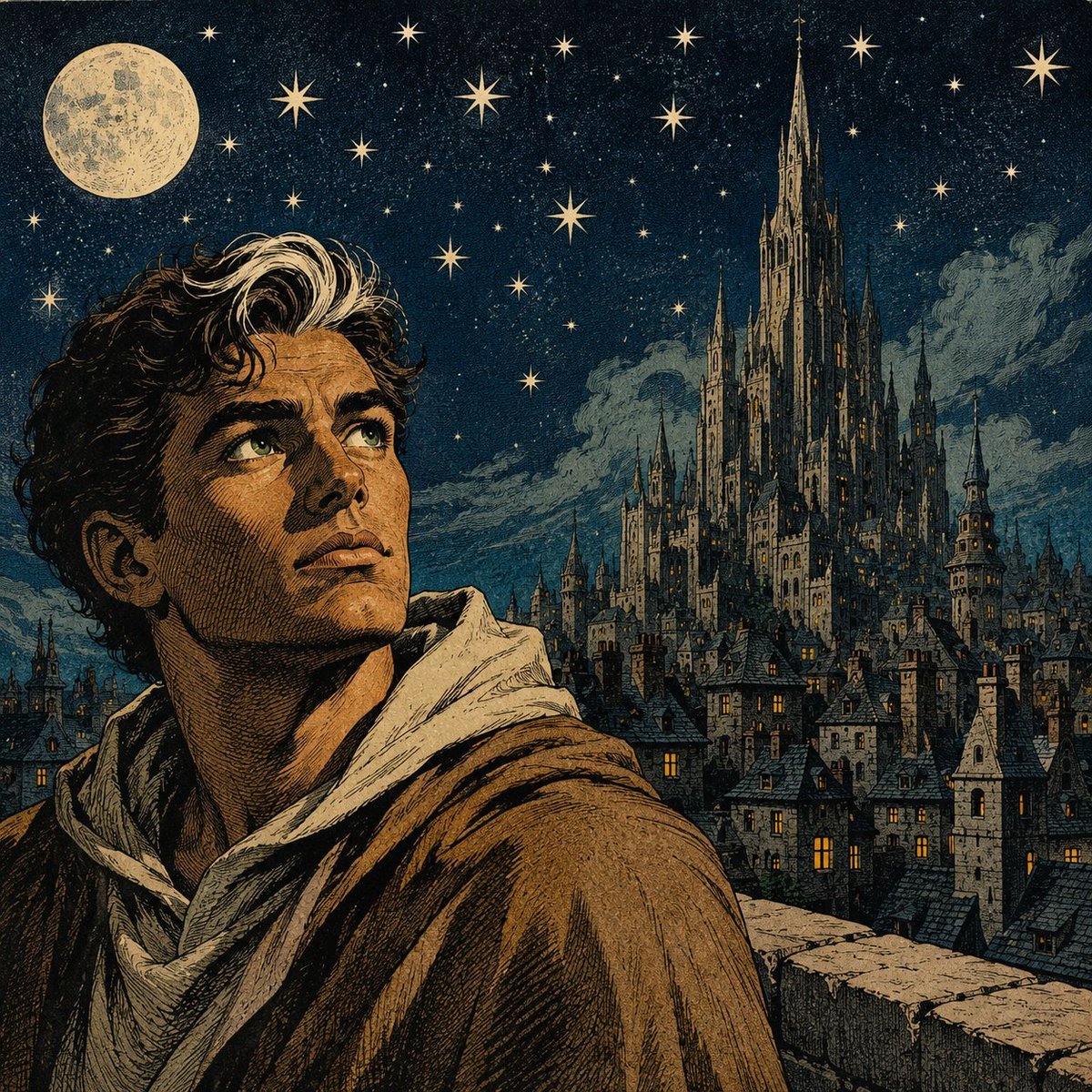
Moonlit Gothic Fantasy Traveler
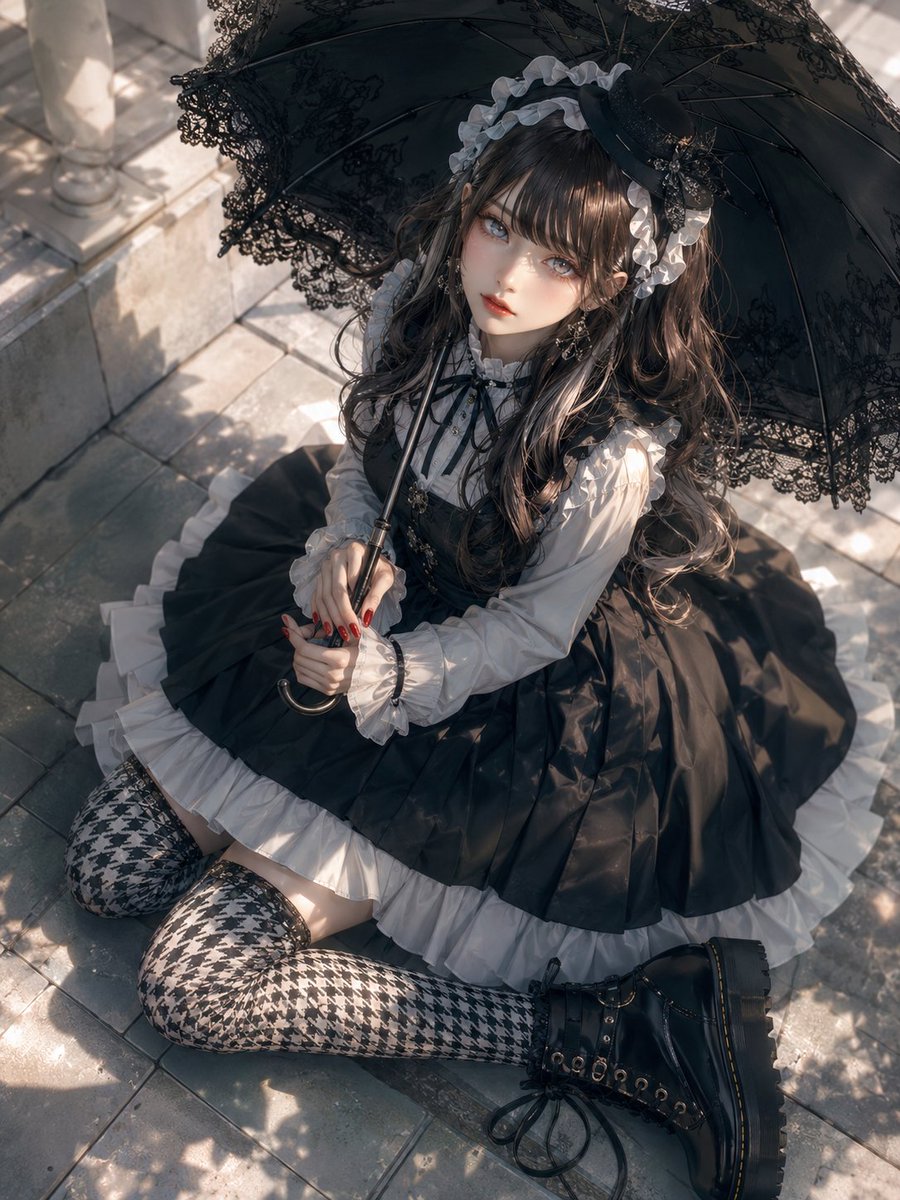
Gothic Lolita Parasol Portrait
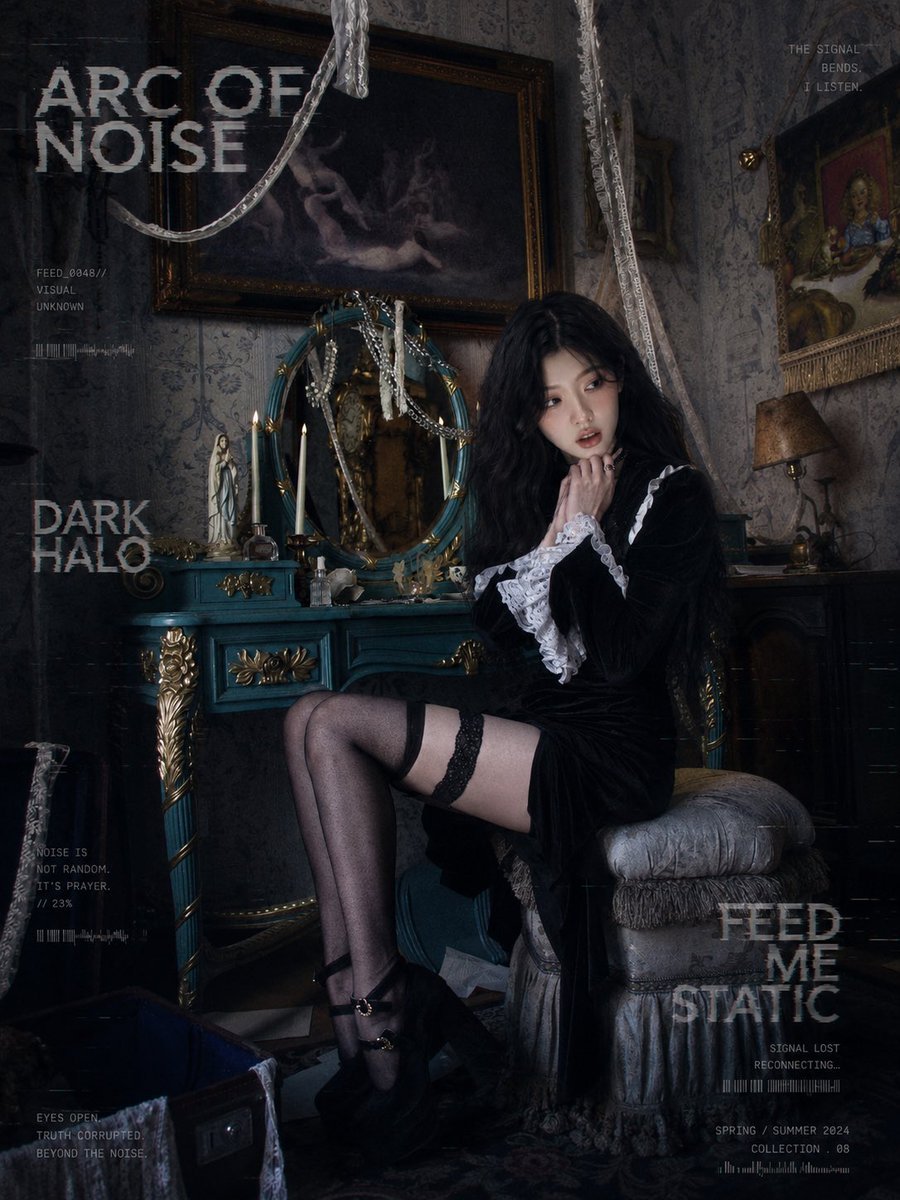
Dark Gothic Lolita Static Portrait
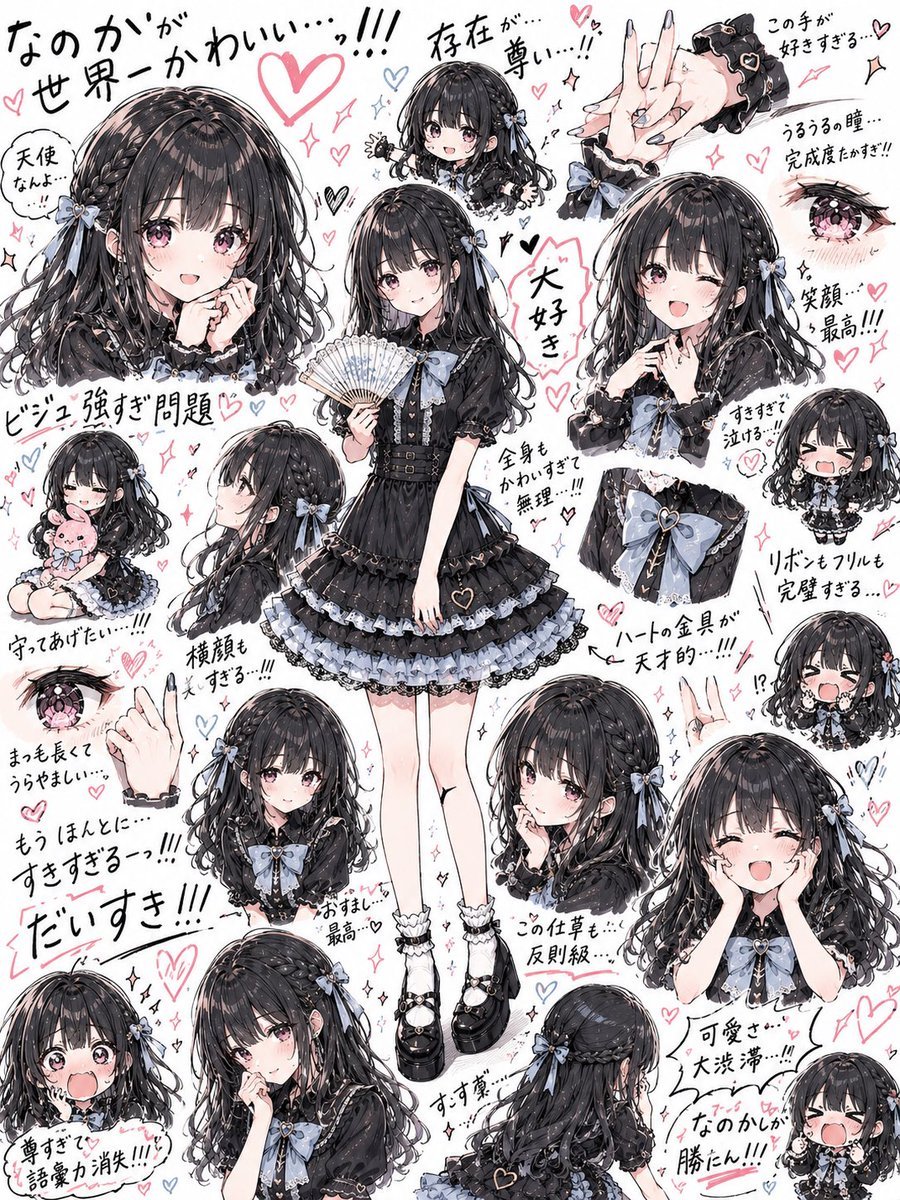
Gothic Lolita Character Sheet
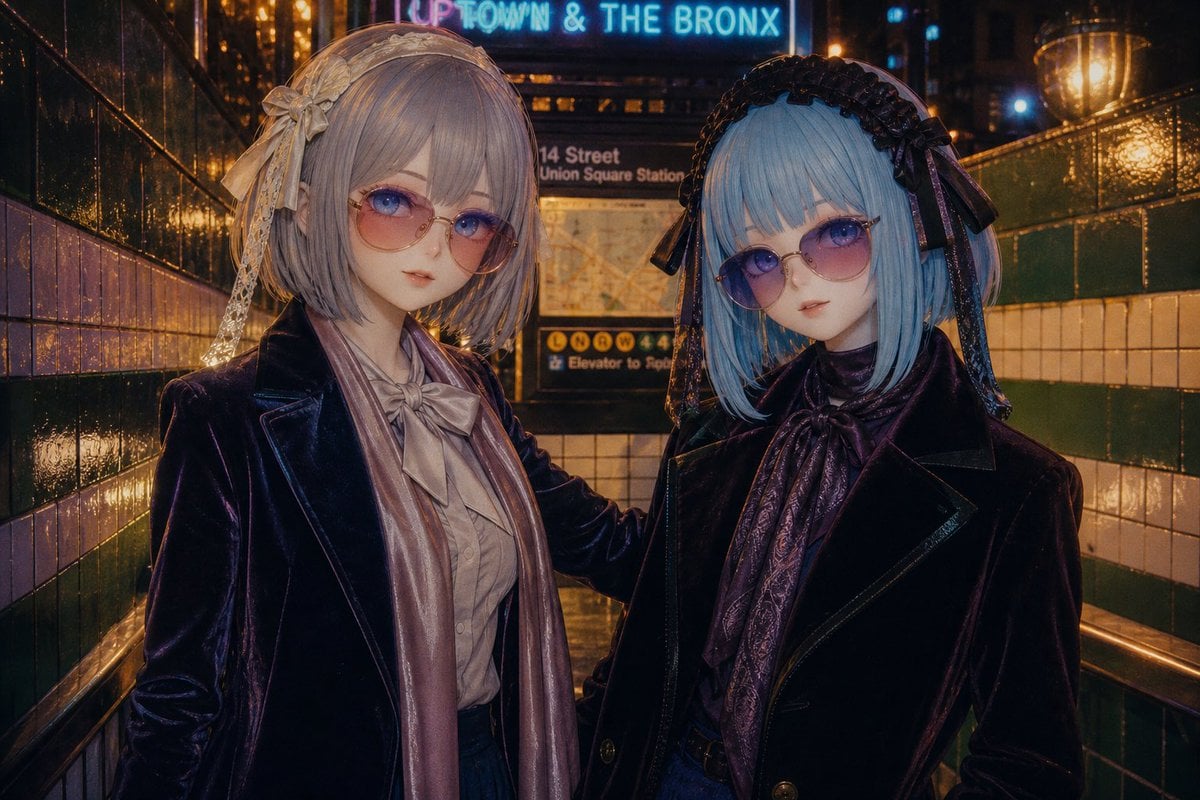
Gothic Lolita Subway Fashion Portrait
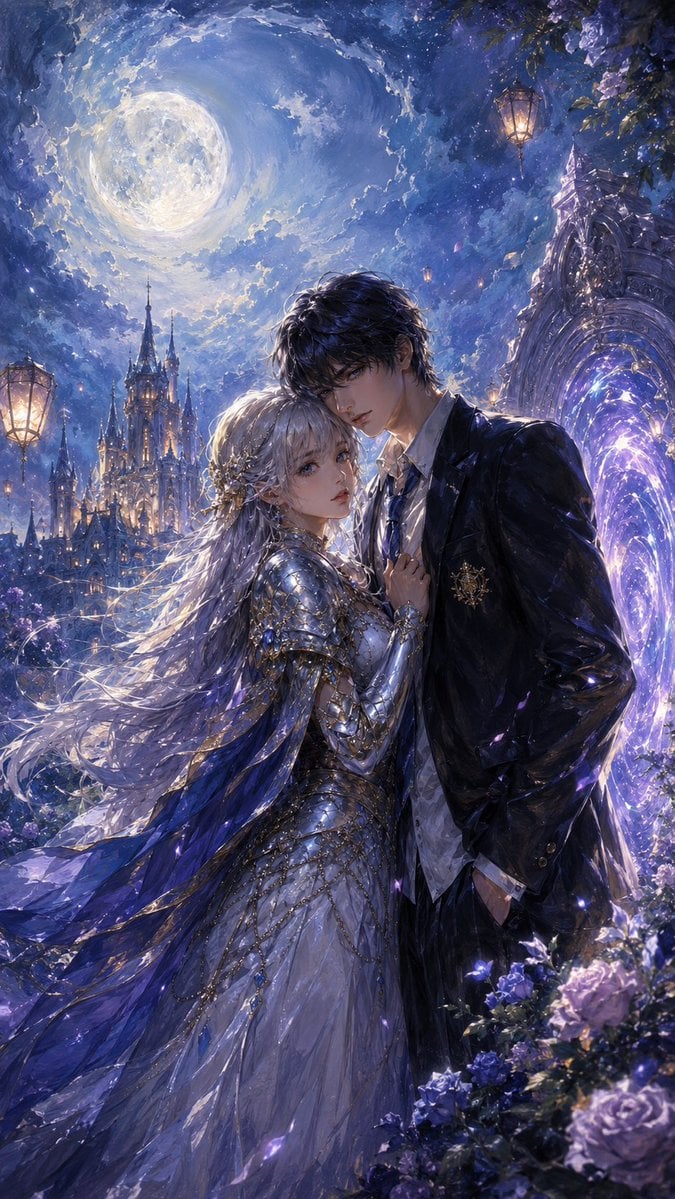
Moonlit Gothic Fantasy Couple
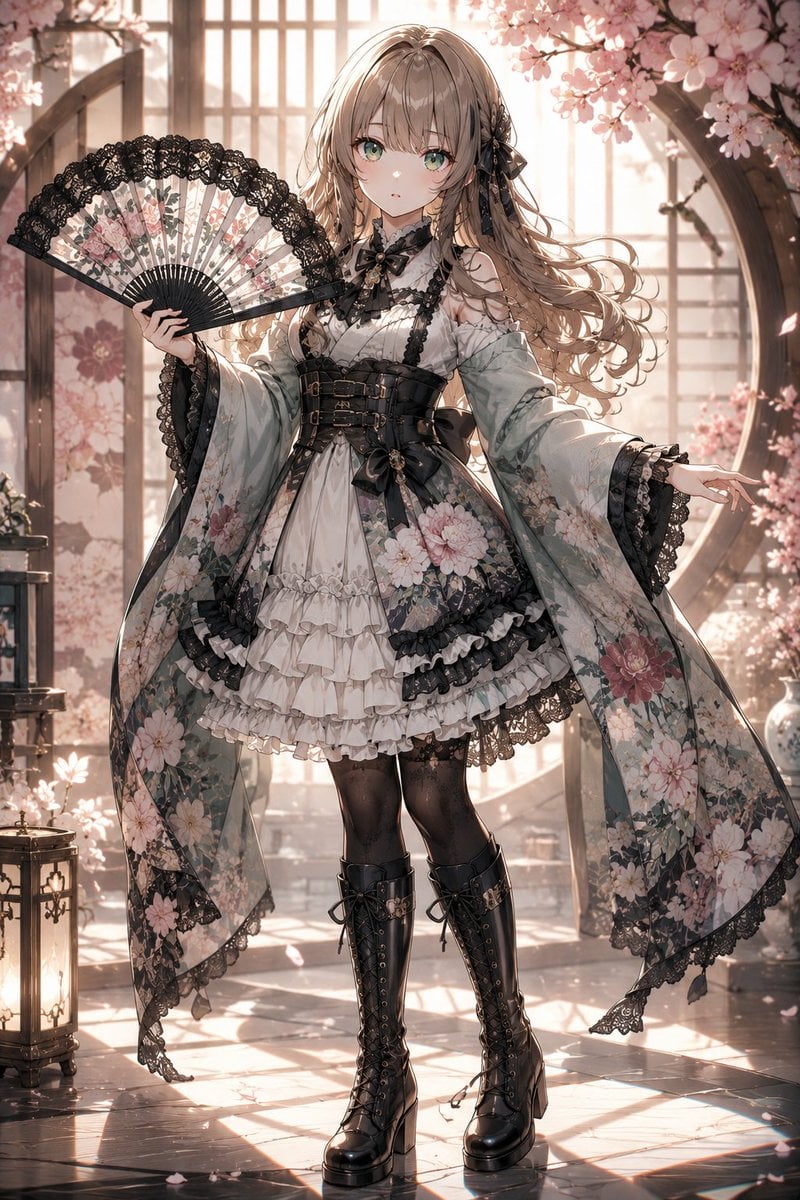
Gothic Lolita Furisode Outfit
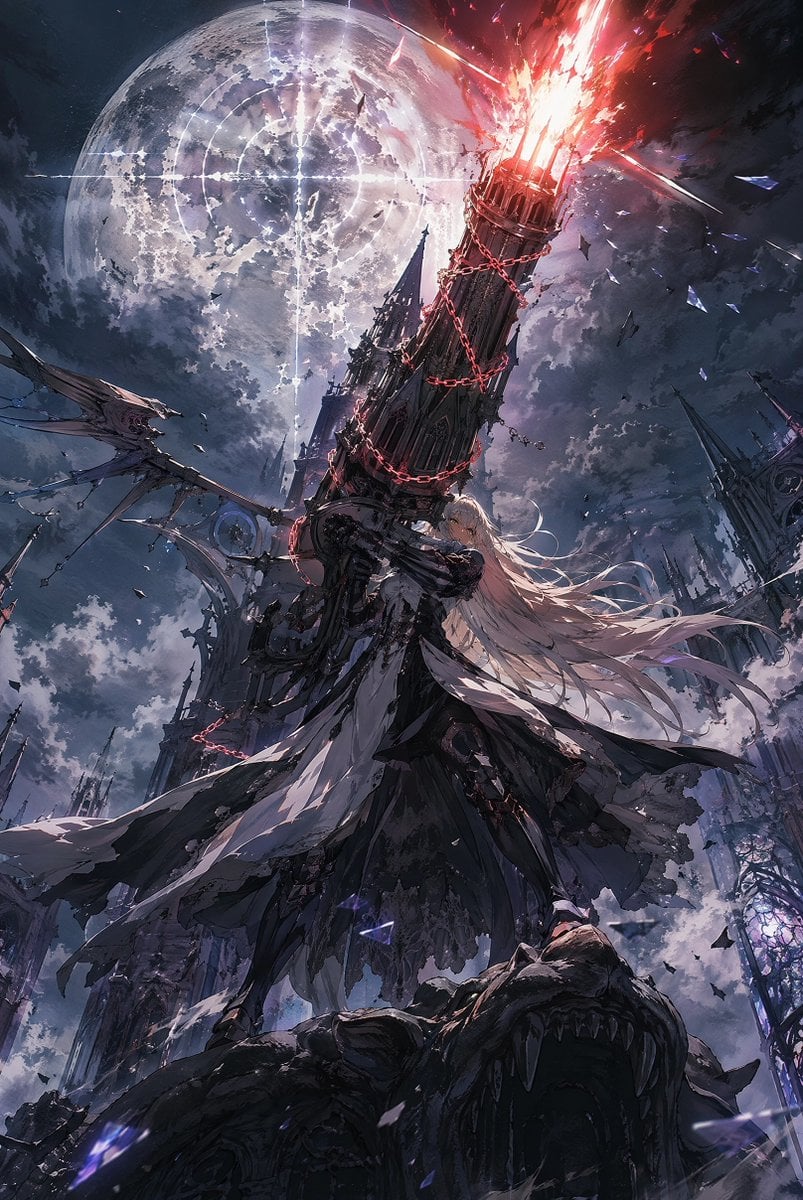
Moonlit Gothic Cannon Maiden
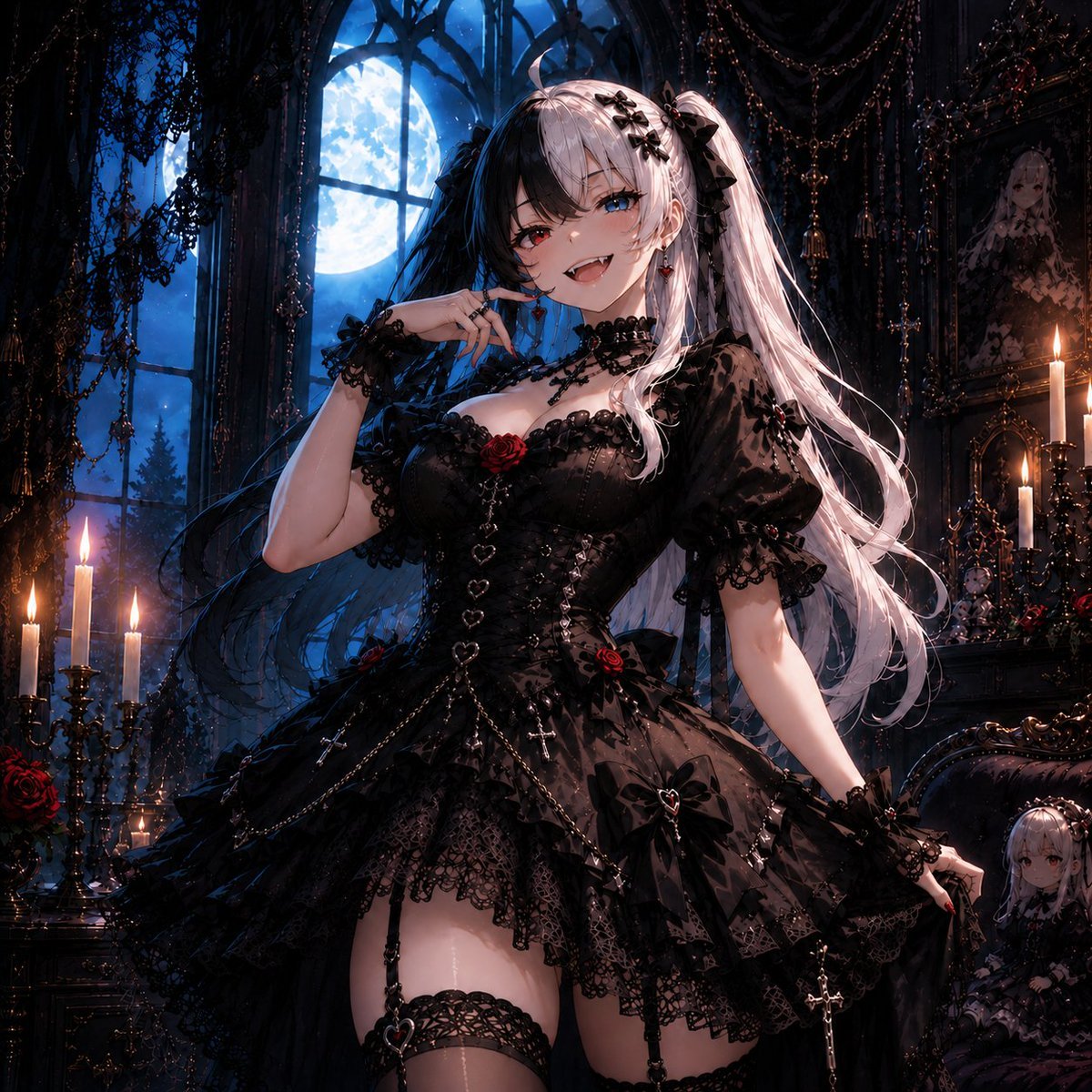
Feisty Gothic Lolita Girl
Make it yours
Moonlit Gothic Lolita Balcony works as-is. These are the safest ways to change it without losing the look.
Change one field
Copy a single group, rewrite it, and generate again so you can see what that field is doing.
Keep the frame, change the subject
Hold the composition and light of Moonlit Gothic Lolita Balcony, then swap wardrobe, props or the person for a new take.
| If the result… | Why | Fix |
|---|---|---|
| The result drifts from the preview | Too many fields changed at once. | Reuse Moonlit Gothic Lolita Balcony as-is first, then change one group — subject, light, or setting. |
| The model over-stylizes the scene | The prose prompt leaves finish and camera underspecified. | Add one camera or lighting sentence and stay on GPT Image 2. |
More GPT Image 2 templates
Other prompts made for GPT Image 2.

Six VTuber Japanese Logo Sheet

Realistic Portrait of Woman and Deer

The Vista Modular Condo Poster

AI Model Routing Comparison Infographic

2.5D Anime Art Board

Isometric Productivity Desk Scene

New York Double Exposure Poster

Four-Panel AI Landscape Comparison

Japanese Tatami Lifestyle Magazine Cover

NESCAFÉ Coffee Map Poster
More image prompts
Fresh picks from across the catalog.
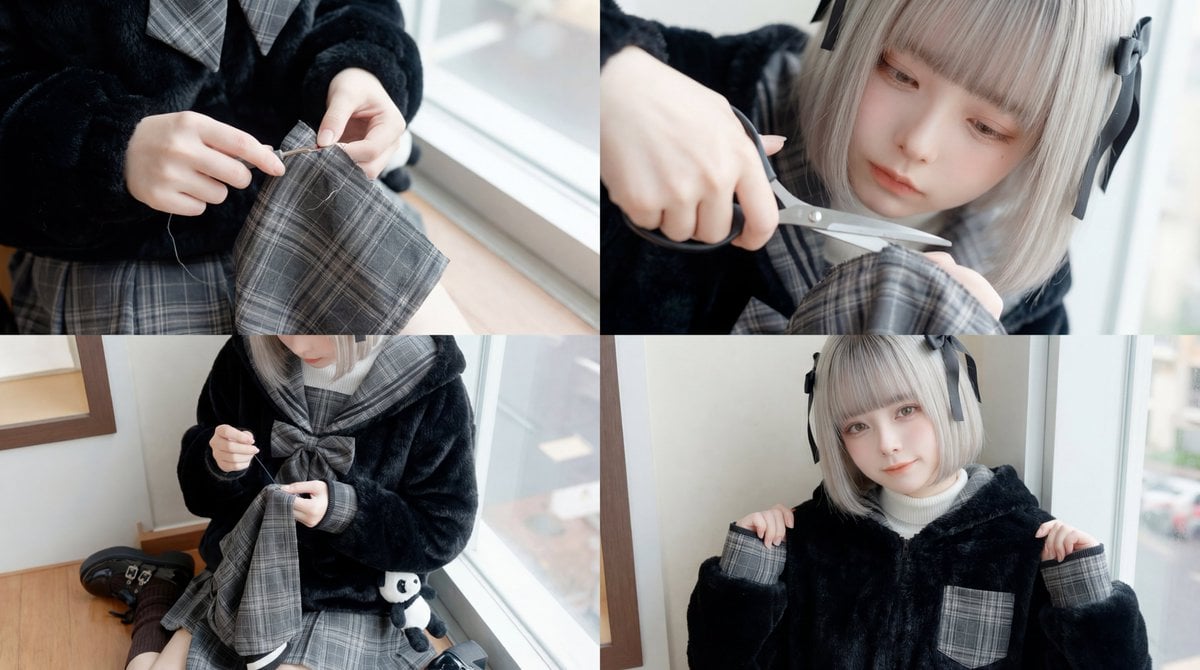
ASMR Sewing/Crafting Video Prompt (GPT-5 Generated)
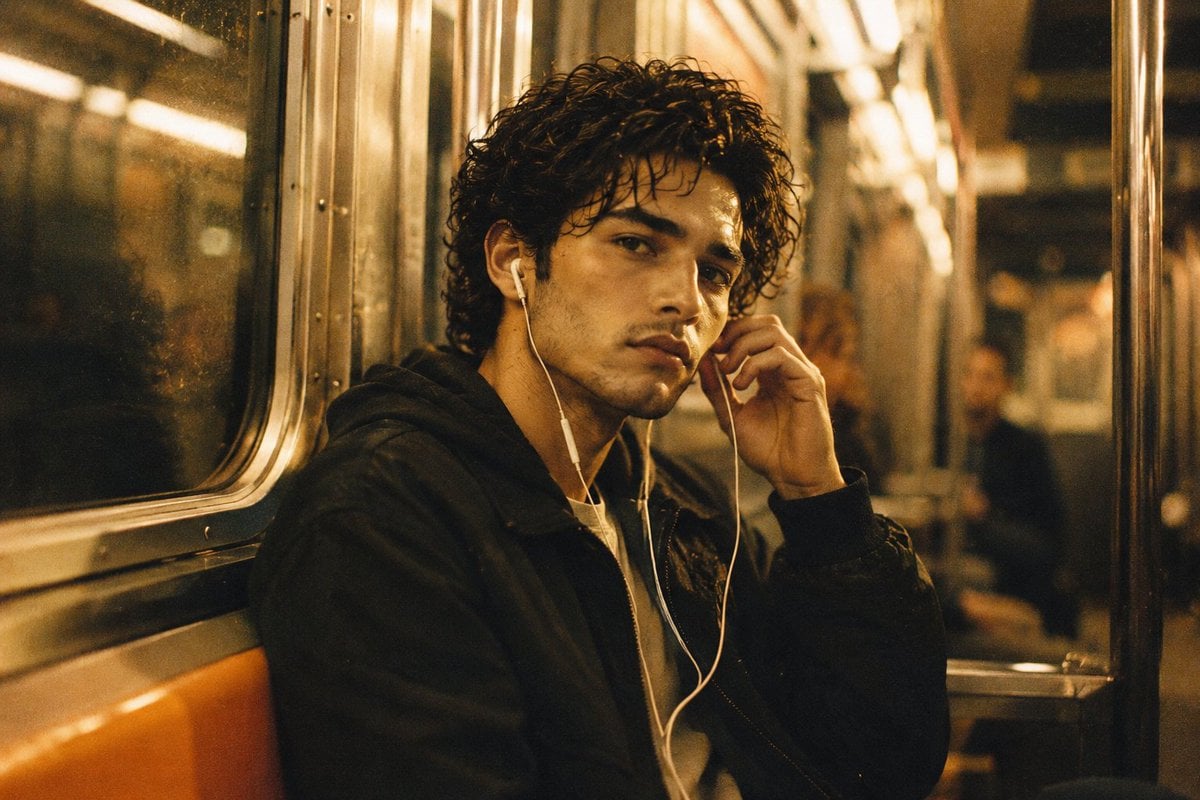
Nostalgic 90s Subway Film Portrait
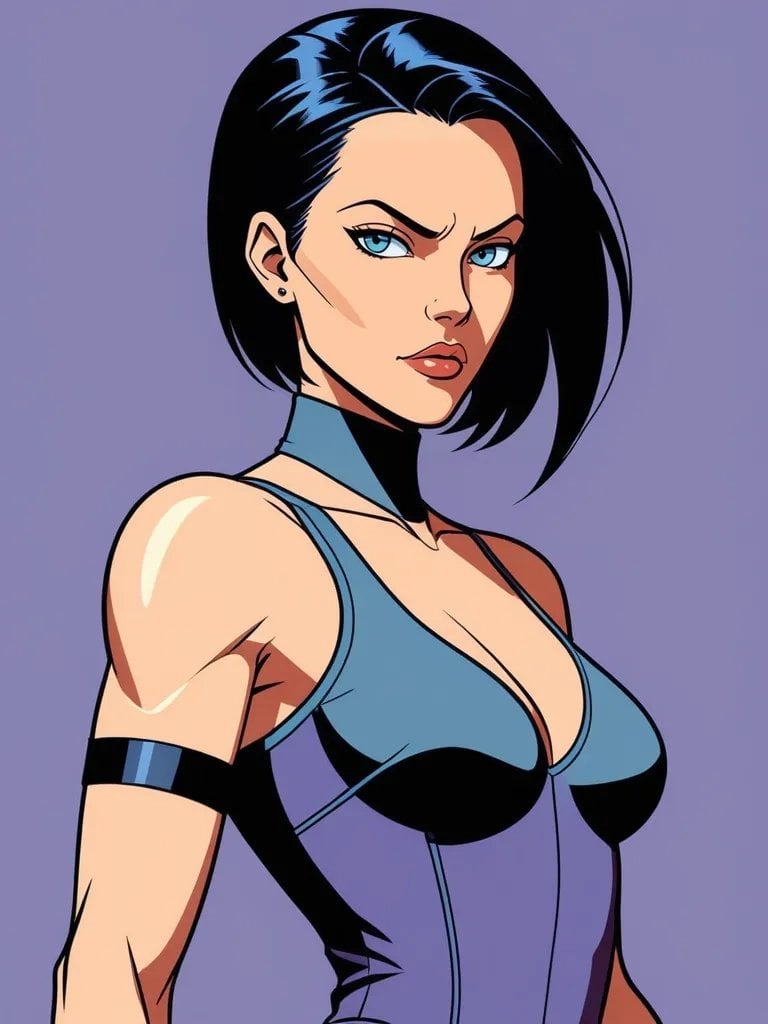
Style Transfer to Realistic Selfie

Ultra-Realistic McDonald's Lifestyle Portrait (Two Scenes)
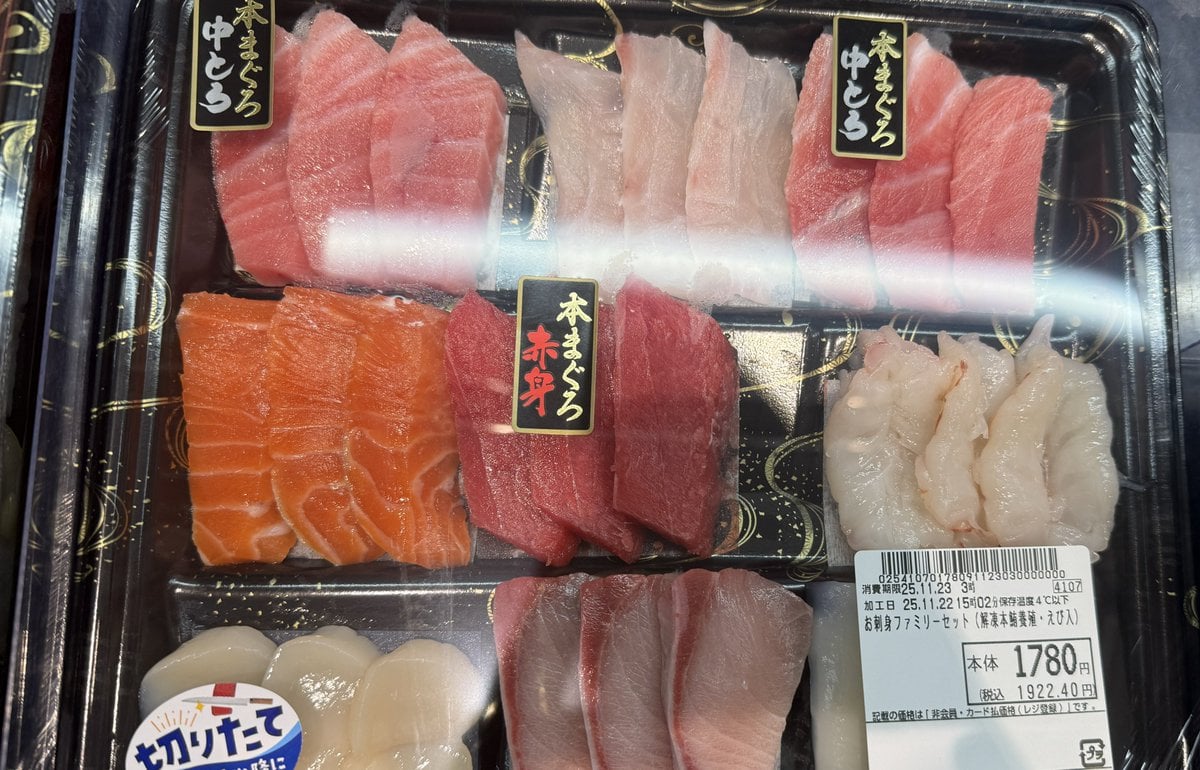
Food photo turned into creature-style nutrition poster
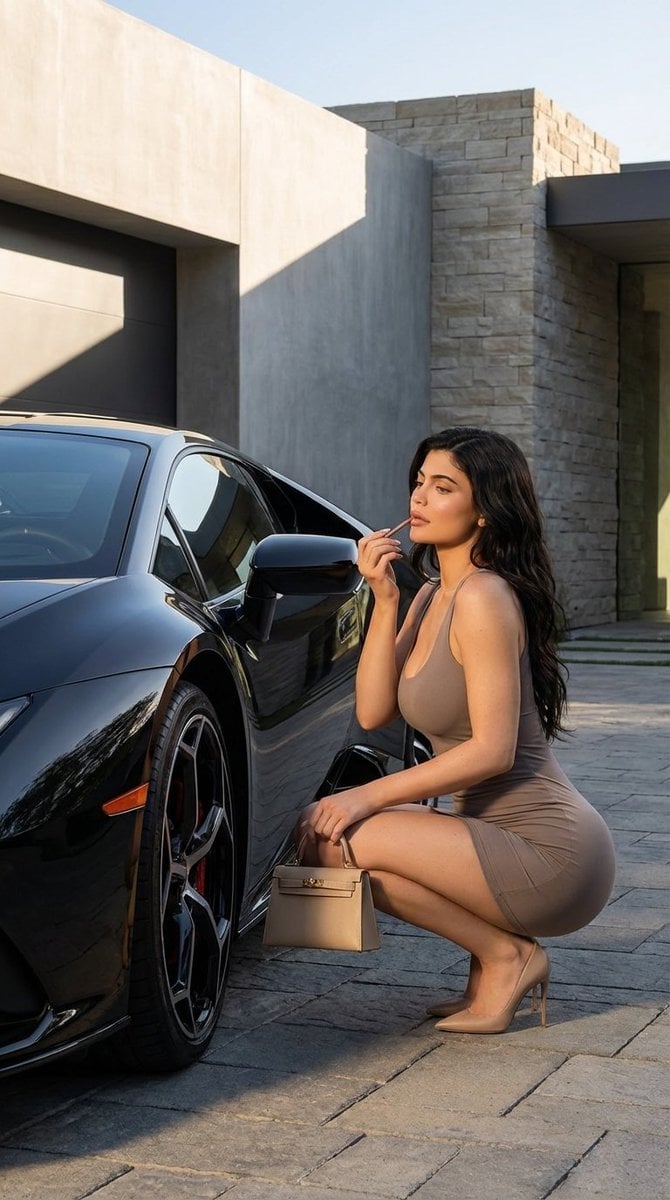
Luxury Photoshoot Prompt with Sports Car and Face Preservation

Image-to-Image Transformation: Arm Wrestling with Popeye

Isometric Figurine from Selfie Prompt Template
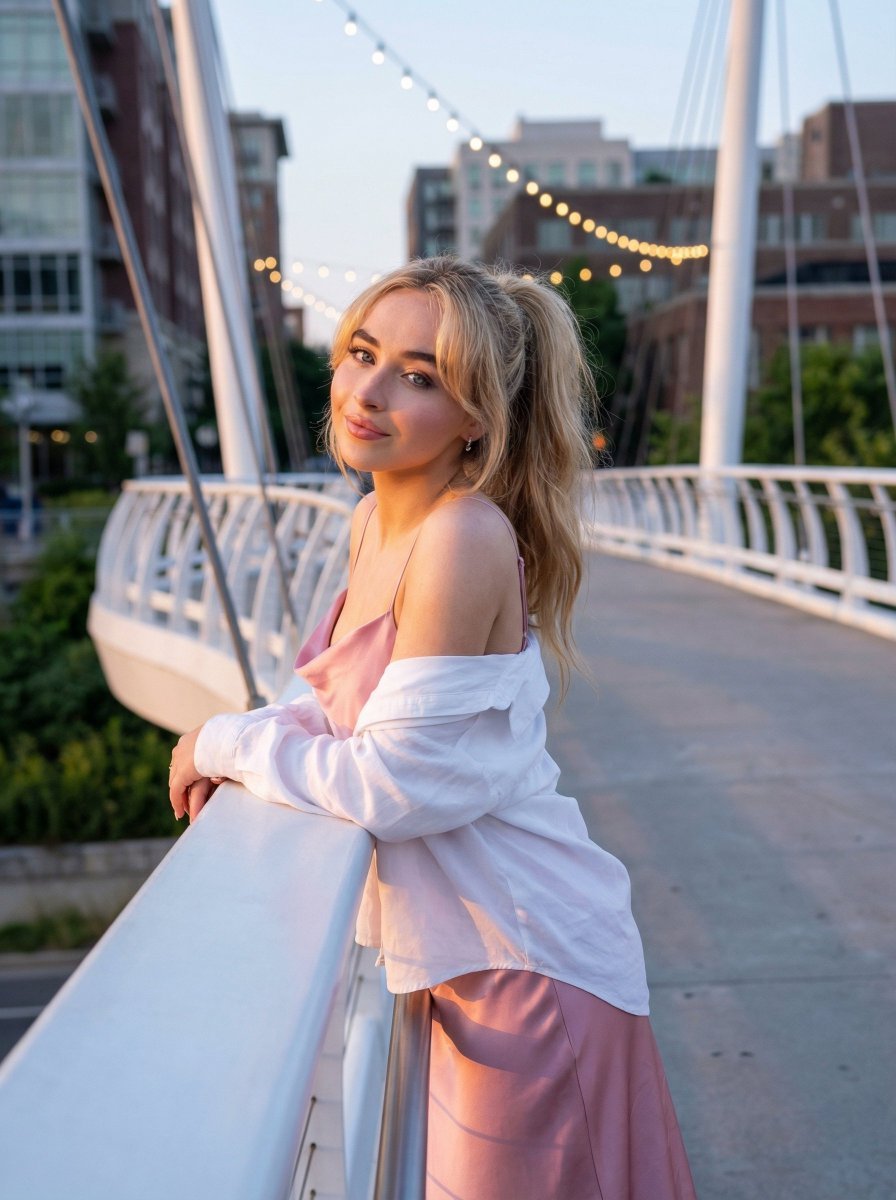
Trendy Aesthetic Lifestyle Photo on a Bridge
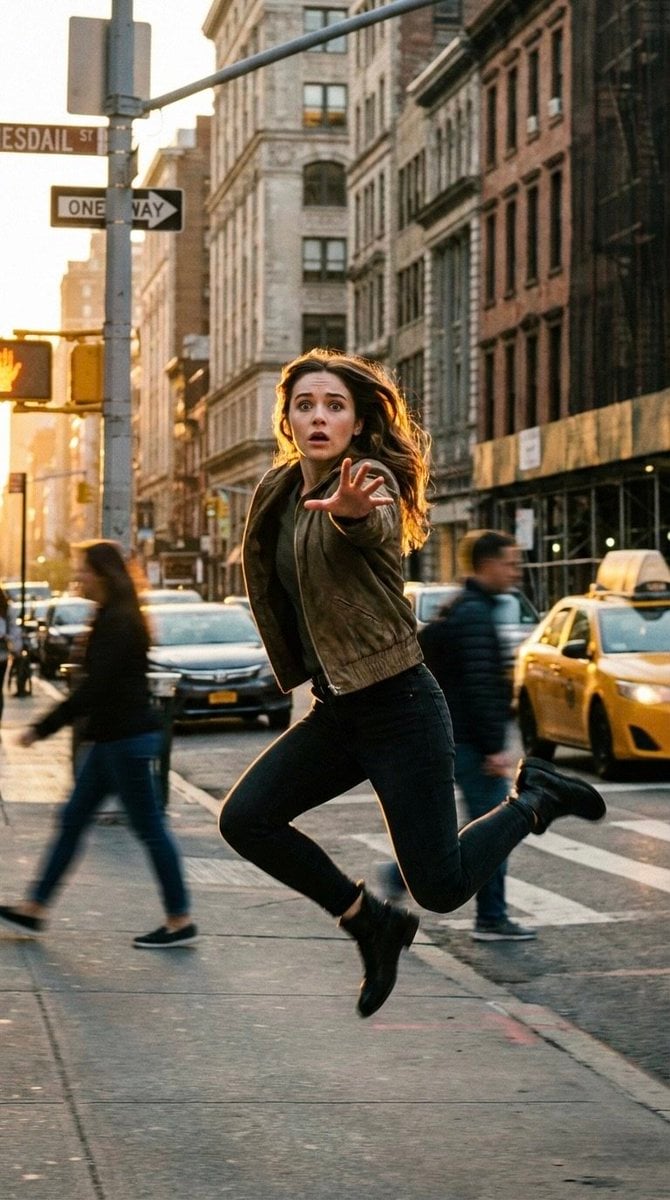
Cinematic Freeze-Frame Action Shot in NYC Prompt
Browse template categories
Moonlit Gothic Lolita Balcony questions
How do I use the Moonlit Gothic Lolita Balcony template?
Add your photo if the template asks for one, edit the prompt if you like — the template's model and format are already selected — and press Generate. Your version opens in PicX Studio.
Can I customize the Moonlit Gothic Lolita Balcony template?
Yes. You can change the subject, setting, lighting, mood, format, and available model controls before creating your image.
Is the Moonlit Gothic Lolita Balcony template free?
Opening and editing this template is free. Generating uses credits, shown on the Generate button when you are signed in.
Which AI model should I use?
Start with GPT Image 2, which is the model associated with this template. You can compare another compatible model for a different finish.
Looking for something else? Browse all templates.

Your photo, any look
Thousands of ready templates for every top image and video model, from one credit balance.