
Cinematic Gothic Lolita 3x3 Anime Stills
Generates a nine-panel cinematic anime contact sheet of a gothic lolita heroine in a rose-filled palace, useful for character PV concepts and visual storytelling.
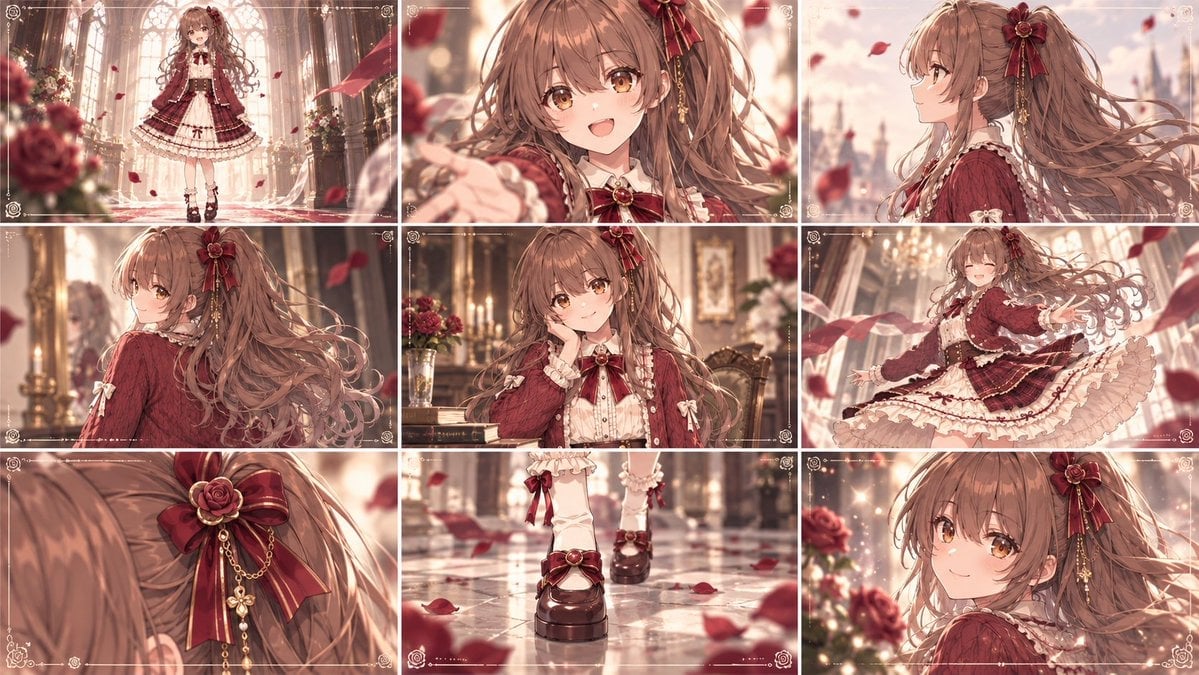
- Prompt included
- Model and format preset
- Free template
The prompt behind this image
Copy the exact prompt behind Cinematic Gothic Lolita 3x3 Anime Stills, or open it in the studio and make it yours.
Goal: Create a cinematic anime movie-style 3x3 contact sheet featuring {argument name="character name" default="a sweet brown-haired gothic lolita heroine"} in an elegant rose-filled palace interior, with each panel looking like a still frame from the same romantic fantasy film. Canvas: Wide 16:9 image divided into exactly 9 equal rectangular panels in a 3 columns by 3 rows grid. Use thin white gutters between panels. Each panel has a delicate ornamental film-frame border with tiny rose motifs, corner flourishes, faint guide lines, and small decorative marks, like premium anime key visuals. Character design: A young anime girl with very long wavy {argument name="hair color" default="warm chestnut brown"} hair, amber-gold eyes, soft blush, and a cheerful gentle expression. She wears a burgundy and cream gothic lolita dress: cropped burgundy jacket or cardigan, ivory ruffled blouse, large red ribbon at the collar with a rose brooch, layered cream lace skirt with burgundy plaid overskirt, bows, ribbons, frills, white lace socks, and dark platform Mary Jane shoes. Add a large burgundy rose-and-ribbon hair ornament with gold chains and dangling clover-like charms. Overall palette: {argument name="color palette" default="warm rose red, ivory cream, gold, soft brown, and glowing peach light"}. Setting and mood: A luxurious cathedral-like palace hall or conservatory filled with roses, tall arched windows, chandeliers, marble floors, ornate furniture, candles, and golden sunlight. Red rose petals float through the air in every panel. Lighting is dreamy, warm, backlit, shallow depth of field, soft bokeh, highly polished anime illustration quality. Panel layout, exactly 9 shots: 1. Top-left: full-body establishing shot of the girl standing centered in a grand arched hall, dress fully visible, roses and sunlight around her. 2. Top-center: close-up front portrait, smiling brightly and reaching one hand toward the viewer, hair flowing, petals in foreground. 3. Top-right: side-profile bust shot facing right, ponytail and long hair streaming behind her against a pale city or palace skyline through the windows. 4. Middle-left: rear three-quarter shot from behind, emphasizing the volume and curls of her long hair and burgundy outfit, golden palace interior blurred behind. 5. Middle-center: seated or leaning-at-table portrait, chin resting on hand, gentle smile, books, roses, framed paintings, and candlelit decor behind her. 6. Middle-right: dynamic dancing or twirling shot, eyes happily closed, skirt flaring wide, one arm extended, petals sweeping across the frame. 7. Bottom-left: extreme close-up detail of the hair ornament: burgundy rose, satin ribbon, gold chains, and dangling charms attached to her hair. 8. Bottom-center: close-up detail of her lower legs and shoes walking on glossy marble, white socks with bows, dark platform Mary Janes, scattered rose petals reflected on the floor. 9. Bottom-right: close-up over-the-shoulder portrait, she turns back toward the viewer with a soft smile, roses and warm lights behind her. Visual style: High-end Japanese anime illustration, movie trailer stills, delicate linework, intricate clothing detail, luminous skin, silky hair rendering, soft cinematic depth of field, warm romantic fantasy atmosphere, elegant and polished like a promotional PV storyboard. Constraints: Keep the same character, outfit, hairstyle, and accessories consistent across all 9 panels. Do not add dialogue, captions, logos, subtitles, watermarks, or extra characters. Maintain a cohesive film-still sequence rather than nine unrelated illustrations. Use {argument name="render quality" default="ultra-detailed, cinematic, soft-focus anime key visual"}.
How to use Cinematic Gothic Lolita 3x3 Anime Stills in 3 steps
- 1Upload ImagePNG, JPG or paste
Add your photo
Upload the photo the template builds on. The prompt, model and format are already set.
- 2…a portrait of your subject in softgolden-hour light, 85mm…
Personalize
Edit the subject and creative details for your destination.
- 3Generate
Generate
Press Generate — your image is created in PicX Studio, so you can compare it with the original and refine one variable at a time.
More like this
Templates with the same subject, style or setup. Open one to see its prompt.
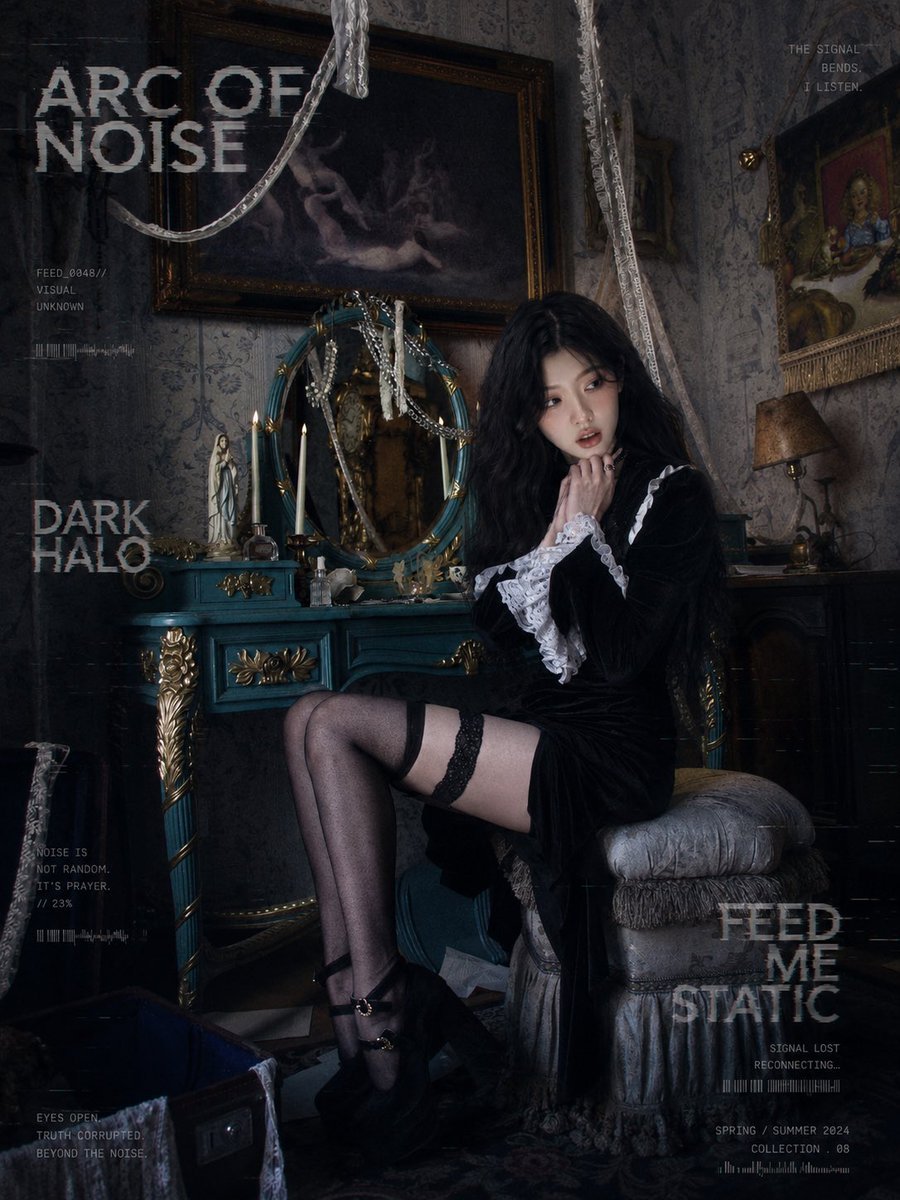








Make it yours
Cinematic Gothic Lolita 3x3 Anime Stills works as-is. These are the safest ways to change it without losing the look.
Change one field
Copy a single group, rewrite it, and generate again so you can see what that field is doing.
Keep the frame, change the subject
Hold the composition and light of Cinematic Gothic Lolita 3x3 Anime Stills, then swap wardrobe, props or the person for a new take.
| If the result… | Why | Fix |
|---|---|---|
| The result drifts from the preview | Too many fields changed at once. | Reuse Cinematic Gothic Lolita 3x3 Anime Stills as-is first, then change one group — subject, light, or setting. |
| The model over-stylizes the scene | The prose prompt leaves finish and camera underspecified. | Add one camera or lighting sentence and stay on GPT Image 2. |
More GPT Image 2 templates
Other prompts made for GPT Image 2.

Six VTuber Japanese Logo Sheet

Realistic Portrait of Woman and Deer

The Vista Modular Condo Poster

AI Model Routing Comparison Infographic

2.5D Anime Art Board

Isometric Productivity Desk Scene

New York Double Exposure Poster

Four-Panel AI Landscape Comparison

Japanese Tatami Lifestyle Magazine Cover

NESCAFÉ Coffee Map Poster
More image prompts
Fresh picks from across the catalog.
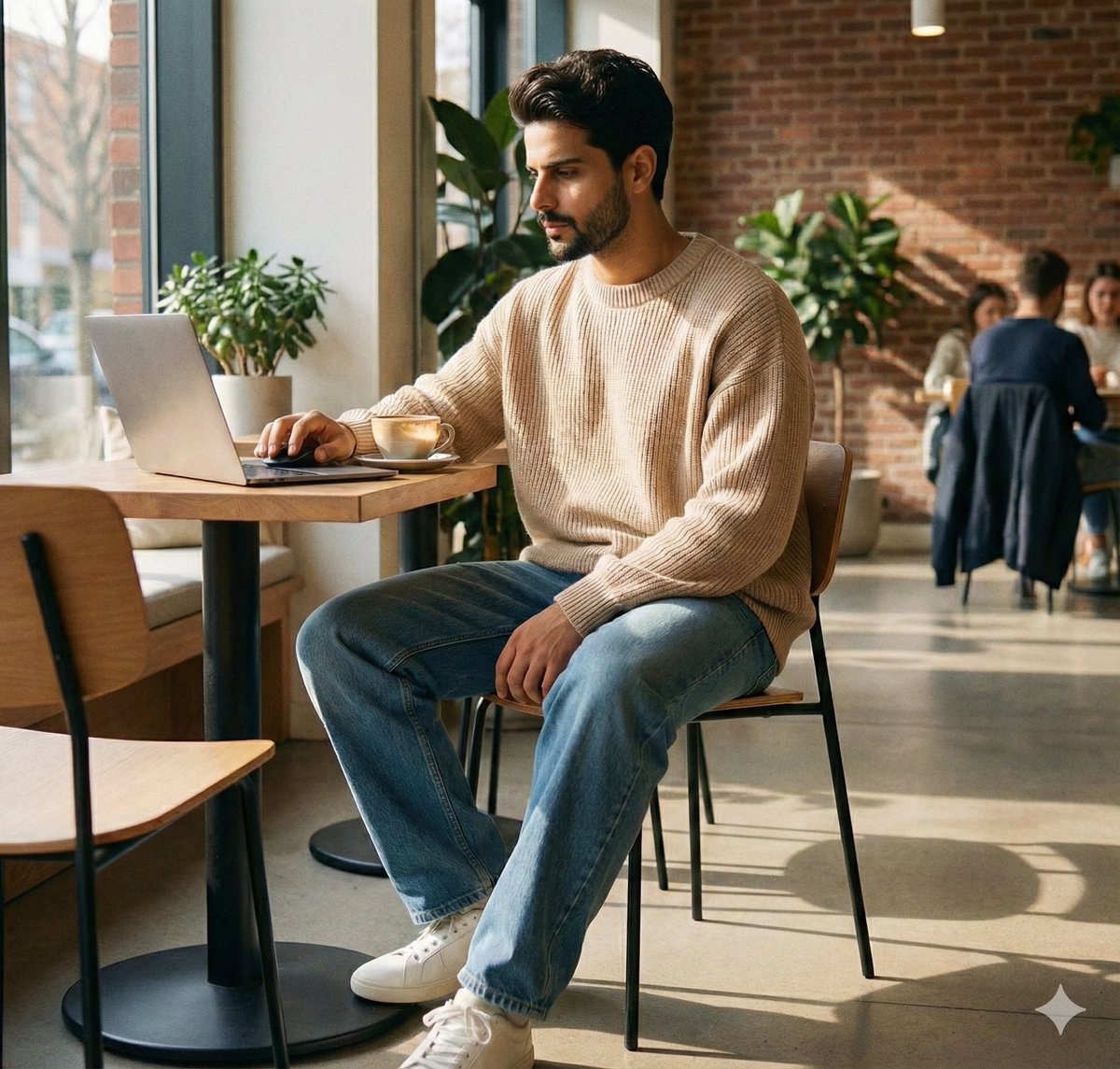
JSON Prompt for Lifestyle Portrait in Coffee Shop
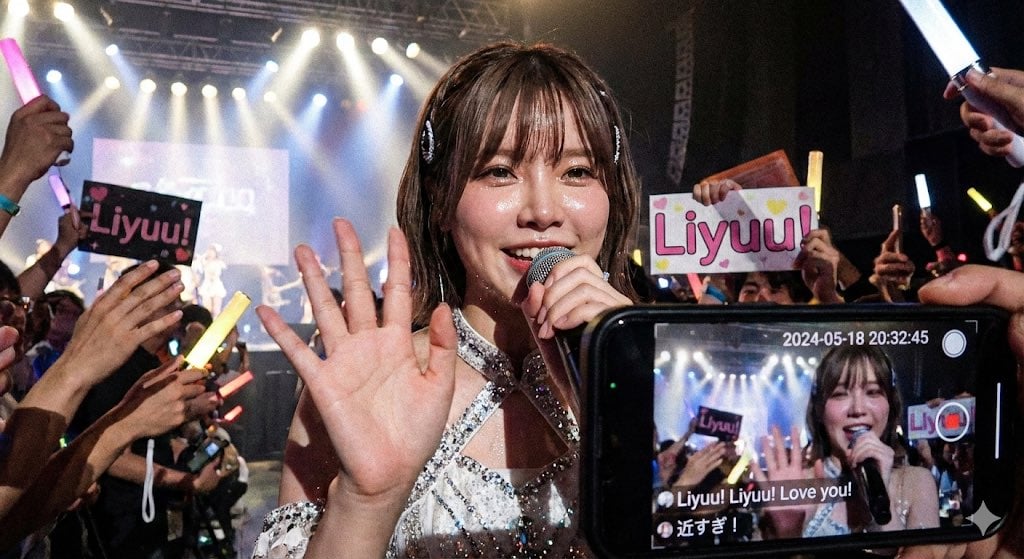
Liyuu live concert close-up fan cam
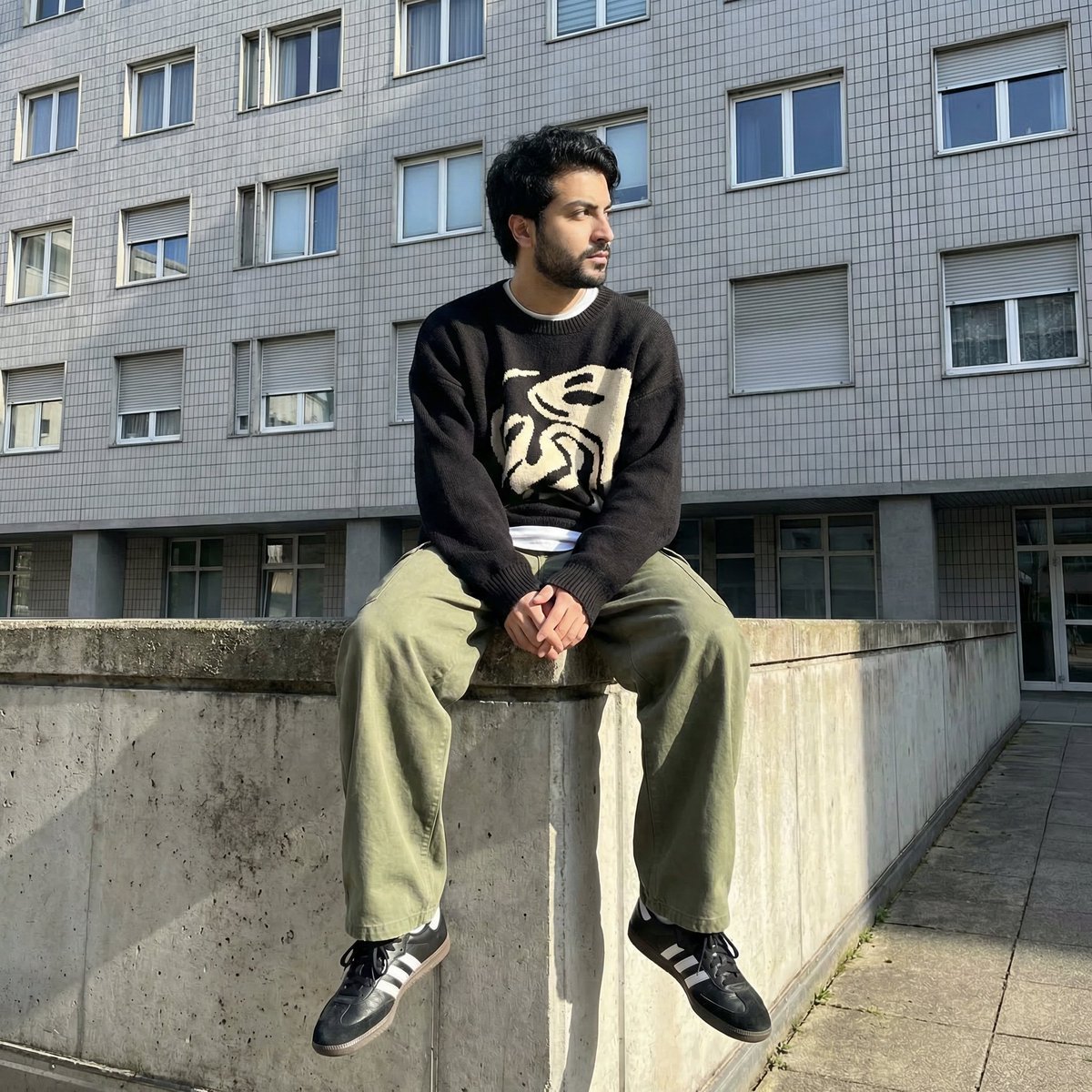
Photorealistic Urban Portrait from Reference Image
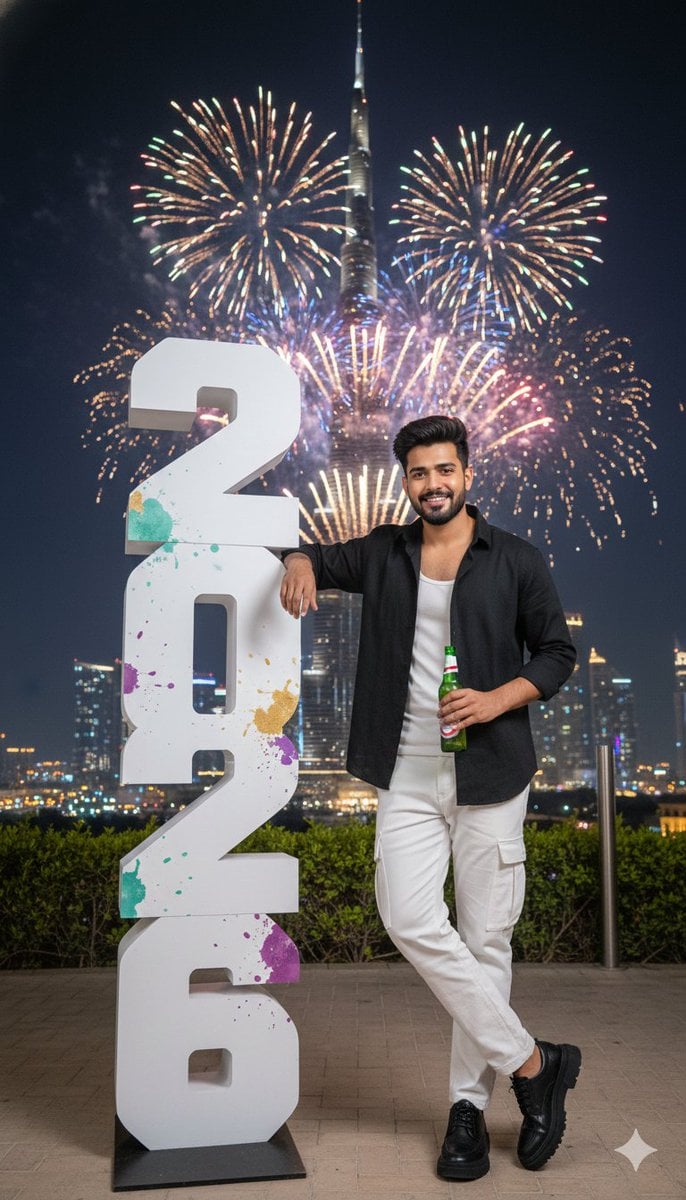
New Year Celebration Photo in Dubai
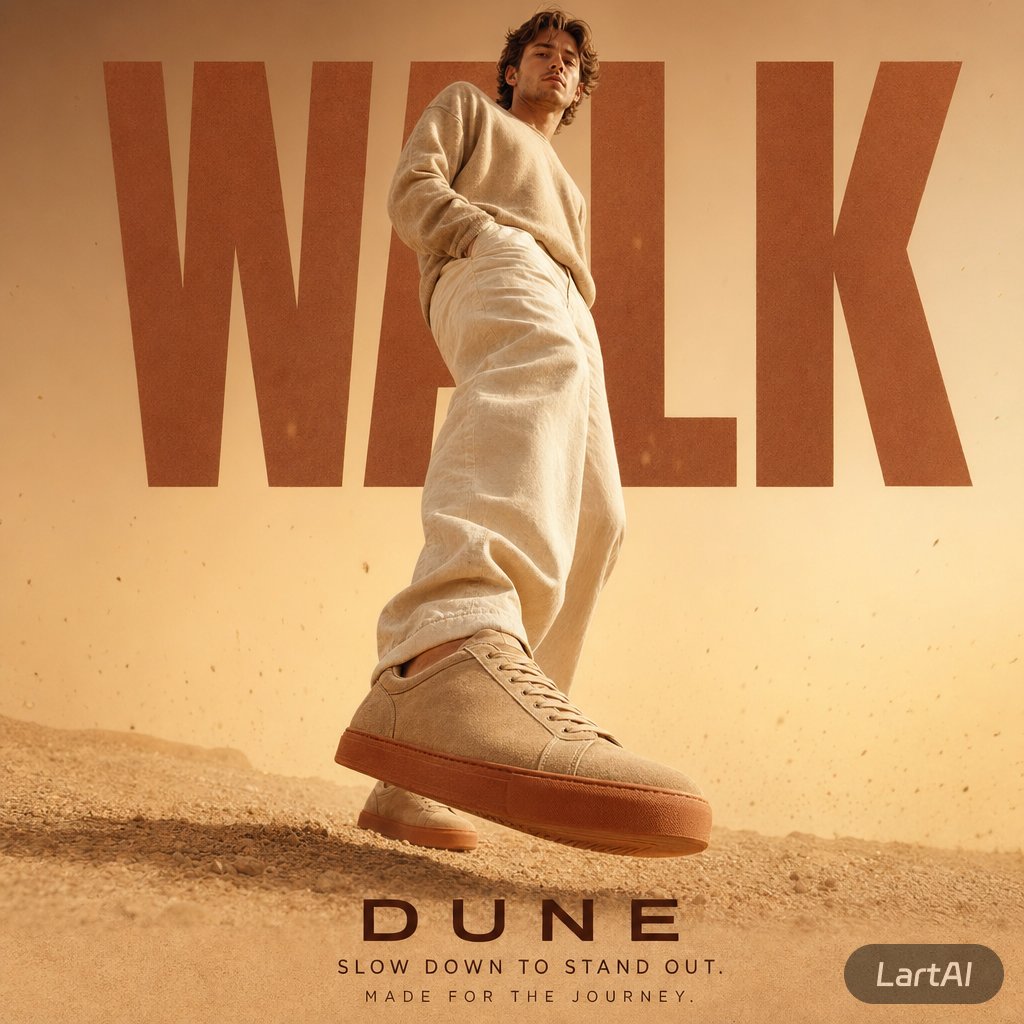
Warm Editorial Sneaker Poster
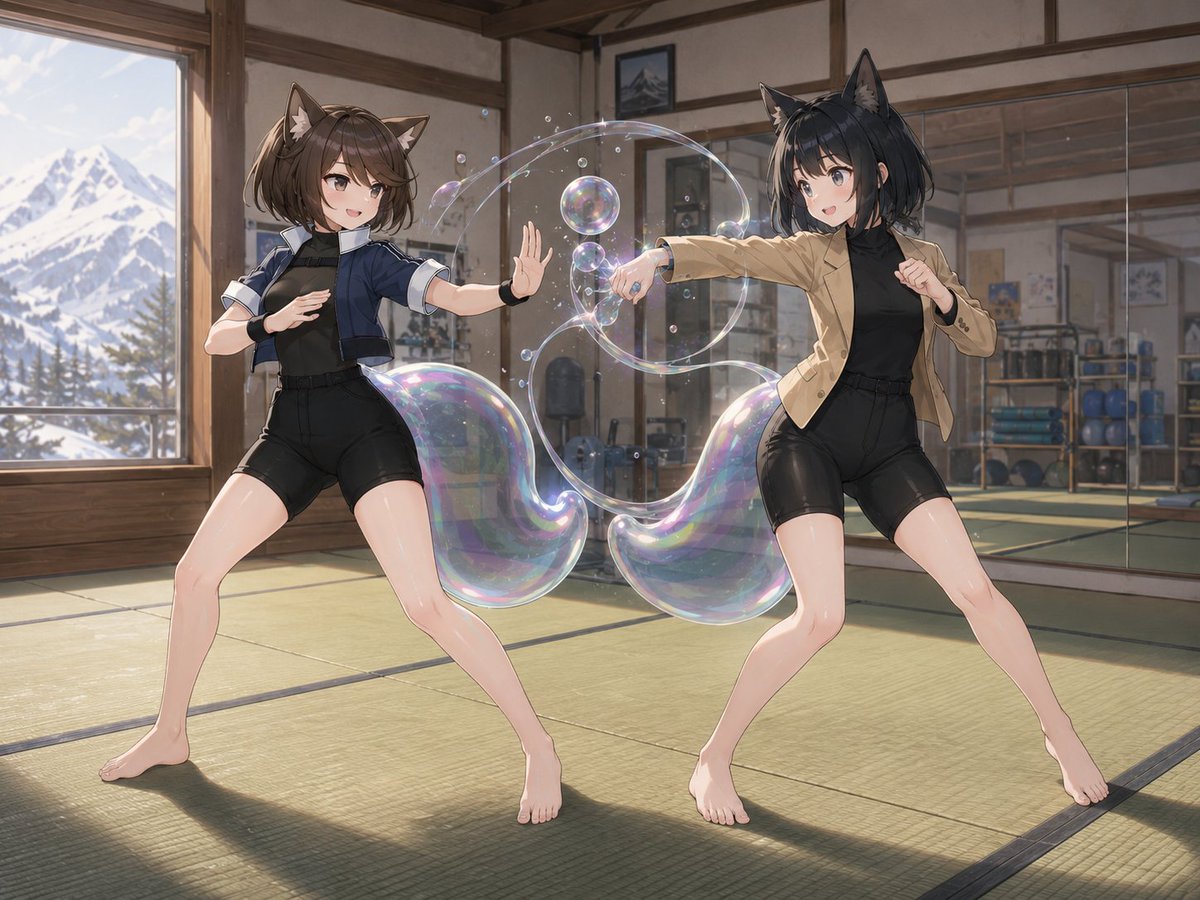
Fox-Eared Dojo Sparring Scene
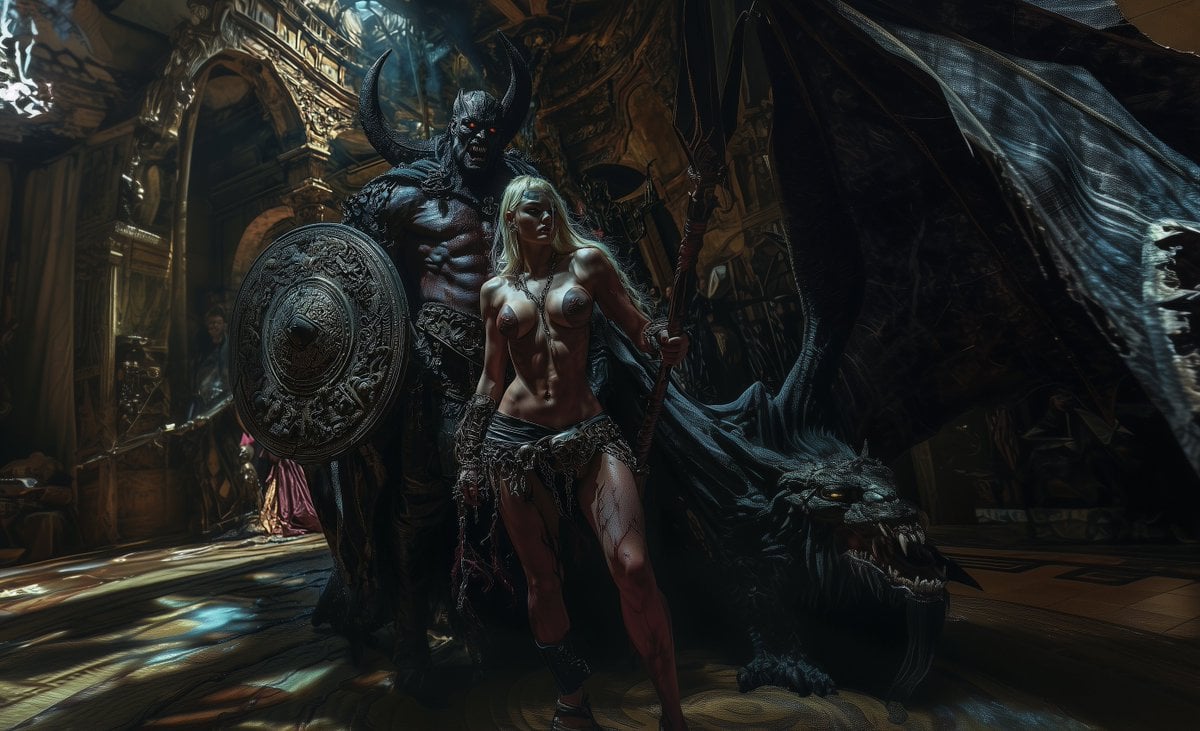
Hyper-Realistic Cinematic Fashion Photography Conversion Prompt
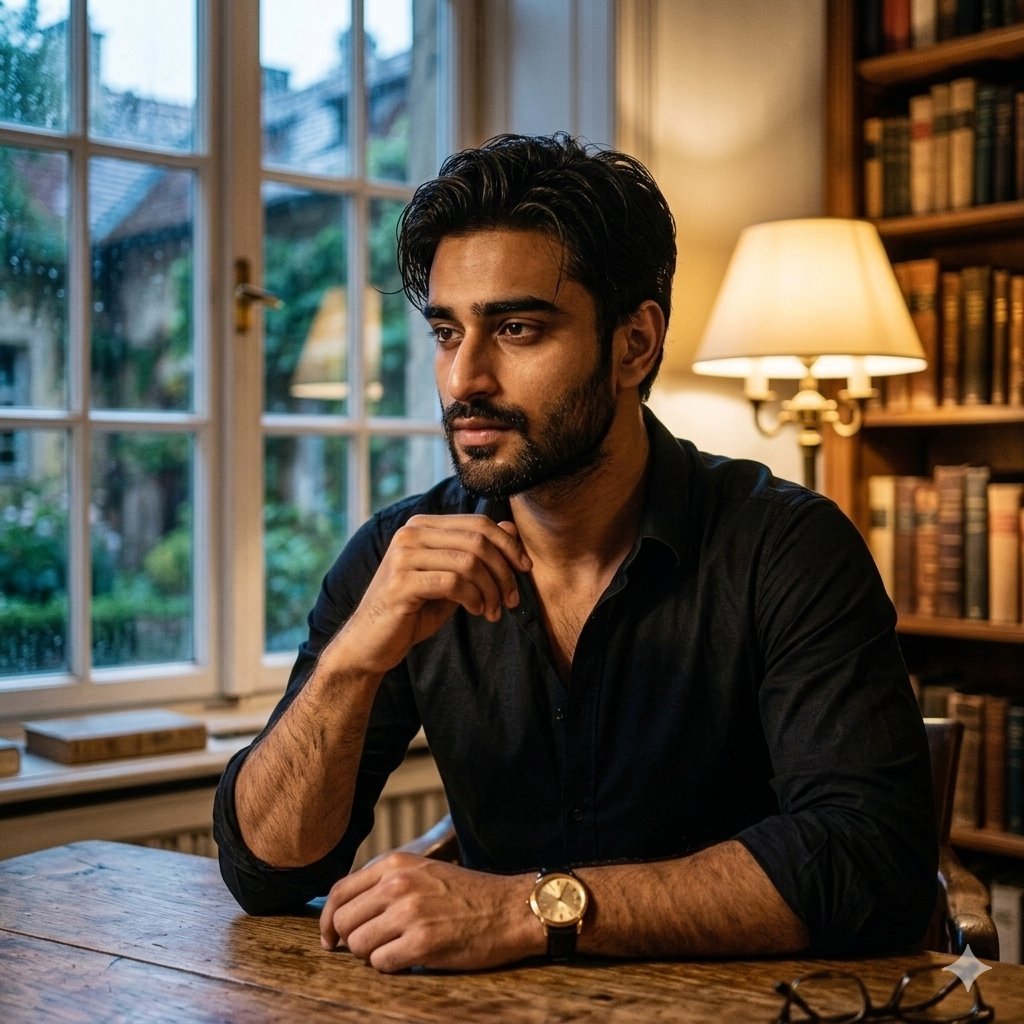
Cinematic Chiaroscuro Portrait of a South Asian Man in a Library
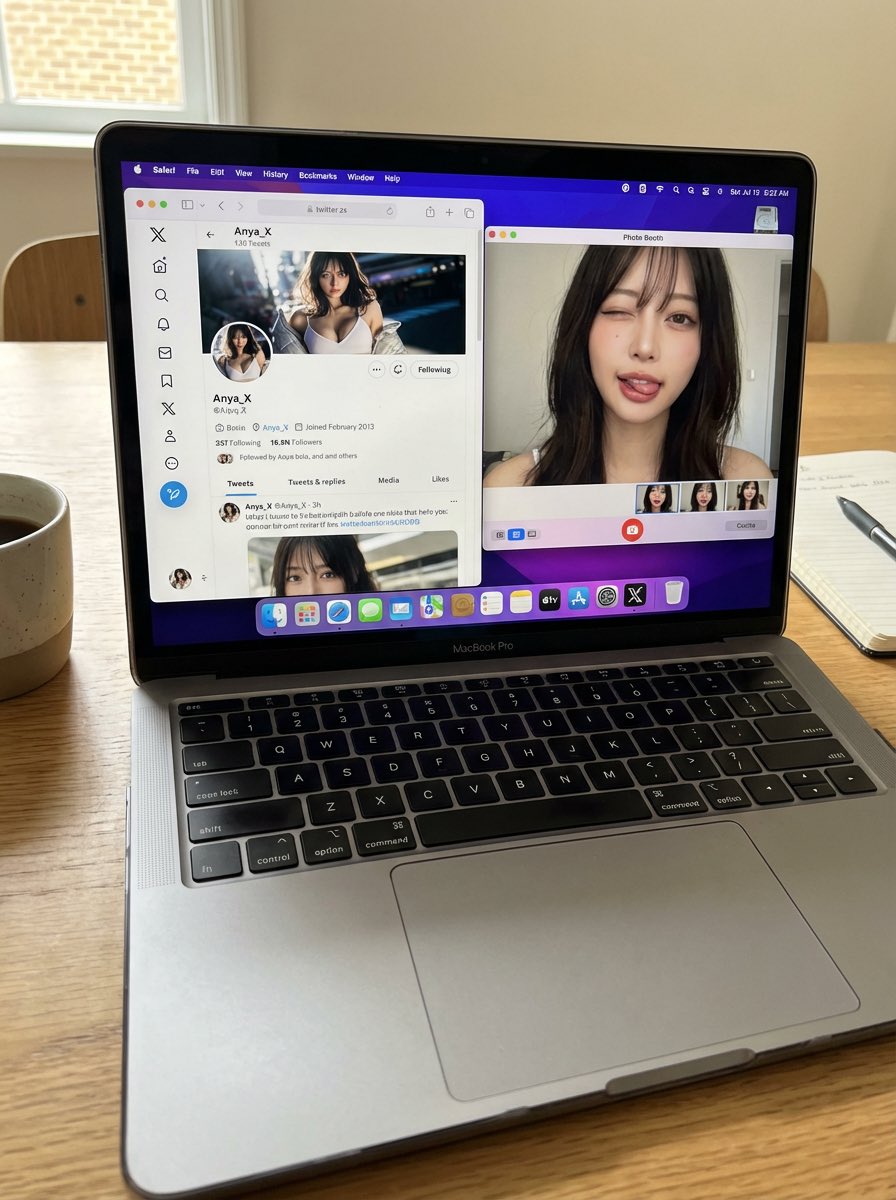
Photorealistic MacBook Desktop Selfie Scene
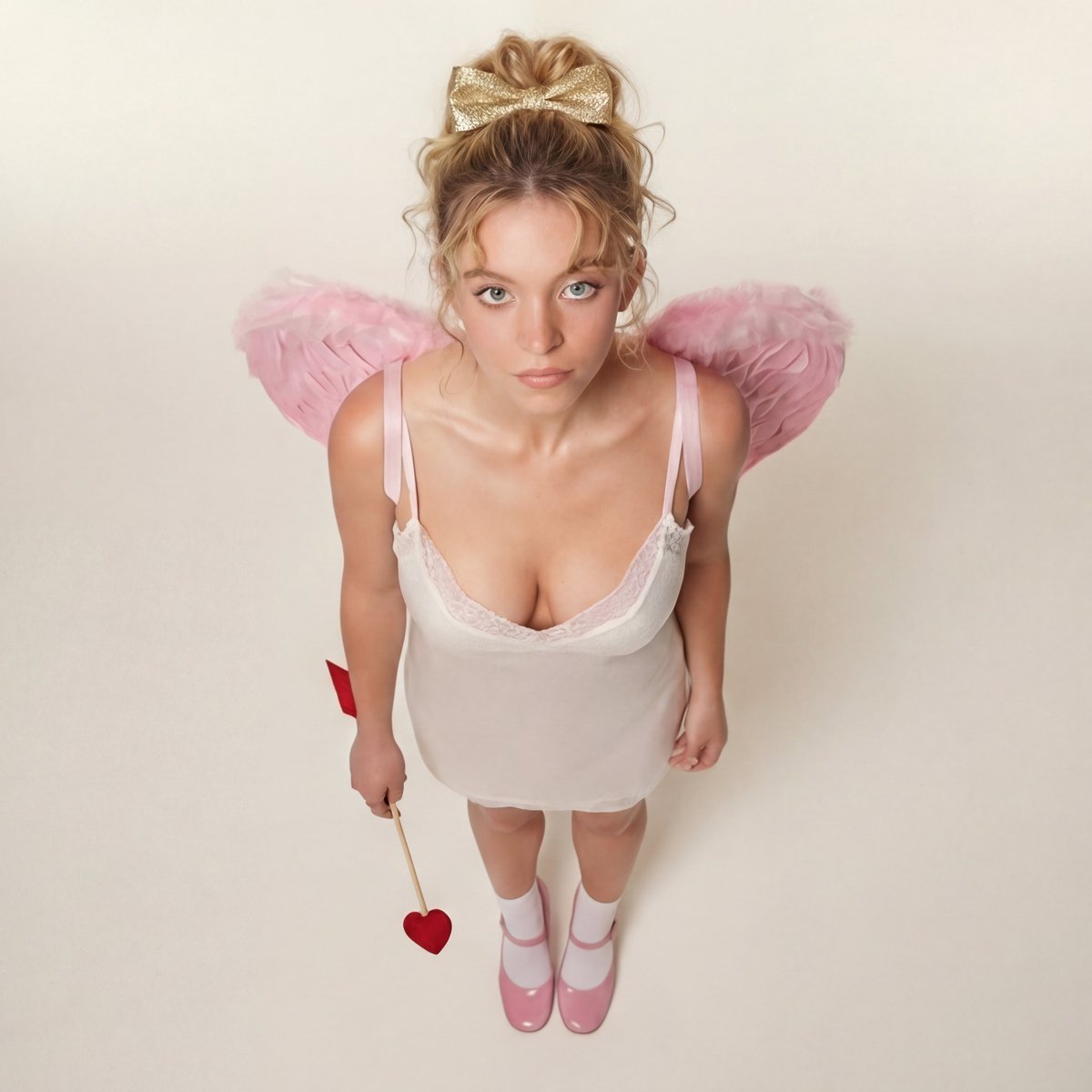
Modern Ethereal Cupid / Coquette Core Portrait
Browse template categories
Cinematic Gothic Lolita 3x3 Anime Stills questions
How do I use the Cinematic Gothic Lolita 3x3 Anime Stills template?
Add your photo if the template asks for one, edit the prompt if you like — the template's model and format are already selected — and press Generate. Your version opens in PicX Studio.
Can I customize the Cinematic Gothic Lolita 3x3 Anime Stills template?
Yes. You can change the subject, setting, lighting, mood, format, and available model controls before creating your image.
Is the Cinematic Gothic Lolita 3x3 Anime Stills template free?
Opening and editing this template is free. Generating uses credits, shown on the Generate button when you are signed in.
Which AI model should I use?
Start with GPT Image 2, which is the model associated with this template. You can compare another compatible model for a different finish.
Looking for something else? Browse all templates.

Your photo, any look
Thousands of ready templates for every top image and video model, from one credit balance.