
Anime Gothic Lolita Cape Transformation
Generates a high-detail anime gothic-lolita character illustration inspired by a reference cape outfit in a Victorian mansion setting.
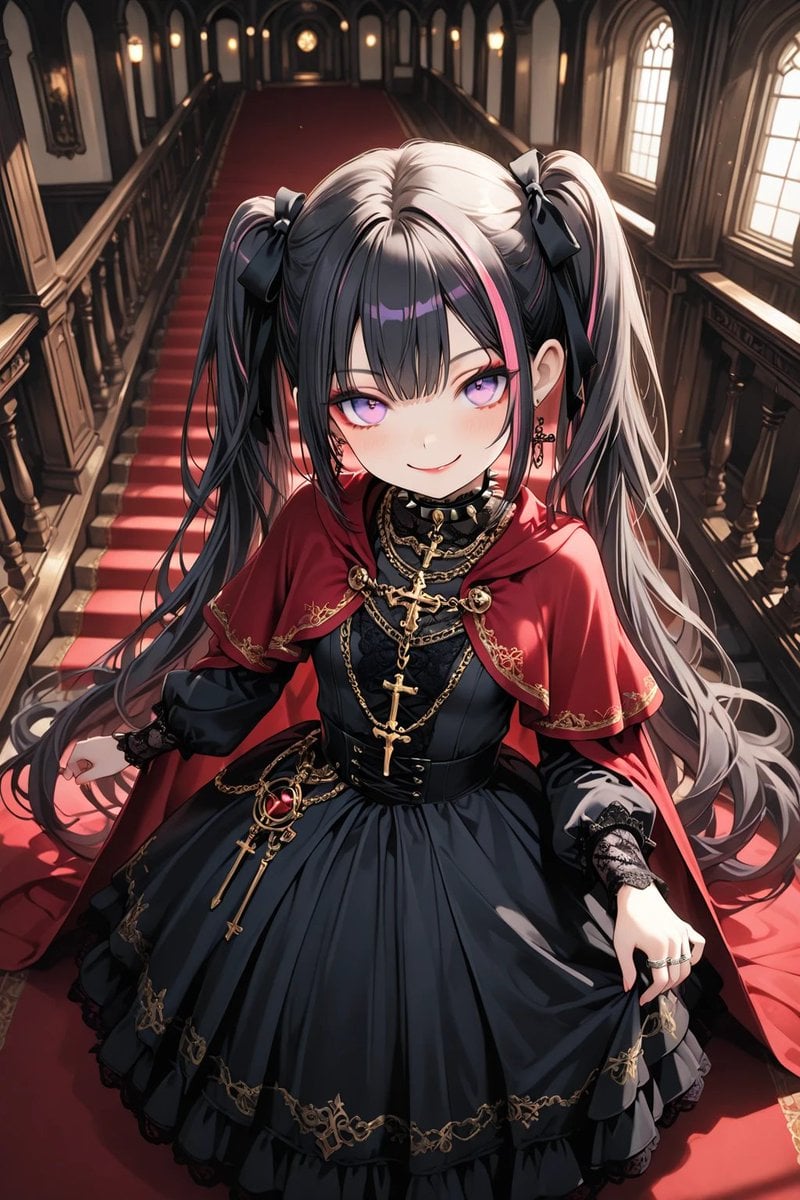
- Prompt included
- Model and format preset
- Free template
The prompt behind this image
Copy the exact prompt behind Anime Gothic Lolita Cape Transformation, or open it in the studio and make it yours.
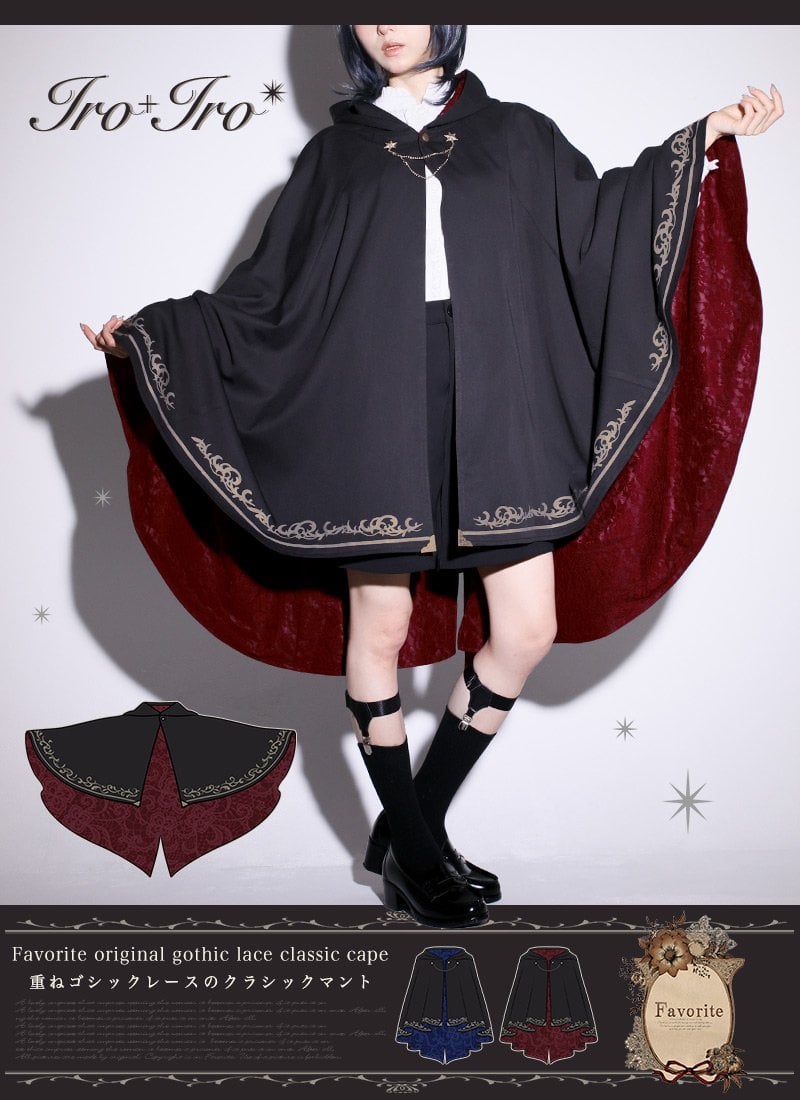
Using REFERENCE_0 as the clothing inspiration, transform the gothic classic cape into an anime gothic-lolita character illustration rather than a product photo. Keep the cape concept recognizable with a short shoulder cape, red fabric, dark inner clothing, ornate gold border embroidery, and layered gothic styling, but adapt it into a fantasy idol-like dress outfit. Character and pose: Create a cute, slightly mischievous anime girl in a high-angle three-quarter view, standing on a grand staircase and looking up at the viewer with a confident smile. Give her {argument name="hair style" default="long twin tails with black ribbon bows"}, {argument name="hair color" default="black and silver with pink highlights"}, and vivid purple eyes. Outfit transformation: Replace the product-model look with a black gothic lolita dress, lace cuffs, puff sleeves, a red capelet inspired by the reference cape, and ornate gold embroidery along the cape and skirt hem. Add layered chains and religious gothic accessories: exactly 3 prominent gold cross pendants hanging at the chest and waist, plus a spiked choker and small dangling earrings. Keep the look elegant, dramatic, and richly detailed. New setting: Place the character inside {argument name="setting" default="a dark Victorian mansion stair hall"} with a deep red carpeted staircase, carved wooden railings, tall arched windows, warm wall lamps, and cinematic light streaming from the side. Style: High-detail Japanese anime illustration, glossy eyes, polished linework, rich shadows, dramatic gothic atmosphere, warm highlights, vertical portrait composition. No product text, no catalog layout, no brand logo, no extra characters.
Reference images included
Anime Gothic Lolita Cape Transformation needs input media to work. They load alongside the prompt when you open it in the studio.
How to use Anime Gothic Lolita Cape Transformation in 3 steps
- 1Upload ImagePNG, JPG or paste
Add your photo
Upload the photo the template builds on. The prompt, model and format are already set.
- 2…a portrait of your subject in softgolden-hour light, 85mm…
Personalize
Edit the subject and creative details for your destination.
- 3Generate
Generate
Press Generate — your image is created in PicX Studio, so you can compare it with the original and refine one variable at a time.
More like this
Templates with the same subject, style or setup. Open one to see its prompt.
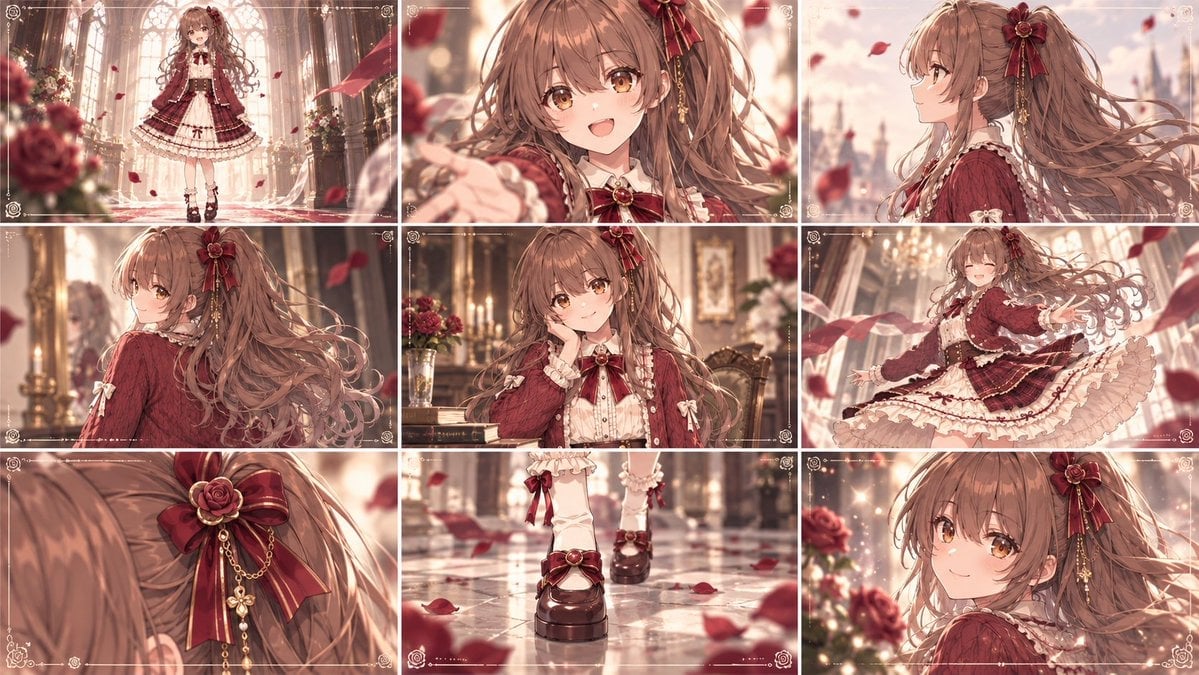
Cinematic Gothic Lolita 3x3 Anime Stills

Anime White Horse Escape

Anime Tower Window Escape

Pixar Anime Winter Cape
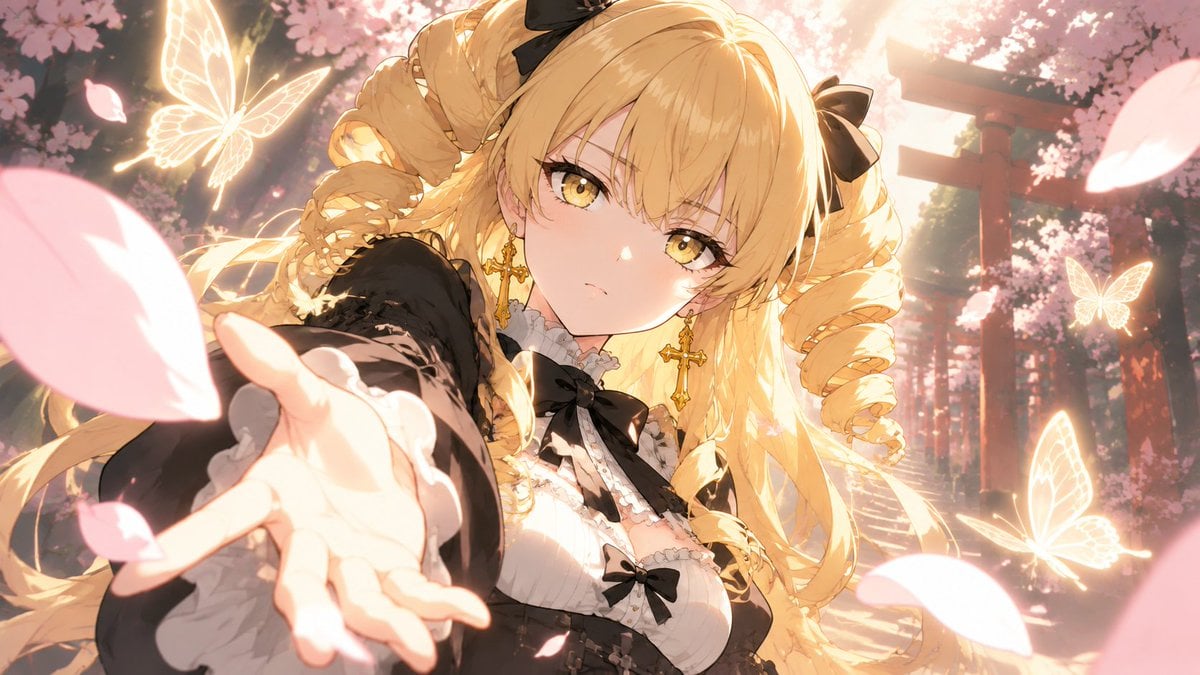
Blonde Gothic Lolita Sakura Shrine

Burning Gothic Flood Escape

Anime Alley Kick Transformation
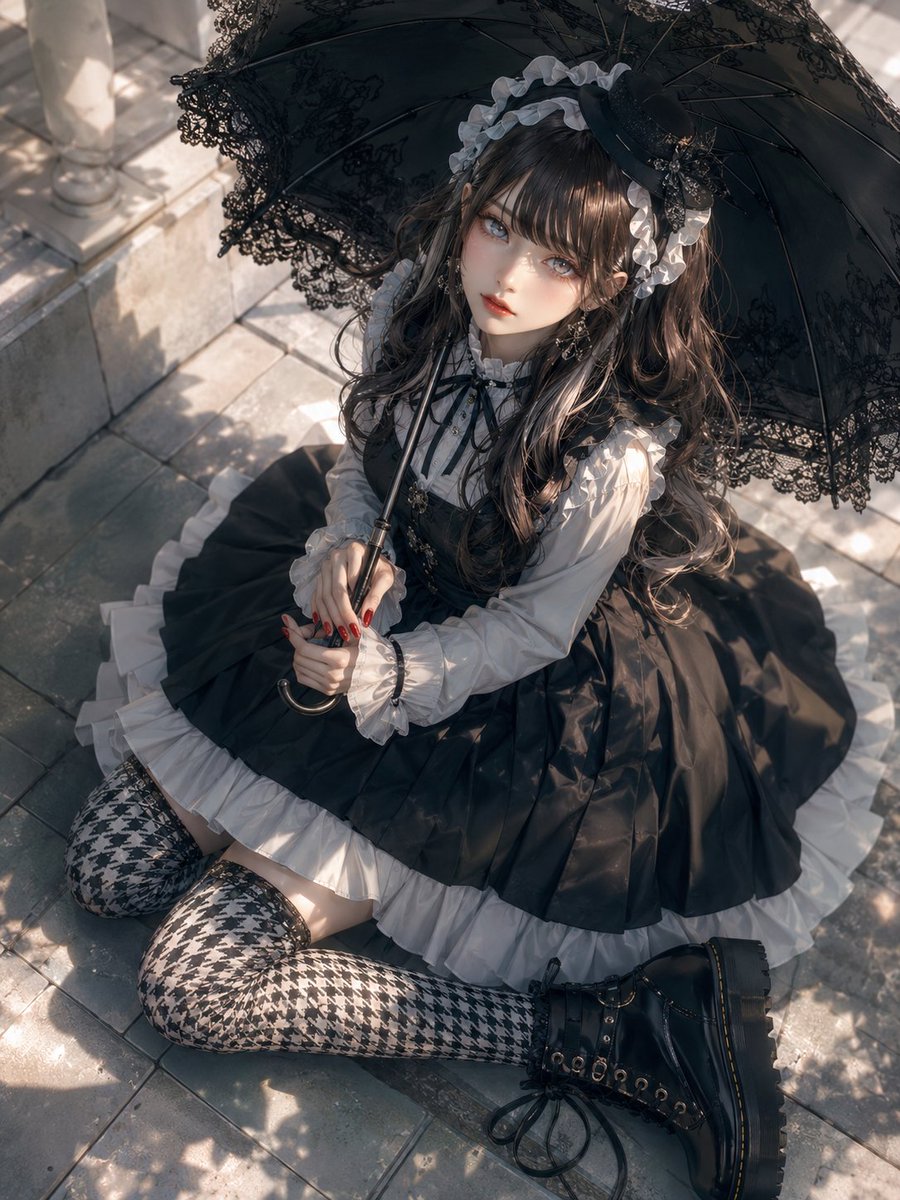
Gothic Lolita Parasol Portrait
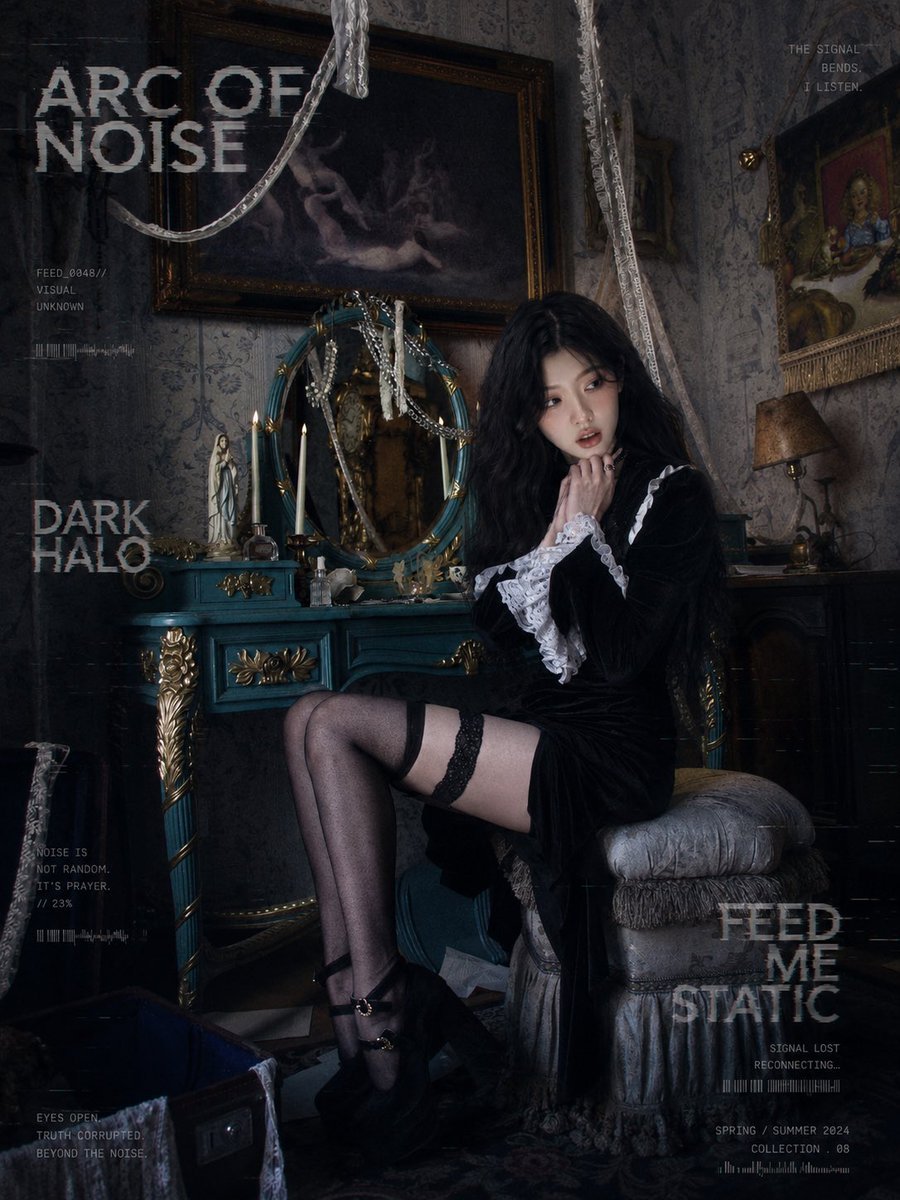
Dark Gothic Lolita Static Portrait
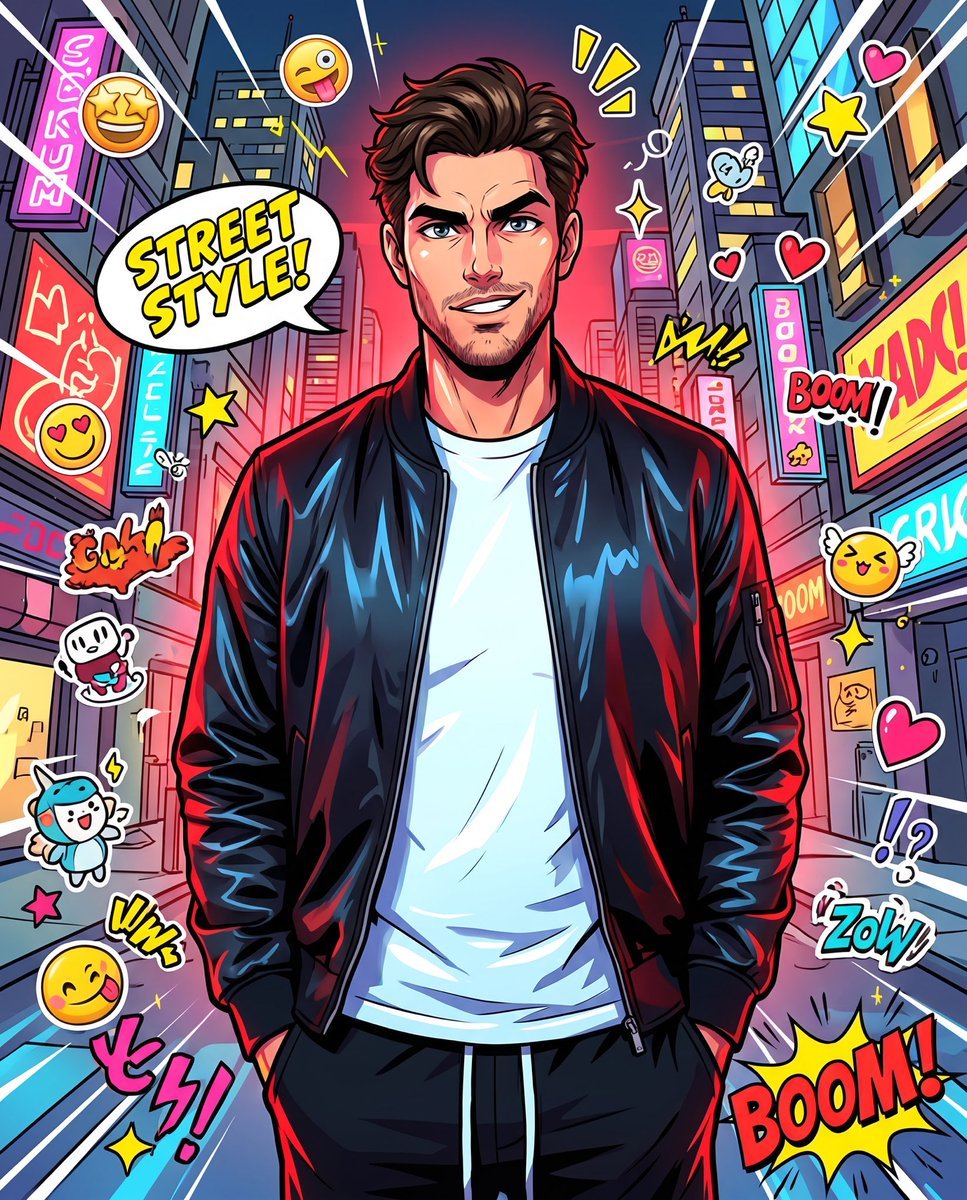
Anime Street Illustration Transformation
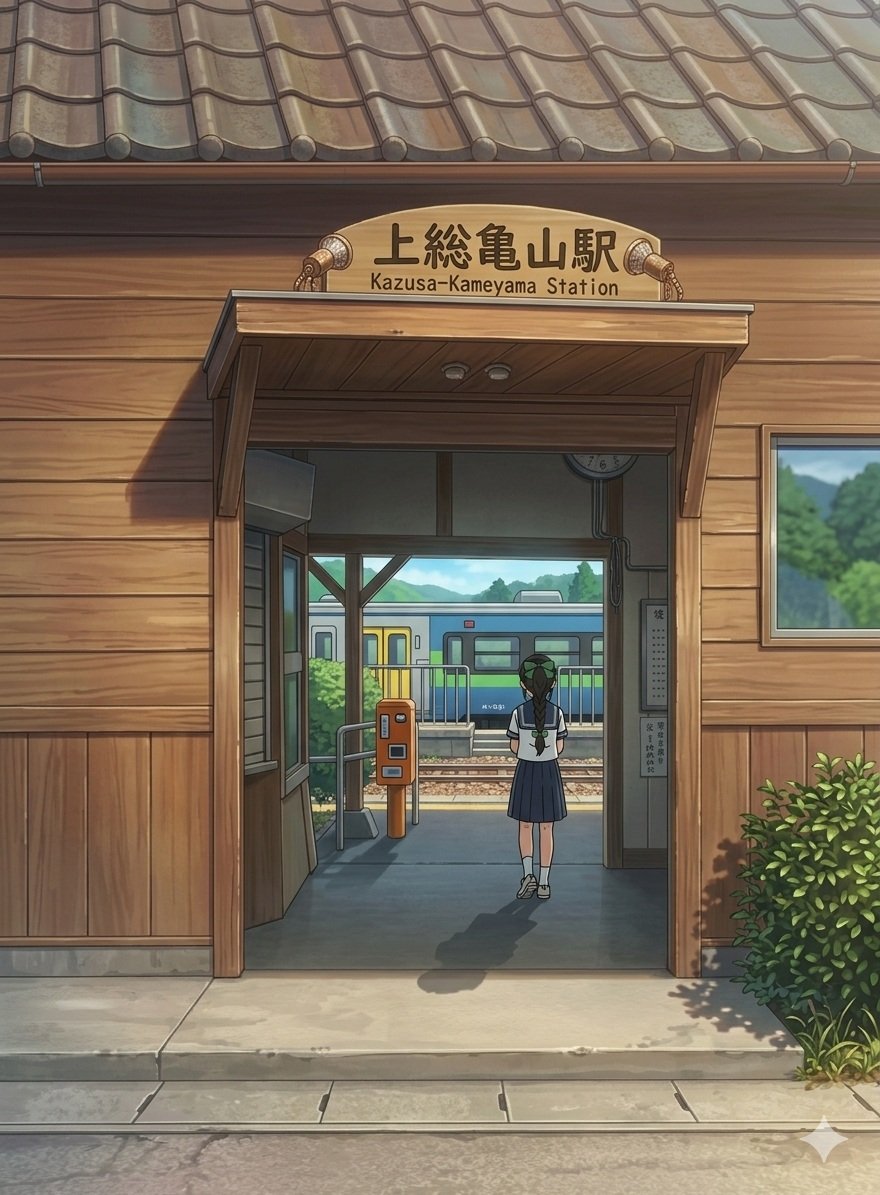
Anime Railway Station Transformation

Cel 2D Finale Fireworks
Make it yours
Anime Gothic Lolita Cape Transformation works as-is. These are the safest ways to change it without losing the look.
Change one field
Copy a single group, rewrite it, and generate again so you can see what that field is doing.
Keep the frame, change the subject
Hold the composition and light of Anime Gothic Lolita Cape Transformation, then swap wardrobe, props or the person for a new take.
| If the result… | Why | Fix |
|---|---|---|
| The result drifts from the preview | Too many fields changed at once. | Reuse Anime Gothic Lolita Cape Transformation as-is first, then change one group — subject, light, or setting. |
| The model over-stylizes the scene | The prose prompt leaves finish and camera underspecified. | Add one camera or lighting sentence and stay on GPT Image 2. |
More GPT Image 2 templates
Other prompts made for GPT Image 2.

Six VTuber Japanese Logo Sheet

Realistic Portrait of Woman and Deer

The Vista Modular Condo Poster

AI Model Routing Comparison Infographic

2.5D Anime Art Board

Isometric Productivity Desk Scene

New York Double Exposure Poster

Four-Panel AI Landscape Comparison

Japanese Tatami Lifestyle Magazine Cover

NESCAFÉ Coffee Map Poster
More image prompts
Fresh picks from across the catalog.
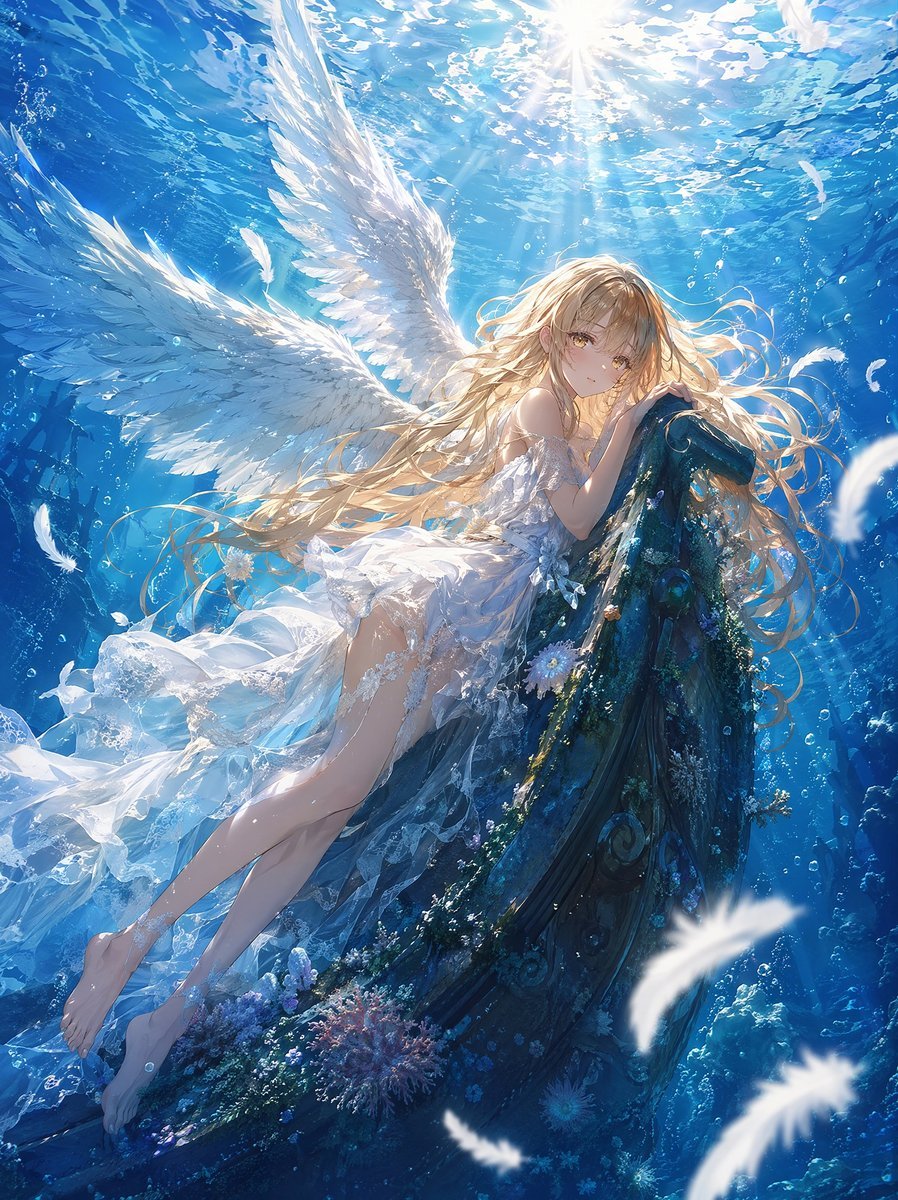
Underwater Angel Fantasy Illustration

Conceptual Dual Mood Symbolic Portrait
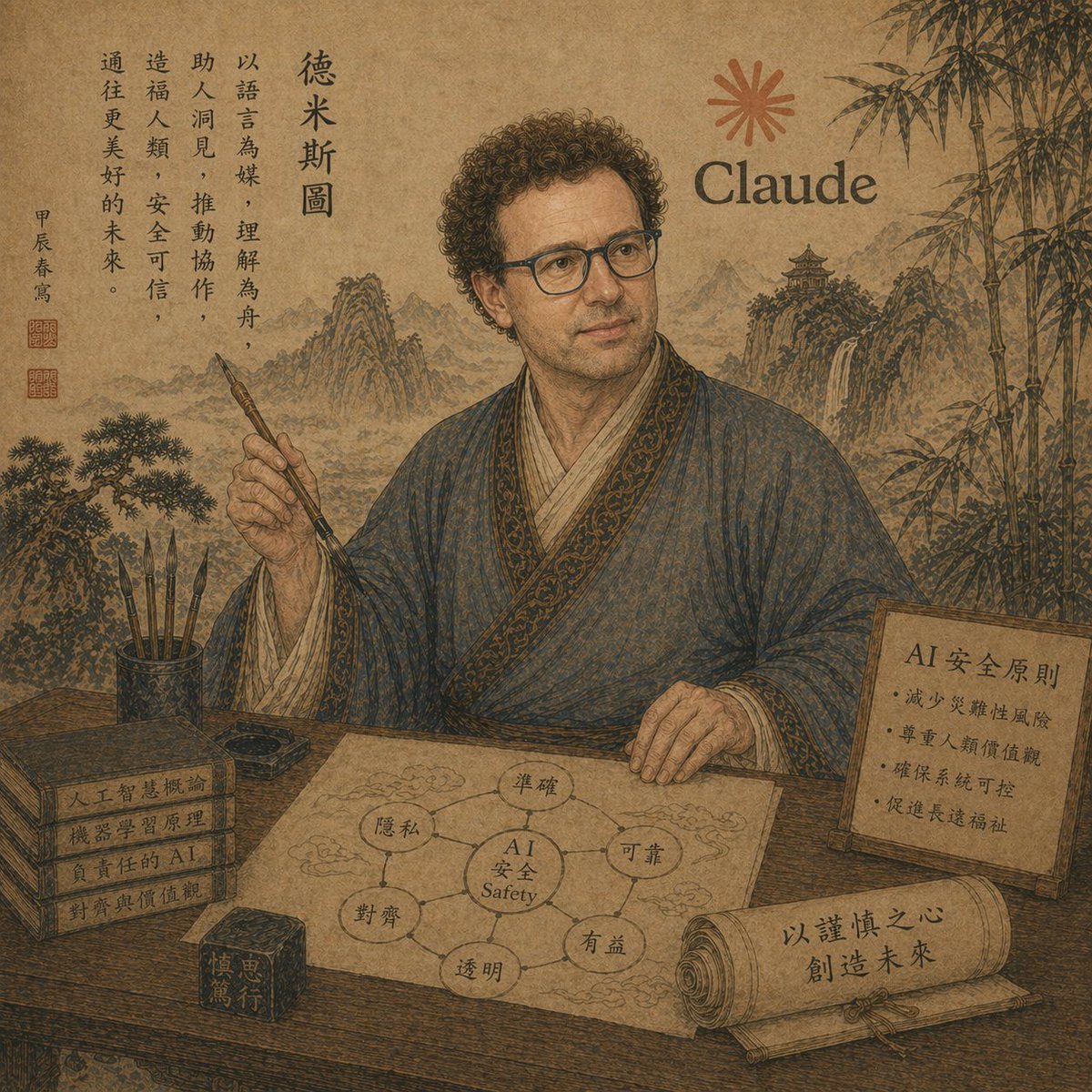
Ancient Scholar AI Safety Poster
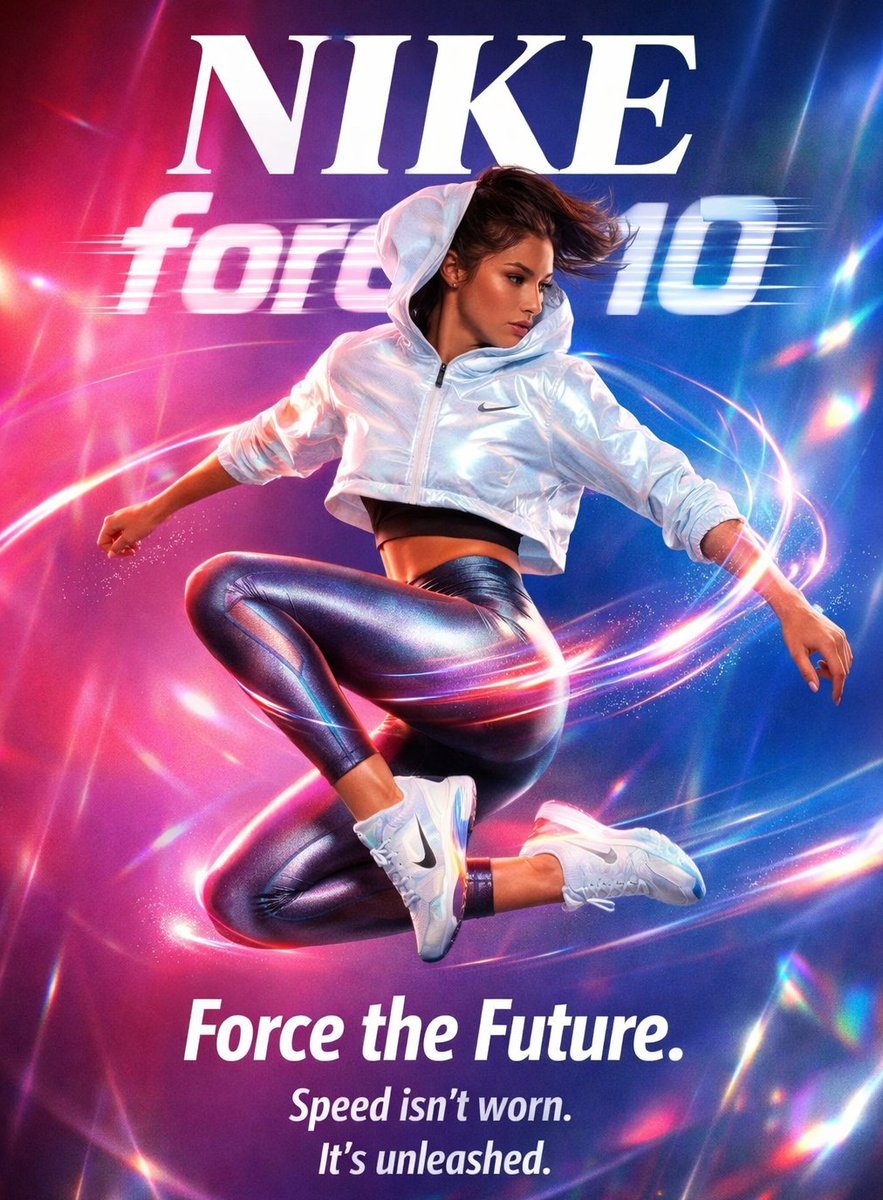
Futuristic Nike Fashion Ad with Light Trails
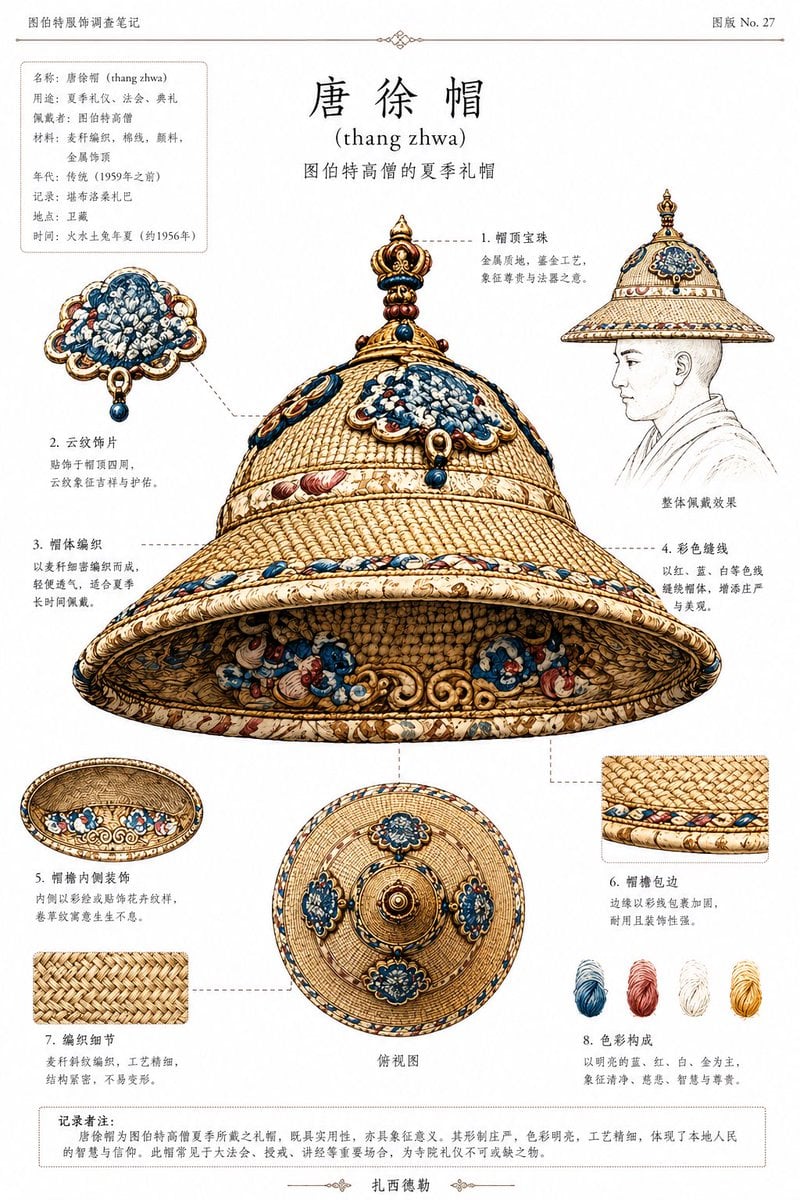
Ethnographic Plate for Tibetan Ceremonial Hat
Vaporwave Fitness Shoot in Enchanted Forest
Haunting Ballerina in a Flooded Library (Flow Prompt)
Luxury Skincare Ad Storyboard
Cinematic Noir Film Strip Display
Quiet Luxury Cinematic Library Portrait
Browse template categories
Anime Gothic Lolita Cape Transformation questions
How do I use the Anime Gothic Lolita Cape Transformation template?
Add your photo if the template asks for one, edit the prompt if you like — the template's model and format are already selected — and press Generate. Your version opens in PicX Studio.
Can I customize the Anime Gothic Lolita Cape Transformation template?
Yes. You can change the subject, setting, lighting, mood, format, and available model controls before creating your image.
Is the Anime Gothic Lolita Cape Transformation template free?
Opening and editing this template is free. Generating uses credits, shown on the Generate button when you are signed in.
Which AI model should I use?
Start with GPT Image 2, which is the model associated with this template. You can compare another compatible model for a different finish.
Looking for something else? Browse all templates.

Your photo, any look
Thousands of ready templates for every top image and video model, from one credit balance.