
Haunting Ballerina in a Flooded Library (Flow Prompt)
A highly detailed, structured prompt for generating a cinematic image of a ballerina performing an attitude derriere pose in a flooded, derelict library, emphasizing texture, lighting, and a melancholic atmosphere.
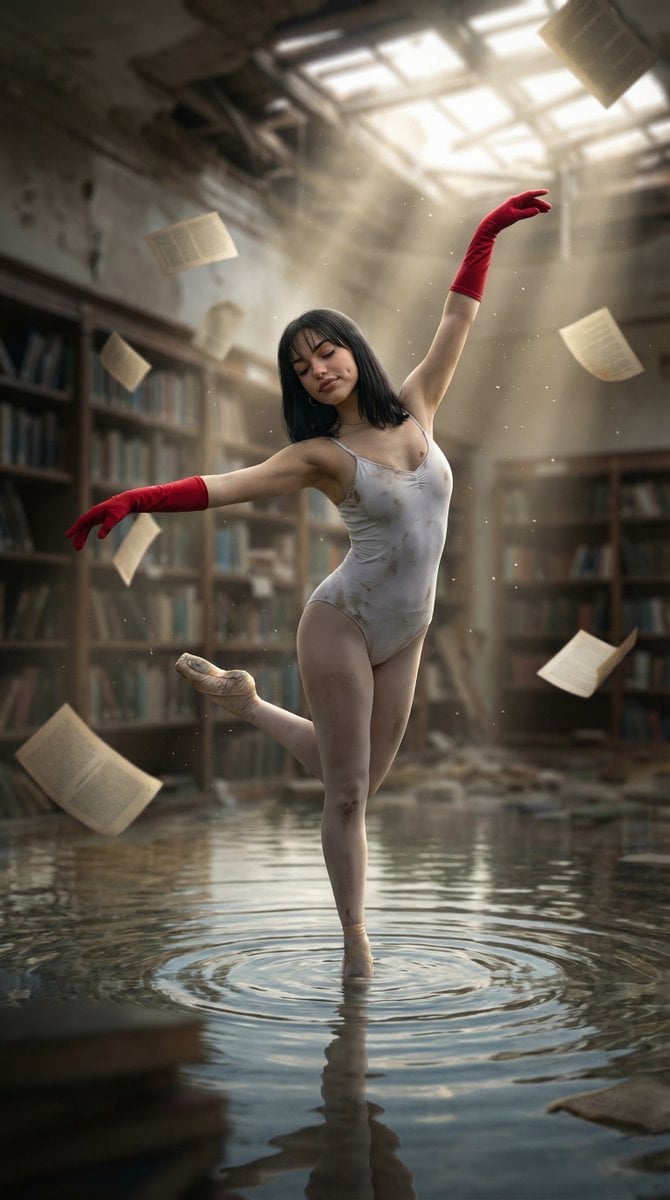
- Prompt included
- Model and format preset
- Free template
The prompt behind this image
Copy the exact prompt behind Haunting Ballerina in a Flooded Library (Flow Prompt), or open it in the studio and make it yours.
{ "scene": "A hauntingly beautiful ballerina performing in a flooded, derelict library with papers floating in the air.", "subject": { "character": "Young female ballerina with a serene yet melancholic expression", "face": { "structure": "Oval face with high cheekbones and dimples", "skin": "Fair with slight smudges of dirt/dust", "eyes": { "shape": "Almond-shaped", "color": "Dark brown", "expression": "Closed, peaceful, and focused" }, "mouth": { "lips": "Neutral, soft pink, slight closed-mouth smile" }, "makeup": "Natural with a hint of dark eyeliner" }, "hair": { "color": "Deep black", "length": "Shoulder-length", "texture": "Straight with slight movement", "style": "Lob with soft bangs", "shine": "Glistening under the skylight" }, "accessories": { "gloves": "Long, vibrant red opera-length gloves", "neckwear": "Thin, subtle dark choker or necklace", "shoes": "Classic tan satin pointe shoes with ribbons" } }, "pose": { "overall": "Dynamic balletic stance (attitude derriere or variation)", "position": { "base": "En pointe on the surface of the water", "orientation": "Three-quarter view to the right" }, "torso": { "direction": "Slightly arched back", "posture": "Graceful and elongated" }, "arms": { "position": "Right arm extended upward and curved; left arm extended outward at shoulder height", "other": "Elegant finger placement" }, "legs": { "position": "Right leg supporting the weight en pointe; left leg lifted and bent at the knee behind", "visible": "Fully visible" }, "head": { "turn": "Tilted slightly upward and to the side", "expression": "Dreamlike and tranquil" } }, "outfit": { "dancewear": { "type": "Spaghetti strap leotard", "color": "Dirty white or light grey", "style": "Simple, athletic cut", "details": { "top": "Thin straps, scoop neck", "condition": "Stained with mud and dust patches", "fabric": "Ribbed texture" } } }, "body": { "type": "Athletic and toned", "skin": "Fair with visible dirt smudges on legs and arms", "moles": "Small beauty mark on left cheek" }, "environment": { "location": "Abandoned, ruined library", "water": { "type": "Shallow flood covering the entire floor", "surface": "Reflective with ripples centered around the dancer", "reflection": "Clear reflection of the dancer's lower body" }, "background": { "bookshelves": "Towering wooden shelves filled with old, disorganized books", "debris": "Floating pages and loose books scattered on the floor and in the air", "ceiling": "Dilapidated skylight allowing beams of light to enter" } }, "lighting": { "type": "
How to use Haunting Ballerina in a Flooded Library (Flow Prompt) in 3 steps
- 1
Open
The prompt is already in the box next to the preview, with the template's model and format selected.
- 2…a portrait of your subject in softgolden-hour light, 85mm…
Personalize
Edit the subject and creative details for your destination.
- 3Generate
Generate
Press Generate — your image is created in PicX Studio, so you can compare it with the original and refine one variable at a time.
More like this
Templates with the same subject, style or setup. Open one to see its prompt.
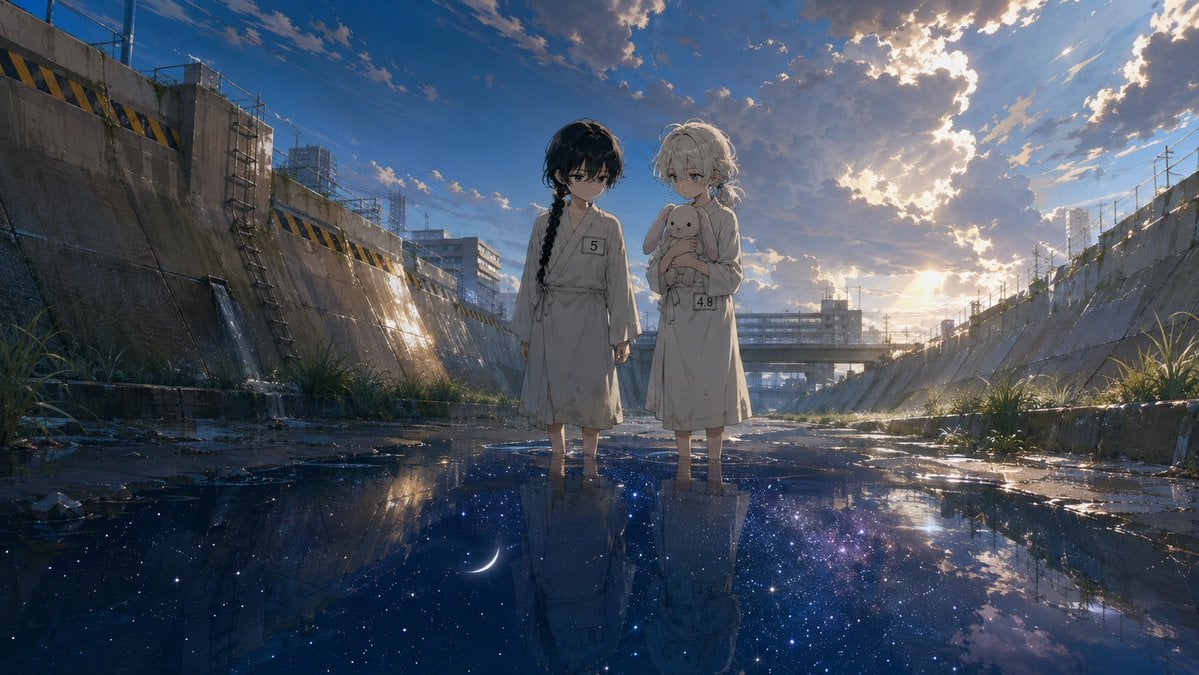
Anime Girls in Starry Flooded Canal
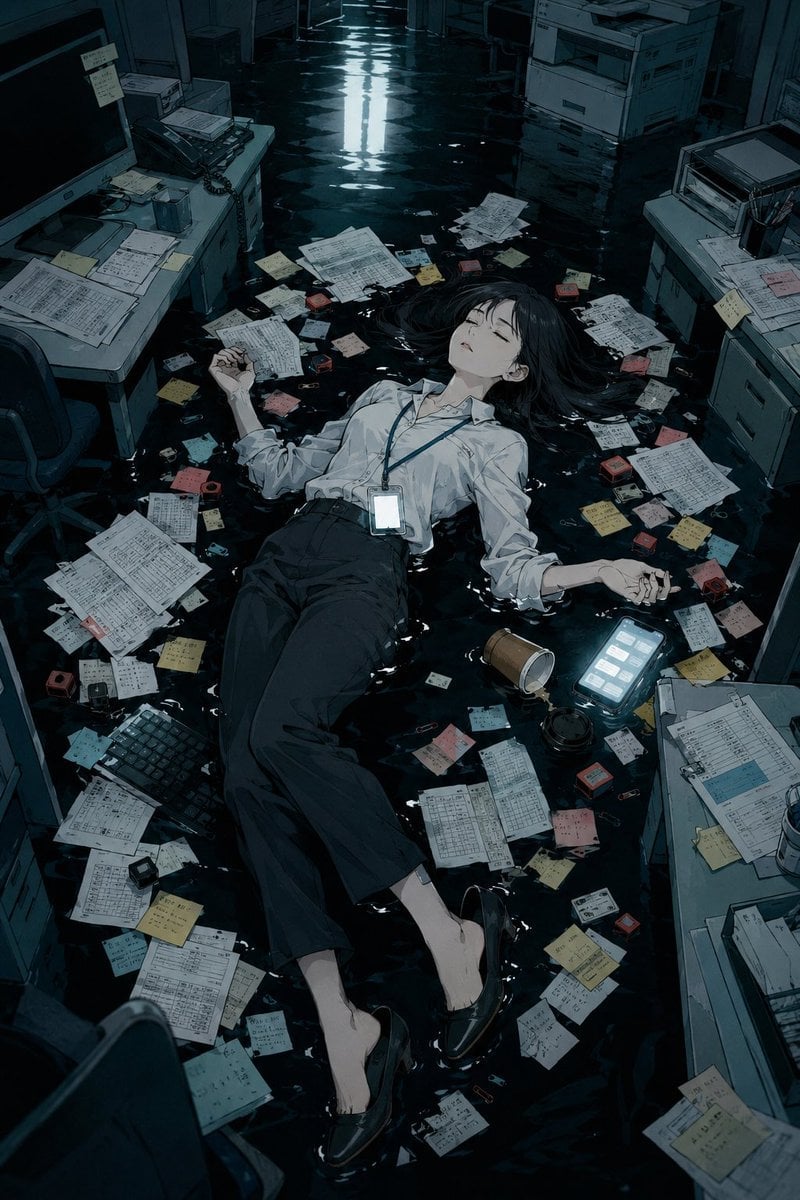
Flooded Office Burnout Anime Scene
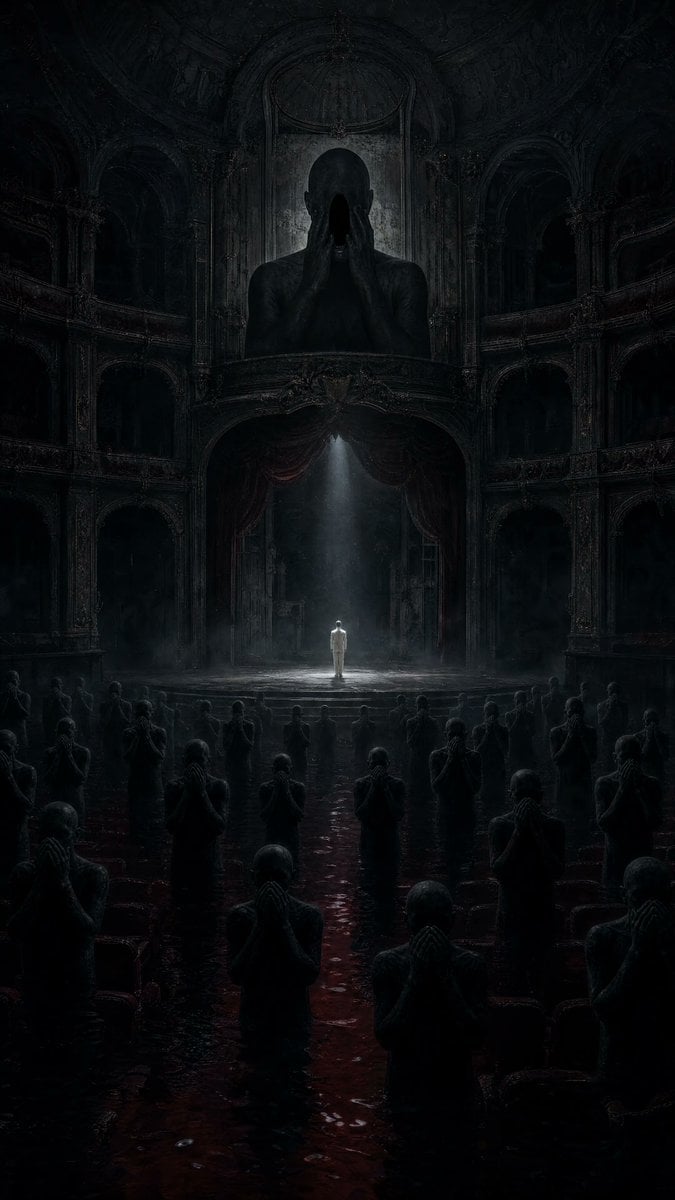
Dark Surrealist Flooded Opera House
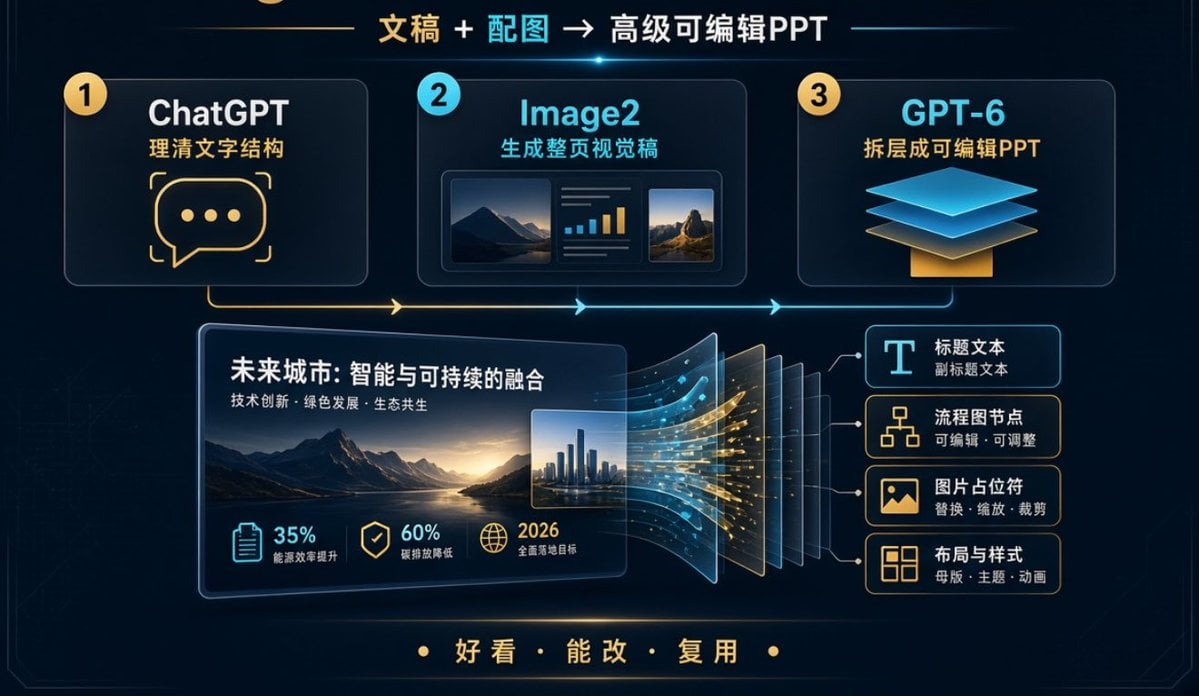
Editable PPT Workflow Infographic
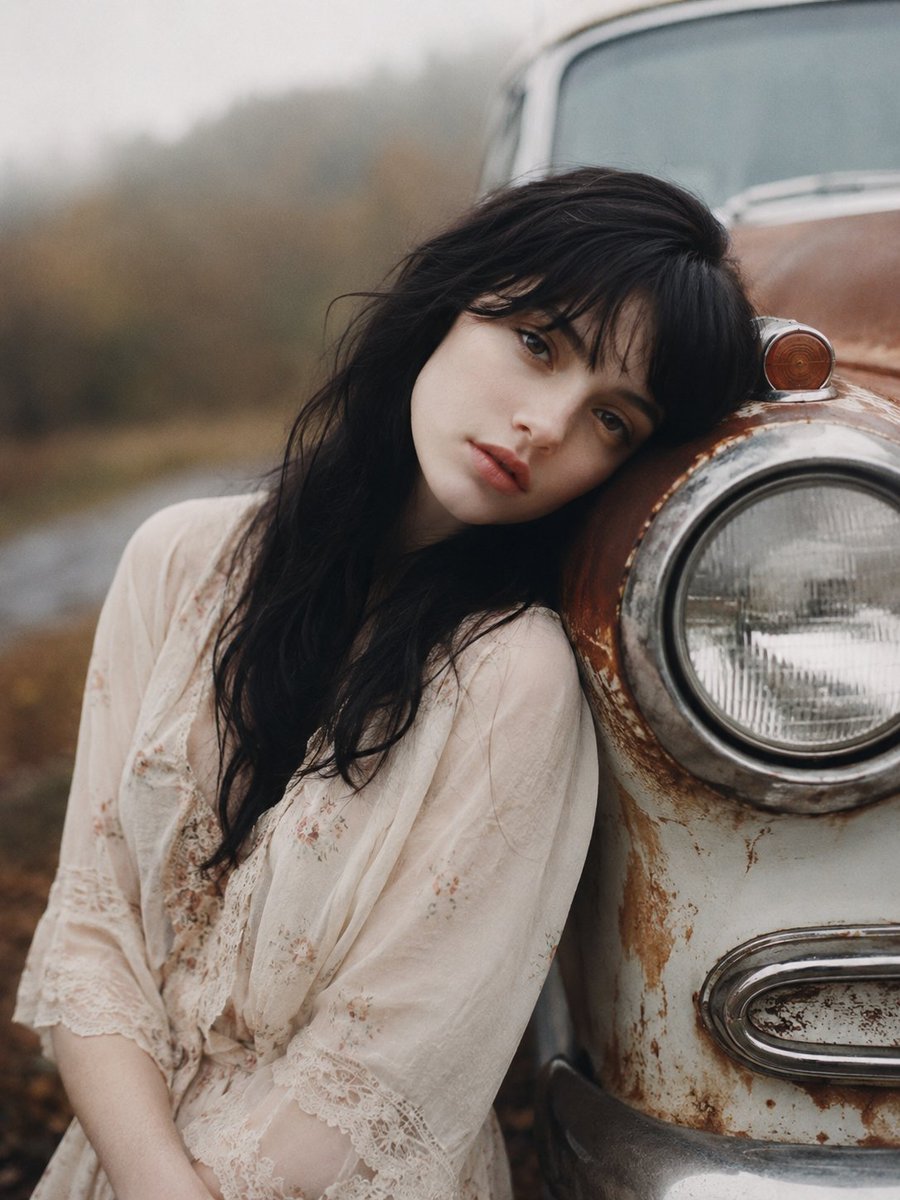
Haunting Vintage Americana Portrait

Anime Girl in Sunflower Field
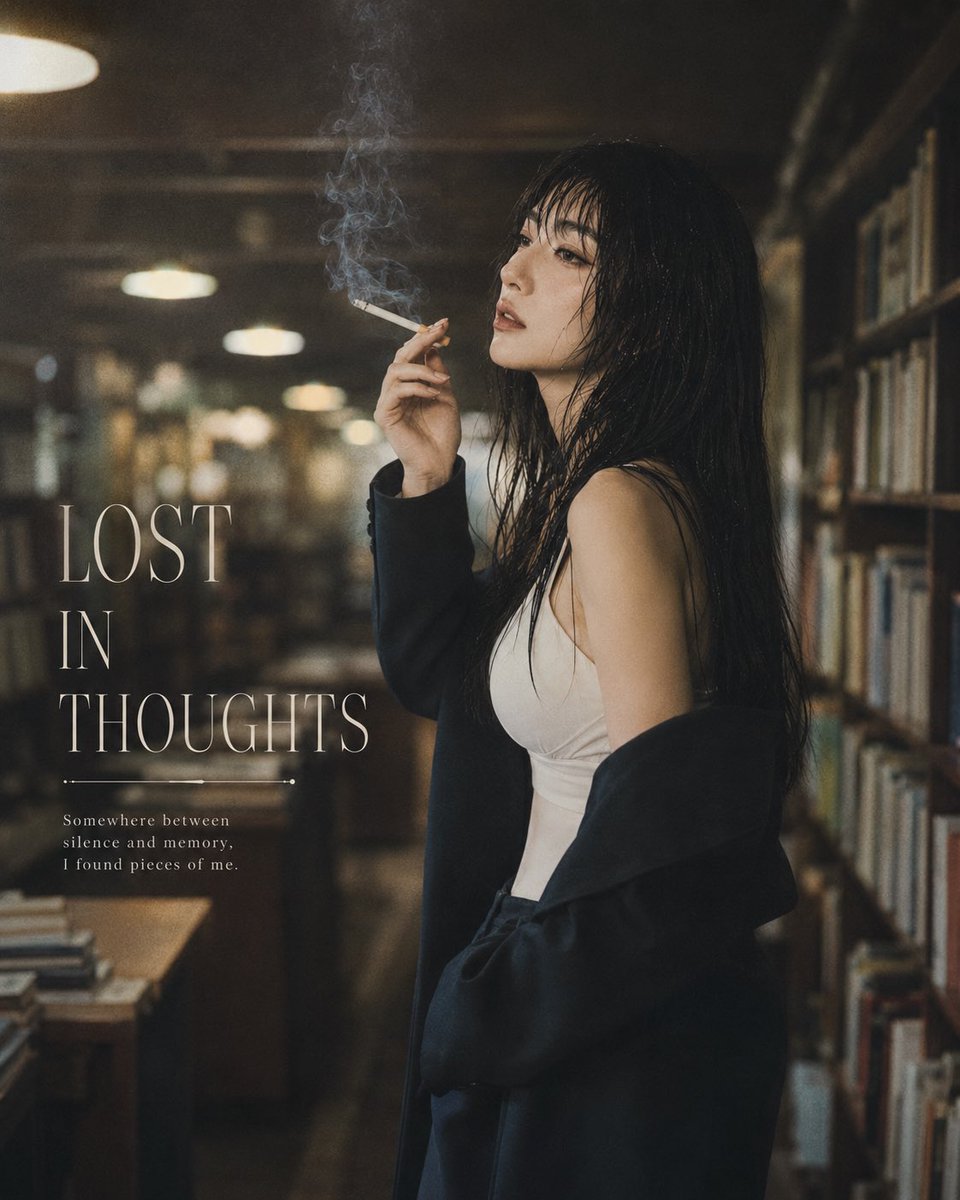
Moody Library Smoking Portrait

Plush Cat Maid Doll in Antique Library
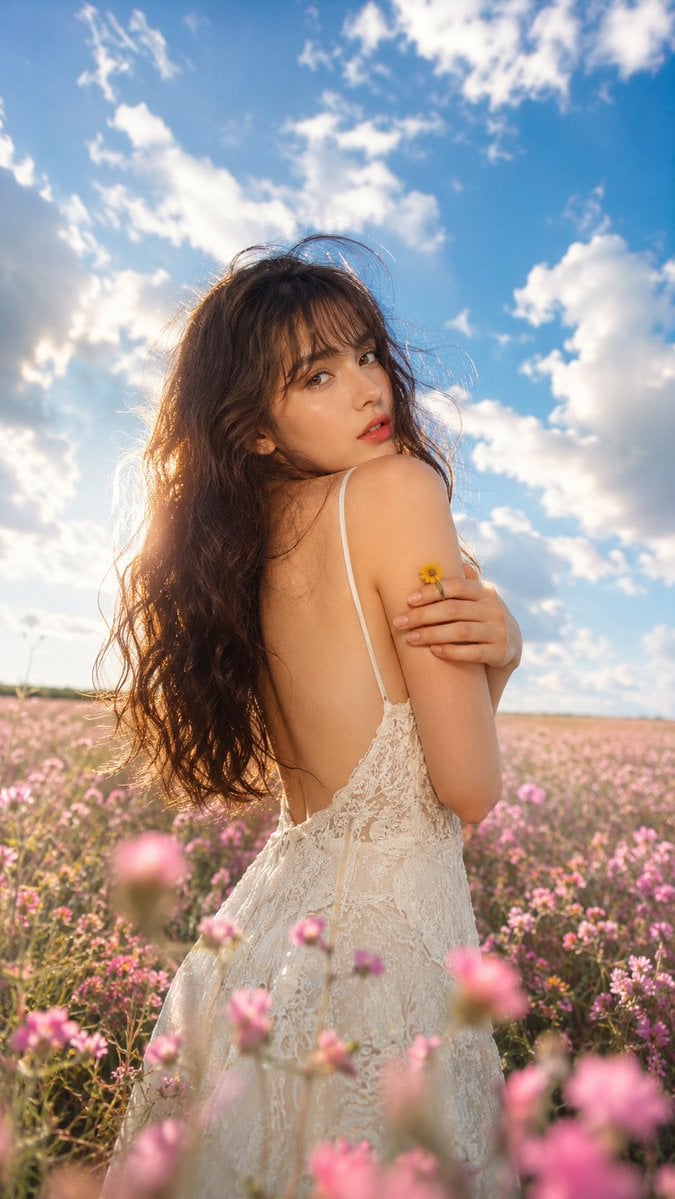
Ethereal Fairycore Flower Meadow Portrait
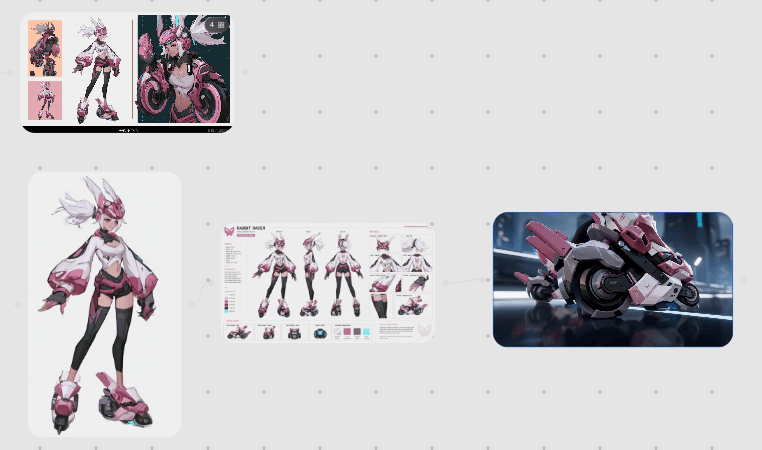
Rabbit Racer Workflow Board

3D AI Prompt Library Workspace
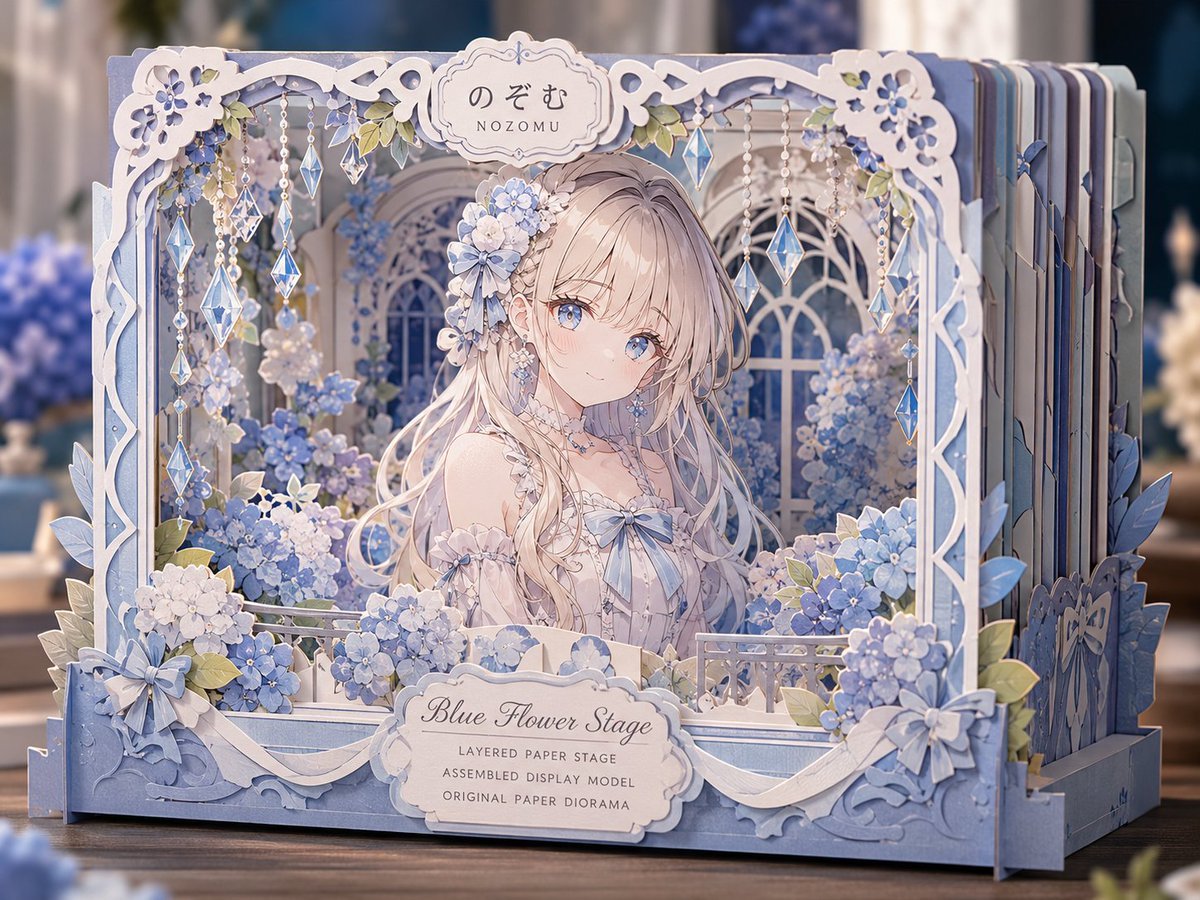
Blue Flower Layered Paper Stage
Make it yours
Haunting Ballerina in a Flooded Library (Flow Prompt) works as-is. These are the safest ways to change it without losing the look.
Change one field
Copy a single group, rewrite it, and generate again so you can see what that field is doing.
Keep the frame, change the subject
Hold the composition and light of Haunting Ballerina in a Flooded Library (Flow Prompt), then swap wardrobe, props or the person for a new take.
| If the result… | Why | Fix |
|---|---|---|
| The result drifts from the preview | Too many fields changed at once. | Reuse Haunting Ballerina in a Flooded Library (Flow Prompt) as-is first, then change one group — subject, light, or setting. |
| The model over-stylizes the scene | The prose prompt leaves finish and camera underspecified. | Add one camera or lighting sentence and stay on Nano Banana 2. |
More Nano Banana 2 templates
Other prompts made for Nano Banana 2.

Photorealistic Leaf Shaped Like a Dragon

K-Pop Idol Portrait Grid for Rapid Selection

Poetic Rain Forest Portrait During Golden Hour

Urban Street Portrait with Cartoon Inner Self Duo

Candid Nighttime Photo with Cat Prompt

High-Concept 3D Diorama Generation Prompt

Cinematic Futuristic Studio Portrait Template

Skincare Editorial Photography Collage Prompt

Hyper-Realistic Commercial Product Photography (Splash Effect)

Hyper-Realistic Nightclub Portrait Prompt
More image prompts
Fresh picks from across the catalog.

Image Transformation to Minimal Vector Poster
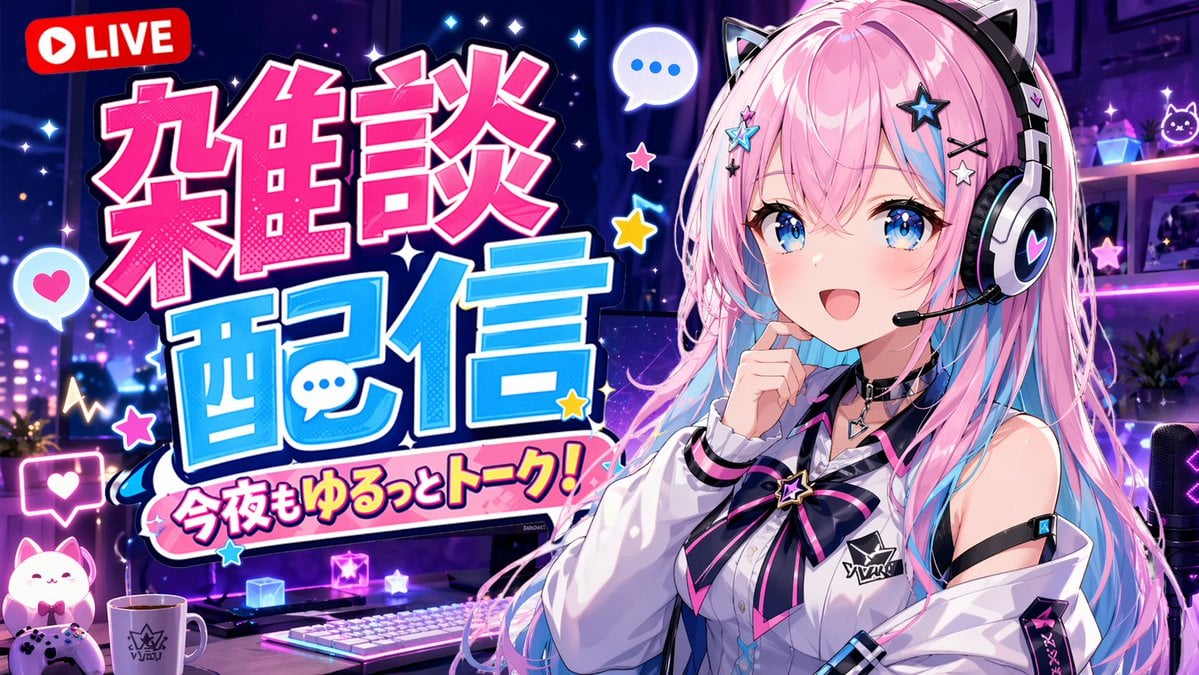
VTuber Chat Stream Thumbnail
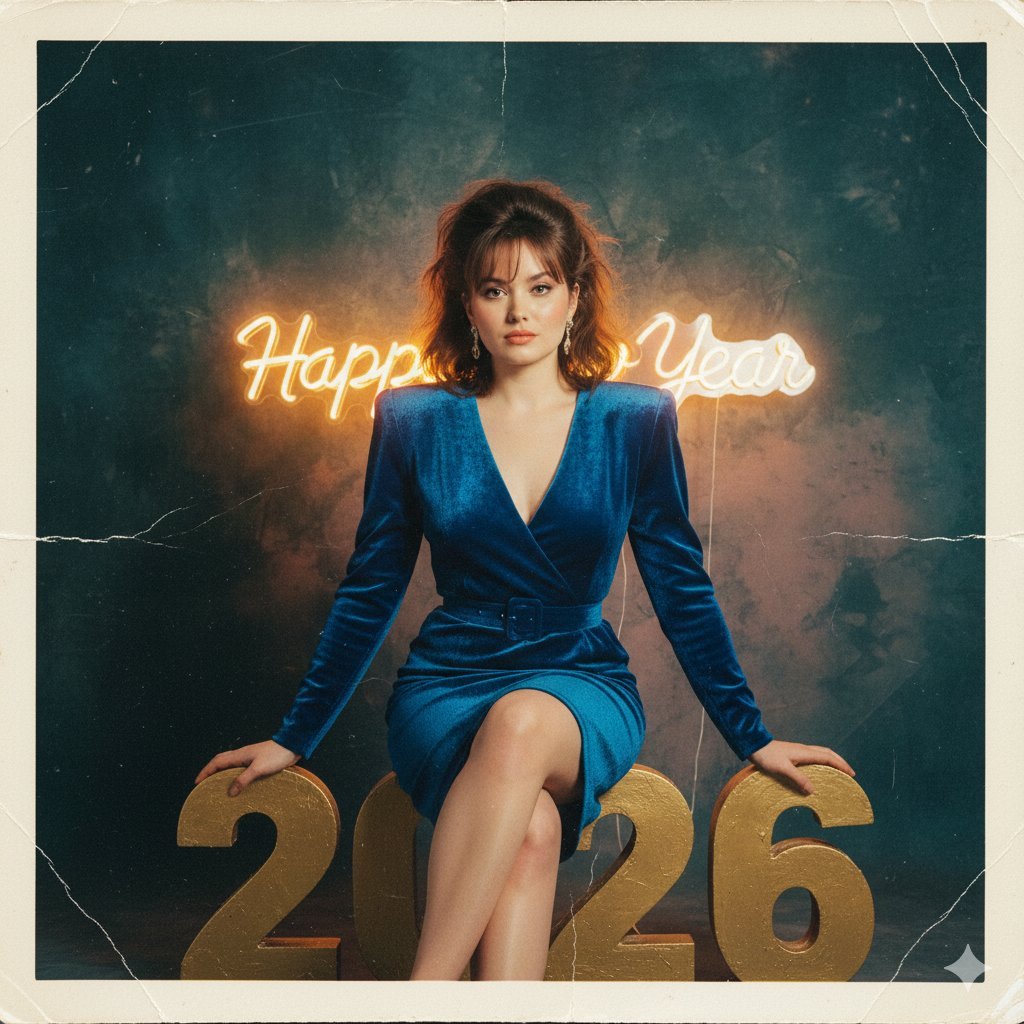
1980s Analog New Year's Eve Portrait Prompt
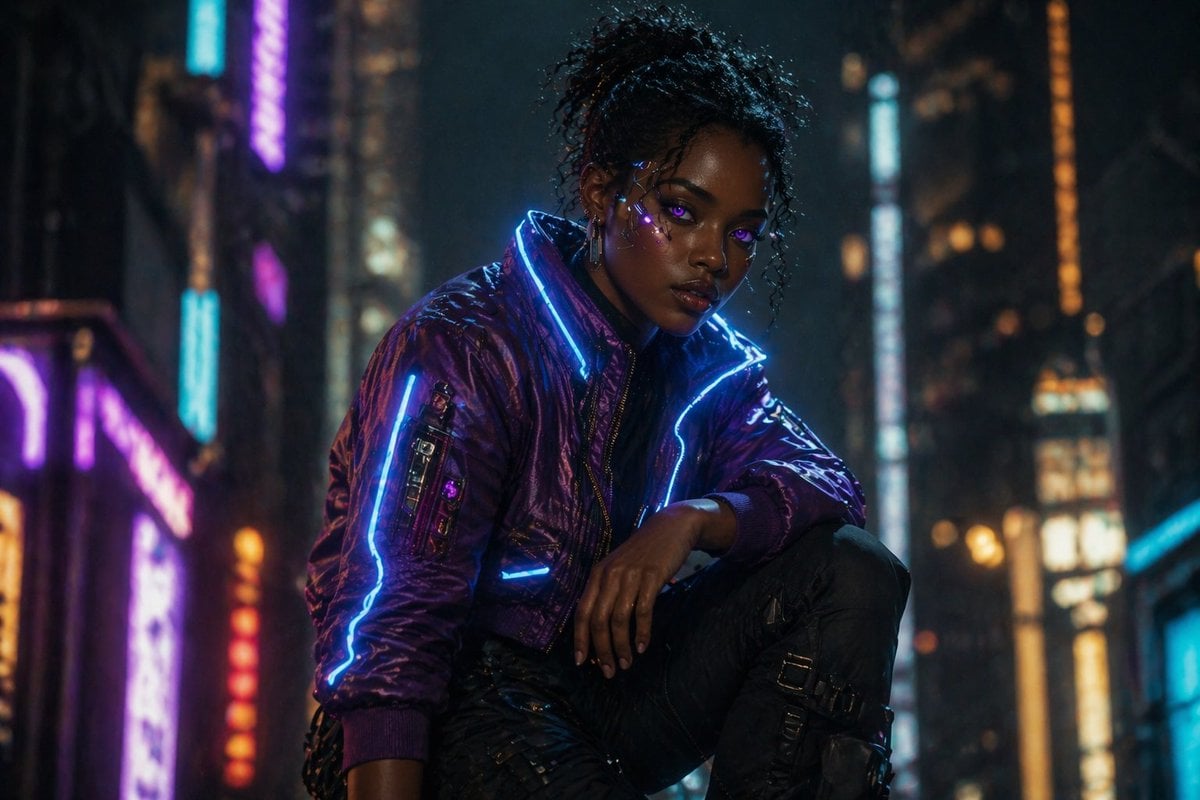
Cinematic Cyberpunk Woman Portrait
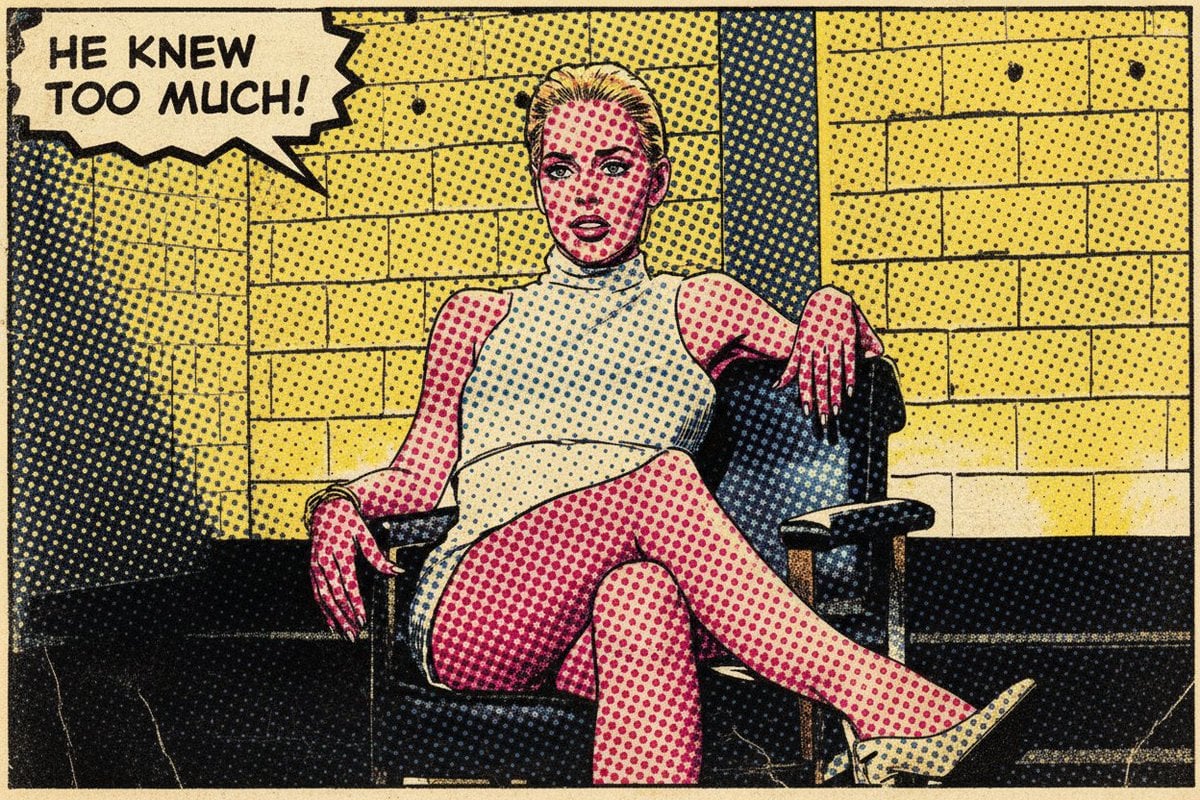
Pop Art Comic Book Style Transfer

Neon Business Info-Product Thumbnail
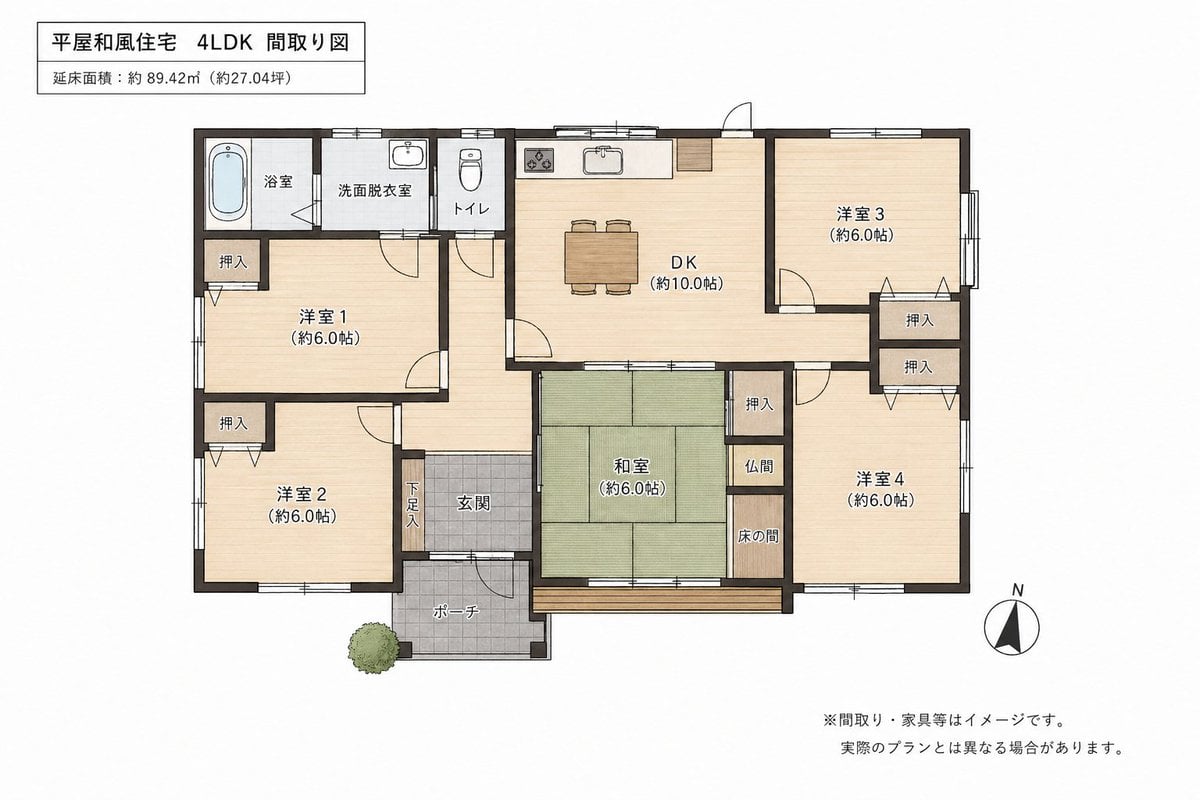
Japanese House Floor Plan Generator
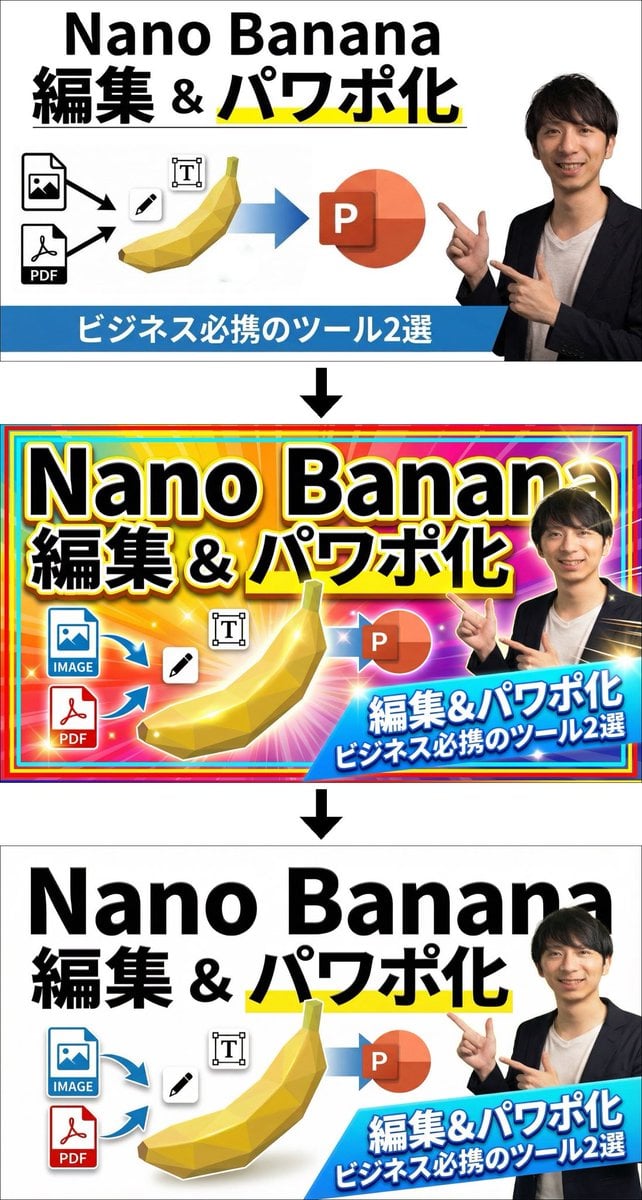
Two-step design refinement process: from flashy to sophisticated (Step 2)
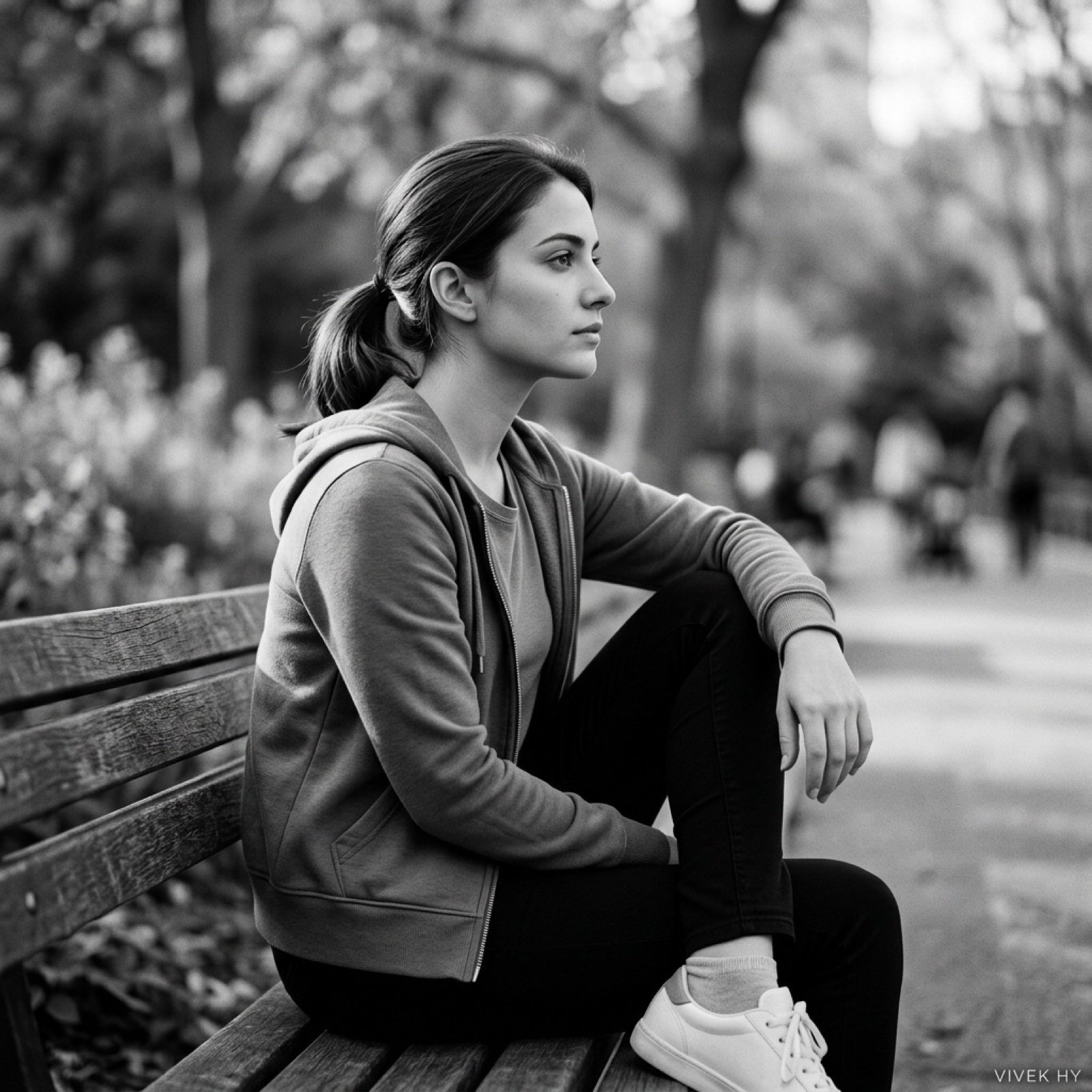
Cinematic Black & White Portrait with Face Match
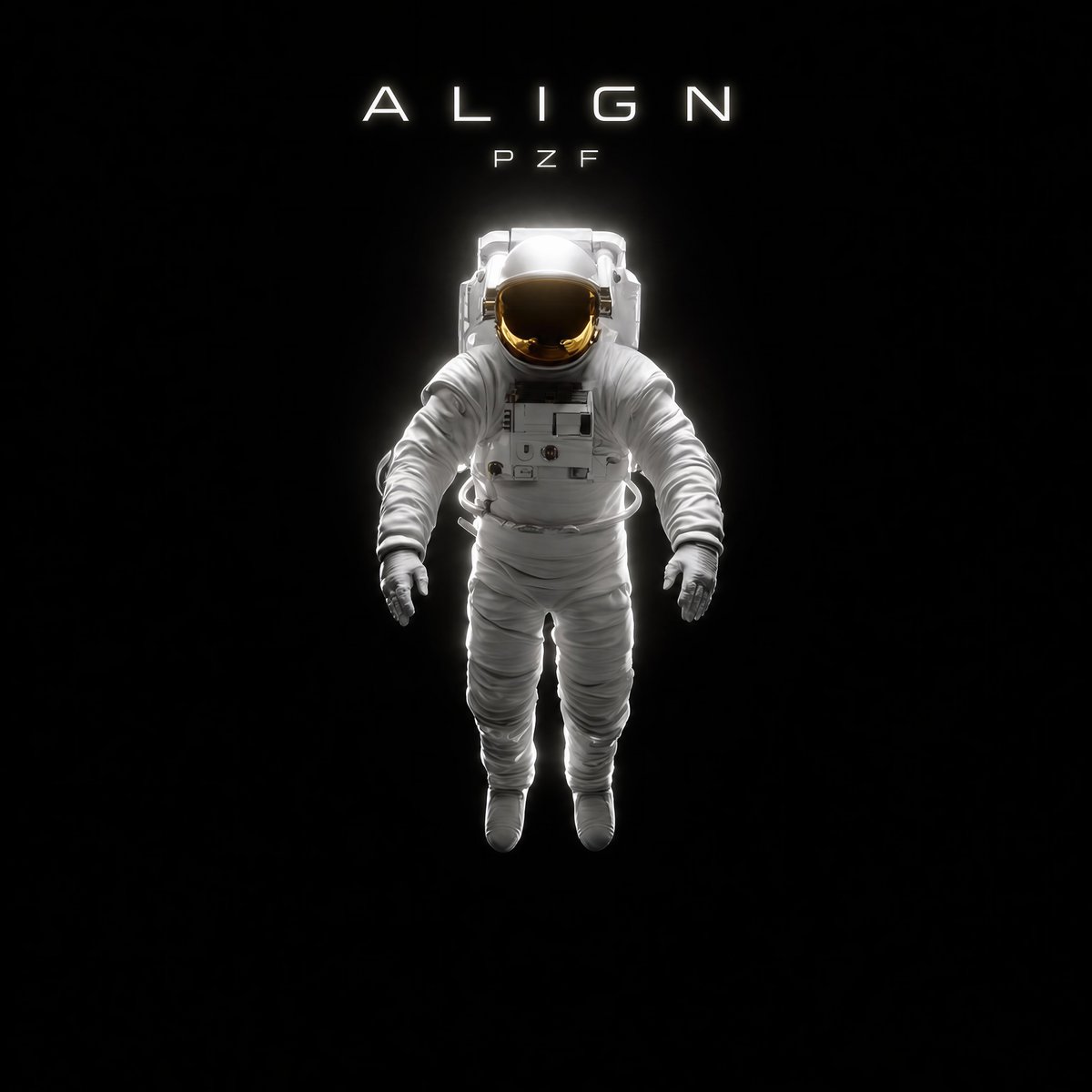
Minimal Astronaut Album Cover
Browse template categories
Haunting Ballerina in a Flooded Library (Flow Prompt) questions
How do I use the Haunting Ballerina in a Flooded Library (Flow Prompt) template?
Add your photo if the template asks for one, edit the prompt if you like — the template's model and format are already selected — and press Generate. Your version opens in PicX Studio.
Can I customize the Haunting Ballerina in a Flooded Library (Flow Prompt) template?
Yes. You can change the subject, setting, lighting, mood, format, and available model controls before creating your image.
Is the Haunting Ballerina in a Flooded Library (Flow Prompt) template free?
Opening and editing this template is free. Generating uses credits, shown on the Generate button when you are signed in.
Which AI model should I use?
Start with Nano Banana 2, which is the model associated with this template. You can compare another compatible model for a different finish.
Looking for something else? Browse all templates.

Your photo, any look
Thousands of ready templates for every top image and video model, from one credit balance.