
Blue Flower Layered Paper Stage
Generates a romantic anime-style layered paper diorama stage with hydrangeas, crystals, ornate labels, and a central character for decorative craft-style visuals.
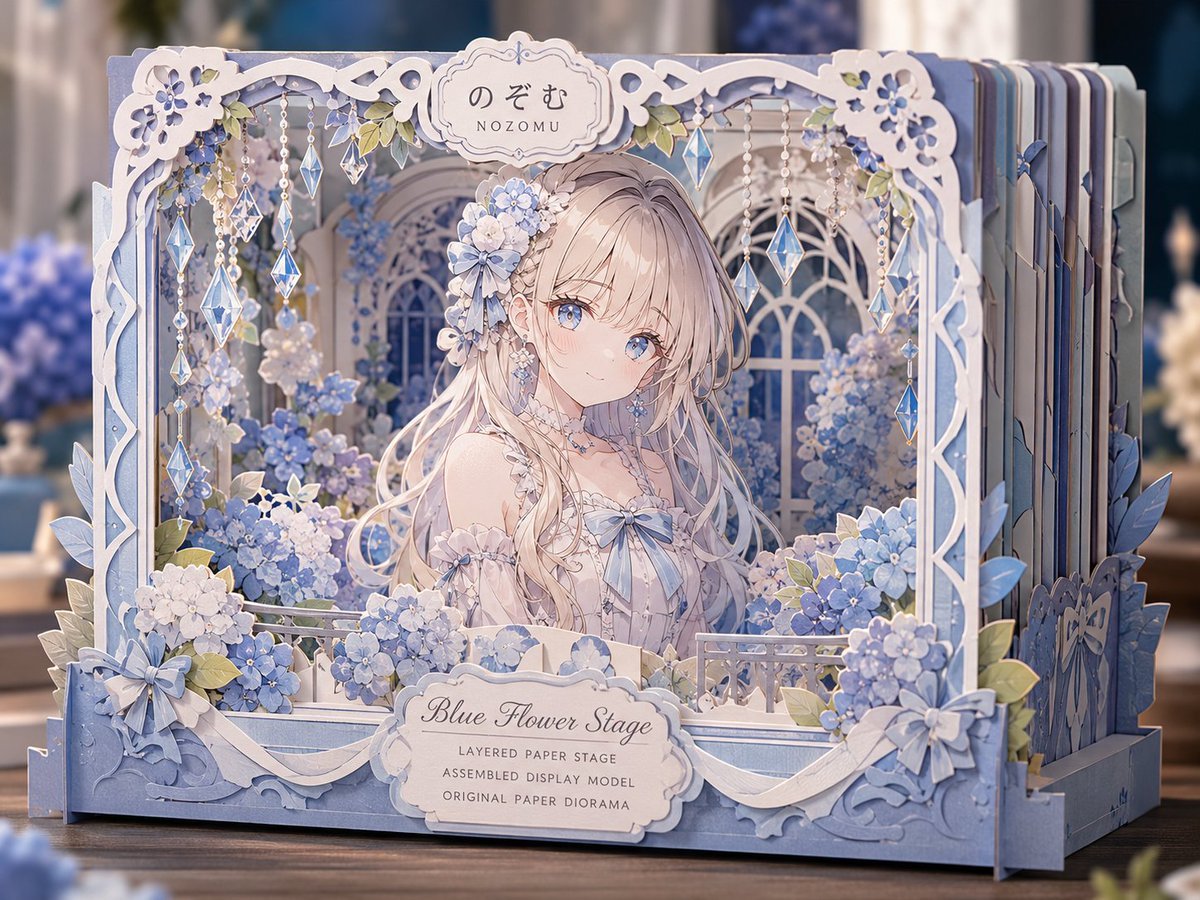
- Prompt included
- Model and format preset
- Premium template
The prompt behind this image
Copy the exact prompt behind Blue Flower Layered Paper Stage, or open it in the studio and make it yours.
Goal: Create a delicate assembled layered paper stage diorama featuring an anime girl in a blue hydrangea flower garden, like a premium craft display model photographed on a tabletop. Canvas: Landscape 4:3 image, centered front view with slight depth perspective, shallow depth of field, warm blurred indoor background, soft studio lighting, pastel blue, white, cream, and pale lavender color palette. Main subject: One young anime girl named {argument name="character name" default="Nozomu"}, placed in the center of the paper stage. She has long flowing {argument name="hair color" default="champagne blonde"} hair, clear blue eyes, soft blush, a gentle shy expression, and ornate flower hair accessories on the viewer-left side of her head. She wears an off-shoulder romantic dress in white and very pale blue with lace trim, a blue ribbon bow at the chest, floral shoulder details, dangling earrings, and a delicate choker. Diorama structure: A layered, assembled paper display stage made of many stacked cut-paper sheets visible along the right side. Use laser-cut ornamental borders, scalloped corners, curled vine shapes, floral cutouts, and pale blue side panels. The front frame is a rectangular shadow-box stage with thick layered edges and decorative paper foliage protruding on the left and right. The design should clearly feel like a physical paper craft model, with visible thickness, slots, tabs, layered panels, and slight shadows between paper layers. Layout and counted elements: Include exactly 1 central character, exactly 3 tall arched window openings behind her, exactly 2 ornate label plaques, and exactly 2 large ribbon bows on the lower front corners. Include exactly 8 visible hanging crystal strands from the top frame: 4 on the left side and 4 on the right side, each made from beads and blue faceted diamond prisms. Include exactly 6 prominent hydrangea flower clusters around the frame: 2 large clusters along the lower left, 1 small cluster near the center front, 2 clusters on the lower right, and 1 cluster behind the character near the right window. Text content: Top center plaque displays Japanese hiragana {argument name="top Japanese name" default="のぞむ"} with small roman text “NOZOMU” underneath. Front lower plaque displays the title {argument name="stage title" default="Blue Flower Stage"} in elegant cursive, with three small uppercase subtitle lines below: “LAYERED PAPER STAGE”, “ASSEMBLED DISPLAY MODEL”, and “ORIGINAL PAPER DIORAMA”. Visual style: Highly detailed anime illustration combined with realistic paper-craft product photography. Use crisp paper edges, embossed-looking cutouts, subtle grain, pearlescent blue paper, translucent faceted crystals, soft bokeh background, and dreamy romantic lighting. The image should look like a finished handmade layered paper stage kit, not a flat poster. Constraints: Keep the palette cohesive in blue and white, avoid extra characters, avoid extra text, make all text legible, keep the central girl framed by flowers and windows, and emphasize depth through stacked paper layers and soft shadows.
How to use Blue Flower Layered Paper Stage in 3 steps
- 1Upload ImagePNG, JPG or paste
Add your photo
Upload the photo the template builds on. The prompt, model and format are already set.
- 2…a portrait of your subject in softgolden-hour light, 85mm…
Personalize
Edit the subject and creative details for your destination.
- 3Generate
Generate
Press Generate — your image is created in PicX Studio, so you can compare it with the original and refine one variable at a time.
More like this
Templates with the same subject, style or setup. Open one to see its prompt.

Saudi Arabia Paper Cut Travel Poster

Cute Layered Paper Cut Chibi Girl

Soft Handcrafted Paper-Cut Layered Illustration

Paper Cut Craft Illustration

Layered Paper Cut Illustration Template

Decorative Folk Flat Paper Cut Illustration

Paper Cut Finale Fireworks

Paper Cut Garden Maze

Paper Cut Rooftop Concert

Paper Cut Bicycle Coast

Paper Cut Castle Gate

Paper Cut Kitchen Chaos
Make it yours
Blue Flower Layered Paper Stage works as-is. These are the safest ways to change it without losing the look.
Change one field
Copy a single group, rewrite it, and generate again so you can see what that field is doing.
Keep the frame, change the subject
Hold the composition and light of Blue Flower Layered Paper Stage, then swap wardrobe, props or the person for a new take.
| If the result… | Why | Fix |
|---|---|---|
| The result drifts from the preview | Too many fields changed at once. | Reuse Blue Flower Layered Paper Stage as-is first, then change one group — subject, light, or setting. |
| The model over-stylizes the scene | The prose prompt leaves finish and camera underspecified. | Add one camera or lighting sentence and stay on GPT Image 2. |
More GPT Image 2 templates
Other prompts made for GPT Image 2.

Six VTuber Japanese Logo Sheet

Realistic Portrait of Woman and Deer

The Vista Modular Condo Poster

AI Model Routing Comparison Infographic

2.5D Anime Art Board

Isometric Productivity Desk Scene

New York Double Exposure Poster

Four-Panel AI Landscape Comparison

Japanese Tatami Lifestyle Magazine Cover

NESCAFÉ Coffee Map Poster
More image prompts
Fresh picks from across the catalog.
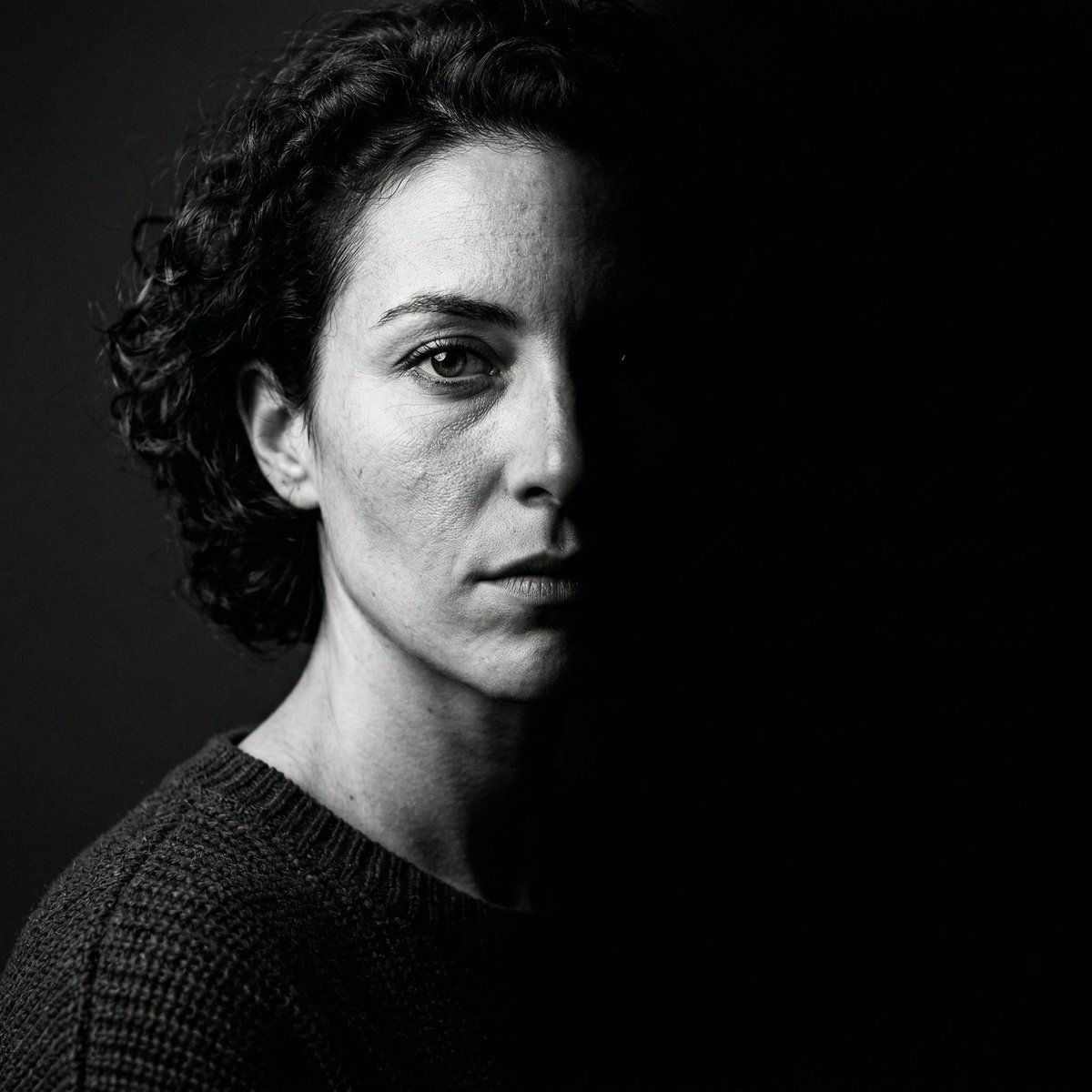
Nano Banana 2 Generation Examples and Prompts
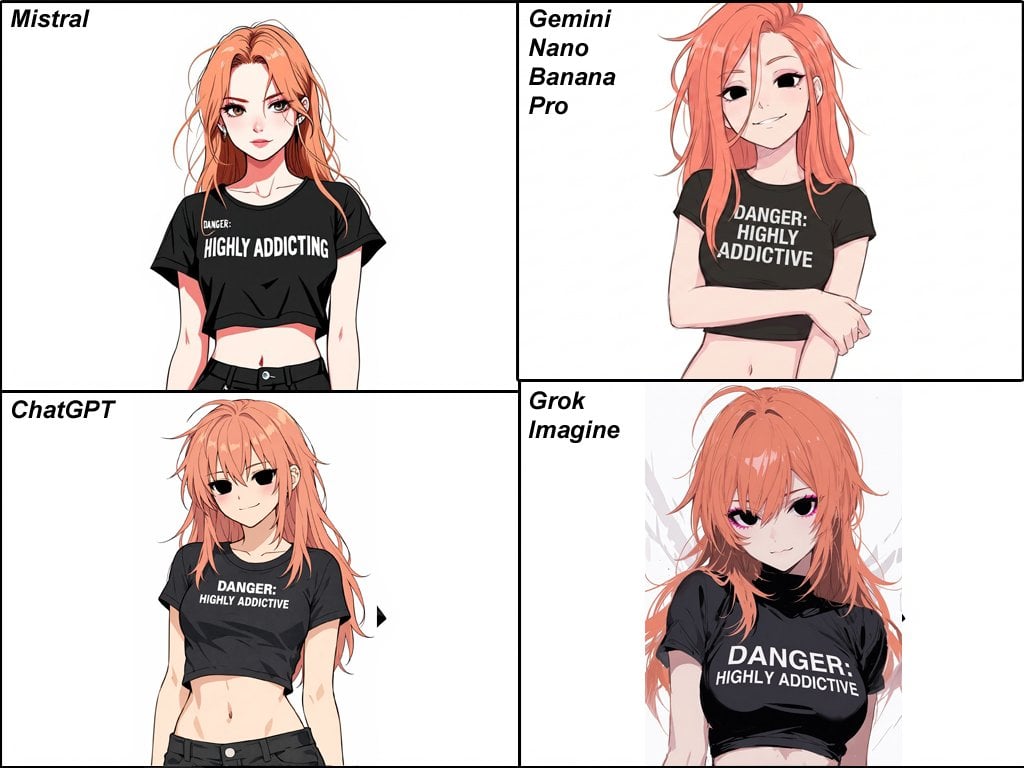
Anime Egirl Illustration Prompt Shootout
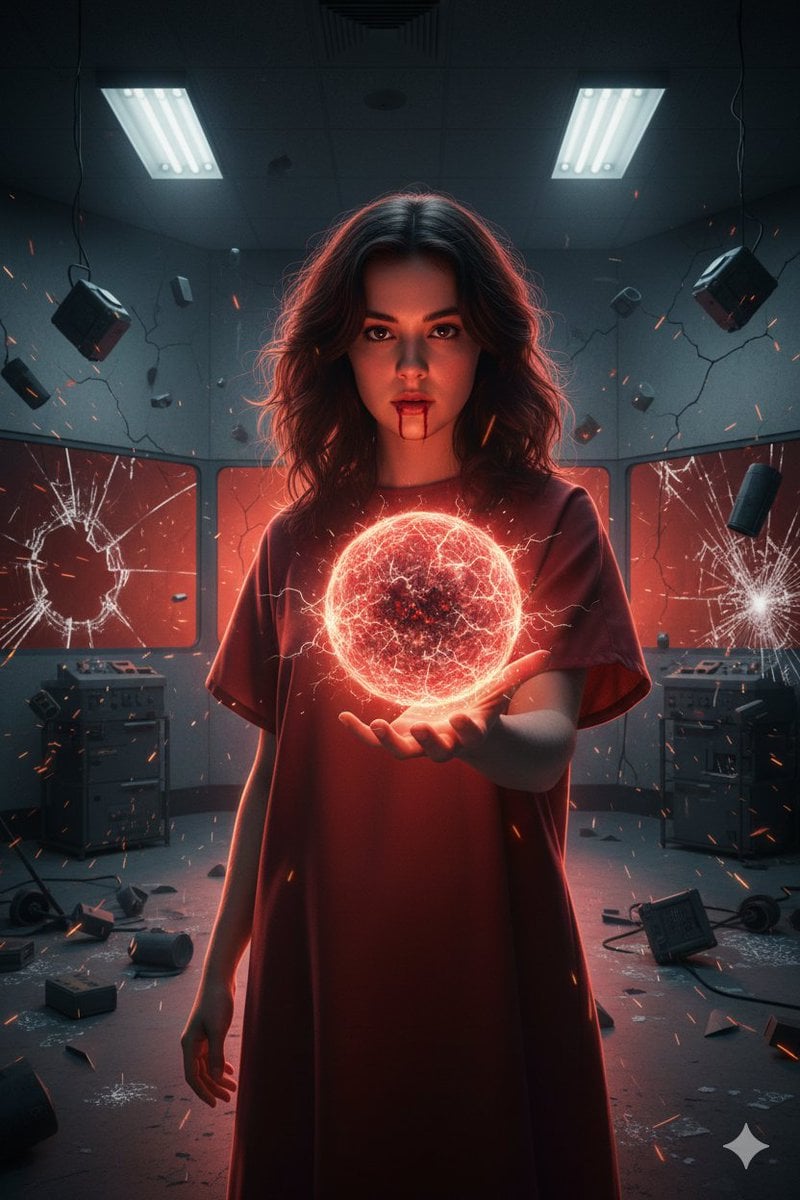
Psychic Woman in Underground Lab Cinematic Scene
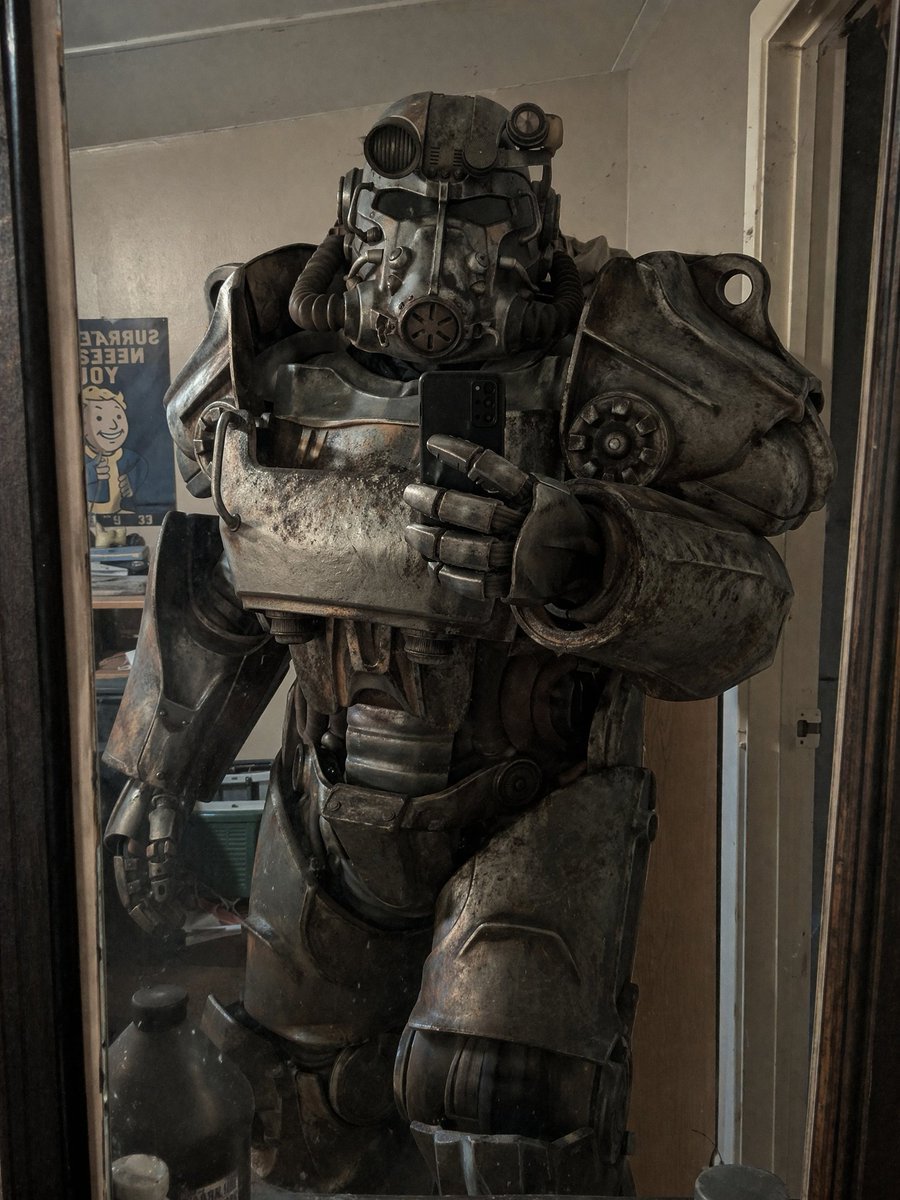
Power Armor Mirror Selfie

Premium Dark Horizon Product Reveal Prompt
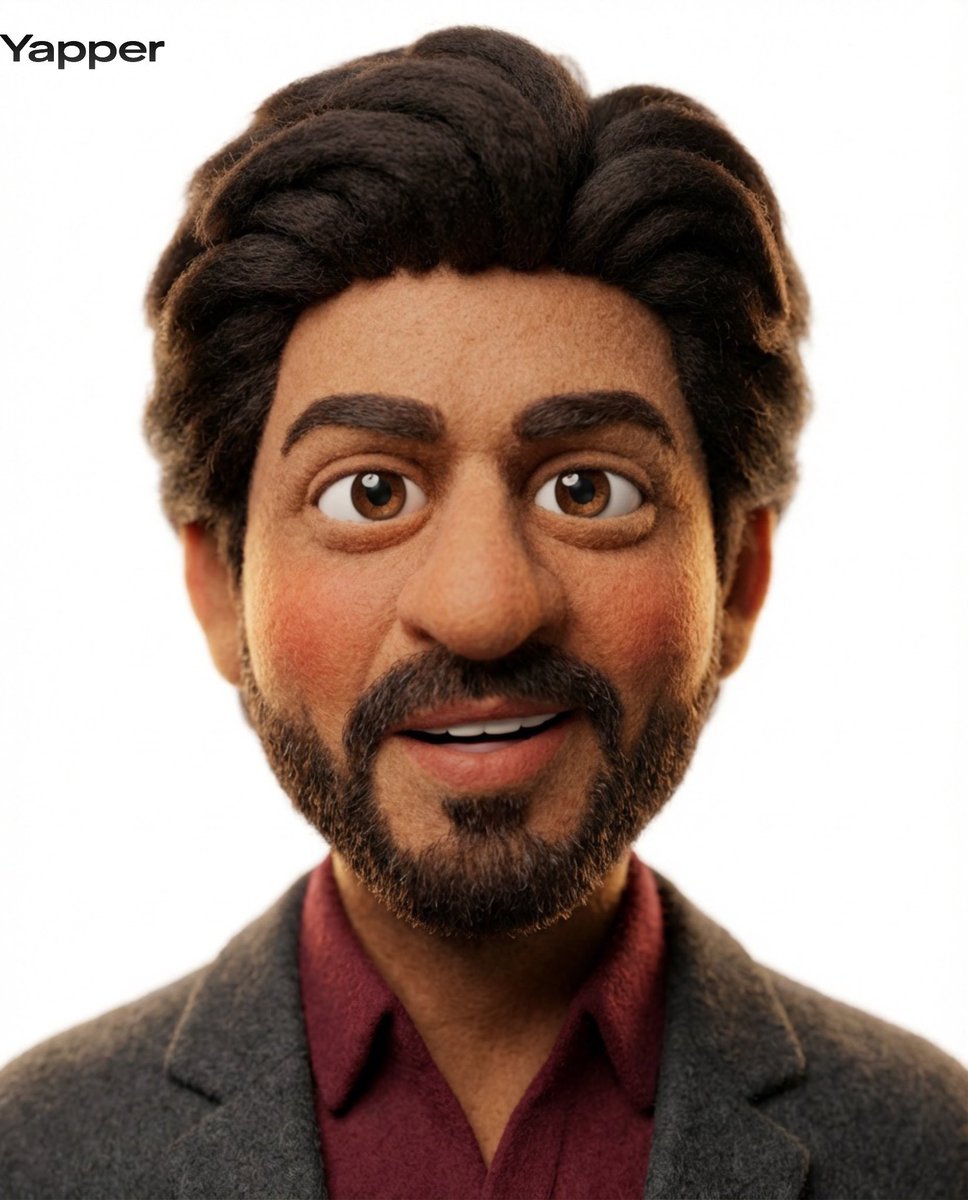
3D Claymation Character Transformation
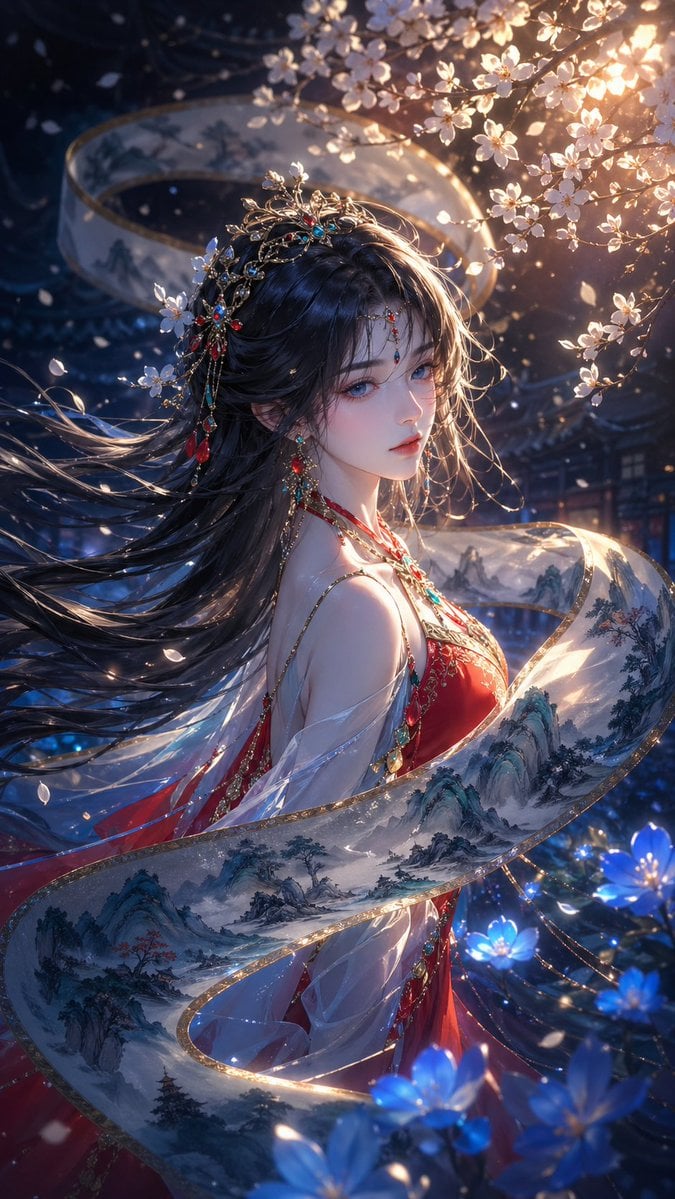
Oriental Fantasy Illustration Prompt

Overhead Escalator Mall Portrait
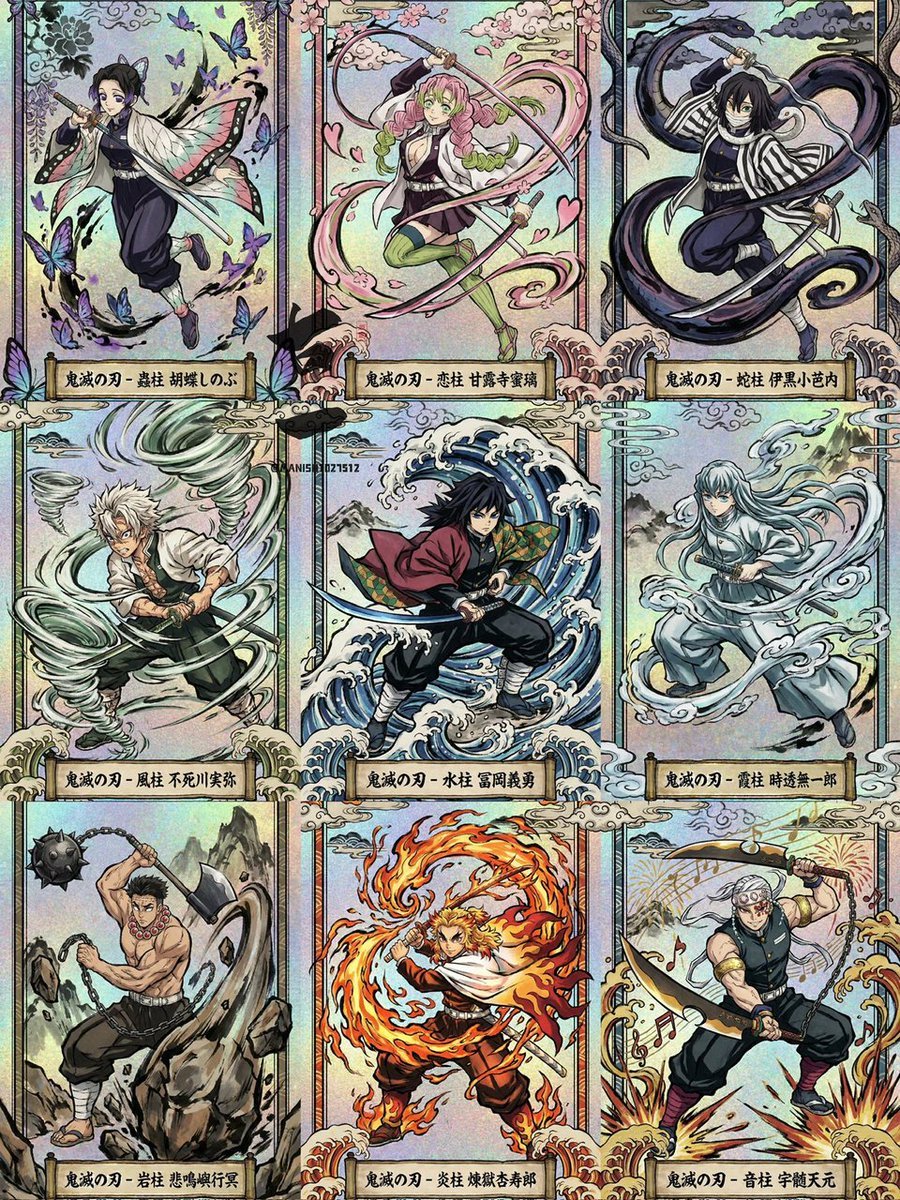
Ukiyo-e Demon Slayer Card Grid
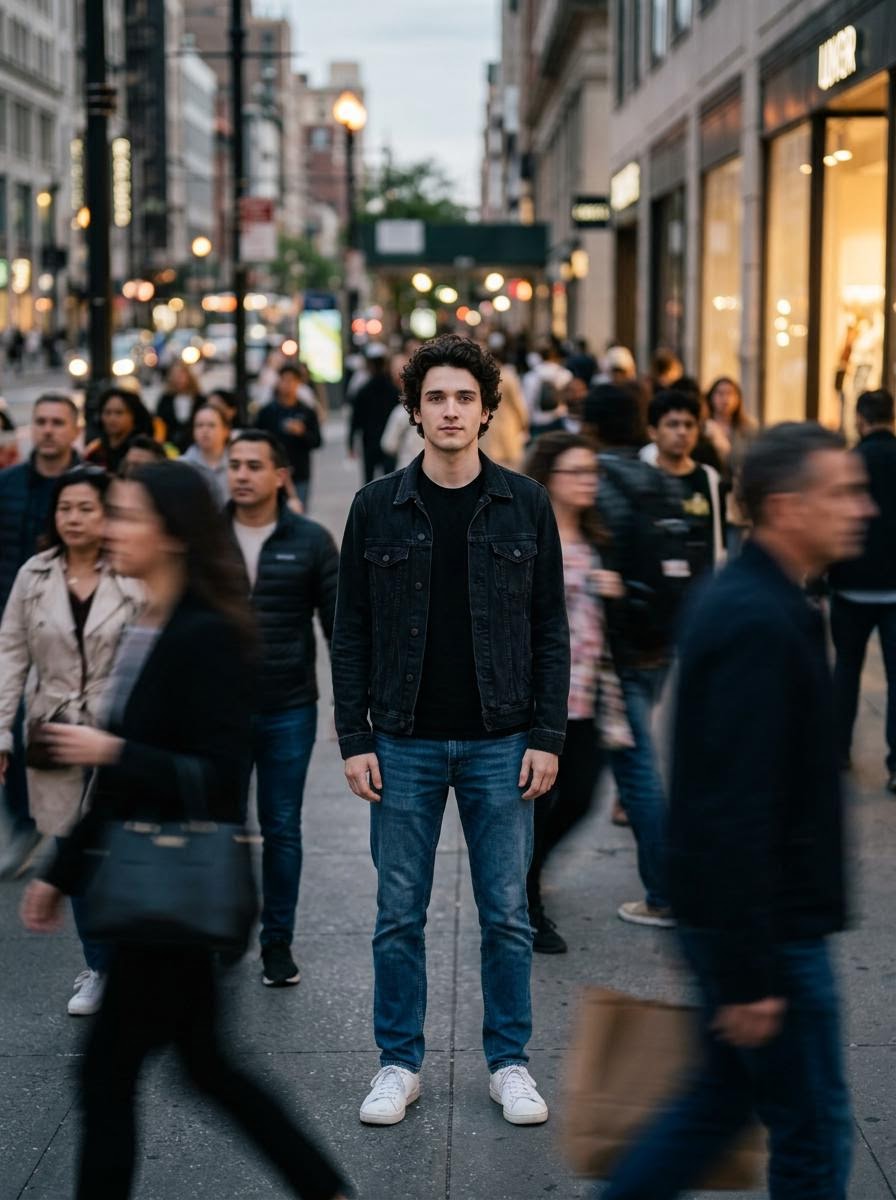
Calm in Chaos Street Photo Prompt for Nano Banana 2
Browse template categories
Blue Flower Layered Paper Stage questions
How do I use the Blue Flower Layered Paper Stage template?
Add your photo if the template asks for one, edit the prompt if you like — the template's model and format are already selected — and press Generate. Your version opens in PicX Studio.
Can I customize the Blue Flower Layered Paper Stage template?
Yes. You can change the subject, setting, lighting, mood, format, and available model controls before creating your image.
Is the Blue Flower Layered Paper Stage template free?
Opening and editing this template is free. Generating uses credits, shown on the Generate button when you are signed in.
Which AI model should I use?
Start with GPT Image 2, which is the model associated with this template. You can compare another compatible model for a different finish.
Looking for something else? Browse all templates.

Your photo, any look
Thousands of ready templates for every top image and video model, from one credit balance.