
Psychic Woman in Underground Lab Cinematic Scene
A highly cinematic and detailed prompt for generating a photorealistic scene inspired by Hawkins Lab (Stranger Things).
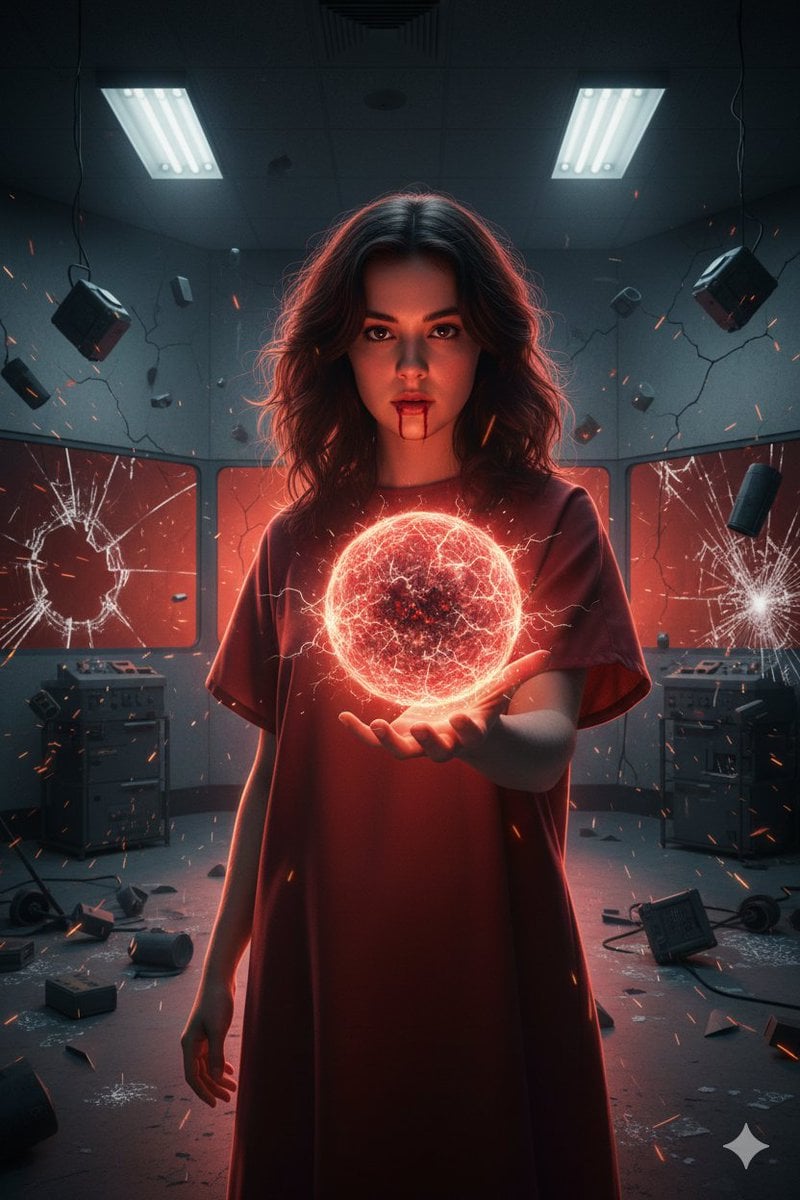
- Prompt included
- Model and format preset
- Free template
The prompt behind this image
Copy the exact prompt behind Psychic Woman in Underground Lab Cinematic Scene, or open it in the studio and make it yours.
A cinematic photorealistic portrait of a young psychic woman inside an underground government research facility inspired by {argument name="inspiration" default="Hawkins Lab"}. Sterile concrete walls, glass observation panels, tangled cables, and industrial equipment surround her. Fluorescent ceiling lights flicker, casting cold white and red emergency lighting across the room. The woman stands centered, calm yet intensely focused. Her dark wavy hair lifts subtly as if affected by invisible force. Her warm brown eyes are locked forward with controlled concentration. A faint nosebleed traces down her upper lip, suggesting mental strain. She wears a simple institutional gown with muted red tones, minimal and utilitarian. One hand is extended toward the viewer, palm open, generating a dense sphere of psychic energy—glowing red-orange, crackling with electrical filaments, heat distortion, and suspended particles, bending the air around it. Lab equipment levitates, glass fractures midair, sparks erupt from torn cables, and debris hangs frozen in suspension. A dim red-orange dimensional glow seeps through cracks in the walls, hinting at another realm pressing through reality. Cinematic lighting, strong rim light, dramatic shadows, sharp focus on face and hand, shallow depth of field, ultra-detailed textures, photorealistic supernatural realism, high contrast, volumetric lighting, tense psychological atmosphere.
How to use Psychic Woman in Underground Lab Cinematic Scene in 3 steps
- 1
Open
The prompt is already in the box next to the preview, with the template's model and format selected.
- 2…a portrait of your subject in softgolden-hour light, 85mm…
Personalize
Edit the subject and creative details for your destination.
- 3Generate
Generate
Press Generate — your image is created in PicX Studio, so you can compare it with the original and refine one variable at a time.
More like this
Templates with the same subject, style or setup. Open one to see its prompt.

Woman in Mall with Chanel Bag - Heart Gesture
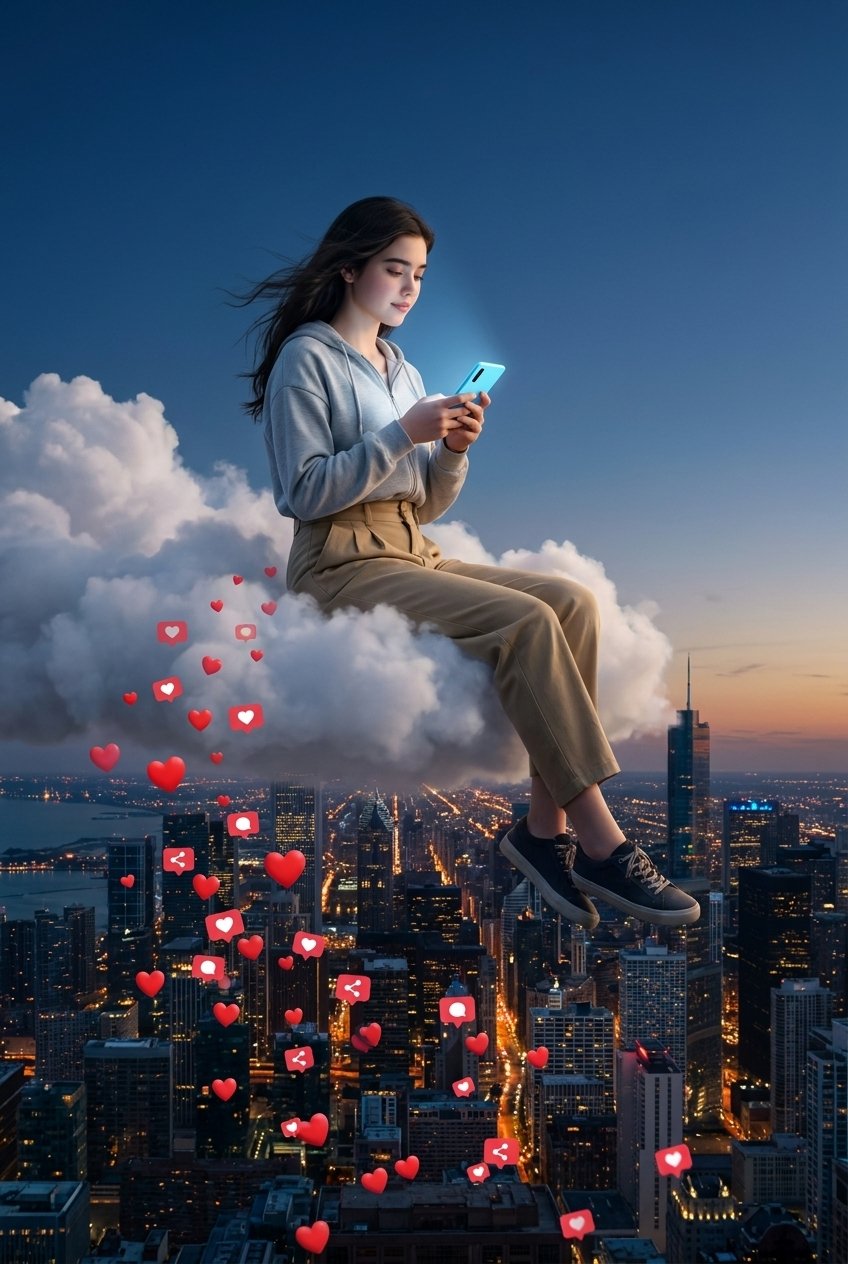
Floating Woman Above Cityscape with Notifications
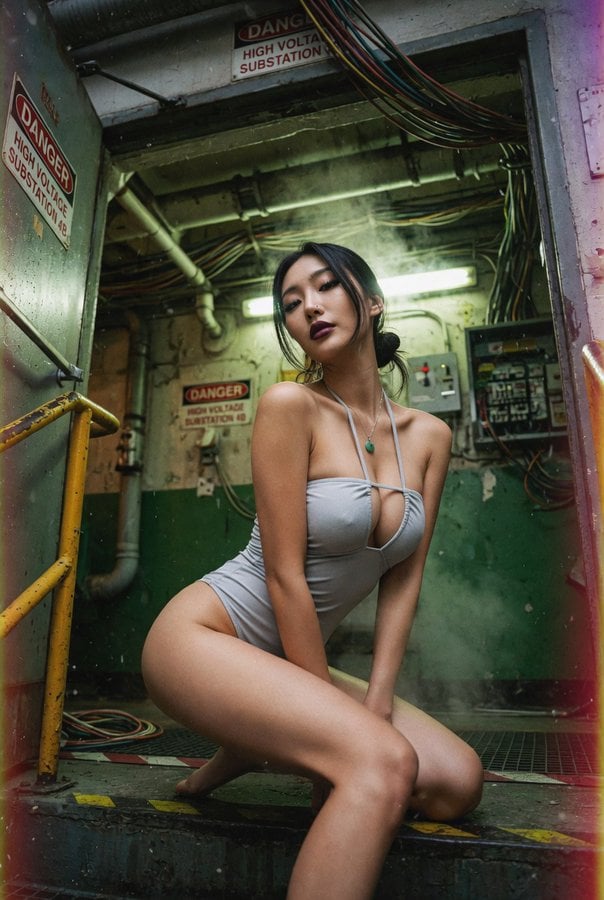
East Asian Woman Underground Film Aesthetic
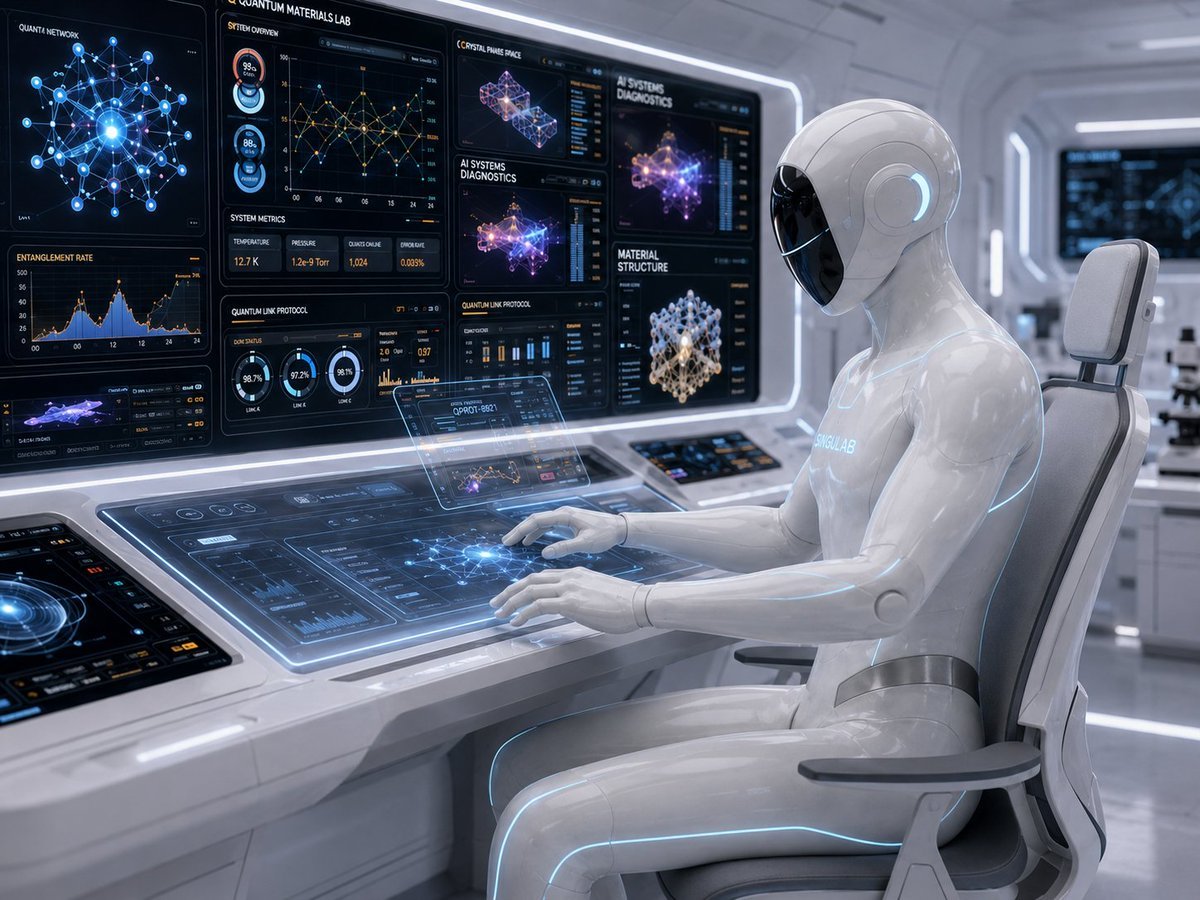
Android Quantum Lab Workstation
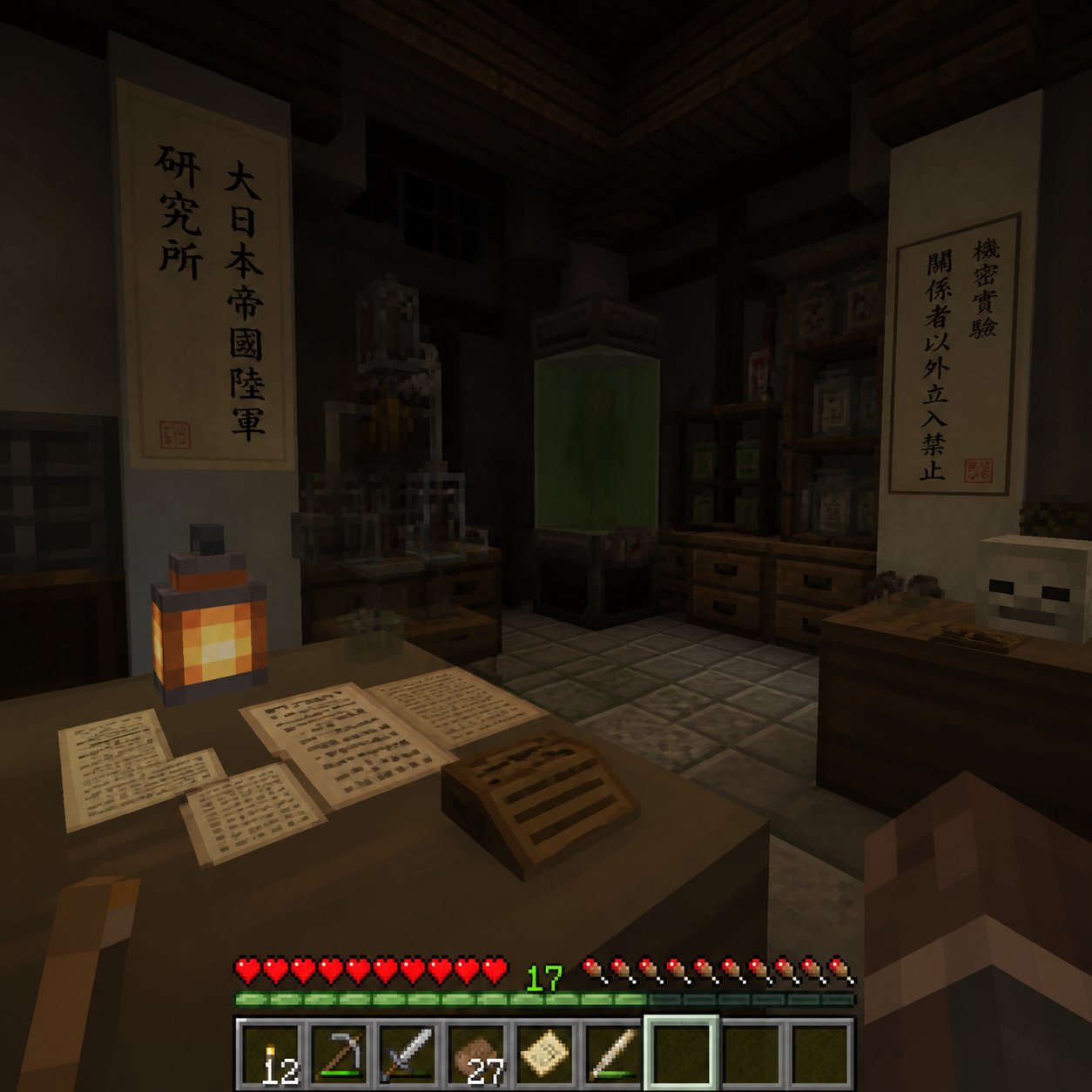
Minecraft Japanese Research Lab Exploration
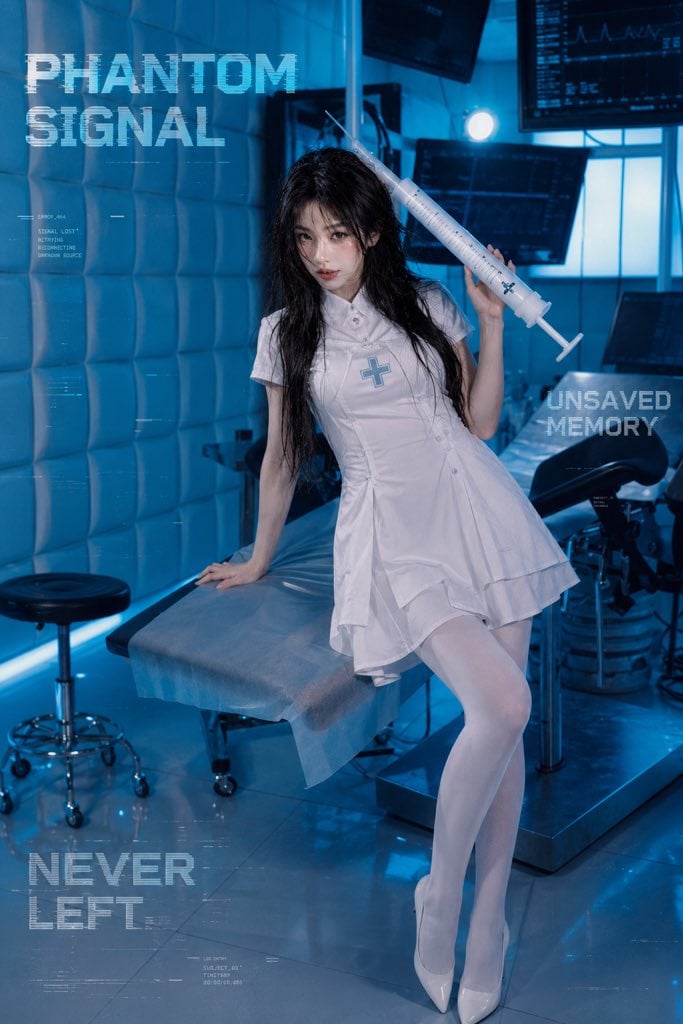
Future Medical Lab Scene
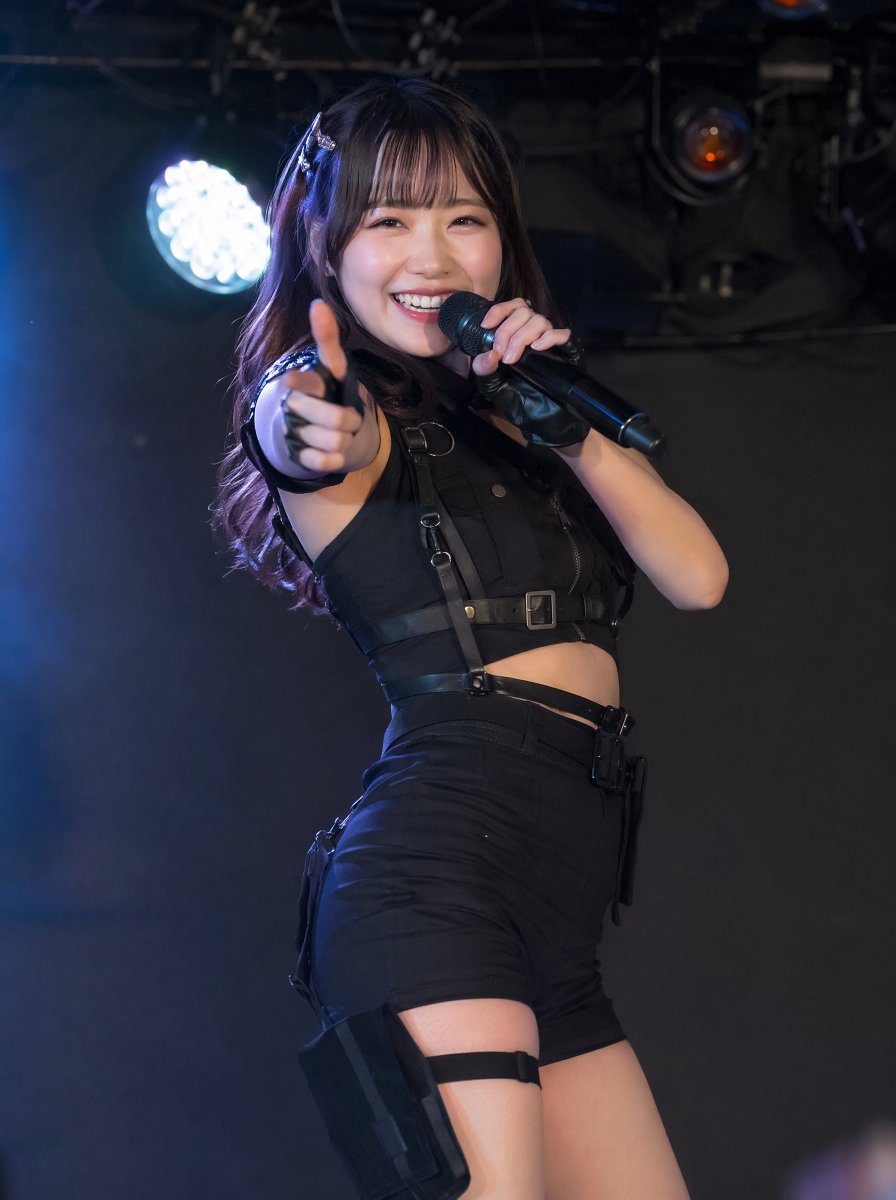
Tactical Underground Idol Concert
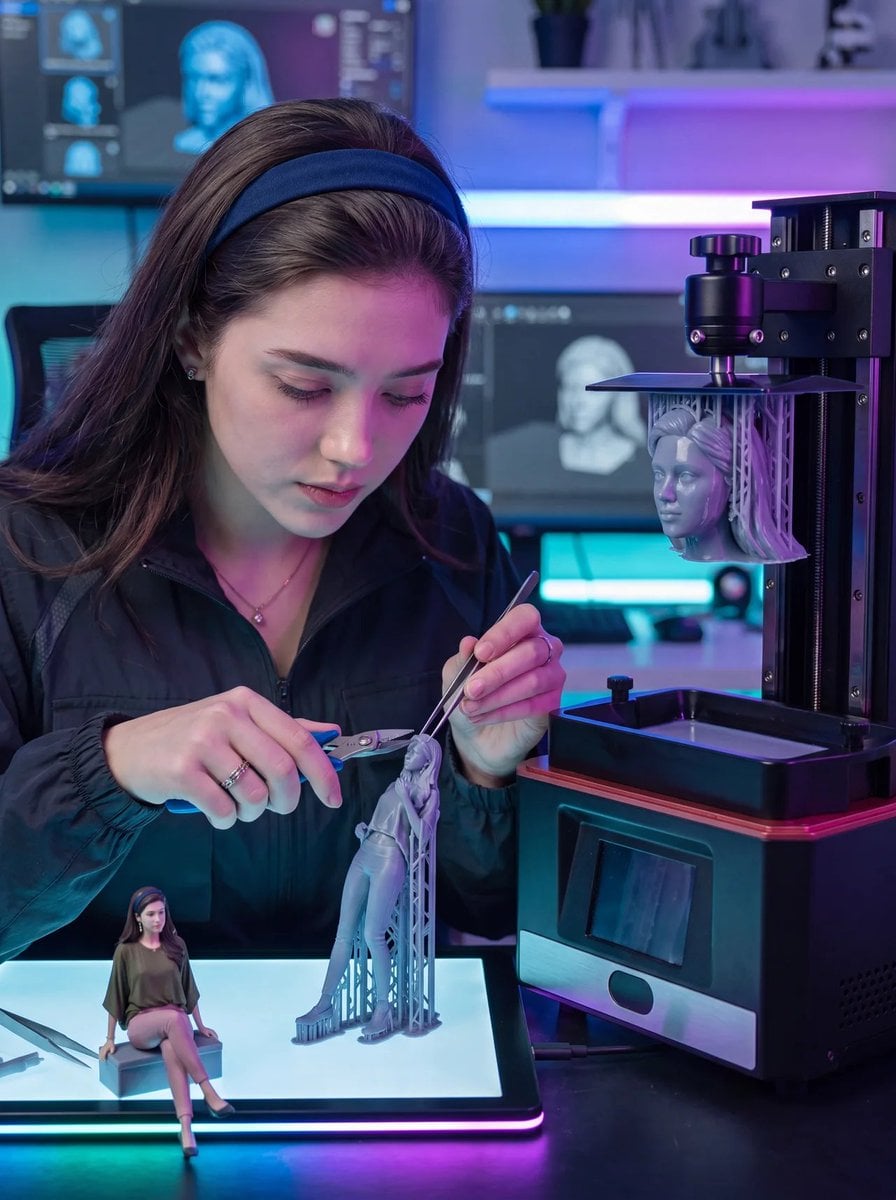
Futuristic 3D Printing Lab Portrait
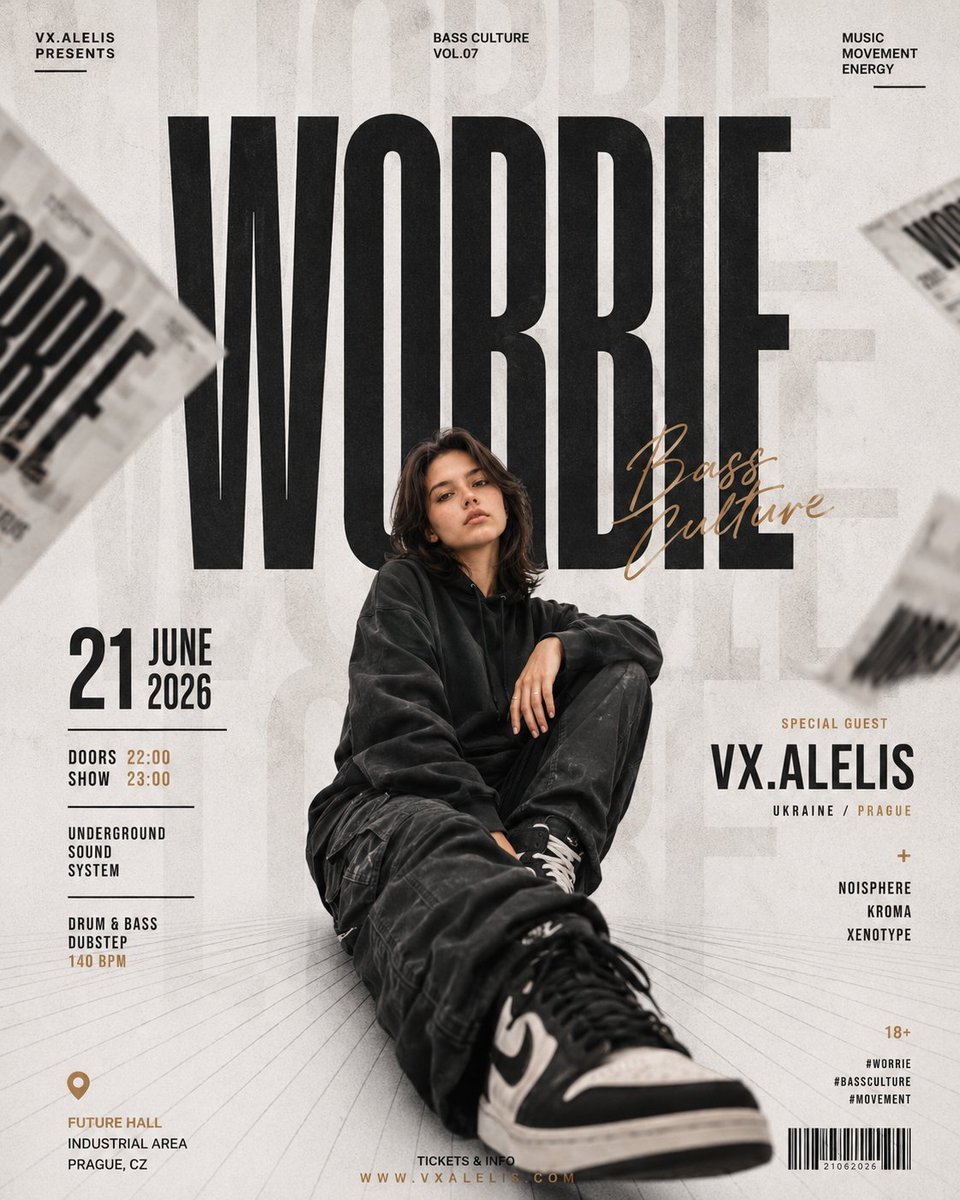
Swiss Editorial Underground Music Poster
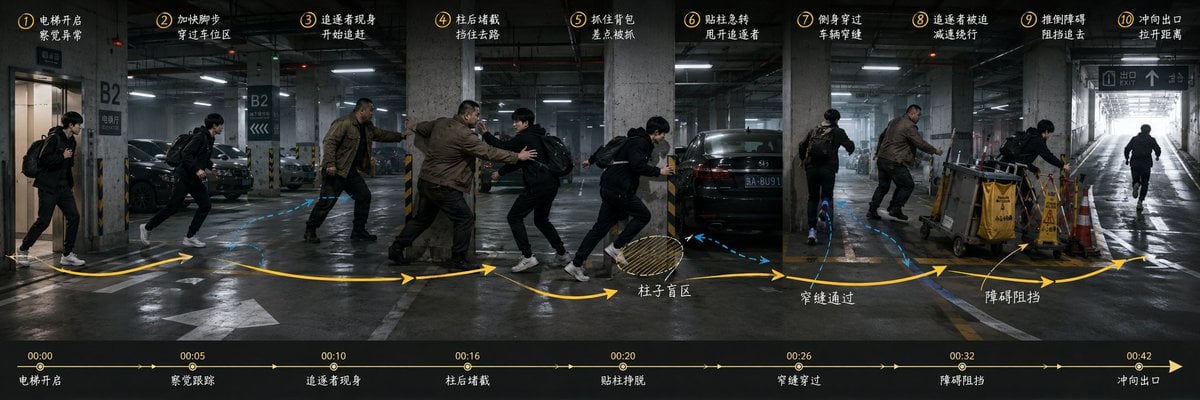
Underground Parking Chase Storyboard
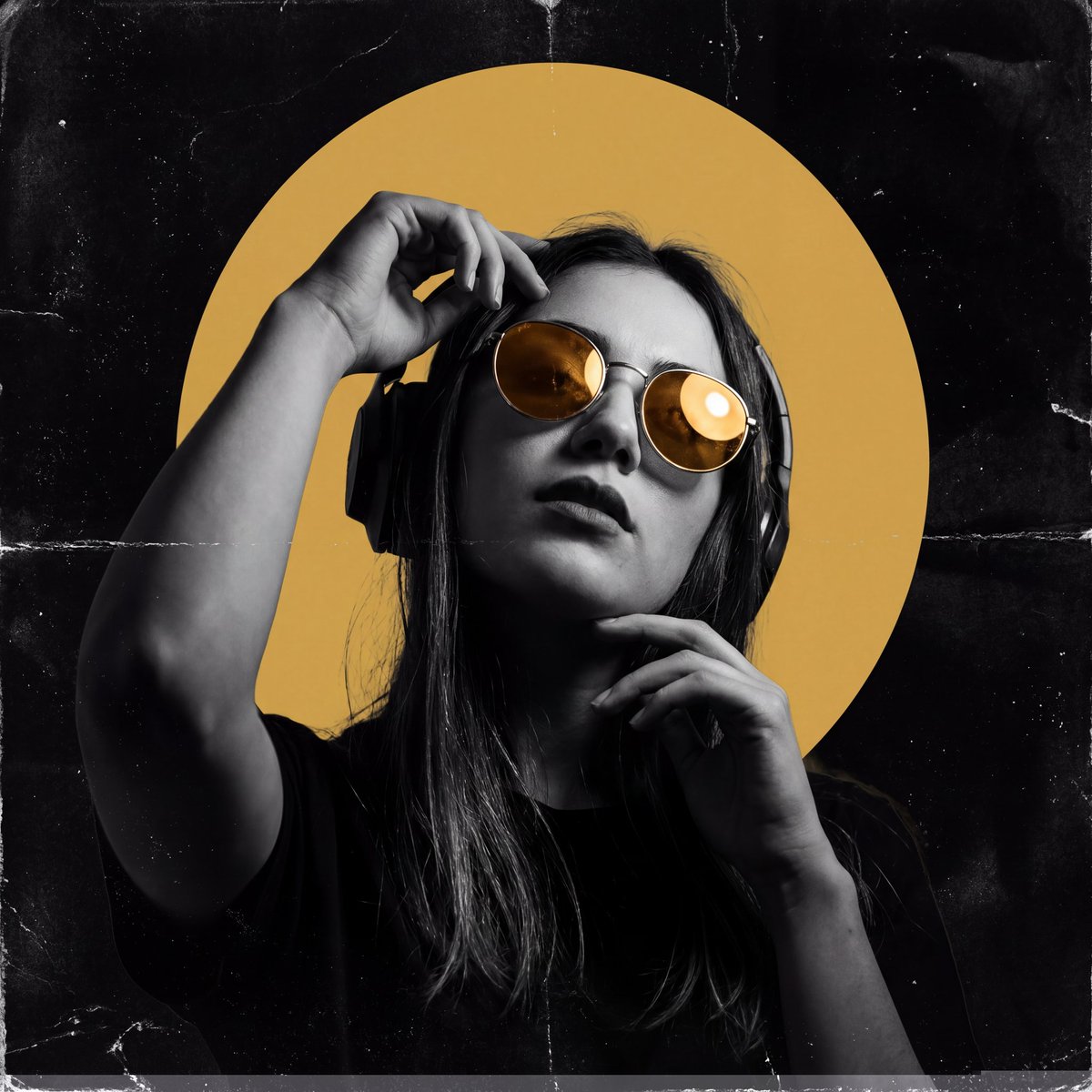
Underground Club Aesthetic Poster
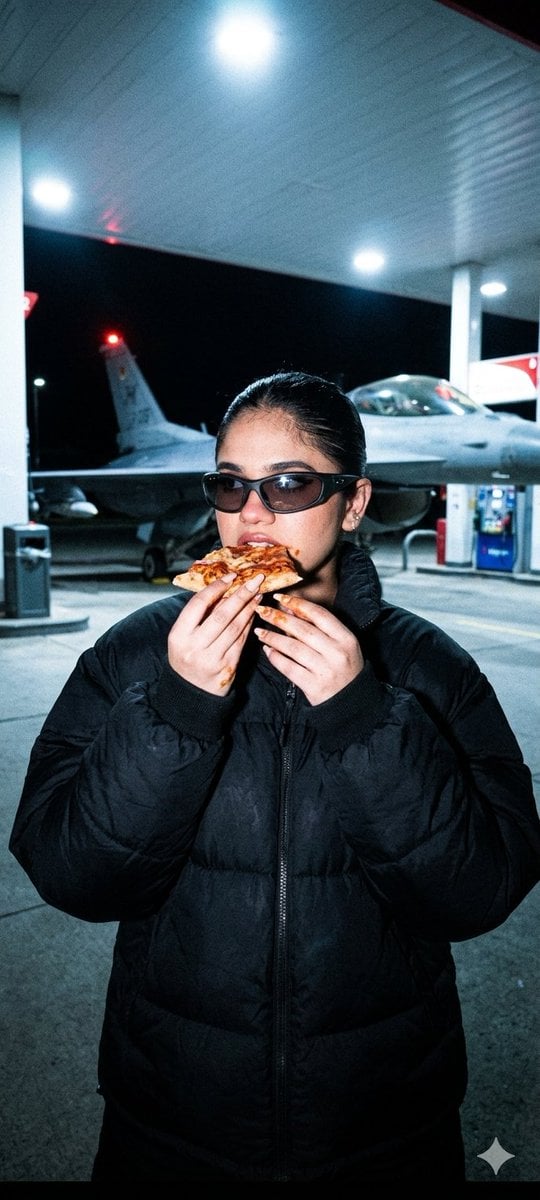
Underground Paparazzi Fighter Jet Pizza
Make it yours
Psychic Woman in Underground Lab Cinematic Scene works as-is. These are the safest ways to change it without losing the look.
Change one field
Copy a single group, rewrite it, and generate again so you can see what that field is doing.
Keep the frame, change the subject
Hold the composition and light of Psychic Woman in Underground Lab Cinematic Scene, then swap wardrobe, props or the person for a new take.
| If the result… | Why | Fix |
|---|---|---|
| The result drifts from the preview | Too many fields changed at once. | Reuse Psychic Woman in Underground Lab Cinematic Scene as-is first, then change one group — subject, light, or setting. |
| The model over-stylizes the scene | The prose prompt leaves finish and camera underspecified. | Add one camera or lighting sentence and stay on Nano Banana 2. |
More Nano Banana 2 templates
Other prompts made for Nano Banana 2.

Photorealistic Leaf Shaped Like a Dragon

K-Pop Idol Portrait Grid for Rapid Selection

Poetic Rain Forest Portrait During Golden Hour

Urban Street Portrait with Cartoon Inner Self Duo

Candid Nighttime Photo with Cat Prompt

High-Concept 3D Diorama Generation Prompt

Cinematic Futuristic Studio Portrait Template

Skincare Editorial Photography Collage Prompt

Hyper-Realistic Commercial Product Photography (Splash Effect)

Hyper-Realistic Nightclub Portrait Prompt
More image prompts
Fresh picks from across the catalog.

Cinematic Sports Storyboard
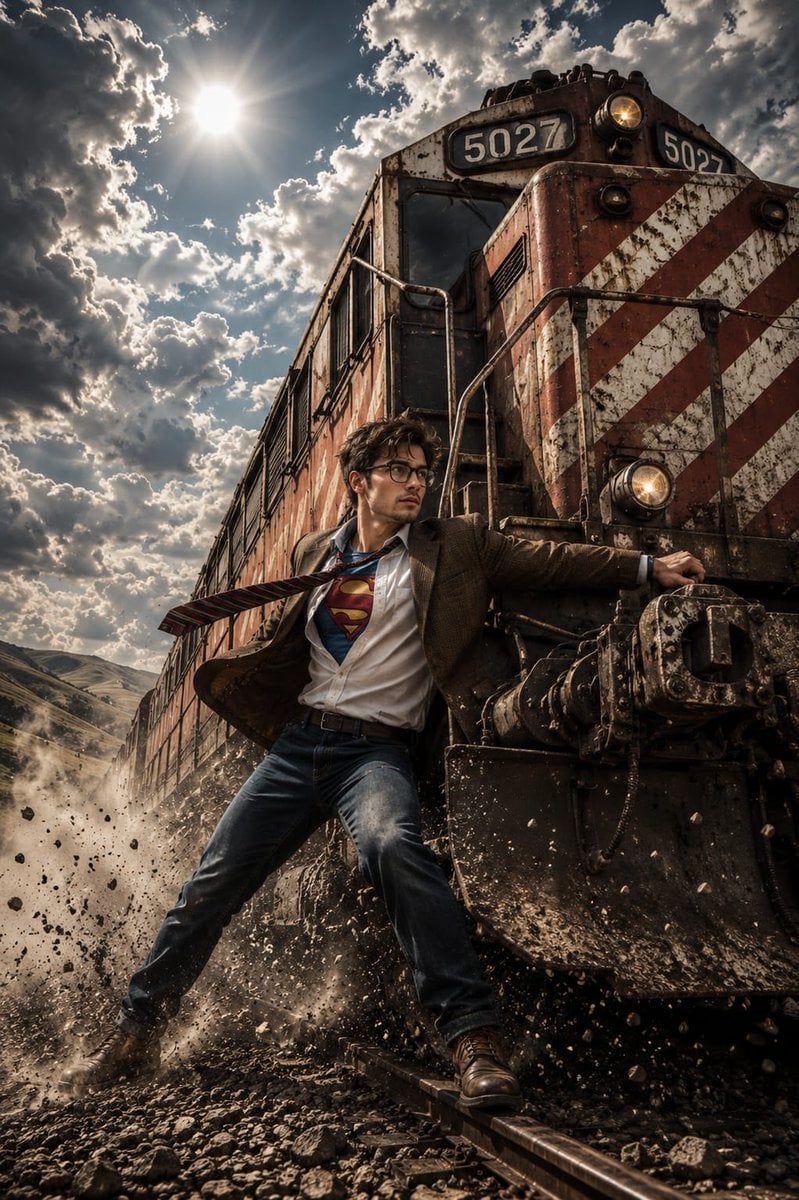
Heroic Action Train Stopping Portrait

Man Racing Cart with Sheep

Water Vs Thunder Breathing Anime Battle

8K Cinematic Fantasy Portrait of Woman and Horse

Vintage Delhi Travel Poster

Soft Watercolor Café Illustration
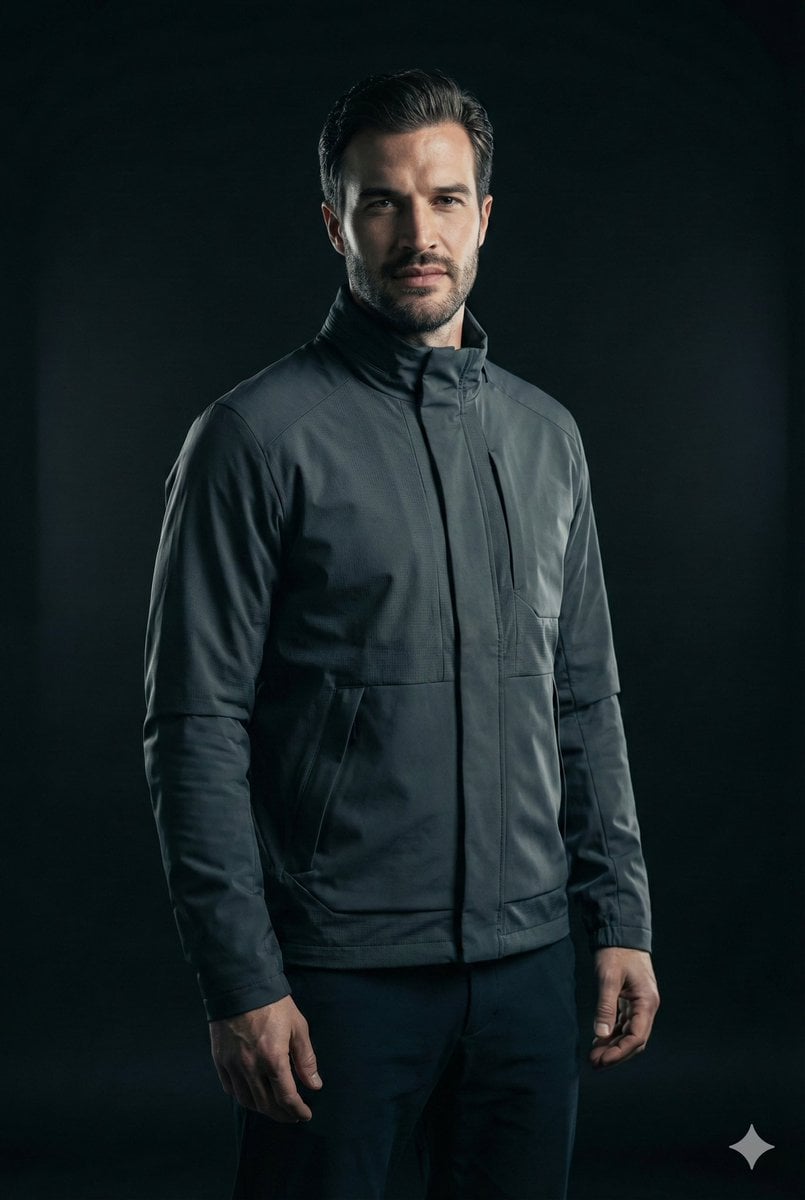
Ultra-Realistic Futuristic Cinematic Portrait
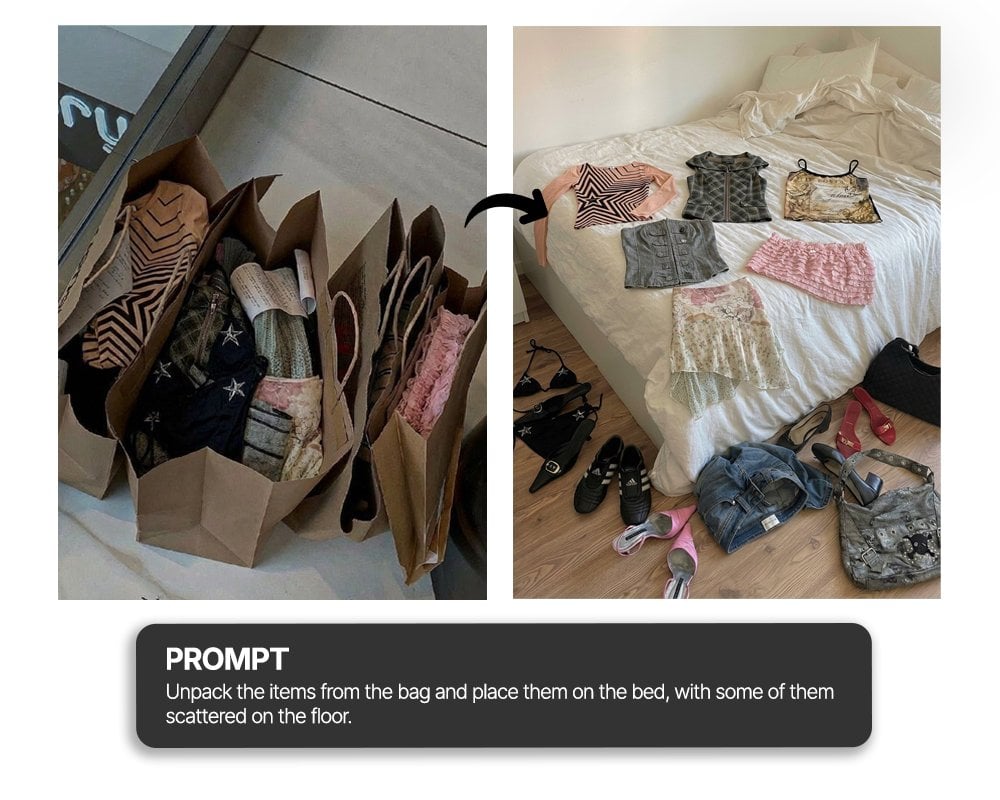
Unpack items from bag onto bed haul shot

Whimsical hyper-realistic cake illustration prompt
Browse template categories
Psychic Woman in Underground Lab Cinematic Scene questions
How do I use the Psychic Woman in Underground Lab Cinematic Scene template?
Add your photo if the template asks for one, edit the prompt if you like — the template's model and format are already selected — and press Generate. Your version opens in PicX Studio.
Can I customize the Psychic Woman in Underground Lab Cinematic Scene template?
Yes. You can change the subject, setting, lighting, mood, format, and available model controls before creating your image.
Is the Psychic Woman in Underground Lab Cinematic Scene template free?
Opening and editing this template is free. Generating uses credits, shown on the Generate button when you are signed in.
Which AI model should I use?
Start with Nano Banana 2, which is the model associated with this template. You can compare another compatible model for a different finish.
Looking for something else? Browse all templates.

Your photo, any look
Thousands of ready templates for every top image and video model, from one credit balance.