
Underground Parking Chase Storyboard
Generates a cinematic ultra-wide annotated storyboard for planning a one-take underground parking garage chase sequence.
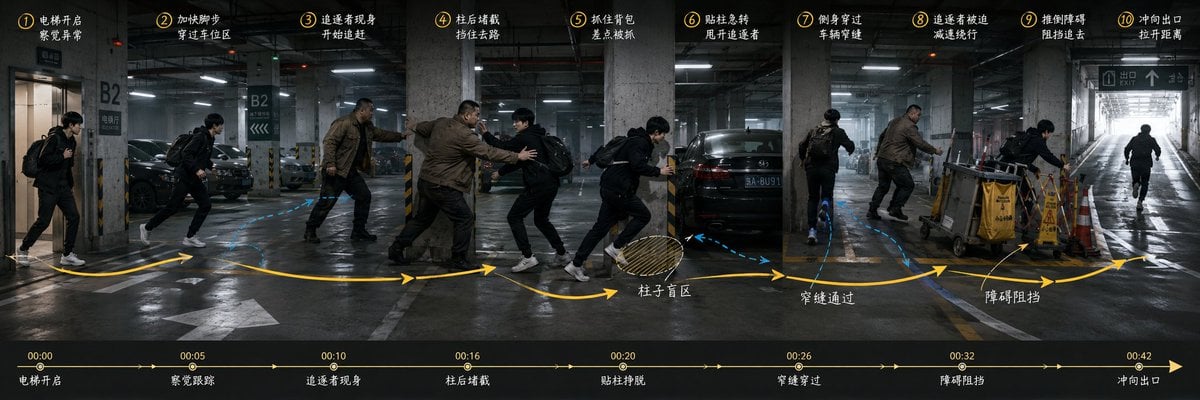
- Prompt included
- Model and format preset
- Premium template
The prompt behind this image
Copy the exact prompt behind Underground Parking Chase Storyboard, or open it in the studio and make it yours.
Goal: Create an ultra-wide 3:1 cinematic storyboard keyframe for a one-take action chase sequence in an underground parking garage, showing the full route, character blocking, pursuit relationship, conflict points, and final exit in one continuous panoramic scene. Canvas: Horizontal 3:1 aspect ratio, dark realistic film still style, approximately 1200×400 composition. Use a dim concrete basement parking lot labeled B2, wet reflective floor, fluorescent ceiling lights, parked black cars, concrete pillars with yellow-black hazard stripes, directional road markings, and a bright ramp exit at the far right. Main action: Depict {argument name="protagonist description" default="a young man in a black jacket, black pants, white sneakers, carrying a black backpack"} being chased by {argument name="pursuer description" default="a larger middle-aged man in a brown jacket and dark pants"}. Show the same two characters repeated across the continuous space as sequential action poses, not as separate panels. The protagonist begins at the elevator on the far left, runs through the car area, dodges behind a pillar, slips past parked cars, uses an obstacle area to slow the pursuer, then sprints toward the bright exit ramp on the far right. Add a third silhouette-like runner only at the far-right exit if needed to emphasize the final escape. Layout and movement graphics: Overlay a thick yellow curved route arrow running from left to right across the entire image, with arrowheads marking direction. Add a dashed blue path around the cars and pillars to indicate alternate movement. Add a hatched circular blind-zone mark near the pillar labeled as a blind spot. Add small annotation arrows pointing to the obstacle area near caution signs and carts. Numbered storyboard labels: Place exactly 10 yellow circled numbers with small white handwritten-style Chinese captions along the top edge, evenly spaced from left to right. Use these exact visible step captions: ① 电梯开启 / 察觉异常; ② 加快脚步 / 穿过车位区; ③ 追逐者现身 / 开始追赶; ④ 柱后堵截 / 挡住去路; ⑤ 抓住背包; ⑥ 贴柱急转 / 甩开追逐者; ⑦ 侧身穿过 / 车辆窄缝; ⑧ 追逐者被迫 / 减速绕行; ⑨ 推倒障碍 / 阻挡追击; ⑩ 冲向出口 / 拉开距离. Bottom timeline: Add a black semi-transparent horizontal timeline strip across the bottom. It must contain exactly 7 time markers and event labels from left to right: 00:00 电梯开启; 00:05 察觉跟踪; 00:10 追逐者现身; 00:16 柱后堵截; 00:20 贴柱挣脱; 00:26 穿缝穿过; 00:32 障碍阻挡; and at the far right 00:42 冲向出口. Use a thin yellow line with small arrowheads and dots. Scene details: Include an elevator doorway at far left with B2 signage, several parked cars, multiple concrete support columns, a narrow gap between vehicles, trash carts or cleaning carts, yellow caution wet-floor signs, and a bright white daylight exit ramp at far right with an overhead exit sign. Use Chinese parking-garage signage where visible, such as B2 and 出口 EXIT. Visual style: Photorealistic cinematic action storyboard, moody cool-gray color grading, high contrast, wet concrete reflections, motion-blur hints on running figures, sharp environmental details, yellow annotation graphics resembling a director's blocking plan, handwritten white Chinese notes, tense thriller atmosphere. Make it look like a finished previsualization board for {argument name="sequence title" default="Underground Parking Garage Chase"}. Constraints: Keep the composition as one continuous wide space, not comic panels. Show exactly 10 numbered top annotations, exactly 8 bottom timeline events including the final 00:42 marker, and maintain the same protagonist and pursuer across all repeated poses. Do not add logos, watermarks, or unrelated text.
How to use Underground Parking Chase Storyboard in 3 steps
- 1Upload ImagePNG, JPG or paste
Add your photo
Upload the photo the template builds on. The prompt, model and format are already set.
- 2…a portrait of your subject in softgolden-hour light, 85mm…
Personalize
Edit the subject and creative details for your destination.
- 3Generate
Generate
Press Generate — your image is created in PicX Studio, so you can compare it with the original and refine one variable at a time.
More like this
Templates with the same subject, style or setup. Open one to see its prompt.
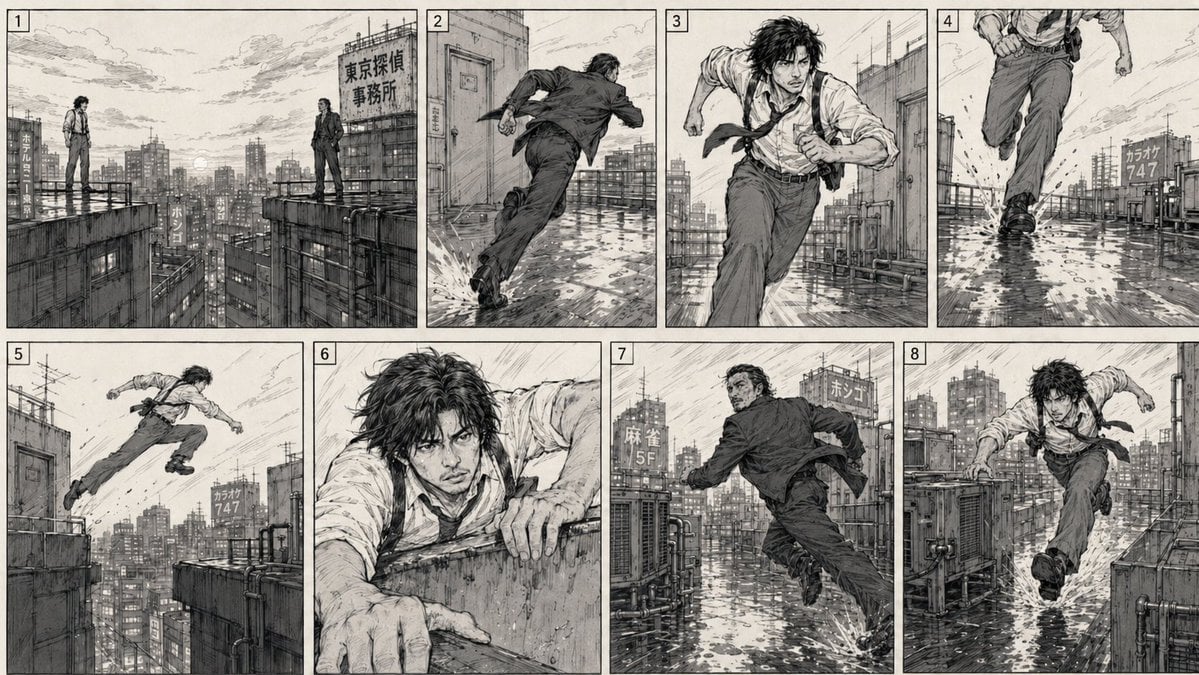
Action Chase 2D Storyboard
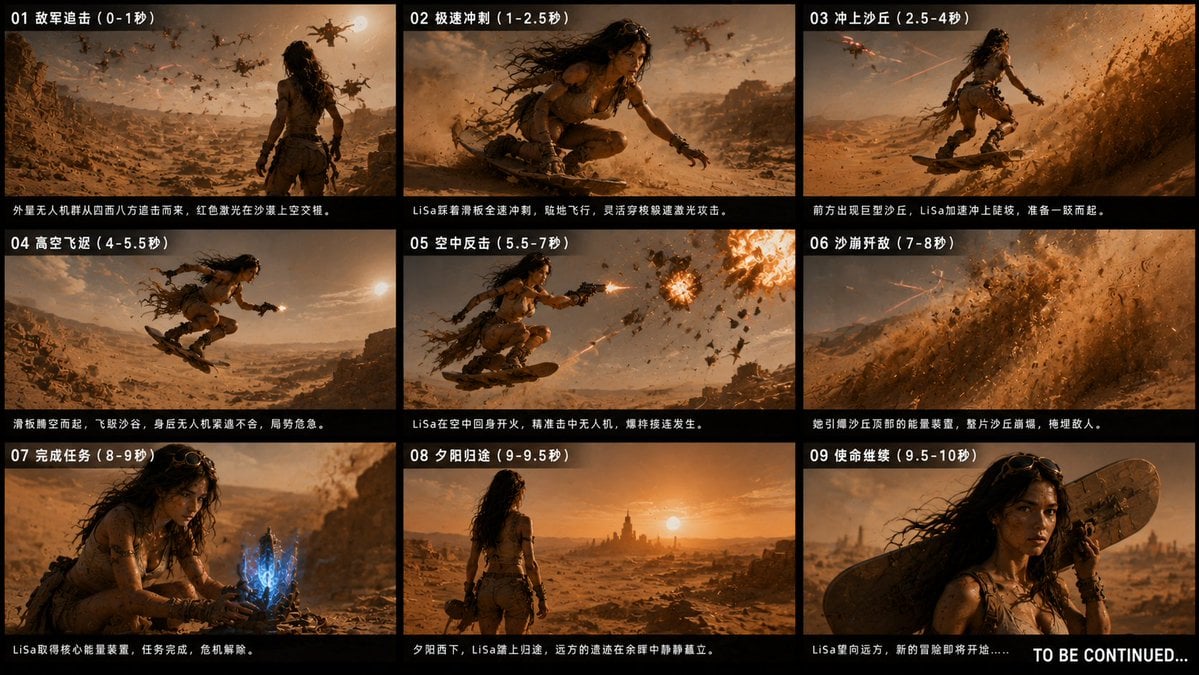
Desert Drone Chase Storyboard

Headphones Lifestyle Nine Panel Grid
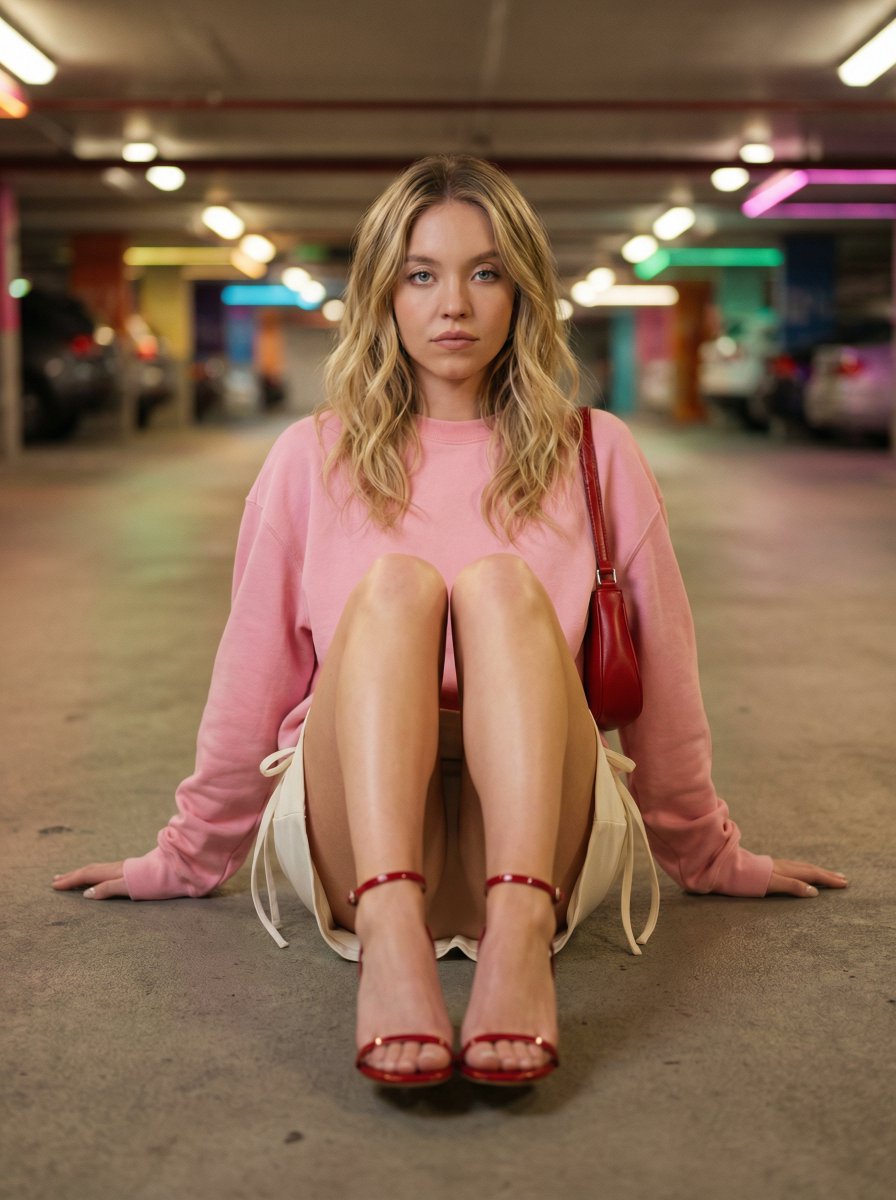
Cinematic Fashion Portrait in Underground Parking
Seedance - Storyboard to Movie
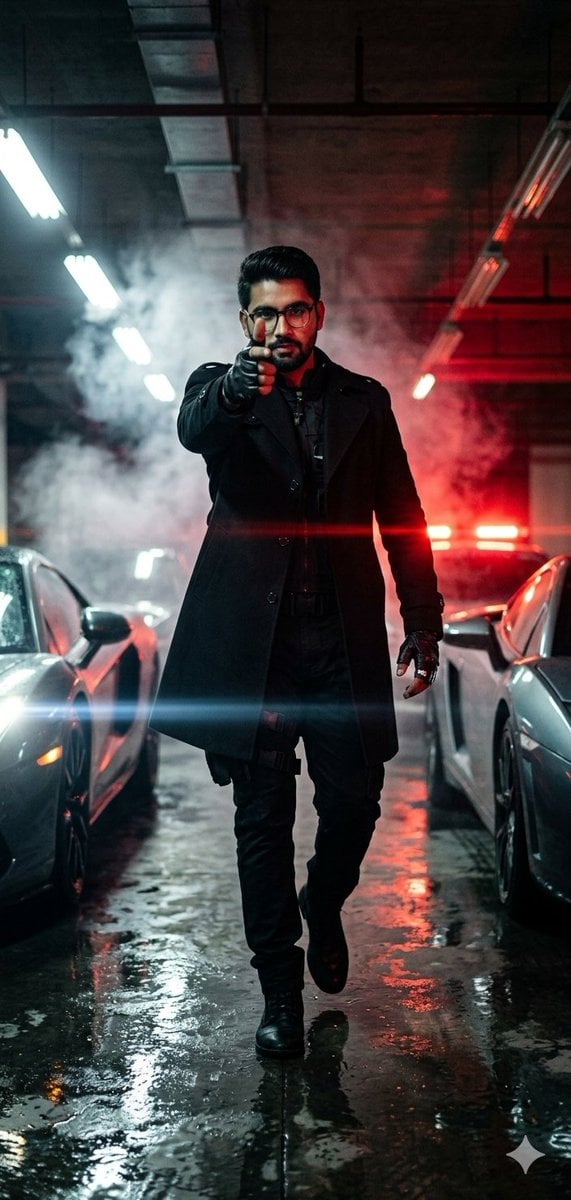
Cinematic Parking Garage Action Portrait
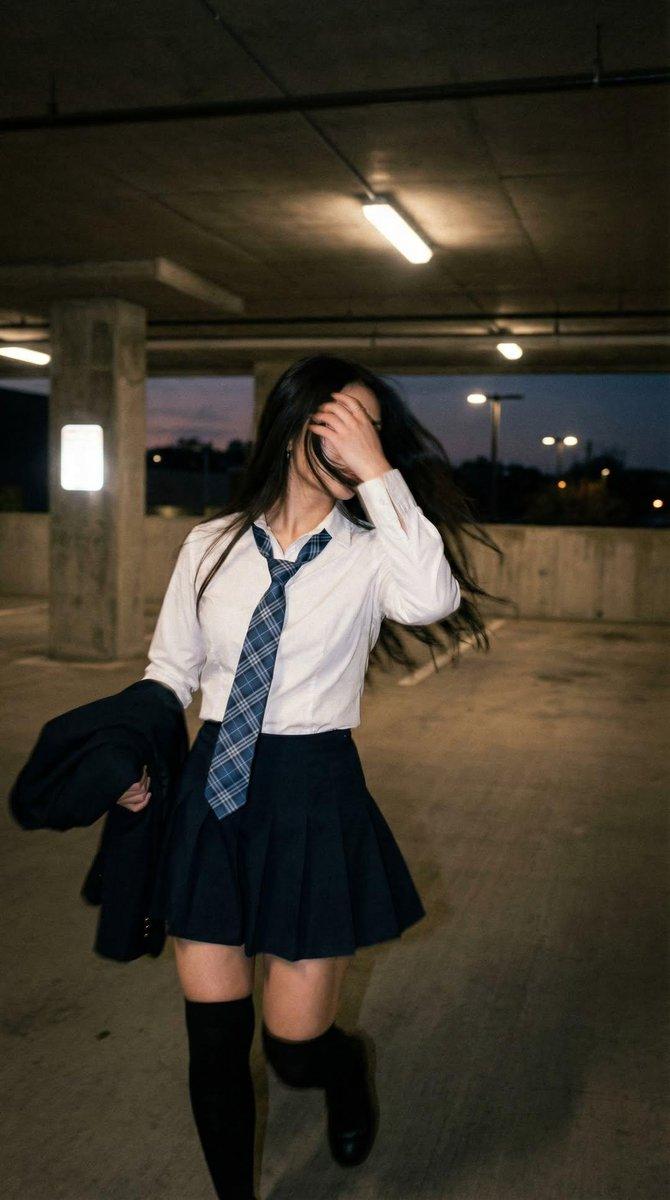
Cinematic Schoolgirl Parking Garage
Tactical Underground Idol Concert
Panicked Alice in Wonderland Chase
Cinematic Suburban Chase Scene

Giant Hamster Bakery Chase
Moonlit Anime Graveyard Chase
Make it yours
Underground Parking Chase Storyboard works as-is. These are the safest ways to change it without losing the look.
Change one field
Copy a single group, rewrite it, and generate again so you can see what that field is doing.
Keep the frame, change the subject
Hold the composition and light of Underground Parking Chase Storyboard, then swap wardrobe, props or the person for a new take.
| If the result… | Why | Fix |
|---|---|---|
| The result drifts from the preview | Too many fields changed at once. | Reuse Underground Parking Chase Storyboard as-is first, then change one group — subject, light, or setting. |
| The model over-stylizes the scene | The prose prompt leaves finish and camera underspecified. | Add one camera or lighting sentence and stay on GPT Image 2. |
More GPT Image 2 templates
Other prompts made for GPT Image 2.

Six VTuber Japanese Logo Sheet

Realistic Portrait of Woman and Deer

The Vista Modular Condo Poster

AI Model Routing Comparison Infographic

2.5D Anime Art Board

Isometric Productivity Desk Scene

New York Double Exposure Poster

Four-Panel AI Landscape Comparison

Japanese Tatami Lifestyle Magazine Cover

NESCAFÉ Coffee Map Poster
More image prompts
Fresh picks from across the catalog.
Warrior Fashion Fusion Designer
Mythological Fighting Game Versus Screen
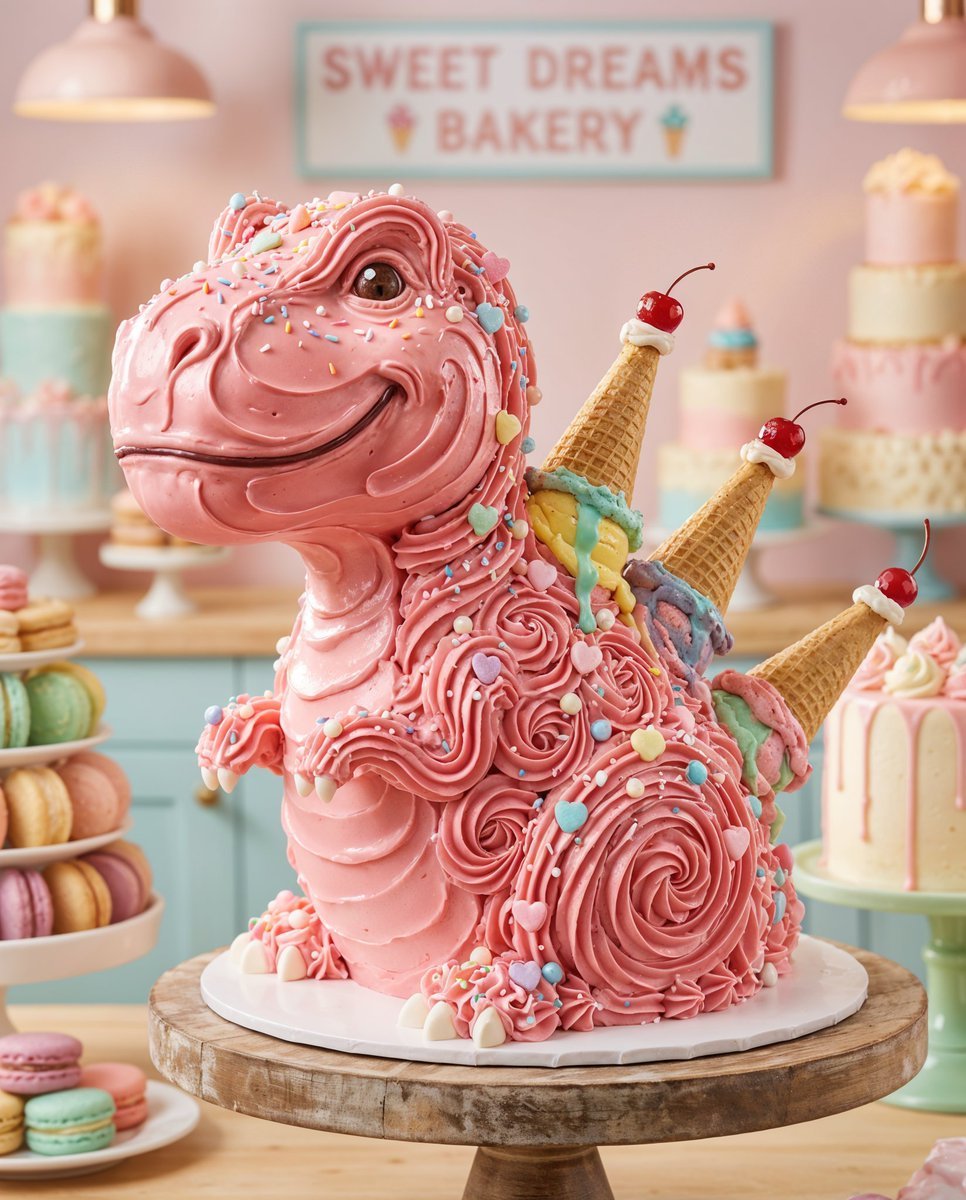
Whimsical T-Rex Made of Pink Frosting
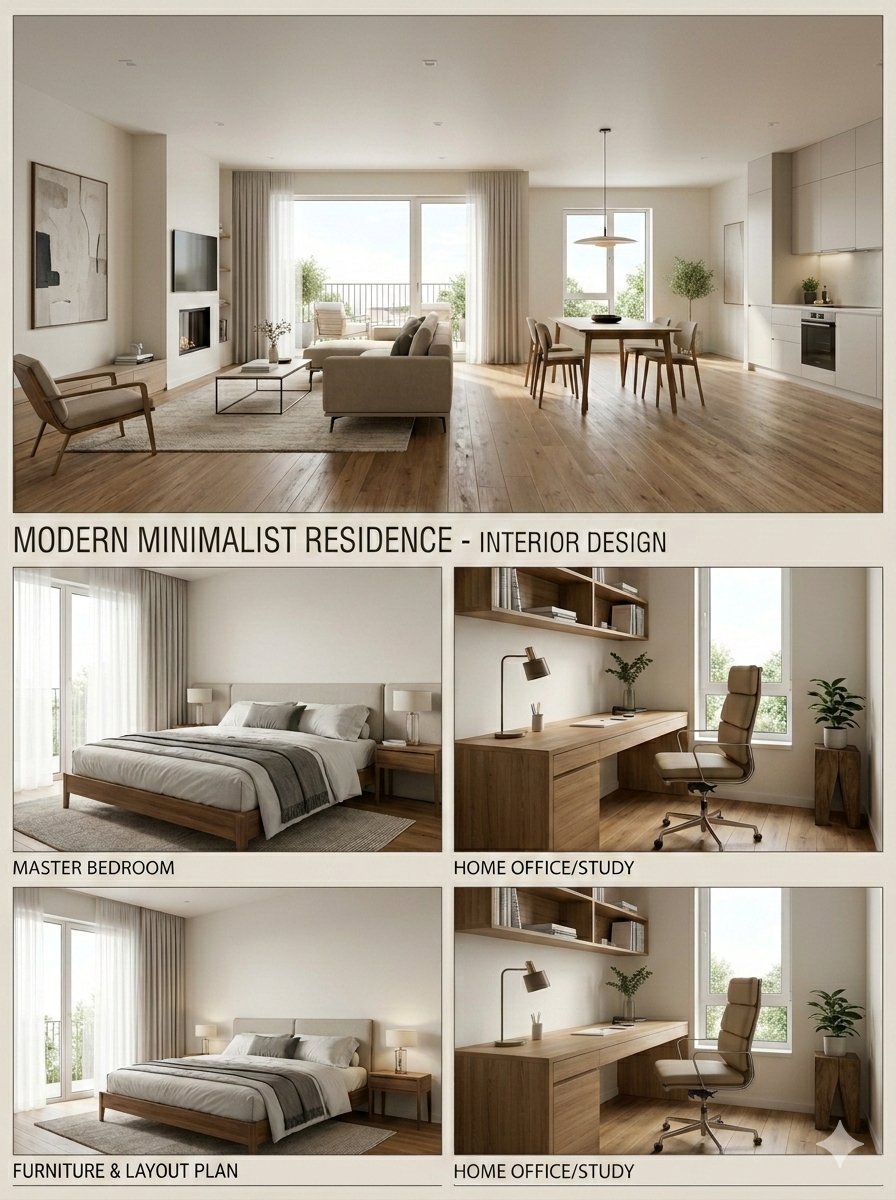
Interior Design Presentation Board
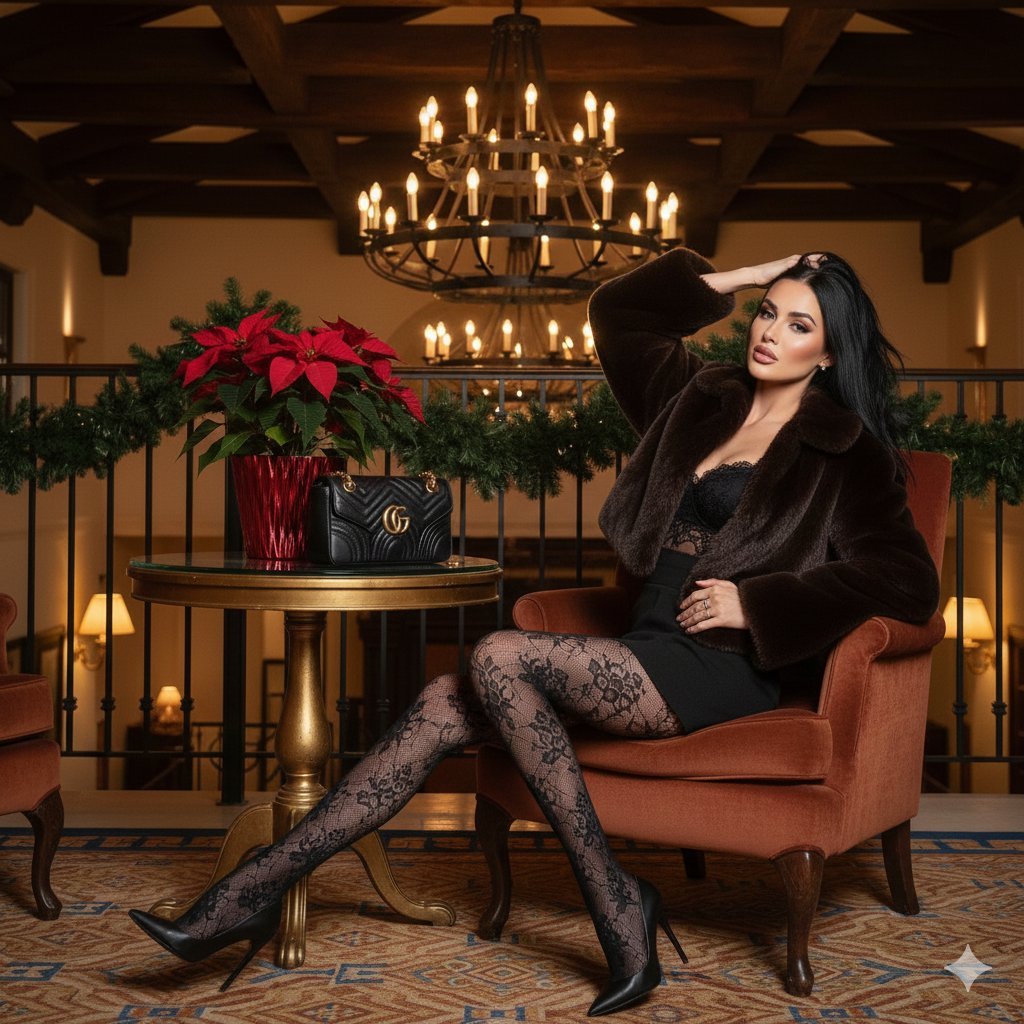
High-Fashion 'Old Money' Winter Scene
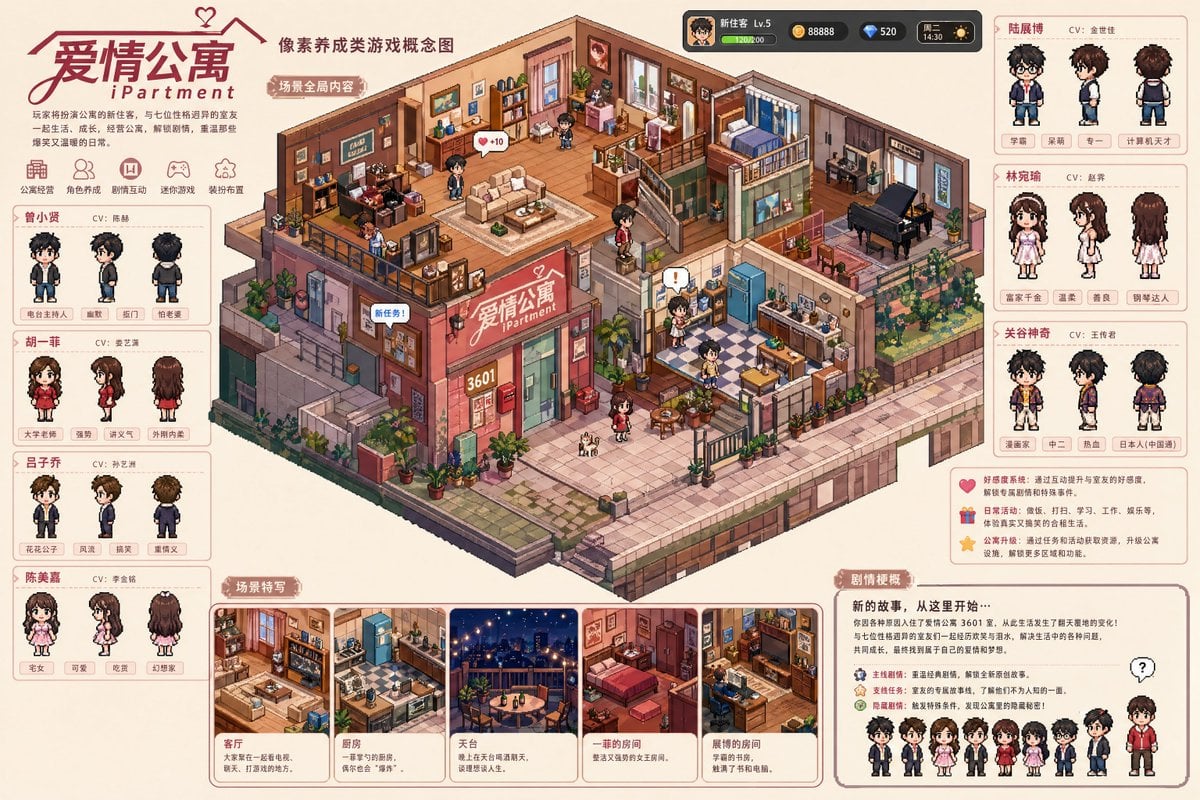
Pixel art game concept prompt
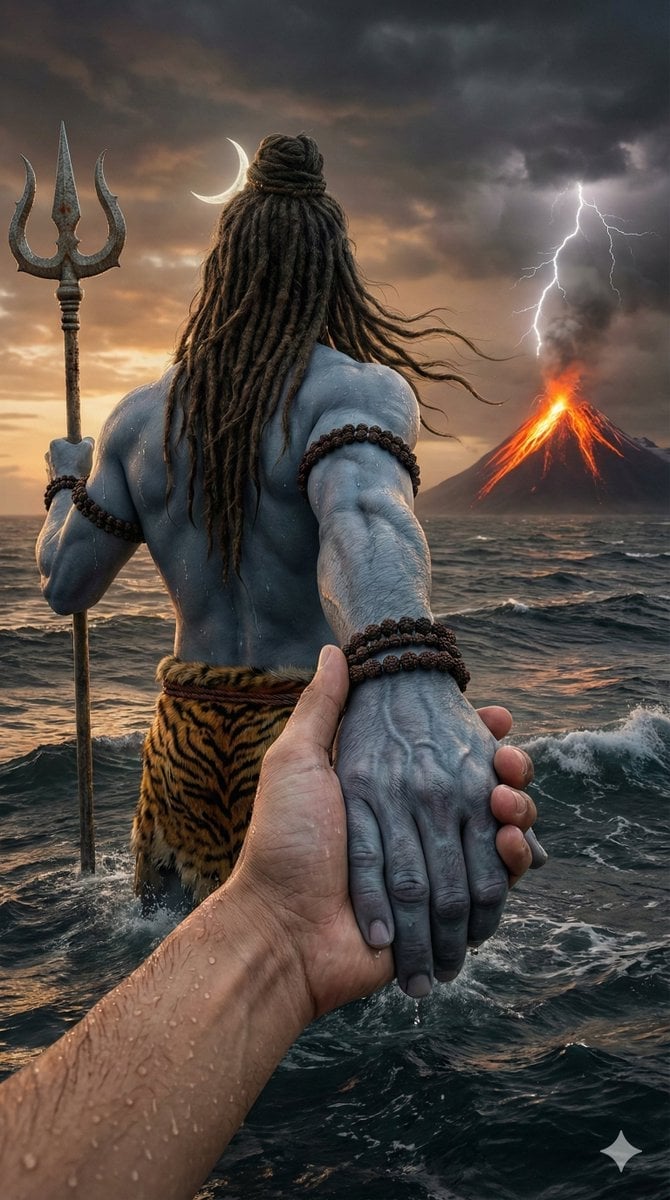
Lord Shiva Hand-Holding Cinematic Scene Prompt
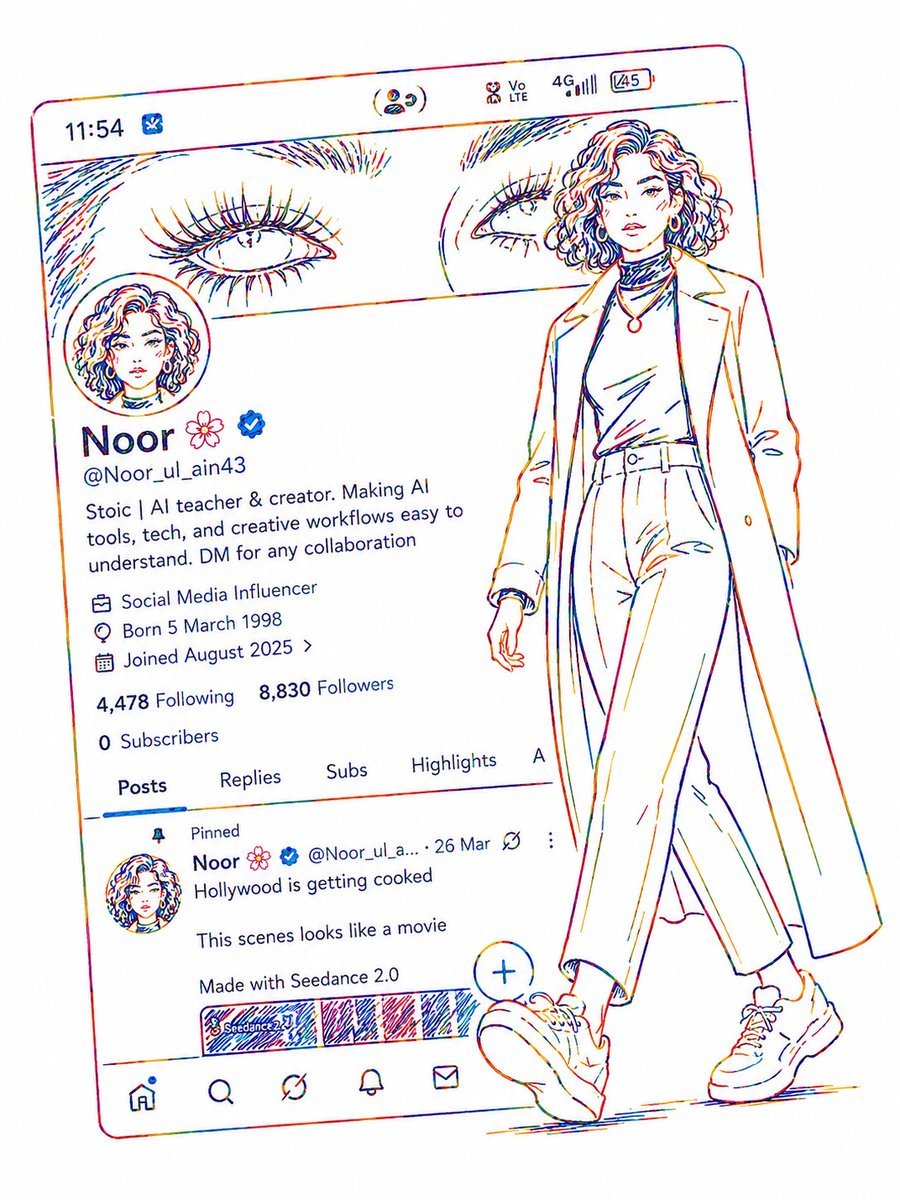
Minimalist Neon UI Character Illustration
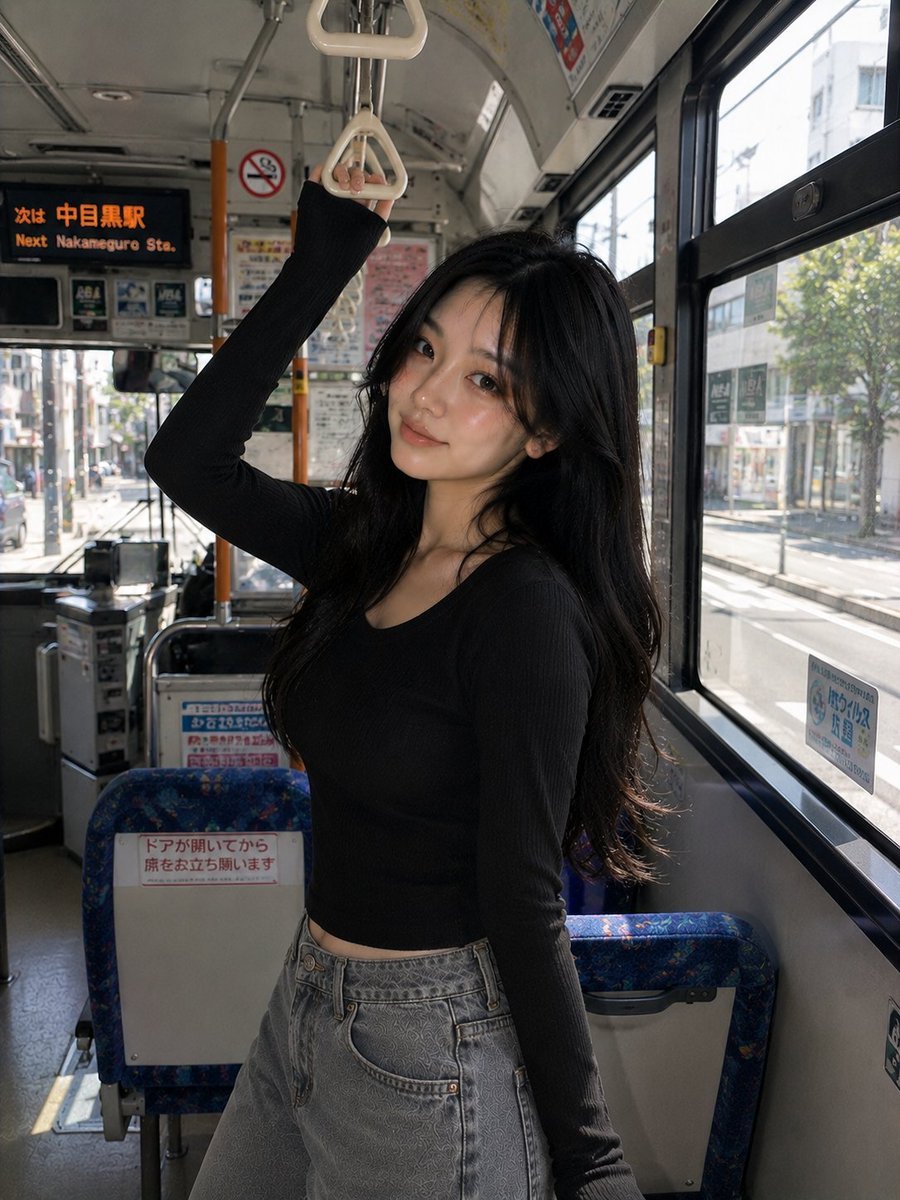
Korean Girl Urban Bus Candid
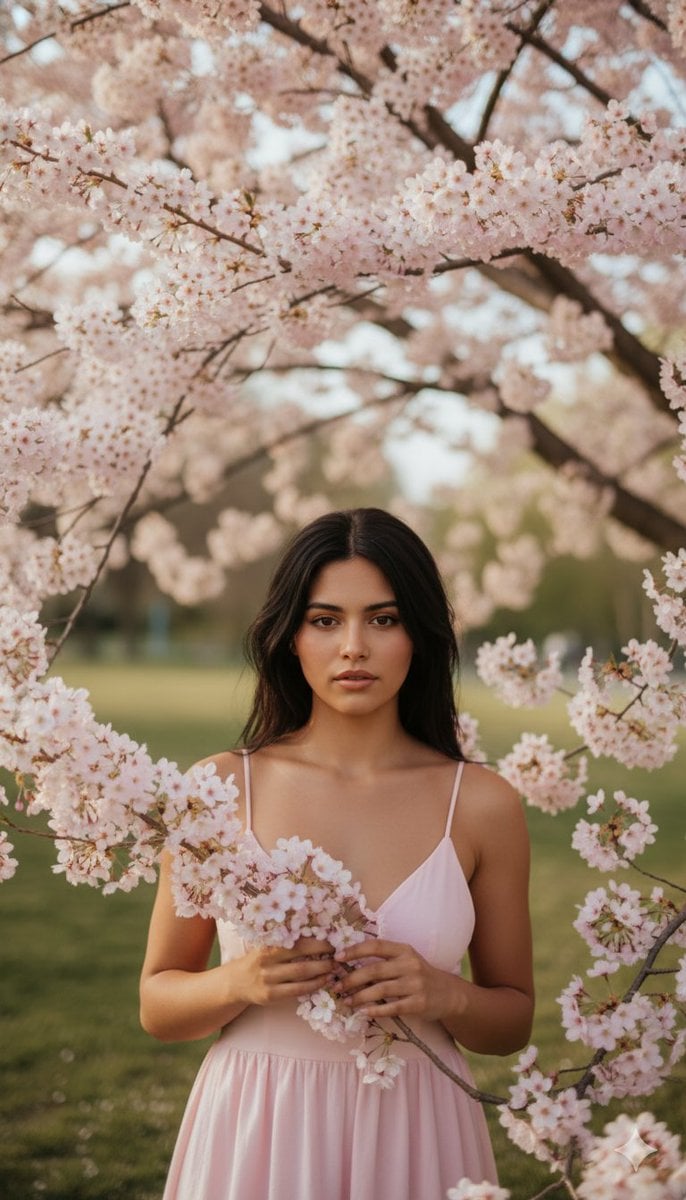
Springtime Cherry Blossom Portrait Recreation Prompt
Browse template categories
Underground Parking Chase Storyboard questions
How do I use the Underground Parking Chase Storyboard template?
Add your photo if the template asks for one, edit the prompt if you like — the template's model and format are already selected — and press Generate. Your version opens in PicX Studio.
Can I customize the Underground Parking Chase Storyboard template?
Yes. You can change the subject, setting, lighting, mood, format, and available model controls before creating your image.
Is the Underground Parking Chase Storyboard template free?
Opening and editing this template is free. Generating uses credits, shown on the Generate button when you are signed in.
Which AI model should I use?
Start with GPT Image 2, which is the model associated with this template. You can compare another compatible model for a different finish.
Looking for something else? Browse all templates.

Your photo, any look
Thousands of ready templates for every top image and video model, from one credit balance.