
Panicked Alice in Wonderland Chase
A dynamic anime-style Wonderland scene featuring a frightened Alice-like girl running through a whimsical tea-party garden.
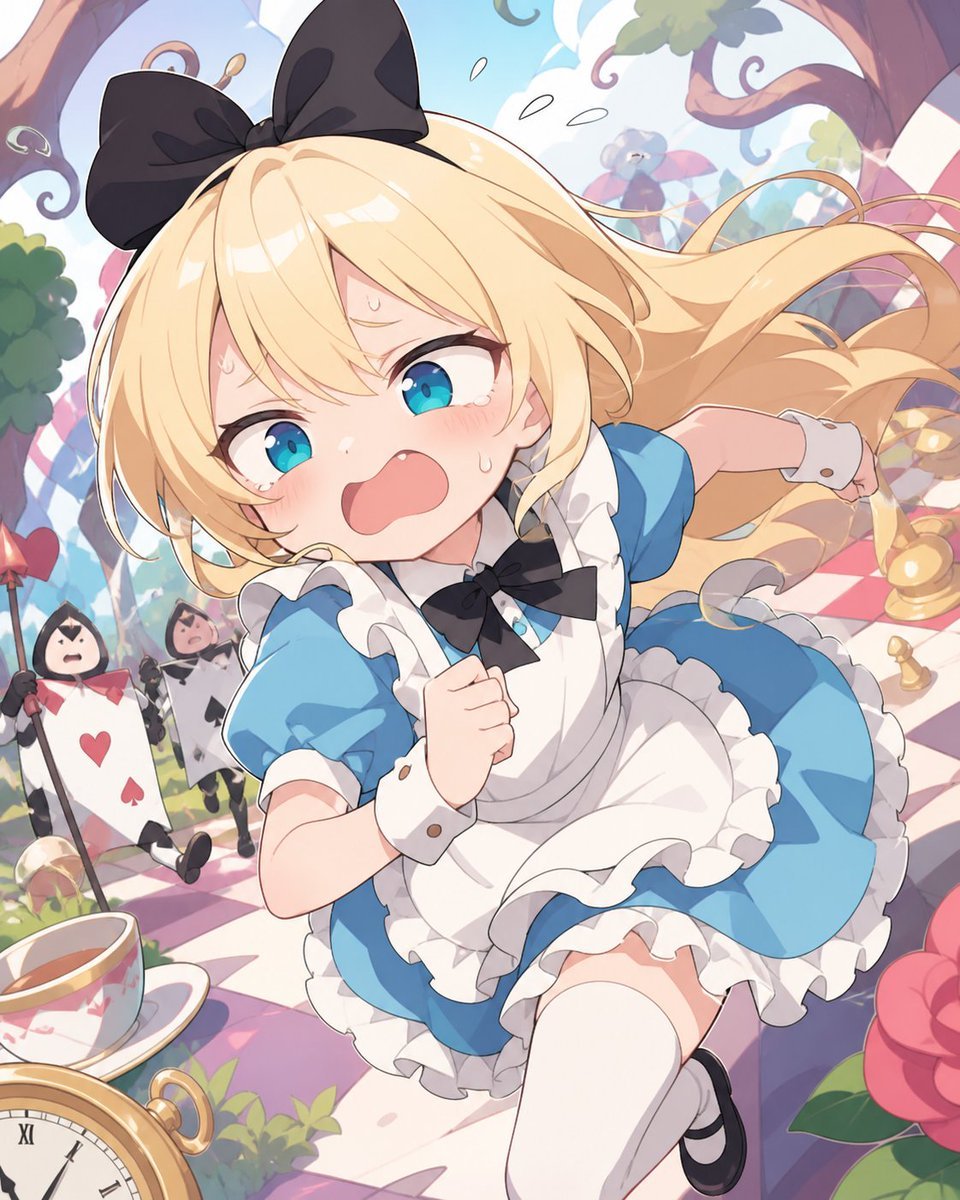
- Prompt included
- Model and format preset
- Free template
The prompt behind this image
Copy the exact prompt behind Panicked Alice in Wonderland Chase, or open it in the studio and make it yours.
Create a dynamic high-detail anime illustration of {argument name="character name" default="Alice"} in a whimsical Wonderland garden, as if she is sprinting toward the viewer in panic. She is a young blonde girl with long flowing hair, bright turquoise-blue eyes, flushed cheeks, tiny tears and sweat drops, an open frightened mouth, and a huge black bow on top of her head. She wears a classic blue-and-white Alice maid-style dress: blue puff sleeves, white frilled apron, layered ruffled skirt, black neck bow, white wrist cuffs with small buttons, white thigh-high stockings, and black Mary Jane shoes. Use a dramatic low-angle close-up composition with her body foreshortened, one fist clenched near her chest and one arm thrown back, skirt and hair flying from motion. The setting is a pastel fantasy tea-party path with exactly 7 notable background/object elements: 1 large teacup and saucer in the lower left, 1 gold pocket watch/clock in the lower left foreground, 1 red heart-shaped flower or topiary on the left, 1 large pink flower in the lower right, 1 red-and-white checkered garden path, 1 prominent playing-card soldier holding an ace-of-hearts card on the left, and 1 blurred background figure with a parasol near the center. Add curled tree branches framing the top, leafy greenery, floating petals, golden chess-piece-like ornaments on the right, and soft bokeh depth. Style should be polished modern Japanese anime, cute but frantic, with clean line art, glossy highlights, soft pastel colors, cinematic motion, shallow depth of field, and a bright airy fairytale atmosphere. Keep the image vertical, full color, no captions, no watermark, no extra text.
How to use Panicked Alice in Wonderland Chase in 3 steps
- 1Upload ImagePNG, JPG or paste
Add your photo
Upload the photo the template builds on. The prompt, model and format are already set.
- 2…a portrait of your subject in softgolden-hour light, 85mm…
Personalize
Edit the subject and creative details for your destination.
- 3Generate
Generate
Press Generate — your image is created in PicX Studio, so you can compare it with the original and refine one variable at a time.
More like this
Templates with the same subject, style or setup. Open one to see its prompt.
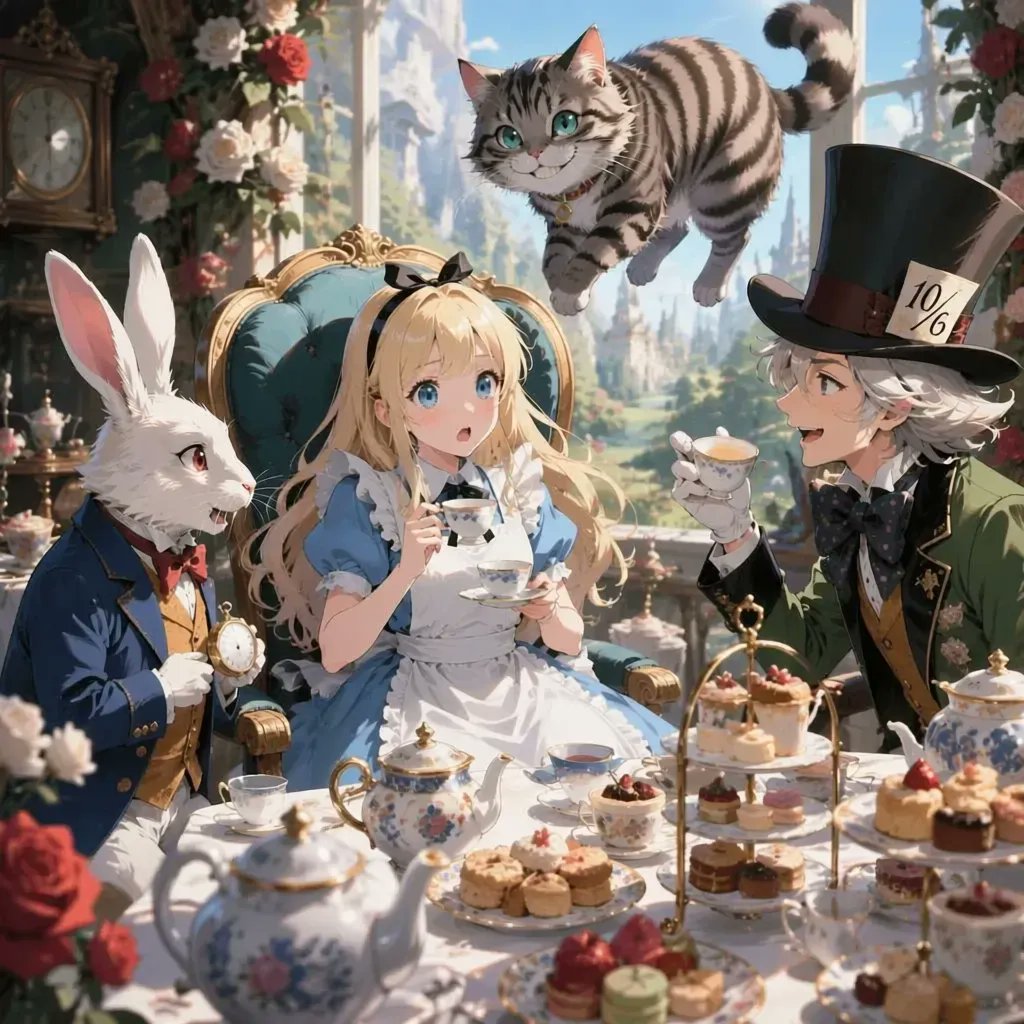
Anime Alice Wonderland Tea Party
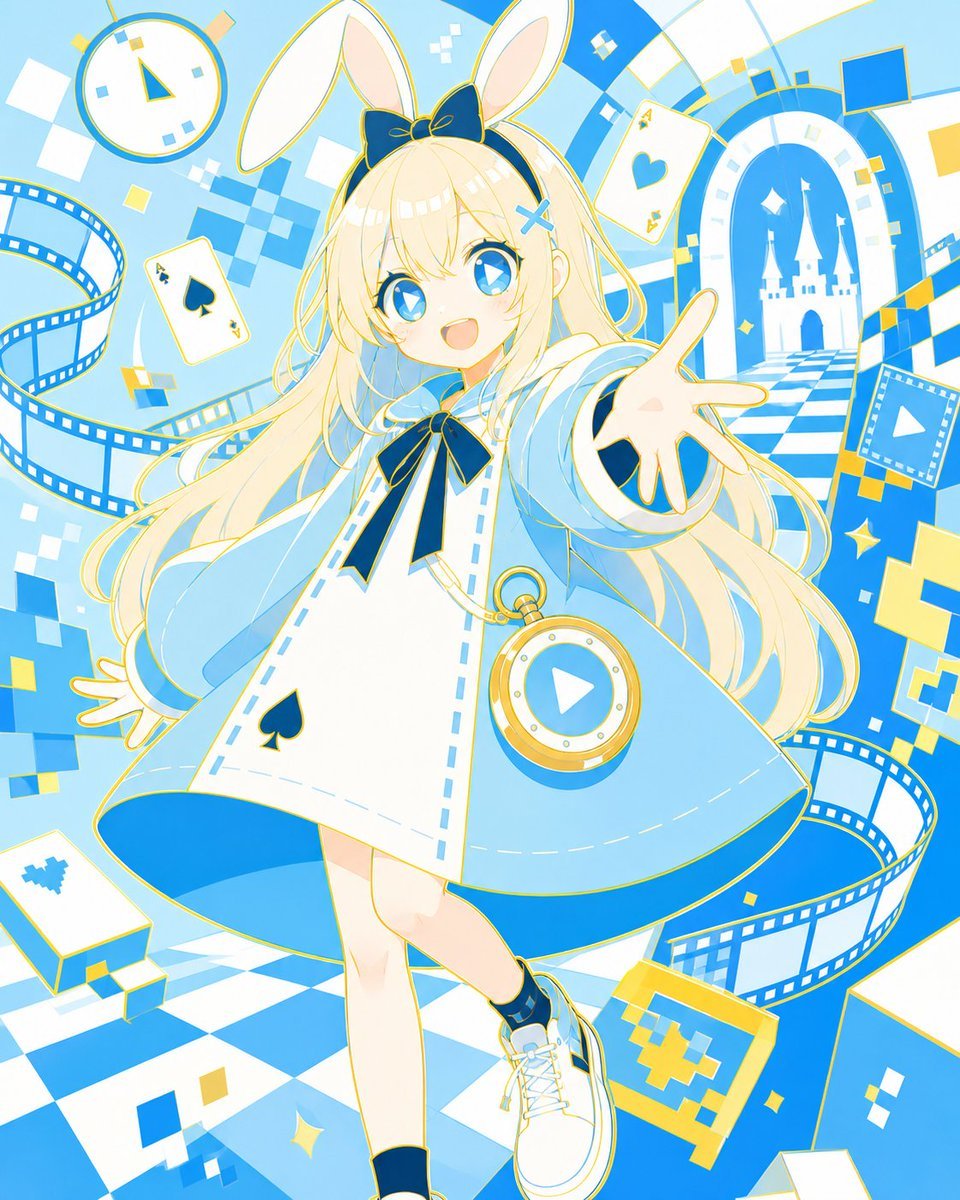
Neo Alice Video Wonderland Anime Poster
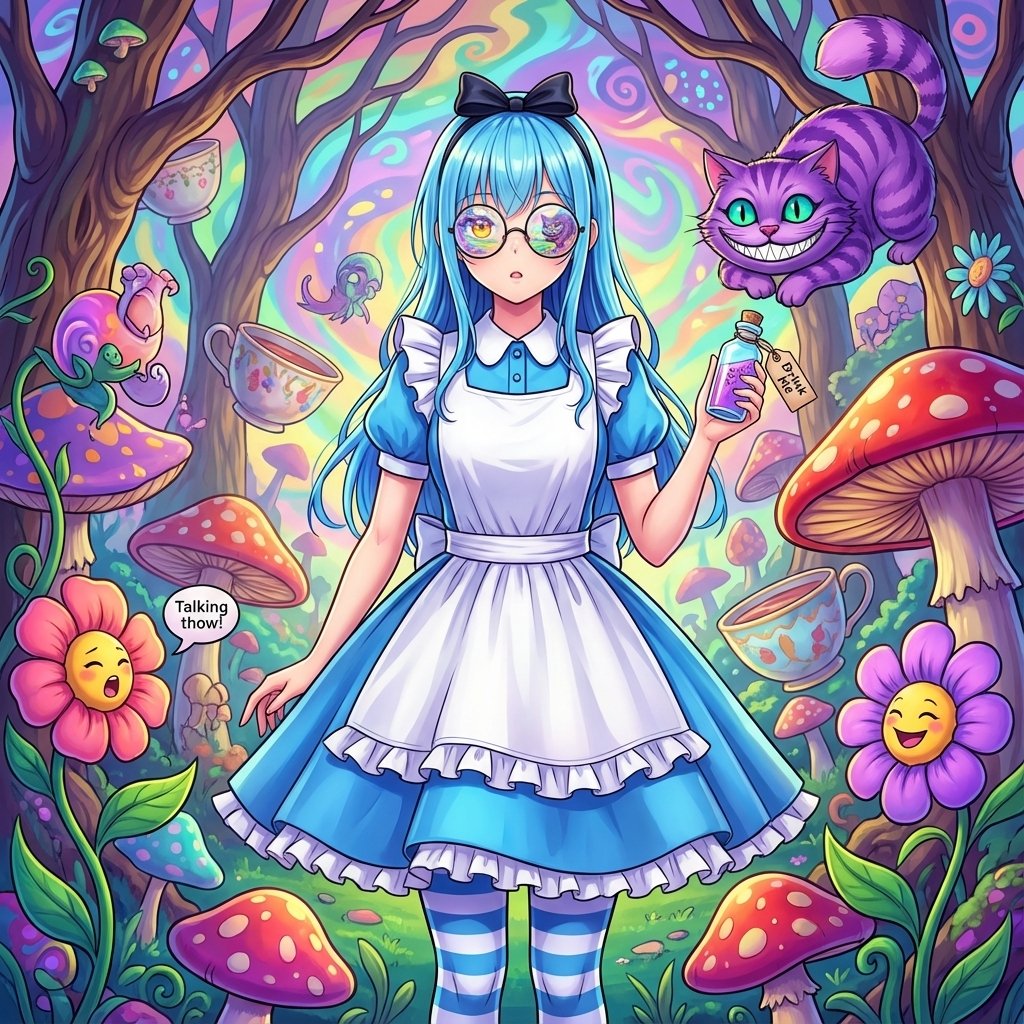
Alice in Wonderland Transformation Prompt
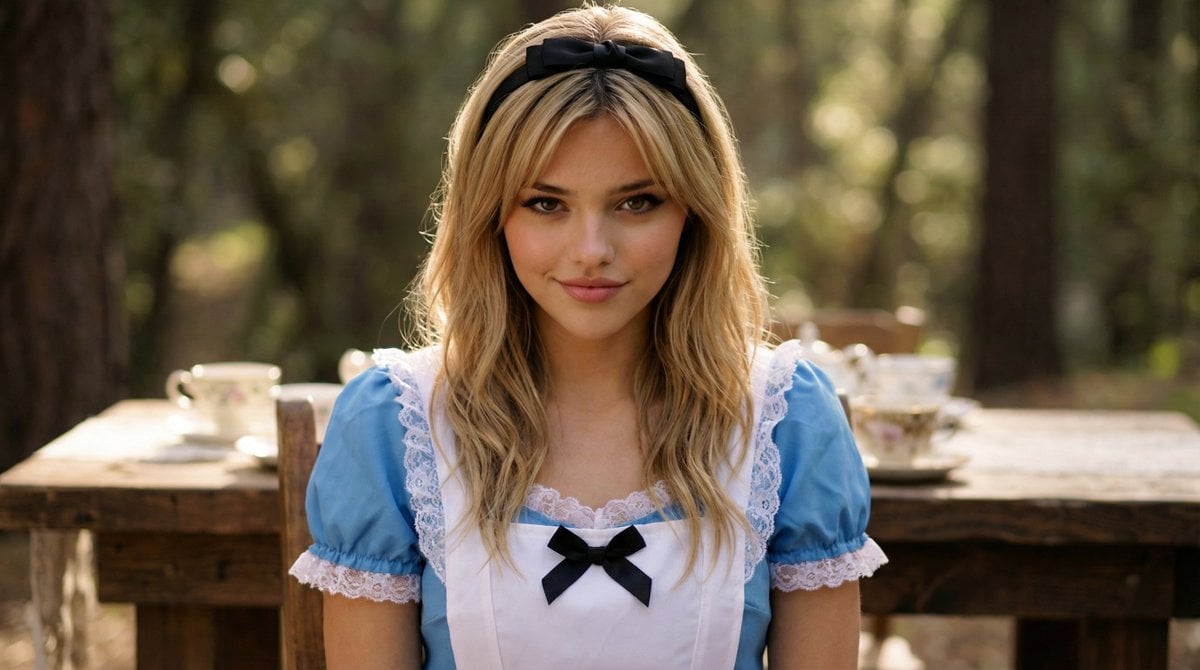
Cinematic Close-Up Portrait of Alice in Wonderland
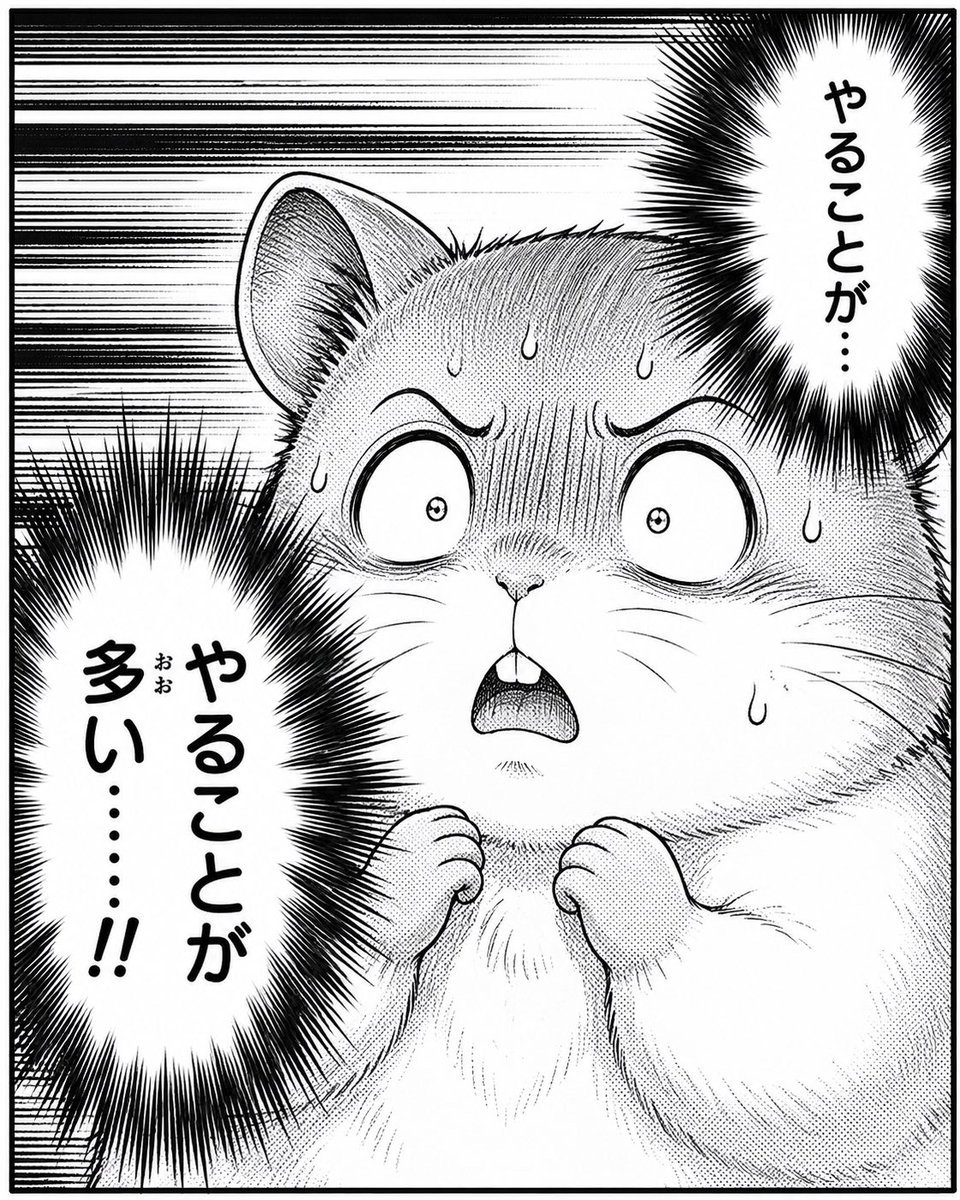
Panicked Hamster Manga Panel
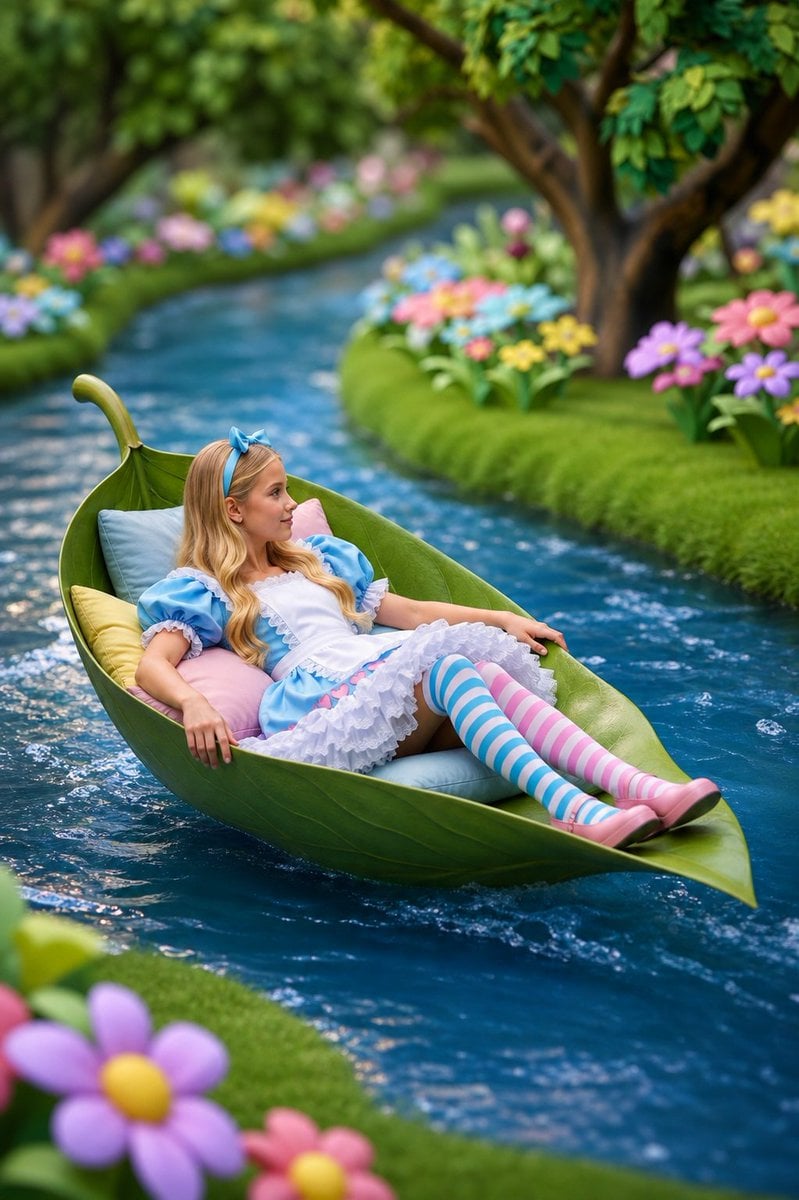
Alice-Inspired Leaf Boat Fantasy
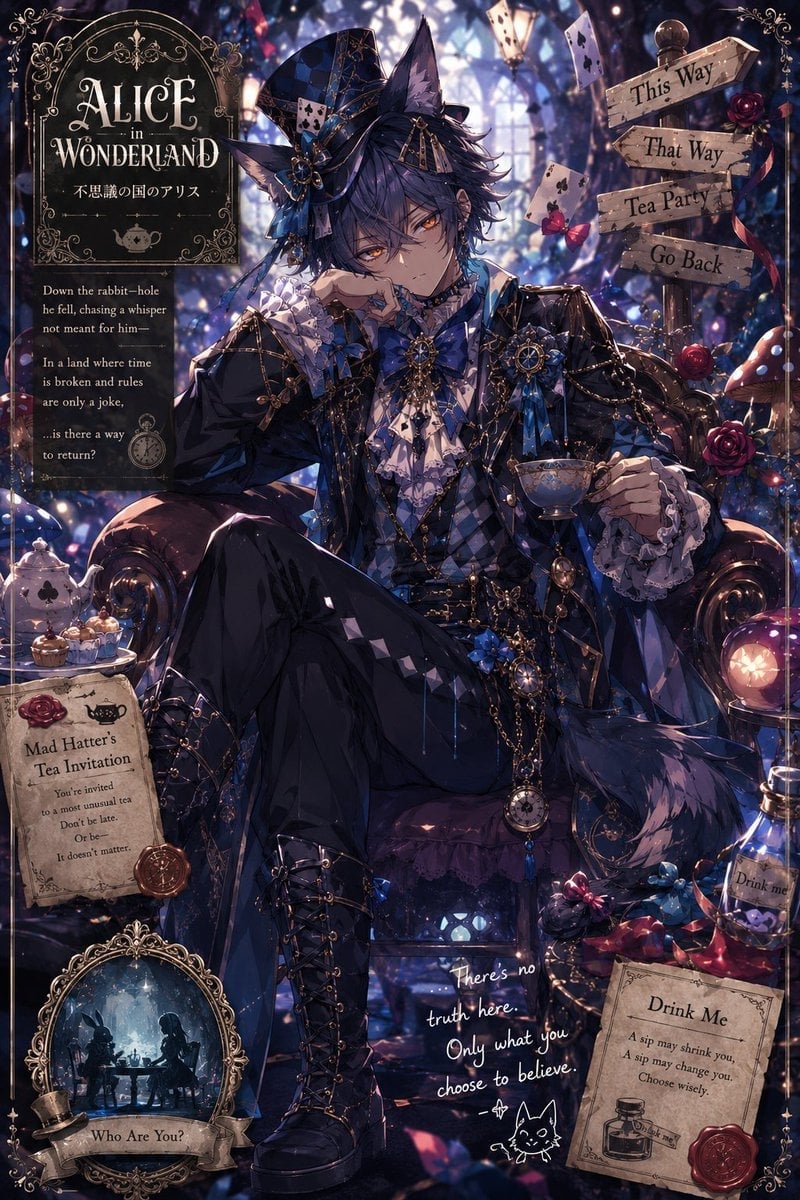
Gothic Alice Tea Party Poster
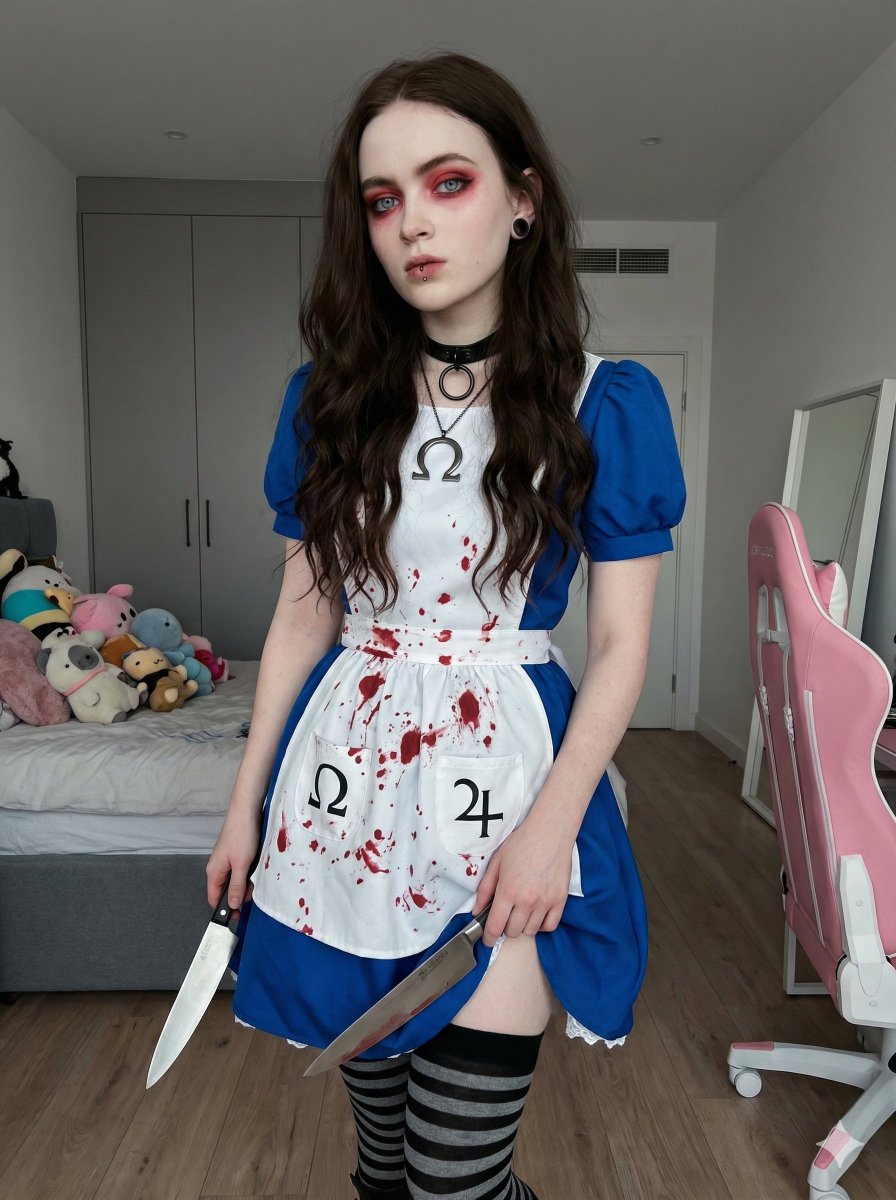
Photorealistic Cosplay of Alice: Madness Returns
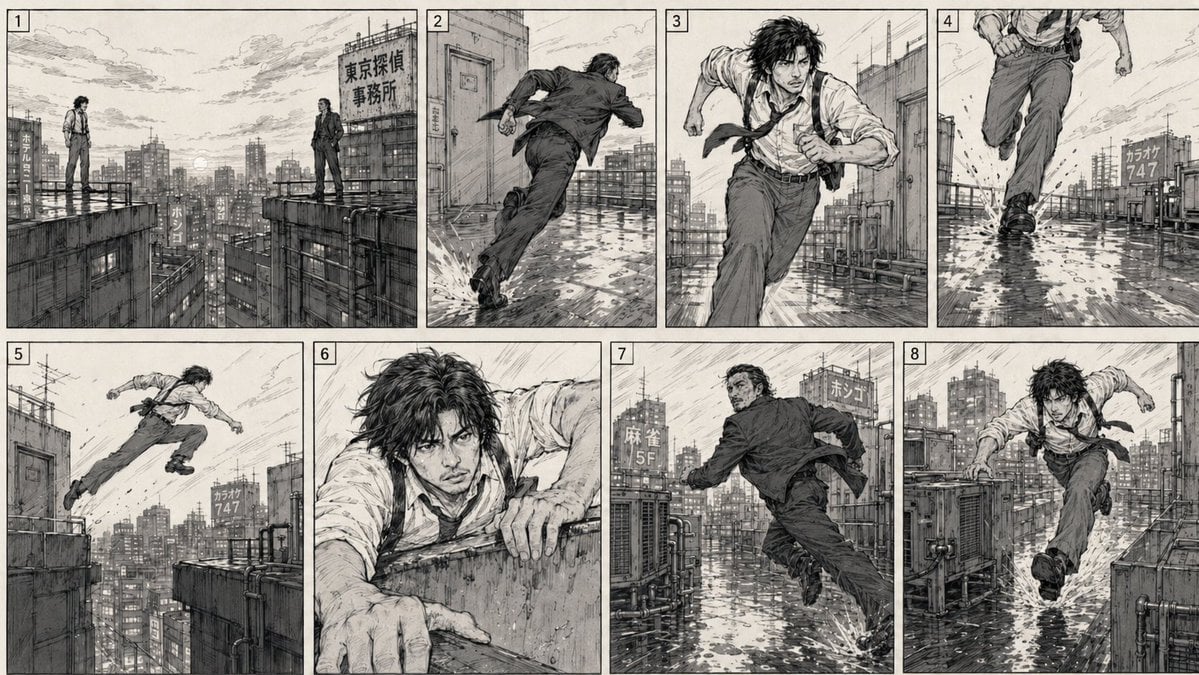
Action Chase 2D Storyboard
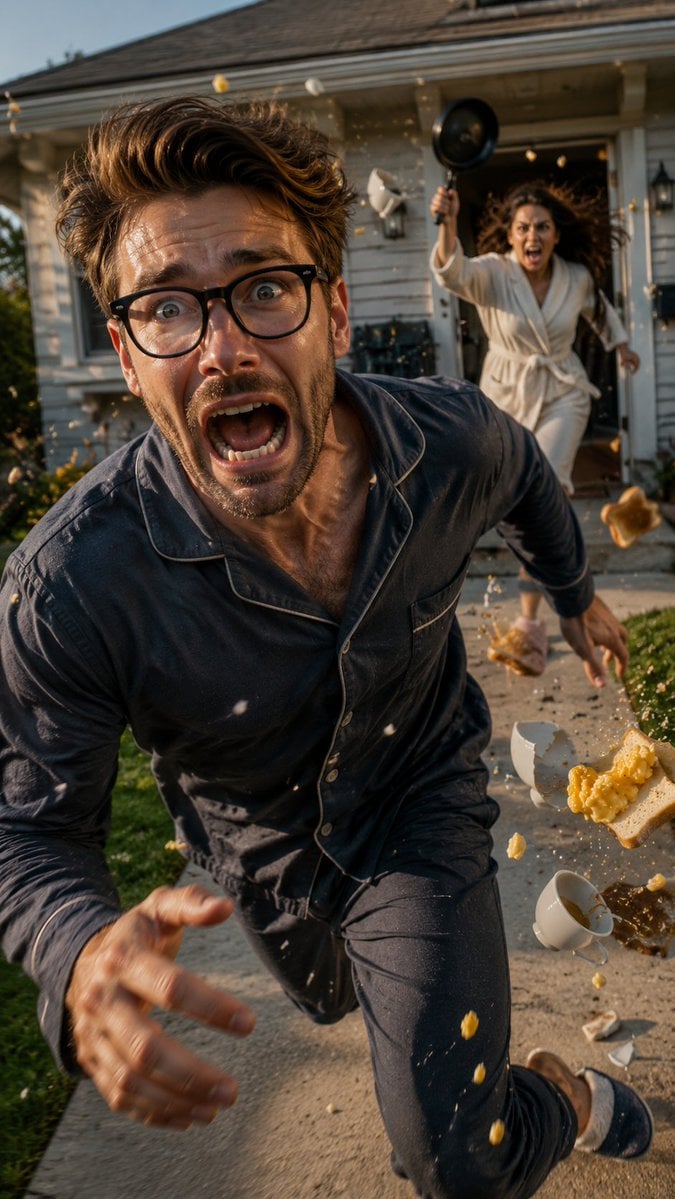
Cinematic Suburban Chase Scene
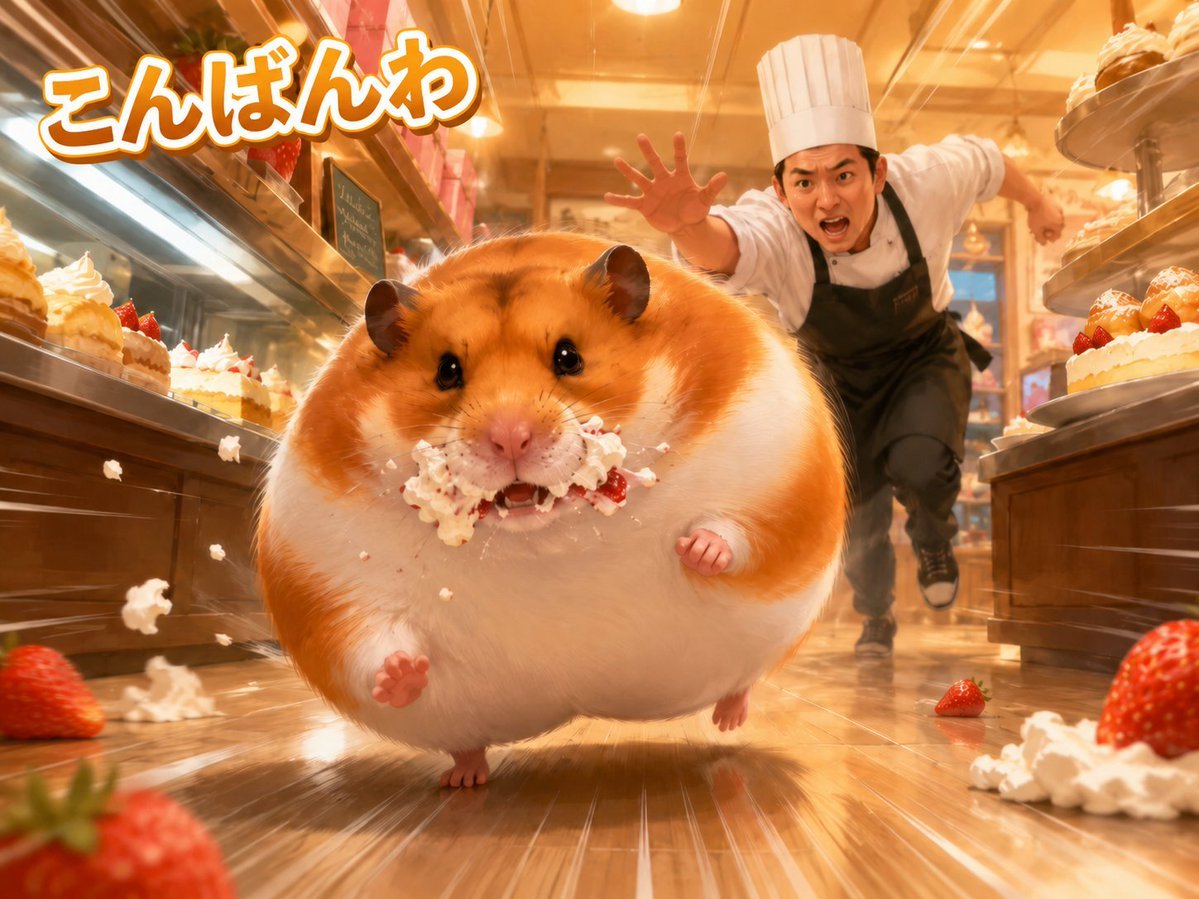
Giant Hamster Bakery Chase
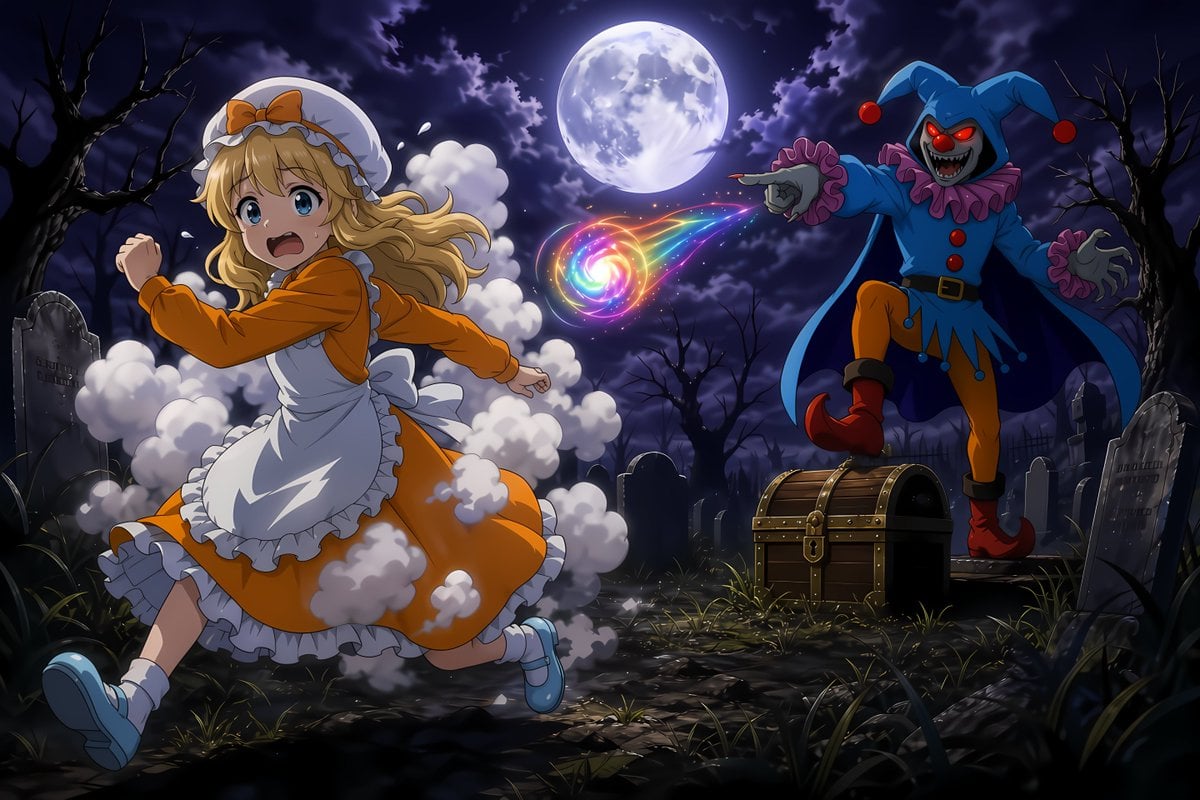
Moonlit Anime Graveyard Chase
Make it yours
Panicked Alice in Wonderland Chase works as-is. These are the safest ways to change it without losing the look.
Change one field
Copy a single group, rewrite it, and generate again so you can see what that field is doing.
Keep the frame, change the subject
Hold the composition and light of Panicked Alice in Wonderland Chase, then swap wardrobe, props or the person for a new take.
| If the result… | Why | Fix |
|---|---|---|
| The result drifts from the preview | Too many fields changed at once. | Reuse Panicked Alice in Wonderland Chase as-is first, then change one group — subject, light, or setting. |
| The model over-stylizes the scene | The prose prompt leaves finish and camera underspecified. | Add one camera or lighting sentence and stay on GPT Image 2. |
More GPT Image 2 templates
Other prompts made for GPT Image 2.

Six VTuber Japanese Logo Sheet

Realistic Portrait of Woman and Deer

The Vista Modular Condo Poster

AI Model Routing Comparison Infographic

2.5D Anime Art Board

Isometric Productivity Desk Scene

New York Double Exposure Poster

Four-Panel AI Landscape Comparison

Japanese Tatami Lifestyle Magazine Cover

NESCAFÉ Coffee Map Poster
More image prompts
Fresh picks from across the catalog.
Image-to-Image Prompt for Character and UI Generation
Cozy Winter Cafe Scene in Shimla
High-Fashion Sportswear Catalog Prompt
High-fashion close-up portrait of a woman with simple elegance
Avant-Garde Beauty Ad
Degree Equirectangular Panorama Prompt
90s-style film portrait from a reference photo
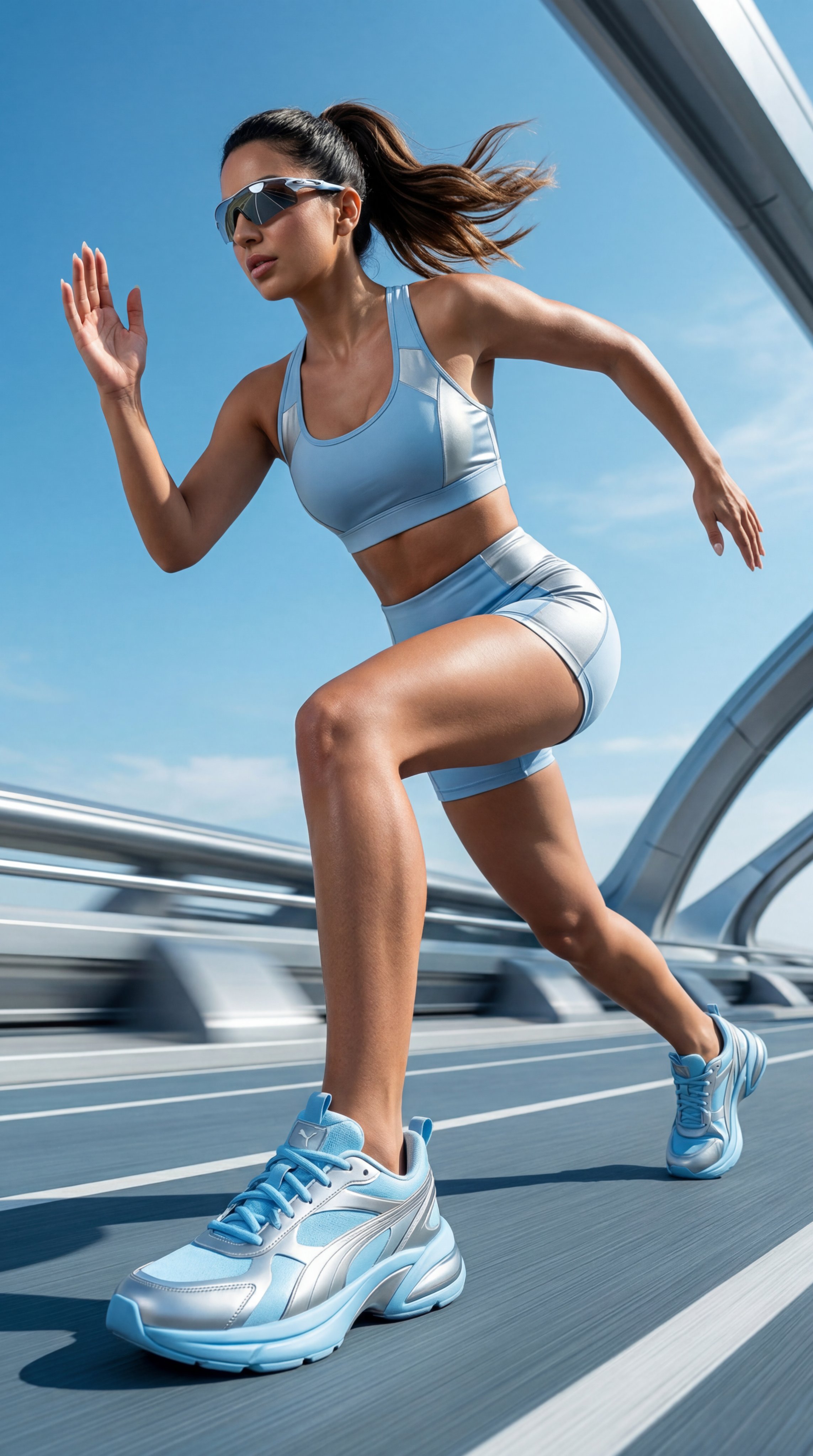
untitled
System Prompt for Generating Image Prompts
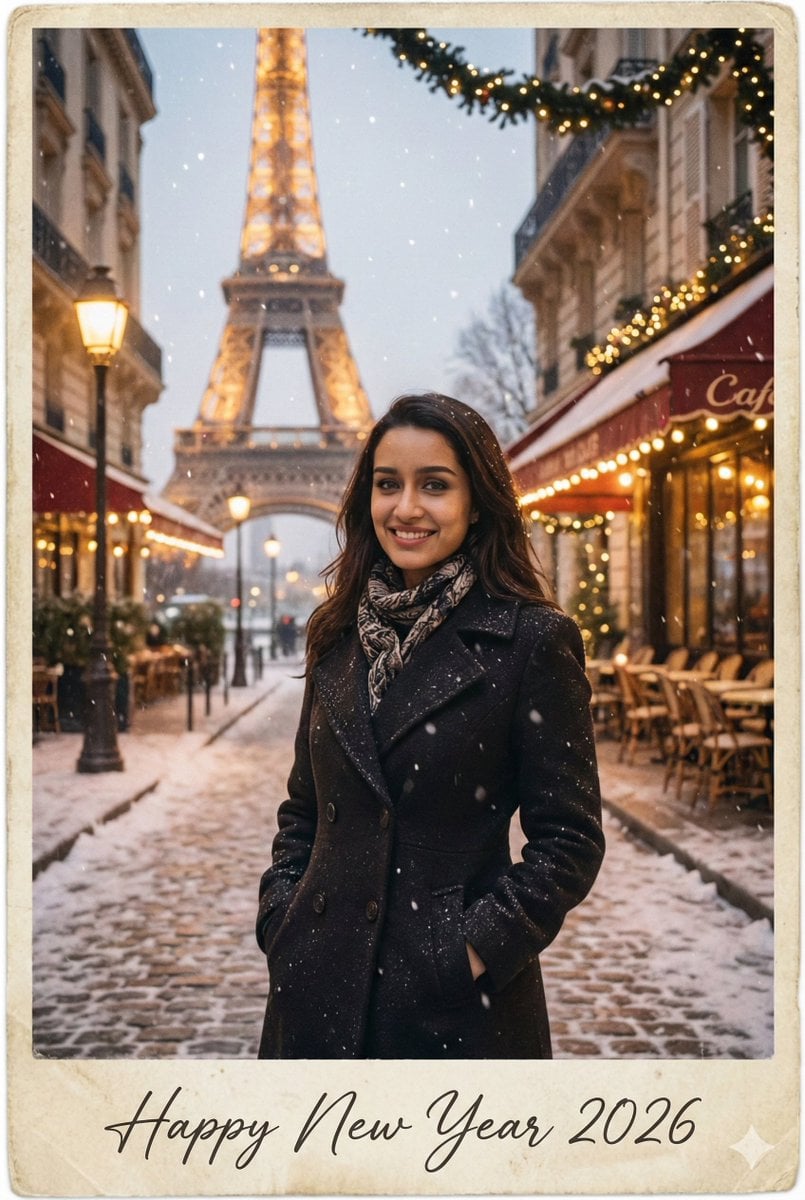
New Year 2026 Postcard and Studio Portrait Prompts
Browse template categories
Panicked Alice in Wonderland Chase questions
How do I use the Panicked Alice in Wonderland Chase template?
Add your photo if the template asks for one, edit the prompt if you like — the template's model and format are already selected — and press Generate. Your version opens in PicX Studio.
Can I customize the Panicked Alice in Wonderland Chase template?
Yes. You can change the subject, setting, lighting, mood, format, and available model controls before creating your image.
Is the Panicked Alice in Wonderland Chase template free?
Opening and editing this template is free. Generating uses credits, shown on the Generate button when you are signed in.
Which AI model should I use?
Start with GPT Image 2, which is the model associated with this template. You can compare another compatible model for a different finish.
Looking for something else? Browse all templates.

Your photo, any look
Thousands of ready templates for every top image and video model, from one credit balance.