
Alice-Inspired Leaf Boat Fantasy
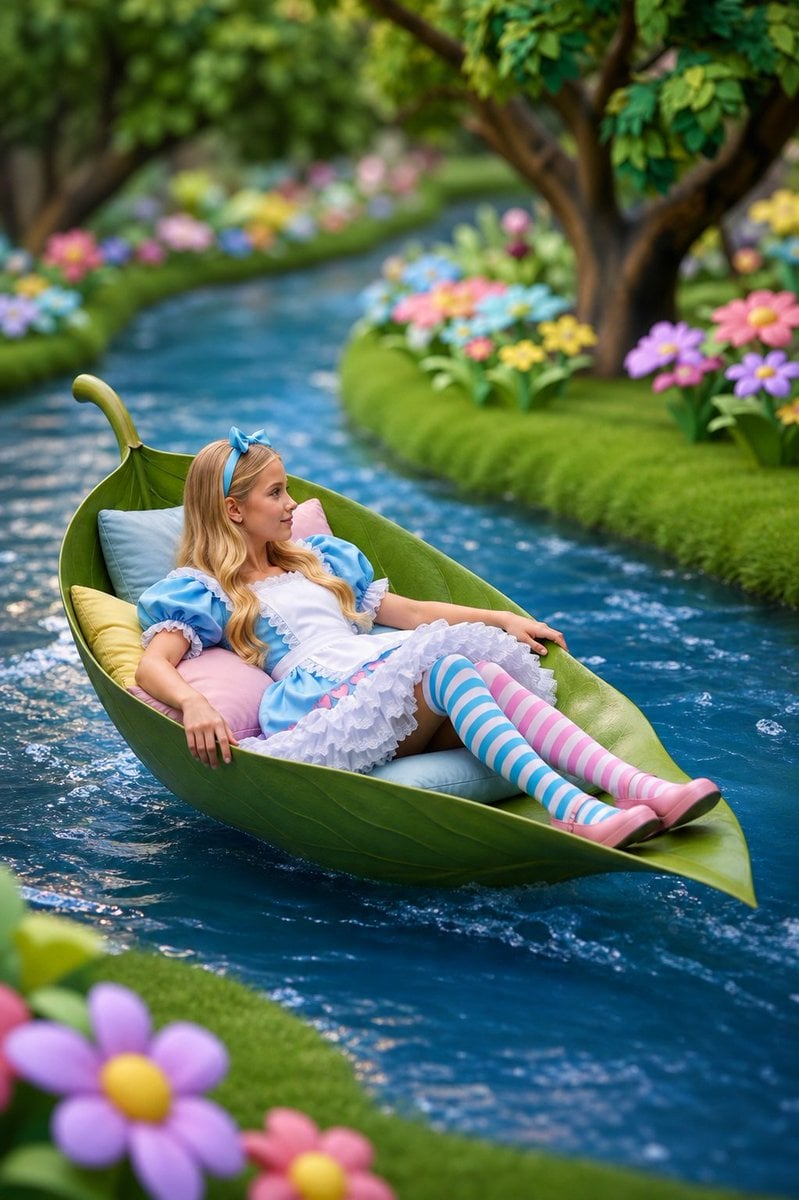
Generates a whimsical storybook garden scene of an Alice-inspired girl drifting down a stream in a giant leaf boat.
- Prompt included
- Model and format preset
- Free template
The prompt behind this image
Copy the exact prompt behind Alice-Inspired Leaf Boat Fantasy, or open it in the studio and make it yours.
Create a whimsical, high-quality fantasy portrait of a young girl styled like {argument name="character theme" default="Alice in Wonderland"} reclining in an oversized green leaf boat floating down a narrow, gently curving blue stream. She has {argument name="hair color" default="long blonde"} wavy hair with a blue bow headband and wears a blue puff-sleeve dress with a white apron, layered white ruffled skirt, pink shoes, and mismatched thigh-high striped stockings: one blue-and-white stripe and one pink-and-white stripe. The leaf boat is shaped like a curled natural leaf with a raised stem at the back, glossy veins, and pointed bow, padded with soft pastel pillows in pale blue, pink, and yellow. The girl lies relaxed with her arms resting along the sides of the leaf and her legs extended toward the pointed tip, drifting diagonally through the frame from lower left toward upper right. Surround the stream with lush bright green mossy banks, rounded hedges, large storybook trees, and colorful oversized flowers in pink, purple, blue, yellow, and orange. The water should be rich teal-blue with small ripples, foam, and sparkling highlights around the leaf boat. Use a dreamy fairytale garden atmosphere, vibrant saturated colors, shallow depth of field, soft bokeh background, cinematic composition, realistic 3D storybook illustration style, detailed textures on the leaf, fabric, water, and flowers, vertical portrait orientation, magical and serene mood.
How to use Alice-Inspired Leaf Boat Fantasy in 3 steps
- 1Upload ImagePNG, JPG or paste
Add your photo
Upload the photo the template builds on. The prompt, model and format are already set.
- 2…a portrait of your subject in softgolden-hour light, 85mm…
Personalize
Edit the subject and creative details for your destination.
- 3Generate
Generate
Press Generate — your image is created in PicX Studio, so you can compare it with the original and refine one variable at a time.
More like this
Templates with the same subject, style or setup. Open one to see its prompt.

Anime Fantasy Celestial Movie Poster
Anime Fantasy Celestial Movie Poster

Minecraft Fantasy Kingdom Voxel Landscape

Unfinished Sketch Comes Alive Portrait

Open Travel Journal Overhead Still Life

Tiny Woman Miniature Fantasy Macro Scene
JSON Seedance - Fairy Macro Flight
Videogame Cinematic Trailer - Seedance 2.0
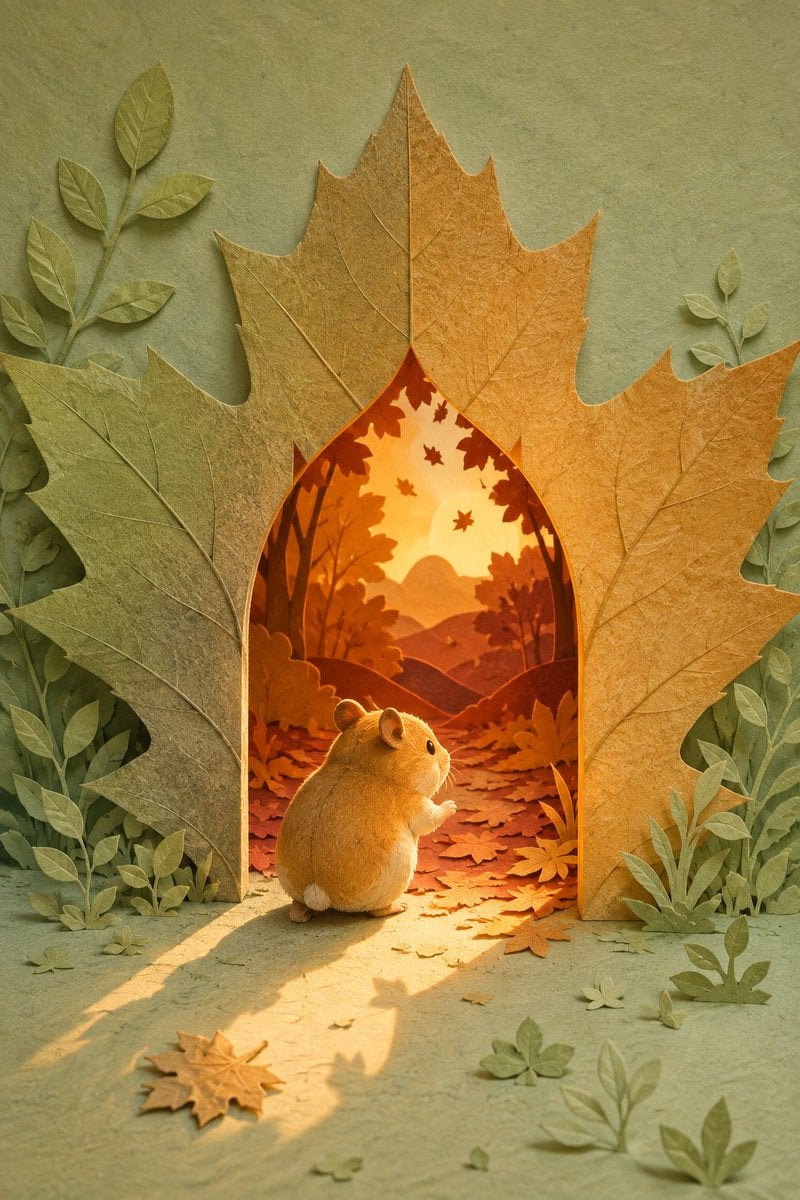
Hamster Autumn Leaf Doorway
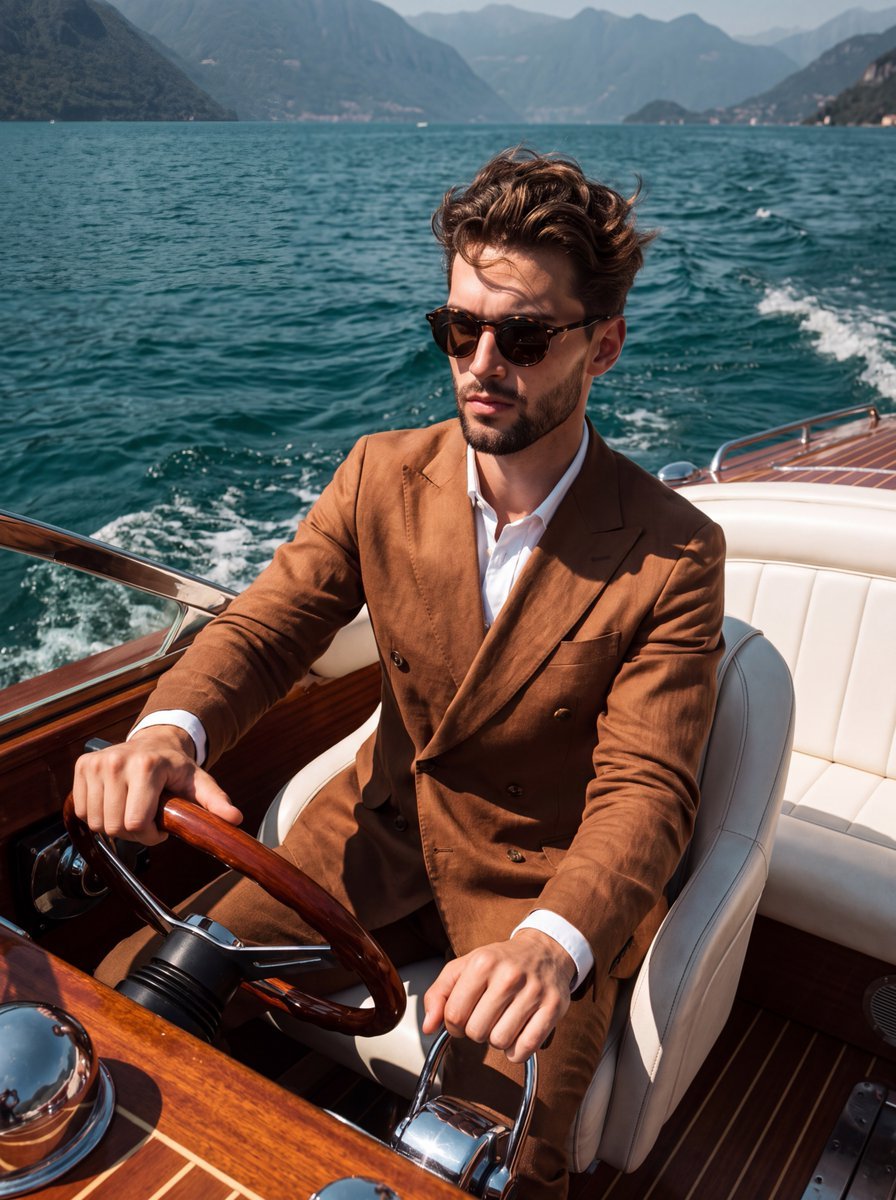
Slim Aarons Boat Lifestyle Photography
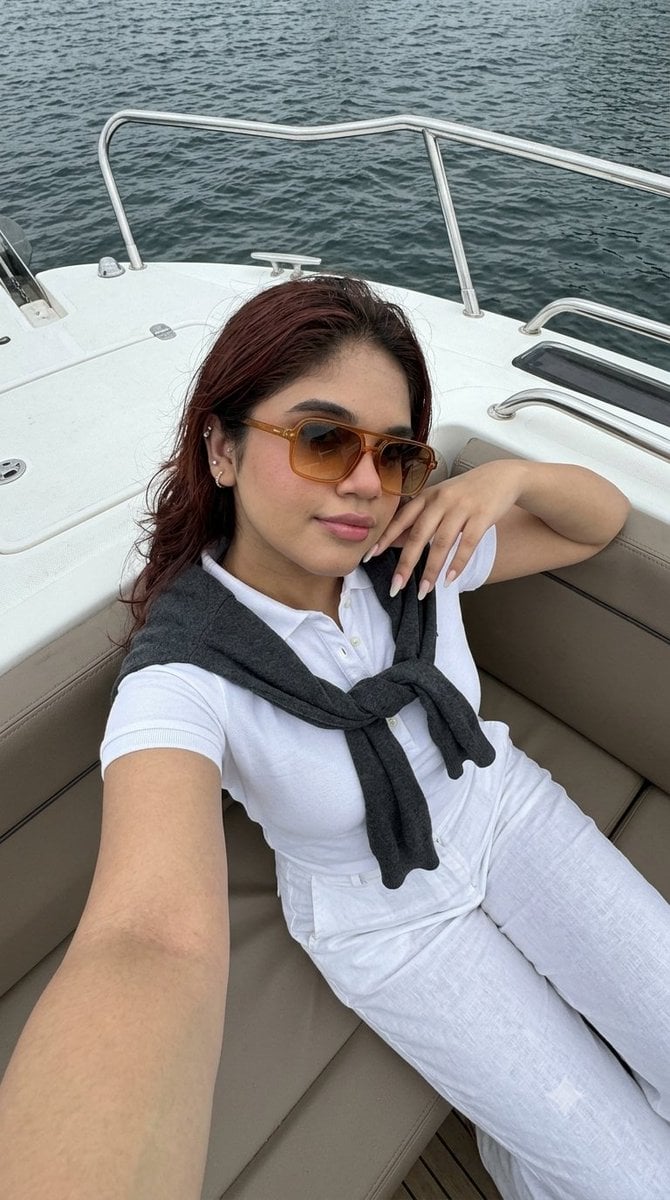
Smartphone Selfie on Motorboat
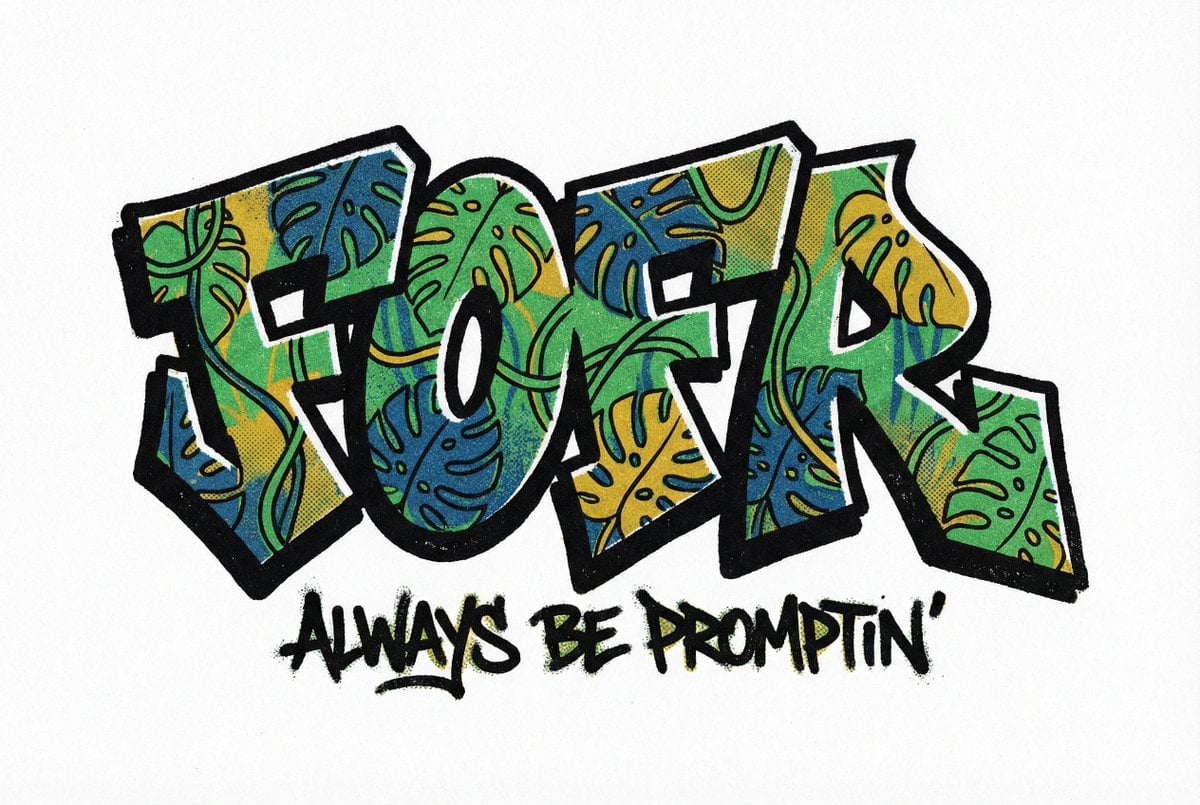
The word fofr as aggressive hard-edge graffiti with a monstera leaf
Make it yours
Alice-Inspired Leaf Boat Fantasy works as-is. These are the safest ways to change it without losing the look.
Change one field
Copy a single group, rewrite it, and generate again so you can see what that field is doing.
Keep the frame, change the subject
Hold the composition and light of Alice-Inspired Leaf Boat Fantasy, then swap wardrobe, props or the person for a new take.
| If the result… | Why | Fix |
|---|---|---|
| The result drifts from the preview | Too many fields changed at once. | Reuse Alice-Inspired Leaf Boat Fantasy as-is first, then change one group — subject, light, or setting. |
| The model over-stylizes the scene | The prose prompt leaves finish and camera underspecified. | Add one camera or lighting sentence and stay on GPT Image 2. |
More GPT Image 2 templates
Other prompts made for GPT Image 2.

Six VTuber Japanese Logo Sheet

Realistic Portrait of Woman and Deer

The Vista Modular Condo Poster

AI Model Routing Comparison Infographic

2.5D Anime Art Board

Isometric Productivity Desk Scene

New York Double Exposure Poster

Four-Panel AI Landscape Comparison

Japanese Tatami Lifestyle Magazine Cover

NESCAFÉ Coffee Map Poster
More image prompts
Fresh picks from across the catalog.

Christmas Ornament Portrait Glossy Glass Resin Finish with Hand Painted Details Holiday Lighting
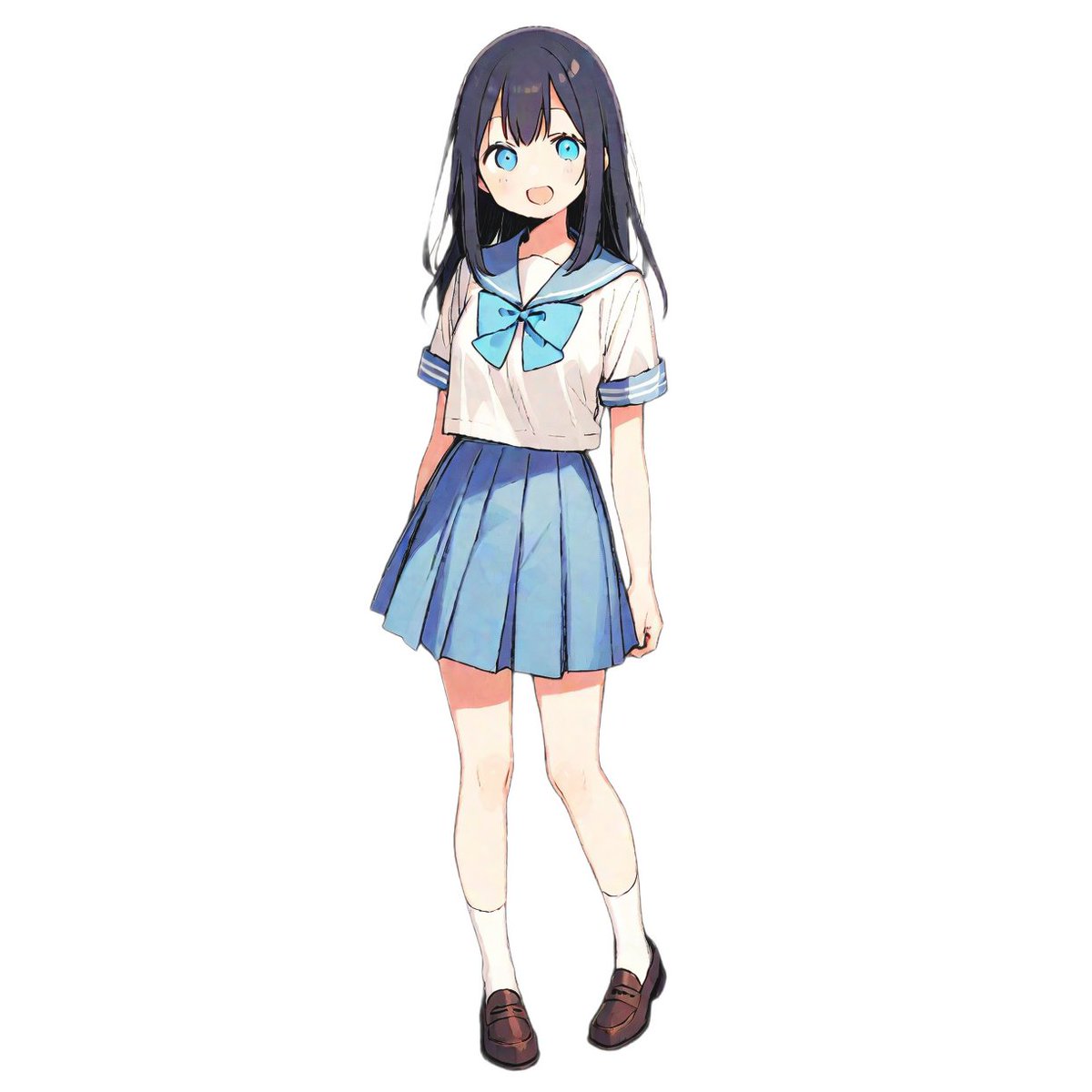
Fashion Arrangement Prompt for High School Characters
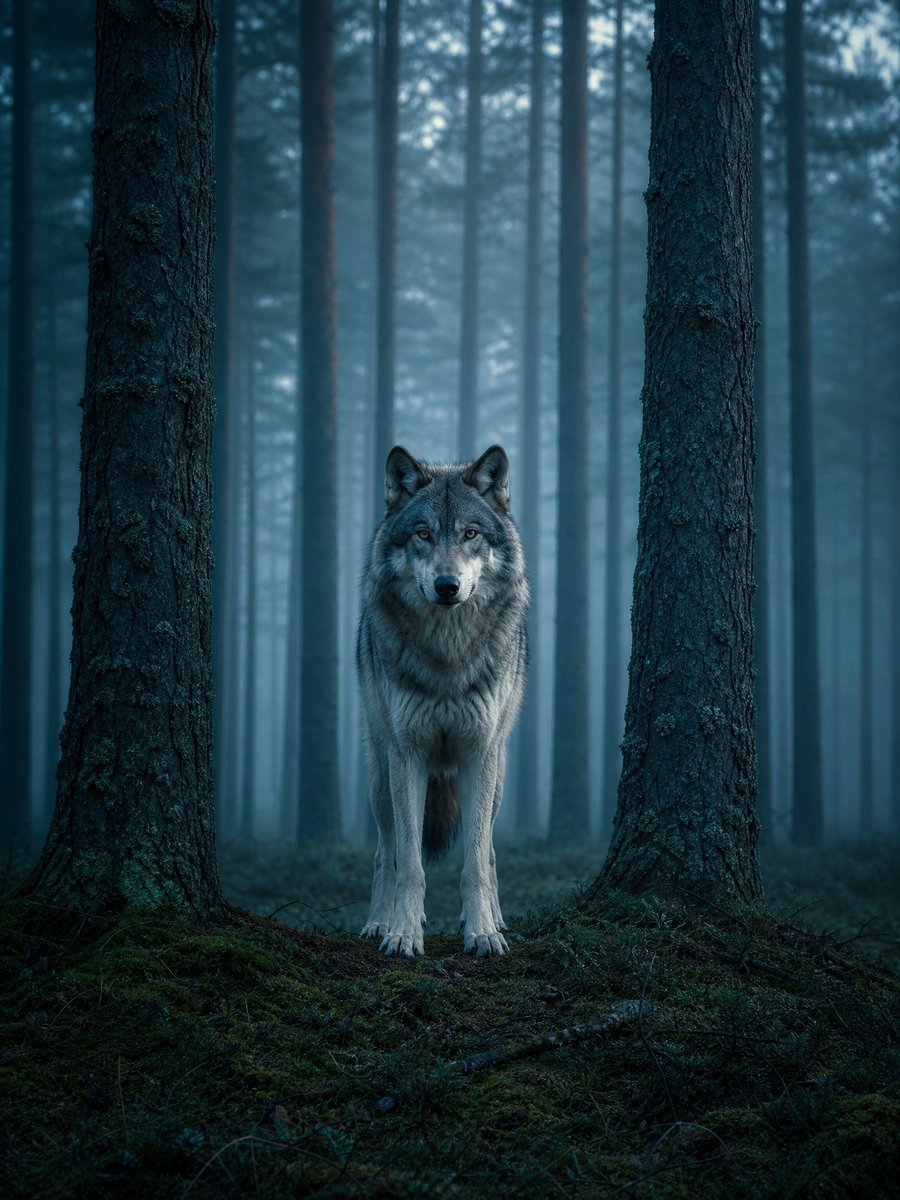
Cinematic Environment Template
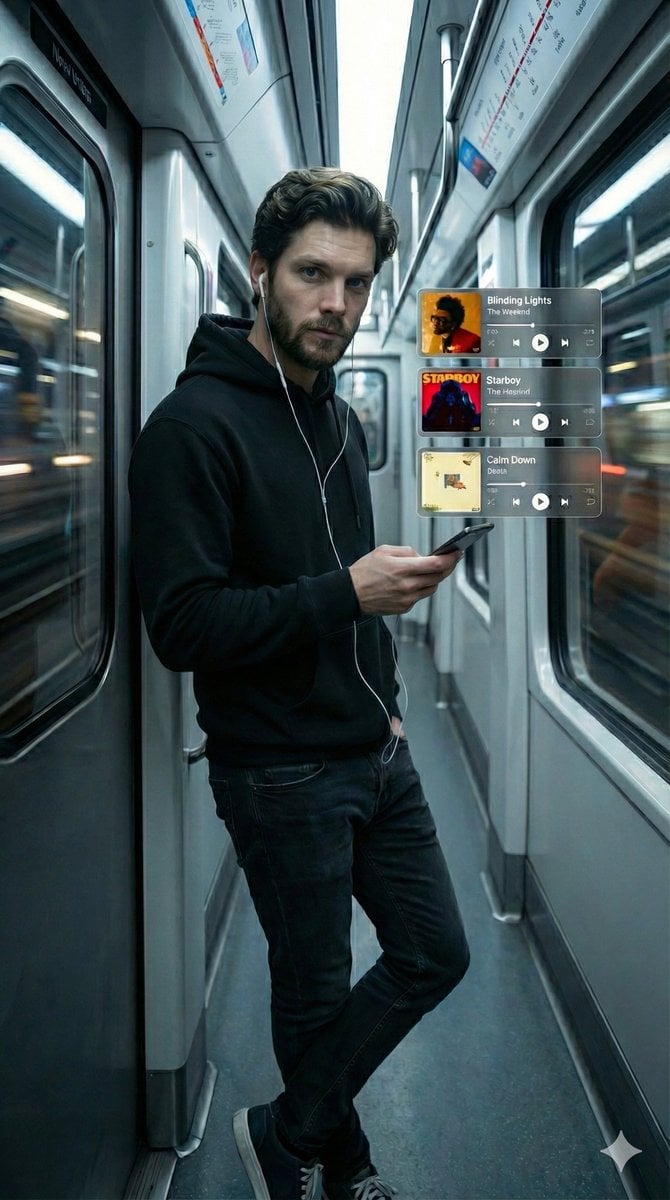
Cinematic Subway Portrait with Holographic Music UI
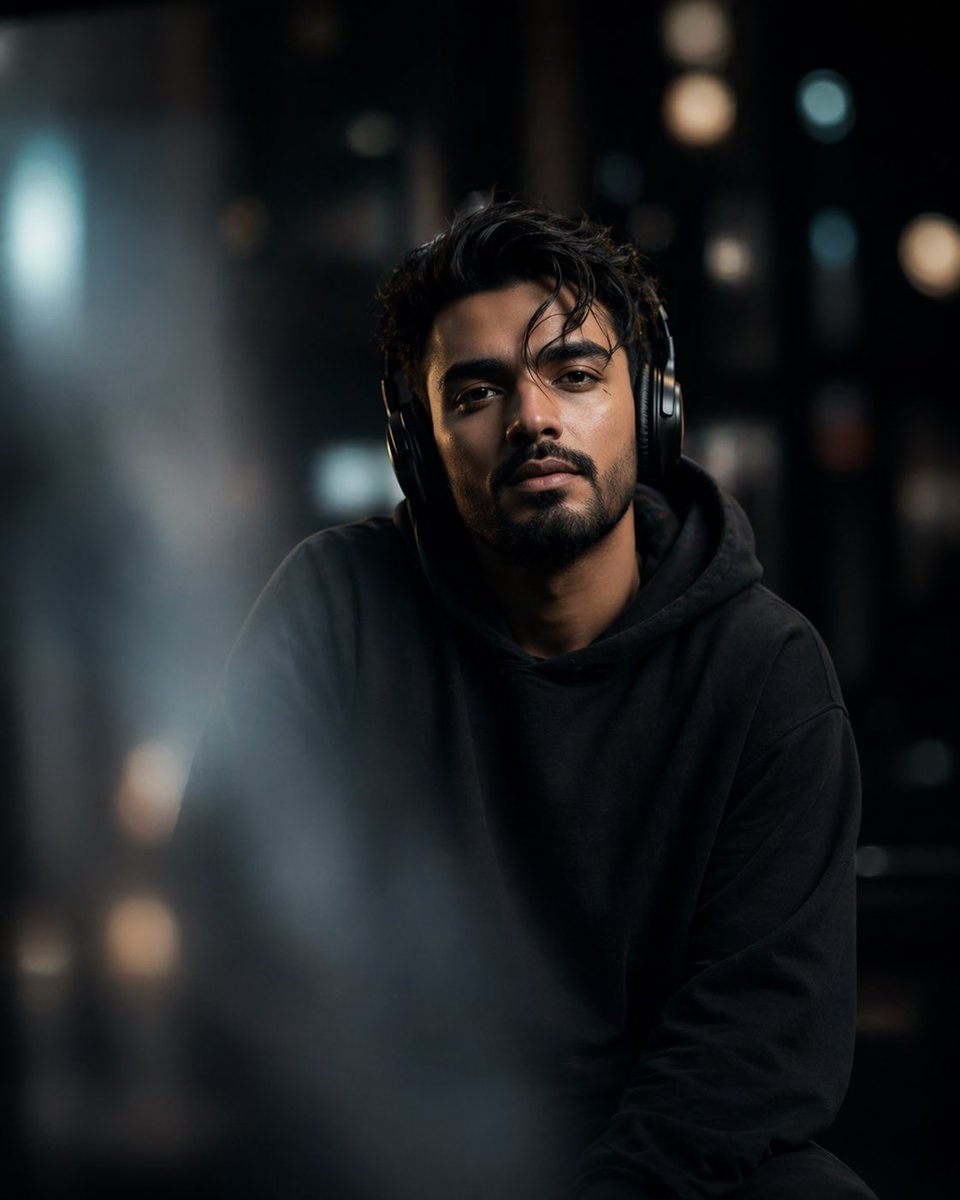
Cinematic Moody Portrait
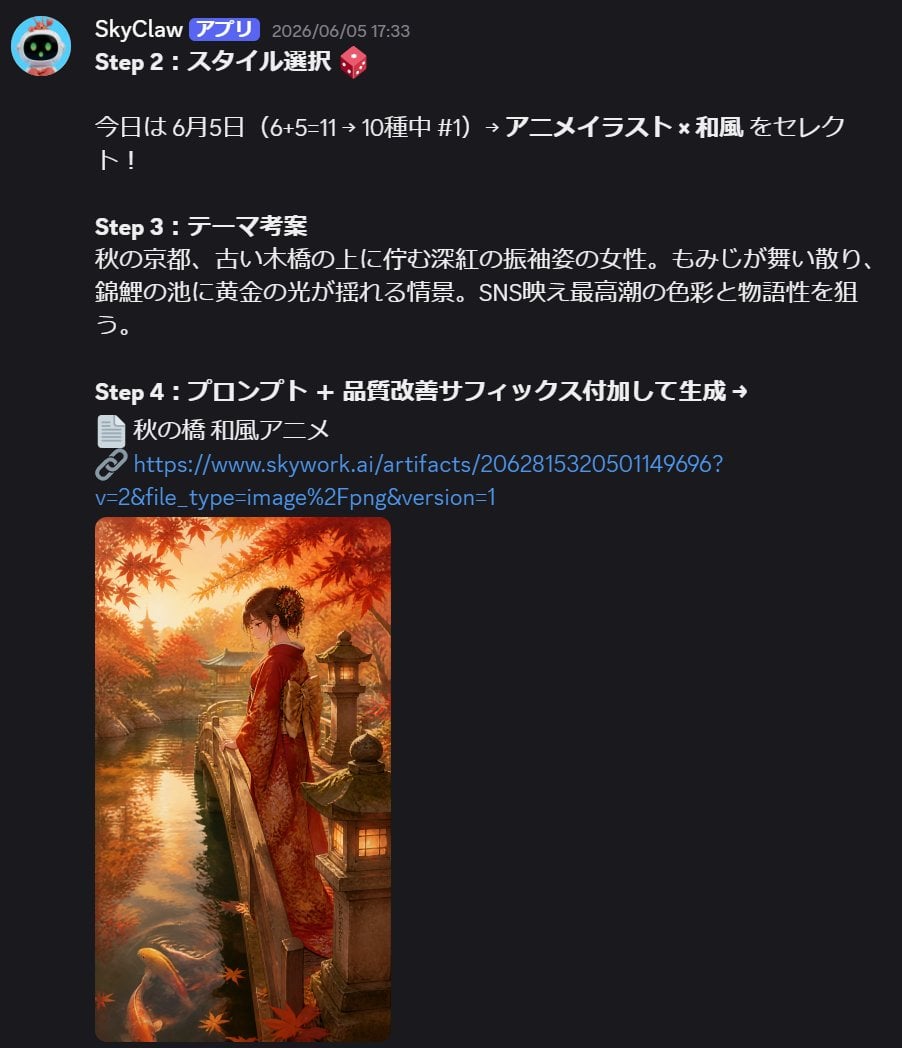
Anime Kimono Golden Hour Illustration

Passport Photo Style Portrait Replication Prompt
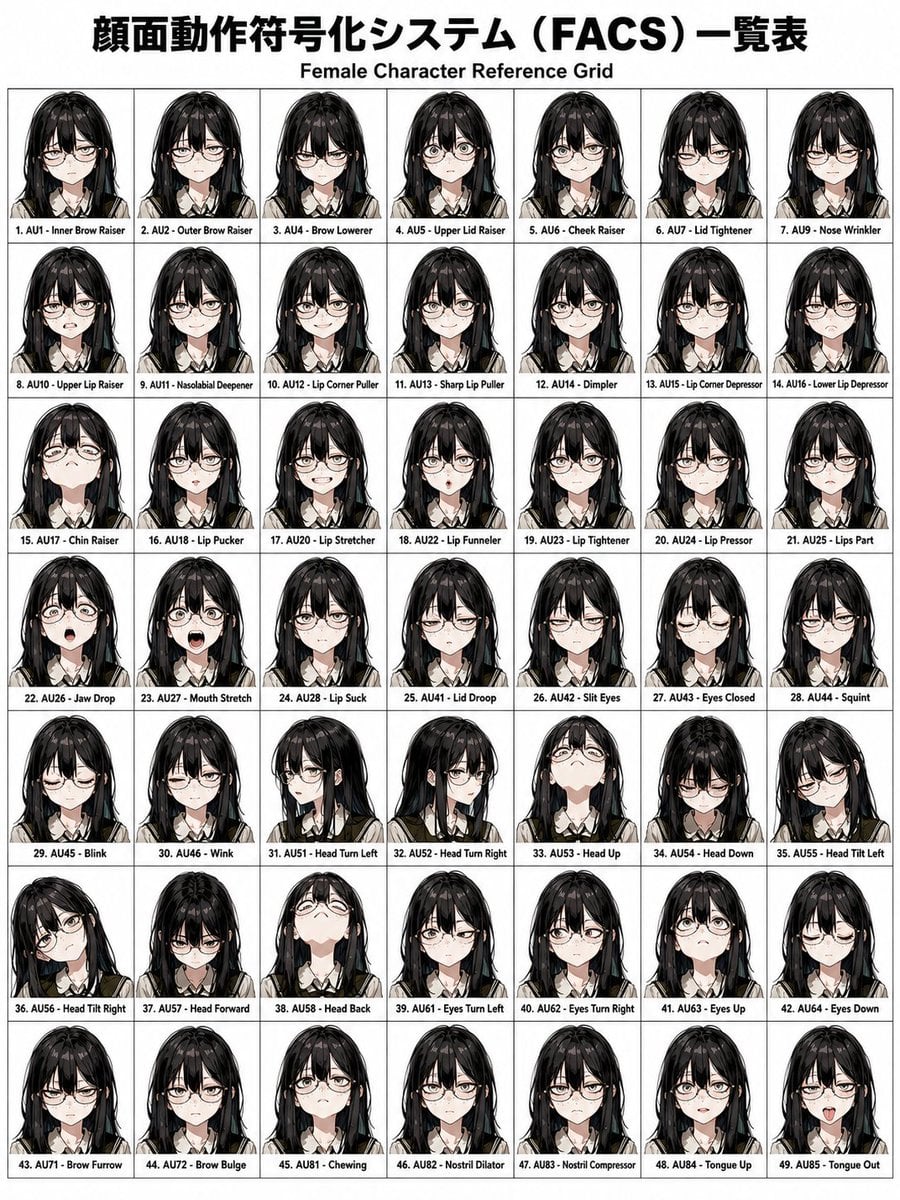
FACS Facial Expression Control
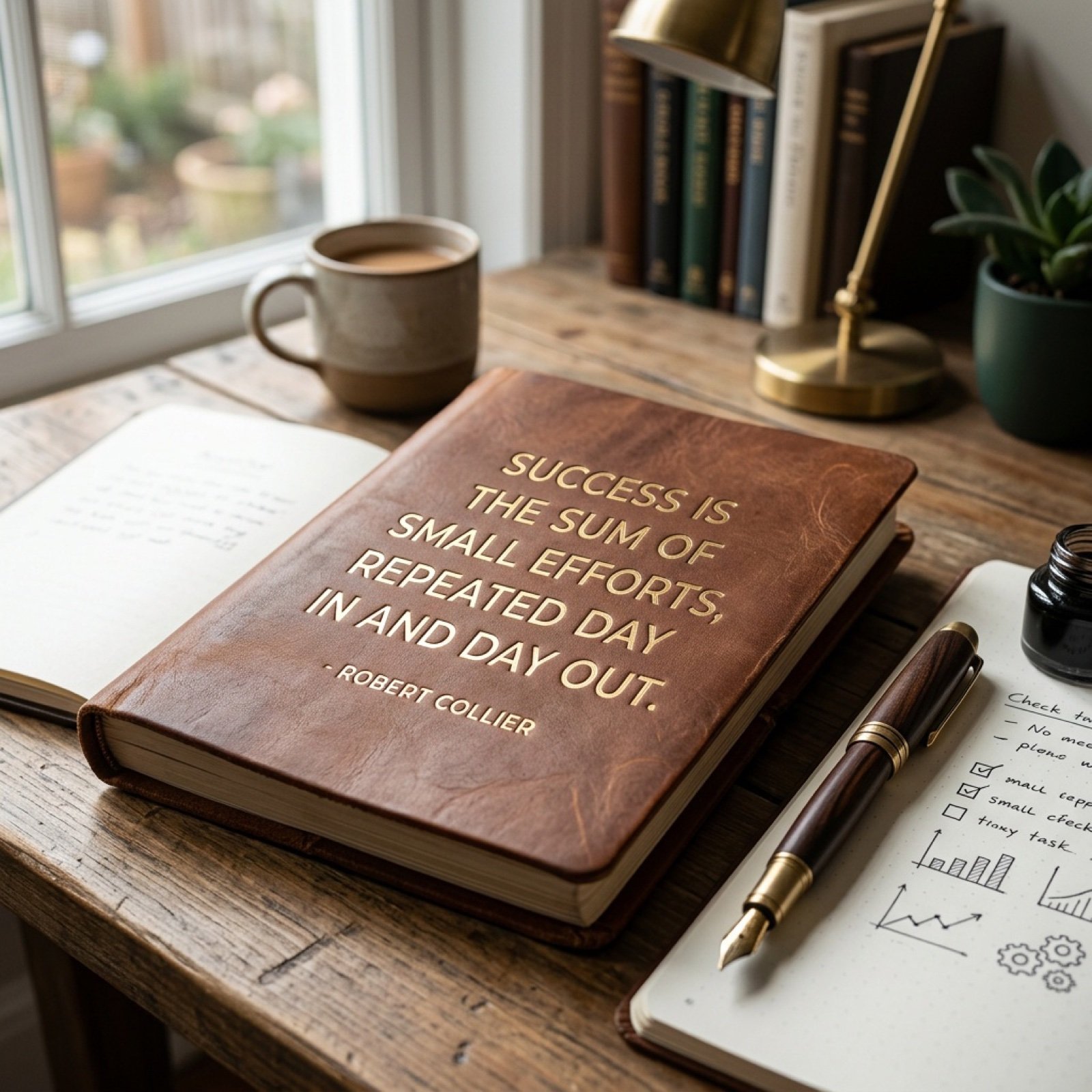
Morning Coffee Quote
Cinematic Tudor Noble Portrait
Browse template categories
Alice-Inspired Leaf Boat Fantasy questions
How do I use the Alice-Inspired Leaf Boat Fantasy template?
Add your photo if the template asks for one, edit the prompt if you like — the template's model and format are already selected — and press Generate. Your version opens in PicX Studio.
Can I customize the Alice-Inspired Leaf Boat Fantasy template?
Yes. You can change the subject, setting, lighting, mood, format, and available model controls before creating your image.
Is the Alice-Inspired Leaf Boat Fantasy template free?
Opening and editing this template is free. Generating uses credits, shown on the Generate button when you are signed in.
Which AI model should I use?
Start with GPT Image 2, which is the model associated with this template. You can compare another compatible model for a different finish.
Looking for something else? Browse all templates.

Your photo, any look
Thousands of ready templates for every top image and video model, from one credit balance.