
Fashion Arrangement Prompt for High School Characters
A detailed Japanese prompt template for Nano Banana Pro that takes a reference character's clothing and rearranges it into three distinct styles—Gal, Honor Student, and Otaku—while maintaining the original color and…
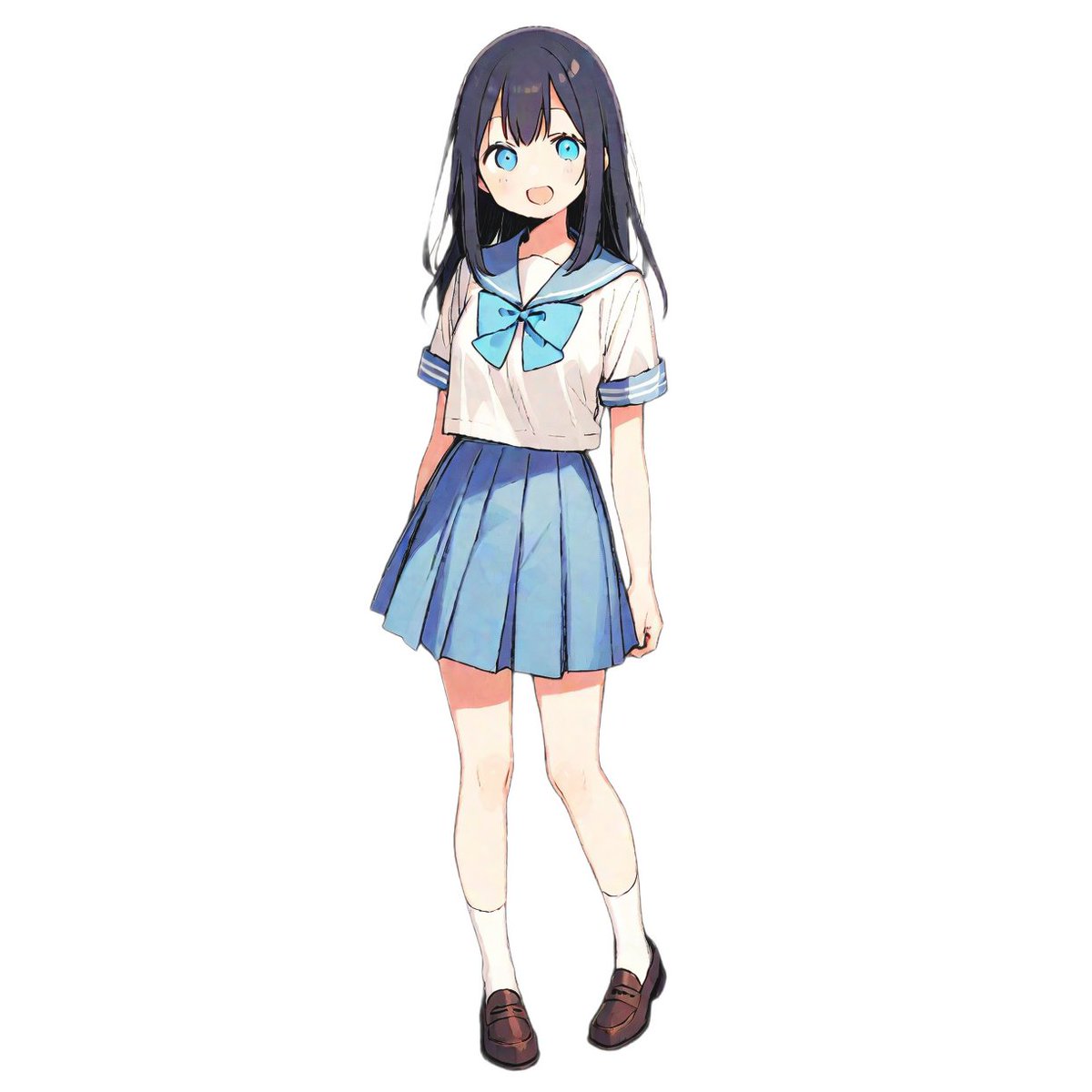
- Prompt included
- Model and format preset
- Free template
The prompt behind this image
Copy the exact prompt behind Fashion Arrangement Prompt for High School Characters, or open it in the studio and make it yours.
# Settings [Type of outfit] = {argument name="type of outfit" default="high school girl's uniform"} [World setting] = {argument name="world setting" default="modern Japan"} # Absolute generation rules - Never depict any item that would not exist in the specified [world setting]. - Express the traits of "gal," "star student," and "otaku" using items and styling that fit naturally within that world setting. - In a landscape aspect ratio (16:9), on a white background, place the following 4 characters left to right in a horizontal row at equal intervals. Depict everyone full-body, and add natural shadows at their feet. # Character composition (left to right) 1. **[Normal (reference)]** - Styling: A standard, orthodox rendition of the [type of outfit]. - Traits: A natural smile, a protagonist-like presence. 2. **[Gal-style arrangement (flashy and uninhibited)]** - Concept: Loves flashiness, exposure, cutting-edge trends, confidence. - Outfit modification: Keep the **color** of the [type of outfit] unchanged. Within the limits allowed by the [world setting], shorten the hem and open up the neckline. Style it boldly and loosely — baring shoulders, rolling up the hem, etc. - Accessories: Heavily uses "flashy accessories" (jewels, gold work, hair ornaments) available within that world. - Pose: An open, confidence-filled pose. 3. **[Star-student-style arrangement (discipline and formality)]** - Concept: Rule-abiding, conservative, intelligent, clean-cut. - Outfit modification: Keep the **color** of the [type of outfit] unchanged. Styled close to "formal wear" within the [world setting]. Minimal skin exposure, buttons and cords tied perfectly. Worn extremely strictly. The collar is done up tightly with no disarray. Exposure kept to a minimum. - Accessories: "Intellectual items" matching the [world setting] (books, scrolls, glasses, a monocle, a badge). - Pose: Back straight, a composed and dignified expression. 4. **[Otaku-style arrangement (collector's habit and immersion)]** - Concept: Obsessive hobbies, a collector's habit, either heavy emphasis on practicality or complete indifference to appearance. - Outfit modification: Keep the **color** of the [type of outfit] unchanged. A "dowdy" styling within the [world setting]. Excessive layering for functionality, or dirt/wear on the clothing. - Accessories: Heavily equipped with "hobby items" from the [world setting] (a large number of charms, talismans, potion bottles, a big bag full of collected materials). Express the concept of an "oshi" (favorite idol) as an obsession with an idol or symbol from that world. - Pose: Slightly hunched, absorbed in observing or examining a collected item. Glasses or goggles. # Image specifications - Background: white background - Art style: high-quality anime style
How to use Fashion Arrangement Prompt for High School Characters in 3 steps
- 1
Open
The prompt is already in the box next to the preview, with the template's model and format selected.
- 2…a portrait of your subject in softgolden-hour light, 85mm…
Personalize
Edit the subject and creative details for your destination.
- 3Generate
Generate
Press Generate — your image is created in PicX Studio, so you can compare it with the original and refine one variable at a time.
More like this
Templates with the same subject, style or setup. Open one to see its prompt.
Cute Ball Shaped Animal Characters

80s College Gate

1988 Mall Style

80s Polka Dot Saree

Urban Fashion Editorial Collage Streetwear Poster

Polo Ralph Lauren Luxury American Heritage Fashion Campaign

Cinematic Street Fashion Photographer Portrait

High-Fashion Editorial Magazine Cover ICON

Fine Art Monochrome Fashion Portrait

Korean Streetwear Minimalist Campaign Portrait

Cinematic Korean Streetwear Street Portrait

Korean Model Floating Magazine Pages Campaign
Make it yours
Fashion Arrangement Prompt for High School Characters works as-is. These are the safest ways to change it without losing the look.
Change one field
Copy a single group, rewrite it, and generate again so you can see what that field is doing.
Keep the frame, change the subject
Hold the composition and light of Fashion Arrangement Prompt for High School Characters, then swap wardrobe, props or the person for a new take.
| If the result… | Why | Fix |
|---|---|---|
| The result drifts from the preview | Too many fields changed at once. | Reuse Fashion Arrangement Prompt for High School Characters as-is first, then change one group — subject, light, or setting. |
| The model over-stylizes the scene | The prose prompt leaves finish and camera underspecified. | Add one camera or lighting sentence and stay on Nano Banana 2. |
More Nano Banana 2 templates
Other prompts made for Nano Banana 2.

Photorealistic Leaf Shaped Like a Dragon

K-Pop Idol Portrait Grid for Rapid Selection

Poetic Rain Forest Portrait During Golden Hour

Urban Street Portrait with Cartoon Inner Self Duo

Candid Nighttime Photo with Cat Prompt

High-Concept 3D Diorama Generation Prompt

Cinematic Futuristic Studio Portrait Template

Skincare Editorial Photography Collage Prompt

Hyper-Realistic Commercial Product Photography (Splash Effect)

Hyper-Realistic Nightclub Portrait Prompt
More image prompts
Fresh picks from across the catalog.
Pachinko Auntie LINE Sticker Sheet
Extreme Ski Jump Action Shot (Cinestill Film Style)
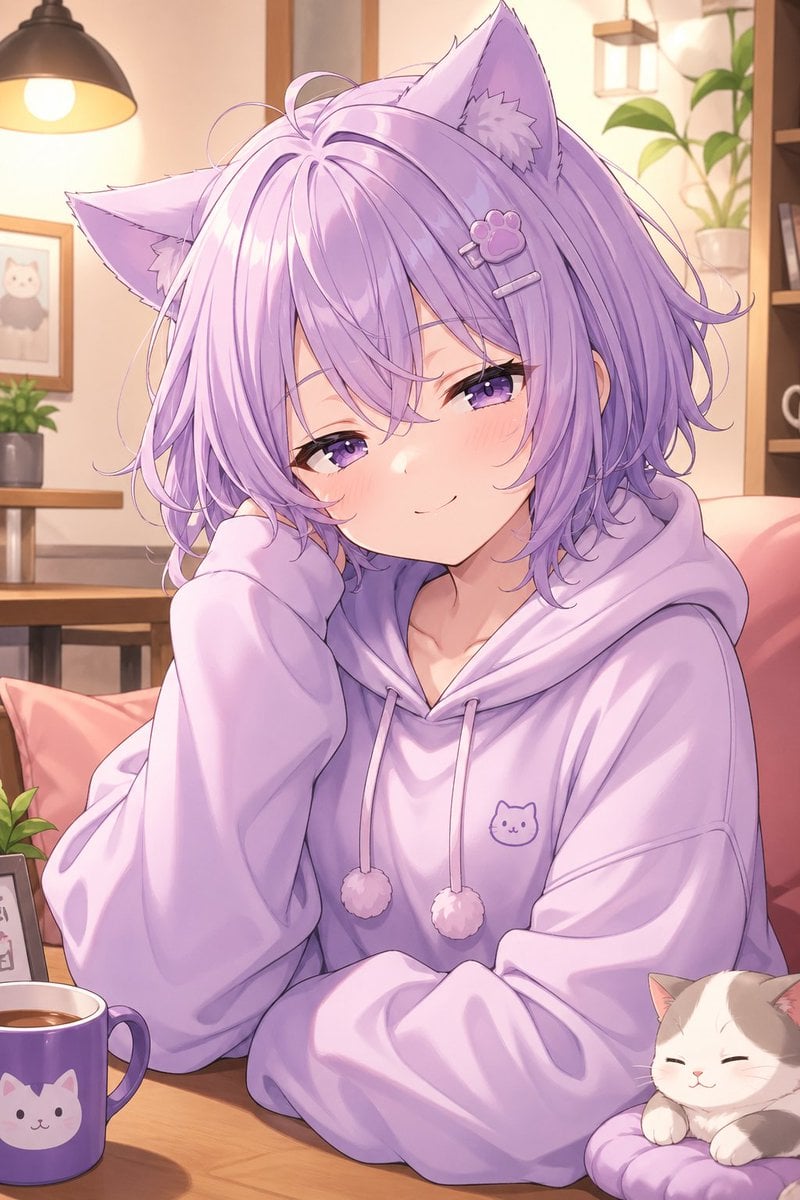
Cozy Lavender Catgirl Portrait
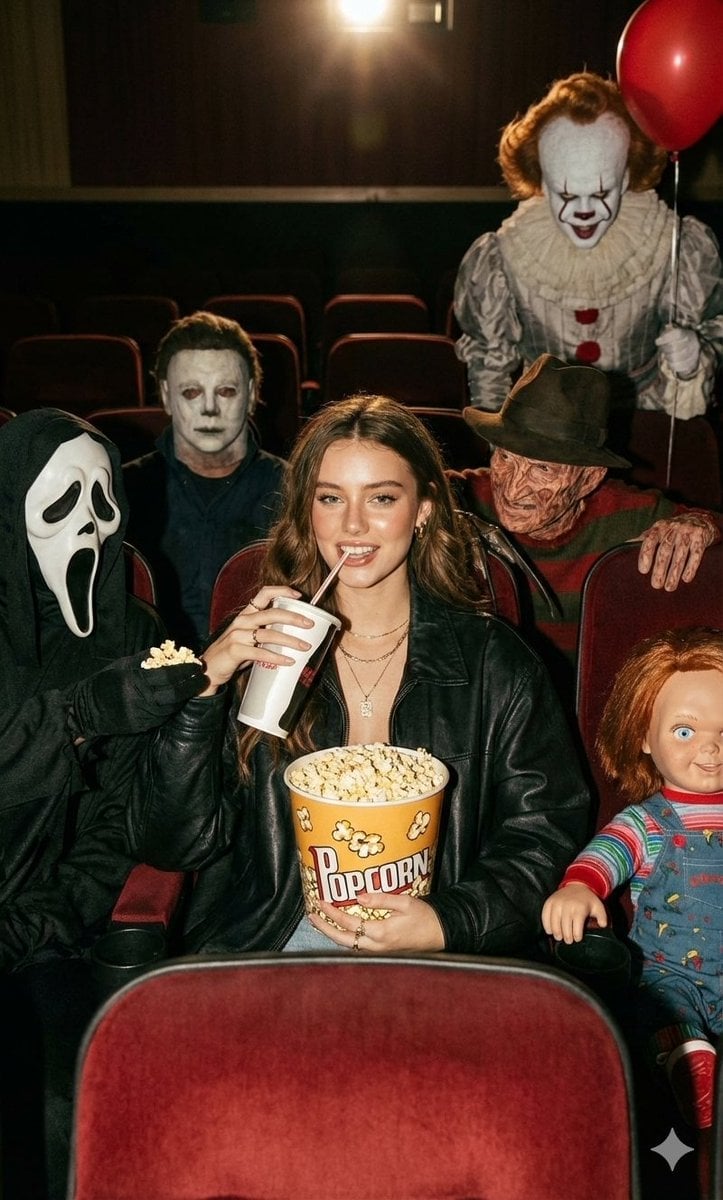
Halloween Horror Movie Theater Prompt
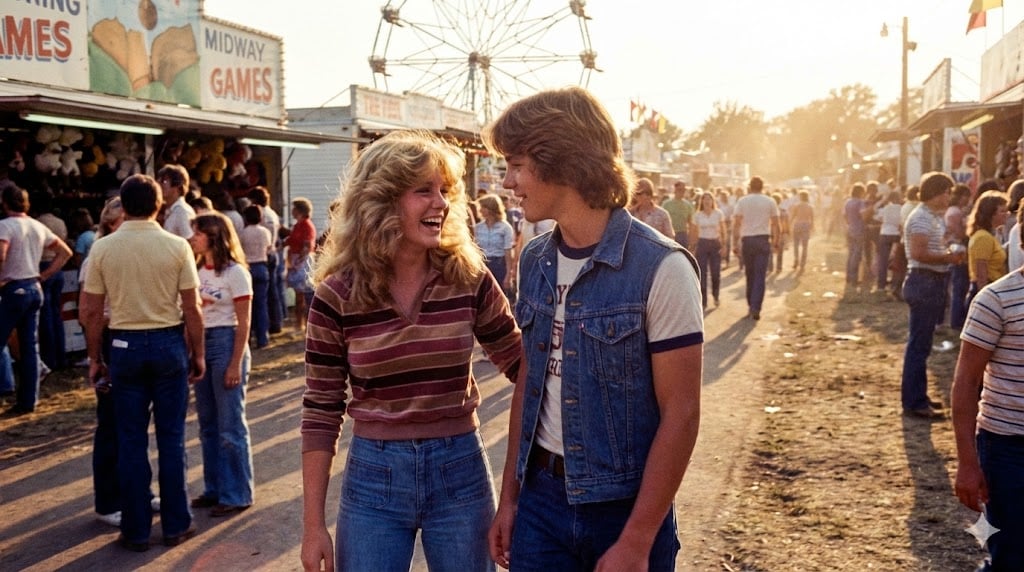
1979 County Fair Photo Generation Prompt
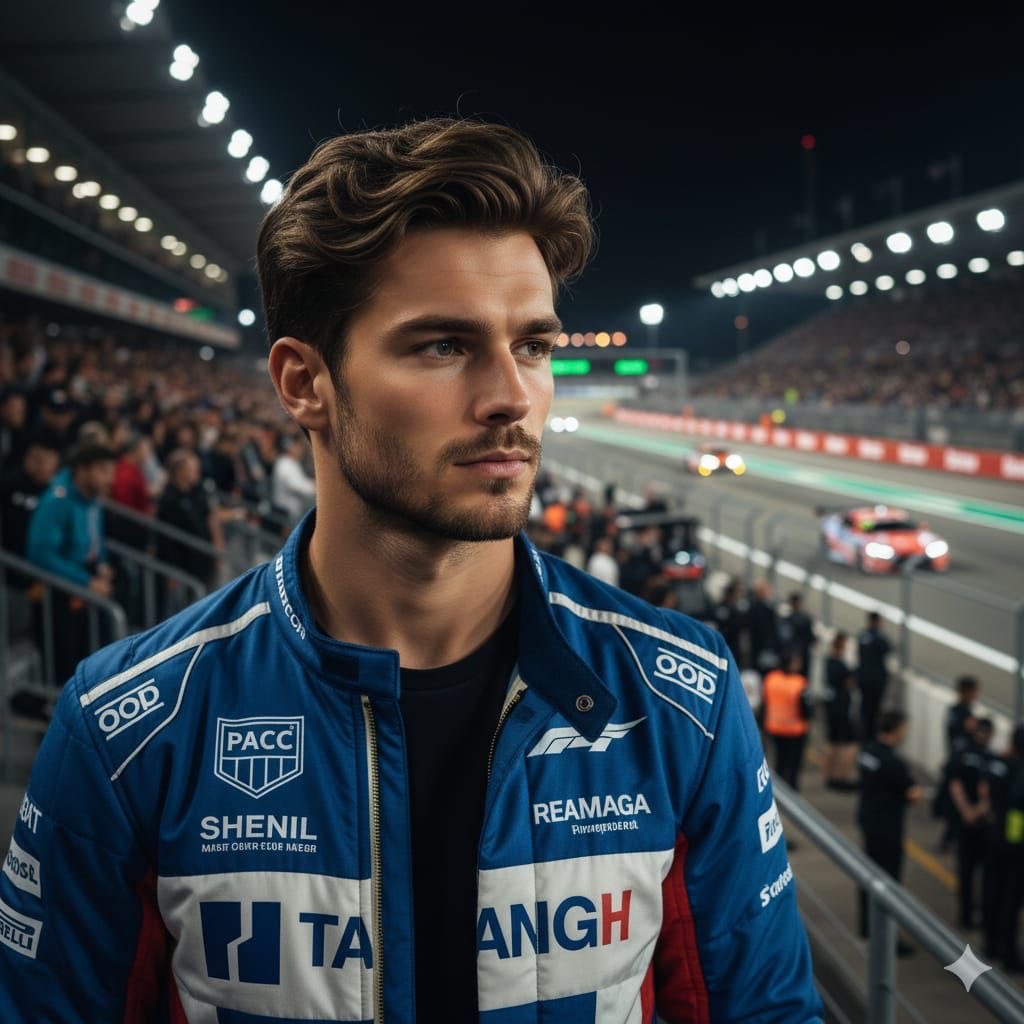
Cinematic Portrait of a Racing Driver at Night
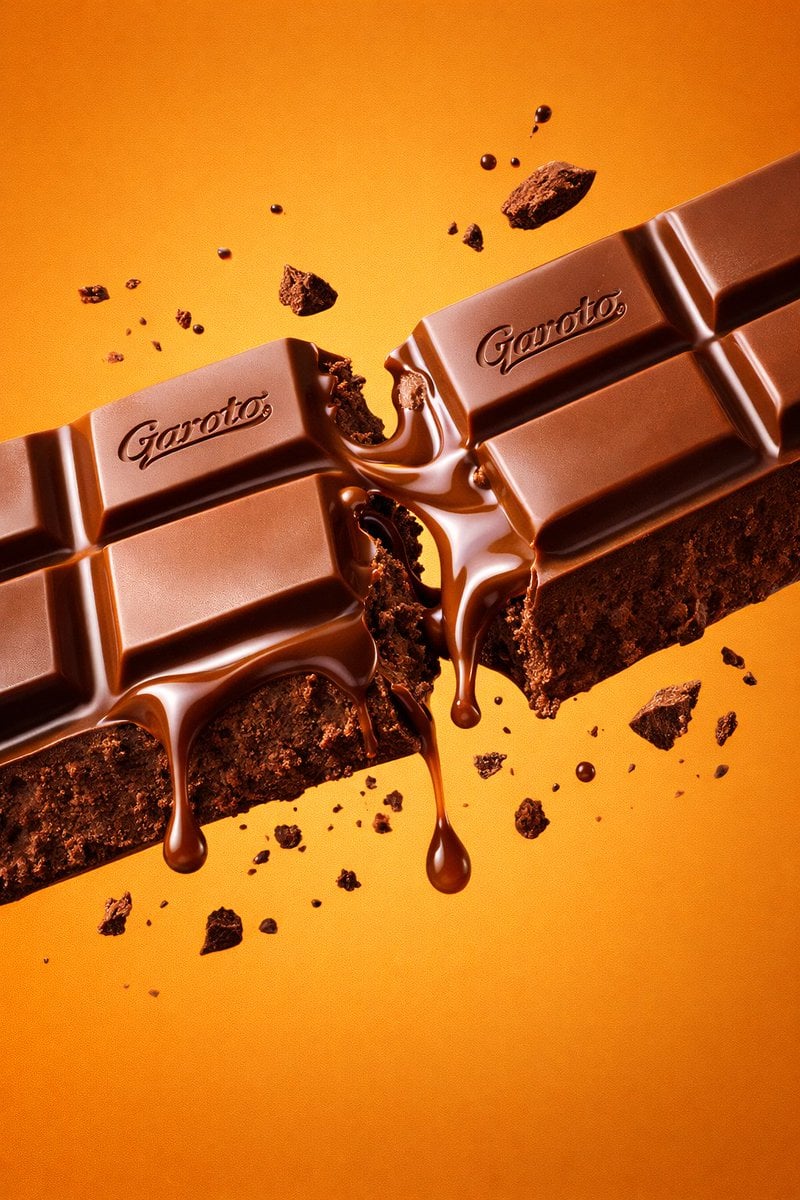
Ultra-Realistic Chocolate Bar Commercial Prompt
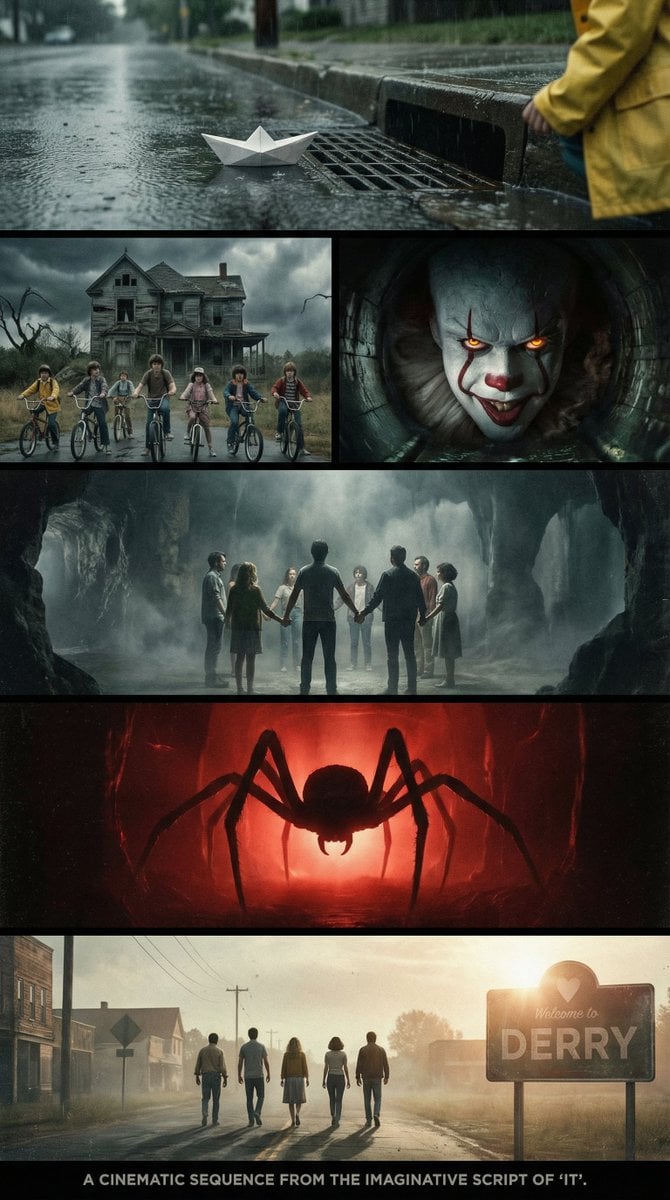
Cinematic multi-panel sequence for IT
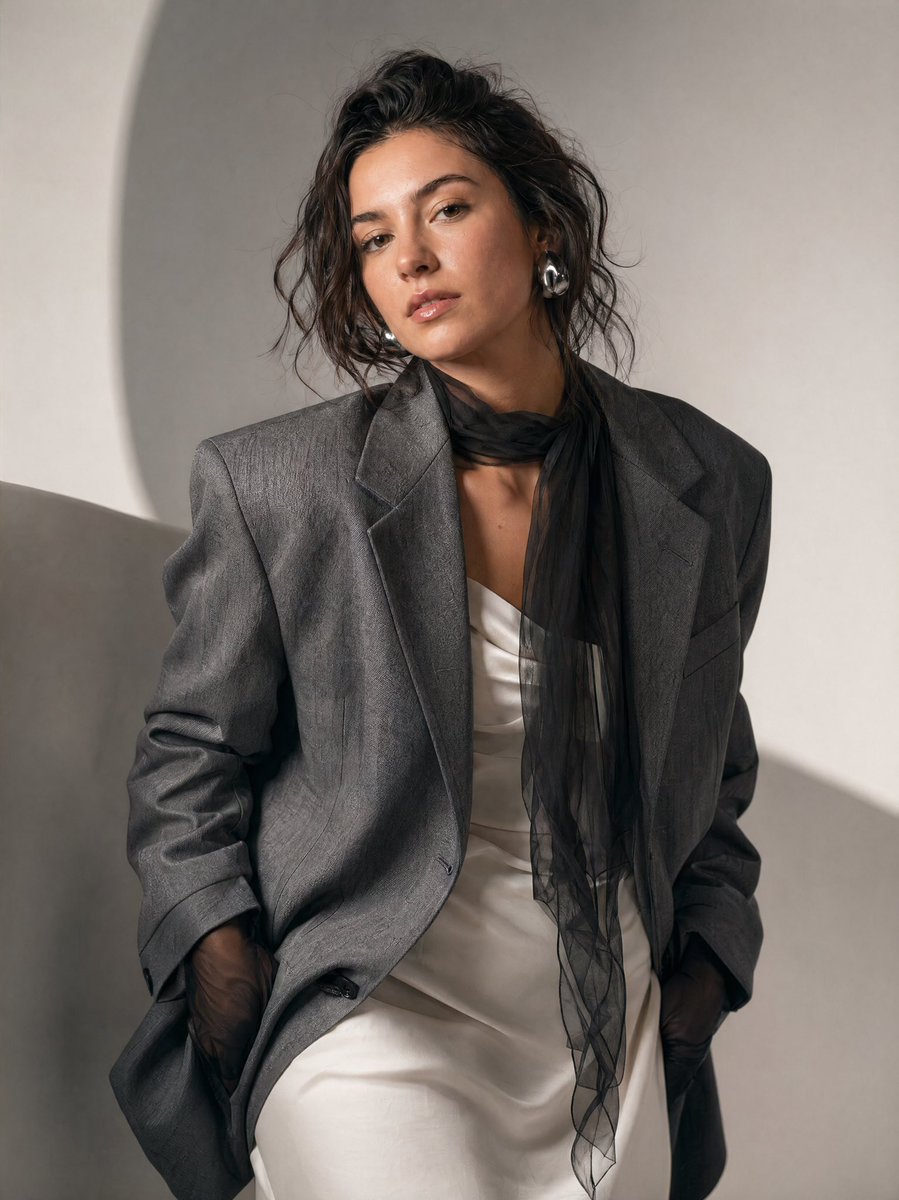
High-Fashion Editorial Portrait Prompt
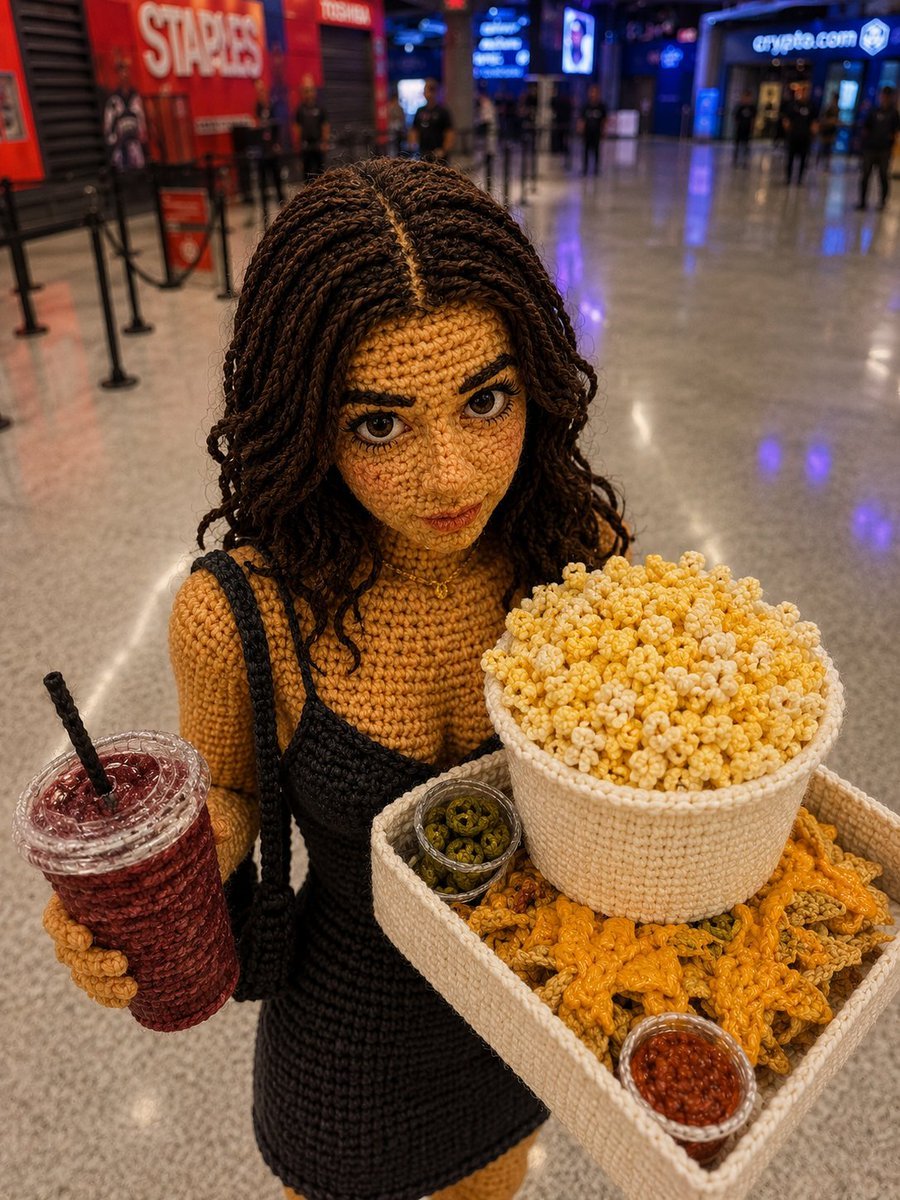
Crochet Doll Movie Snacks
Browse template categories
Fashion Arrangement Prompt for High School Characters questions
How do I use the Fashion Arrangement Prompt for High School Characters template?
Add your photo if the template asks for one, edit the prompt if you like — the template's model and format are already selected — and press Generate. Your version opens in PicX Studio.
Can I customize the Fashion Arrangement Prompt for High School Characters template?
Yes. You can change the subject, setting, lighting, mood, format, and available model controls before creating your image.
Is the Fashion Arrangement Prompt for High School Characters template free?
Opening and editing this template is free. Generating uses credits, shown on the Generate button when you are signed in.
Which AI model should I use?
Start with Nano Banana 2, which is the model associated with this template. You can compare another compatible model for a different finish.
Looking for something else? Browse all templates.

Your photo, any look
Thousands of ready templates for every top image and video model, from one credit balance.