
High-Fashion Editorial Magazine Cover ICON
High-Fashion Editorial Magazine Cover ICON

- Prompt included
- Model and format preset
- Free template
The prompt behind this image
Copy the exact prompt behind High-Fashion Editorial Magazine Cover ICON, or open it in the studio and make it yours.
Ultra-realistic high-fashion editorial magazine cover featuring a stunning female model with flawless porcelain skin, piercing emerald eyes, and matte burgundy lips. She wears an oversized ivory sculptural hat, a sleek black turtleneck, oversized geometric gold earrings, and elegant satin emerald green opera gloves gently framing her face. Minimal luxury makeup, ultra-detailed skin texture, sharp eyebrows, cinematic catchlights, premium beauty photography, Vogue-level styling, perfectly centered composition, shallow depth of field, soft diffused studio lighting, creamy off-white background with subtle shadows. **Modern graphic design layout with massive vertical typography reading “ICON” positioned along the left edge in oversized hollow letters with emerald outlines, partially masking the portrait for a layered editorial effect. Add bold horizontal headline “BEYOND BEAUTY” across the lower third in elegant uppercase typography, accompanied by small minimalist captions, thin editorial divider lines, issue number, barcode, and subtle geometric accents. Clean Swiss-inspired magazine design, luxury fashion branding, negative space, premium typography hierarchy, sophisticated balance between portrait and graphics, ultra-sharp focus, realistic fabric textures, cinematic color grading, high-end beauty campaign, 8K, IMAX quality, HDR, photorealistic, award-winning fashion editorial, elegant contemporary magazine cover.
How to use High-Fashion Editorial Magazine Cover ICON in 3 steps
- 1
Open
The prompt is already in the box next to the preview, with the template's model and format selected.
- 2…a portrait of your subject in softgolden-hour light, 85mm…
Personalize
Edit the subject and creative details for your destination.
- 3Generate
Generate
Press Generate — your image is created in PicX Studio, so you can compare it with the original and refine one variable at a time.
More like this
Templates with the same subject, style or setup. Open one to see its prompt.

Caution Tape Fashion — Industrial Editorial

Nano Banana 2 High Fashion Sports Campai

Couture Fashion Editorial Woman and Drag

Nano Banana 2 Editorial Fashion Portrait

19 Luxury Helicopter Travel — California Series

08 Rodeo Drive Luxury Exit — California Series

High-Fashion Magazine Cover Portrait
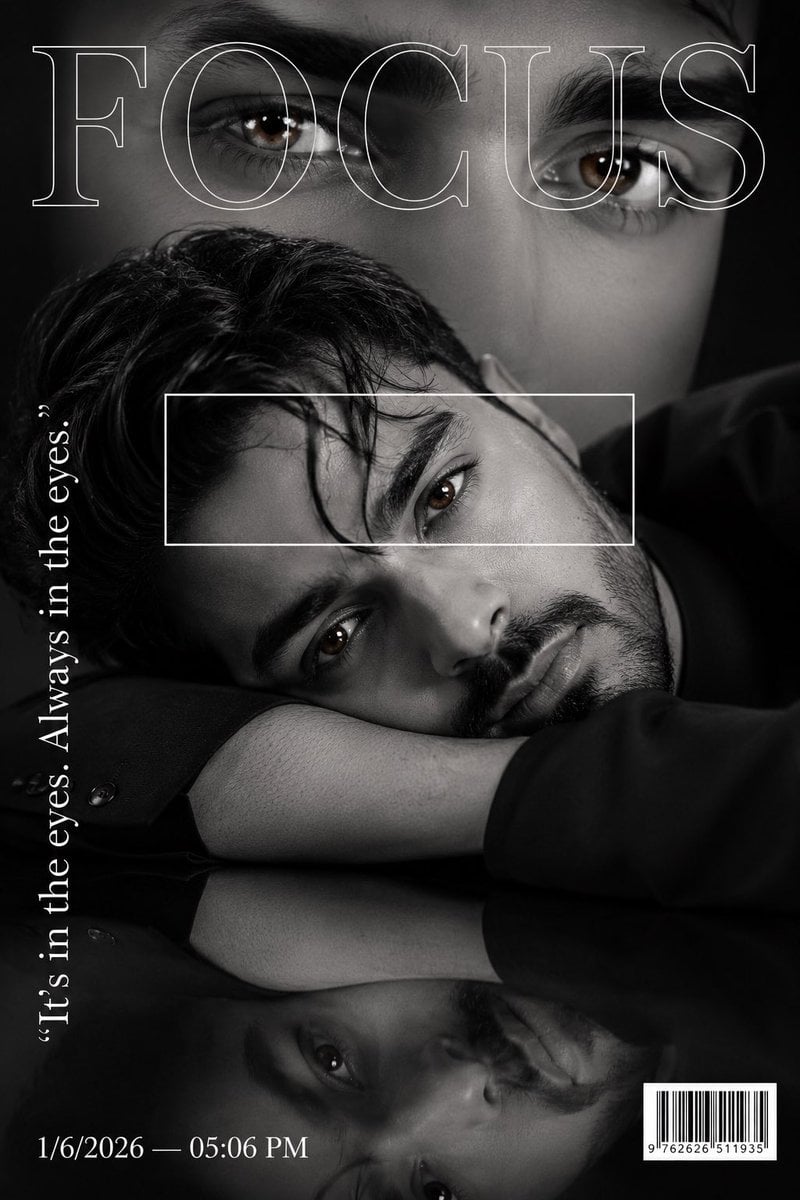
Luxury Fashion Magazine Cover Portrait

untitled

Ive Yujin Fashion Portrait in Blue

21 Glass Floor Skyscraper — California Series

03 Beverly Hills Convertible — California Series
Make it yours
High-Fashion Editorial Magazine Cover ICON works as-is. These are the safest ways to change it without losing the look.
Change one field
Copy a single group, rewrite it, and generate again so you can see what that field is doing.
Keep the frame, change the subject
Hold the composition and light of High-Fashion Editorial Magazine Cover ICON, then swap wardrobe, props or the person for a new take.
| If the result… | Why | Fix |
|---|---|---|
| The result drifts from the preview | Too many fields changed at once. | Reuse High-Fashion Editorial Magazine Cover ICON as-is first, then change one group — subject, light, or setting. |
| The model over-stylizes the scene | The prose prompt leaves finish and camera underspecified. | Add one camera or lighting sentence and stay on PicX Studio. |
More image prompts
Fresh picks from across the catalog.
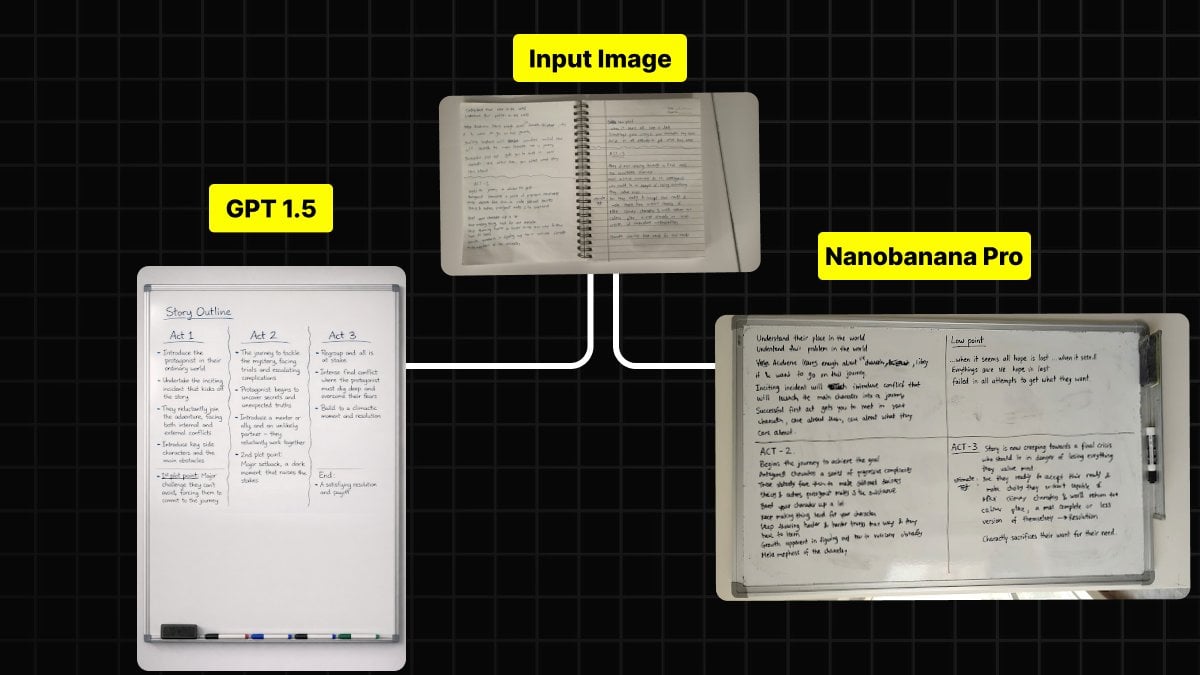
Handwritten Notes to Whiteboard Conversion Prompt
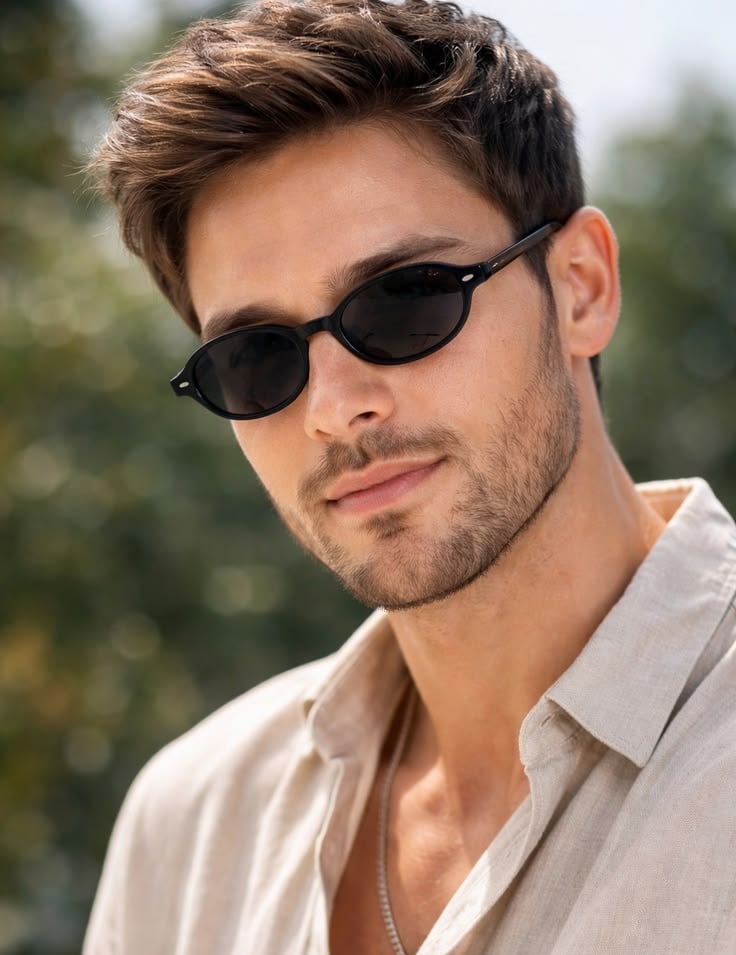
Golden Hour Male Fashion Portrait
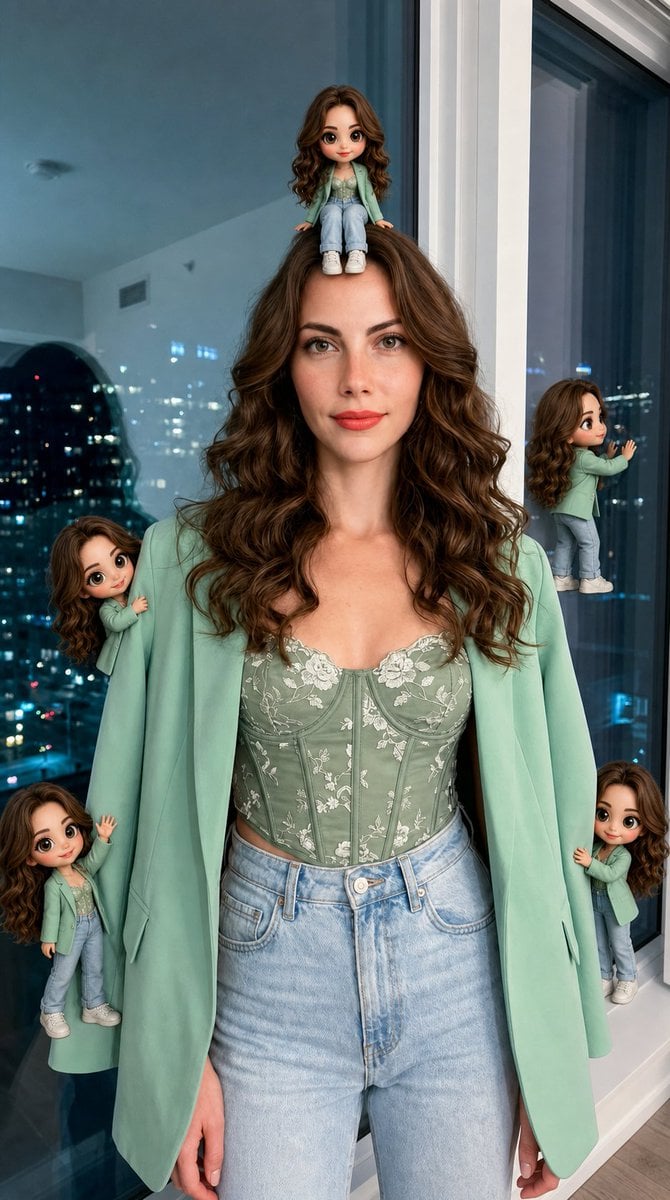
Hyper-Realistic Subject with Mini Chibi Clones
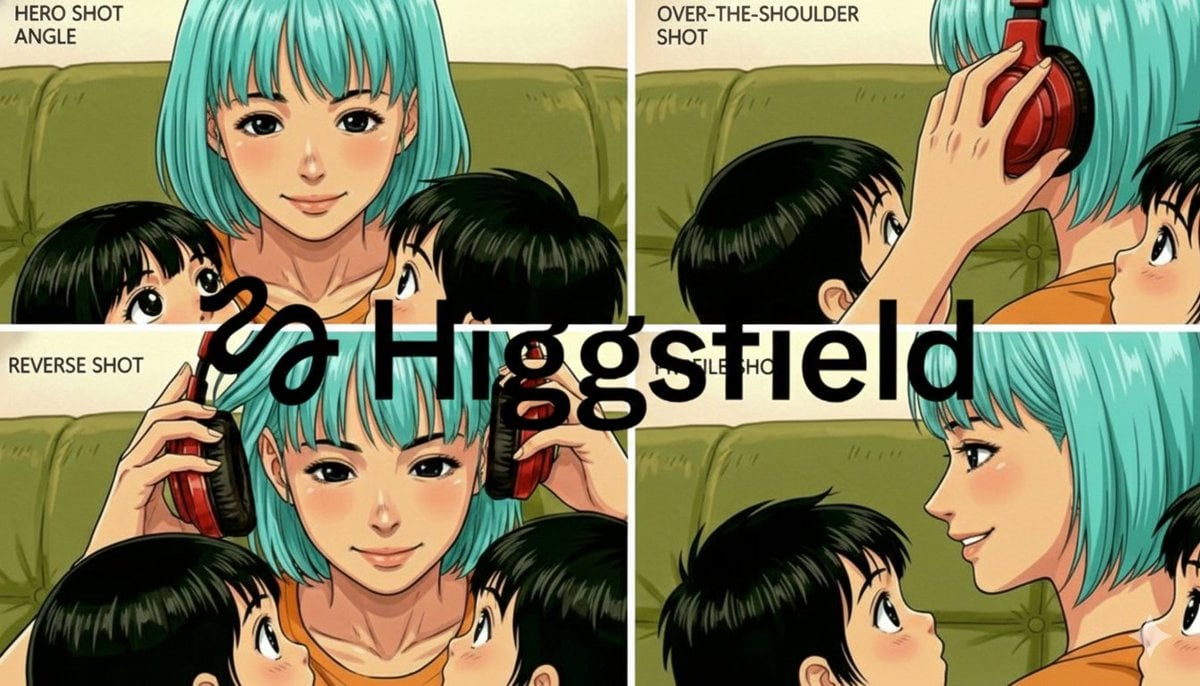
Grid of four camera angles from reference image
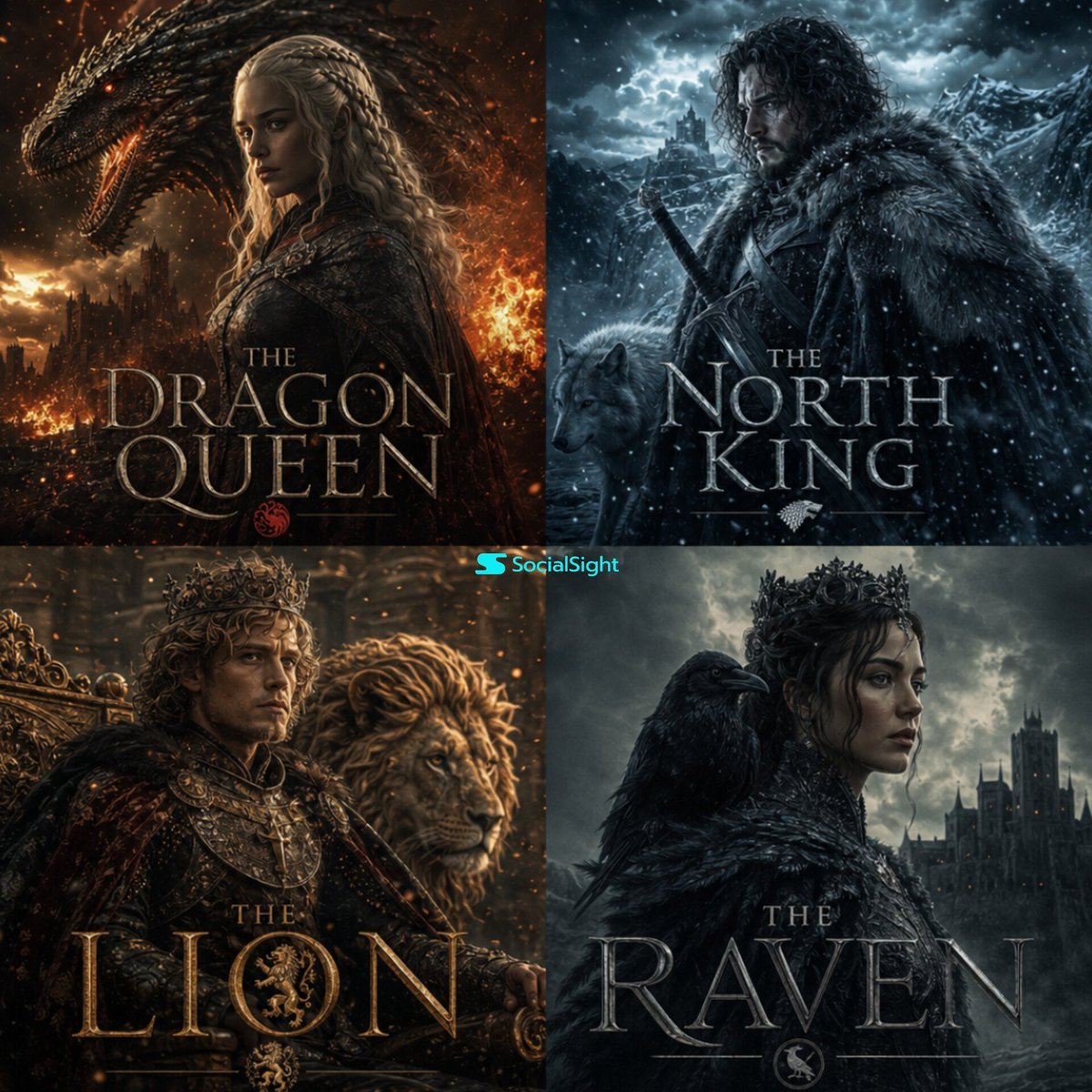
Cinematic Fantasy Character Poster Grid
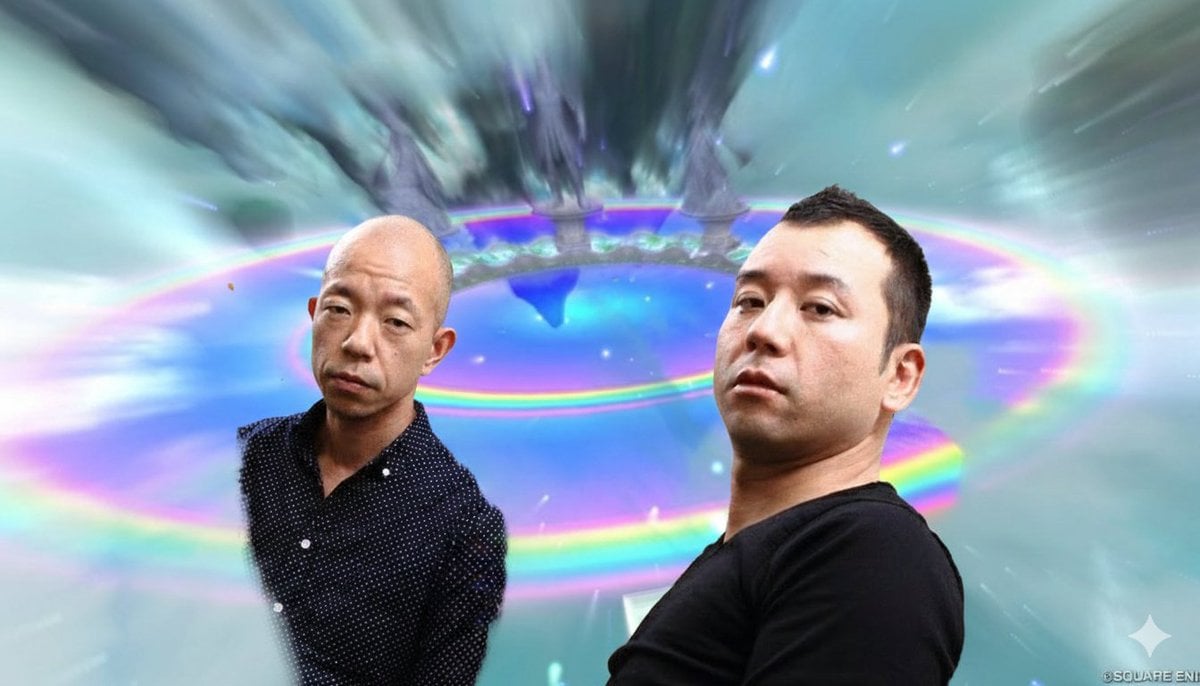
Image Style Transfer Prompt: Viking to Dragon Quest X 'Chamber of Vows'
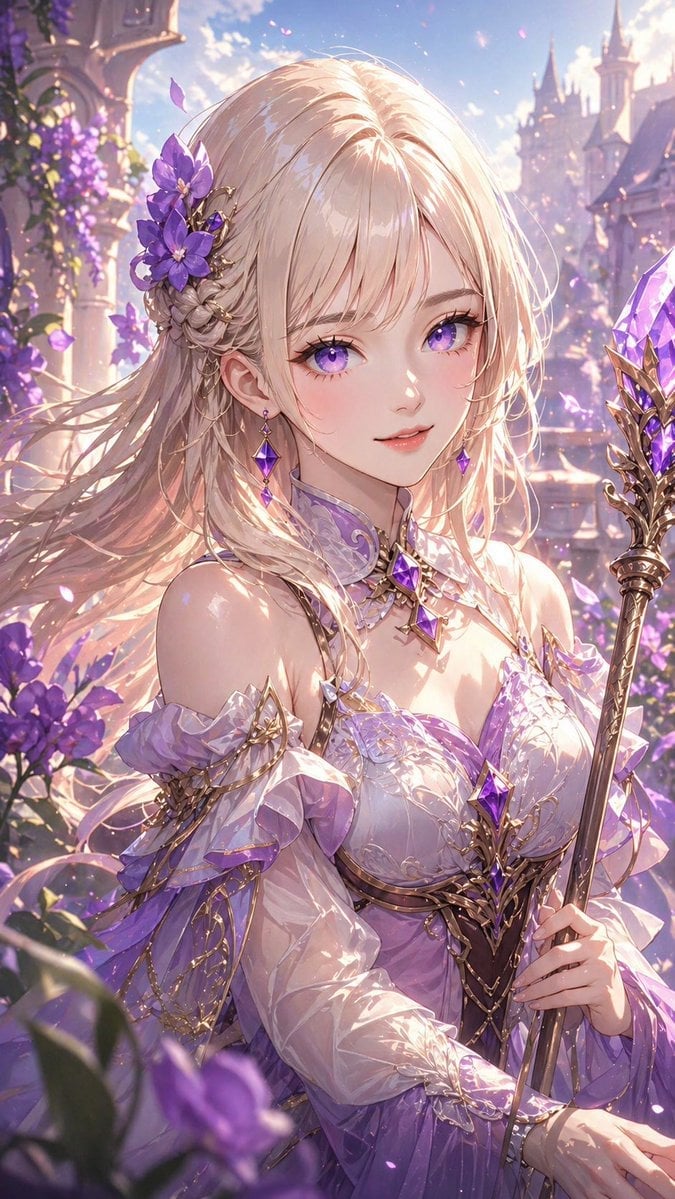
Lavender Fantasy Mage Portrait
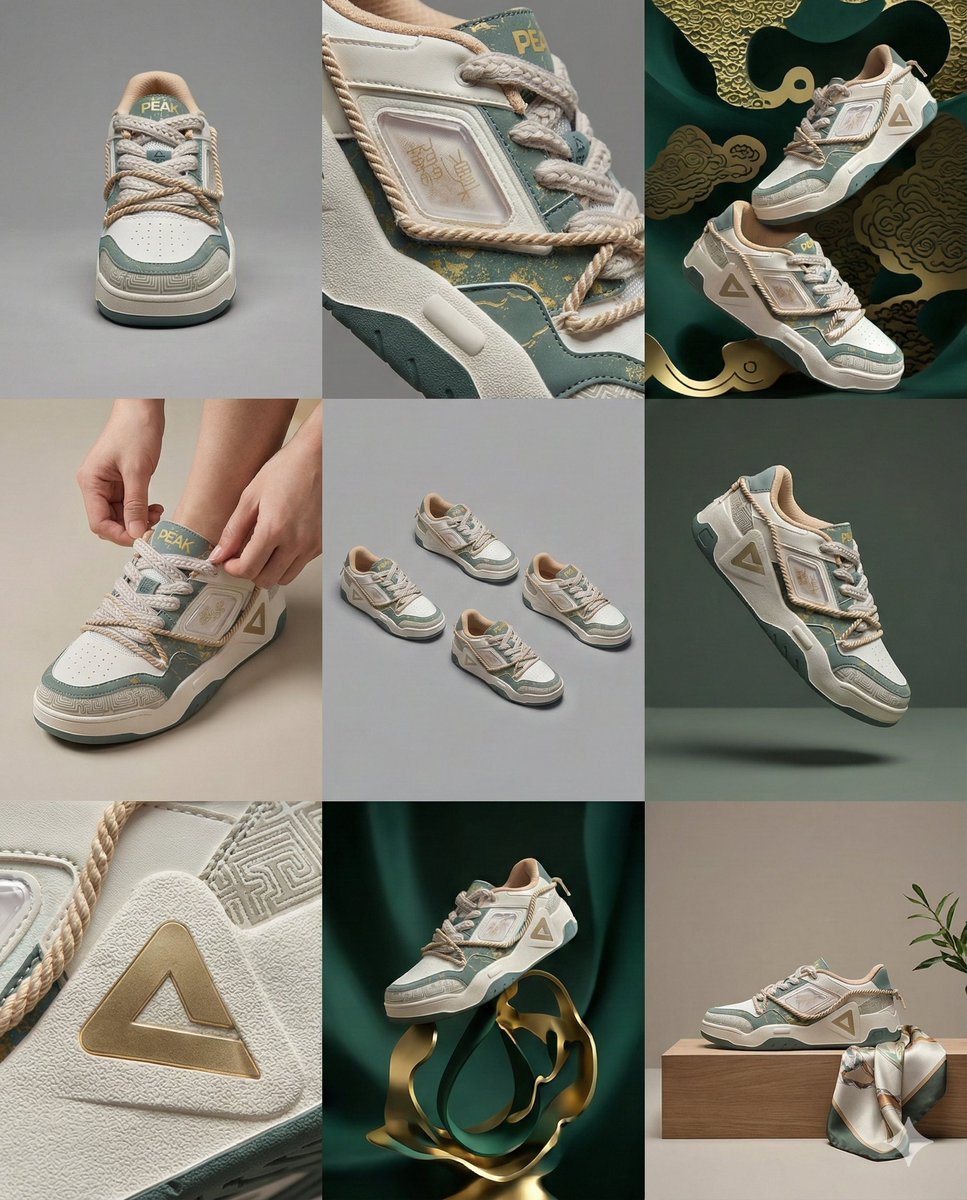
3x3 Visual Storyboard for Product Branding
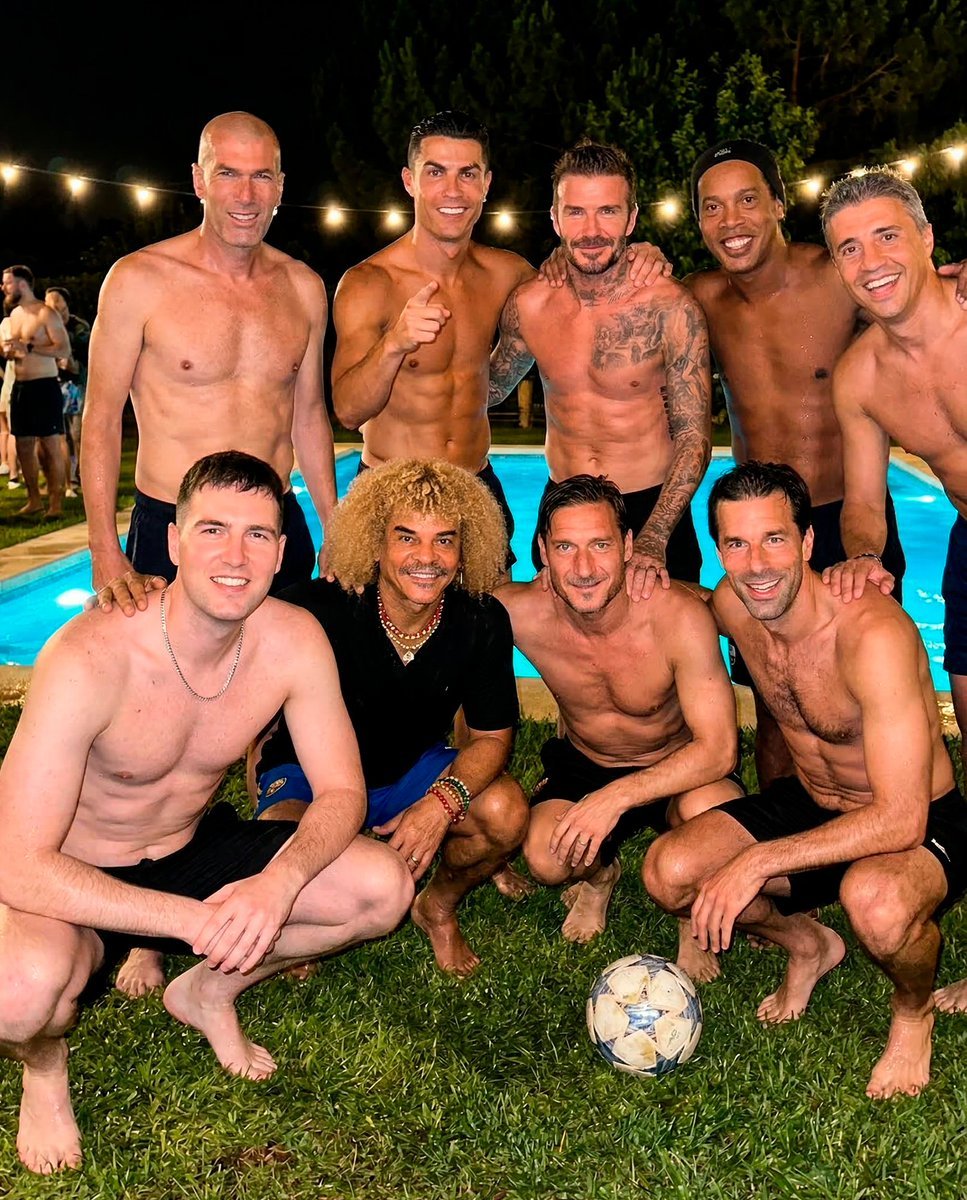
Legendary Football Photo That Never Happened
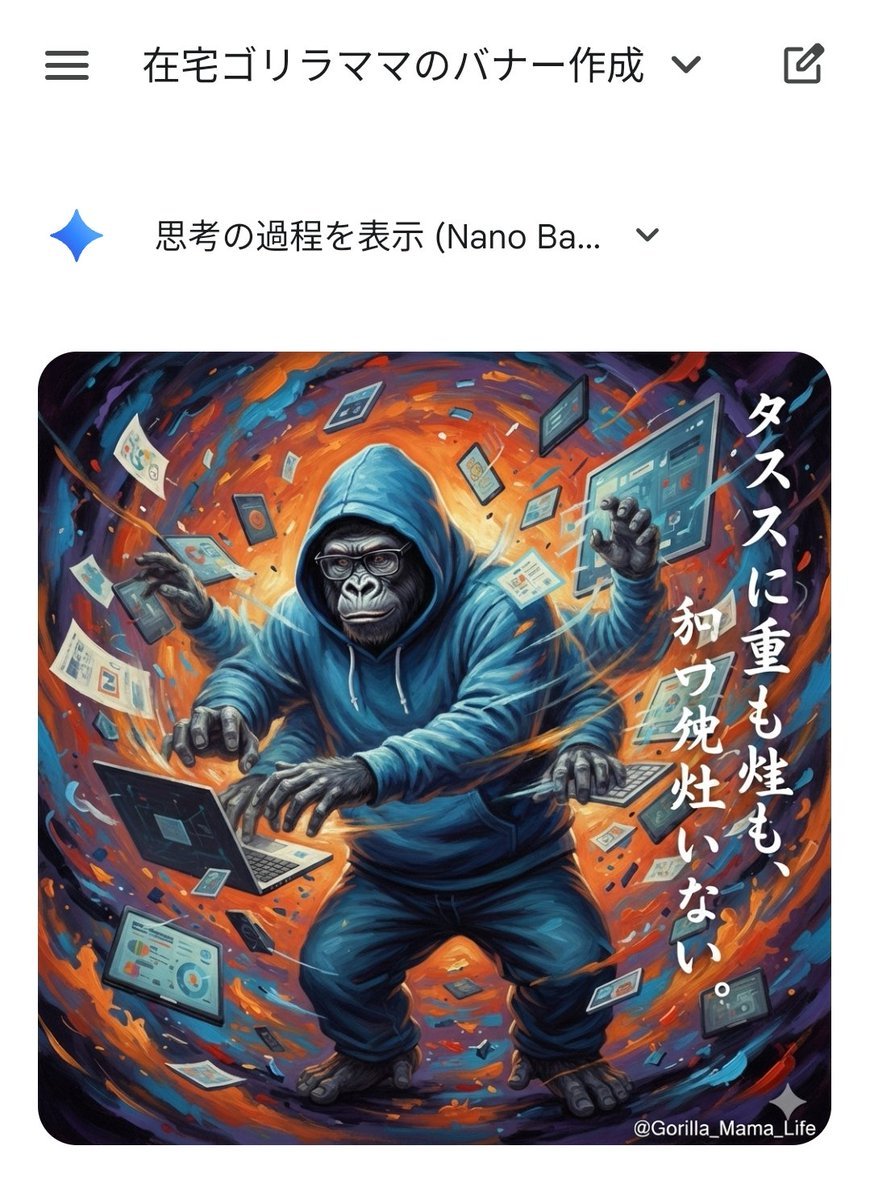
Prompting Tips for Nano Banana Pro (Japanese)
Browse template categories
High-Fashion Editorial Magazine Cover ICON questions
How do I use the High-Fashion Editorial Magazine Cover ICON template?
Add your photo if the template asks for one, edit the prompt if you like — the template's model and format are already selected — and press Generate. Your version opens in PicX Studio.
Can I customize the High-Fashion Editorial Magazine Cover ICON template?
Yes. You can change the subject, setting, lighting, mood, format, and available model controls before creating your image.
Is the High-Fashion Editorial Magazine Cover ICON template free?
Opening and editing this template is free. Generating uses credits, shown on the Generate button when you are signed in.
Which AI model should I use?
Choose a compatible model in PicX Studio based on the style, speed, and output controls your project needs.
Looking for something else? Browse all templates.

Your photo, any look
Thousands of ready templates for every top image and video model, from one credit balance.