How do I use the Lavender Fantasy Mage Portrait template?
Choose the primary action to open PicX Studio with the available template settings. Review the model and format, personalize the creative direction, and generate when ready.
This prompt generates a polished anime-style fantasy portrait of an elegant mage princess with glossy blonde hair, purple flowers, and ornate crystal attire, ideal for character art or magical illustration. Change the subject, setting, or lighting one variable at a time.
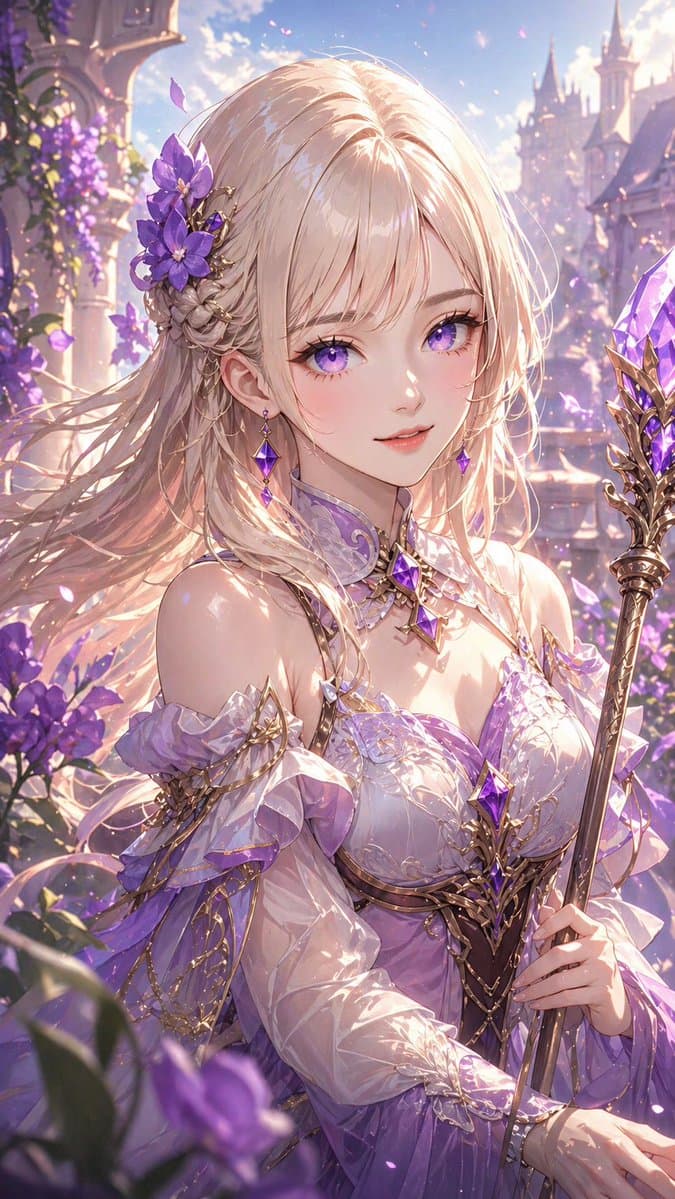
A highly detailed anime fantasy portrait of a beautiful young woman mage in a luminous flower garden at a castle. She is shown from about the waist up in a vertical composition, holding an ornate staff topped with a large faceted purple crystal in her right hand. Her face is obscured, but the rest of her design is elegant and refined. She has {argument name="hair color" default="platinum blonde"} hair, long and silky with a smooth glossy finish, soft flowing strands, delicate highlights, and no frizz or messy dryness; the hair is partially braided on one side and decorated with 3 large purple flowers and fine gold filigree hair ornaments. She wears a {argument name="dress color" default="lavender and white"} fantasy gown with off-shoulder ruffled sleeves, translucent fabric, layered chiffon, intricate gold trim, embroidered details, and 3 visible purple gemstones set into the outfit and jewelry at the collar, chest, and waist. Add a jeweled choker-like collar and elegant arm details with gold chains. The background is a dreamy palace courtyard with purple blossoms, flowering vines, stone arches, and distant castle spires, filled with glowing particles and drifting petals. Use strong warm backlighting mixed with soft pastel ambient light, sparkling highlights, rim light through the hair, ethereal bloom, and a romantic magical atmosphere. Color palette focused on lavender, violet, soft pink, pearl white, and gold. Ultra-detailed, polished anime illustration, delicate linework, glossy fabric reflections, cinematic depth of field, premium fantasy card art aesthetic.
Choose the primary action to open PicX Studio with the available template settings. Review the model and format, personalize the creative direction, and generate when ready.
Yes. You can change the subject, setting, lighting, mood, format, and available model controls before creating your image.
This template is free to open and customize. Generation usage is shown in PicX Studio before you create.
Start with GPT Image 2, which is the model associated with this template. You can compare another compatible model for a different finish.
© 2026 PicX Studio. All rights reserved.

Follow a topic to a crawlable collection of related PicX Studio templates.
43,474 public templates available. Verified via the PicX Studio public templates API; refreshed hourly.
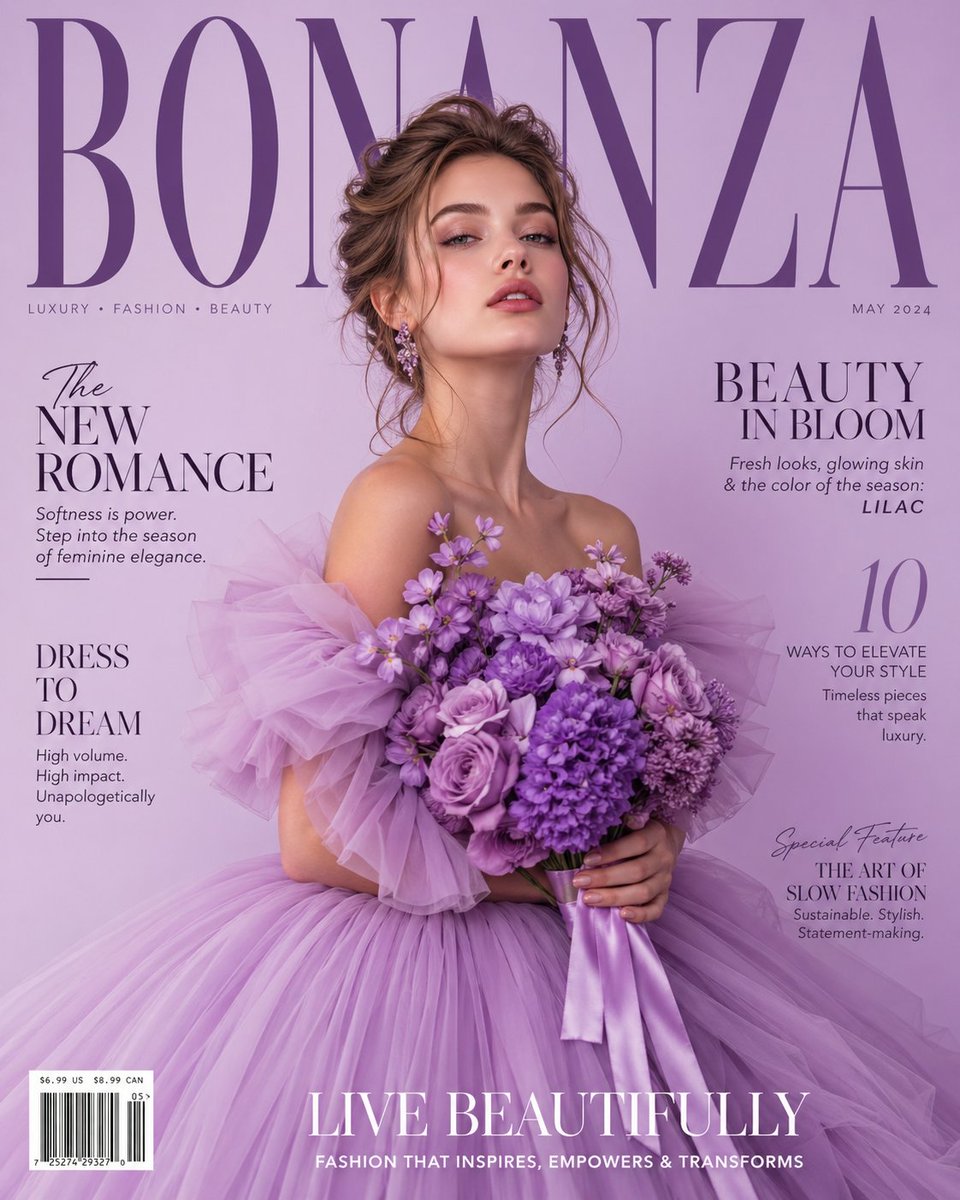



![118-google-nano-banana-pro-skincare-product- — A professional skincare shot of a [product container] with [cap/lid], labeled [brand, product, descriptor, volume](/_next/image?url=https%3A%2F%2Fcdn.picxstudio.com%2Fuploads%2Fpost118_img0_332898b8-29ea-42a9-87ab-9ed746a3f944.jpg&w=828&q=100)

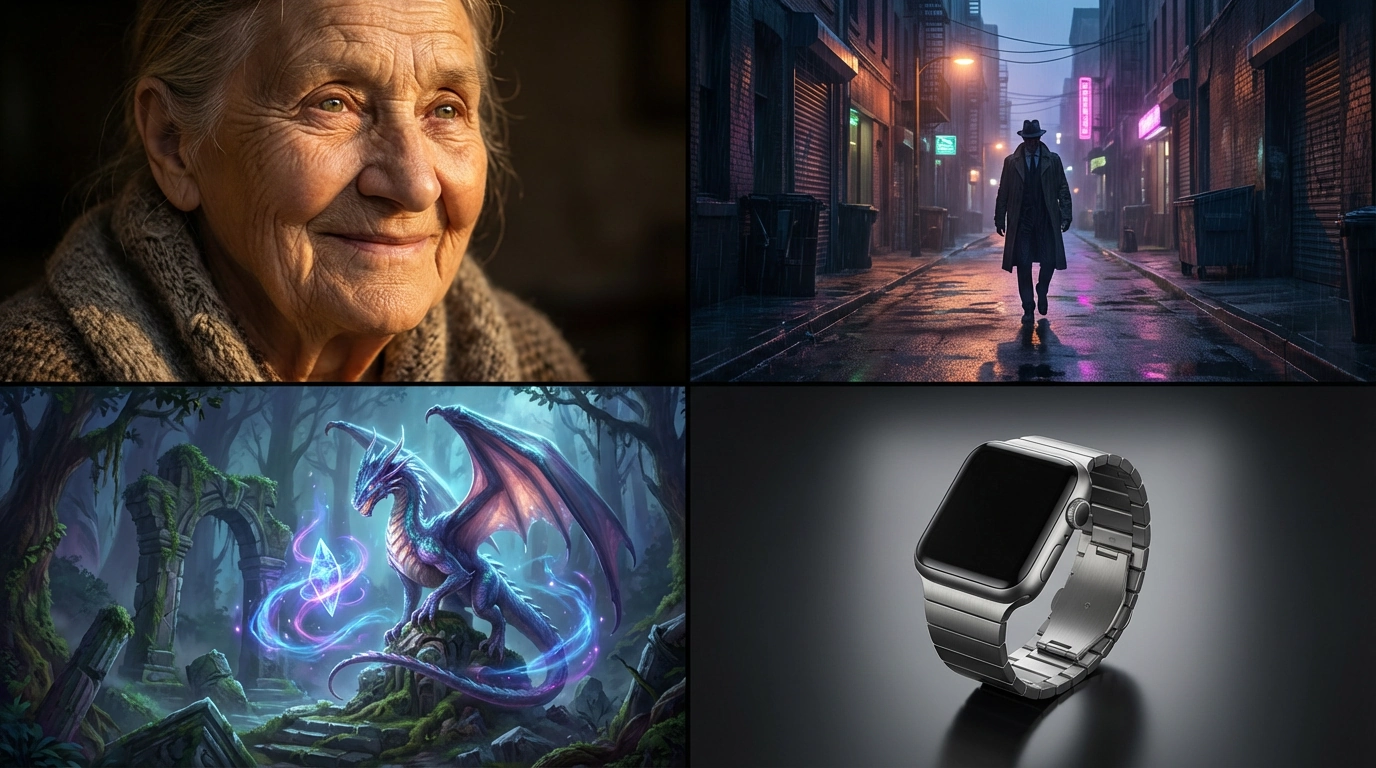


![69-untitled — FORMAT: 15s / 145 BPM / 14 SHOTS
SUBJECT: @[image1]
WARDROBE: Clean modern outfit
ENVIRONMENT: Street / indoor transitions
MOOD: Discovery → contr](/_next/image?url=https%3A%2F%2Fcdn.picxstudio.com%2Fuploads%2Fpost69_img0_d45faecf-38c3-4bcb-81a4-f6eb1cf42bb2.jpg&w=828&q=100)












![Minimalist Flat Vector Travel Poster — Premium minimalist flat-vector travel poster for {argument name="city name" default="[CITY_NAME]"}, 3:4 vertical format.](https://cms-assets.youmind.com/media/1787917359711_3ug846_HQX205cbMAA6F6S-300x400.jpg)
































![Aesthetic 3D Crystal Figurine Prompt Template — 3D render of {argument name="subject" default="[Insert Characters or Subject]"} as stylized transluc…](https://pbs.twimg.com/media/G9_xNBlboAAHoNr.jpg)