
Futuristic Aquarium Mermaid Scene
A cinematic prompt that generates a scene of a mermaid-like performer swimming gracefully in a modern, futuristic aquarium, styled like a television documentary shot.
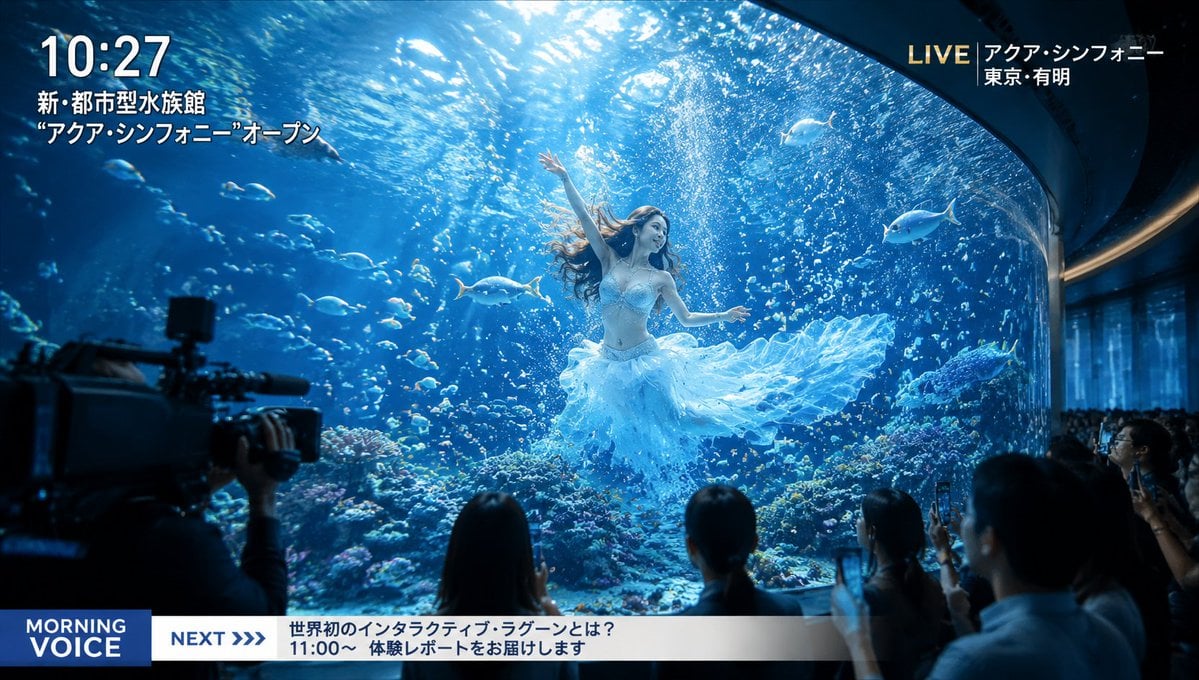
- Prompt included
- Model and format preset
- Free template
The prompt behind this image
Copy the exact prompt behind Futuristic Aquarium Mermaid Scene, or open it in the studio and make it yours.
A scene shot like TV-program coverage footage of a newly opened {argument name="location" default="beautiful, futuristic aquarium"}. A huge main tank sits at the center of the frame; clear blue water, streaming light, schools of tropical fish, and shimmering bubbles create a fantastical atmosphere. Inside that large tank, a {argument name="person" default="beautiful girl"} swims gracefully, like a mermaid performer. Her hair drifts softly underwater, and her outfit is an elegant, light design based on white and pale blue. Her expression is calm and mysterious. Even seen through the glass, it's extremely striking — with the feel of a memorable scene caught by chance on a TV broadcast. Cinematic, high detail, beautiful reflections, a fantastical, high-quality image, leaning realistic, a striking composition.
How to use Futuristic Aquarium Mermaid Scene in 3 steps
- 1
Open
The prompt is already in the box next to the preview, with the template's model and format selected.
- 2…a portrait of your subject in softgolden-hour light, 85mm…
Personalize
Edit the subject and creative details for your destination.
- 3Generate
Generate
Press Generate — your image is created in PicX Studio, so you can compare it with the original and refine one variable at a time.
More like this
Templates with the same subject, style or setup. Open one to see its prompt.

Futuristic Chrome Helmet Fashion Portrait

Futuristic Studio Neon Ring Minimalist Portrait
Futuristic Chrome Helmet Fashion Portrait
Futuristic Studio Neon Ring Minimalist Portrait

Black Liquid Cyberpunk Portrait Poster

Cyberpunk Neon Brazil World Cup Poster

Playful Futuristic Brand Kit Board
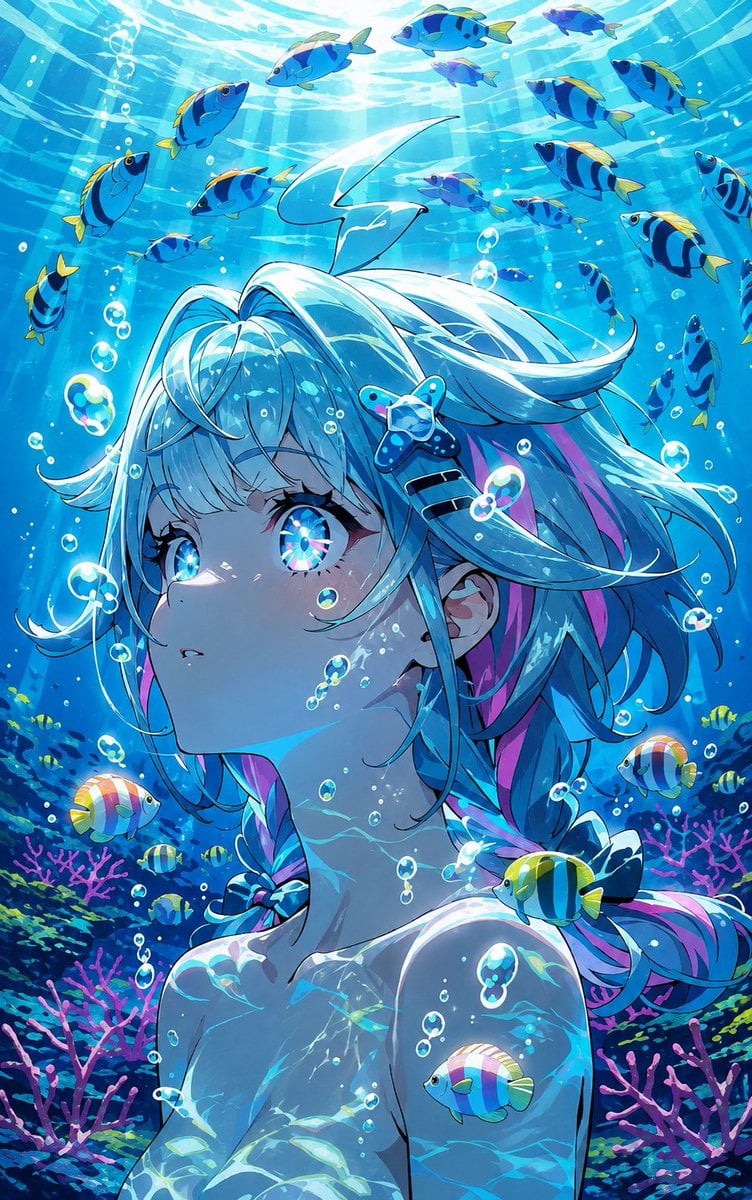
Underwater Anime Mermaid Portrait
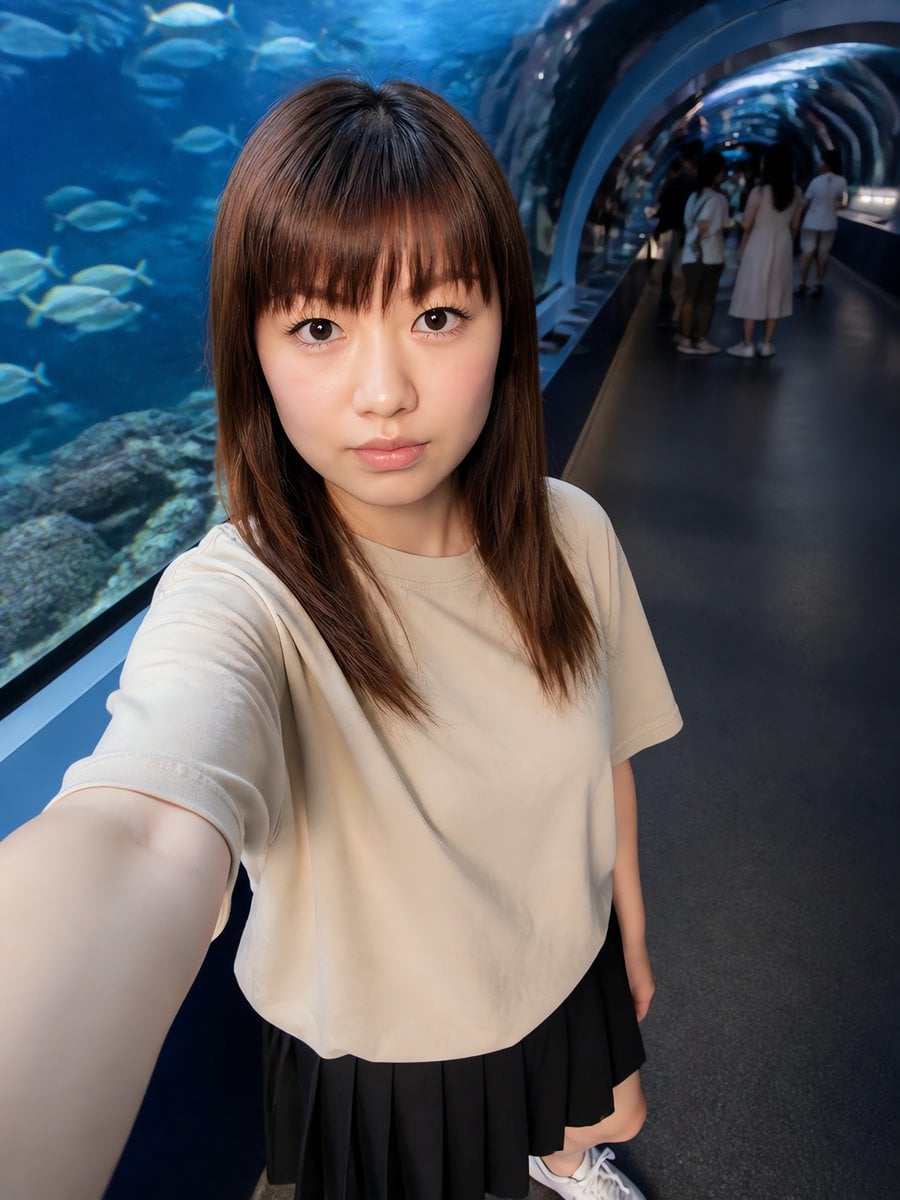
Aquarium Tunnel Selfie Photography
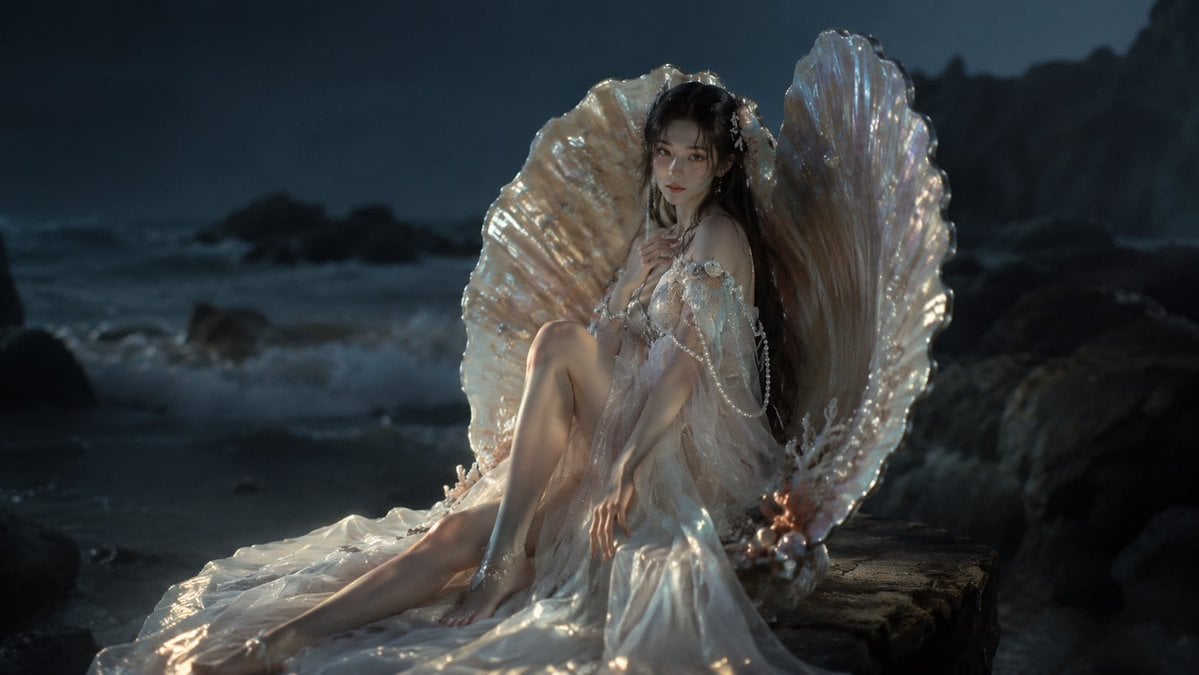
Moonlit Mermaid Shell Portrait
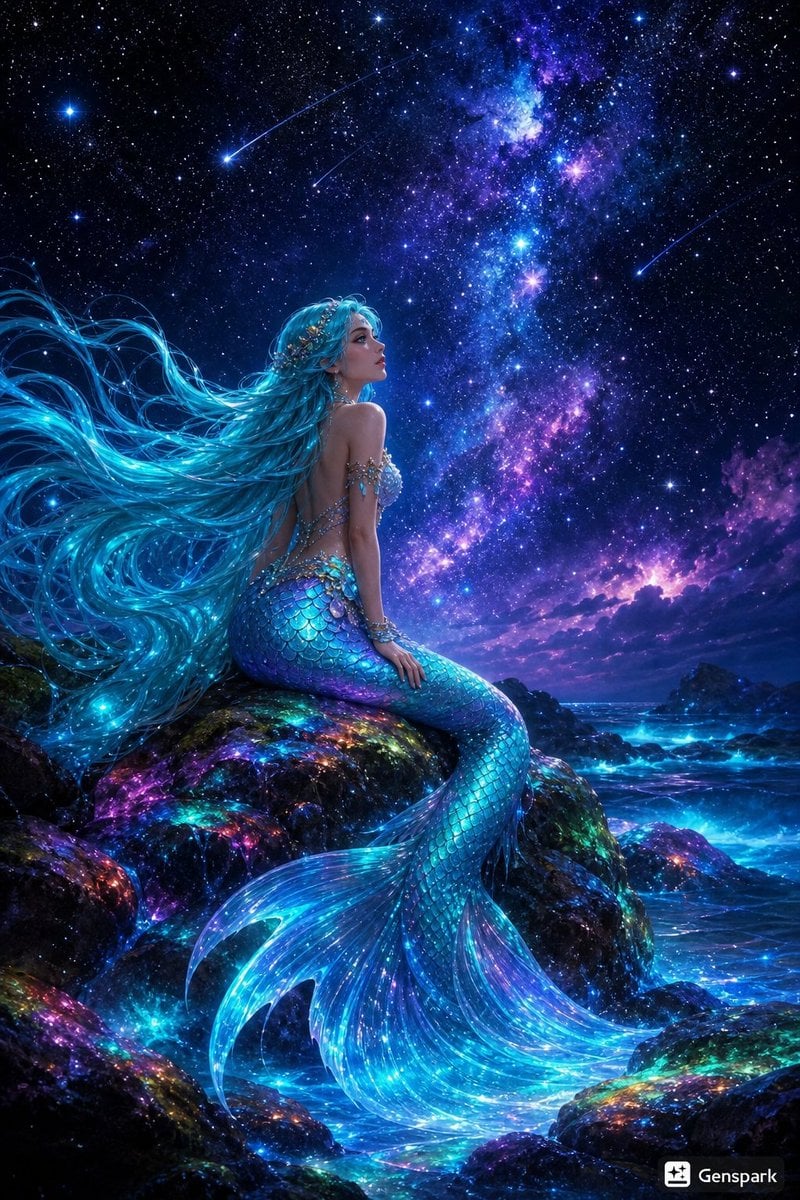
Starry Night Mermaid on Rainbow Reef
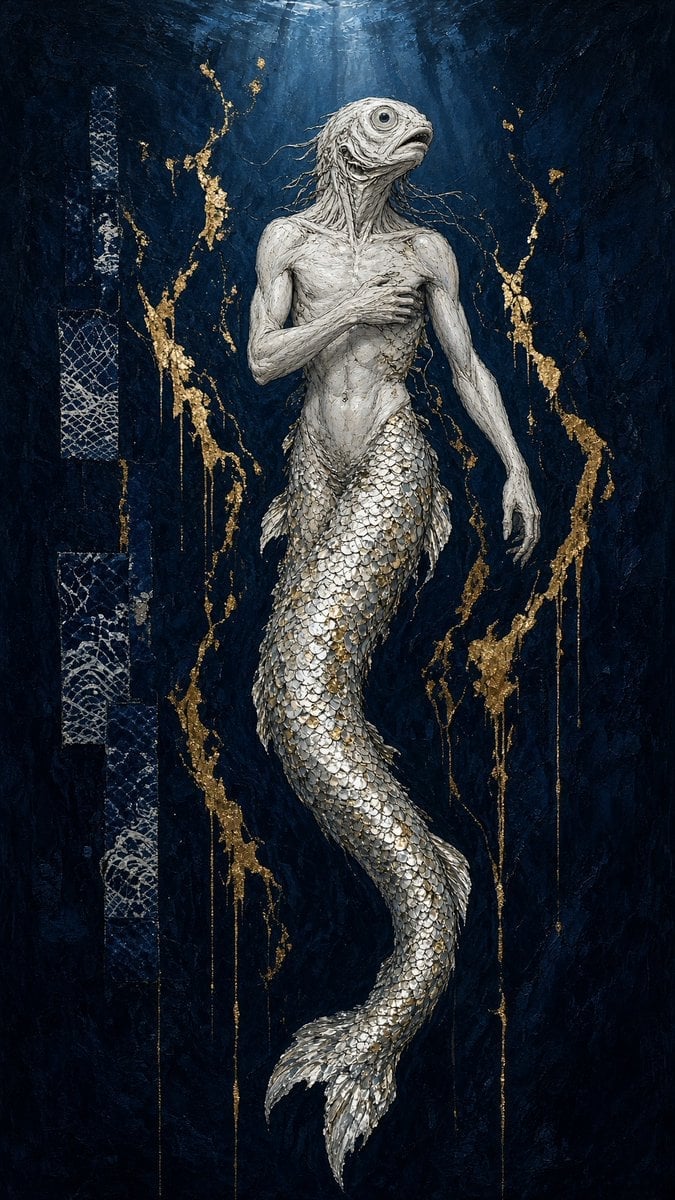
Dark Fantasy Fish-Headed Mermaid
Make it yours
Futuristic Aquarium Mermaid Scene works as-is. These are the safest ways to change it without losing the look.
Change one field
Copy a single group, rewrite it, and generate again so you can see what that field is doing.
Keep the frame, change the subject
Hold the composition and light of Futuristic Aquarium Mermaid Scene, then swap wardrobe, props or the person for a new take.
| If the result… | Why | Fix |
|---|---|---|
| The result drifts from the preview | Too many fields changed at once. | Reuse Futuristic Aquarium Mermaid Scene as-is first, then change one group — subject, light, or setting. |
| The model over-stylizes the scene | The prose prompt leaves finish and camera underspecified. | Add one camera or lighting sentence and stay on GPT Image 2. |
More GPT Image 2 templates
Other prompts made for GPT Image 2.

Six VTuber Japanese Logo Sheet

Realistic Portrait of Woman and Deer

The Vista Modular Condo Poster

AI Model Routing Comparison Infographic

2.5D Anime Art Board

Isometric Productivity Desk Scene

New York Double Exposure Poster

Four-Panel AI Landscape Comparison

Japanese Tatami Lifestyle Magazine Cover

NESCAFÉ Coffee Map Poster
More image prompts
Fresh picks from across the catalog.

untitled
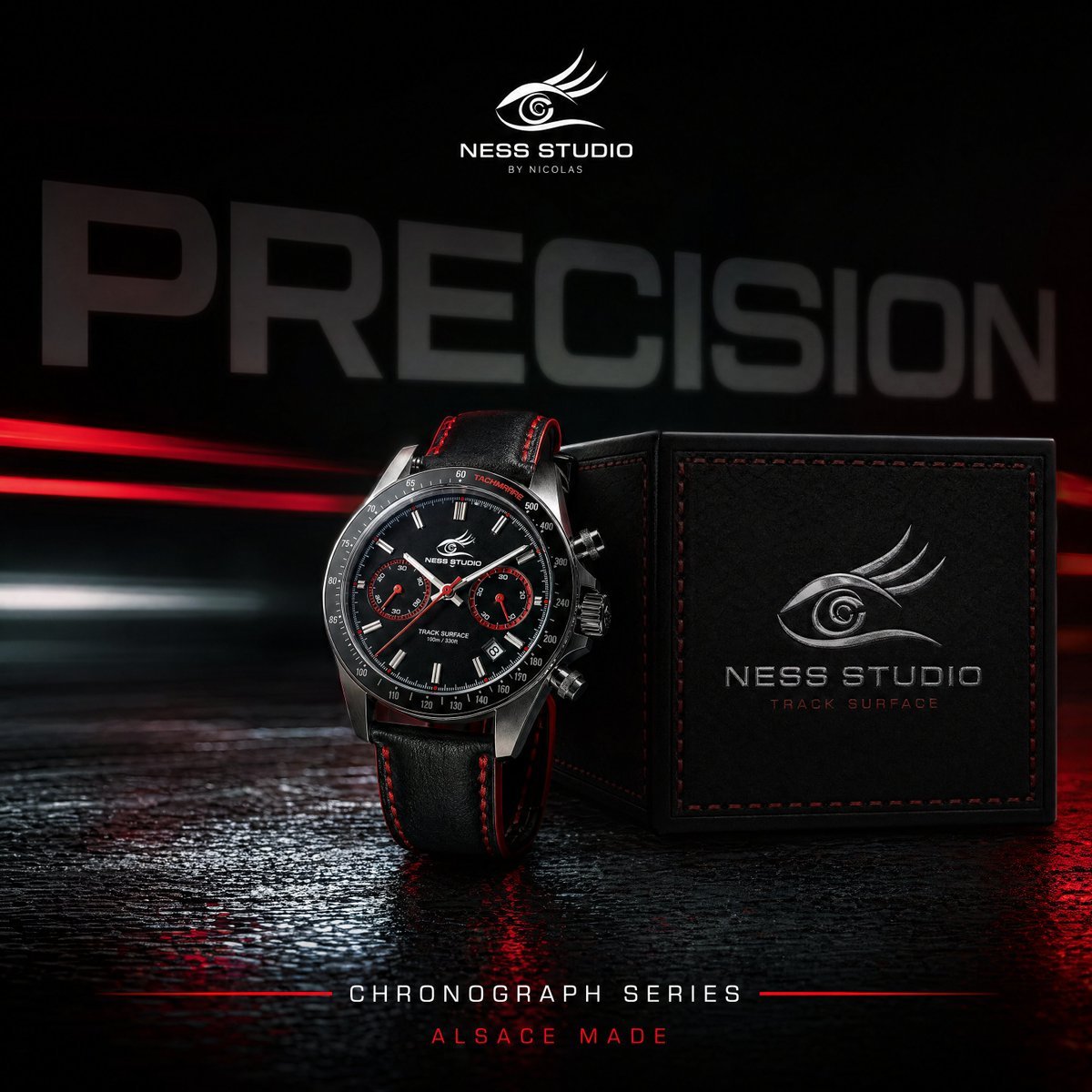
Gpt2 Product Marketing Luxury Chronograph Watch Ad
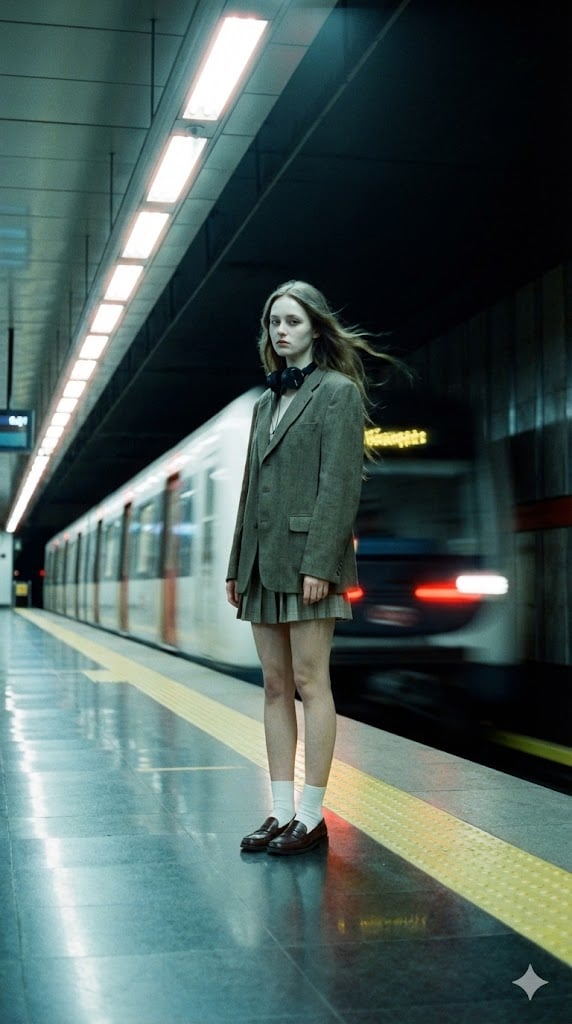
Long-Exposure Subway Fashion Prompt

Ukiyo-e Style Image Generation in the style of Sharaku

untitled

Adding Imperfections to AI Images for Realism

Anime Dojo Shuriken Kick

Pixar Style Identity Preservation
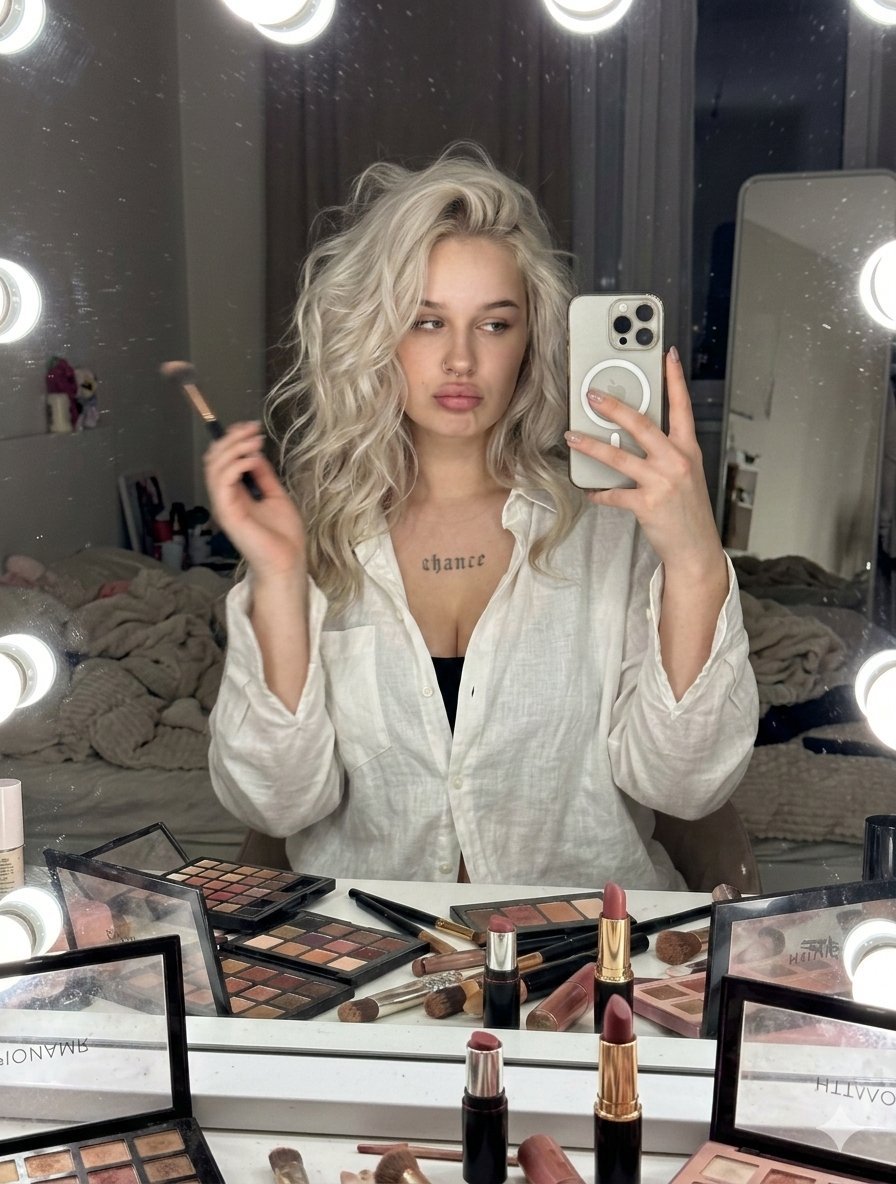
Raw iPhone Candid Vanity Mirror Selfie
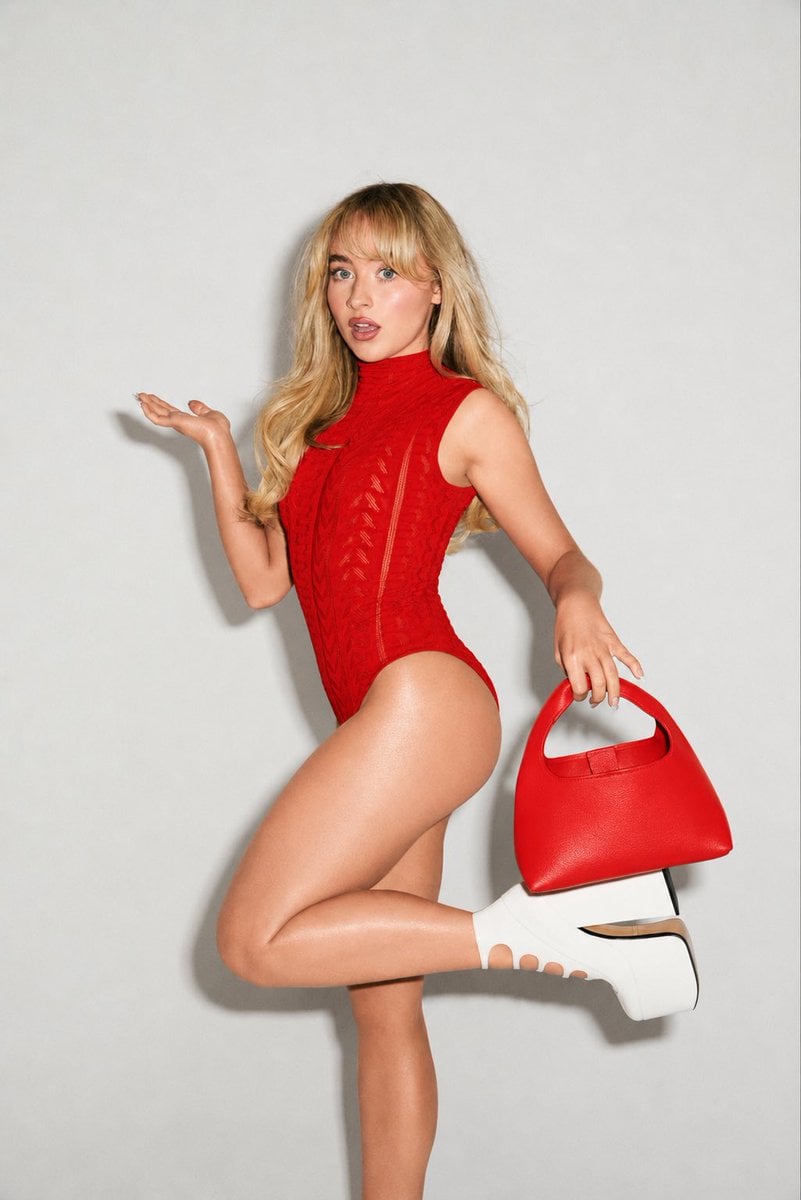
High-Fashion Editorial Portrait Edit
Browse template categories
Futuristic Aquarium Mermaid Scene questions
How do I use the Futuristic Aquarium Mermaid Scene template?
Add your photo if the template asks for one, edit the prompt if you like — the template's model and format are already selected — and press Generate. Your version opens in PicX Studio.
Can I customize the Futuristic Aquarium Mermaid Scene template?
Yes. You can change the subject, setting, lighting, mood, format, and available model controls before creating your image.
Is the Futuristic Aquarium Mermaid Scene template free?
Opening and editing this template is free. Generating uses credits, shown on the Generate button when you are signed in.
Which AI model should I use?
Start with GPT Image 2, which is the model associated with this template. You can compare another compatible model for a different finish.
Looking for something else? Browse all templates.

Your photo, any look
Thousands of ready templates for every top image and video model, from one credit balance.