
Anime Dojo Shuriken Kick
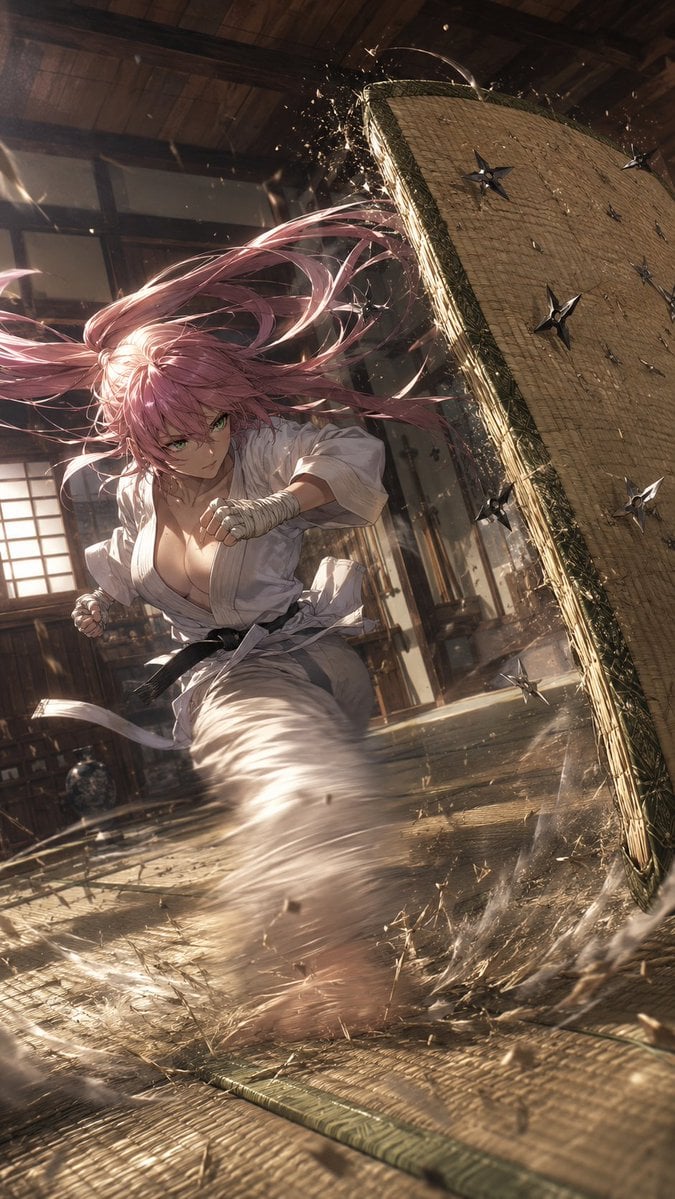
A cinematic anime action scene of a pink-haired martial artist launching a spinning kick at a shuriken-covered tatami target in a traditional dojo.
- Prompt included
- Model and format preset
- Free template
The prompt behind this image
Copy the exact prompt behind Anime Dojo Shuriken Kick, or open it in the studio and make it yours.
Create a dramatic vertical anime action illustration of {argument name="character description" default="a fierce young female martial artist with very long flowing pink hair and green eyes"} inside {argument name="setting" default="a traditional Japanese wooden dojo with tatami floors, shoji windows, rafters, and warm dusty sunlight"}. She is lunging forward low to the ground in a powerful spinning kick, wearing {argument name="outfit" default="a loose white karate gi with a black belt, wrapped fists, and a slightly open collar"}; her hair streams wildly across the frame in long ribbon-like strands. On the right side, a large rectangular straw tatami target mat is tilted upright at a steep angle, its edge bursting with splinters and straw debris from impact. Show exactly ten visible metal shuriken: eight embedded in the upright tatami target at different heights and angles, and two still flying through the air near the character. Emphasize speed with circular motion blur around her extended kicking leg, dust clouds, flying straw fragments, sparks, and dynamic diagonal composition. Use {argument name="visual style" default="high-detail cinematic anime, semi-realistic rendering, sharp linework, volumetric lighting, shallow depth of field"}. The mood should feel like {argument name="mood" default="an intense ninja training strike captured at the exact moment of impact"}. No text, no watermark, no extra characters.
How to use Anime Dojo Shuriken Kick in 3 steps
- 1Upload ImagePNG, JPG or paste
Add your photo
Upload the photo the template builds on. The prompt, model and format are already set.
- 2…a portrait of your subject in softgolden-hour light, 85mm…
Personalize
Edit the subject and creative details for your destination.
- 3Generate
Generate
Press Generate — your image is created in PicX Studio, so you can compare it with the original and refine one variable at a time.
More like this
Templates with the same subject, style or setup. Open one to see its prompt.












Make it yours
Anime Dojo Shuriken Kick works as-is. These are the safest ways to change it without losing the look.
Change one field
Copy a single group, rewrite it, and generate again so you can see what that field is doing.
Keep the frame, change the subject
Hold the composition and light of Anime Dojo Shuriken Kick, then swap wardrobe, props or the person for a new take.
| If the result… | Why | Fix |
|---|---|---|
| The result drifts from the preview | Too many fields changed at once. | Reuse Anime Dojo Shuriken Kick as-is first, then change one group — subject, light, or setting. |
| The model over-stylizes the scene | The prose prompt leaves finish and camera underspecified. | Add one camera or lighting sentence and stay on GPT Image 2. |
More GPT Image 2 templates
Other prompts made for GPT Image 2.

Six VTuber Japanese Logo Sheet

Realistic Portrait of Woman and Deer

The Vista Modular Condo Poster

AI Model Routing Comparison Infographic

2.5D Anime Art Board

Isometric Productivity Desk Scene

New York Double Exposure Poster

Four-Panel AI Landscape Comparison

Japanese Tatami Lifestyle Magazine Cover

NESCAFÉ Coffee Map Poster
More image prompts
Fresh picks from across the catalog.
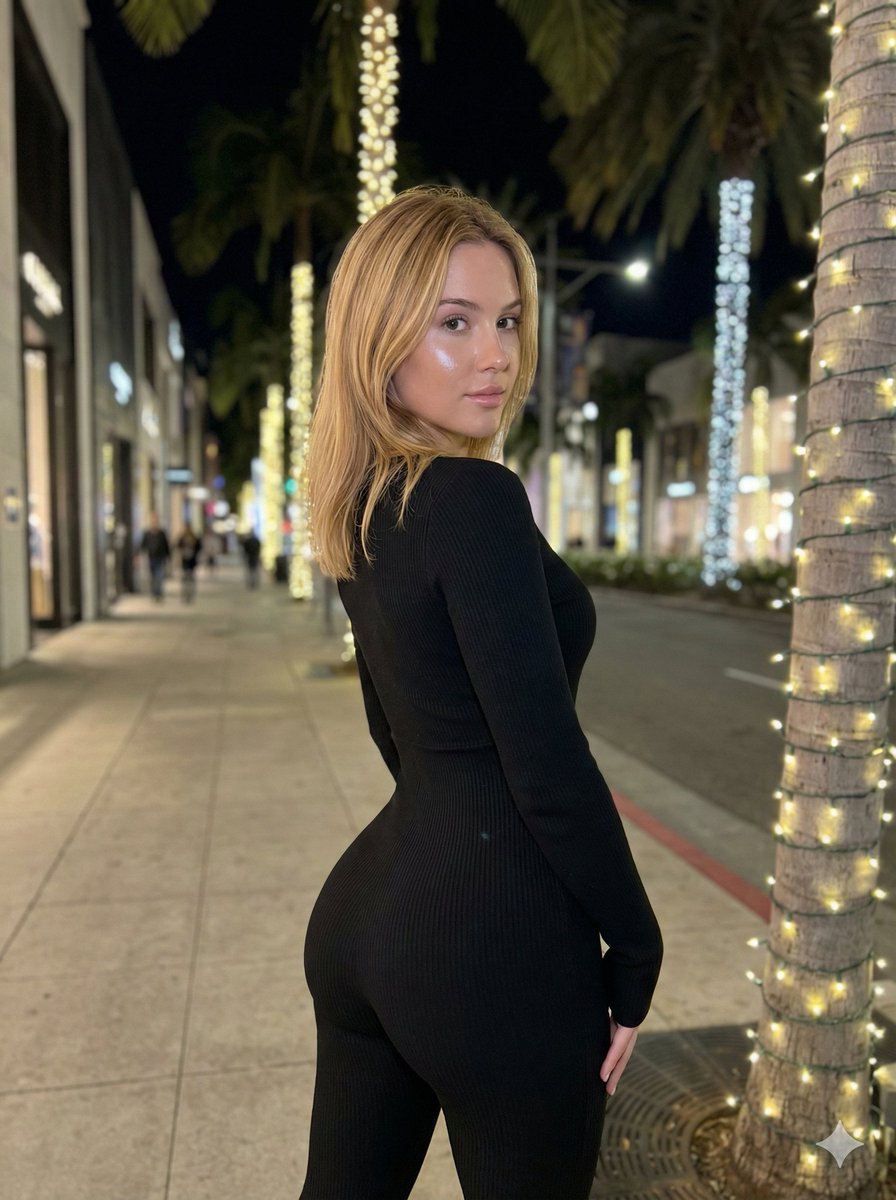
Hyper-Realistic Rear-Oblique Pose Replication Prompt
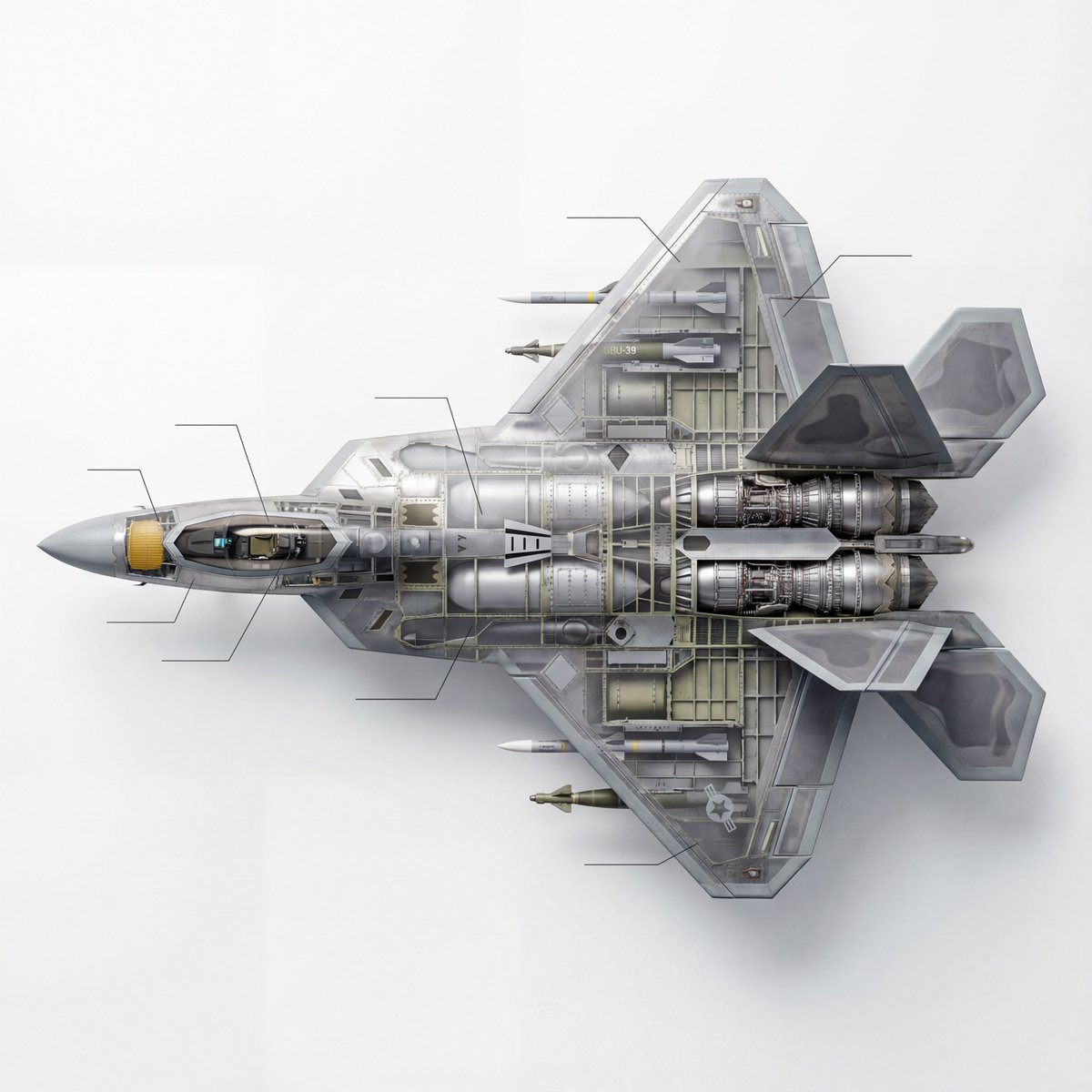
Cutaway infographic of a 5th generation stealth fighter jet
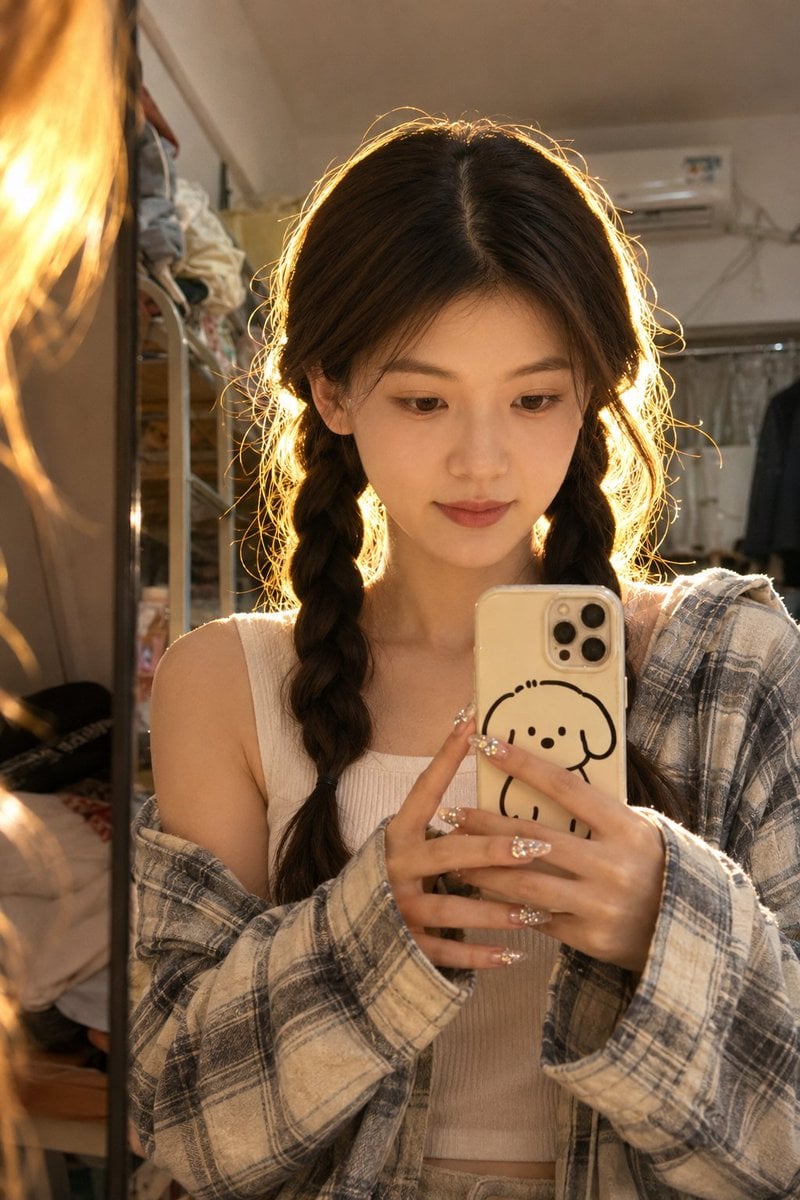
Dorm Mirror Selfie Identity Reference
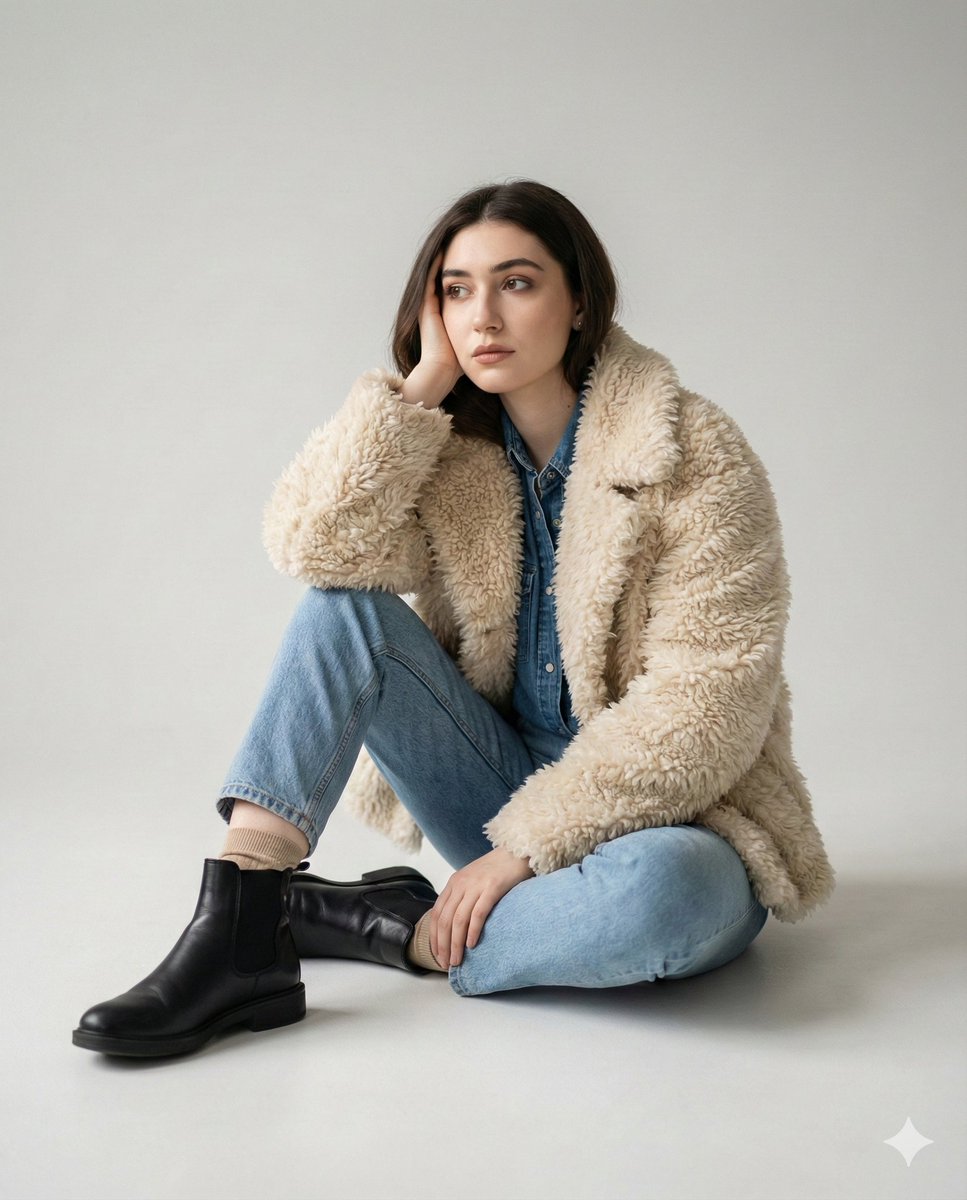
Editorial denim portrait preserving face identity
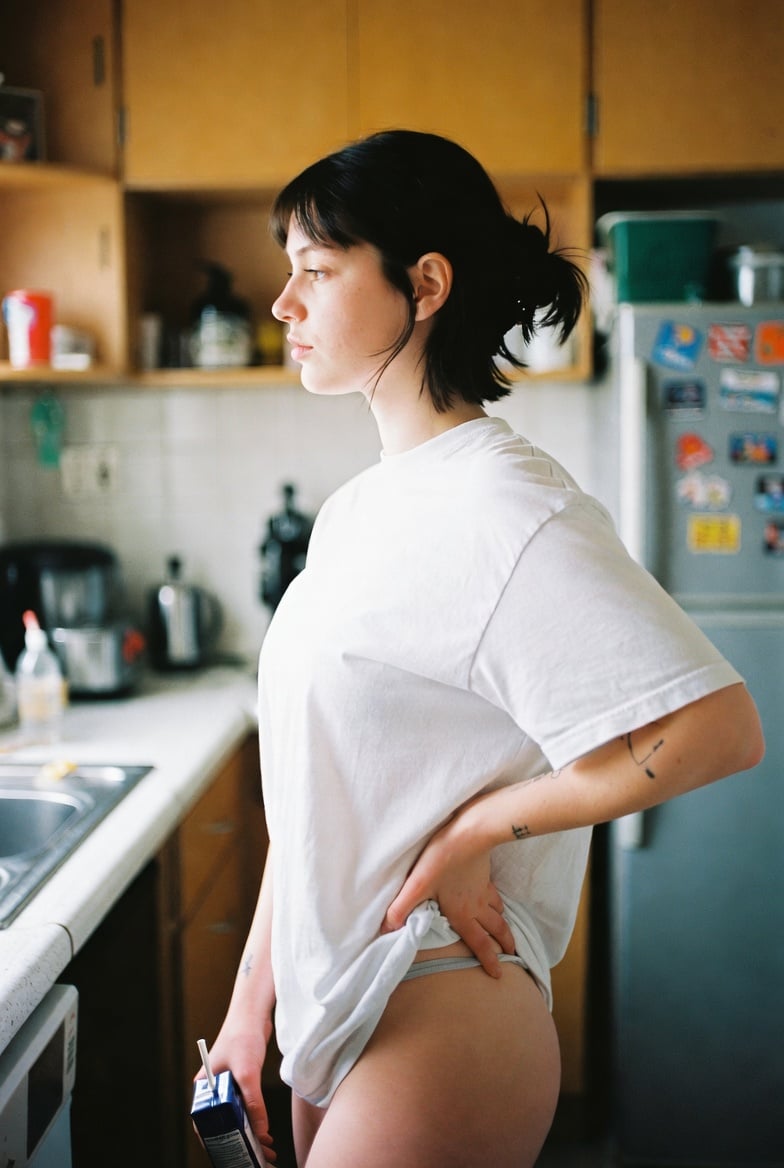
Candid Kitchen Lifestyle Photo
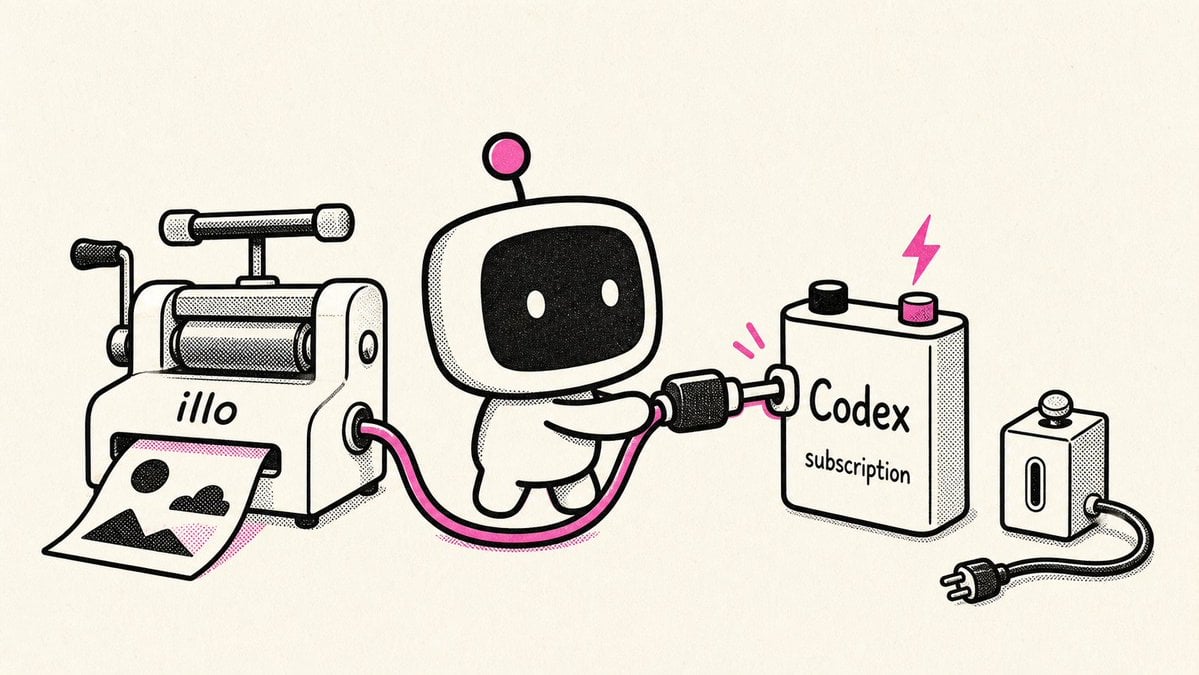
Retro Robot Powering Illo with Codex
Swat Takedown Seedance 2 0 Cinematic
Fashion Editorial Portrait with Facial Consistency
Realistic Ancient Chinese Street Scene
Cinematic Video Prompt for Woman Baking
Browse template categories
Anime Dojo Shuriken Kick questions
How do I use the Anime Dojo Shuriken Kick template?
Add your photo if the template asks for one, edit the prompt if you like — the template's model and format are already selected — and press Generate. Your version opens in PicX Studio.
Can I customize the Anime Dojo Shuriken Kick template?
Yes. You can change the subject, setting, lighting, mood, format, and available model controls before creating your image.
Is the Anime Dojo Shuriken Kick template free?
Opening and editing this template is free. Generating uses credits, shown on the Generate button when you are signed in.
Which AI model should I use?
Start with GPT Image 2, which is the model associated with this template. You can compare another compatible model for a different finish.
Looking for something else? Browse all templates.

Your photo, any look
Thousands of ready templates for every top image and video model, from one credit balance.