
Fashion Editorial Portrait with Facial Consistency
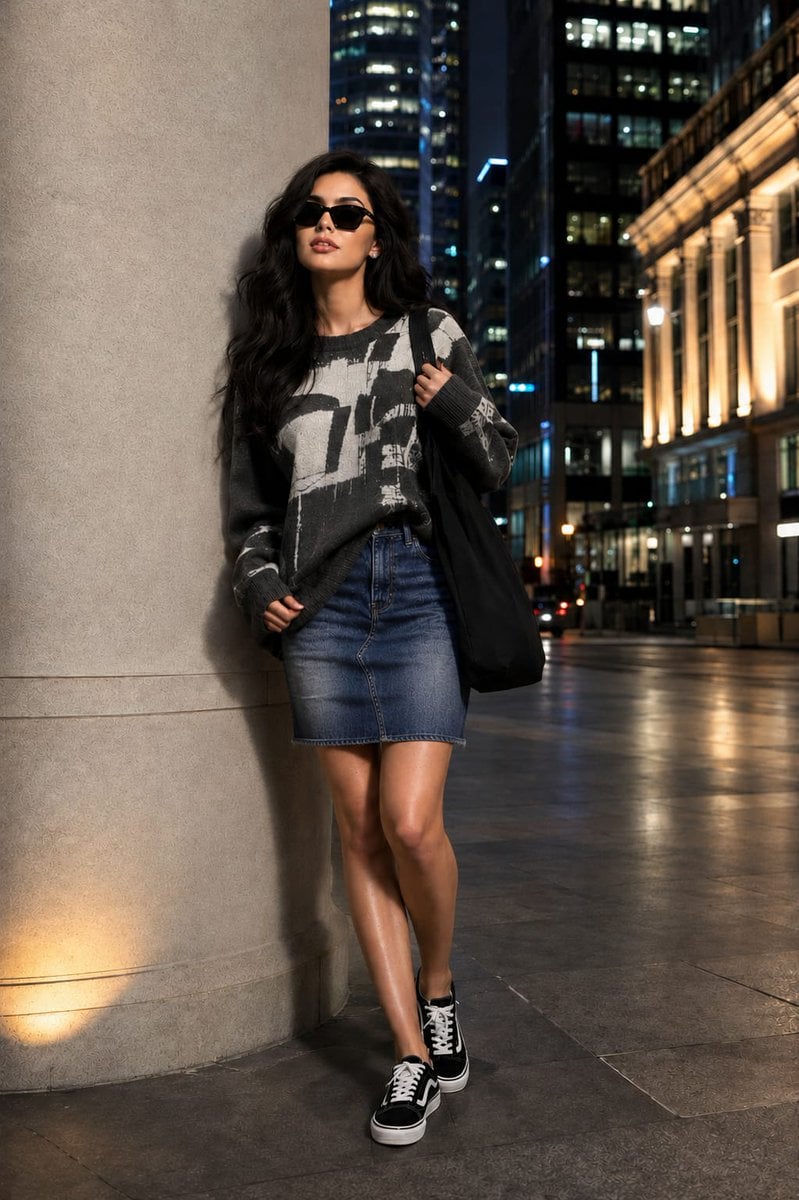
A high-end fashion editorial prompt designed to maintain a consistent facial identity across portraits, set in a modern urban financial district at night.
- Prompt included
- Model and format preset
- Free template
The prompt behind this image
Copy the exact prompt behind Fashion Editorial Portrait with Facial Consistency, or open it in the studio and make it yours.
Ultra-realistic full-body fashion editorial photograph of a beautiful young woman with the same facial identity and appearance as the reference. She is standing beside a sleek limestone column in an upscale financial district after sunset, projecting a graceful blend of confidence and charm. She wears modern black square-frame sunglasses and glances toward the illuminated cityscape with a relaxed, fashionable attitude. Hair: Long, dense raven-black hair with a luxurious silky texture and healthy shine, styled in a polished Korean salon blowout. Soft face-framing layers flow into loose voluminous waves, creating natural movement as a light evening breeze passes through. Individual strands catch the surrounding city lights, producing subtle glossy highlights and an elegant feminine silhouette. Makeup: Refined Korean beauty-inspired makeup with luminous glass-like skin, smooth youthful complexion, delicate facial contours, soft rosy-peach blush, subtle sculpting, natural radiance on the high points of the face, warm taupe eyeshadow, fine eyeliner, feathery curled lashes, softly defined brows, and glossy rose-beige lips. Bright expressive eyes and a gentle smile create a friendly yet sophisticated mood. Outfit: Oversized premium charcoal-grey knit sweater featuring large artistic monochrome brushstroke graphics and abstract street-art elements across the front. Rich textured knit fabric, relaxed fit, dropped shoulders, and contemporary luxury streetwear styling. Paired with a high-waisted faded blue denim A-line mini skirt with subtle distressed detailing and clean tailoring. Classic black-and-white skate-inspired sneakers complete the look. A large black cotton tote bag rests naturally on one shoulder. Minimal jewelry for a clean editorial appearance. Pose: Relaxed fashion-model stance beside the column, one shoulder lightly touching the structure. One hand casually holding the tote strap while the other rests near the hem of the sweater. Weight shifted naturally onto one leg, creating an effortless silhouette. Head slightly turned, conveying calm confidence and modern city-girl energy. Environment: Exclusive downtown business district at night, surrounded by glass towers, illuminated office buildings, elegant architectural details, polished stone walkways, subtle reflections on the pavement, distant vehicle lights, and soft metropolitan bokeh. Clean luxury urban setting with a cinematic atmosphere and premium fashion-campaign feel. Lighting: Professional nighttime editorial lighting combining warm architectural uplighting with cool city illumination. Soft directional highlights accentuate facial features and hair texture while preserving realistic shadows. Rich contrast, atmospheric depth, and a sophisticated luxury-magazine aesthetic. Photography: Shot on an 85mm portrait lens, full-body vertical composition, shallow depth of field, ultra-realistic skin detail, realistic hair strands, highly detailed knit and denim
Reference images included
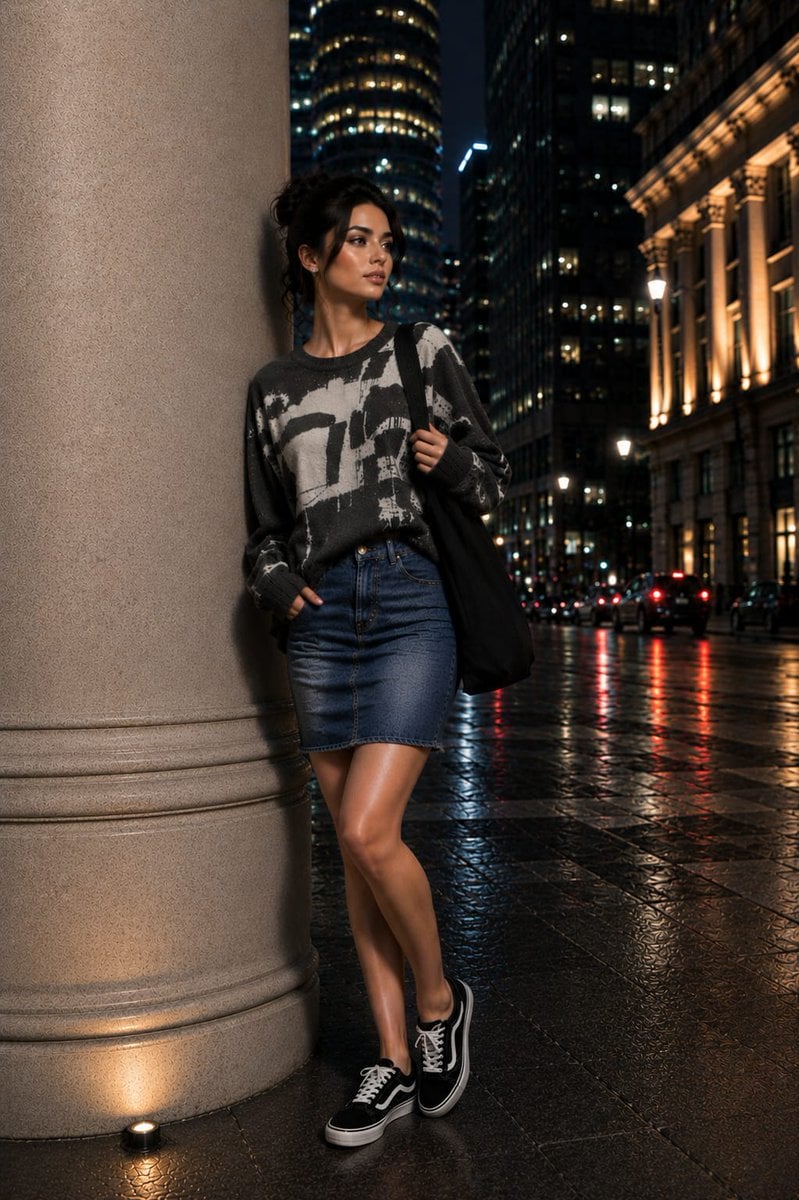
Fashion Editorial Portrait with Facial Consistency needs input media to work. They load alongside the prompt when you open it in the studio.
How to use Fashion Editorial Portrait with Facial Consistency in 3 steps
- 1Upload ImagePNG, JPG or paste
Add your photo
Upload the photo the template builds on. The prompt, model and format are already set.
- 2…a portrait of your subject in softgolden-hour light, 85mm…
Personalize
Edit the subject and creative details for your destination.
- 3Generate
Generate
Press Generate — your image is created in PicX Studio, so you can compare it with the original and refine one variable at a time.
More like this
Templates with the same subject, style or setup. Open one to see its prompt.

Caution Tape Fashion — Industrial Editorial

Couture Fashion Editorial Woman and Drag

Nano Banana 2 Editorial Fashion Portrait
High-Fashion Black and White Editorial Portrait Prompt (Facial Lock)

untitled

Nano Banana 2 High Fashion Sports Campai

Ive Yujin Fashion Portrait in Blue

21 Glass Floor Skyscraper — California Series

19 Luxury Helicopter Travel — California Series

08 Rodeo Drive Luxury Exit — California Series

03 Beverly Hills Convertible — California Series

Nano Banana - Paris Cafe Editorial
Make it yours
Fashion Editorial Portrait with Facial Consistency works as-is. These are the safest ways to change it without losing the look.
Change one field
Copy a single group, rewrite it, and generate again so you can see what that field is doing.
Keep the frame, change the subject
Hold the composition and light of Fashion Editorial Portrait with Facial Consistency, then swap wardrobe, props or the person for a new take.
| If the result… | Why | Fix |
|---|---|---|
| The result drifts from the preview | Too many fields changed at once. | Reuse Fashion Editorial Portrait with Facial Consistency as-is first, then change one group — subject, light, or setting. |
| The model over-stylizes the scene | The prose prompt leaves finish and camera underspecified. | Add one camera or lighting sentence and stay on GPT Image 2. |
More GPT Image 2 templates
Other prompts made for GPT Image 2.

Six VTuber Japanese Logo Sheet

Realistic Portrait of Woman and Deer

The Vista Modular Condo Poster

AI Model Routing Comparison Infographic

2.5D Anime Art Board

Isometric Productivity Desk Scene

New York Double Exposure Poster

Four-Panel AI Landscape Comparison

Japanese Tatami Lifestyle Magazine Cover

NESCAFÉ Coffee Map Poster
More image prompts
Fresh picks from across the catalog.
Head in Styrofoam Meat Tray Prompt
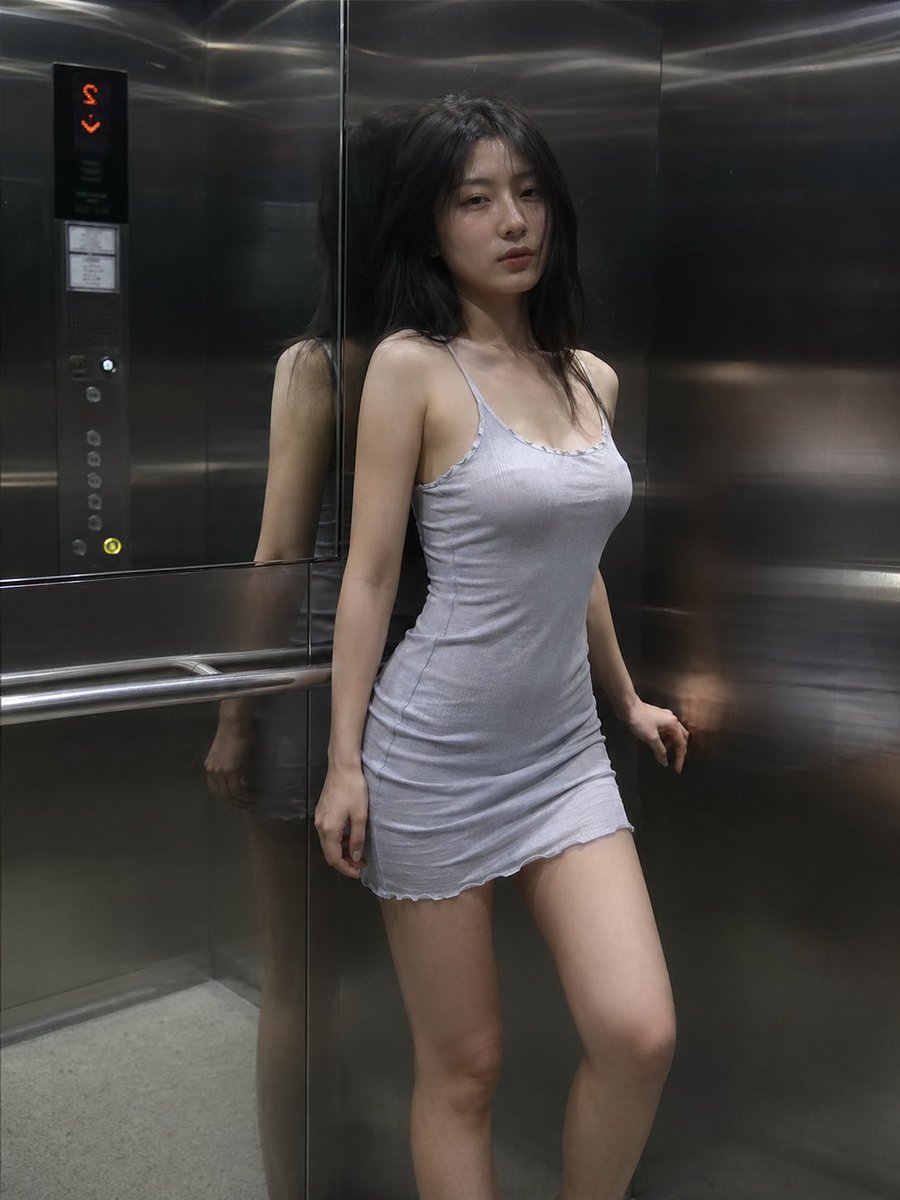
Cinematic Elevator Interior Portrait
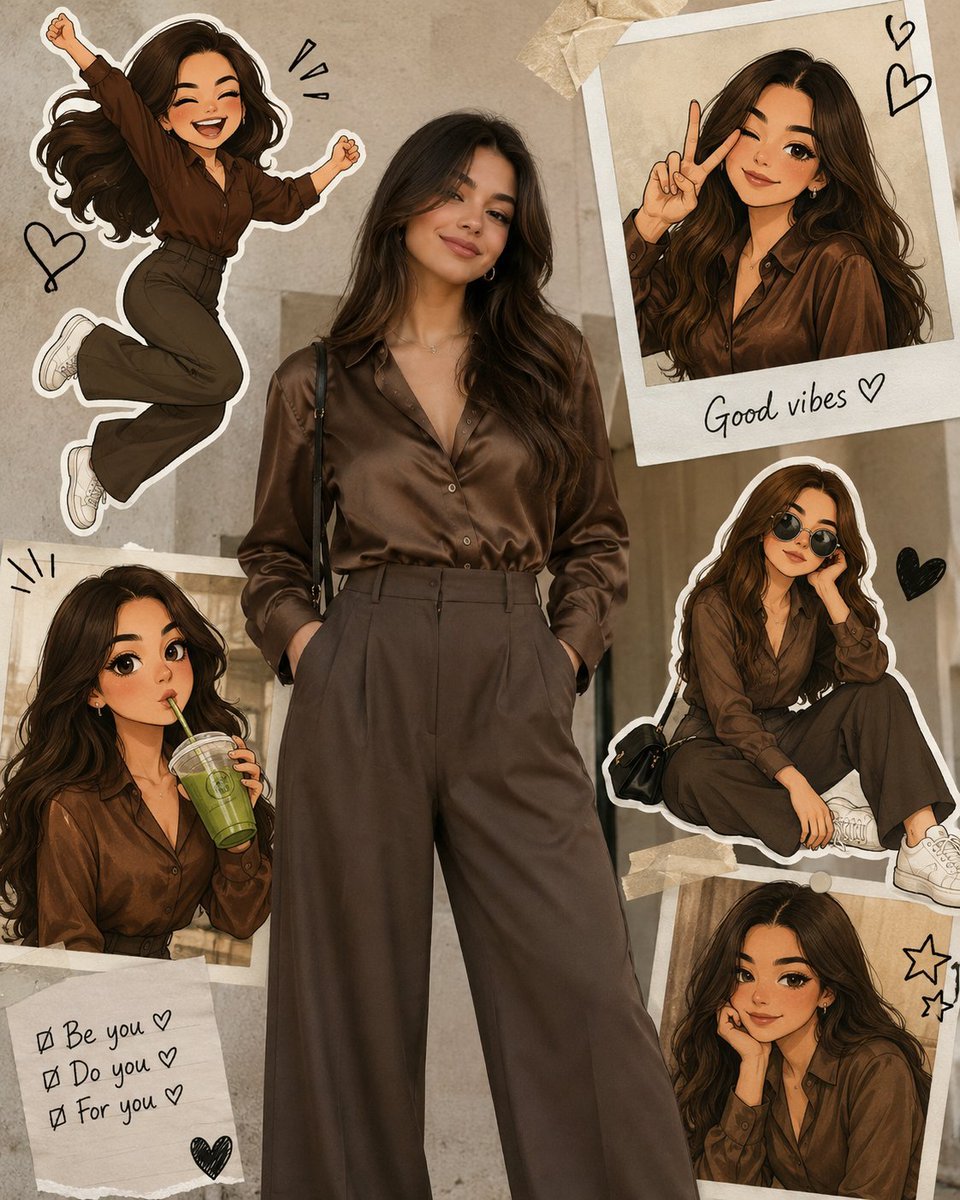
Collage Style Cartoon Portrait
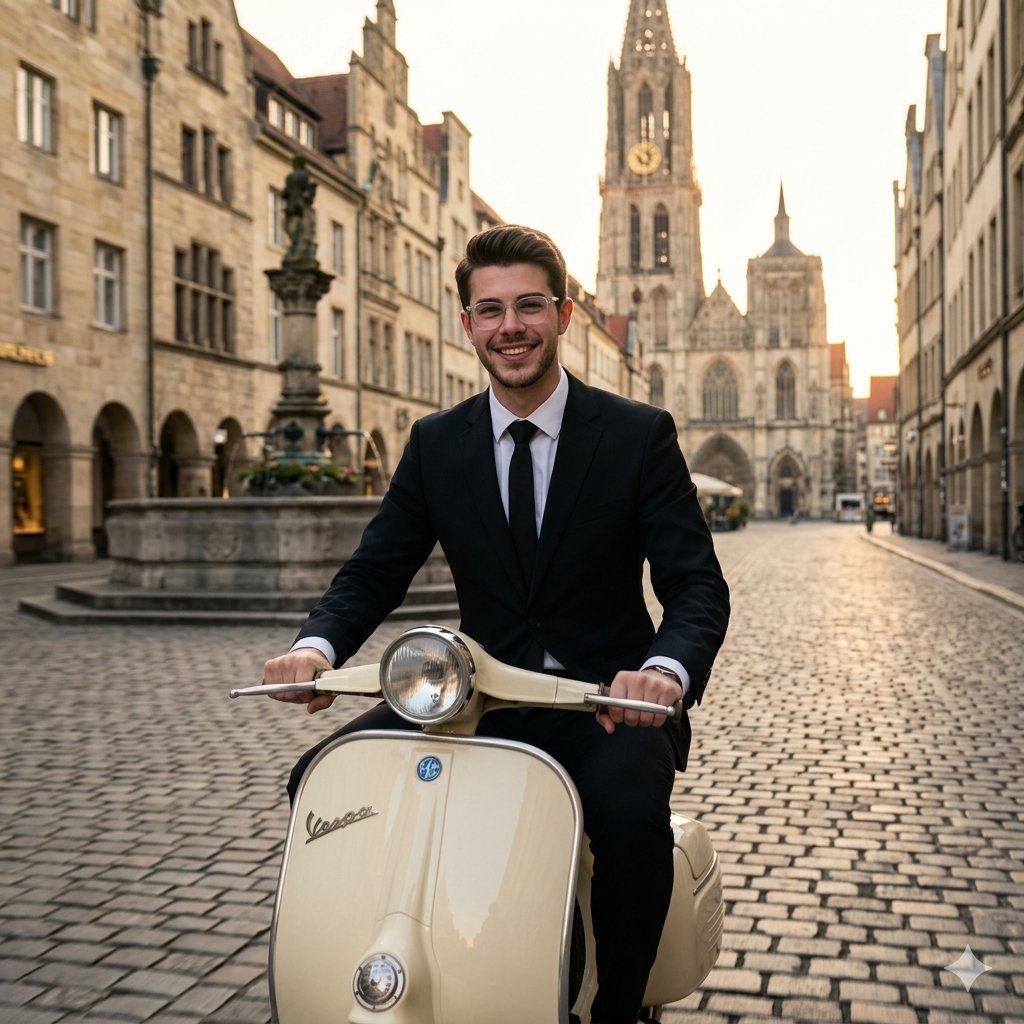
Vintage European Scooter Ride
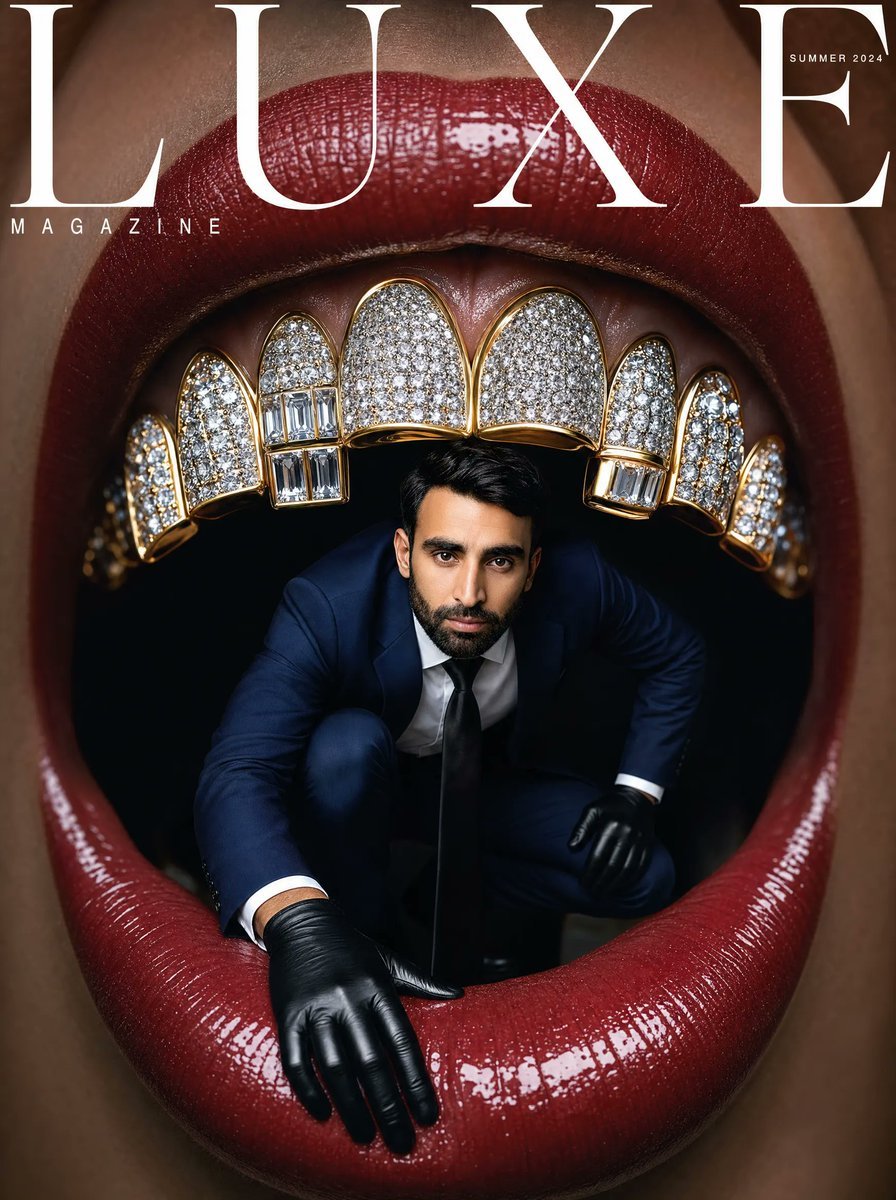
Surreal Luxe Mouth Magazine Cover
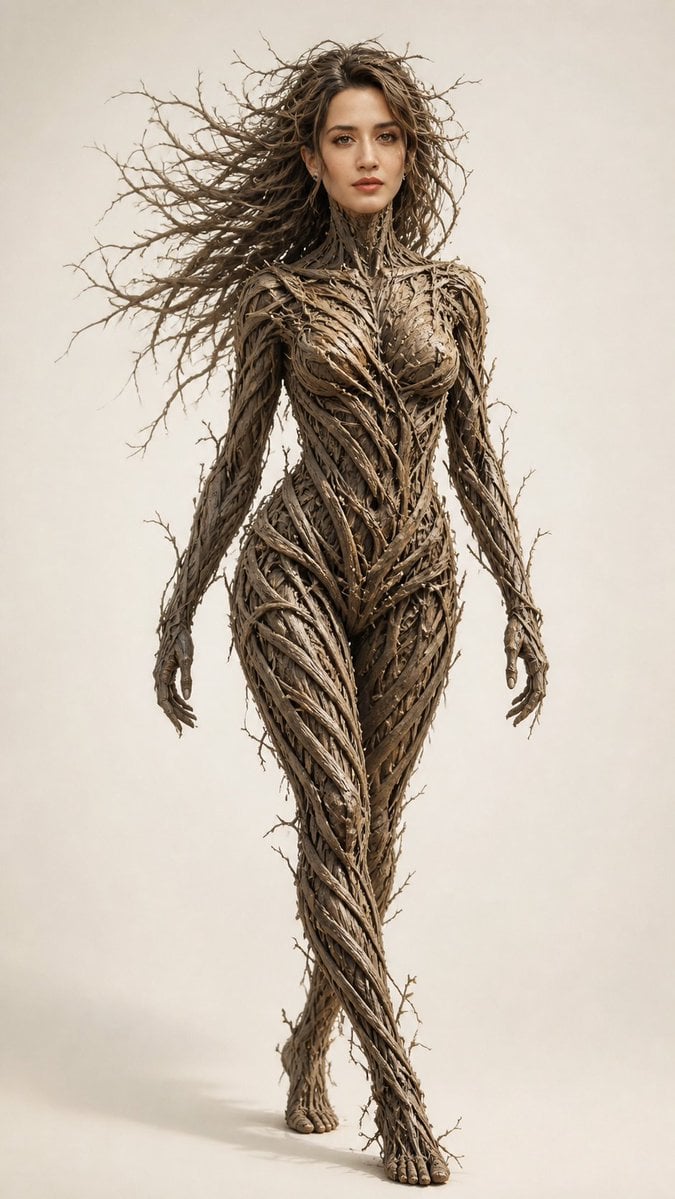
Dry Branch Sculpture Portrait

Transforming the Tower of the Sun into a Taro Okamoto Painting
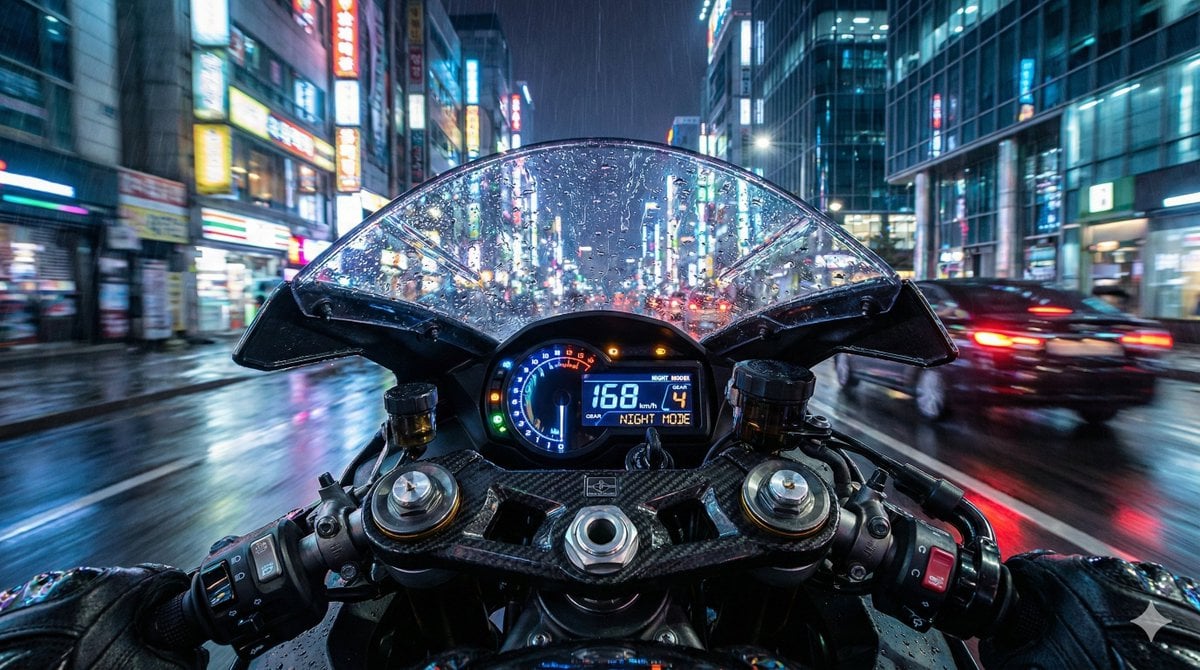
Hyper-Realistic Motorcycle Cockpit POV Prompt
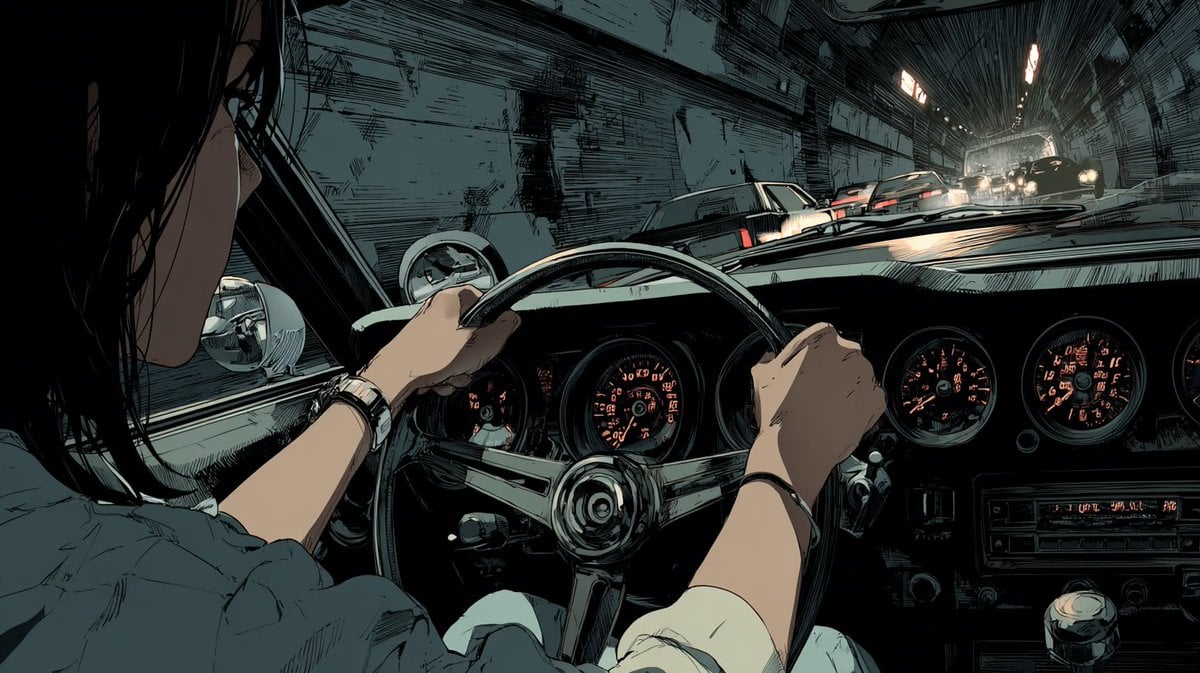
Anime Tunnel Driving Cockpit Scene
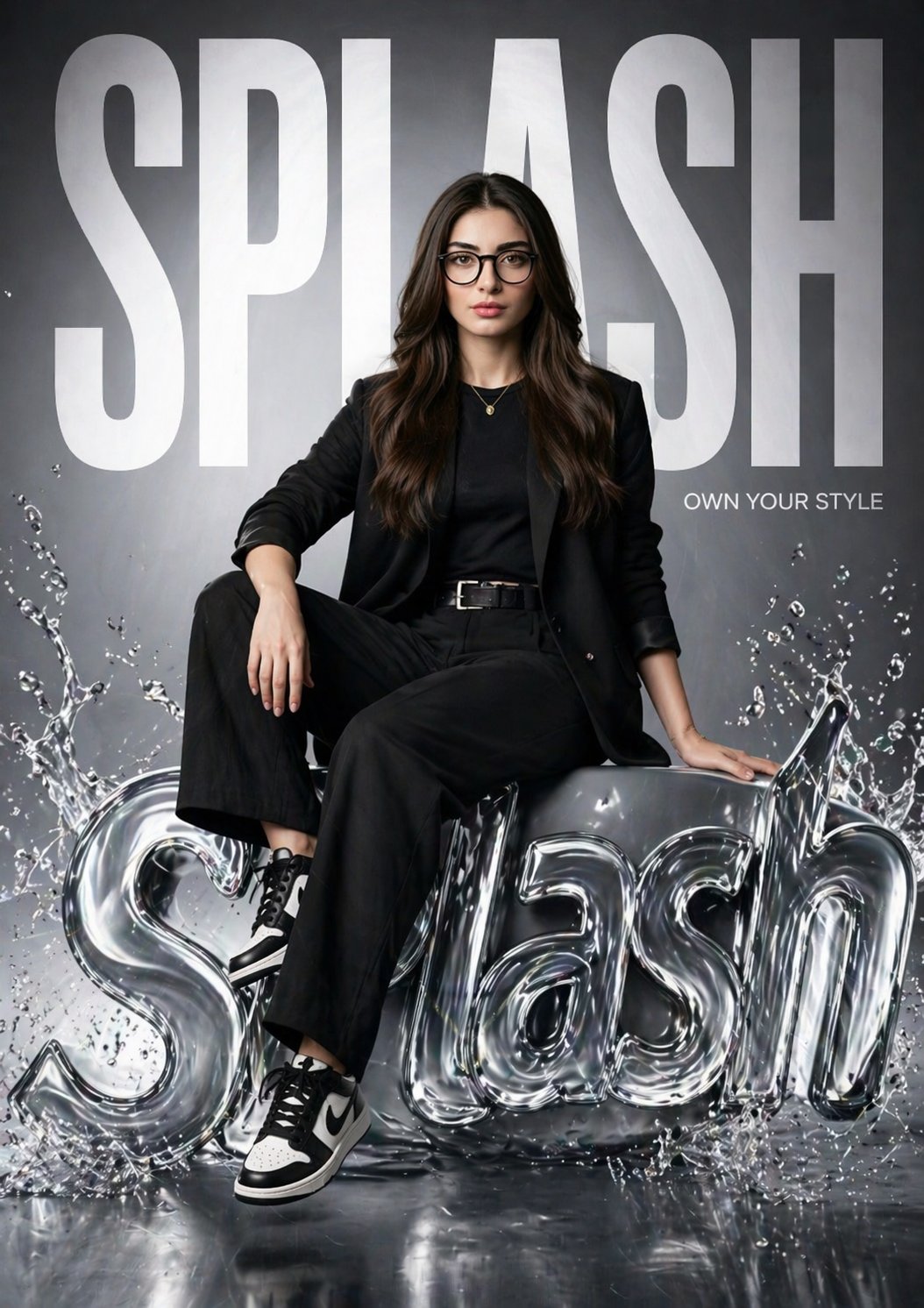
Gpt2 Time Magazine Cover
Browse template categories
Fashion Editorial Portrait with Facial Consistency questions
How do I use the Fashion Editorial Portrait with Facial Consistency template?
Add your photo if the template asks for one, edit the prompt if you like — the template's model and format are already selected — and press Generate. Your version opens in PicX Studio.
Can I customize the Fashion Editorial Portrait with Facial Consistency template?
Yes. You can change the subject, setting, lighting, mood, format, and available model controls before creating your image.
Is the Fashion Editorial Portrait with Facial Consistency template free?
Opening and editing this template is free. Generating uses credits, shown on the Generate button when you are signed in.
Which AI model should I use?
Start with GPT Image 2, which is the model associated with this template. You can compare another compatible model for a different finish.
Looking for something else? Browse all templates.

Your photo, any look
Thousands of ready templates for every top image and video model, from one credit balance.