
Surreal Luxe Mouth Magazine Cover
A photorealistic luxury magazine cover featuring glossy red lips, diamond grillz, and a suited figure crouching inside an open mouth.
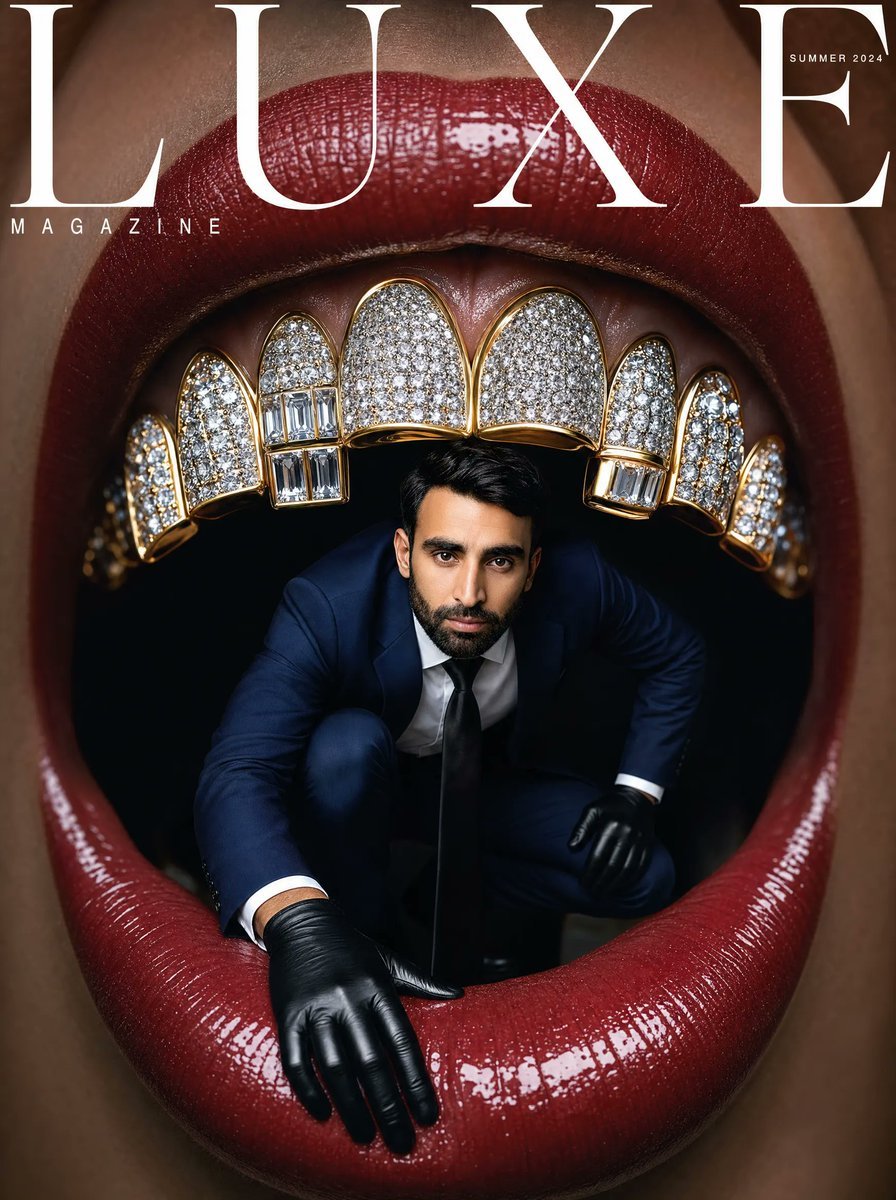
- Prompt included
- Model and format preset
- Free template
The prompt behind this image
Copy the exact prompt behind Surreal Luxe Mouth Magazine Cover, or open it in the studio and make it yours.
Create a hyper-realistic surreal luxury fashion magazine cover in a vertical 4:5 format. The image is an extreme macro close-up of a woman's open mouth filling the entire frame, with glossy deep burgundy-red lips, wet specular highlights, visible lipstick texture, and warm brown skin cropped tightly around the lips. The mouth is wide open into a dark black interior like a stage or portal. Across the upper teeth is an extravagant diamond-encrusted grill: exactly 10 visible upper tooth caps arranged in an arch, each outlined in polished yellow gold, with white diamond pavé surfaces; include rectangular baguette diamond panels on two lower sections near the left-center and right-center caps, plus smaller side caps receding into shadow. Inside the open mouth, place one full-body adult man crouching forward as if emerging from the darkness; he wears a dark navy tailored suit, white dress shirt, black tie, and shiny black leather gloves, one gloved hand resting on the lower lip in the foreground and the other bracing at the side. His face should be intentionally obscured/blurred by a plain skin-tone rectangular censor block while his black hair remains visible. Add a high-fashion cover masthead: enormous elegant white serif letters spelling {argument name="magazine title" default="LUXE"} across the top, partially overlaying the upper lip; small spaced white text {argument name="subtitle" default="MAGAZINE"} at upper left beneath the masthead; tiny white issue text {argument name="issue text" default="SUMMER 2024"} near the top right. Use dramatic studio lighting, glossy reflections, crisp photorealistic detail, shallow depth of field, editorial surrealism, luxury jewelry advertising aesthetics, no extra text, no watermark.
How to use Surreal Luxe Mouth Magazine Cover in 3 steps
- 1Upload ImagePNG, JPG or paste
Add your photo
Upload the photo the template builds on. The prompt, model and format are already set.
- 2…a portrait of your subject in softgolden-hour light, 85mm…
Personalize
Edit the subject and creative details for your destination.
- 3Generate
Generate
Press Generate — your image is created in PicX Studio, so you can compare it with the original and refine one variable at a time.
More like this
Templates with the same subject, style or setup. Open one to see its prompt.

Off Duty Fashion Magazine Cover

Japanese Tatami Lifestyle Magazine Cover

Ethereal Bloom Magazine Cover

Tropical Macaw Magazine Cover

Anime Mahjong Magazine Cover

Neon Anime Fireworks Magazine Cover

Surreal Cat Astronaut — Humanoid Face Freefall

High-Fashion Magazine Cover Portrait

Bold Red Contrast Fashion Editorial Newspaper Room

Open Magazine Luxury Fashion Editorial Layout

Monochrome Halftone Editorial Fashion Poster

Korean Model Floating Magazine Pages Campaign
Make it yours
Surreal Luxe Mouth Magazine Cover works as-is. These are the safest ways to change it without losing the look.
Change one field
Copy a single group, rewrite it, and generate again so you can see what that field is doing.
Keep the frame, change the subject
Hold the composition and light of Surreal Luxe Mouth Magazine Cover, then swap wardrobe, props or the person for a new take.
| If the result… | Why | Fix |
|---|---|---|
| The result drifts from the preview | Too many fields changed at once. | Reuse Surreal Luxe Mouth Magazine Cover as-is first, then change one group — subject, light, or setting. |
| The model over-stylizes the scene | The prose prompt leaves finish and camera underspecified. | Add one camera or lighting sentence and stay on GPT Image 2. |
More GPT Image 2 templates
Other prompts made for GPT Image 2.

Six VTuber Japanese Logo Sheet

Realistic Portrait of Woman and Deer

The Vista Modular Condo Poster

AI Model Routing Comparison Infographic

2.5D Anime Art Board

Isometric Productivity Desk Scene

New York Double Exposure Poster

Four-Panel AI Landscape Comparison

NESCAFÉ Coffee Map Poster

Brutalist Cogito Chinese Typography Poster
More image prompts
Fresh picks from across the catalog.
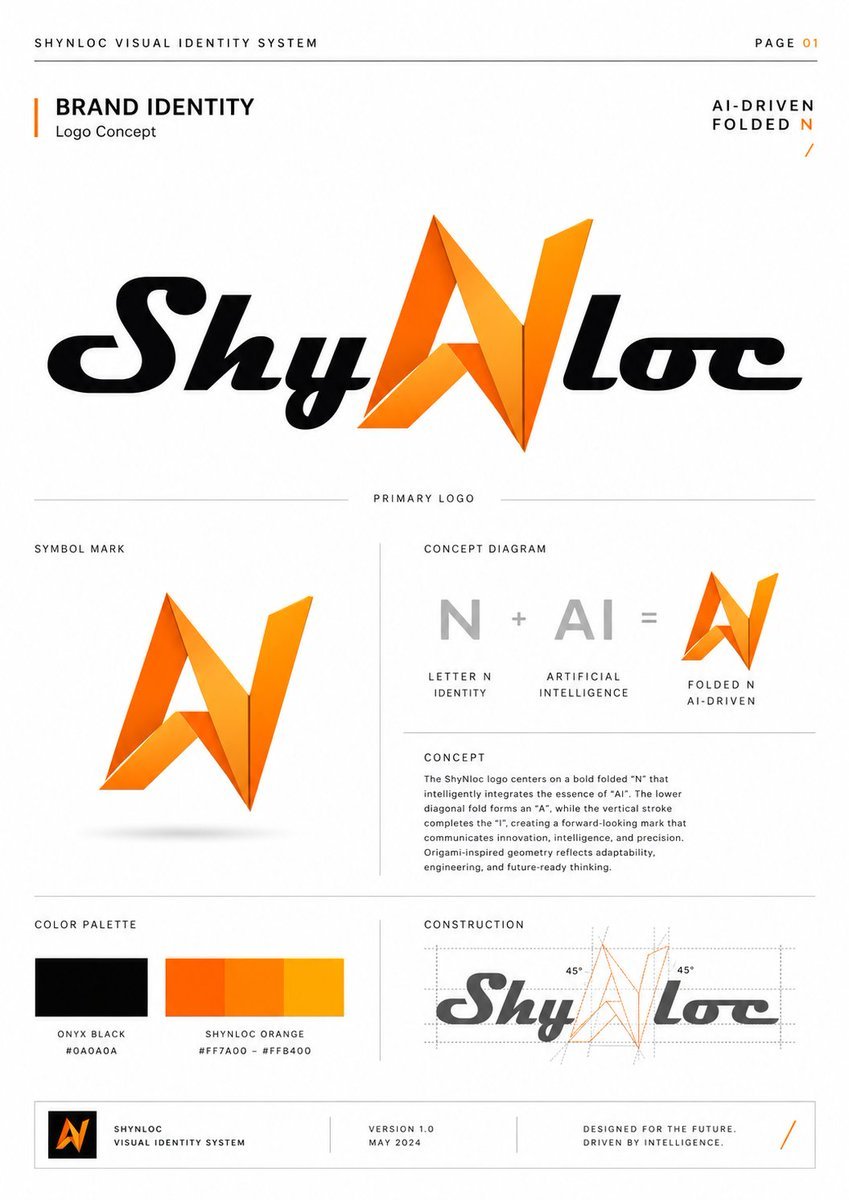
Shynloc Brand Identity Sheet
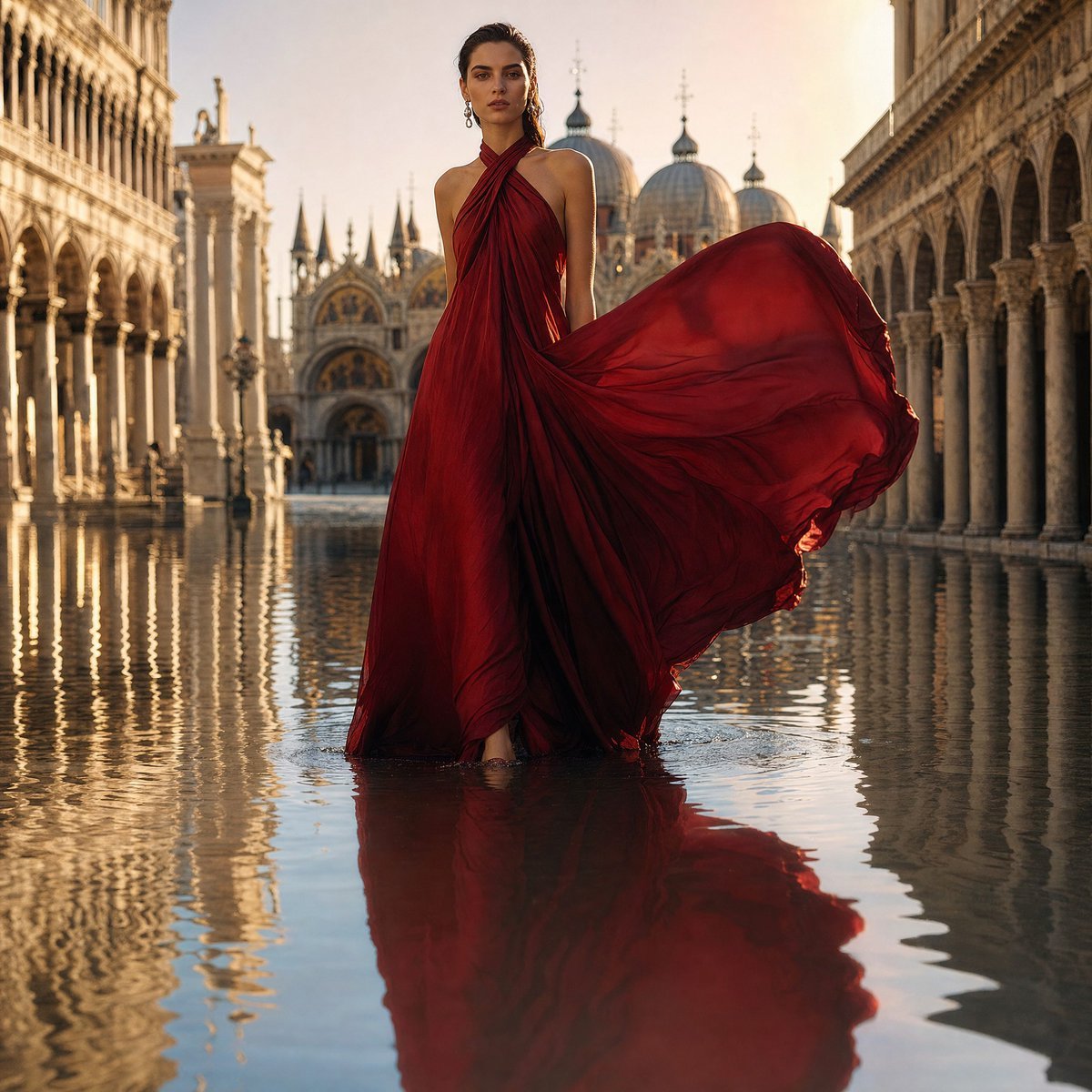
Crimson Gown in Flooded Venice
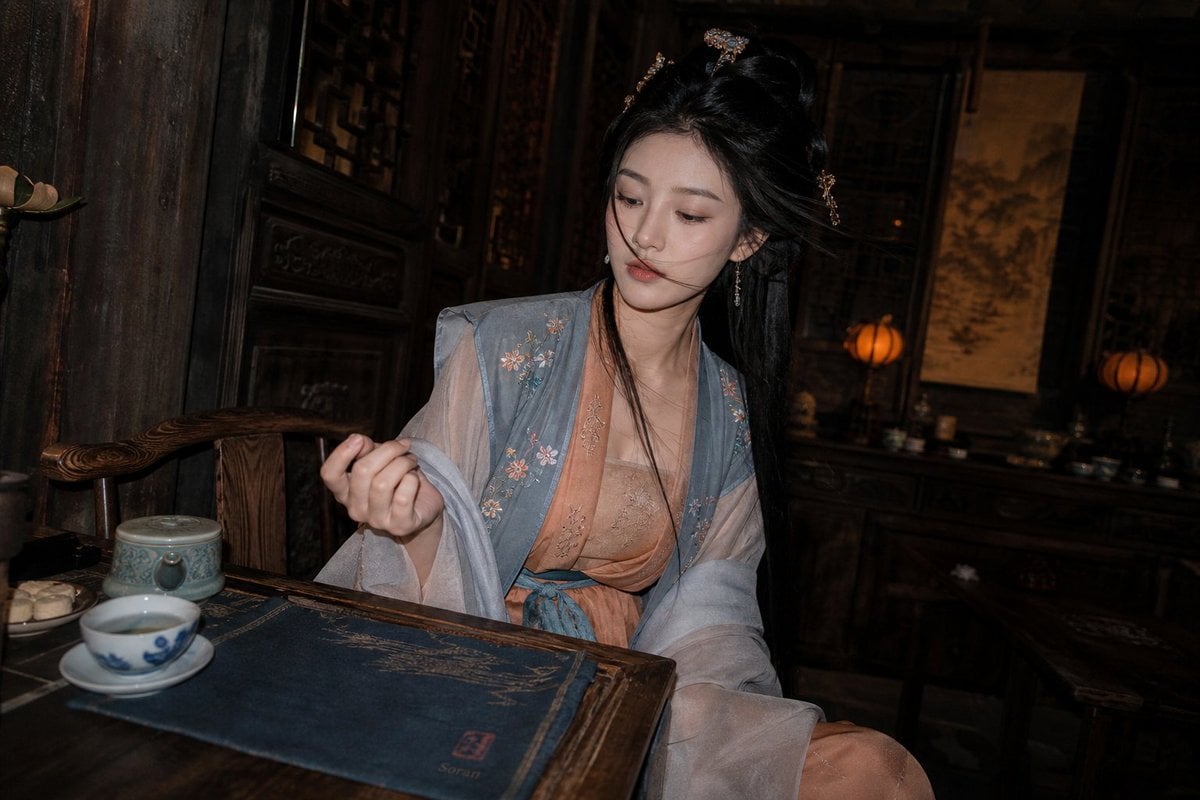
Cinematic Hanfu Tea Room Portrait
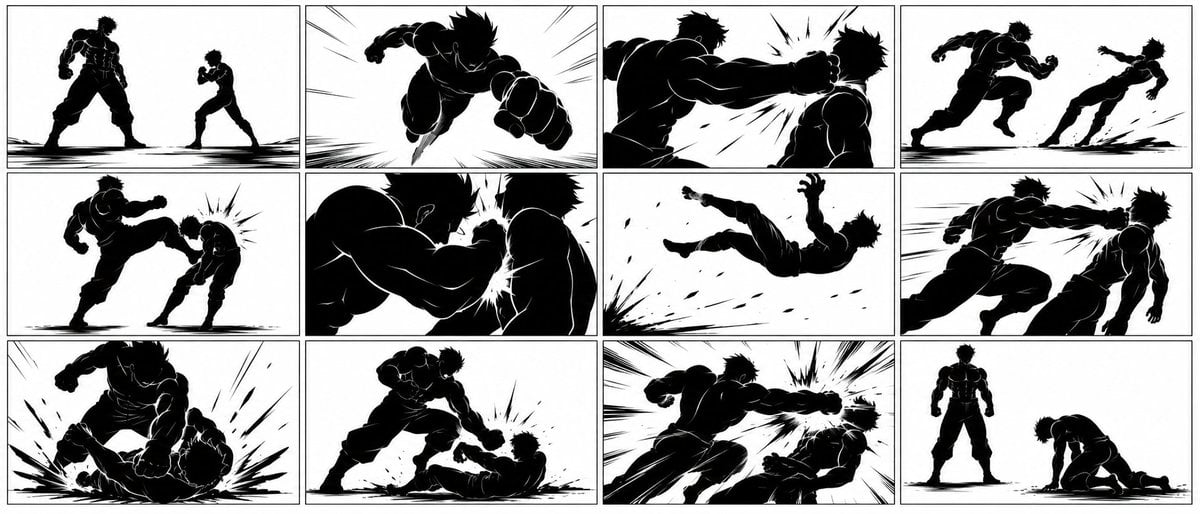
Ultra-Wide Anime Battle Storyboard
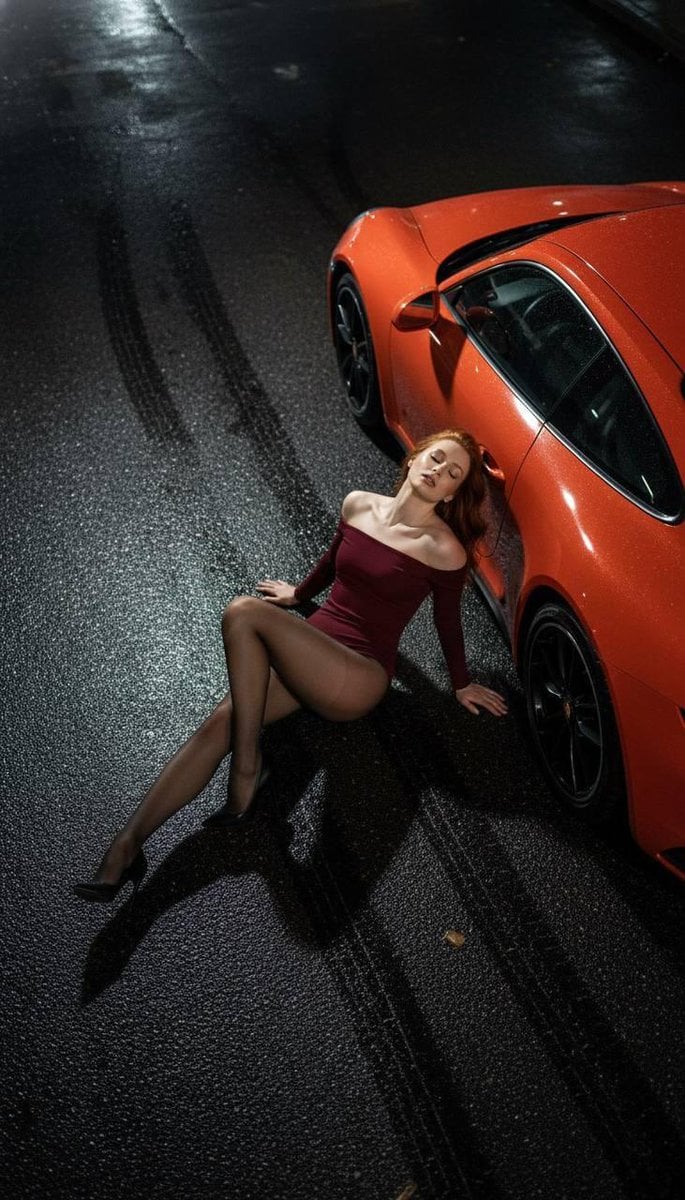
High Fashion Editorial: Woman Lying on Asphalt by Porsche
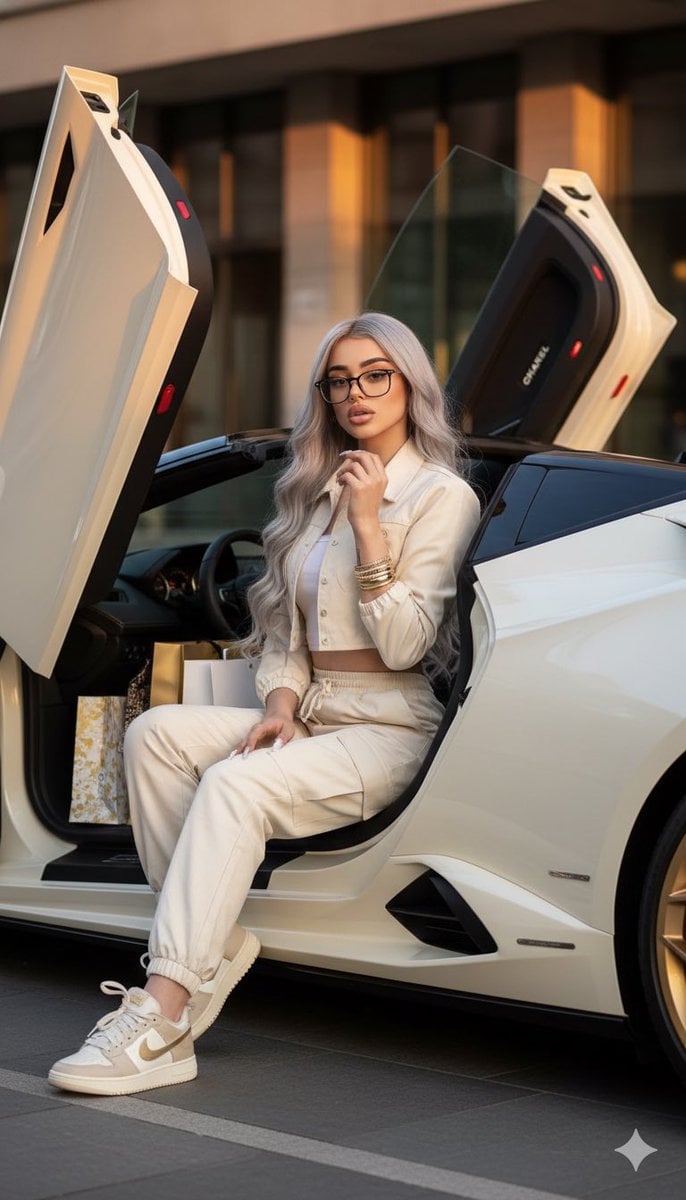
Luxury Fashion Shoot with Lamborghini Huracán
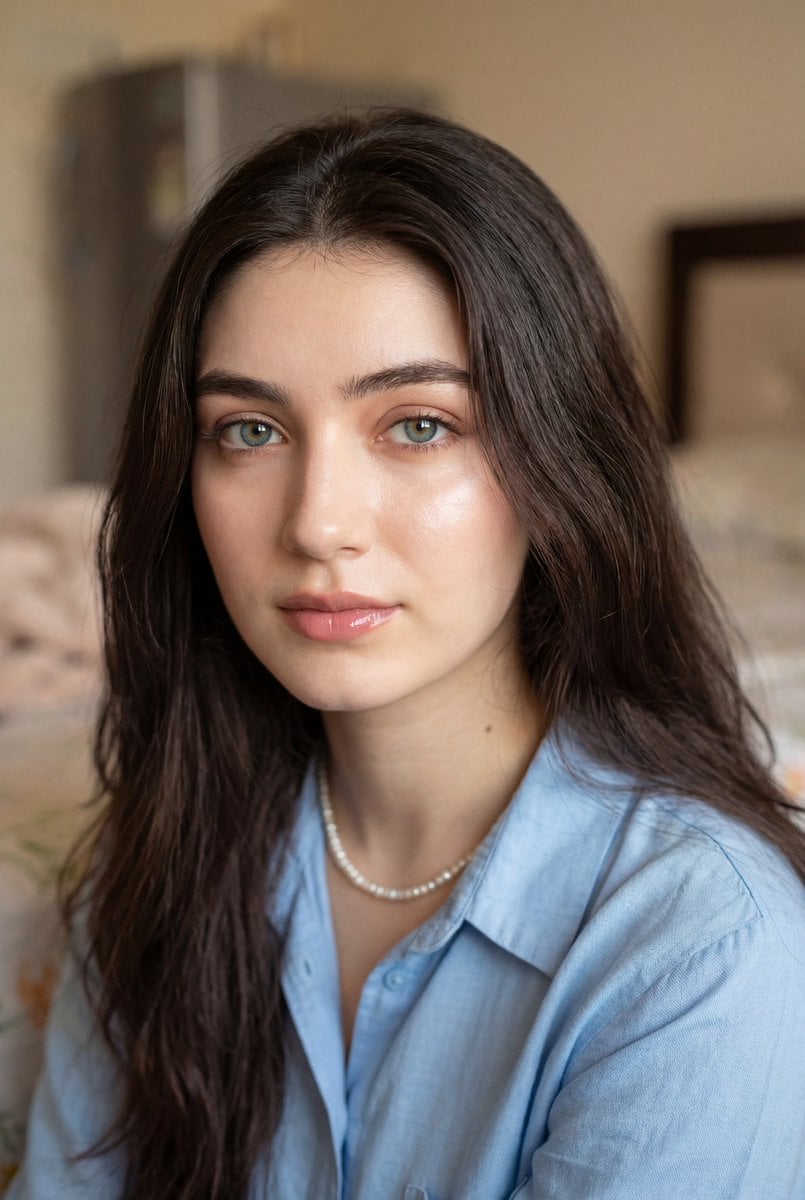
Ultra-Realistic Close-Up Portrait
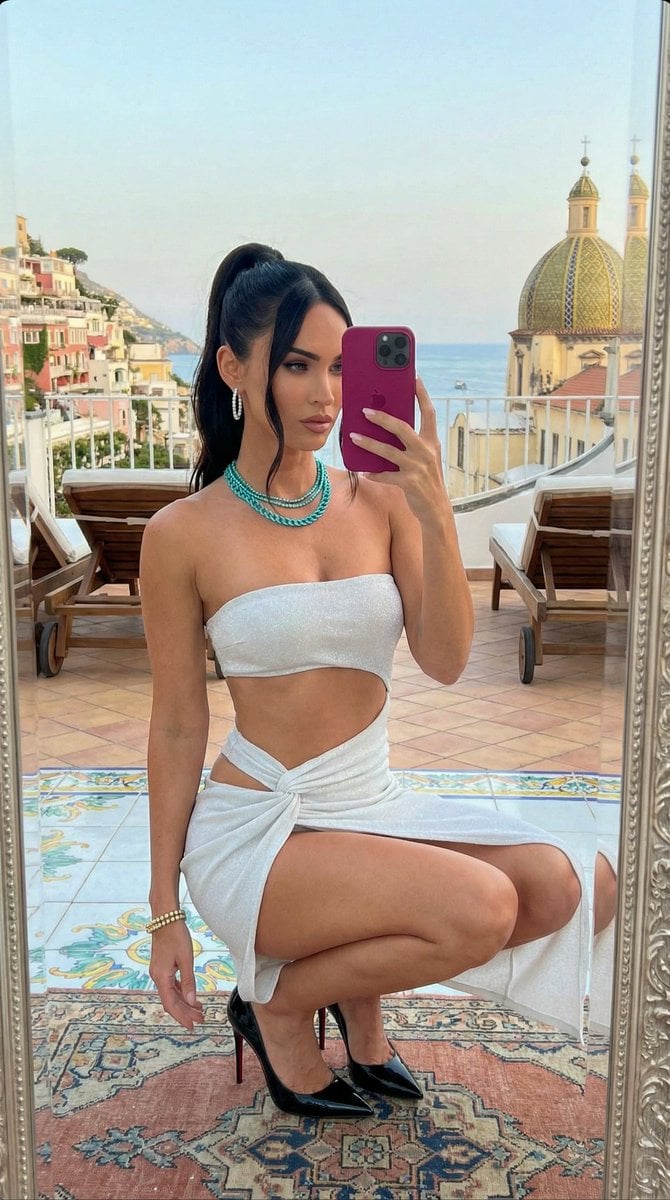
Ultra-Photorealistic Mirror Selfie in Italy Prompt
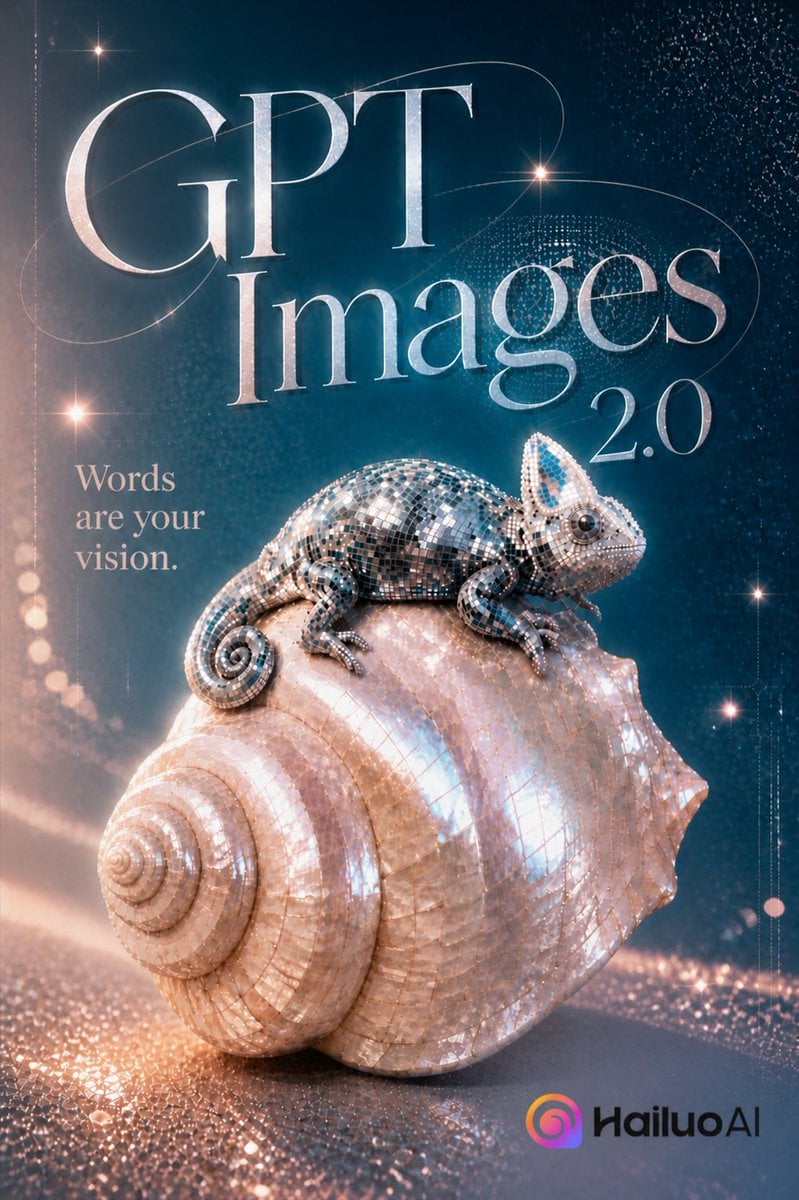
GPT Images 2.0 Chameleon Poster
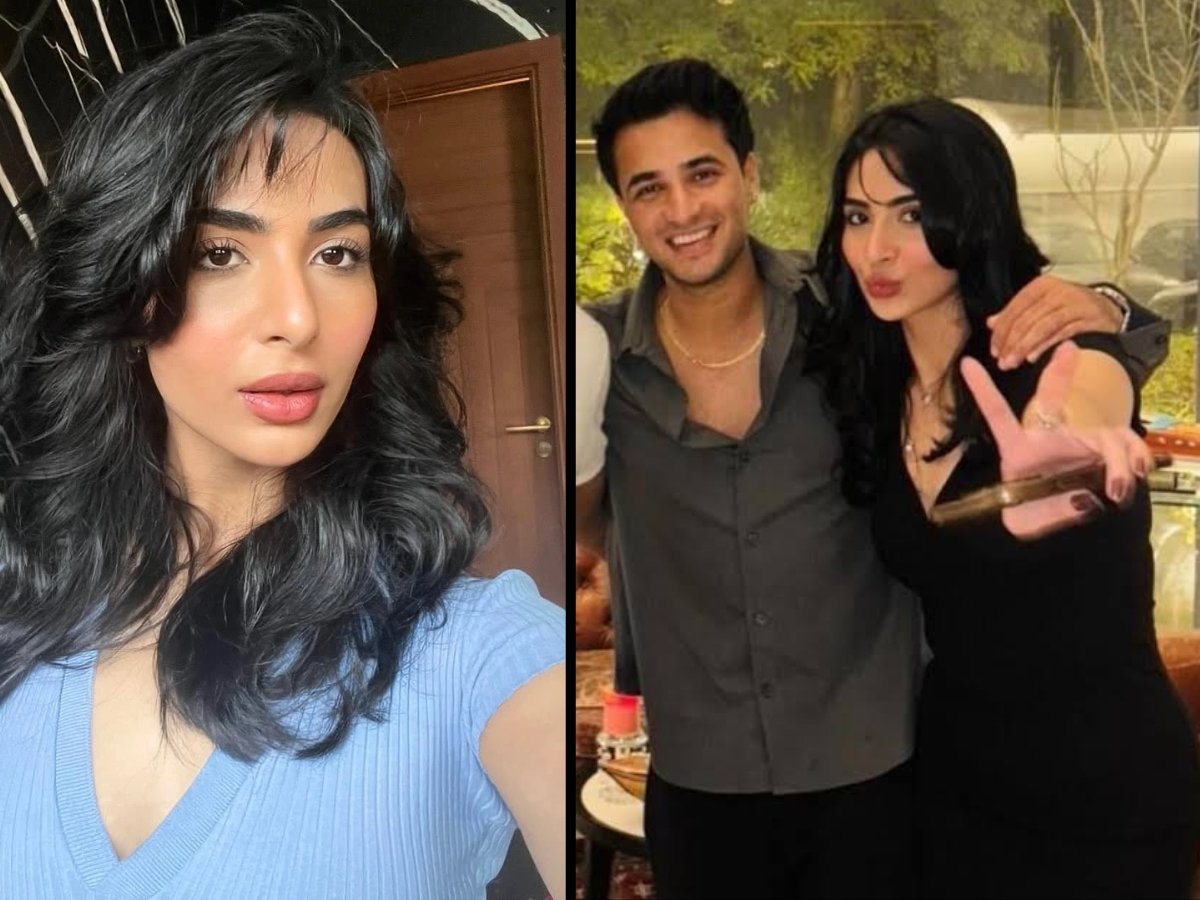
Cinematic Portrait Prompt in Luxury Cinema Lobby with Movie Poster
Browse template categories
Surreal Luxe Mouth Magazine Cover questions
How do I use the Surreal Luxe Mouth Magazine Cover template?
Add your photo if the template asks for one, edit the prompt if you like — the template's model and format are already selected — and press Generate. Your version opens in PicX Studio.
Can I customize the Surreal Luxe Mouth Magazine Cover template?
Yes. You can change the subject, setting, lighting, mood, format, and available model controls before creating your image.
Is the Surreal Luxe Mouth Magazine Cover template free?
Opening and editing this template is free. Generating uses credits, shown on the Generate button when you are signed in.
Which AI model should I use?
Start with GPT Image 2, which is the model associated with this template. You can compare another compatible model for a different finish.
Looking for something else? Browse all templates.

Your photo, any look
Thousands of ready templates for every top image and video model, from one credit balance.