
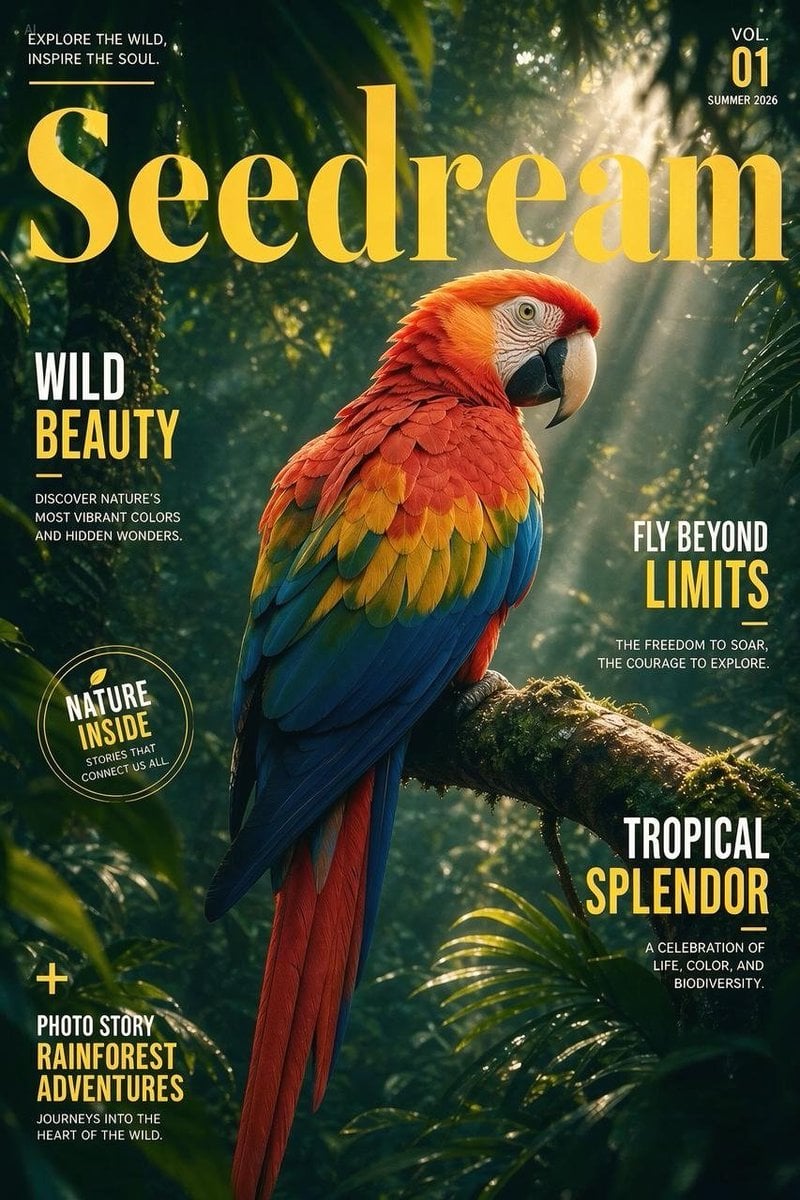
Tropical Macaw Magazine Cover
A realistic rainforest wildlife magazine cover with a scarlet macaw, golden masthead typography, and multiple adventure-nature cover lines.
- Prompt included
- Model and format preset
- Premium template
The prompt behind this image
Copy the exact prompt behind Tropical Macaw Magazine Cover, or open it in the studio and make it yours.
Goal: Create a vertical tropical wildlife magazine cover featuring a vivid scarlet macaw in a rainforest, with bold editorial typography and a premium adventure-nature aesthetic. Canvas: Portrait magazine cover, 2:3 aspect ratio. Dark lush jungle background with dense green leaves, palm fronds, mossy branches, atmospheric haze, and warm sunbeams streaming diagonally from the upper right. High-contrast cinematic lighting, realistic photography style, sharp bird detail, soft depth of field in the background. Main subject: One large scarlet macaw perched on a moss-covered branch angled from lower right toward center. The parrot faces right in three-quarter profile, with a pale curved beak, detailed eye rings, red head and chest feathers, orange-yellow wing transitions, green accents, deep blue wing feathers, and long red tail feathers extending downward. The bird occupies the center and lower center, overlapping the title slightly. Masthead and issue text: Place a huge elegant serif masthead reading {argument name="magazine title" default="Seedream"} across the upper third in warm golden yellow, spanning nearly the full width. In the top left, small white uppercase tagline: “EXPLORE THE WILD, INSPIRE THE SOUL.” with a thin yellow horizontal line beneath. In the top right, compact issue block: “VOL.” above large yellow “01”, with “SUMMER 2026” below in white. Cover lines: Include exactly 5 editorial cover-line groups plus 1 circular badge and 1 plus sign feature marker. Use condensed bold uppercase sans-serif typography, mostly white with key words in golden yellow. 1. Left middle cover line: “WILD” in white, “BEAUTY” in yellow, short yellow underline, then small white text: “DISCOVER NATURE’S MOST VIBRANT COLORS AND HIDDEN WONDERS.” 2. Right middle cover line: “FLY BEYOND” in white, “LIMITS” in yellow, short yellow underline, then small white text: “THE FREEDOM TO SOAR, THE COURAGE TO EXPLORE.” 3. Lower right cover line: “TROPICAL” in white, “SPLENDOR” in yellow, short yellow underline, then small white text: “A CELEBRATION OF LIFE, COLOR, AND BIODIVERSITY.” 4. Lower left feature line beneath a yellow plus sign: “PHOTO STORY” in white, “RAINFOREST ADVENTURES” in yellow, then small white text: “JOURNEYS INTO THE HEART OF THE WILD.” 5. Circular badge on left lower-middle: thin double-line yellow circle containing a small leaf icon, “NATURE” in white, “INSIDE” in yellow, and tiny curved/supporting white text: “STORIES THAT CONNECT US ALL.” Visual style: Editorial wildlife magazine cover, realistic luxury travel photography, deep forest greens, golden-yellow typography, crisp print design, balanced asymmetrical layout, dramatic backlight, subtle lens glow, mist, and high detail in feathers and leaves. Constraints: Keep all text legible and correctly spelled. Do not add barcodes, pricing, QR codes, watermarks, extra birds, people, or additional cover lines. Maintain a polished professional magazine-cover composition.
How to use Tropical Macaw Magazine Cover in 3 steps
- 1Upload ImagePNG, JPG or paste
Add your photo
Upload the photo the template builds on. The prompt, model and format are already set.
- 2…a portrait of your subject in softgolden-hour light, 85mm…
Personalize
Edit the subject and creative details for your destination.
- 3Generate
Generate
Press Generate — your image is created in PicX Studio, so you can compare it with the original and refine one variable at a time.
More like this
Templates with the same subject, style or setup. Open one to see its prompt.
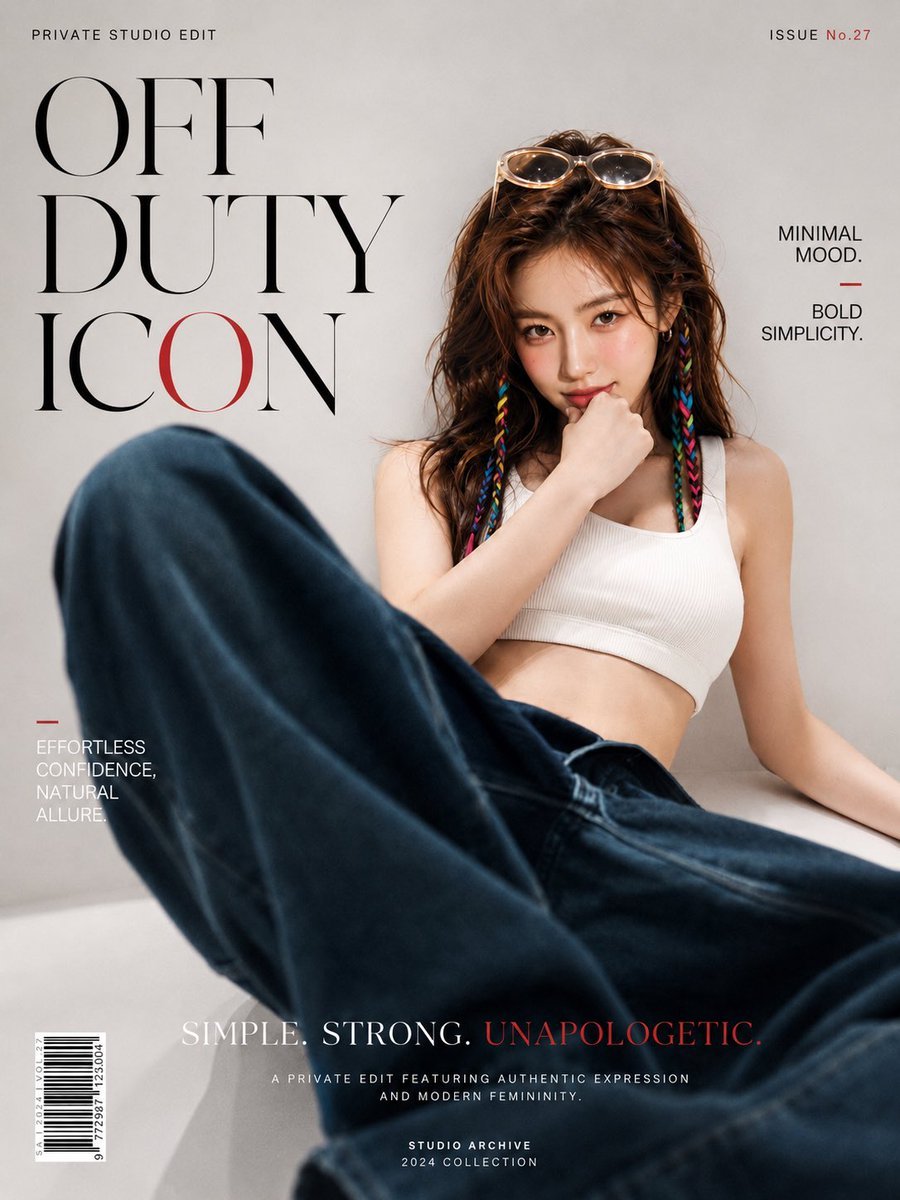
Off Duty Fashion Magazine Cover

Japanese Tatami Lifestyle Magazine Cover
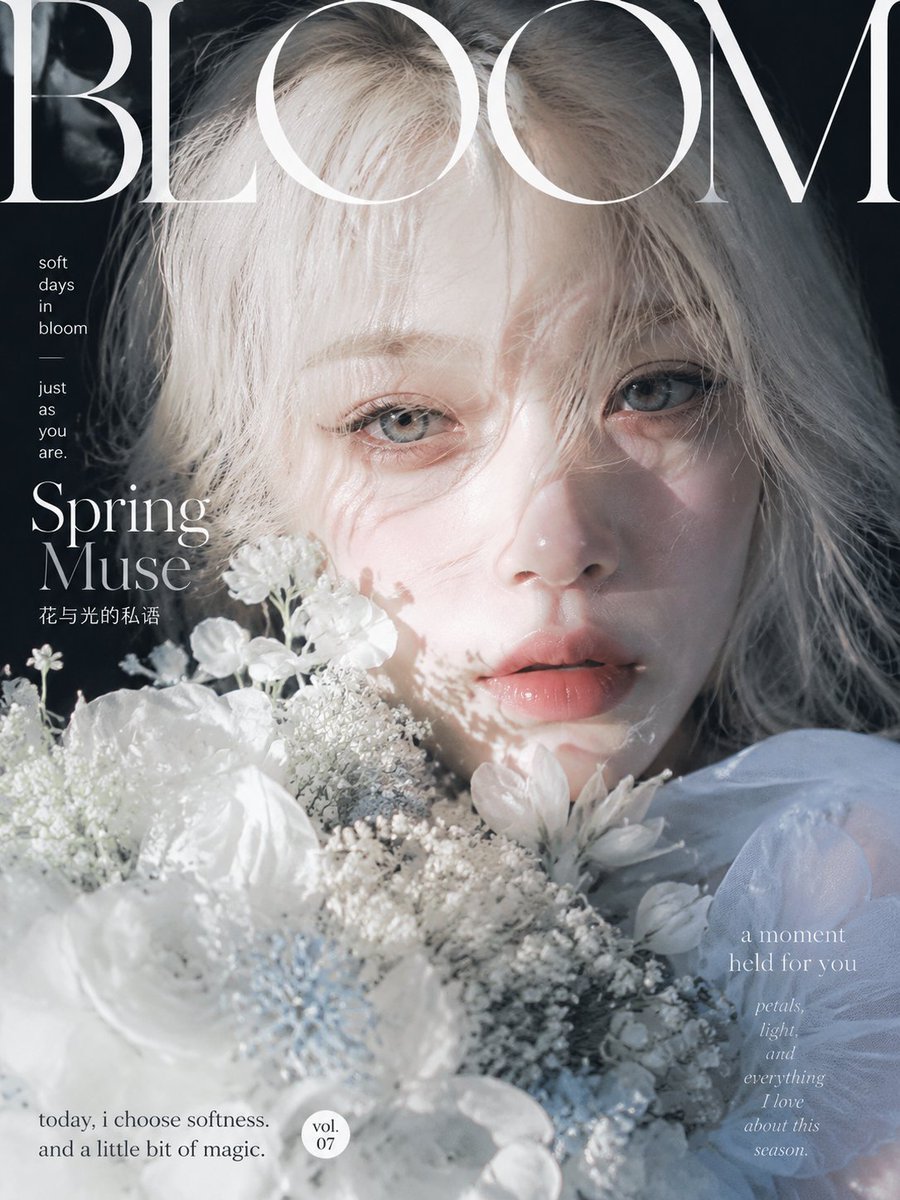
Ethereal Bloom Magazine Cover

Anime Mahjong Magazine Cover

Neon Anime Fireworks Magazine Cover
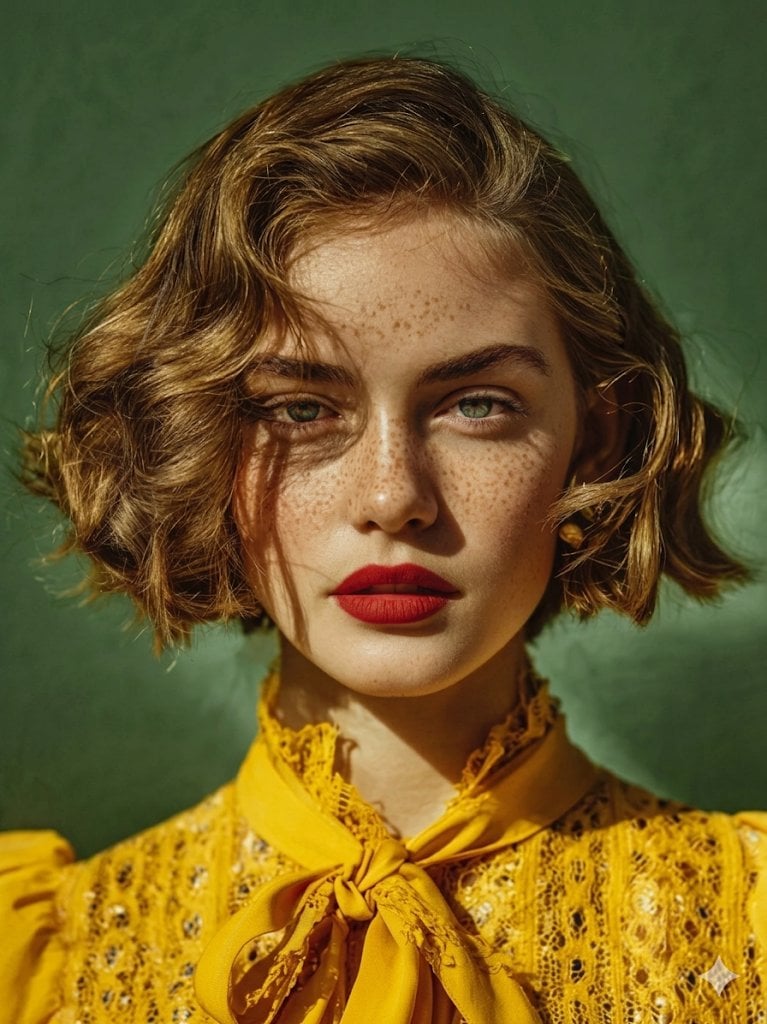
High-Fashion Magazine Cover Portrait
Editorial Magazine Cover Design
Open Magazine Luxury Fashion Editorial Layout

Monochrome Halftone Editorial Fashion Poster
Korean Model Floating Magazine Pages Campaign
Blue Hour Editorial Fashion Portrait

Illustrated Classic Car Magazine Cover
Make it yours
Tropical Macaw Magazine Cover works as-is. These are the safest ways to change it without losing the look.
Change one field
Copy a single group, rewrite it, and generate again so you can see what that field is doing.
Keep the frame, change the subject
Hold the composition and light of Tropical Macaw Magazine Cover, then swap wardrobe, props or the person for a new take.
| If the result… | Why | Fix |
|---|---|---|
| The result drifts from the preview | Too many fields changed at once. | Reuse Tropical Macaw Magazine Cover as-is first, then change one group — subject, light, or setting. |
| The model over-stylizes the scene | The prose prompt leaves finish and camera underspecified. | Add one camera or lighting sentence and stay on GPT Image 2. |
More GPT Image 2 templates
Other prompts made for GPT Image 2.

Six VTuber Japanese Logo Sheet

Realistic Portrait of Woman and Deer

The Vista Modular Condo Poster

AI Model Routing Comparison Infographic

2.5D Anime Art Board

Isometric Productivity Desk Scene

New York Double Exposure Poster

Four-Panel AI Landscape Comparison

NESCAFÉ Coffee Map Poster

Brutalist Cogito Chinese Typography Poster
More image prompts
Fresh picks from across the catalog.

Isometric Circular Museum Architecture
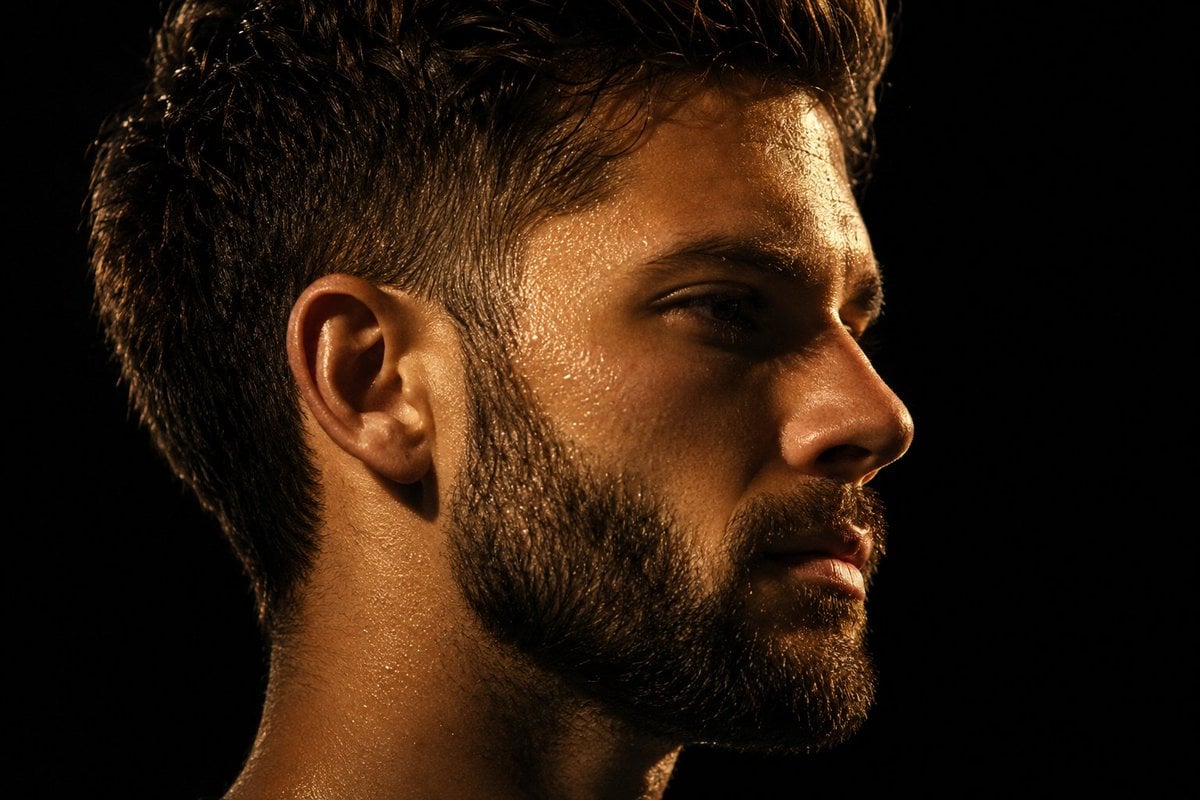
Chiaroscuro Mullet Profile Portrait

Manga Cover With Bass Girl and Designer Boy

Oriental Aesthetics Silhouette Poster
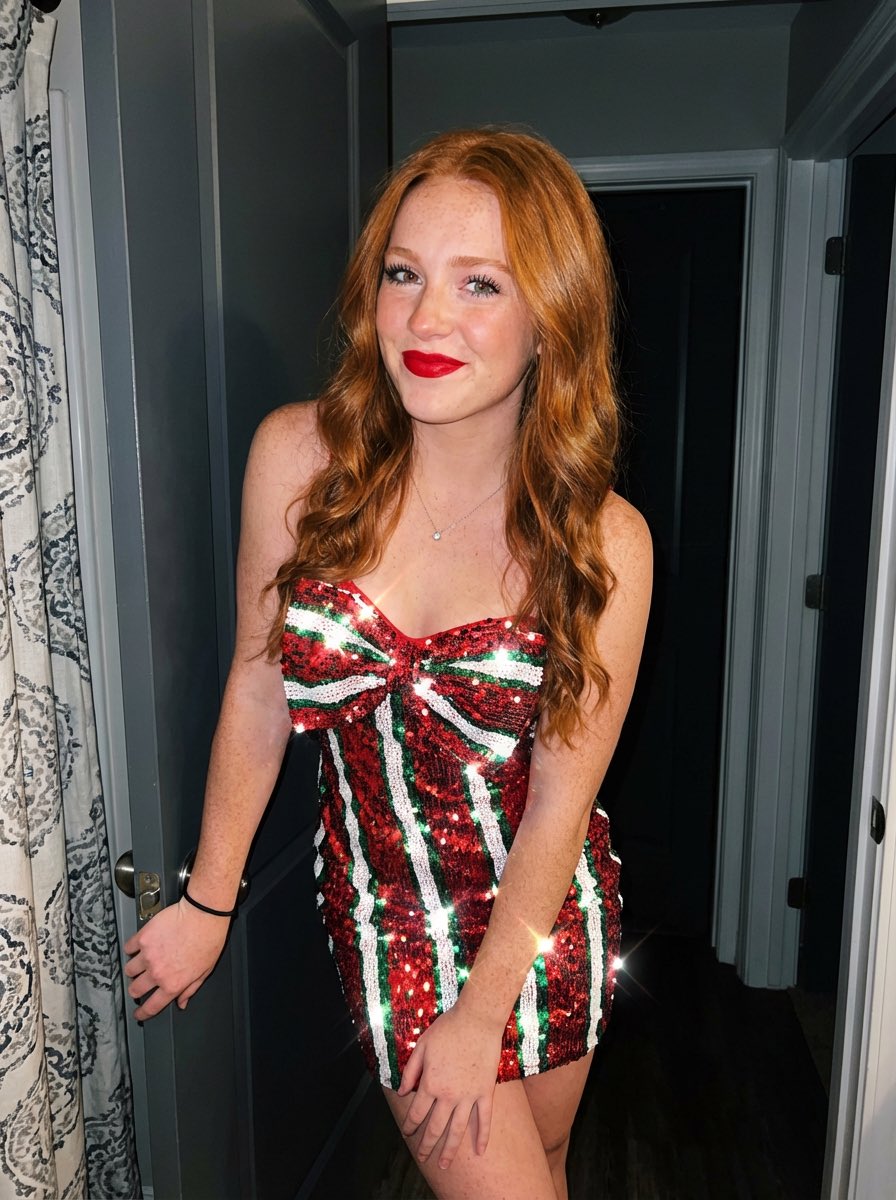
Image generation prompt for a young woman with red hair and sequin dress

Miniature Girl on Giant Football
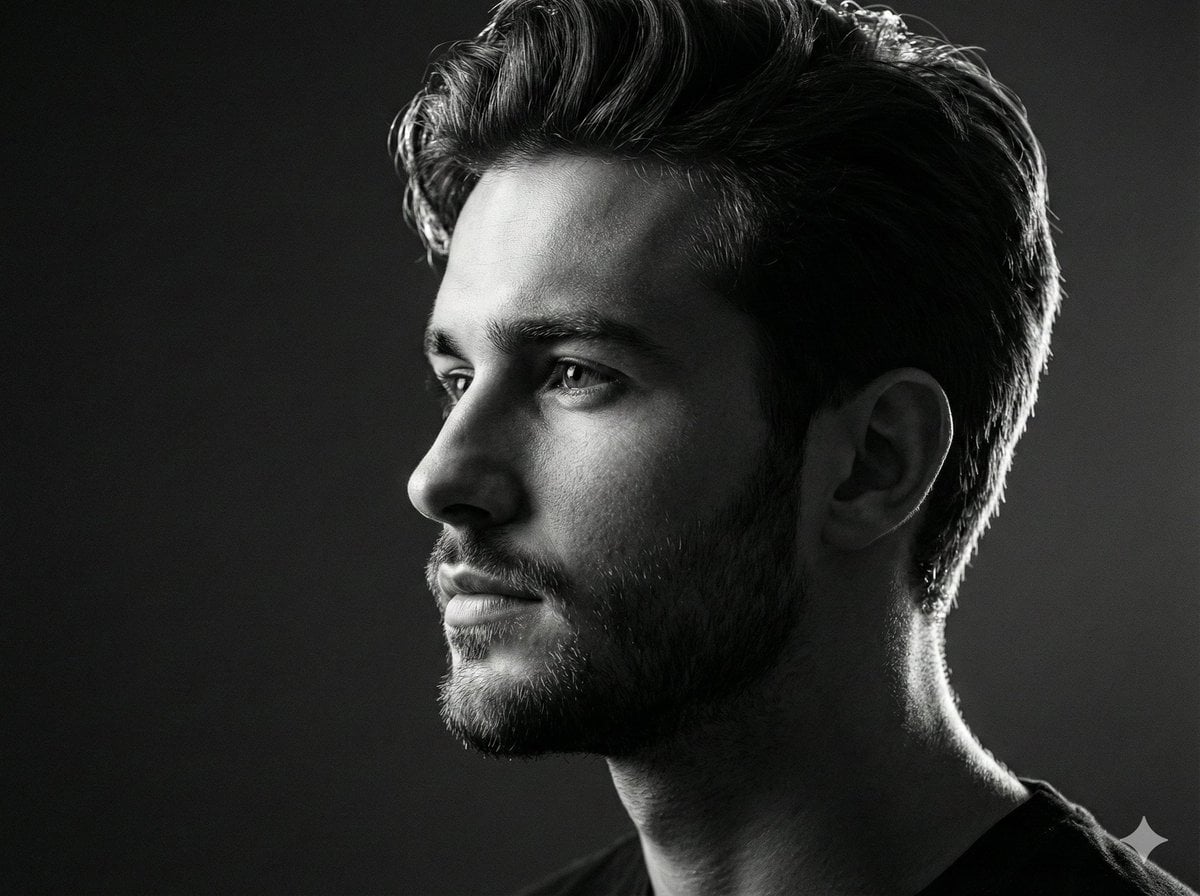
Black and white studio side-profile portrait prompt
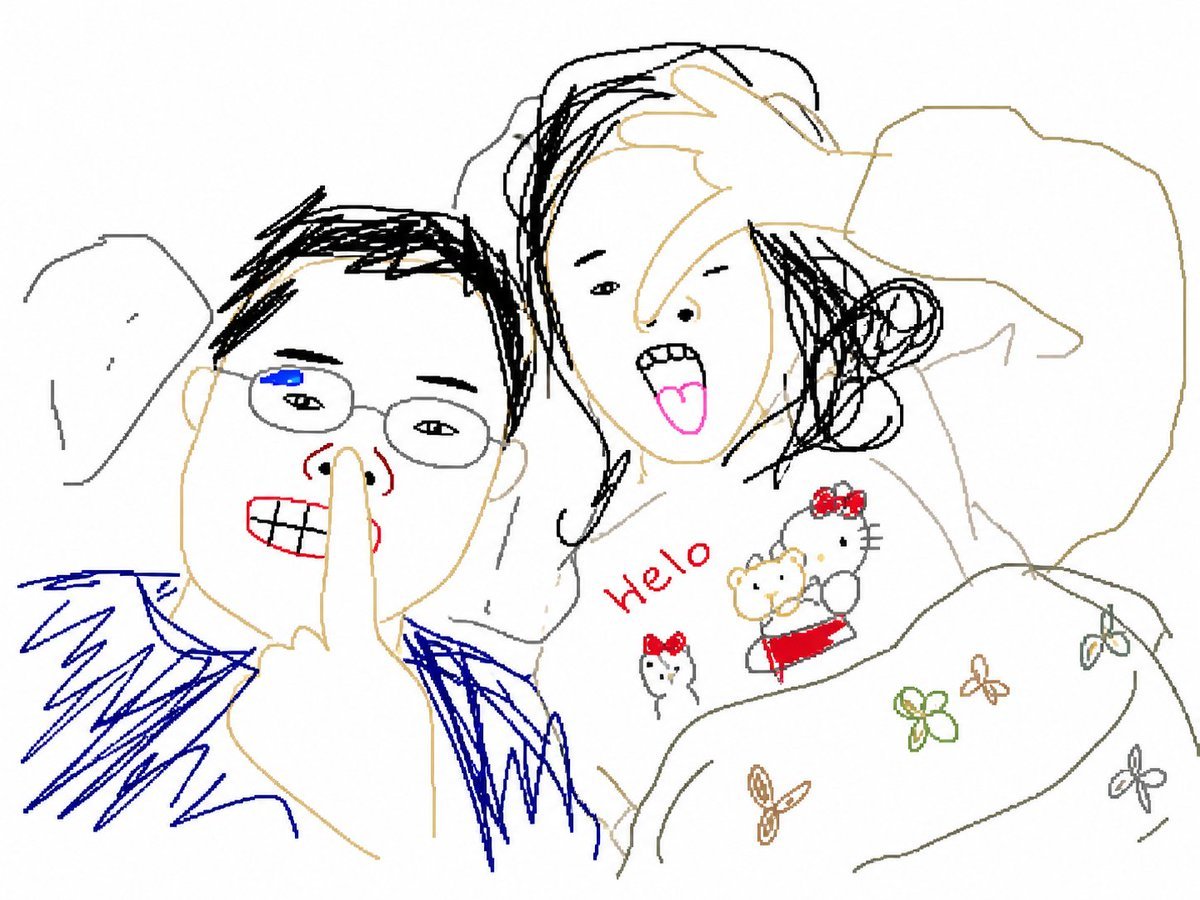
Clumsy MS Paint Redraw Style
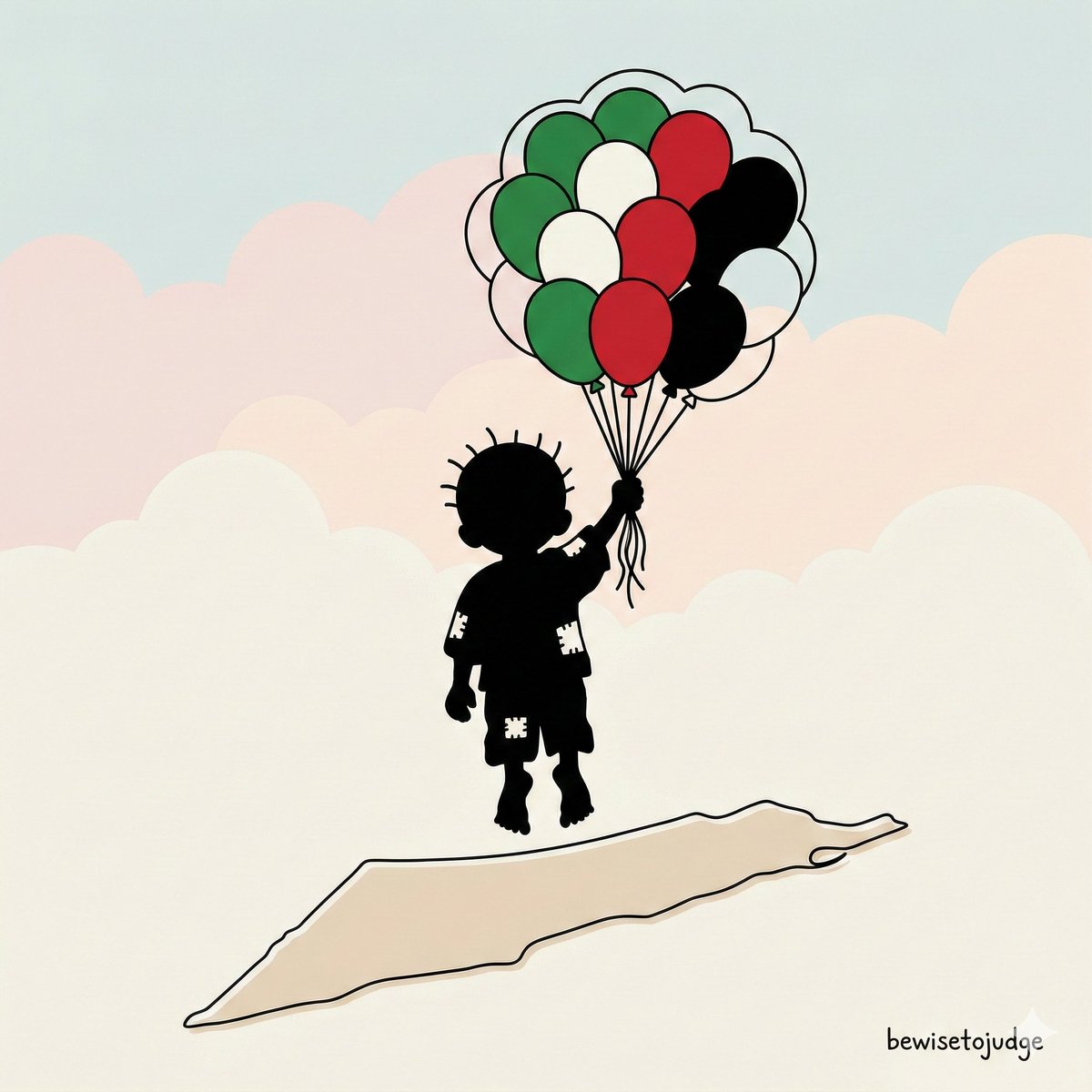
Minimalist Symbolic Illustration in Handala Style
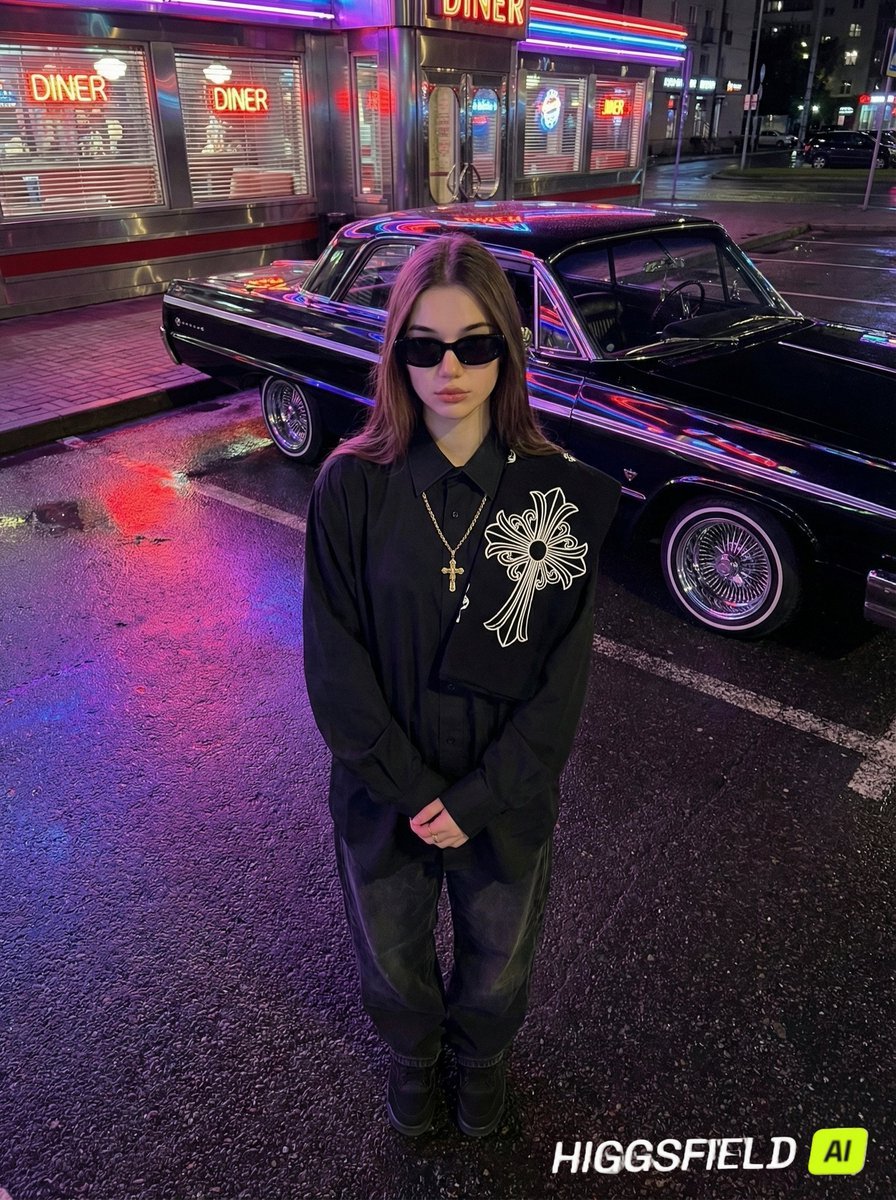
Urban Noir Identity Preservation Prompt
Browse template categories
Tropical Macaw Magazine Cover questions
How do I use the Tropical Macaw Magazine Cover template?
Add your photo if the template asks for one, edit the prompt if you like — the template's model and format are already selected — and press Generate. Your version opens in PicX Studio.
Can I customize the Tropical Macaw Magazine Cover template?
Yes. You can change the subject, setting, lighting, mood, format, and available model controls before creating your image.
Is the Tropical Macaw Magazine Cover template free?
Opening and editing this template is free. Generating uses credits, shown on the Generate button when you are signed in.
Which AI model should I use?
Start with GPT Image 2, which is the model associated with this template. You can compare another compatible model for a different finish.
Looking for something else? Browse all templates.

Your photo, any look
Thousands of ready templates for every top image and video model, from one credit balance.