
Neon Anime Fireworks Magazine Cover
Generates a saturated Japanese manga-style magazine cover featuring an androgynous blond man in an open festival kimono amid fireworks and bold typography.

- Prompt included
- Model and format preset
- Premium template
The prompt behind this image
Copy the exact prompt behind Neon Anime Fireworks Magazine Cover, or open it in the studio and make it yours.
Goal: Create a loud neon anime magazine-cover illustration of a beautiful androgynous young man in a loose festival kimono, styled like a weekly manga cover for a summer fireworks special. Canvas: Tall vertical poster, about 9:16 aspect ratio. Full-bleed composition with no white margins, extremely saturated print colors: electric blue background, hot magenta shadows, acid yellow typography, cyan fireworks, and black ink linework. Main subject: Center a {argument name="character name" default="beautiful blond young man"} from head to waist, facing forward with a languid, slightly dazed expression and parted lips. He has messy shaggy {argument name="hair color" default="golden blond"} hair with long bangs covering one eye, a loose side braid over one shoulder, pale lavender-pink skin from the neon lighting, narrow violet eyes, small earrings, and delicate bishonen facial features. His shoulders and chest are exposed because the kimono is dramatically open, but keep the pose elegant rather than explicit. His chest and shoulders are covered with ornate colorful floral tattoo-like patterns in cyan, yellow, pink, and black. Clothing: He wears exactly 3 visible outfit pieces: 1 wide open dark navy yukata/kimono robe with bright yellow trim, 1 large hot-pink obi sash tied in a big bow at the waist, and 1 dangling tassel earring. The robe fabric is filled with repeated fireworks, stylized wave arcs, flower bursts, and gold confetti shapes. Layout: Make it look like a chaotic Japanese manga magazine cover. Place the character in front of giant blocky title lettering that fills the upper half, partly hidden behind his hair and head. Use huge yellow letters with magenta fill and cyan/blue shadowing. Add fireworks behind and around him, with text columns and callouts layered over the background. Counted graphic elements: Include exactly 1 main character, exactly 1 huge background magazine title, exactly 1 small rectangular label at top left reading “WEEKLY SU!JO.”, exactly 1 circular issue badge at top right reading “02”, exactly 1 large year number reading “2025” on the right, exactly 3 vertical Japanese-style side text columns on the left, exactly 4 stacked short teaser lines on the right, and exactly 12 prominent fireworks bursts distributed across the background and robe. Text content: The large magazine title can be pseudo-Japanese stylized lettering, but include the readable elements “WEEKLY SU!JO.”, “02”, “2025”, and the main cover theme {argument name="cover theme text" default="summer fireworks romance special"}. Surround them with decorative Japanese-like glyphs and manga-cover teaser typography; some text may be intentionally stylized or nonsensical as long as it resembles a printed Japanese magazine cover. Visual style: Ultra-detailed anime line art, shoujo/seinen magazine cover energy, high-contrast risograph screenprint feel, CMYK misregistration, neon inks, halftone texture, chromatic outlines, confetti splatters, dense celebratory fireworks, glossy poster finish, dramatic color separation, intricate floral and firework patterns. Constraints: Keep the image text-heavy but decorative, do not add extra characters, keep the exposed chest non-explicit, no photorealism, no muted colors, no watermark, no plain background.
How to use Neon Anime Fireworks Magazine Cover in 3 steps
- 1Upload ImagePNG, JPG or paste
Add your photo
Upload the photo the template builds on. The prompt, model and format are already set.
- 2…a portrait of your subject in softgolden-hour light, 85mm…
Personalize
Edit the subject and creative details for your destination.
- 3Generate
Generate
Press Generate — your image is created in PicX Studio, so you can compare it with the original and refine one variable at a time.
More like this
Templates with the same subject, style or setup. Open one to see its prompt.

Anime Mahjong Magazine Cover

Cel 2D Finale Fireworks

Anime Fireworks Castle Night
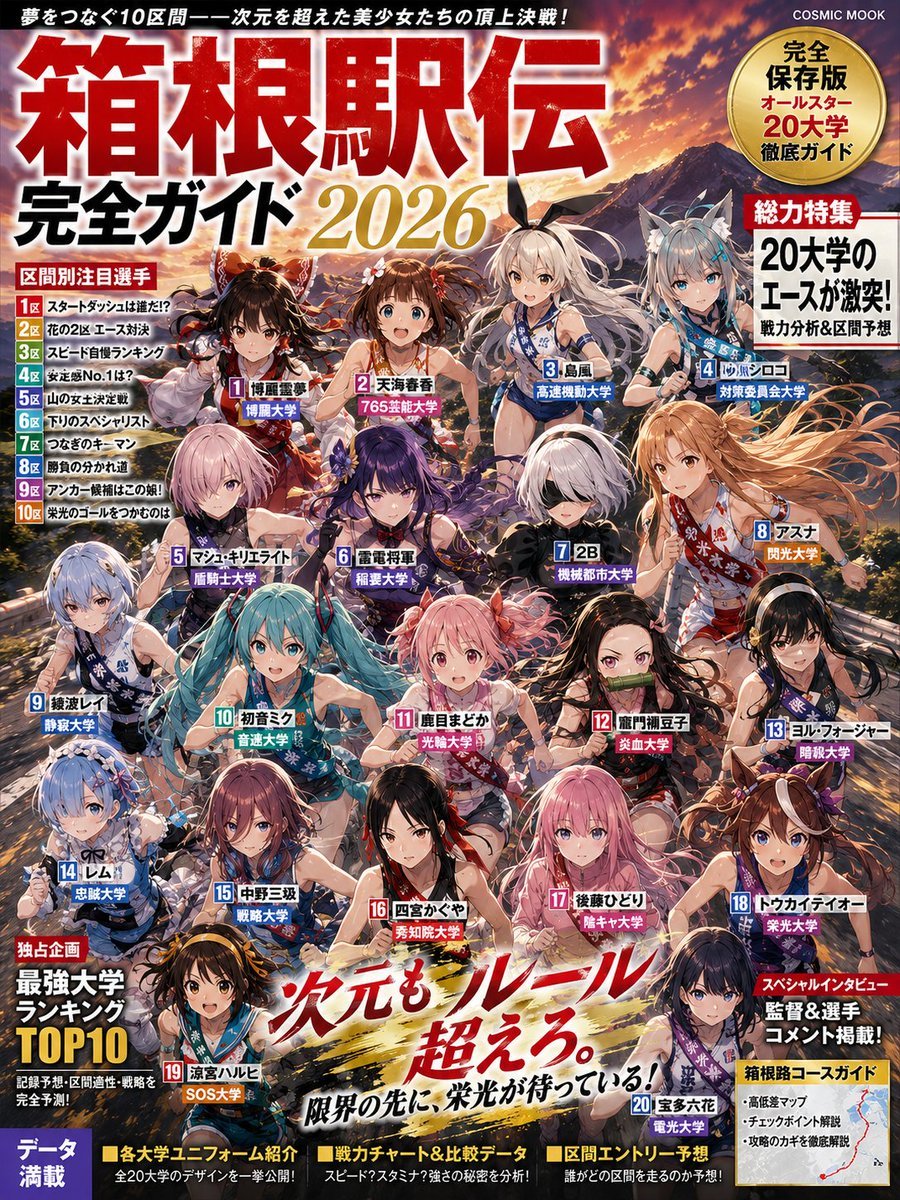
Anime Hakone Ekiden Magazine Cover
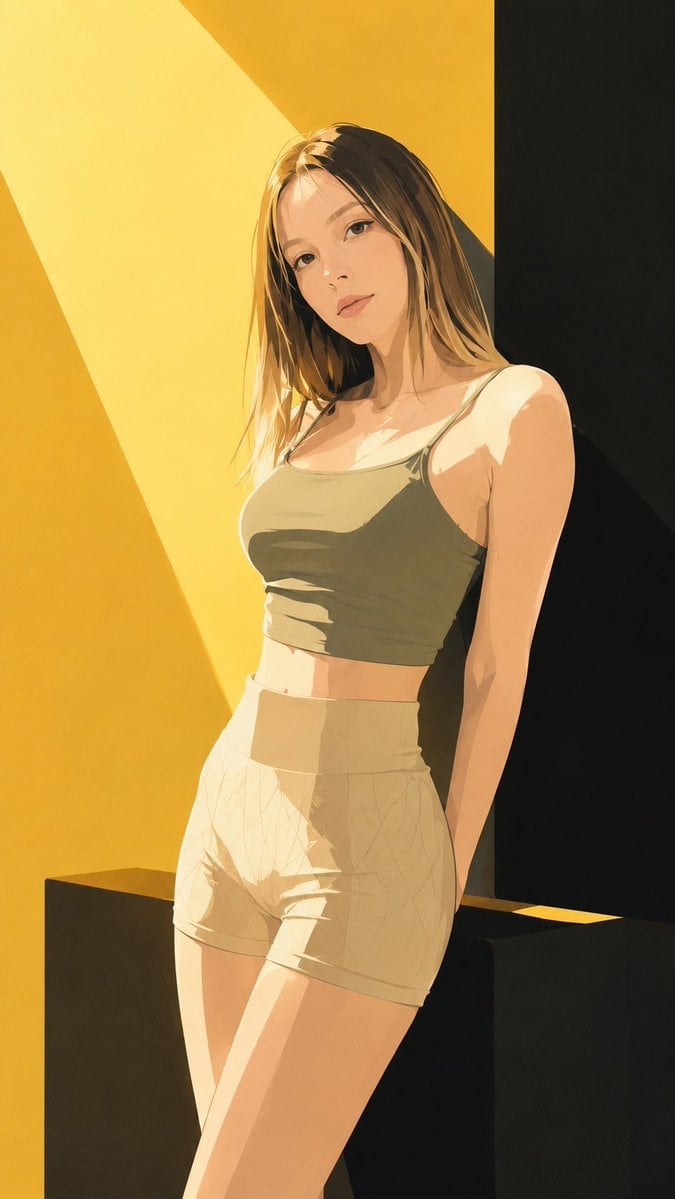
Japanese Fashion Magazine Anime Cover

80s Neon Disco Night

Off Duty Fashion Magazine Cover

Japanese Tatami Lifestyle Magazine Cover

Ethereal Bloom Magazine Cover

Tropical Macaw Magazine Cover

High-Fashion Magazine Cover Portrait
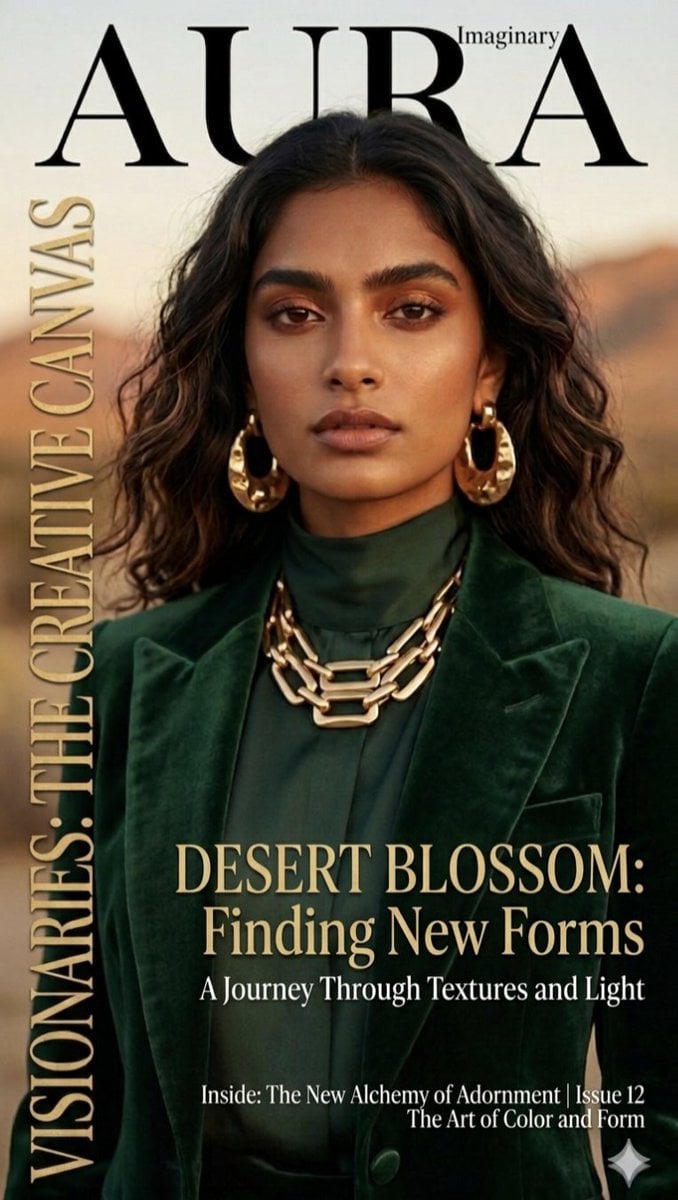
Editorial Magazine Cover Design
Make it yours
Neon Anime Fireworks Magazine Cover works as-is. These are the safest ways to change it without losing the look.
Change one field
Copy a single group, rewrite it, and generate again so you can see what that field is doing.
Keep the frame, change the subject
Hold the composition and light of Neon Anime Fireworks Magazine Cover, then swap wardrobe, props or the person for a new take.
| If the result… | Why | Fix |
|---|---|---|
| The result drifts from the preview | Too many fields changed at once. | Reuse Neon Anime Fireworks Magazine Cover as-is first, then change one group — subject, light, or setting. |
| The model over-stylizes the scene | The prose prompt leaves finish and camera underspecified. | Add one camera or lighting sentence and stay on GPT Image 2. |
More GPT Image 2 templates
Other prompts made for GPT Image 2.

Six VTuber Japanese Logo Sheet

Realistic Portrait of Woman and Deer

The Vista Modular Condo Poster

AI Model Routing Comparison Infographic

2.5D Anime Art Board

Isometric Productivity Desk Scene

New York Double Exposure Poster

Four-Panel AI Landscape Comparison

NESCAFÉ Coffee Map Poster

Brutalist Cogito Chinese Typography Poster
More image prompts
Fresh picks from across the catalog.
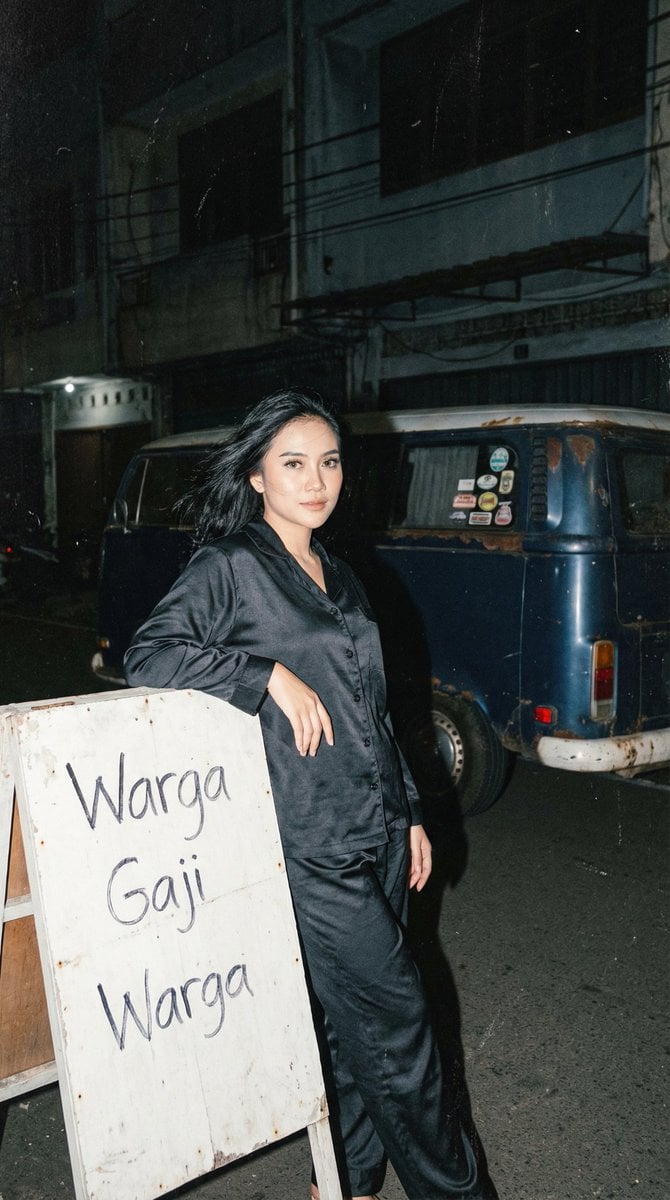
Analog 35mm Night Photography Portrait Prompt with VW Van
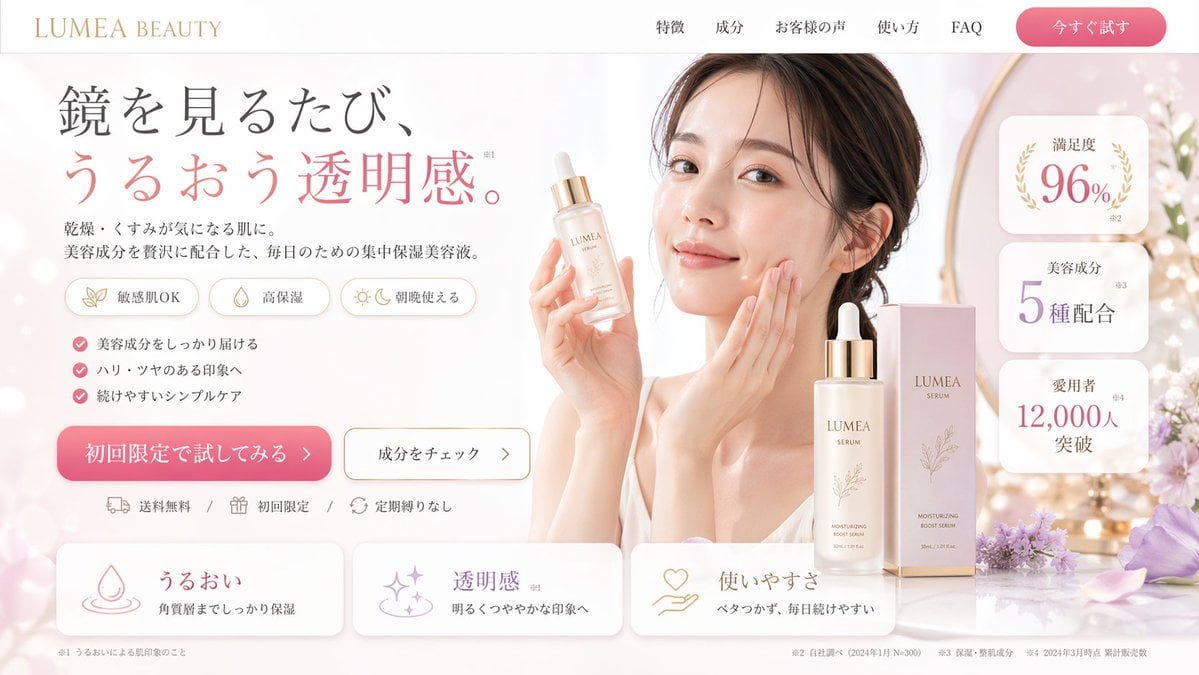
Beauty Product Landing Page Mockup
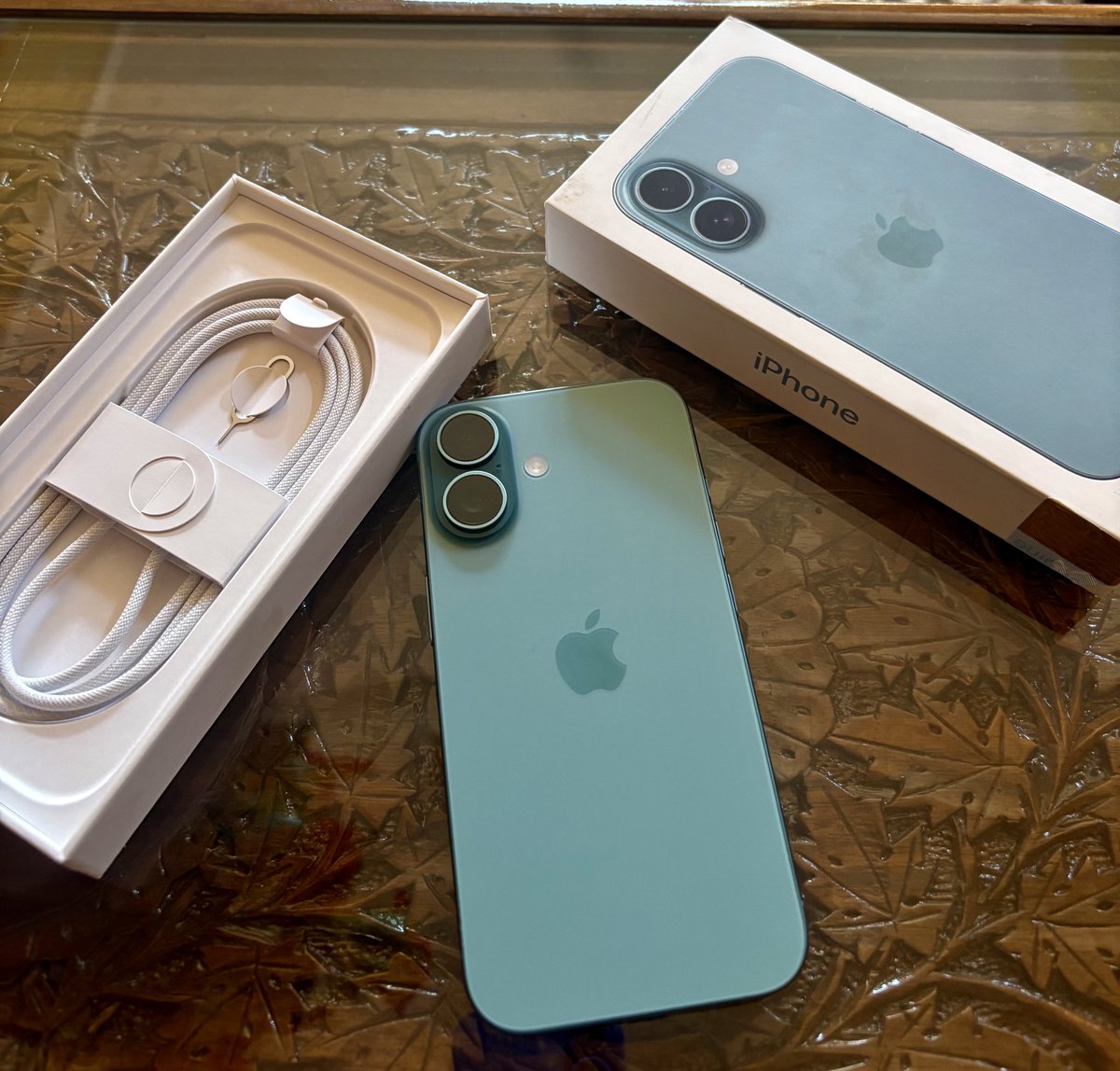
Transform Photo into Pop Art Comic Panel
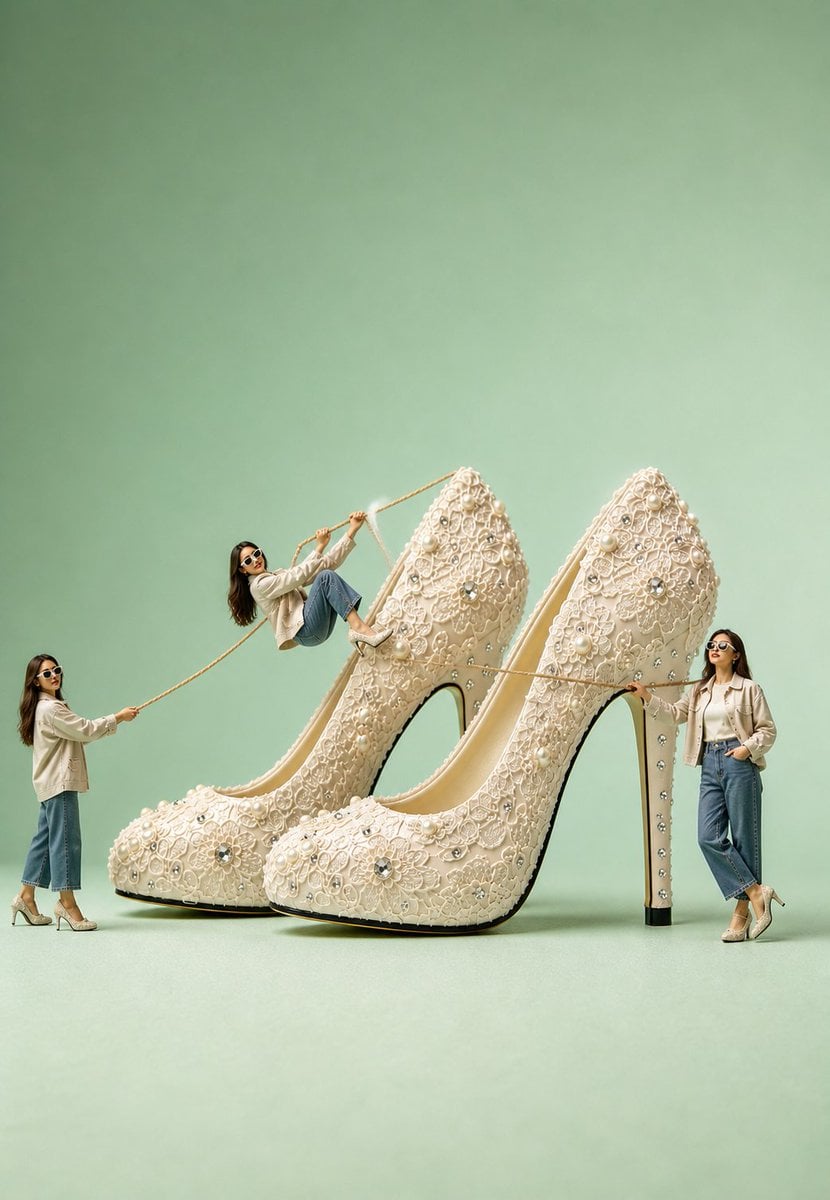
Surreal Ivory Bridal Sandal Photography
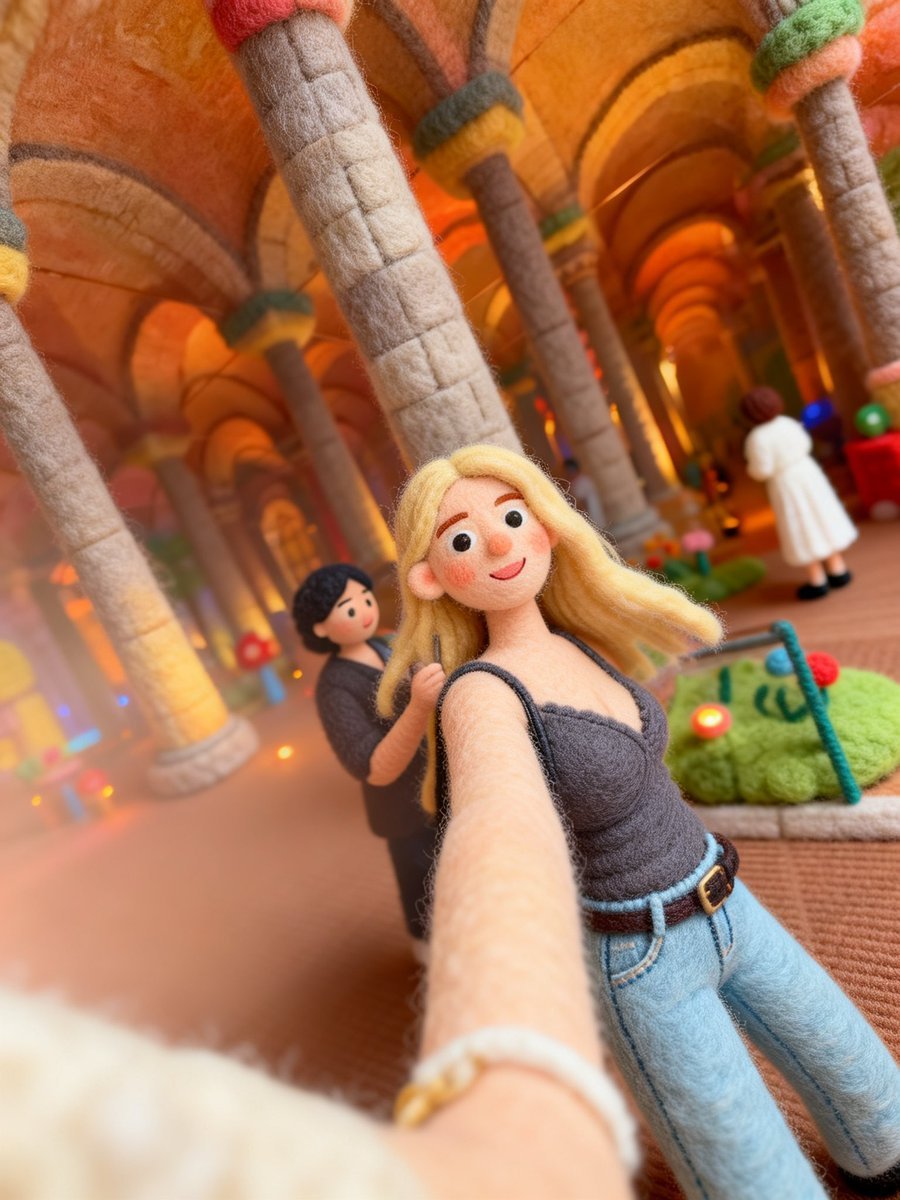
Needle-Felt Selfie Diorama
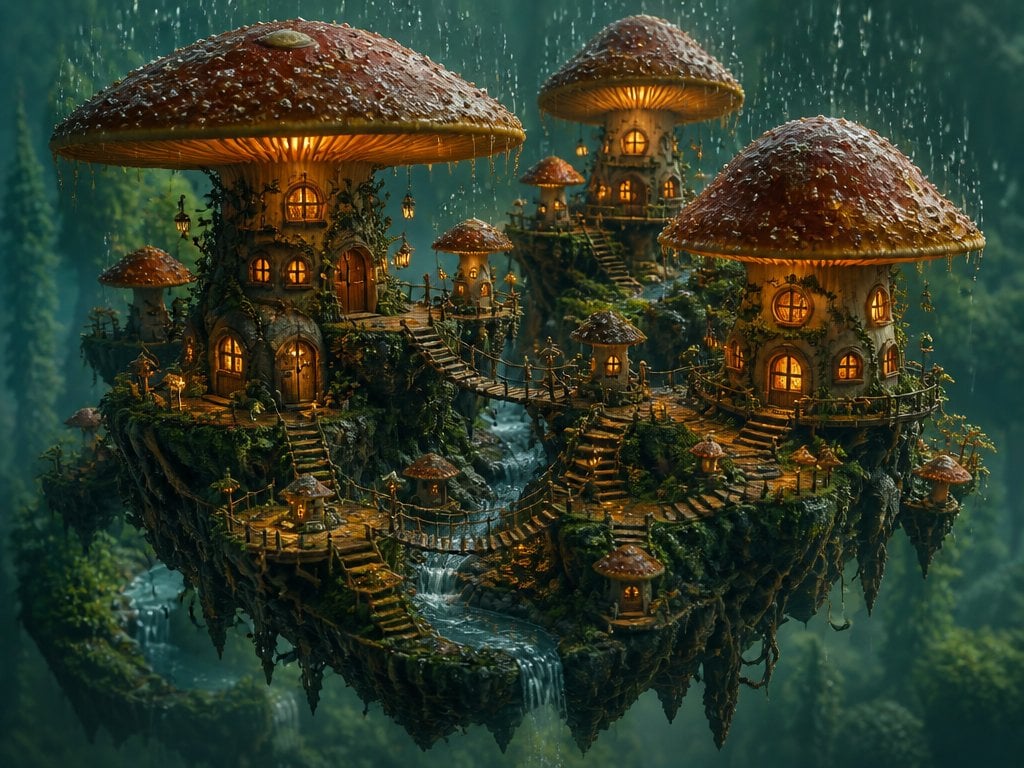
Isometric 3D World Render

Nano Banana - Street Paris T-Shirt

Minimalist Corporate Portrait Sprite Sheet
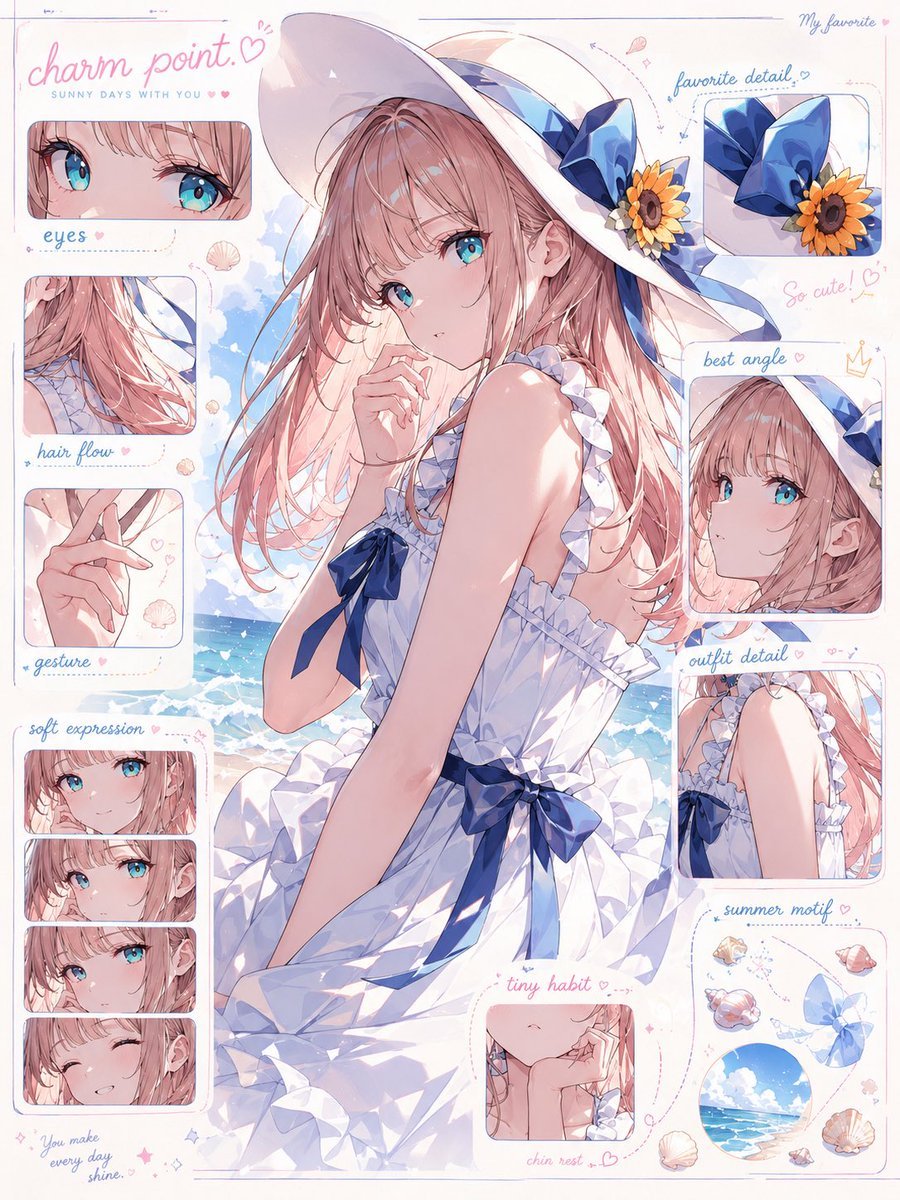
Anime Charm Point Analysis Sheet
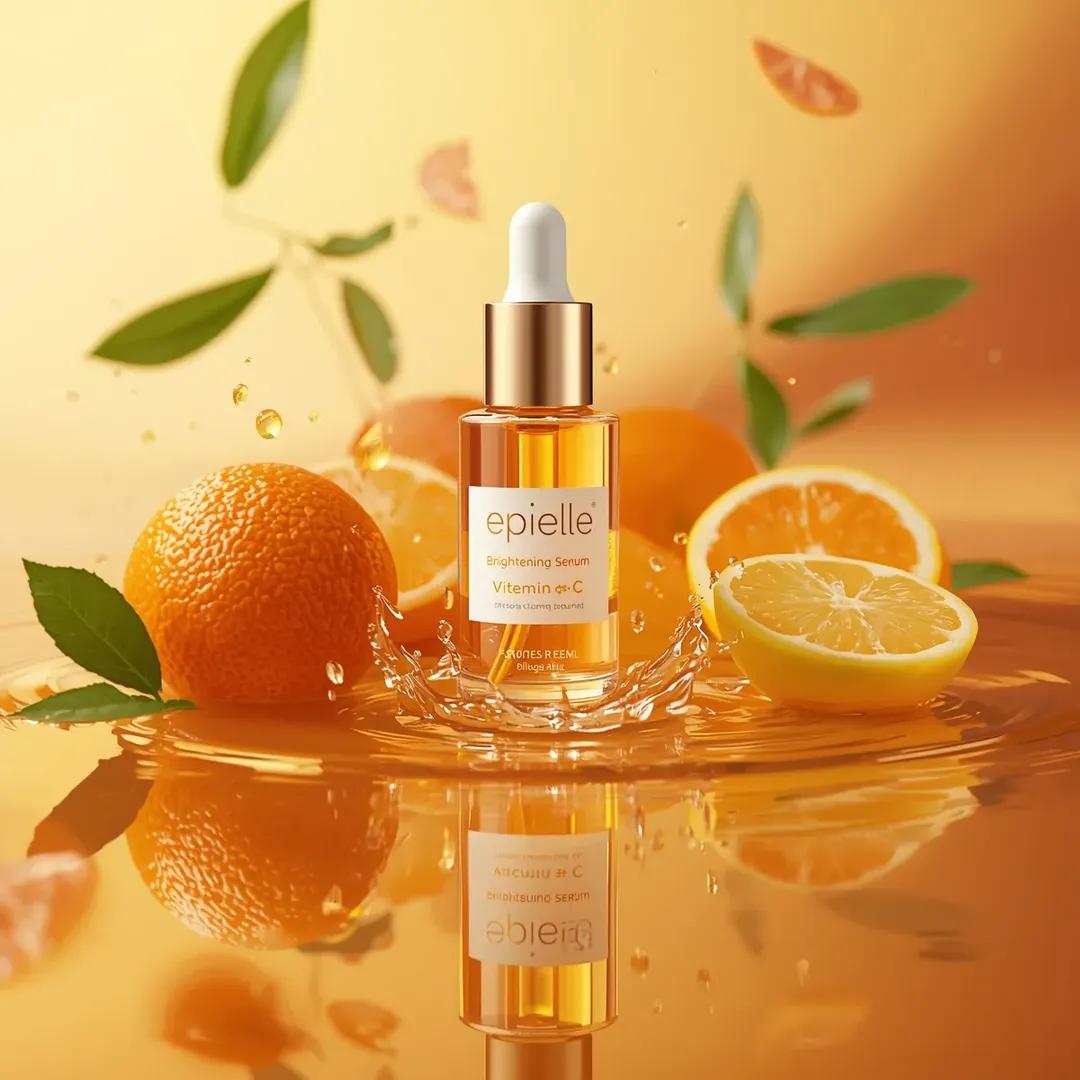
Ultra-High-End Skincare Product Photography Prompt
Browse template categories
Neon Anime Fireworks Magazine Cover questions
How do I use the Neon Anime Fireworks Magazine Cover template?
Add your photo if the template asks for one, edit the prompt if you like — the template's model and format are already selected — and press Generate. Your version opens in PicX Studio.
Can I customize the Neon Anime Fireworks Magazine Cover template?
Yes. You can change the subject, setting, lighting, mood, format, and available model controls before creating your image.
Is the Neon Anime Fireworks Magazine Cover template free?
Opening and editing this template is free. Generating uses credits, shown on the Generate button when you are signed in.
Which AI model should I use?
Start with GPT Image 2, which is the model associated with this template. You can compare another compatible model for a different finish.
Looking for something else? Browse all templates.

Your photo, any look
Thousands of ready templates for every top image and video model, from one credit balance.